Customer Ratings & Reviews
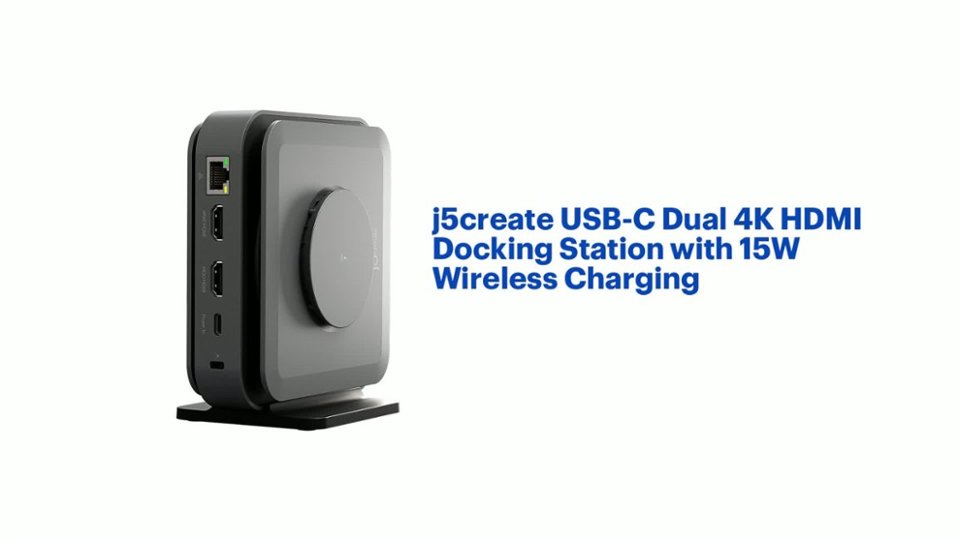
- Model:
- JCD3199
- SKU:
- 6557480
Rating by feature
- Value
Rating 3.6 out of 5 stars
- Quality
Rating 3.7 out of 5 stars
- Ease of Use
Rating 3.8 out of 5 stars
Customers are saying
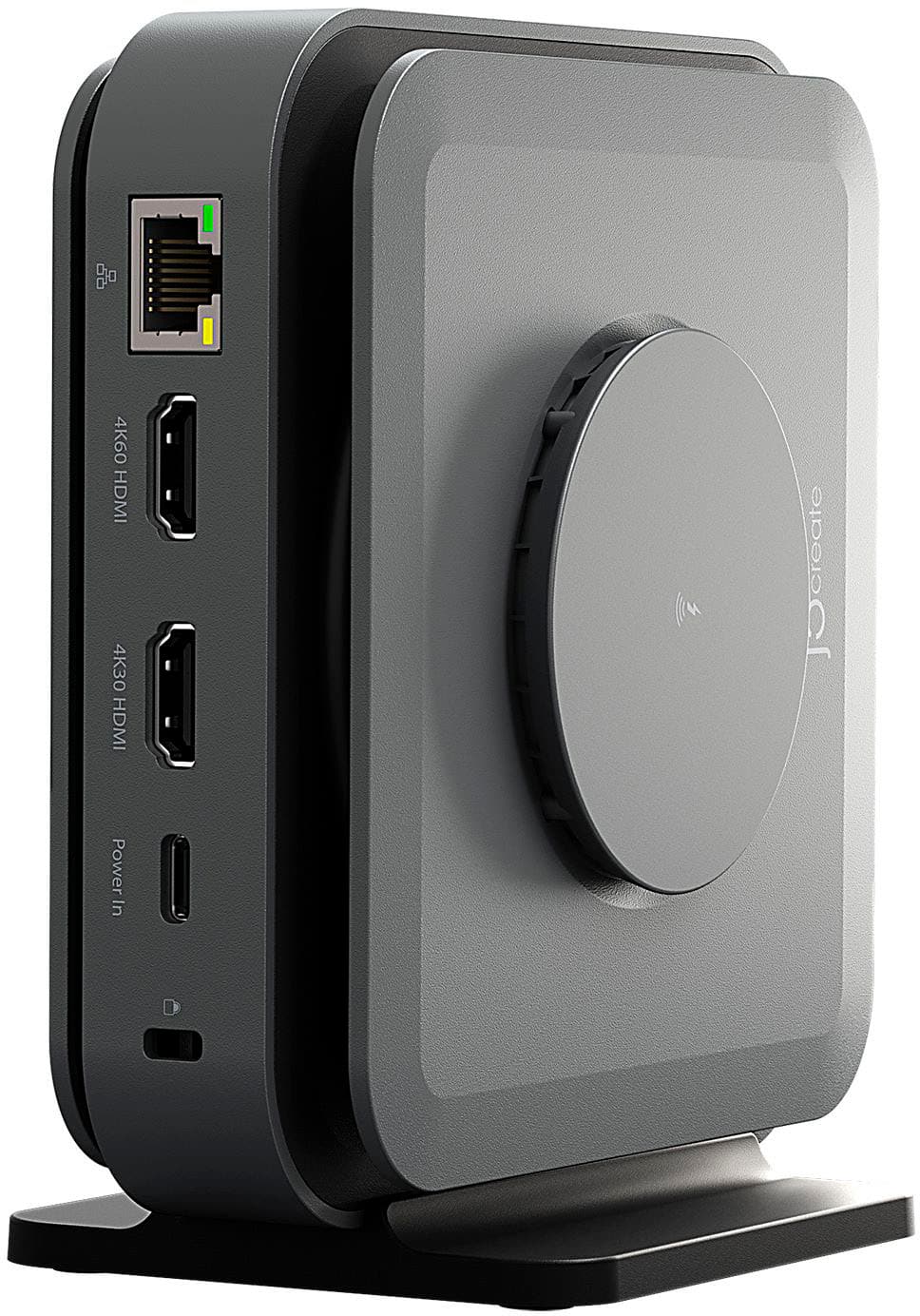
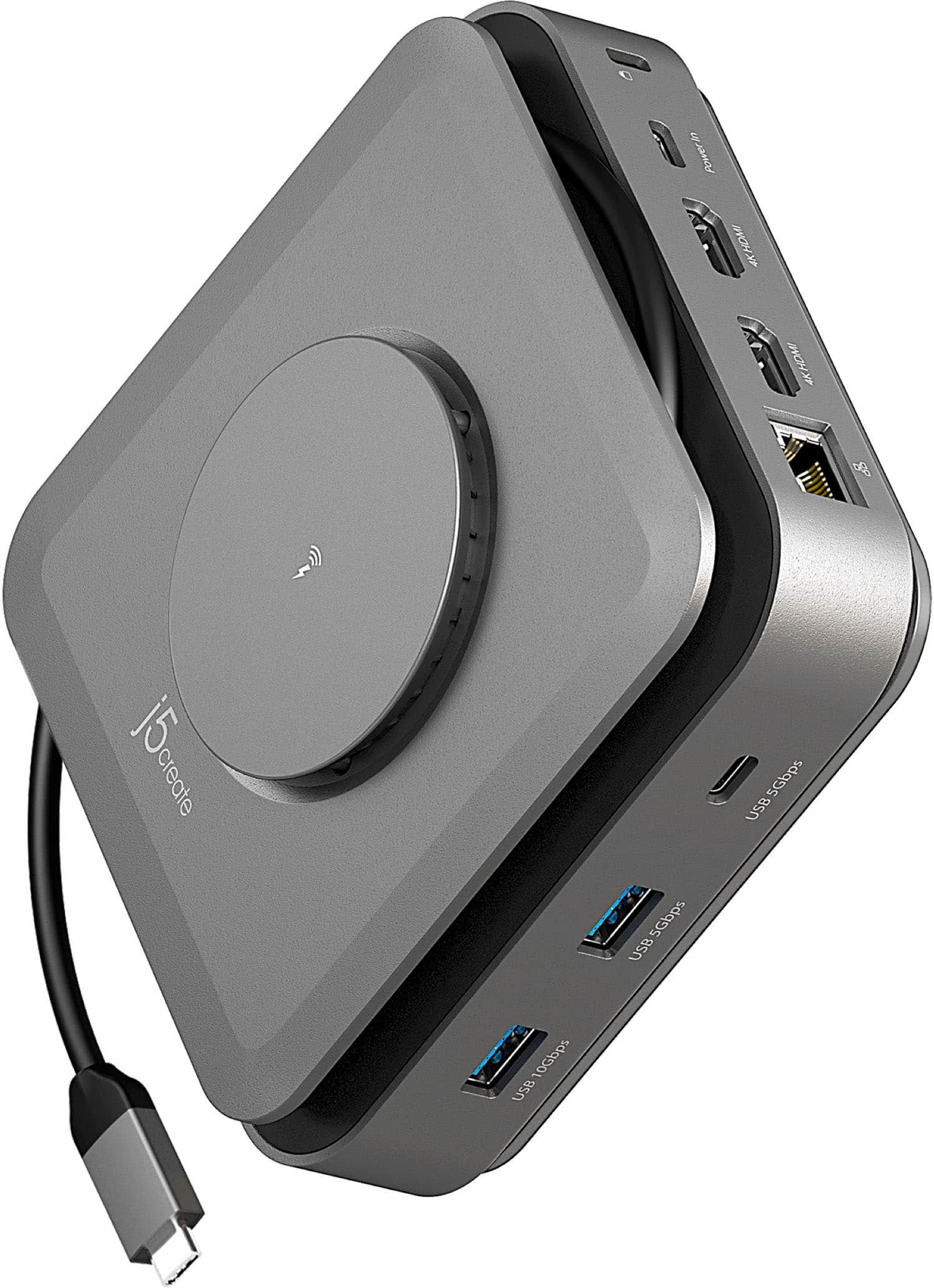
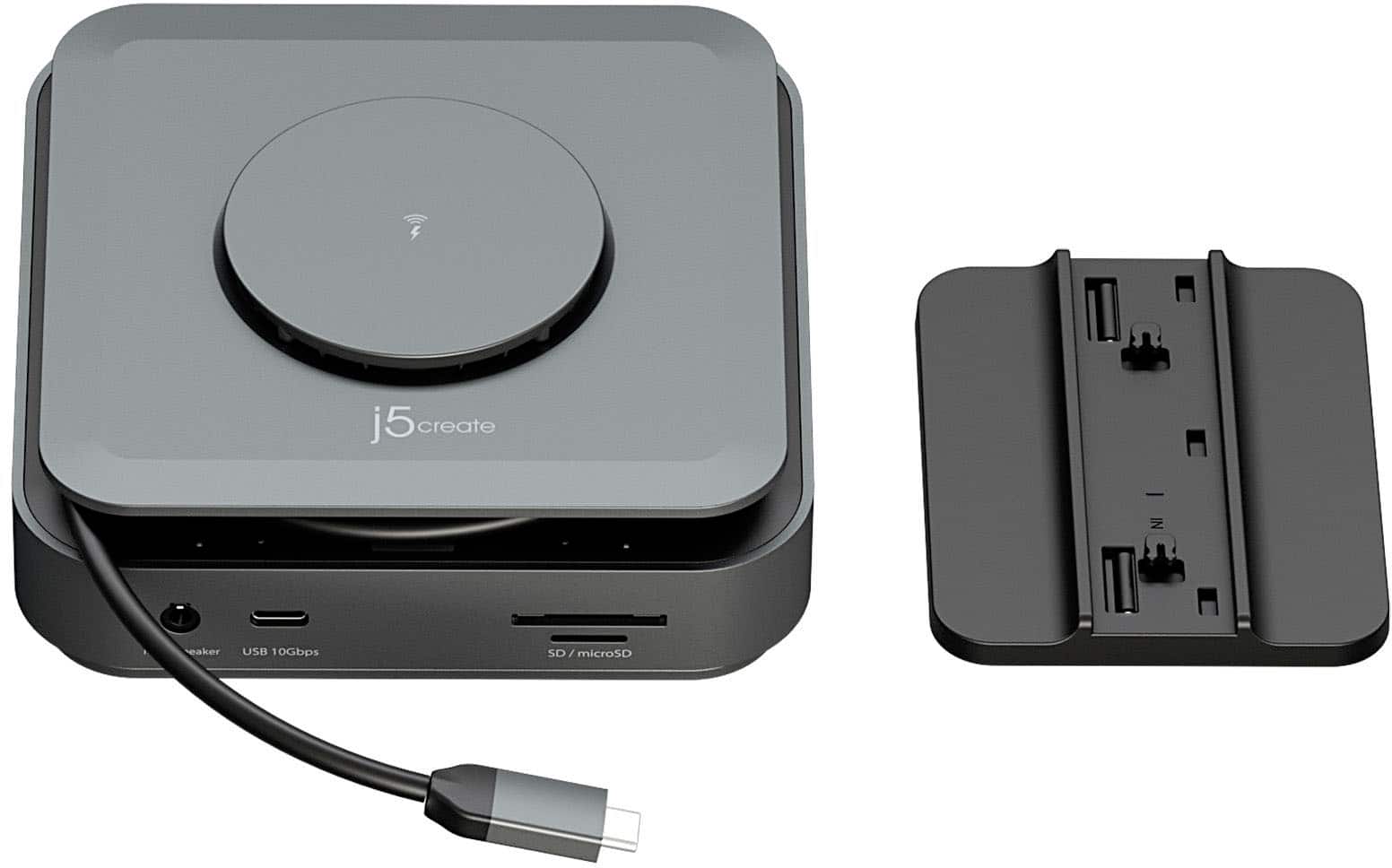
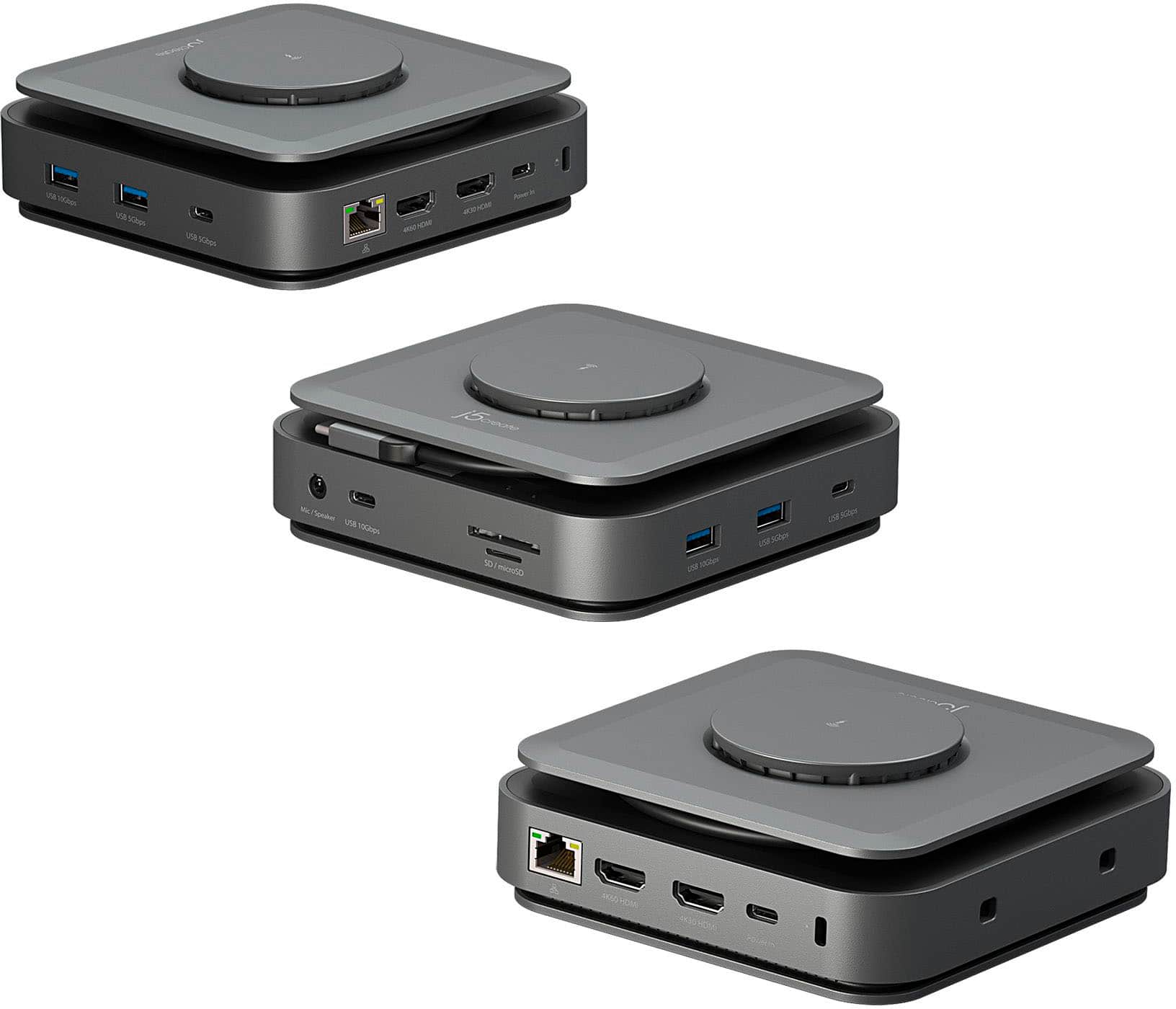
Customers value the USB-C Dual 4K HDMI Docking Station with 15W Wireless Charging for its wireless charging capabilities, overall performance, ease of use, and variety of ports. The compact size and sleek design are also appreciated. However, some customers have reported compatibility issues, unwanted noise, and problems with the HDMI ports. Additionally, some customers have noted that it does not include a power supply and feel that the price is too high.
This summary was generated by AI based on customer reviews.
- Pros mentioned:Hdmi
Very handy
||Posted . Owned for 1 month when reviewed.This reviewer received promo considerations or sweepstakes entry for writing a review.Came in handy as I used additional monitors to connect to
I would recommend this to a friend Powerful Charger
||Posted . Owned for 2 months when reviewed.This reviewer received promo considerations or sweepstakes entry for writing a review.It’s good but could use more USB plug in spots. Fine for a couple devices.
I would recommend this to a friendReview Product
||Posted . Owned for 1 month when reviewed.This reviewer received promo considerations or sweepstakes entry for writing a review.The product purchased is excellent. No challenges so far.
I would recommend this to a friendJ5 create USB-C Dock
||Posted . Owned for 3 weeks when reviewed.This reviewer received promo considerations or sweepstakes entry for writing a review.No complaints. Love the expandable cord plugged into my laptop. Currently using with a large monitor, laptop and keyboard.
I would recommend this to a friend- Pros mentioned:Hdmi
Simple to use USB-C port replicator.
||Posted . Owned for 2 months when reviewed.This reviewer received promo considerations or sweepstakes entry for writing a review.Used with a Dell laptop, and Asus with no problems
I would recommend this to a friend - Pros mentioned:Ease of use
LOVE IT!
||Posted . Owned for 3 months when reviewed.This reviewer received promo considerations or sweepstakes entry for writing a review.Easy to install and works great. Purchasing another.
I would recommend this to a friend - Pros mentioned:Wireless charging
Works great
||Posted . Owned for 3 weeks when reviewed.This reviewer received promo considerations or sweepstakes entry for writing a review.Was what it said it was. Easy to install. Works great.
I would recommend this to a friend quits after 90 days
||Posted . Owned for 3 months when reviewed.This reviewer received promo considerations or sweepstakes entry for writing a review.I had this item for 3 months, and it just quit working. The ethernet port, 1 HDMI port, and a usb port all quit work. I did some troubleshooting and an old dock was able to resolve the malfunction completely without issue. Do not purchase!!!
No, I would not recommend this to a friendBrand response from J5create Team
Posted .If you have more specific details about the issue, please reach out to j5create customer support team for troubleshooting. Thank you.

Router
||Posted . Owned for 1 month when reviewed.This reviewer received promo considerations or sweepstakes entry for writing a review.Could not install the drives. My laptop did not detect easily the new device .
No, I would not recommend this to a friendBrand response from J5create Team
Posted .If you have more specific details about the issue, please reach out to j5create customer support team for troubleshooting. Thank you.
Awesome and reliable
||Posted . Owned for 5 months when reviewed.This reviewer received promo considerations or sweepstakes entry for writing a review.Made organizing my desk with my Macbook easy. Love it. Recommend if you need a reliable dock for your laptop.
I would recommend this to a friendWant a good usb hub? Its definitely not this one
||Posted . Owned for 1 month when reviewed.This reviewer received promo considerations or sweepstakes entry for writing a review.It does work as a usb hub. But somehow with a firmware update ive applied to the product from the official company website, its immediately killed the usb hub. Now plugging it in, does not show up on my laptop anymore. Let alone a samsung phone for the samsung dex feature. Get a delkin usb hub
No, I would not recommend this to a friendBrand response from J5create Team
Posted .If you have more specific details about the issue, please reach out to j5create customer support team for troubleshooting. Thank you.
T
||Posted . Owned for 3 weeks when reviewed.This reviewer received promo considerations or sweepstakes entry for writing a review.:/ it was ok... i guess. it yeah but it was kind of difficult to uhreerstand
I would recommend this to a friendA nice idea, if it actually worked.
||Posted . Owned for 3 weeks when reviewed.This reviewer received promo considerations or sweepstakes entry for writing a review.I had high hopes for this unit. Compact, but able to deliver enough power and connections for multiple USB devices while supporting two displays and a Qi charging pad. What a disappointment. I connected this to a 90w power supply, well below what it says it can handle, but enough to power my MacBook Air, a microphone, a camera, and charge my iPhone. The first thing I noticed was that only one of the USB-A ports worked, the other did not deliver power and had no connectivity. Then my phone gave an error message. The charging pad had gotten so hot that the phone shut down to prevent damage. The pad was too hot to touch. Perhaps I just lucked into a defective unit, but I was too spooked by these problems to exchange it, so to the return bin it went.
No, I would not recommend this to a friendBrand response from J5create Team
Posted .I apologize for the experience you have had with your USB-C Dual 4K HDMI Docking Station with 15W Wireless Charging. Our customer support team can help with determining the cause of the issue and the solution. To contact our customer support team please visit the j5create website then click on the "SUPPORT" tab at the top right of the webpage. Thank you.
Drivers issue
||Posted . Owned for 1 week when reviewed.This reviewer received promo considerations or sweepstakes entry for writing a review.The drivers on mac m2 pro doesnt work propertly i will first think before buy better
I would recommend this to a friendBrand response from J5create Team
Posted .Proper functionality entails downloading and installing a driver on a Mac platform. Depending on the OS you have, different instructions apply. The 4K@30Hz HDMI is the only port that requires a driver to be able to run dual displays. The 4K@60Hz HDMI is Plug n Play, as well as the rest of the ports on the USB-C Dock Dual 4K HDMI. Please contact our Technical Support Team, so that they can get more information from you. Their information can be found on our website under the Support tab and a specialist will be ready to assist you. Thank you.
USB dual HDMI rocketing station
||Posted . Owned for 1 week when reviewed.This reviewer received promo considerations or sweepstakes entry for writing a review.I like this product because it allows me to attach all of my devices close by for a more organized home office. I would certainly recommend this device to others.
I would recommend this to a friend- Cons mentioned:Compatibility
Not for Macs
||Posted .This reviewer received promo considerations or sweepstakes entry for writing a review.Not a fan. I wasted two hours trying to install it on my NEW Mac mini. Based on the "added" instructions to install it, this device isn't ready for primetime with Apple.
No, I would not recommend this to a friendBrand response from J5create Team
Posted .I apologize for the experience you have had with your USB-C Dual 4K HDMI Docking Station with 15W Wireless Charging. The docking station is compatible with Mac devices, our customer support team can assist you with getting your docking station to function. You can contact our customer support team by visiting the j5create website and clicking on the "SUPPORT" tab at the top right.
Don’t buy it
||Posted . Owned for 3 weeks when reviewed.This reviewer received promo considerations or sweepstakes entry for writing a review.The install process seemed overly technical for such a simple product. And after places I to service, the display drivers kept crashing leading me to stop using it for that purpose. The USB-C port does not seem to drive a display, which seems like a mistake for such an expensive hub. All in all, don’t buy it.
No, I would not recommend this to a friendBrand response from J5create Team
Posted .Proper functionality entails downloading and installing a driver on a Windows or Mac platform for the 4K30 HDMI port to function. 1 USB-C power-in port supports PD, the other 2 USB-C supports 5Gbps & 10Gbps. They are not intended for video out. The 2 HDMI port are for video and audio support. This Docking Station requires support of DisplayPort alternate mode and USB Power Delivery 2.0/3.0 or 3.1. Please refer to the manufacturer of your computer for more information about your device. Thank you.
Not powerful enough
||Posted . Owned for 3 weeks when reviewed.This reviewer received promo considerations or sweepstakes entry for writing a review.This was supposed to be an upgrade from what I previously had, but it works even worse than the old one. I told the guy at the store what I needed and he suggested this one. My screens flicker about every 20 mintues or so and it cannot handle the webcam being plugged into it. I'm past the 14 day return window too so I can't even return it.
No, I would not recommend this to a friendBrand response from J5create Team
Posted .If you have more specific details about the issue, please reach out to j5create customer support team for troubleshooting. Thank you.
- Cons mentioned:Compatibility
Don’t buy
||Posted . Owned for 3 weeks when reviewed.This reviewer received promo considerations or sweepstakes entry for writing a review.Does not work as advertised does not allow 3 monitors
No, I would not recommend this to a friendBrand response from J5create Team
Posted .If you have more specific details about the issue, please reach out to j5create customer support team for troubleshooting. Thank you.
Super docking station
||Posted . Owned for 4 months when reviewed.This reviewer received promo considerations or sweepstakes entry for writing a review.I bought this not having a clue how it would work. I am very pleased with this purchase. I hook a DVD drive to it and have never had a single issue with it. I've used it to download hundreds of video and pictures.
I would recommend this to a friend