Customer Ratings & Reviews
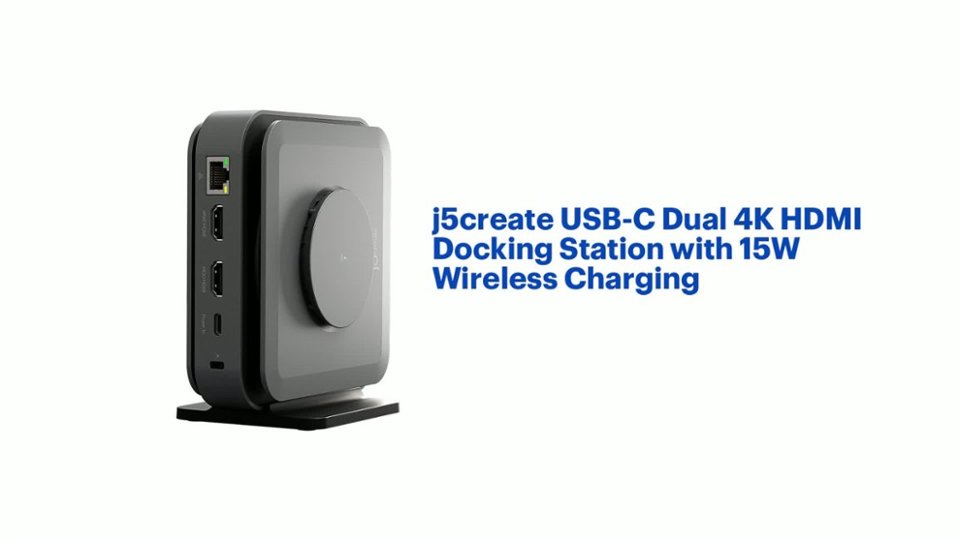
- Model:
- JCD3199
- SKU:
- 6557480
Rating by feature
- Value
Rating 3.6 out of 5 stars
- Quality
Rating 3.7 out of 5 stars
- Ease of Use
Rating 3.8 out of 5 stars
Customers are saying
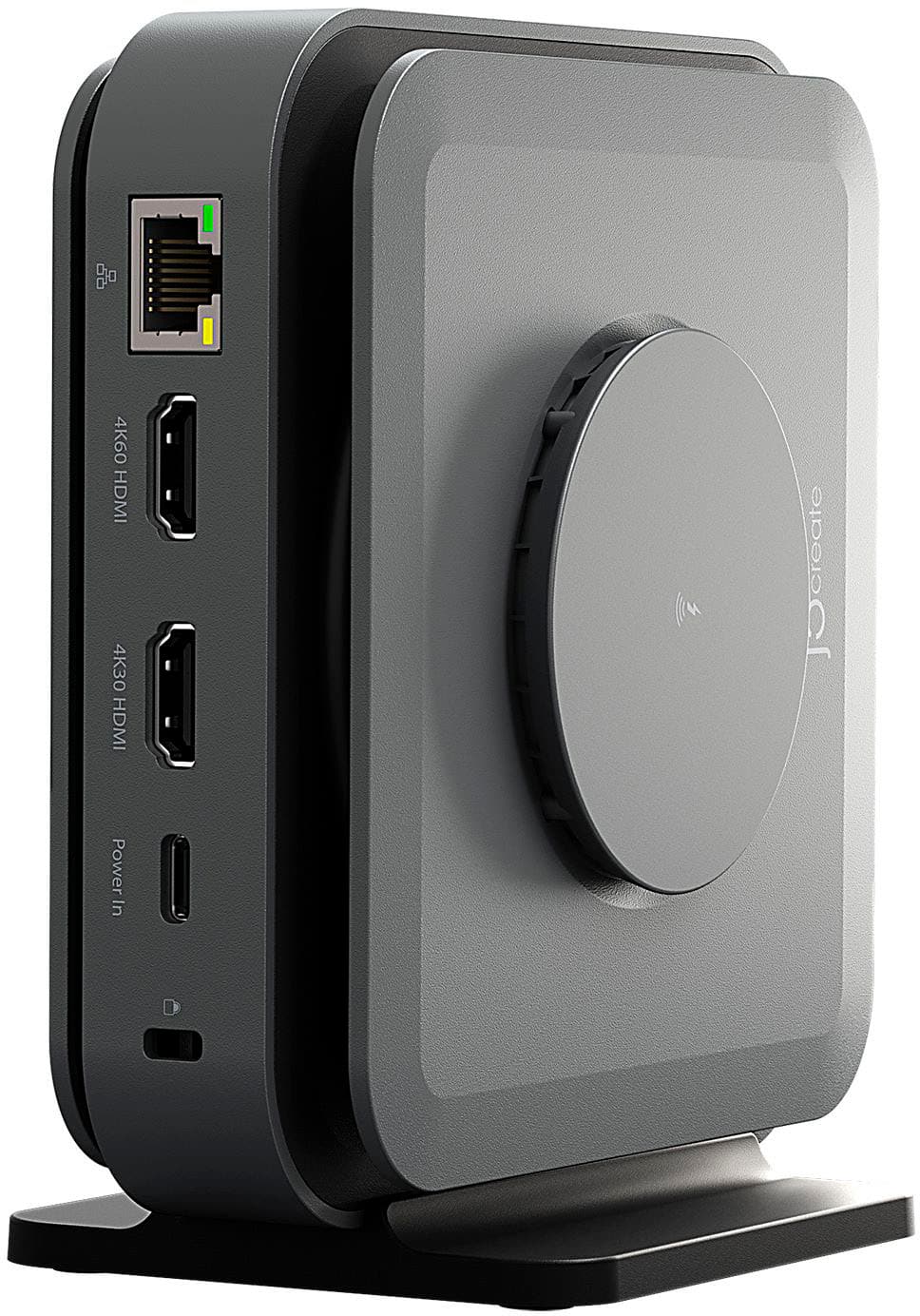
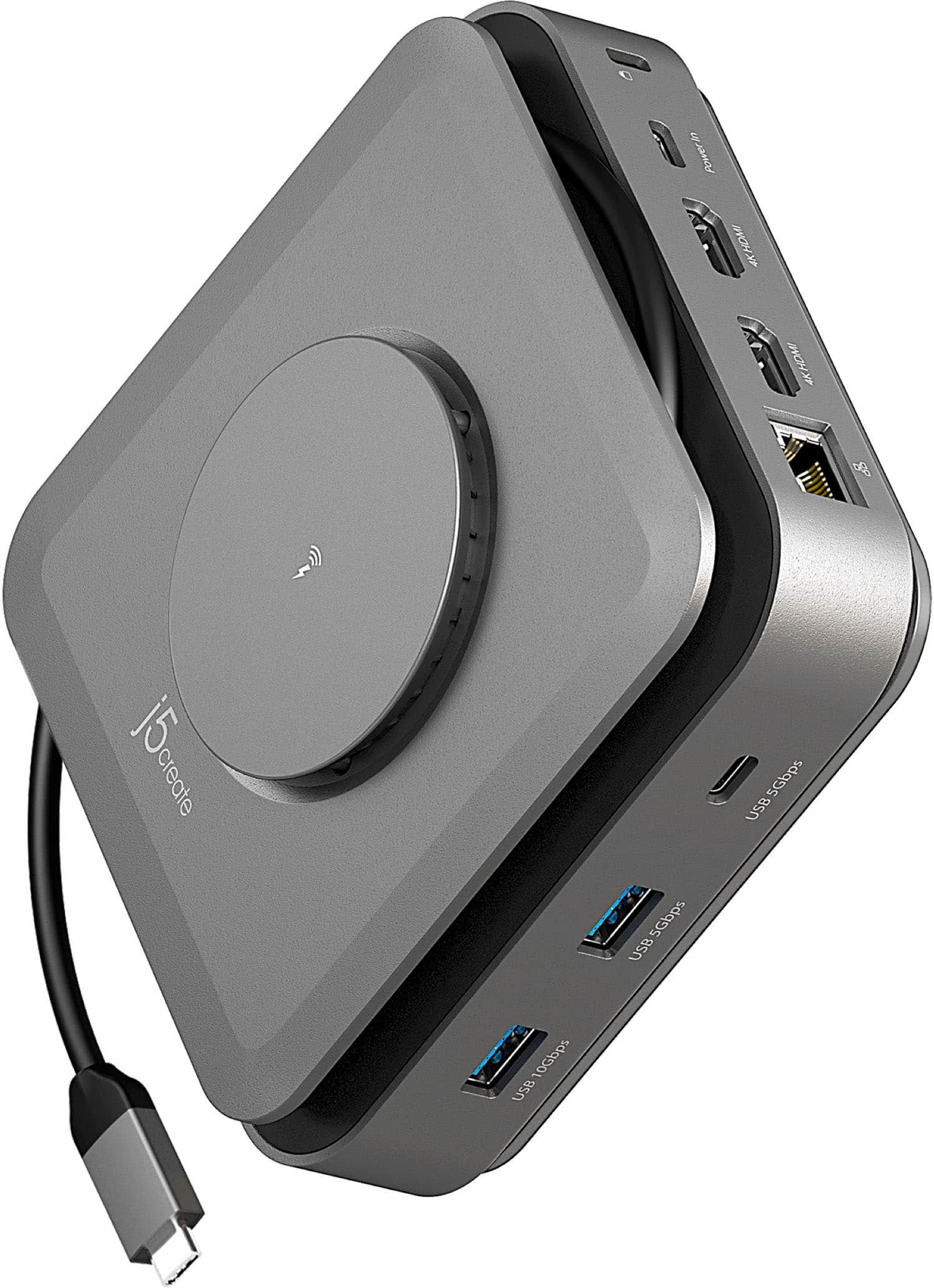
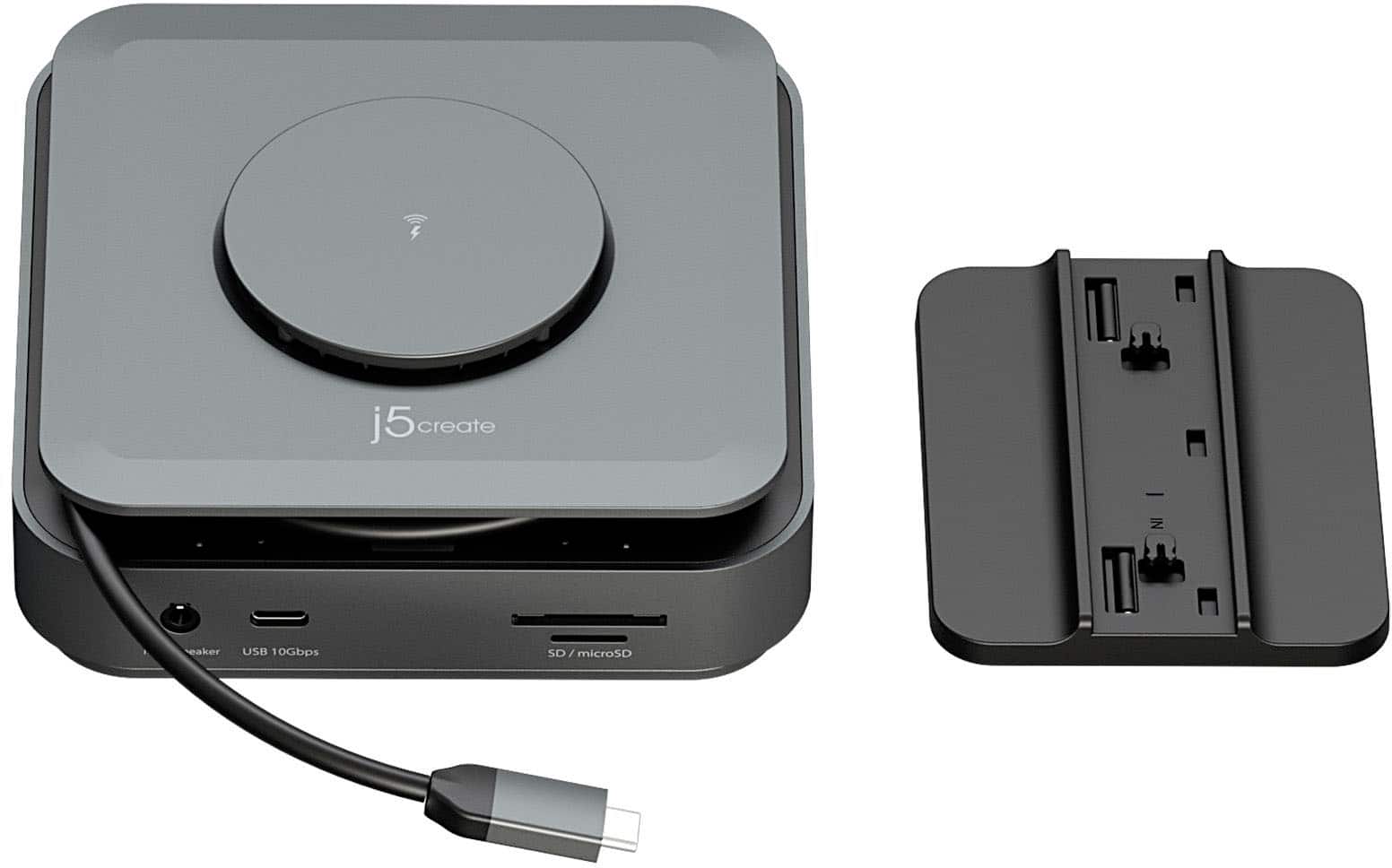
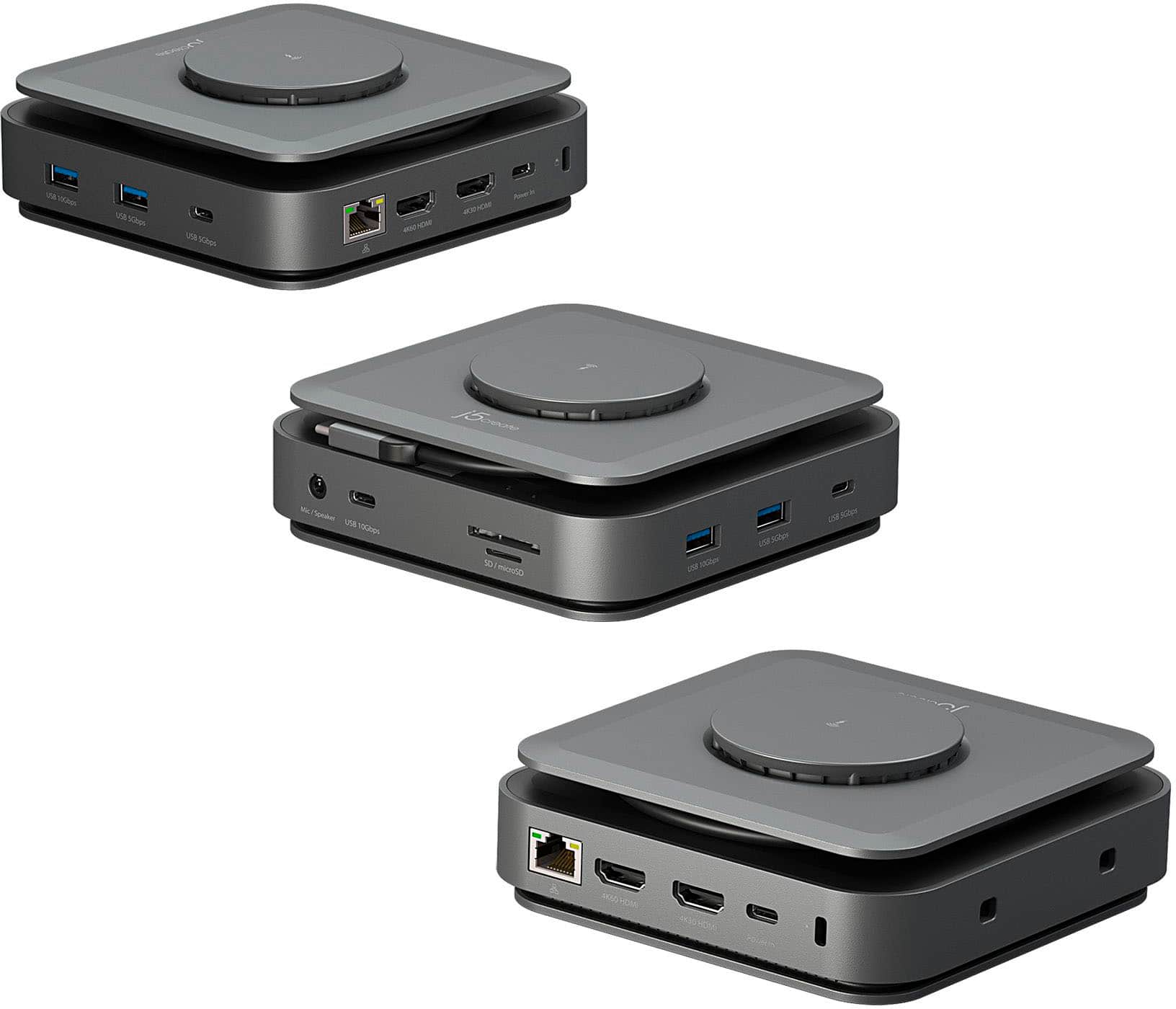
Customers value the USB-C Dual 4K HDMI Docking Station with 15W Wireless Charging for its wireless charging capabilities, overall performance, ease of use, and variety of ports. The compact size and sleek design are also appreciated. However, some customers have reported compatibility issues, unwanted noise, and problems with the HDMI ports. Additionally, some customers have noted that it does not include a power supply and feel that the price is too high.
This summary was generated by AI based on customer reviews.
Great Value Space Saver
||Posted .This reviewer received promo considerations or sweepstakes entry for writing a review.Great price / Easy set-up / Full compatibility / Space saver
I would recommend this to a friendHardly works
||Posted .This reviewer received promo considerations or sweepstakes entry for writing a review.The lions charged in tool was slick but it would get so hot it was barely worth it. As far as connecting a laptop to monitors it never worked right and would mess up my laptop screen even after I disconnected it where I’d have to restart it every time
No, I would not recommend this to a friendBrand response from J5create Team
Posted .Avoid placing the dock on soft or insulated surfaces that trap heat. Use it on a hard, flat surface with airflow.
The Dock requires a driver to function properly for extended displays. Without this, only limited functionality will be available, and display issues are likely. (https://en.j5create.com/pages/drivers#jcd3199-show)
The 4K60 HDMI port on this dock requires a USB-C port with DisplayPort Alternate Mode. If your laptop doesn’t support this, that HDMI port won’t function. Please refer to your device’s specifications to confirm compatibility.
Docking Station.
||Posted . Owned for less than 1 week when reviewed.This reviewer received promo considerations or sweepstakes entry for writing a review.Installed flawlessly and allowed me to consolidate all of my peripheral devices. I had spare monitor which integrated into my system with no problems. This give my laptop 2 external monitors.
I would recommend this to a friendGreat value
||Posted . Owned for 3 weeks when reviewed.This reviewer received promo considerations or sweepstakes entry for writing a review.Great hardware that allows multiple interfaces. I can connect everything and still have available options to add more.
I would recommend this to a friendNot great
||Posted . Owned for 1 year when reviewed.This reviewer received promo considerations or sweepstakes entry for writing a review.Very expensive and I cannot get two monitors to use it at the same time.
No, I would not recommend this to a friendBrand response from J5create Team
Posted .If you have more specific details about the issue, please reach out to j5create customer support team for troubleshooting. Thank you.
- Cons mentioned:Compatibility
I will be returning this
||Posted . Owned for 1 week when reviewed.This reviewer received promo considerations or sweepstakes entry for writing a review.Followed the instructions, and it still does not work with my iMac
No, I would not recommend this to a friendBrand response from J5create Team
Posted .Please contact our Technical Support Team for further information. Their information can be found on j5create website under the Support tab and a specialist will be ready to assist you. Thank you.
- Cons mentioned:Power supply
Doesn’t come with the recommended power supply
||Posted .This reviewer received promo considerations or sweepstakes entry for writing a review.And you can’t buy the recommended power supply. Trash
No, I would not recommend this to a friendBrand response from J5create Team
Posted .Please contact our Technical Support Team, so that they can get more information from you. Their information can be found on j5create website under the Support tab. Thank you.
Macbook dock
||Posted . Owned for 1 month when reviewed.This reviewer received promo considerations or sweepstakes entry for writing a review.I love it! This product is amazing, I tried different products for my macbook pro but this product is compatible with mac and works perfectly fine.
I would recommend this to a friend- Cons mentioned:Price
Meh
||Posted . Owned for 1 month when reviewed.This reviewer received promo considerations or sweepstakes entry for writing a review.Stopped working within the first week. For $100 I expected much more. Very disappointed in this product.
No, I would not recommend this to a friendBrand response from J5create Team
Posted .I apologize for the experience you have had with your USB-C Dual 4K HDMI Docking Station. The docking station does come with a 2 year warranty that allows you to replace a defective product with a new one. For assistance with the warranty process please reach out to our customer support team by visiting the j5create website then click on the "SUPPORT" tab at the top right of the webpage. Thank you.
Has all the needed connections.
||Posted . Owned for 1 month when reviewed.This reviewer received promo considerations or sweepstakes entry for writing a review.This has all the necessary connections. Seems to work fine so far.
I would recommend this to a friendVersatile Connection Port
||Posted . Owned for 3 weeks when reviewed.This reviewer received promo considerations or sweepstakes entry for writing a review.Lots of USB connections. 2 HDMI connections. Exactly what I needed. Helped tremendously to unclutter wire connections to my laptop. Awesome purchase.
I would recommend this to a friendExtremely effective at what it's supposed to do.
||Posted . Owned for 3 months when reviewed.This reviewer received promo considerations or sweepstakes entry for writing a review.All purpose changing and multiple device connection
I would recommend this to a friendMediocre and overrated
||Posted . Owned for 4 months when reviewed.This reviewer received promo considerations or sweepstakes entry for writing a review.It is ok if you can get it to work with hdmi cable. Software update required.
No, I would not recommend this to a friendBrand response from J5create Team
Posted .Please contact our Technical Support Team for further information. Their information can be found on j5create website under the Support tab. Thank you.
Unhappy with product
||Posted . Owned for 4 months when reviewed.This reviewer received promo considerations or sweepstakes entry for writing a review.Wireless charger doesn't work and hdmi stopped working. Too expensive for quality
No, I would not recommend this to a friendBrand response from J5create Team
Posted .I apologize for the experience you have had with the USB-C Dual 4K HDMI Docking Station. In order for the wireless charger to work you must connect a power adapter that is rated at 60W or higher. Our customer support team can assist with setting up displays. To contact our customer support team please visit the j5create website then click on the "SUPPORT" tab at the top right of the webpage. Thank you.
- Cons mentioned:Compatibility
Not sure it works
||Posted . Owned for 1 month when reviewed.This reviewer received promo considerations or sweepstakes entry for writing a review.It doesn’t work with my two monitors, only recognizes one.
No, I would not recommend this to a friendBrand response from J5create Team
Posted .I apologize for the experience you have had with the USB-C Dual 4K HDMI Docking Station with 15W Wireless Charging. In order for the docking station to output to two monitors the USB-C port on the laptop must support DisplayPort Alternate Mode. Additionally the driver must also be downloaded and installed and is only compatible with Windows and macOS. For assistance I recommend reaching out to our customer support team by visiting the j5create website then click on the "SUPPORT" tab at the top right of the webpage. Thank you.
- Cons mentioned:Compatibility
Do not recommend
||Posted . Owned for 1 week when reviewed.This reviewer received promo considerations or sweepstakes entry for writing a review.Stopped working after 1 week. Returning and buying a dell dock.
No, I would not recommend this to a friendBrand response from J5create Team
Posted .Please contact our Technical Support Team, so that they can get more information from you. Their information can be found on j5create website under the Support tab. Thank you.
Didn’t work
||Posted . Owned for 2 weeks when reviewed.This reviewer received promo considerations or sweepstakes entry for writing a review.This didn’t work. Plugged it in and the charger plate doesn’t charge.
No, I would not recommend this to a friendBrand response from J5create Team
Posted .The 15W wireless charging will only work when a USB-C 60W or above power adapter is connected to the dock.
Docking Station
||Posted . Owned for 2 weeks when reviewed.This reviewer received promo considerations or sweepstakes entry for writing a review.I love thos docking station, it works, very durable and has 2 hdmi ports, great for my dual monitor.
I would recommend this to a friendNice looking but not so functional hub
||Posted . Owned for 2 weeks when reviewed.This reviewer received promo considerations or sweepstakes entry for writing a review.Does not connect external ssd drives, manufacturer confirmed it. Ok otherwise but I needed to connect external drives.
No, I would not recommend this to a friendBrand response from J5create Team
Posted .I apologize for the experience you have had with your USB-C Dual 4K HDMI Docking Station with 15W Wireless Charging. Our customer support team can assist you with finding solution that best fit your needs. To contact our customer support team please visit the j5create website then click on the "SUPPORT" tab at the top right of the webpage. Thank you.
Highly recommend
||Posted . Owned for 1 month when reviewed.This reviewer received promo considerations or sweepstakes entry for writing a review.Amazing product. The only one I found to work on a MacBook with two display monitors.
I would recommend this to a friend