Customer Ratings & Reviews
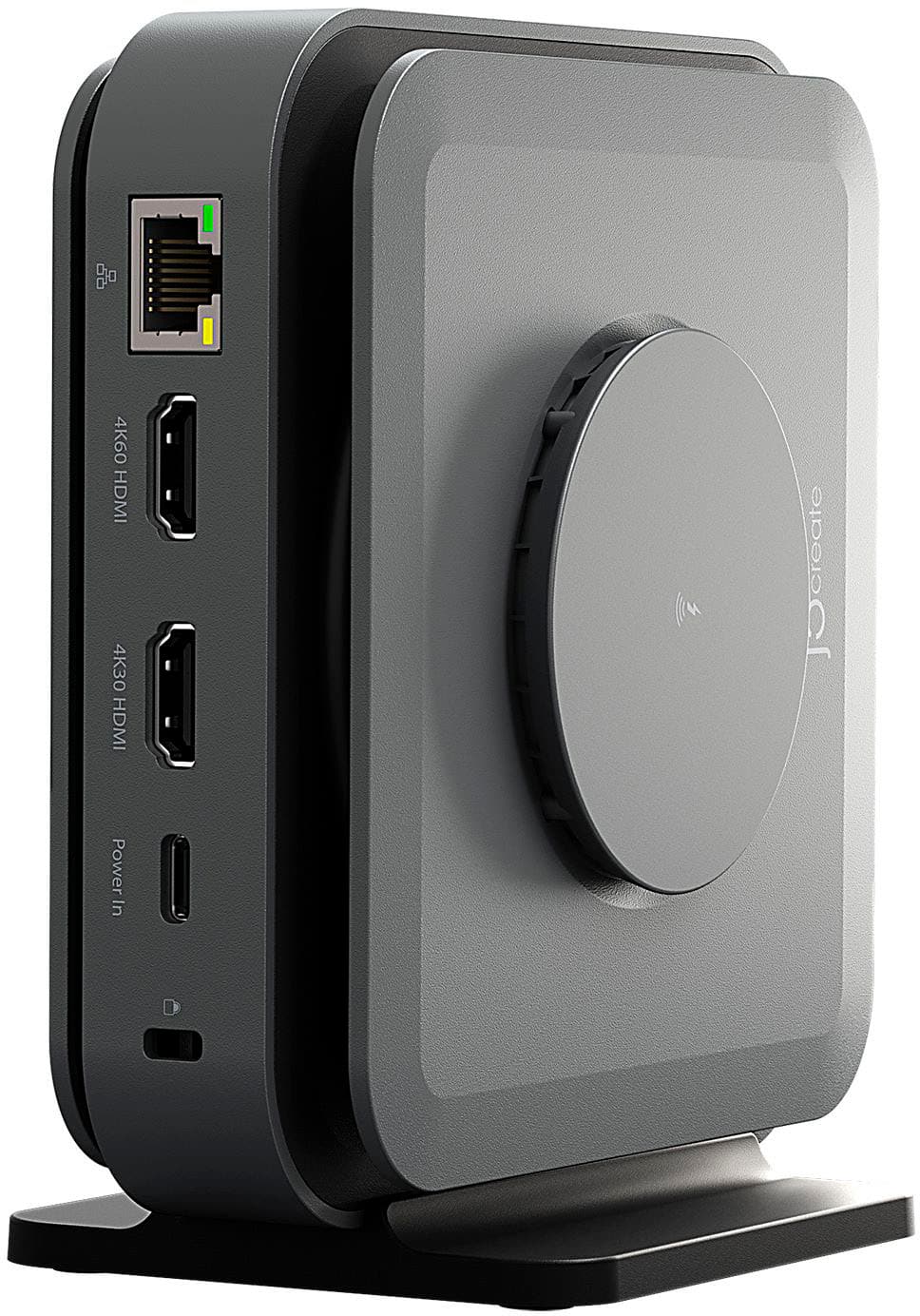
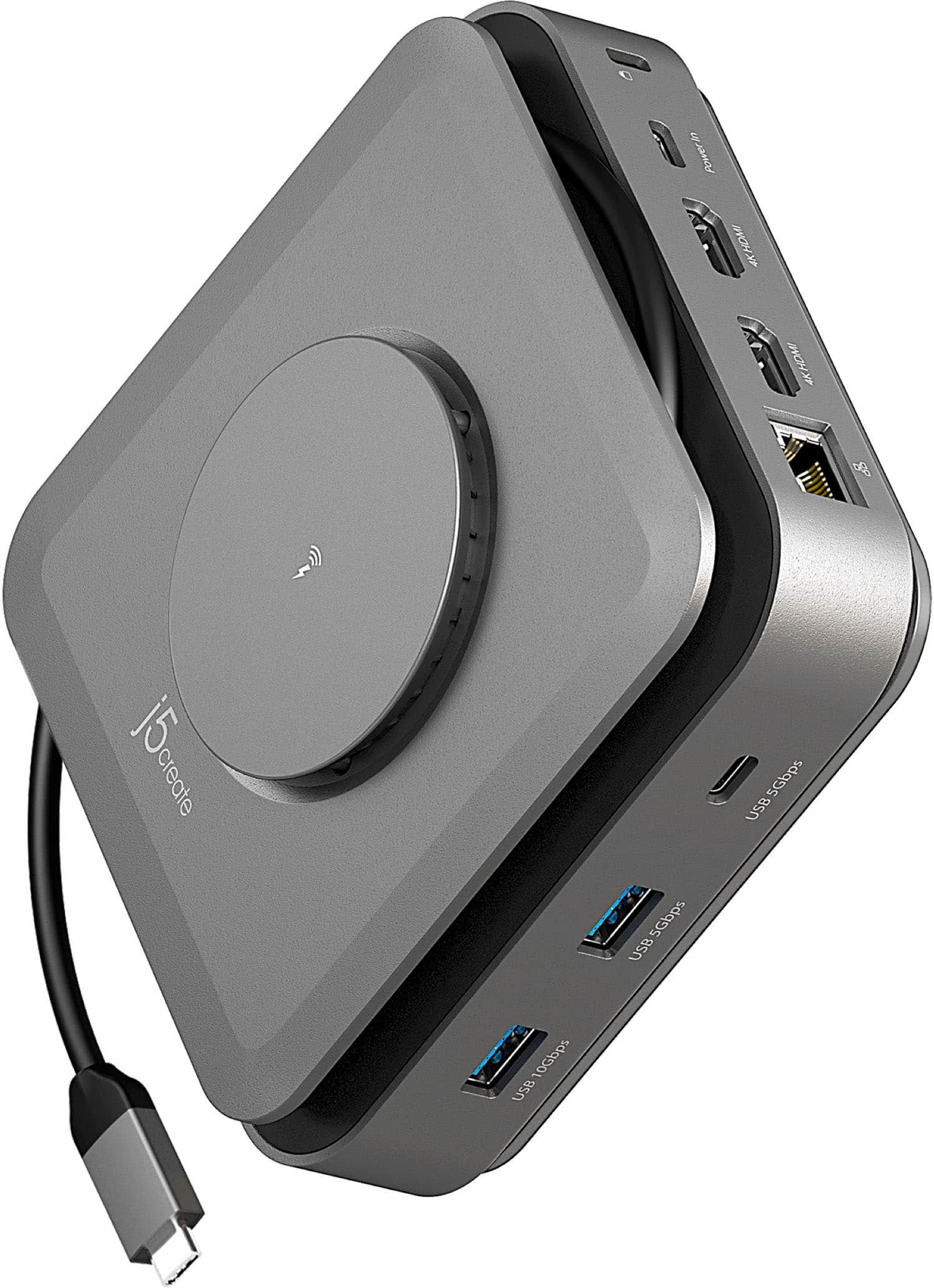
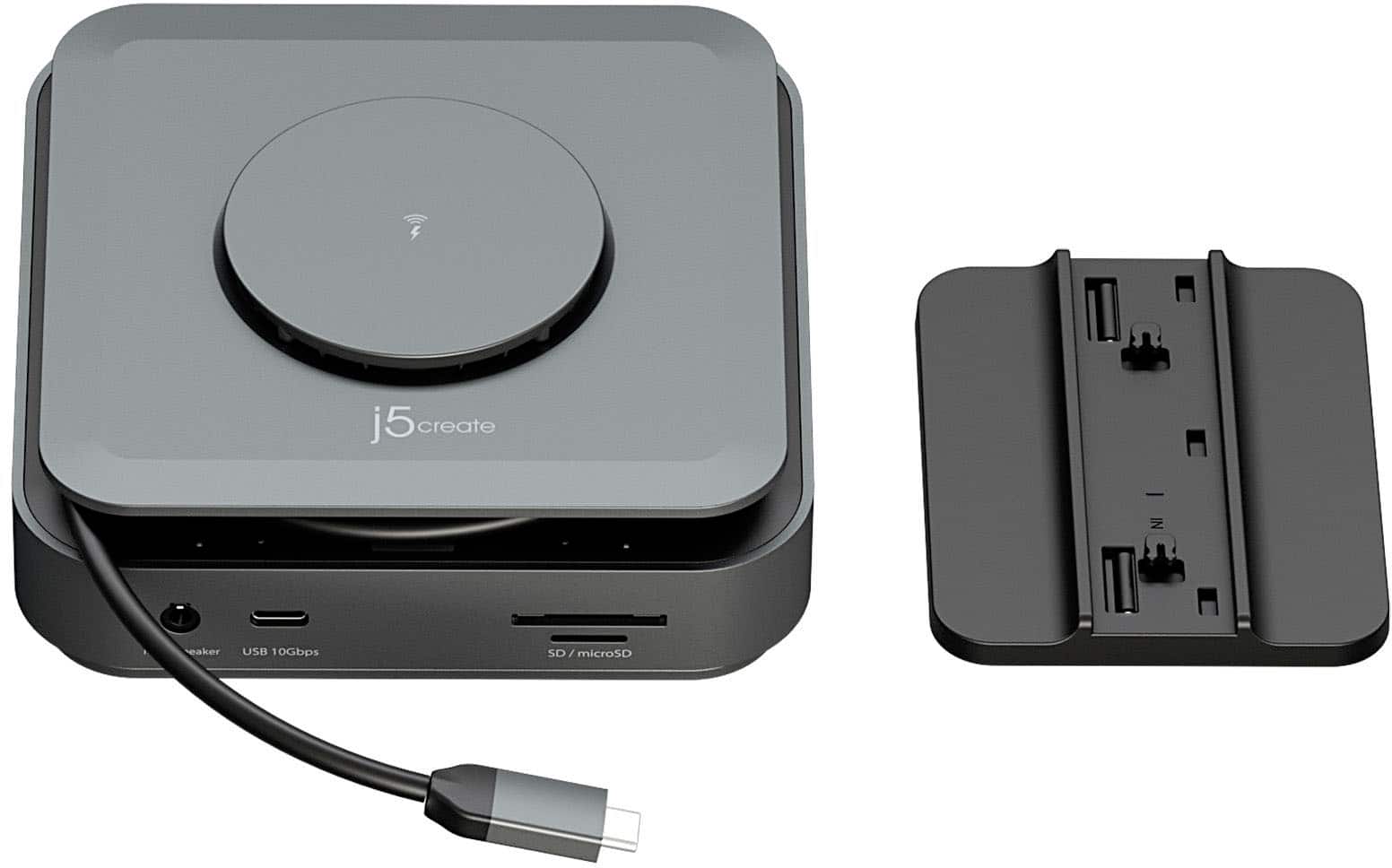
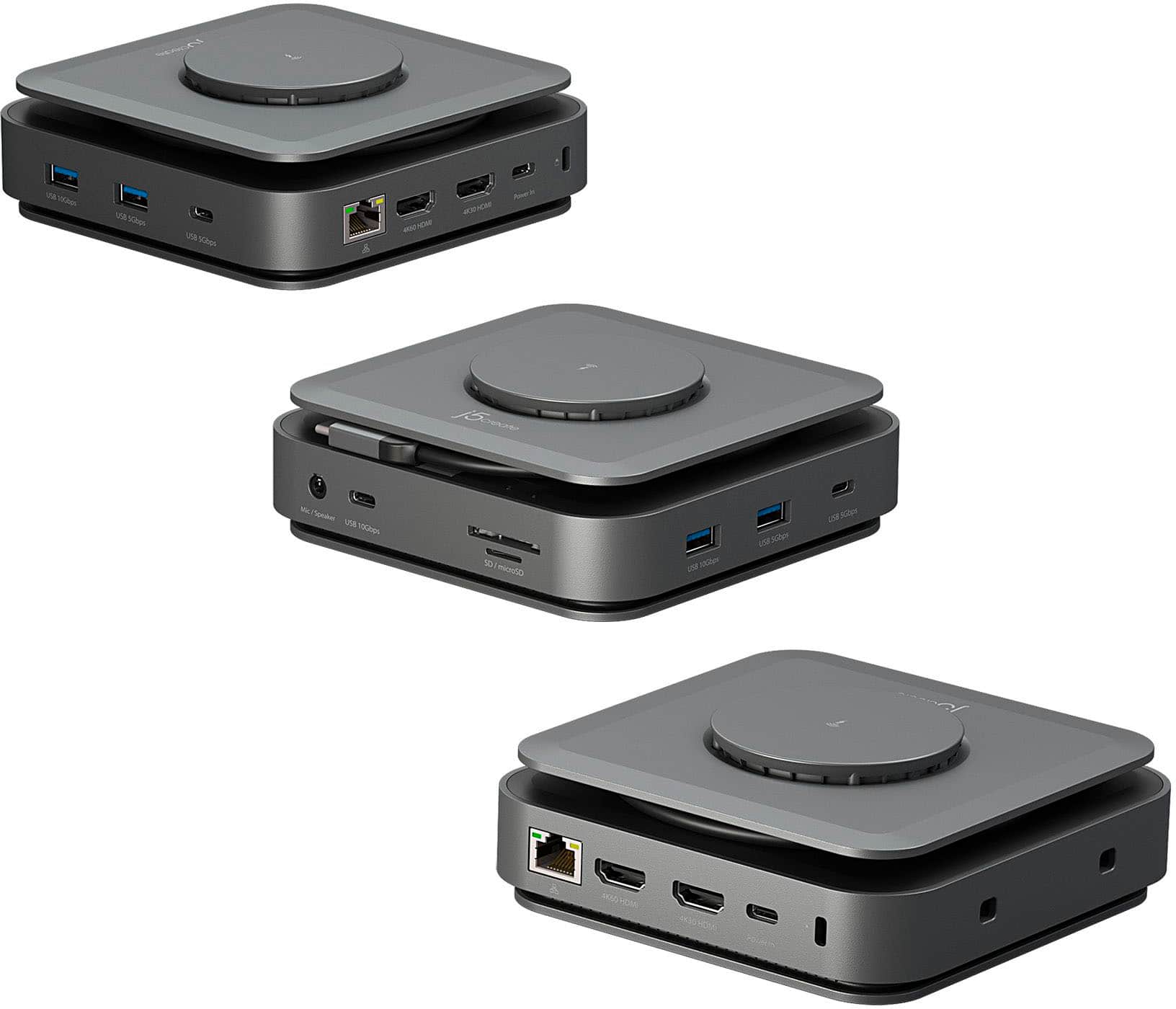
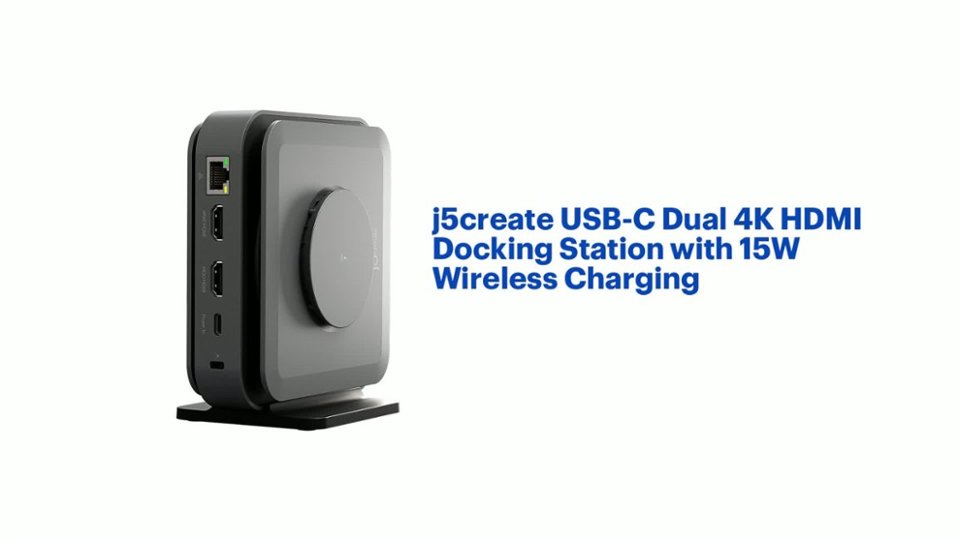
- Model:
- JCD3199
- SKU:
- 6557480
Rating by feature
- Value
Rating 3.6 out of 5 stars
- Quality
Rating 3.7 out of 5 stars
- Ease of Use
Rating 3.8 out of 5 stars
Customers are saying
Customers value the USB-C Dual 4K HDMI Docking Station with 15W Wireless Charging for its wireless charging capabilities, overall performance, ease of use, and variety of ports. The compact size and sleek design are also appreciated. However, some customers have reported compatibility issues, unwanted noise, and problems with the HDMI ports. Additionally, some customers have noted that it does not include a power supply and feel that the price is too high.
This summary was generated by AI based on customer reviews.
Ehhh Not for an advanced user.
||Posted . Owned for 3 weeks when reviewed.This reviewer received promo considerations or sweepstakes entry for writing a review.Shipping- Never arrived when stated Product- Wireless charging has a catch Overall there are better options
No, I would not recommend this to a friendBrand response from J5create Team
Posted .The 15W wireless charging will only work when a USB-C 60W or above power adapter is connected to the dock.

Dock station
||Posted . Owned for 3 weeks when reviewed.This reviewer received promo considerations or sweepstakes entry for writing a review.If you are looking for a dock station. This is the one you need.
I would recommend this to a friendBroke on arrival
||Posted . Owned for 9 months when reviewed.This reviewer received promo considerations or sweepstakes entry for writing a review.This was a new purchase but did not work out of the box. Returned and had the same issue with the second one as well. I would avoid this one.
No, I would not recommend this to a friendBrand response from J5create Team
Posted .The JCD3199 requires your laptop’s USB-C port to support “DisplayPort Alternate Mode (DP Alt Mode) for the 4K60 HDMI port to work. Please refer to the manufacturer of your computer for more information about your device. The 4K30 HDMI port requires an installation of a driver.
Do not buy if you want it to last
||Posted . Owned for 1.5 years when reviewed.This reviewer received promo considerations or sweepstakes entry for writing a review.Unfortunately the product stopped working within 2 years of purchase. Sad that companies do not make products to last anymore.
No, I would not recommend this to a friendBrand response from J5create Team
Posted .While we strive to design our products for quality and durability, electronics can sometimes experience issues over time due to various factors like usage, environment, and compatibility changes.
Most j5create products come with a 2-year warranty, if you're still within that window, we'd be happy to help with a warranty replacement or further troubleshooting.
Worth the effort.
||Posted . Owned for 1 month when reviewed.This reviewer received promo considerations or sweepstakes entry for writing a review.Great device. Took awhile to get it set up correctly, but works like a charm now.
I would recommend this to a friendDock station
||Posted . Owned for 2 weeks when reviewed.This reviewer received promo considerations or sweepstakes entry for writing a review.Pretty awesome dock. Works well for my wfh. Also connects to my monitor with no lag time
I would recommend this to a friendDon't buy it.
||Posted . Owned for 3 weeks when reviewed.This reviewer received promo considerations or sweepstakes entry for writing a review.I gave up on this device. I wished I never bought it. Only one of the HDMI ports worked. I took it back, and got the same result.
No, I would not recommend this to a friendBrand response from J5create Team
Posted .The JCD3199 requires your laptop’s USB-C port to support “DisplayPort Alternate Mode (DP Alt Mode) for the 4K60 HDMI port to work. Please refer to the manufacturer of your computer for more information about your device.
The 4K30 HDMI port requires an installation of a driver.
Wouldn’t.
||Posted . Owned for 2 months when reviewed.This reviewer received promo considerations or sweepstakes entry for writing a review.Here’s a huge waste of time if you’re into that kind of thing.
No, I would not recommend this to a friendBrand response from J5create Team
Posted .If you have more specific details about the issue, please reach out to j5create customer support team for troubleshooting. Thank you.
Piece of junk that takes up space
||Posted . Owned for 7 months when reviewed.This reviewer received promo considerations or sweepstakes entry for writing a review.Will not latch to base so it has to lay flat. The wireless charger does not work. Only 1 HDMI display and only 1 USBA port works. Also, stopped working with Windows 11 update.
No, I would not recommend this to a friendBrand response from J5create Team
Posted .Windows 11 update, it’s likely due to compatibility issues with the dock's drivers or Windows updates affecting system configurations.
- Uninstall and reinstall the appropriate drivers for the docking station by visiting the j5create Support Page.
- Restart your computer, and reconnect the dock.
- Check if your computer has any available updates such as BIOS, software/drivers...etc by visiting the manufacturer website of your computer's brand.
For the 4K60 HDMI output, check if your laptop supports DisplayPort Alt Mode through USB-C, which is required for dual-display functionality. If not, only the 4K30 HDMI output will be supported. (4K30 HDMI requires a driver installation).
The 15W wireless charging will only work when a USB-C 60W or above power adapter is connected to the dock.
If you require further assistance; please contact the j5create Technical Support team. Their information can be found on j5create website under the Support tab. Thank you.
Hub review
||Posted . Owned for less than 1 week when reviewed.This reviewer received promo considerations or sweepstakes entry for writing a review.Customer support for setting up this hub was wonderful.
I would recommend this to a friendGreat Product
||Posted . Owned for 2 months when reviewed.This reviewer received promo considerations or sweepstakes entry for writing a review.Best docking station ever. Plenty of slots that i need to use
I would recommend this to a friendAlternative to many adapters
||Posted . Owned for 3 weeks when reviewed.This reviewer received promo considerations or sweepstakes entry for writing a review.Required with new iMac to allow usage of previous various accessories.
I would recommend this to a friendWhat a scam
||Posted .This reviewer received promo considerations or sweepstakes entry for writing a review.So upset that I was advised to buy this product and no plug came with this item. To buy the plug would be an additional 80 dollars and you need the plug according to instructions. Do not buy.
No, I would not recommend this to a friendBrand response from J5create Team
Posted .The JCD3199 USB-C Dock Dual 4K HDMI does not come with a power adapter. If your computer came with a USB-C power adapter, you can use it on the Dock if it meets the required wattage (up to 140W). The JCD3199P USB-C Dock Dual 4K HDMI with 140W GaN PD 3.1 Power Adapter has the included power adapter.
It did not work.
||Posted . Owned for 3 weeks when reviewed.This reviewer received promo considerations or sweepstakes entry for writing a review.It did not work. I took it back. I don’t know what else to say.
No, I would not recommend this to a friendBrand response from J5create Team
Posted .If you have more specific details about the issue, please reach out to j5create customer support team for troubleshooting. Thank you.
Simply Doesn't work
||Posted . Owned for 1 month when reviewed.This reviewer received promo considerations or sweepstakes entry for writing a review.Unfortunately, i waited too long to connect this to my computer so i couldn't return it. When i did connect it, it just didn't work. I followed all of the instructions but nothing, not even the charger (using a power supply) worked. Piece of junk
No, I would not recommend this to a friendBrand response from J5create Team
Posted .I apologize for the experience you have had with your USB-C Dual 4K HDMI Docking Station. The docking station requires that the USB-C port on your laptop supports DisplayPort Alternate Mode and the driver must be downloaded from the j5create website and installed. Our customer support team can assist with setting up your docking station. To contact our customer support team please visit the j5create website then click on the "SUPPORT" tab at the top right of the webpage. Thank you.
Better options
||Posted . Owned for 4 months when reviewed.This reviewer received promo considerations or sweepstakes entry for writing a review.I have had nothing but problems with mine since it was connected. Installed correct drivers and connected power and still kept shutting down.
No, I would not recommend this to a friendBrand response from J5create Team
Posted .It sounds like the dock may not be receiving consistent power or there could be a compatibility issue with your setup. Here are some steps to try:
Confirm that the USB-C port on your laptop supports DisplayPort Alternate Mode (DP Alt Mode) and Power Delivery (PD). Without these features, the dock may not function correctly for dual displays and power passthrough.
Ensure the power adapter you’re using is rated to provide sufficient wattage to both the dock and your laptop. The dock supports Power Delivery (PD), so using a lower-rated adapter may cause instability. A 65W or higher-rated power adapter is recommended.
Verify that you’ve downloaded and installed the latest drivers from the j5create website. Outdated or incorrect drivers can cause display and power issues.
If you require further assistance; please contact the j5create Technical Support team and they will be glad to further assist if necessary. Their information can be found on our website under the Support tab.
Didnt work.
||Posted . Owned for 3 weeks when reviewed.This reviewer received promo considerations or sweepstakes entry for writing a review.Not plug and play. Several conditions to use. Must be incompatible with my new Asus laptop
No, I would not recommend this to a friendBrand response from J5create Team
Posted .This dock only works if your laptop’s USB-C port supports DisplayPort Alt Mode. Many ASUS laptops, especially budget or gaming models, have USB-C ports for data or charging only, not video.
Requires driver Installation for dual HDMI. If your ASUS laptop blocks unsigned or external drivers, it could prevent proper function.
Bad products
||Posted . Owned for 1 week when reviewed.This reviewer received promo considerations or sweepstakes entry for writing a review.Bought two and had to return both due to the 4k60 HDMI port does not work.
No, I would not recommend this to a friendBrand response from J5create Team
Posted .The 4K60 HDMI port on the JCD3199 requires DisplayPort 1.4 over USB-C. If your computer does not support DP, the 4K60 HDMI port will not work.
Check your computer's specifications for more information about your device.
Ports Don't Work...
||Posted . Owned for 8 months when reviewed.This reviewer received promo considerations or sweepstakes entry for writing a review.I have bought this product twice and both devices have faults. On one, the ethernet port quit working. On the second, the USB-C port quit working.
I would recommend this to a friendBrand response from J5create Team
Posted .Please contact our Technical Support Team for further information. Their information can be found on j5create website under the Support tab. Thank you.
Recomend
||Posted . Owned for 3 months when reviewed.This reviewer received promo considerations or sweepstakes entry for writing a review.Tried this out for my macbook and the screen kept disconnecting after connecting initially for just a minute.
No, I would not recommend this to a friendBrand response from J5create Team
Posted .Ensure the dock is connected to a power source that meets its requirements, particularly if you're powering it via USB-C Power Delivery. Insufficient power can cause unstable performance, including monitor disconnections.
Ensure your MacBook is running the latest version of macOS, as updates often include fixes for external display issues.