Customer Ratings & Reviews
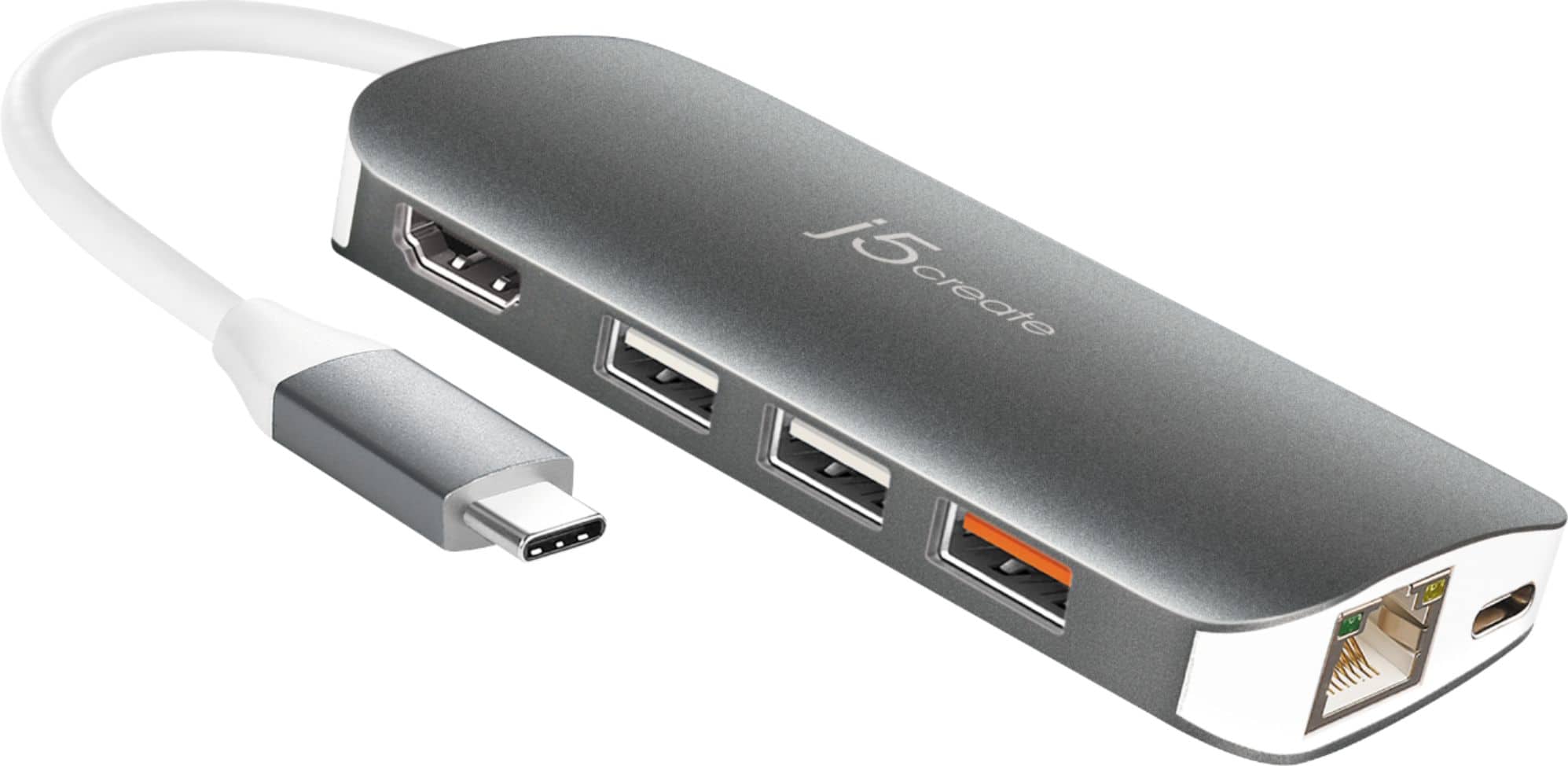
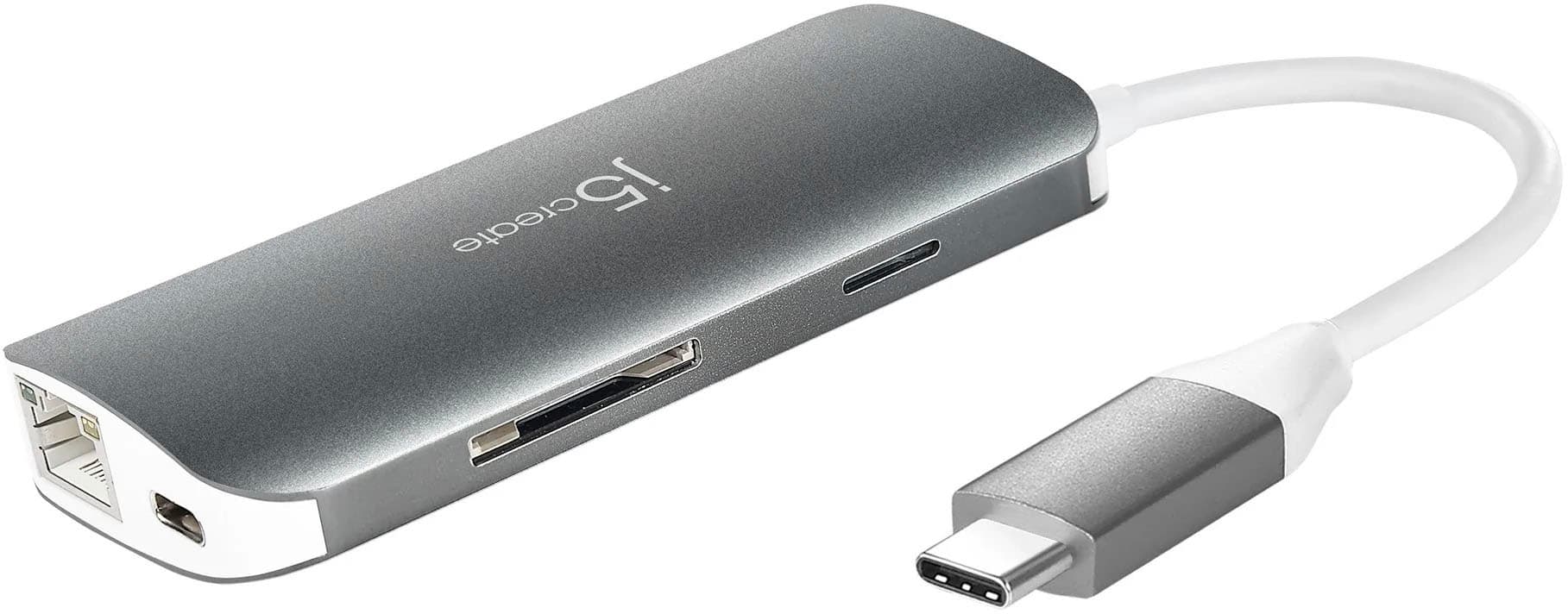
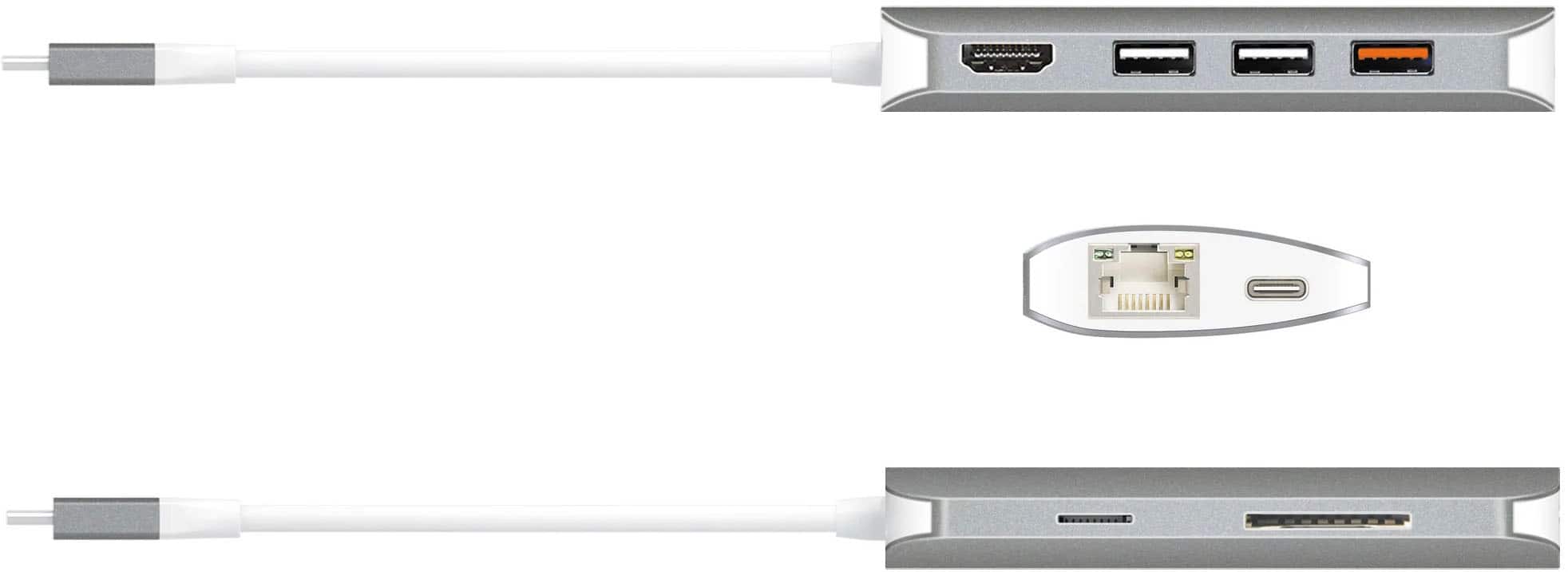
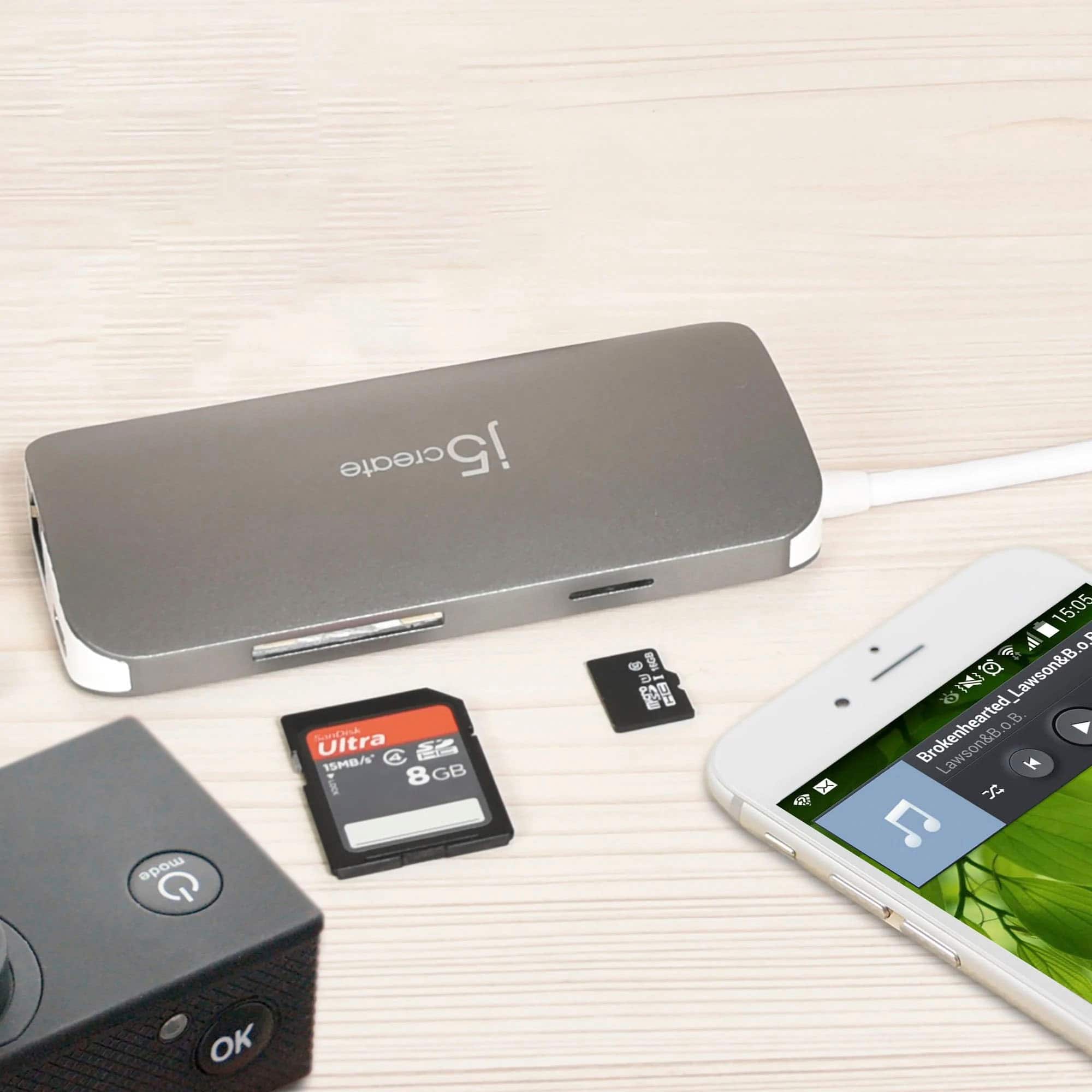

- Model:
- JCD383
- SKU:
- 6185302
Rating by feature
- Value
Rating 4.2 out of 5 stars
- Quality
Rating 4.4 out of 5 stars
- Ease of Use
Rating 4.6 out of 5 stars
Customers are saying
Customers regard the USB-C Multi Adapter favorably for its USB-C connectivity, ease of use, overall performance, and compatibility with devices like Apple products. Its convenient size and variety of ports are also appreciated. However, some customers have expressed concerns about the adapter heating up during use, its price point, and the cable length.
This summary was generated by AI based on customer reviews.
- Pros mentioned:Overall performance
Awesome product
Posted .This reviewer received promo considerations or sweepstakes entry for writing a review.I purchased this item about a month ago. It works perfectly fine!
I would recommend this to a friend - Pros mentioned:Overall performance
Satisfied
Posted .This reviewer received promo considerations or sweepstakes entry for writing a review.The product works fine, I don't use it much but when I do it gets the job done.
I would recommend this to a friendBrand response from J5create Team
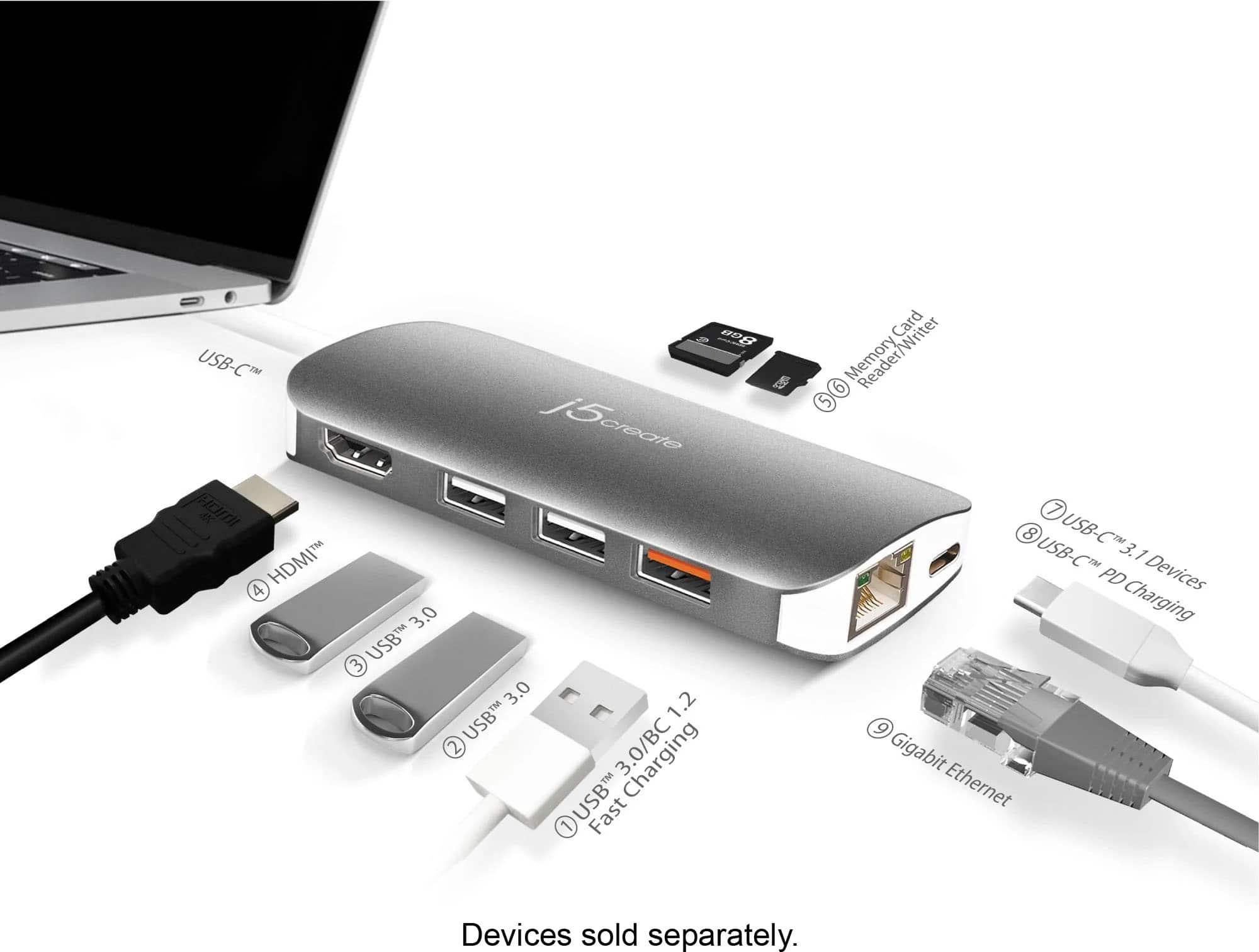
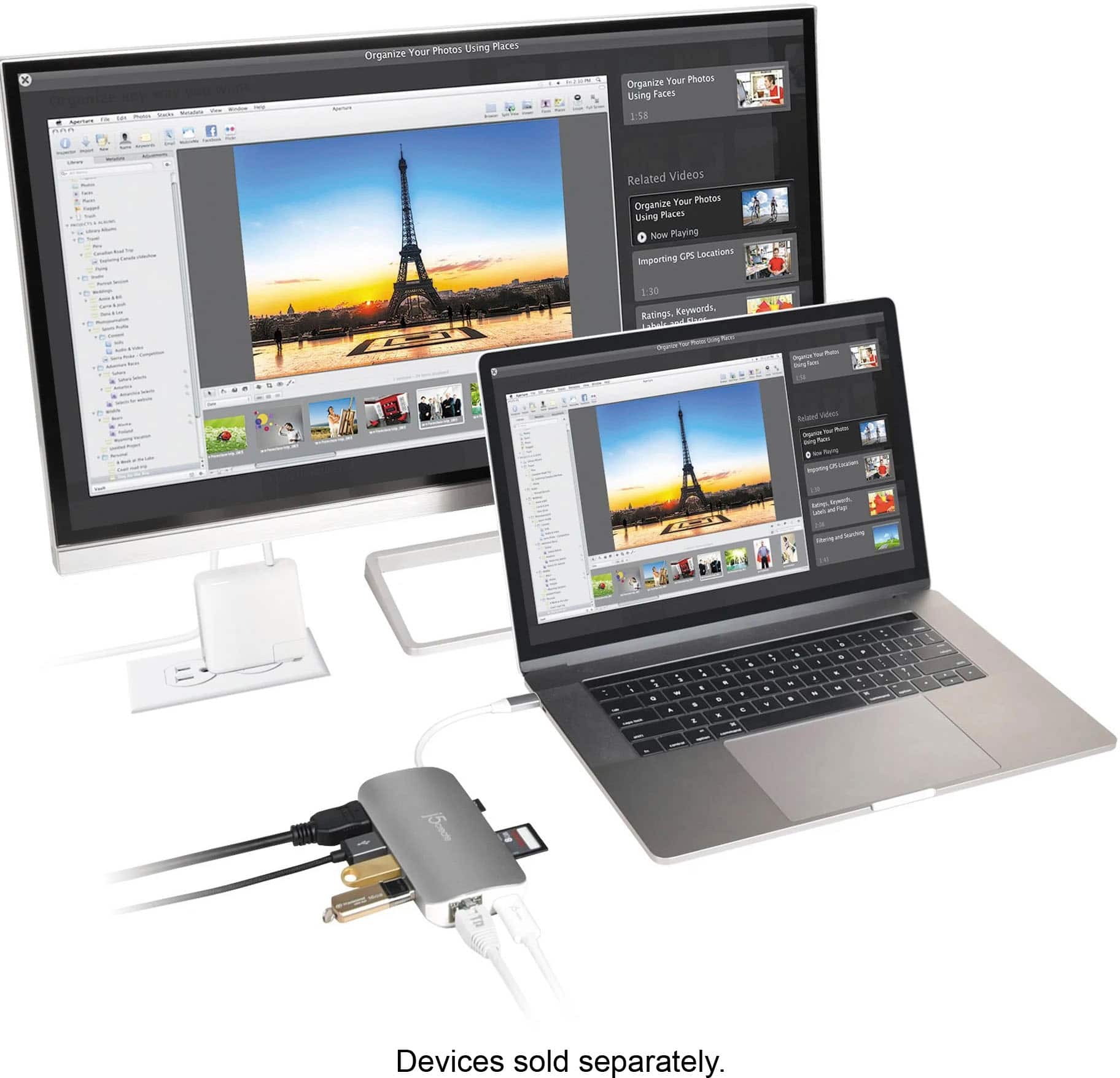
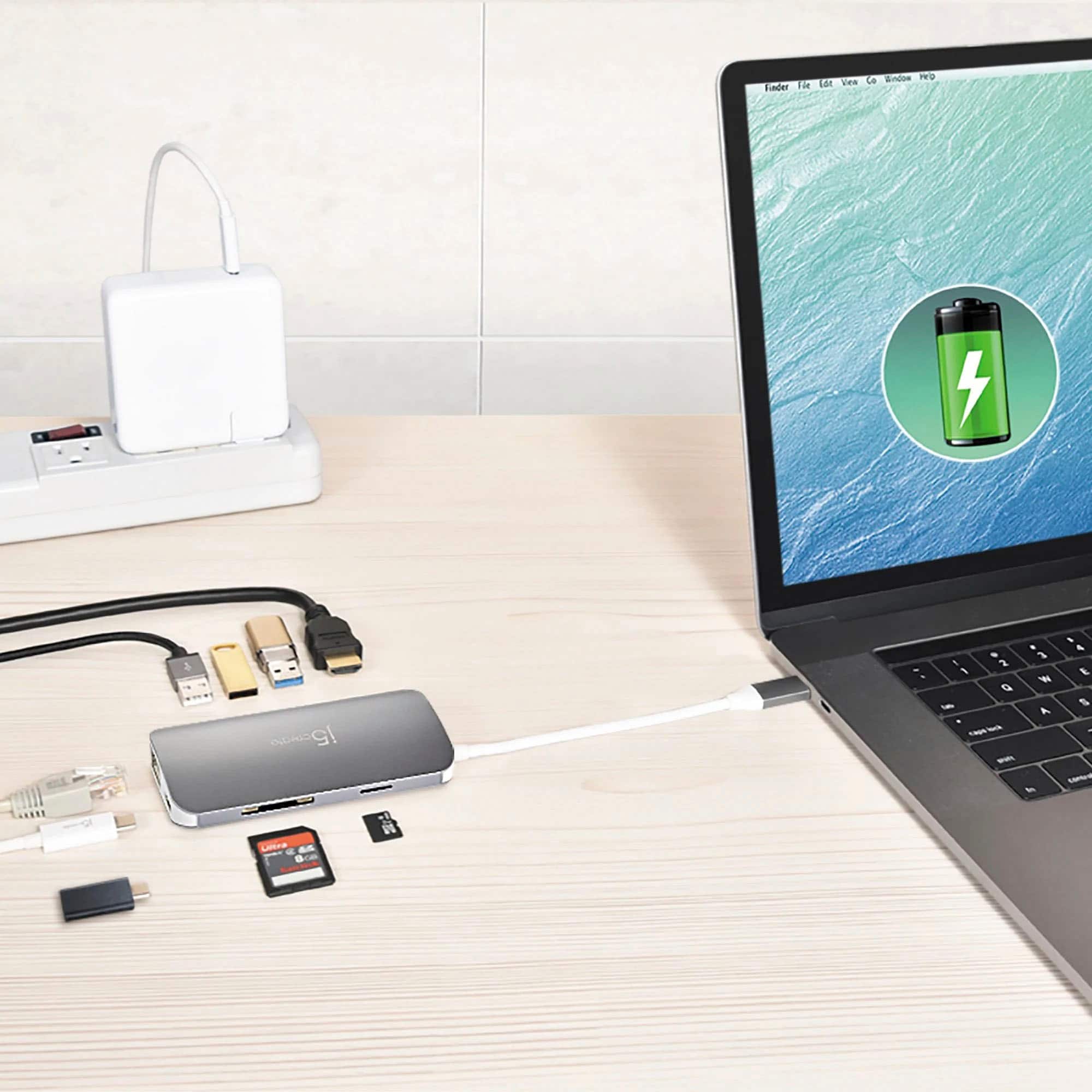
Posted .Connect video, data, and power. Connect to a computer or tablet with a single USB-C port.

- Pros mentioned:Overall performance
Blyfon
Posted .This reviewer received promo considerations or sweepstakes entry for writing a review.Works well and does the job. Have no complaints about this items.
I would recommend this to a friend - Pros mentioned:Overall performance
Seems to be good
Posted .This reviewer received promo considerations or sweepstakes entry for writing a review.Seems to be good quality. No issues. Use for travel and transferring data between PCs
I would recommend this to a friendBrand response from J5create Team
Posted .Good quality and no issues is what we love to hear from customers, it is valued very much as it helps us reach perfection!.
Appreciatively,
j5create
- Pros mentioned:Ease of use
j5create delivers again
Posted .This reviewer received promo considerations or sweepstakes entry for writing a review.Works perfect! Great build and easy plug and play.
I would recommend this to a friend The all in one device
Posted .This reviewer received promo considerations or sweepstakes entry for writing a review.I am very satisfied with it. Very useful and practical. I recommend it.
I would recommend this to a friendUseful
Posted .This reviewer received promo considerations or sweepstakes entry for writing a review.Just what we were looking for with hurricane season approaching.
I would recommend this to a friendDocked to a dock with a dock on a dock
Posted .This reviewer received promo considerations or sweepstakes entry for writing a review.Good for its uses and good for its price. Recommend for sure
I would recommend this to a friendWhat a disappointment
Posted .This reviewer received promo considerations or sweepstakes entry for writing a review.I paid $100 for this device because I purchased a new Macbook and needed the things that this product offered...more USB-C ports, USB port, SD card reader, etc. I used it for 33 days and it stopped working properly. It "flickers" back and forth between my connected and disconnected. Nothing about it is consistent. I used it on a flat surface only just as instructed and it still didn't last. I tried contacting the company to see what could be done, but they are not terribly interested in helping. They wanted me to jump through hoops to get a replacement. Save your money.
No, I would not recommend this to a friendBrand response from J5create Team
Posted .Hi!
I'm so sorry to hear that you had this problem! I'll forward this to my team so we can stay up to date on past issues and make sure things like this don't happen. In the time since your review, we've vastly improved our service and products and I hope that you would consider giving us a second chance so that we can show you the difference!
Thanks,
j5create
does not work with PD port of dell xps
Posted .This reviewer received promo considerations or sweepstakes entry for writing a review.It works in general but when hooked to dell xps 13 PD port, laptop keep displaying message - 'slow USB charger connected'. It is annoying and not sure why it is treated as slow. I tried to find its charging spec but could not find any if it is sub-standard compared to USB C 3.1 Power Delivery port that comes with laptop. Thanks.
No, I would not recommend this to a friendBrand response from J5create Team
Posted .Hi!
I'm sorry for the inconvenience that this has caused you. It sounds as though the drivers need to be updated. Please contact my customer service department and we can assist you with this. Our information can be found on the back of all of our product boxes and on our website under the support tab. There you can find links to our livechat, phone and ticketing services.
Thanks,
j5create
- Cons mentioned:Heat
warning
Posted .This reviewer received promo considerations or sweepstakes entry for writing a review.it gets so hot I can't touch it on my 2018 MacBook Pro
No, I would not recommend this to a friendBrand response from J5create Team
Posted .Hi David!
I'm so sorry to hear about this issue! The JCD383 will get warm to moderately hot, but this is well within normal ranges. This model has been stress tested and we have found that the average max operational temperature for it is ~106 °F / 41 °C, while the adapter is under full-load or being used continuously for periods >~ 1hr. That being said, the ambient temperatures around it can also affect the adapter and what the computer will operate at. Apple says that you should "use your Mac notebook where the ambient temperature is between 50° and 95° F (10° and 35° C)."
https://support.apple.com/en-us/HT201640
Keep your Mac notebook within acceptable operating temperatures - Apple Support
Some tips to help manage the operating temperatures are: making sure that all current software and firmware updates have been installed. Keep your notebook where the ambient temperatures are between 50° and 95° F (10° and 35° C). Don’t leave your Mac notebook in your car, especially in the summer, because temperatures in parked cars can exceed this. We've found that the average max operational temperature for Macbook pros using our adapter is ~100 °F / 37.78 °C to ~140 °F / 60.00 °C, while the computer is under full-load or being used continuously for periods >~ 1hr. The temperature that the Macbook Pro is running at, may also affect the operating temperatures of our USB Type-C multi-adapter. If your device is exceeding this for more than thirty minutes than your device might be a defective unit and we can exchange it for you. Normally we haven't found this device to run at anything higher than 112°F/44 °C, for periods <10 minutes. Please don't hesitate to contact us about any issue you have and we would be more than happy to assist in getting you back up and running again. Our information can be found on the back of all of our product boxes and on the contact page of our website.
Thanks,
j5create
Needs driver downloaded first to connect ethernet
Posted .This reviewer received promo considerations or sweepstakes entry for writing a review.You have to download a driver first to use ethernet. Corporate situations make that a deal breaker.
No, I would not recommend this to a friendBrand response from J5create Team
Posted .Hi!
I'm very sorry about the inconvenience that this has caused you. While it is true that some of our ethernet devices require drivers to be installed before use, the JCD383 is fully plug and play and does not require any driver to use the ethernet. If you're having trouble with your device, please don't hesitate to contact my customer service team and we would be more than happy to assist you. Our information can be found on the back of all of our product boxes and on our website under the support tab. There you can find links to our livechat, phone, and ticketing services.
Thanks,
j5create