Customer Ratings & Reviews

- Model:
- JCC153G
- SKU:
- 6185300
Rating by feature
- Value
Rating 4.5 out of 5 stars
- Quality
Rating 4.7 out of 5 stars
- Ease of Use
Rating 4.7 out of 5 stars
Customers are saying
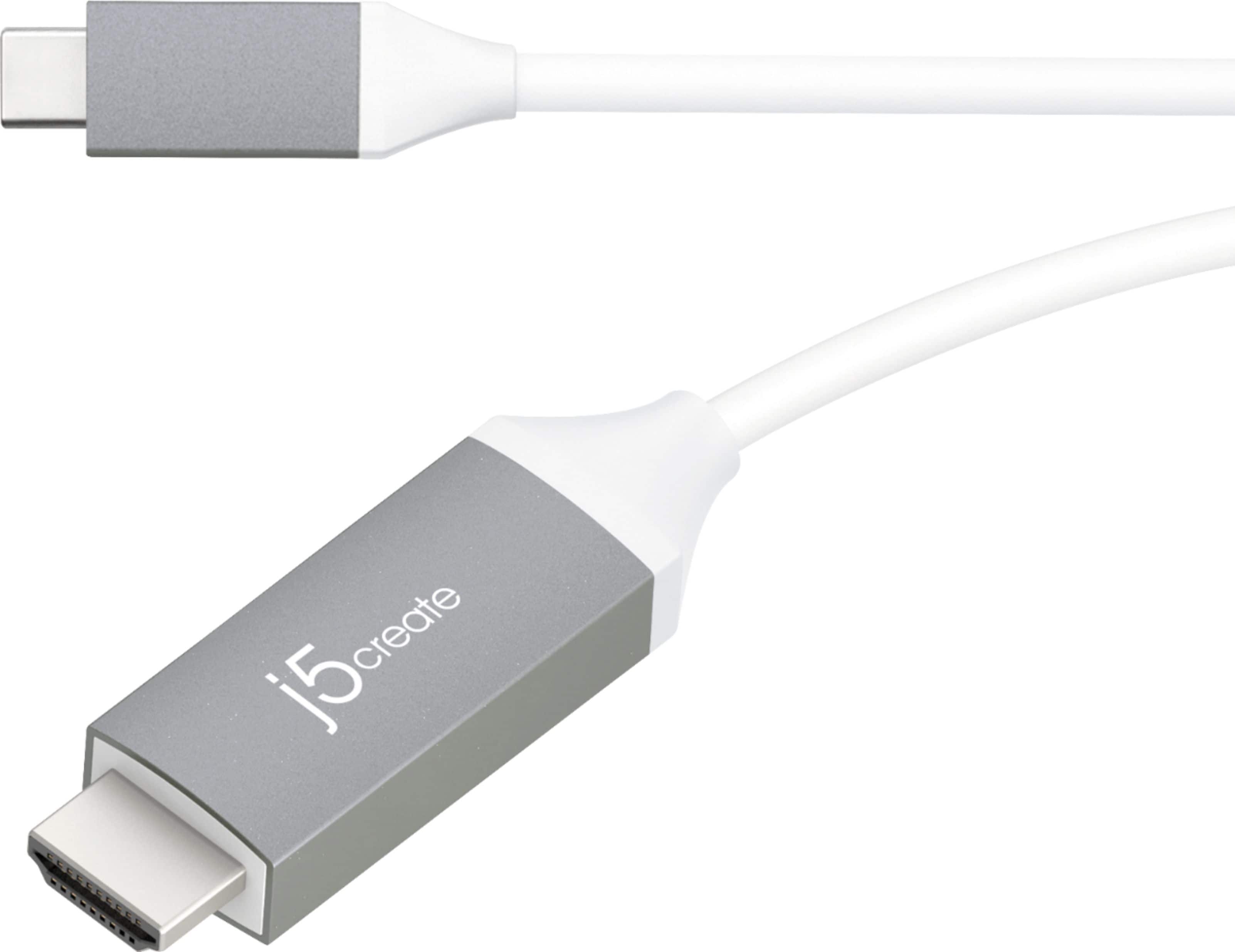
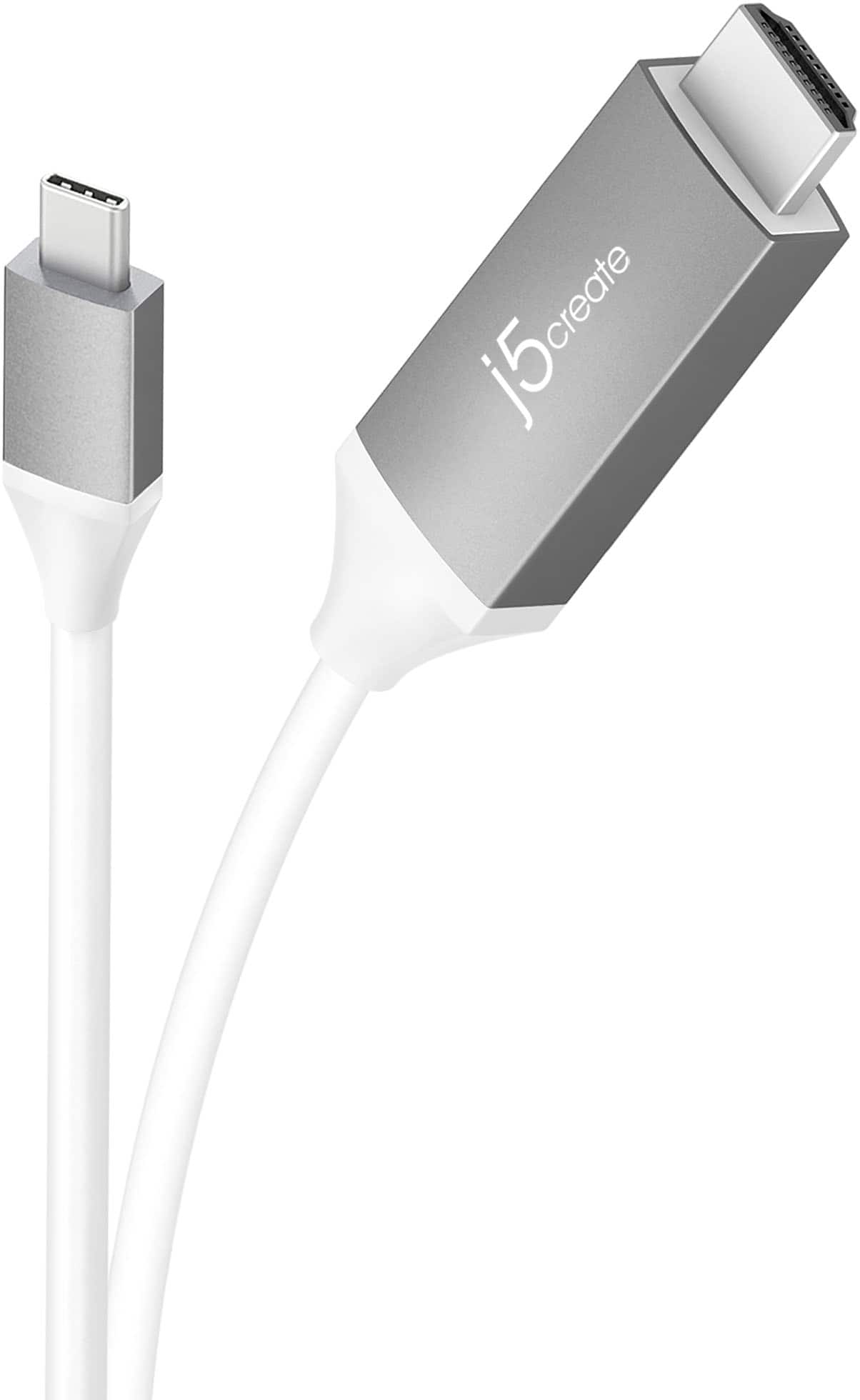
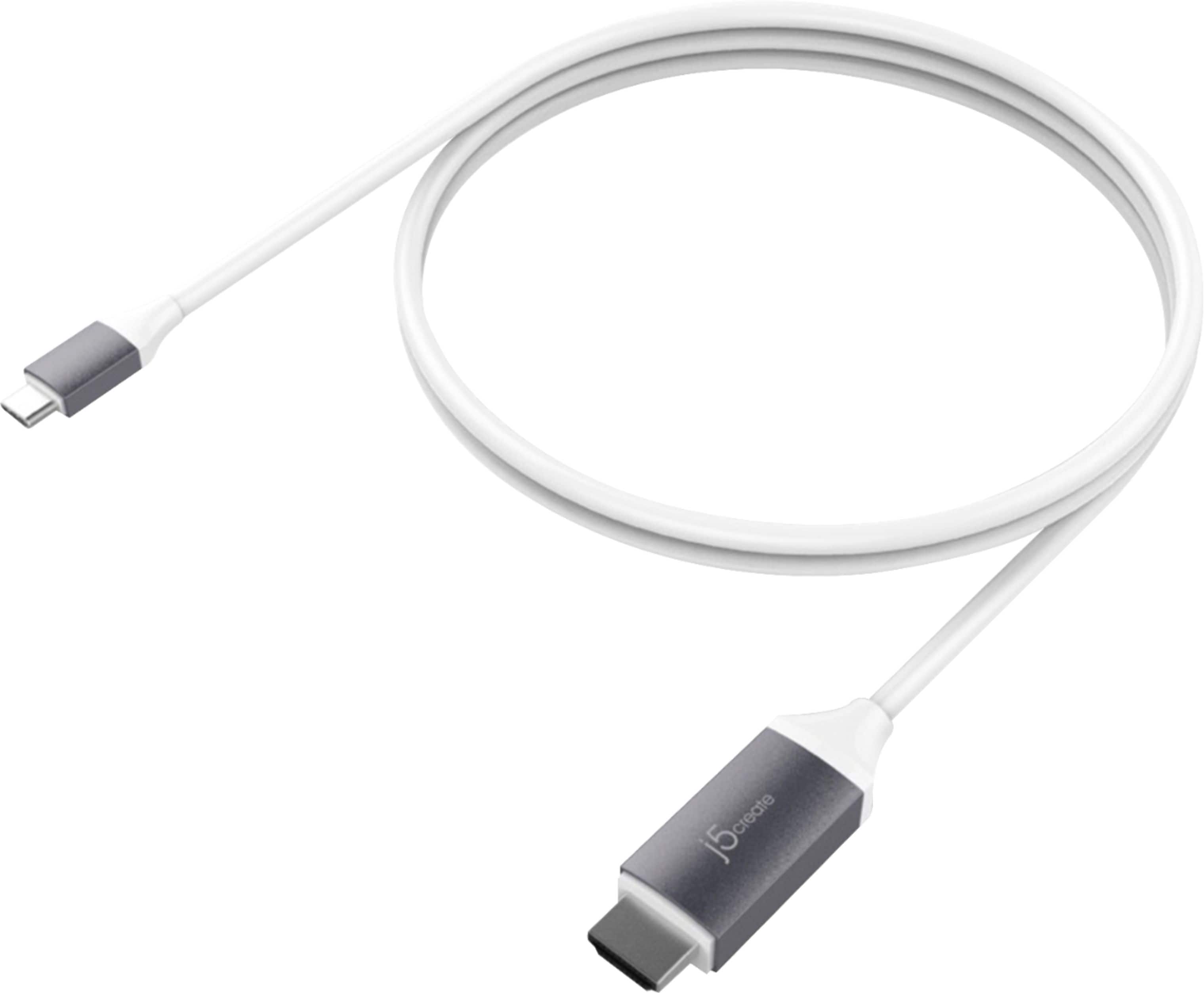
Customers admire the USB-C to 4K HDMI Cable for its quality, compatibility, and ease of use. Many appreciate the HDMI connectivity and suitable cable length for connecting devices like laptops to TVs. Some customers noted the lack of a charging circuit and concerns about battery depletion. A few others mentioned resolution issues.
This summary was generated by AI based on customer reviews.
- Pros mentioned:Quality
Worth it !
||Posted . Owned for 9 months when reviewed.This reviewer received promo considerations or sweepstakes entry for writing a review.Great for the price and for the quality! Definitely reccomend to friends and family.
I would recommend this to a friend - Pros mentioned:Quality
USB C to hdmi cable
||Posted . Owned for 3 weeks when reviewed.This reviewer received promo considerations or sweepstakes entry for writing a review.It works amazingly so i can watch/stream my movies and tv shows
I would recommend this to a friend - Pros mentioned:Compatibility
USB cable C
||Posted . Owned for 1 month when reviewed.This reviewer received promo considerations or sweepstakes entry for writing a review.It's worked perfectly. There is nothing to worry about it. I have been using with Chrome book to monitor.
I would recommend this to a friendBrand response from J5create Team
Posted .Perfect plug & play for Chromebook computers supporting DisplayPort video output. Thank you and enjoy.

- Pros mentioned:Compatibility
Worked perfectly.
||Posted . Owned for 3 weeks when reviewed.This reviewer received promo considerations or sweepstakes entry for writing a review.Worked perfect to hook our iPad to the t.v. The employee was able to suggest this immediately.
I would recommend this to a friendBrand response from J5create Team
Posted .This plug-and-play cable is capable of transmitting video signals up to 4K @ 60 Hz.
- Pros mentioned:Hdmi
Really Like this Cable
||Posted . Owned for 2 weeks when reviewed.This reviewer received promo considerations or sweepstakes entry for writing a review.If you have a new MacBook pro with USB-C, this is a handy cable for an exterior monitor. No clunky HDMI adapter. Works great!
I would recommend this to a friendBrand response from J5create Team
Posted .Hello,
We appreciate you taking your time to leave a review of the JCC153G cable. Not only is this a good solution for adding an additional monitor, but it is also great for mirroring a smartphone or a tablet to a larger display. You just need to make sure that your device supports display port alternate mode over USB-C. I hope that you have a good day.
Thanks,
j5create
- Pros mentioned:Quality
Perfect
||Posted .This reviewer received promo considerations or sweepstakes entry for writing a review.Works with windows and mac’s. My husband just leaves it hooked up to our TV and is pleased with the ease of using either laptop and the picture results.
I would recommend this to a friendBrand response from J5create Team
Posted .Customer satisfaction due to great picture results and it's easy to use nature makes the JCC153G a popular choice and we value your input, MJX3.
Appreciatively,
j5create
- Pros mentioned:Quality
Works Great!
||Posted . Owned for 10 months when reviewed.This reviewer received promo considerations or sweepstakes entry for writing a review.Very nice cable and works perfectly with my Samsung Note 10 plus displays everything easily to my TV screen through the HDMI
I would recommend this to a friendBrand response from J5create Team
Posted .Hello,
We are happy to hear that this cable suits your needs. Smartphones have many applications that are enhanced by putting them on a larger display. Thank you for taking the time to leave a review.
-The J5Create Team
Good cable, high quality sound/picture
||Posted . Owned for 3 months when reviewed.This reviewer received promo considerations or sweepstakes entry for writing a review.Great color accuracy for laptop to tv connection. Audio pass through is also really good quality. For the money it’s a nice cable. Pretty flexible. Only grips is the length of the hdmi male connector it’s like almost 3 inches long and inflexible making connecting it to some ports with size limitations around it, a hassle or possibly impossible. Thankfully it just fits in 1 of my sound bar inputs, but just. Space required for plugging in is about 3 inches to be safe.
I would recommend this to a friendBrand response from J5create Team
Posted .This cable gives you the ability to connect your USB-C equipped desktop or laptop to an external monitor, HDTV, projector, or other display device with an HDMI input.
- Pros mentioned:Compatibility
Works great!
||Posted . Owned for 3 weeks when reviewed.This reviewer received promo considerations or sweepstakes entry for writing a review.Wish we knew about this earlier! Salesperson offered this as a solution to connect our phone to our TV. Works perfectly!
I would recommend this to a friendBrand response from J5create Team
Posted .Hello Rick,
We're glad to hear that you had a pleasant shopping experience while selecting this j5create cable. This cable is a great solution 4 mirroring a phone or tablet to a larger display like a television. We appreciate your review.
Thank you,
The j5create team
- Pros mentioned:Compatibility
Works great
||Posted . Owned for 6 months when reviewed.This reviewer received promo considerations or sweepstakes entry for writing a review.I have been using it for the samsung dex feature and it works great
I would recommend this to a friend - Pros mentioned:Hdmi
Works as advertised
||Posted . Owned for 6 months when reviewed.This reviewer received promo considerations or sweepstakes entry for writing a review.Exactly what I needed to hook my ipad up to my digital projector.
I would recommend this to a friend - Pros mentioned:Compatibility
It's a cable
||Posted .This reviewer received promo considerations or sweepstakes entry for writing a review.Not much to say, can connect my tablet or phone to my TV, simple. Simple.
I would recommend this to a friendBrand response from J5create Team
Posted .Simple to use products are what we focus on and we appreciate you letting us know!
Appreciatively,
j5create
- Pros mentioned:Quality
USB TYPCE 3 TO HDMI
||Posted . Owned for 1 year when reviewed.This reviewer received promo considerations or sweepstakes entry for writing a review.WORKS AS DIRECTED. - what more can I say? It does what it's supposed to do!
I would recommend this to a friend - Pros mentioned:Ease of use
Great for hooking up a Monitor to your Surface Pro
||Posted . Owned for 1 month when reviewed.This reviewer received promo considerations or sweepstakes entry for writing a review.Worked great on my surface pro 8 connecting it to a 27" AOC monitor through the HDMI port!
I would recommend this to a friend - Pros mentioned:Quality
Would buy again
||Posted . Owned for 1 month when reviewed.This reviewer received promo considerations or sweepstakes entry for writing a review.Great build quality, I would buy again. Great for connecting the new macbook to TVs
I would recommend this to a friend - Pros mentioned:Hdmi
School Project
||Posted .This reviewer received promo considerations or sweepstakes entry for writing a review.My son needed to make presentation at school with his phone. Using this adapter help him plug into the projector for his on screen presentation.
I would recommend this to a friendBrand response from J5create Team
Posted .This cable gives you the ability to connect your USB-C equipped device to an external display device with an HDMI input.
- Pros mentioned:Quality
Great for 4k monitors!
||Posted .This reviewer received promo considerations or sweepstakes entry for writing a review.Glad I purchased this item. I have two of them set up with lg 4k monitors/MacBook Pro and they provide amazing and smooth quality.
I would recommend this to a friendBrand response from J5create Team
Posted .Hi Damales, we appreciate the input on the JCC153G and are glad to hear it is meeting your expectations. ** Feel free to contact us with our information on the packaging for Technical Support, device warranty registration or if you have any other questions and/or require any further
assistance and someone will be glad to assist you. Be sure to check out our website for other devices that could also be of great usage to you and your colleagues.
Just as a heads up, we also provide both Spanish and English speaking Technical Support. Thanks.
- Pros mentioned:Hdmi
Works great for making a tv smart
||Posted . Owned for 3 weeks when reviewed.This reviewer received promo considerations or sweepstakes entry for writing a review.Plug didn't to my TV and now I can watch all my favorite shows on Netflix . Thanking about getting one for the other TV's.
I would recommend this to a friendBrand response from J5create Team
Posted .Hello,
A lot of laptops are no longer being manufactured with Ethernet ports. This adapter will easily remedy that shortcoming. Glad to hear that you were able to get connected.
Thanks,
j5create
- Pros mentioned:Compatibility
Compatible with Lenovo Yoga
||Posted .This reviewer received promo considerations or sweepstakes entry for writing a review.I was nervous about purchasing this cord, but it was compatible with my Lenovo Yoga 910. It works well!
I would recommend this to a friendBrand response from J5create Team
Posted .Compatible with Android, Mac, Windows, Chrome make the JCC153G a popular choice and we're glad to hear you're enjoying it, Mercedes!
Cordially,
j5create
- Pros mentioned:Quality
Great Cable!
||Posted . Owned for 1 month when reviewed.This reviewer received promo considerations or sweepstakes entry for writing a review.Purchased this to add a 2nd monitor to a new MacBook Pro, and it works perfectly. Great quality, no fading or cutting out.
I would recommend this to a friendBrand response from J5create Team
Posted .Hello,
This cable is great for MacBooks, which typically only come with USB-C ports these days. Happy to hear that there are no quality issues with the cable. It can support 4k resolution at 60 Hz. We appreciate you taking the time to share your review with us.
Thank you,
j5create