Customer Ratings & Reviews

- Model:
- JCC153G
- SKU:
- 6185300
Rating by feature
- Value
Rating 4.5 out of 5 stars
- Quality
Rating 4.7 out of 5 stars
- Ease of Use
Rating 4.7 out of 5 stars
Customers are saying
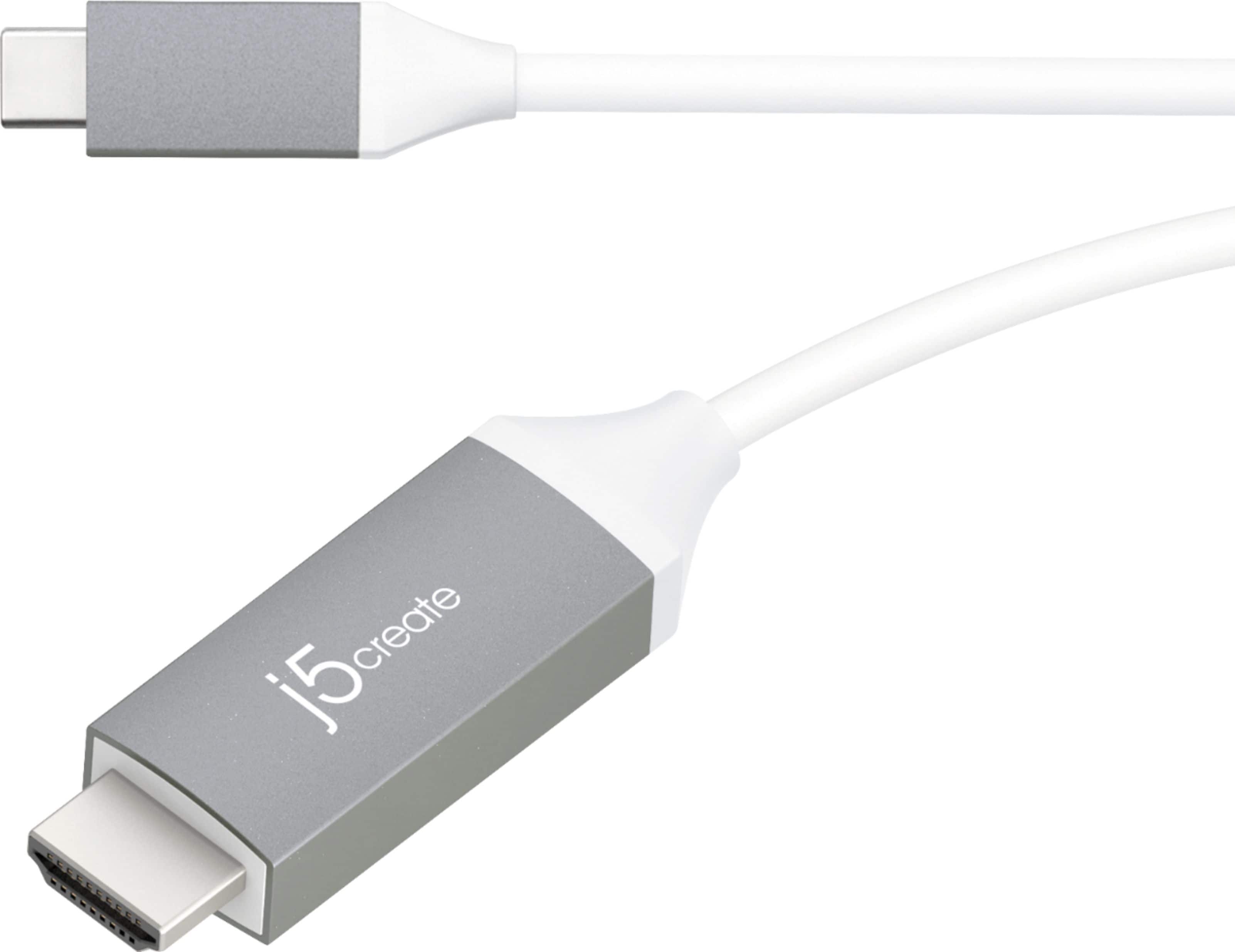
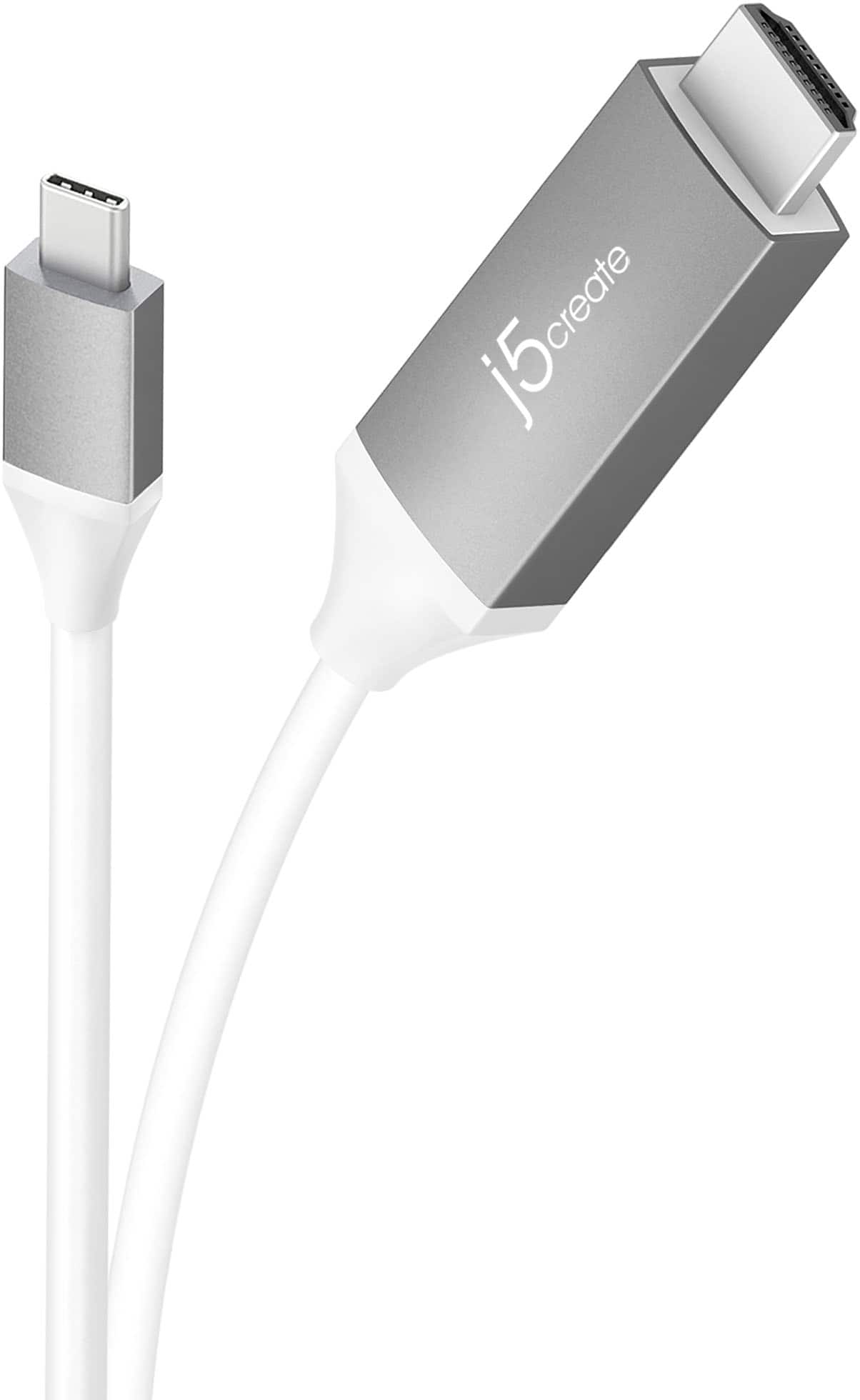
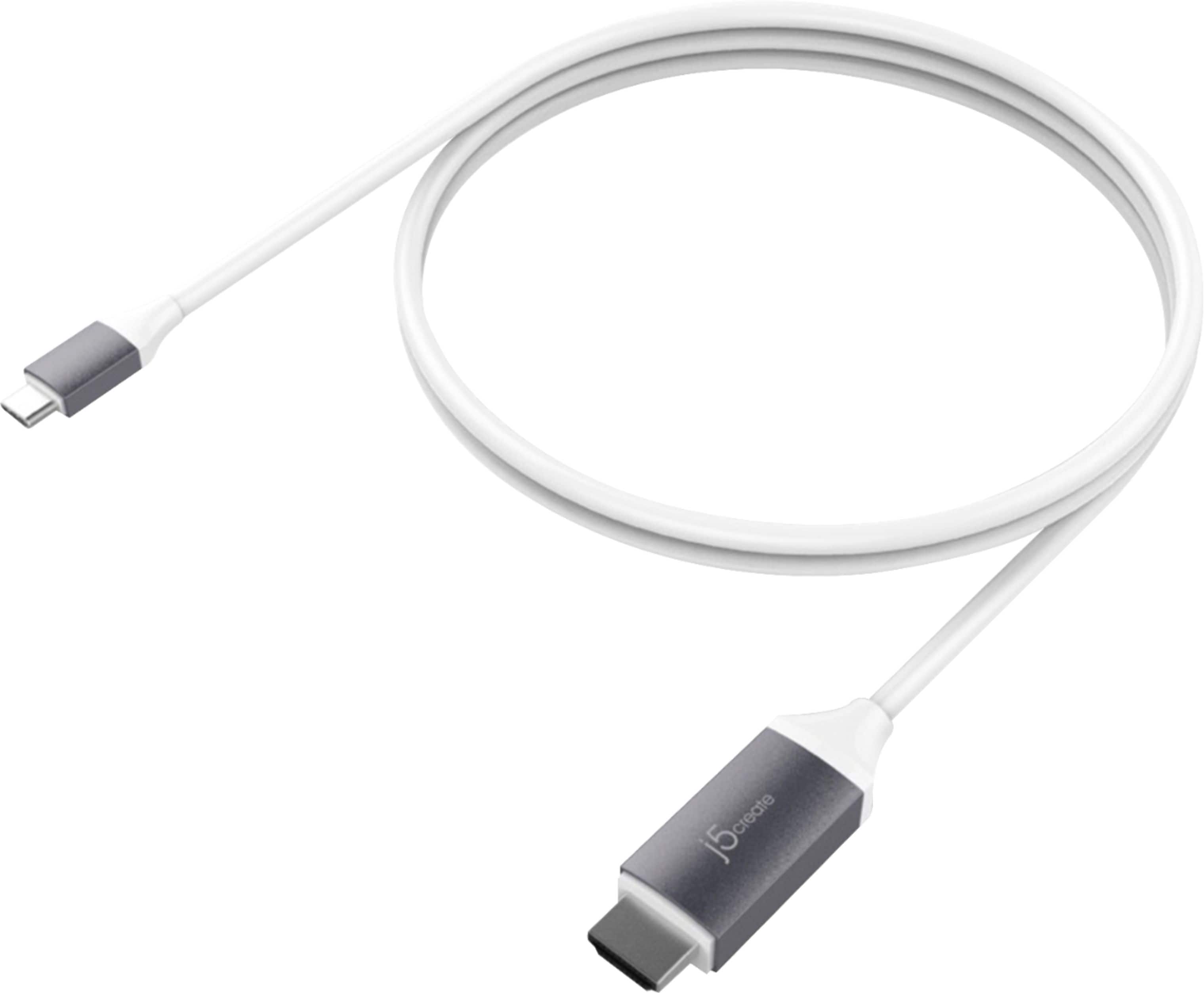
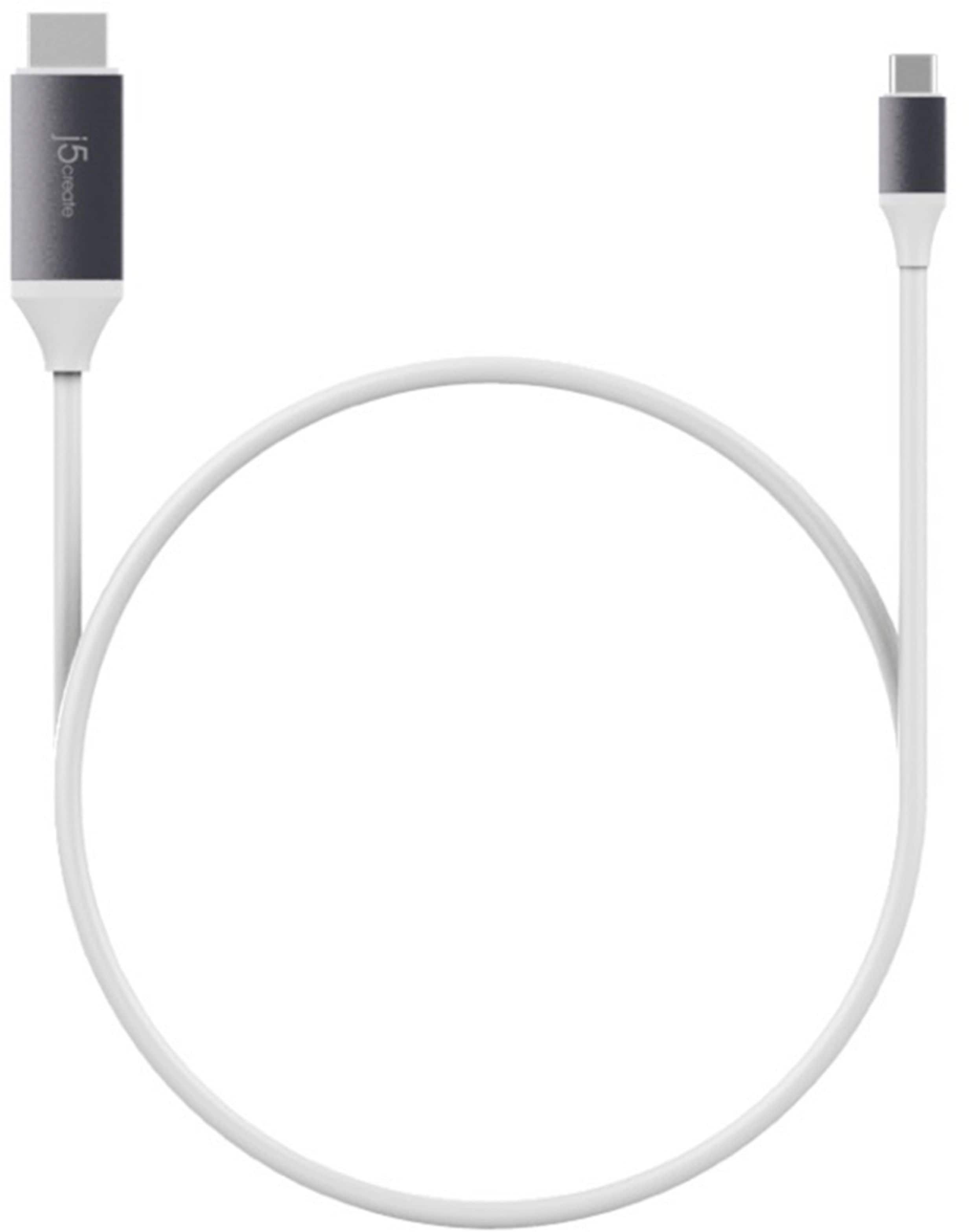
Customers praise the USB-C to 4K HDMI cable's high quality, compatibility with various devices, and ease of use for connecting to monitors and televisions. Many appreciate its ability to support HDMI connections and find the cable length suitable for their needs. While some users experienced issues with charging capabilities and battery drain when using certain devices, the majority reported positive experiences with video quality and minimal lag.
This summary was generated by AI based on customer reviews.
Works but falls out easily
||Posted . Owned for 8 months when reviewed.This reviewer received promo considerations or sweepstakes entry for writing a review.It works for connecting my Macbook pro to a TV, but it falls out easily which is really annoying. There is slack, I am not stretching it out at all. Wish it was secure.
No, I would not recommend this to a friendBrand response from J5create Team
Posted .Hello,
I am glad to hear that the JCC153G is working well. The USB-C connection which allows for the video transfer capability does not have any type of locking mechanism to hold it in the port like some older USB standards. We appreciate your feedback.
Have a good day,
j5create
Good but, pricey
||Posted . Owned for 1 year when reviewed.This reviewer received promo considerations or sweepstakes entry for writing a review.This is what I needed and since it was in the store I was able to get it when I needed it. Pricewise it was expensive compared to buying a similar item on-line.
I would recommend this to a friendBrand response from J5create Team
Posted .Put your display on the big screen with the USB-C to 4K HDMI Cable.
- Pros mentioned:Quality
Nice way to use a non-smart tv
||Posted .This reviewer received promo considerations or sweepstakes entry for writing a review.Project what you see on your phone to your tv even if it isn't smart. Great product but bit overpriced.
I would recommend this to a friendBrand response from J5create Team
Posted .Viewing your phone on a bigger screen is now possible; with the JCC153G you can watch videos, pictures much clearer than before.
Sincerely,
j5create
Don't try to use this to cast your Switch
||Posted . Owned for 3 weeks when reviewed.This reviewer received promo considerations or sweepstakes entry for writing a review.Didn't really get the informed help I needed when making this purchase. I bought it to use my switch on my TV and it wasn't the correct usage for this cable. Although the plugs were the correct inputs, it didn't have the ability to cast directly from my switch to my TV.
No, I would not recommend this to a friendBrand response from J5create Team
Posted .The USB-C to 4K HDMI Cable is designed to work with USB-C devices that support DisplayPort Alt Mode, like some laptops, tablets, and phones—but not the Switch in the way you were hoping.
Overpriced
||Posted . Owned for 3 months when reviewed.This reviewer received promo considerations or sweepstakes entry for writing a review.Very expensive for what it is. Returned this unit. Seems like it could be less expensive
No, I would not recommend this to a friendBrand response from J5create Team
Posted .This cable gives you the ability to connect your USB-C equipped desktop or laptop with supported DP Alt Mode to an external monitor, HDTV, projector, or other display device with an HDMI input. This plug-and-play cable is capable of transmitting video signals up to 4K @ 60 Hz. ** Feel free to contact j5create Technical Support if you have any questions regarding our products. Their information can be found on our website under the "Support" tab. Thank you.
Ok cable, does not fit tightly in USB-C port
||Posted .This reviewer received promo considerations or sweepstakes entry for writing a review.Used this cable between a brand new MacBook Pro and a large widescreen LG monitor. Works ok, but the connection is not tight and falls out of the MacBook Pro periodically.
No, I would not recommend this to a friendBrand response from J5create Team
Posted .Hi Josh, In order to better understand the situation, please reach out to technical support and a rep will be more than happy to help get you setup.
Respectfully,
j5create
- Pros mentioned:Hdmi
Best HDMI solution for USB-C
||Posted .This reviewer received promo considerations or sweepstakes entry for writing a review.Great Cable and you don't need to have an extra adapter. Works for Mac and iPad Pro
I would recommend this to a friendBrand response from J5create Team
Posted .Mac users looking to obtain another display to work off, the JCC153G will do just that in seconds - simply connect the USB-C to the computer, the HDMI to the TV, monitor, projector and that's all.
Cordially,
j5create
Get the other ones
||Posted . Owned for 1 month when reviewed.This reviewer received promo considerations or sweepstakes entry for writing a review.We use a lot of these for work, but this requires a software download. Hard pass. The insignia ones are better.
No, I would not recommend this to a friendBrand response from J5create Team
Posted .This video cable does not require a software, there are non available. It's a Plug n Play and requires a computer to support "DisplayPort Mode" over USB-C.
- Cons mentioned:Resolution
Worked poorly
||Posted .This reviewer received promo considerations or sweepstakes entry for writing a review.I wanted 4K @ 60 Hz, but this item defaulted to 59 Hz, and monitor tended to lose vertical synch and show only the top 50 or 100 lines of pixels. Waking from sleep was unreliable and took a long time when it worked. At 60 Hz it was worse. I do not recommend this.
No, I would not recommend this to a friendBrand response from J5create Team
Posted .Hi Joe!
I'm really sorry to hear about this issue! I'll pass this feedback onto my team so that we can continue to improve our devices. Please don't forget that my customer service team is always available to assist you when needed and our information can be found on the back of all of our product boxes and on our website.
Thanks,
j5create
Didn't work. Don't recommend and priced way too hi
||Posted . Owned for 3 weeks when reviewed.This reviewer received promo considerations or sweepstakes entry for writing a review.Didn't work. Don't recommend and priced way too high
No, I would not recommend this to a friendBrand response from J5create Team
Posted .The USB-C to 4K HDMI Cable requires a USB-C port with DisplayPort Alt Mode support to output video, without this feature, it won’t function properly.
- Pros mentioned:Hdmi
work great
||Posted .This reviewer received promo considerations or sweepstakes entry for writing a review.brought this one for my TV at Work and have no problem with this cable
I would recommend this to a friendBrand response from J5create Team
Posted .No problems, simply provide another display... The JCC153G does just that; highly recommended to those with DP alt-mode supporting devices, this cable will have you using multiple screens in a jiffy!
Sincerely,
j5create
It functions well under the right conditions.
||Posted . Owned for 2 months when reviewed.This reviewer received promo considerations or sweepstakes entry for writing a review.Its functional. When hooked into the mini USB jack, make sure it's laying flat for a good connection. It's functional.
No, I would not recommend this to a friendBrand response from J5create Team
Posted .Put your display on the big screen with the USB-C to 4K HDMI Cable.
I use it
||Posted .This reviewer received promo considerations or sweepstakes entry for writing a review.I use this item all the time it comes in handy when I wanna hook my laptop up to the TV so I can see things bigger and show people on a larger screen.
I would recommend this to a friendBrand response from J5create Team
Posted .For viewing content on a bigger screen the JCC153G gets the job done; it's simple PnP architecture will have you up and running in seconds.
Cordially,
j5create
Wrong adapter
||Posted . Owned for 2 weeks when reviewed.This reviewer received promo considerations or sweepstakes entry for writing a review.I purchased this cable but found out that it was not the one I needed for my computer. No problems with the return.
No, I would not recommend this to a friendBrand response from J5create Team
Posted .Requires DP Alt Mode for video out to equipped HDMI devices.
- Pros mentioned:Compatibility
Works well
||Posted .This reviewer received promo considerations or sweepstakes entry for writing a review.Works just as it’s supposed to. My external monitor works seamlessly
I would recommend this to a friendBrand response from J5create Team
Posted .Working well as it's supposed to makes up the JCC153G; supporting up to 4k resolution guarantees customer satisfaction. Feel free to contact support on the packaging for questions, concerns, warranty information and a specialist will be happy to help.
Sincerely,
j5create
Not necessary purchase
||Posted .This reviewer received promo considerations or sweepstakes entry for writing a review.I got this cable thinking it would easily work for a presentation but it wasn’t easy. New to Apple except for my phone. I hope to learn how to use this.
No, I would not recommend this to a friendBrand response from J5create Team
Posted .Hi Lefty, If you are unsure of how your j5create device works, please contact the support team and a rep will gladly lend a helping hand.
Appreciatively,
j5create
- Pros mentioned:Cable length
Excellent replacement cable
||Posted .This reviewer received promo considerations or sweepstakes entry for writing a review.This is a very good usb and HDMI cable. The 6ft length is good for getting to those hard to reach places.
I would recommend this to a friendBrand response from J5create Team
Posted .Excellent for outputting video signal to a bigger display is what the JCC153G does best; supporting up to 4k resolution, no driver required design makes this a top seller.
Cordially,
j5create
No good
||Posted . Owned for 1 month when reviewed.This reviewer received promo considerations or sweepstakes entry for writing a review.This was the more expensive item and it worked as well had the cheaper items Save money
No, I would not recommend this to a friendBrand response from J5create Team
Posted .Put your display on the big screen with the USB-C to 4K HDMI cable.
- Pros mentioned:Compatibility
j5create - 6' USB Type C-to-HDMI Cable - Gray
||Posted .This reviewer received promo considerations or sweepstakes entry for writing a review.Excellent cables for my Mac Mini and dual Samsung monitors!
I would recommend this to a friendBrand response from J5create Team
Posted .Easy to use due to it's no driver required nature makes the JCC153G a popular choice; it's durable build along with up to 4k resolution capability make this a one of a kind in the market.
Regards,
j5create
Good image quality, not a durable product
||Posted . Owned for 1.5 years when reviewed.This reviewer received promo considerations or sweepstakes entry for writing a review.Was good while it worked, 8 months later it died. Changed for another brand, maybe bad luck with this one
No, I would not recommend this to a friendBrand response from J5create Team
Posted .Hello Jerry,
If you still have the cable it may still be covered under the manufacturer’s limited warranty. Our customer support team can help troubleshoot the cable and provide further information on the limited warranty.
https://en.j5create.com/pages/contact-us
Thanks,
j5create