Customer Ratings & Reviews

- Model:
- JCC153G
- SKU:
- 6185300
Rating by feature
- Value
Rating 4.5 out of 5 stars
- Quality
Rating 4.7 out of 5 stars
- Ease of Use
Rating 4.7 out of 5 stars
Customers are saying
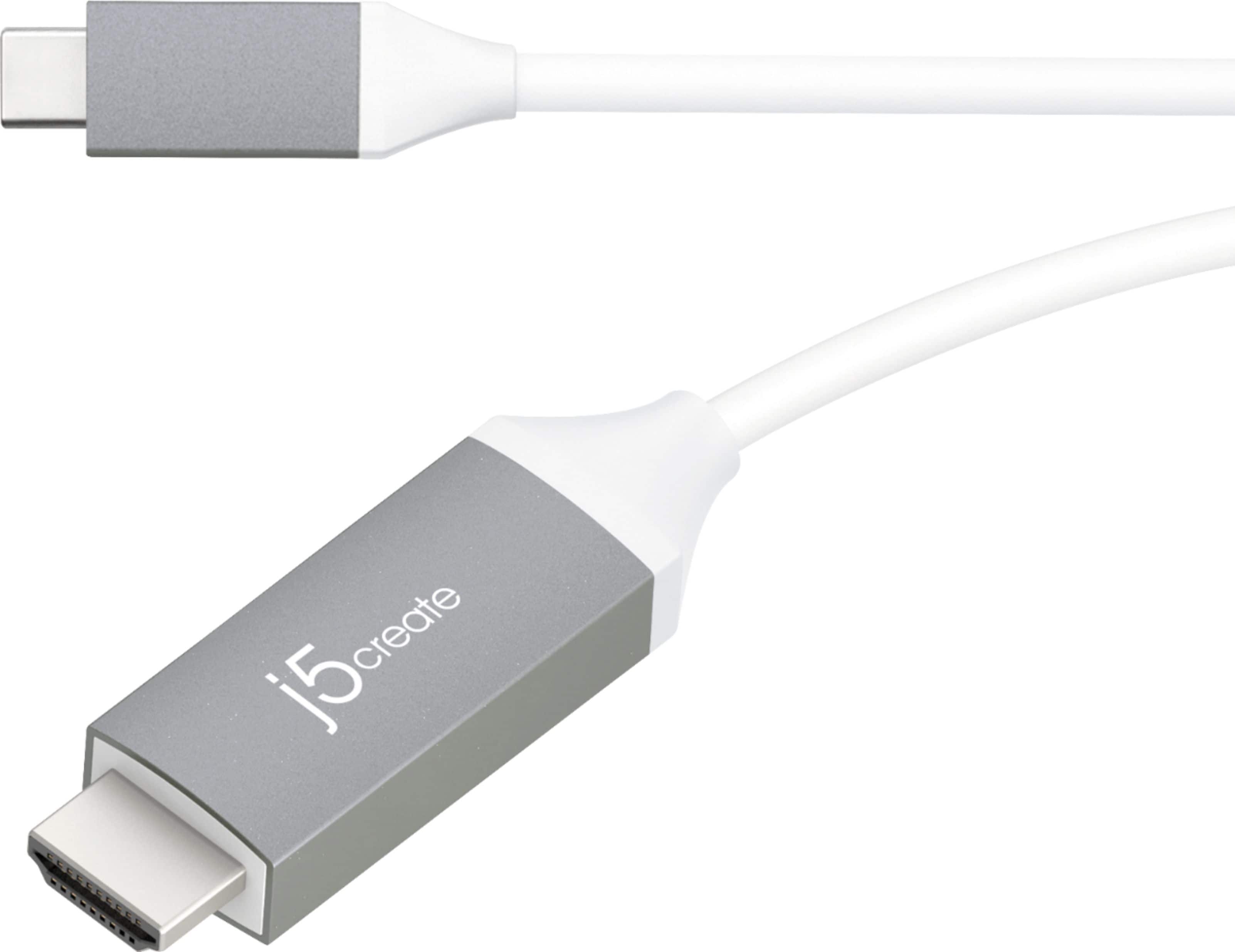
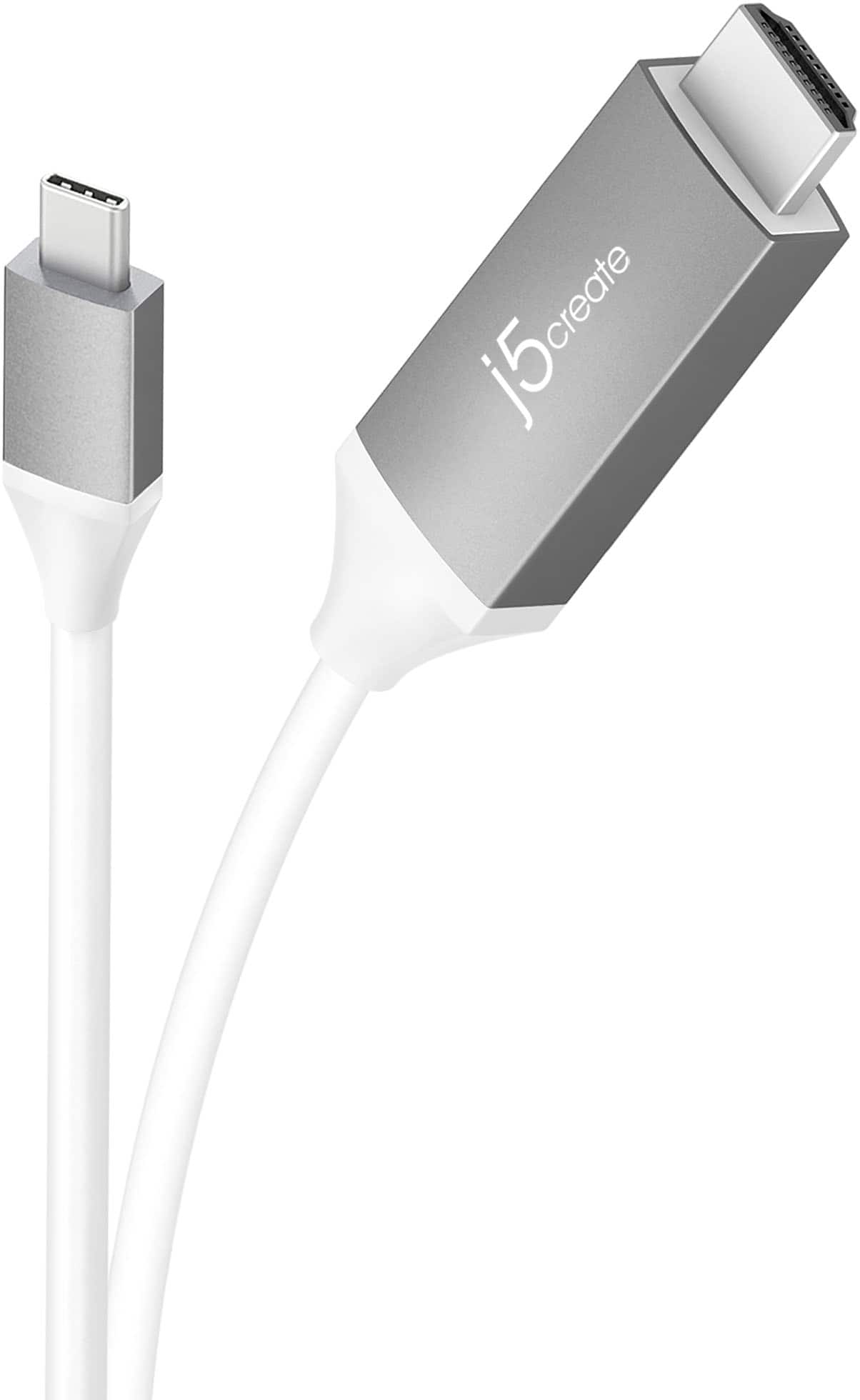
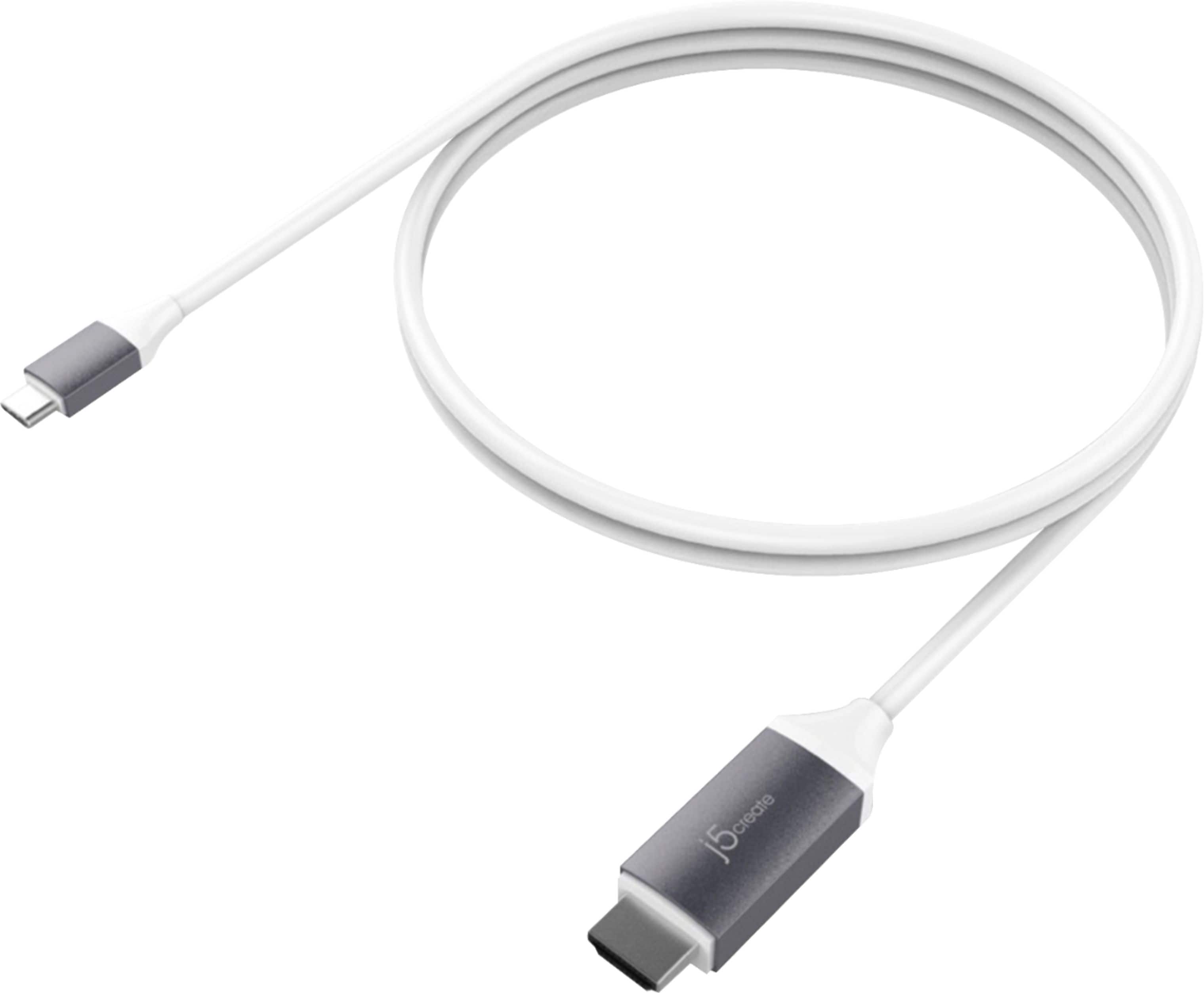
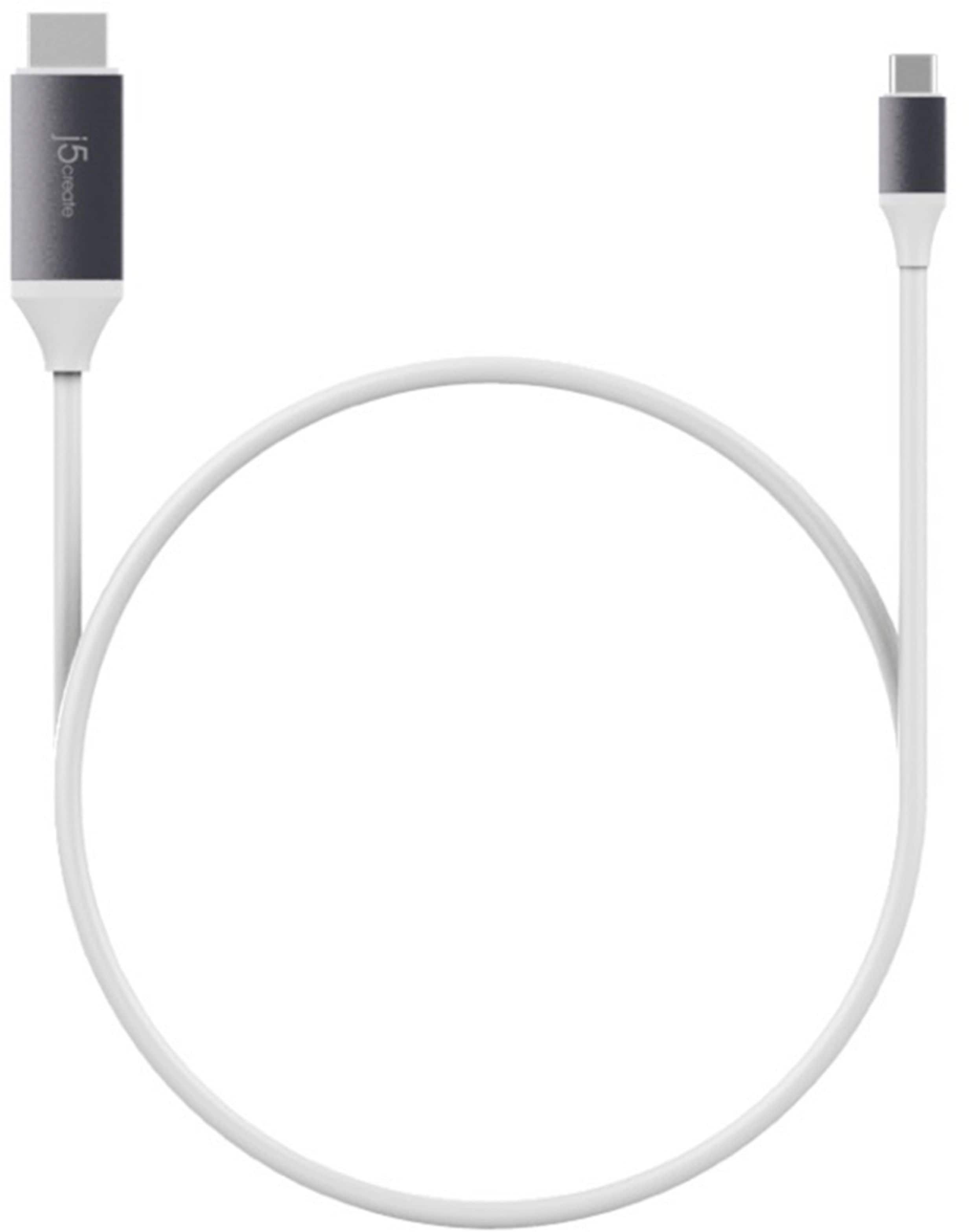
Customers praise the USB-C to 4K HDMI cable's high quality, compatibility with various devices, and ease of use for connecting to monitors and televisions. Many appreciate its ability to support HDMI connections and find the cable length suitable for their needs. While some users experienced issues with charging capabilities and battery drain when using certain devices, the majority reported positive experiences with video quality and minimal lag.
This summary was generated by AI based on customer reviews.
Nope
||Posted . Owned for 2 months when reviewed.This reviewer received promo considerations or sweepstakes entry for writing a review.Not happy, lasted a little over 2 months then quit; right in the middle of my work. HDMI end of cable was extremely HOT. Will not replace with the same.
No, I would not recommend this to a friendBrand response from J5create Team
Posted .Please contact our Technical Support Team. Their information can be found on our website under the "Support" tab. This product does have a 2 year limited warranty and they should be able to help you troubleshoot the USB-C to 4K HDMI Cable with you. Thank you.

Adapter
||Posted . Owned for less than 1 week when reviewed.This reviewer received promo considerations or sweepstakes entry for writing a review.Wouldn't work for tv only worked on older model television
No, I would not recommend this to a friendBrand response from J5create Team
Posted .I apologize for the experience you have had with the USB-C to 4K HDMI Cable. The display settings on your device may not have been set correctly which can cause not no image to show. Our customer support team can assist you with finding the problem and solution. To contact our customer support team please visit the j5create website then click on the "SUPPORT" tab at the top right of the webpage. Thank you.
Didn’t connect
||Posted . Owned for 3 weeks when reviewed.This reviewer received promo considerations or sweepstakes entry for writing a review.Could not get it to recognize the screen. Don’t know if it was the monitor or the cable. Took it back and a different cable connection and had to get geek squad to help
No, I would not recommend this to a friendBrand response from J5create Team
Posted .The USB-C to 4K HDMI Cable requires that a computer, tablet, or mobile phone's support an available USB-C port with DisplayPort Alt Mode features for video out. Please refer to the manufacturer of your hardware for more information on your device. Thank you.
Not worth your money. Dont buy this.
||Posted . Owned for 1 month when reviewed.This reviewer received promo considerations or sweepstakes entry for writing a review.Don't recommend. Bought this cable to mirror my Samsung S20 Ultra plus phone to the TV. It works, it'll mirror, but the program, the software behind it isn't good. Very difficult to navigate. Time consuming to properly use. Do not buy.
No, I would not recommend this to a friendBrand response from J5create Team
Posted .Cooper, I regret to hear of your negative experience with the JCC153G. It sounds like you may be in Dex mode which would be the desktop environment for Samsung and are experiencing issues opting out of the Dex mode. We would value the chance to assist you here in obtaining the right configurations you wish to have. Our contact information can be found on the packaging and a specialist will be glad to help.
Thank you,
j5create
Couldn’t see a single picture or video
||Posted . Owned for 1 week when reviewed.This reviewer received promo considerations or sweepstakes entry for writing a review.The USB-C kept falling out of the phone and the HDMI end wouldn’t work properly with the monitor.
No, I would not recommend this to a friendBrand response from J5create Team
Posted .The USB-C to 4K HDMI Cable requires DisplayPort v1.2 Alt Mode to transmit audio and video signals. through a USB-c port. Please refer to the manufacturer of your hardware for more information on your device. Feel free to contact j5create Technical Support if you require further assistance. Their information can be found on our website under the "Support" tab. Thank you.
Adapter...
||Posted . Owned for less than 1 week when reviewed.This reviewer received promo considerations or sweepstakes entry for writing a review.Not the correct adapter. I’m sure it’s great though.
I would recommend this to a friendBrand response from J5create Team
Posted .Hello Poodie, locating the right device for your needs can be difficult and we understand. Depending on what you are looking to accomplish, our technical support team is more than happy to point you in the right direction. I'm sorry to hear about your experience and hope we may help in the future.
Respectfully,
j5create
Did not work on old tv
||Posted . Owned for 3 weeks when reviewed.This reviewer received promo considerations or sweepstakes entry for writing a review.Did not work on older TV. RETURNED Thank you for your help.
No, I would not recommend this to a friendBrand response from J5create Team
Posted .I apologize for the experience you have had with your USB-C to 4K HDMI Cable. In order for the USB-C to 4K HDMI Cable to work properly the USB-C port on your phone, tablet, or laptop must support DisplayPort Alternate Mode otherwise the device will not display video. If you have any questions please reach out to our customer support team by visiting the j5create website and click on the "SUPPORT" tab at the top right of the webpage.
Not MBP 13” Compatible
||Posted . Owned for 2 weeks when reviewed.This reviewer received promo considerations or sweepstakes entry for writing a review.Despite the box advertising mac compatability, this does not work for fhe MBP 13”.
No, I would not recommend this to a friendBrand response from J5create Team
Posted .The USB-C to 4K HDMI Cable requires an available USB-C port that supports DisplayPort v1.2 Alt Mode to transmit audio and video signals. Connect the USB-C end to your computer and HDMI end to a display equipped with an HDMI input.
USB-C shielding
||Posted . Owned for 3 weeks when reviewed.This reviewer received promo considerations or sweepstakes entry for writing a review.Returned to Best Buy because USB-C shielding is curved and won't fit into a Logitech camera.
No, I would not recommend this to a friendBrand response from J5create Team
Posted .The USB-C to 4K HDMI Cable is intended to connect to a computer with an available USB-C port that supports DisplayPort v1.2 Alt Mode to transmit audio and video signals and the HDMI connects to an available display equipped with an HDMI input. Not intended to work with a Logitech camera.
Returned
||Posted . Owned for 4 months when reviewed.This reviewer received promo considerations or sweepstakes entry for writing a review.It didn't work like I had hoped, but I think it was a roblem with my phone, not the cable
No, I would not recommend this to a friendBrand response from J5create Team
Posted .USB-C to 4K HDMI Cable requires an available USB-C port that supports DisplayPort Alt Mode features to transmit audio and video signals. Please refer to the manufacturer of your hardware for more information on your device. Thank you.
Glitchy cable
||Posted . Owned for 2 weeks when reviewed.This reviewer received promo considerations or sweepstakes entry for writing a review.cable was stiff out of the box worked for a few days but had to wiggle connection to make it work, crapped out after 5 days, the good news is that I had no trouble returning it. Thank-you best buy!
No, I would not recommend this to a friendBrand response from J5create Team
Posted .Good Afternoon Reggie1, we sincerely apologize for the inconvenience this may have caused as we work towards perfection in all of our devices. The JCC153G works with all DP alt-mode compatible USB-C port computers in providing an additional monitor, TV, projector. There may have been some updates/troubleshooting to be done in order to keep the JCC153G working as intended. ** We sincerely apologize for the inconvenience this may have caused you. Please feel free to contact us at your earliest convenience for questions, comments, concerns
regarding your j5create device and someone will be more than happy to further assist you and potentially provide a solution to your situation. Thank you.
Not Recommend
||Posted . Owned for more than 2 years when reviewed.This reviewer received promo considerations or sweepstakes entry for writing a review.This product did not work as intended and was recommended by the Best Buy store agent. I regret buying this product.
No, I would not recommend this to a friendBrand response from J5create Team
Posted .The USB-C to 4K HDMI Cable requires an available USB-C port that supports DisplayPort Alt Mode. DisplayPort v1.2 required on graphics card or video source to support 4K @ 60 Hz resolution. Without that type of feature, the cable will not work on a device that does not support DP Alt Mode. Please refer to the manufacturer of your hardware for more information on your device. ** Feel free to contact j5create Technical Support if you require further assistance. Their information can be found on our website under the "Support" tab..
Did Not Work
||Posted . Owned for 1 year when reviewed.This reviewer received promo considerations or sweepstakes entry for writing a review.I had to return this cable, since it would not work with my Surface Pro 6, Surface Pro 7, or iPad Pro
No, I would not recommend this to a friendBrand response from J5create Team
Posted .The USB-C to 4K HDMI Cable requires that a computer, tablet, or mobile phone's support an available USB-C port with DisplayPort Alt Mode features for video out. Please refer to the manufacturer of your hardware for more information on your device. Thank you.
Not compatible
||Posted . Owned for 3 weeks when reviewed.This reviewer received promo considerations or sweepstakes entry for writing a review.Does not work on a Lenovo tablet. Sales person unaware.
No, I would not recommend this to a friendBrand response from J5create Team
Posted .The USB-C to 4K HDMI Cable requires an available USB-C port that supports DisplayPort v1.2 Alt Mode features to transmit audio and video signals from a computer, tablet or mobile phone's USB-C port. Please refer to the manufacturer of your hardware for more information on your device. Thank you.
Stopped working within 5 months
||Posted . Owned for 5 months when reviewed.This reviewer received promo considerations or sweepstakes entry for writing a review.Stopped working within 5 months; warranty requires you send the item back before they will ship you a replacement. Don't waste your time; buy the Apple version.
No, I would not recommend this to a friendBrand response from J5create Team
Posted .We're sorry to hear you are not satisfied with the JCC153G and the manufacturer's exchange policy. In order to better understand the situation, we would value the opportunity to further discuss this with you and offer an exchange if interested. Our contact information can be found on the casing and an agent will be ready to lend a helping hand. We truly value your input as it helps us improve.
Respectfully,
j5create
Probably works great for whatever it’s meant for.
||Posted . Owned for 1 week when reviewed.This reviewer received promo considerations or sweepstakes entry for writing a review.Did not connect my laptop and computer even got a tech to look at it for me but luckily my monitor came with a HMDI cord so they finally connected.
I would recommend this to a friendBrand response from J5create Team
Posted .Hello,
For this cable to function it must be plugged into a USB-C port that supports display port alternate mode. Not all USB-C ports support display port alternate mode. If you have any questions about compatibility of j5create products you can contact our customer support team for assistance. You can find our contact information on the j5create website and printed on our product packaging.
Thank you,
j5create
Does not work on a Macbook Pro 2018
||Posted .This reviewer received promo considerations or sweepstakes entry for writing a review.This cable does not work on a new Macbook Pro 2018, the USB-C connector does not go all the way in, therefore it does not connect.
No, I would not recommend this to a friendBrand response from J5create Team
Posted .Hi Rafa!
I'm so sorry to hear that this happened to you. Since your review we have improved our products by leaps and bounds and we would love to have you back so we can show you!
Thanks,
j5create
Garbage
||Posted . Owned for 1 month when reviewed.This reviewer received promo considerations or sweepstakes entry for writing a review.Bought 2 first one stopped working at 30 days second one at 6 weeks.
No, I would not recommend this to a friendBrand response from J5create Team
Posted .The video cable is a PnP device. Please make sure your computer is up to date on any software, hardware, BIOS your computer may have. Being behind on updates could cause the j5 device to not function as intended and in order to rule everything out we recommend contacting the Manufacture (of your computer) Support in order to have them assist you in properly updating your computer. Once completed and still no change, please contact our support team by Live Chat or Email and a specialist will be ready to assist in resolving this. Their information can be found on our website under the "Support" tab. Thank you.
do not work with galaxy tablet
||Posted . Owned for 1 month when reviewed.This reviewer received promo considerations or sweepstakes entry for writing a review.Unfortunately it didn’t work with my galaxy tablet I do not know why it is supposed for to be used for type C input
No, I would not recommend this to a friendBrand response from J5create Team
Posted .Hi!
I'm so sorry to hear that you had problems with our device! Please don't forget that my customer service team is always available to help when issues like this happen. Our information can be found on the back of our product boxes and on our website.
Thanks,
j5create
Do not recommend
||Posted . Owned for 1 week when reviewed.This reviewer received promo considerations or sweepstakes entry for writing a review.Poor video quality on mac. Cord is very stiff out the box.
No, I would not recommend this to a friendBrand response from J5create Team
Posted .The USB-C to 4K HDMI Cable supports 3840 x 2160 @ 60 Hz. Please contact our Technical Support Team, so that they can get more information from you. Their information can be found on our website under the "Support" tab and a specialist will be ready to assist you. Thank you.