Customer Ratings & Reviews
- Model:
- JCA365
- SKU:
- 6507869
Rating by feature
- Value
Rating 4.1 out of 5 stars
- Quality
Rating 4.3 out of 5 stars
- Ease of Use
Rating 4.2 out of 5 stars
Customers are saying
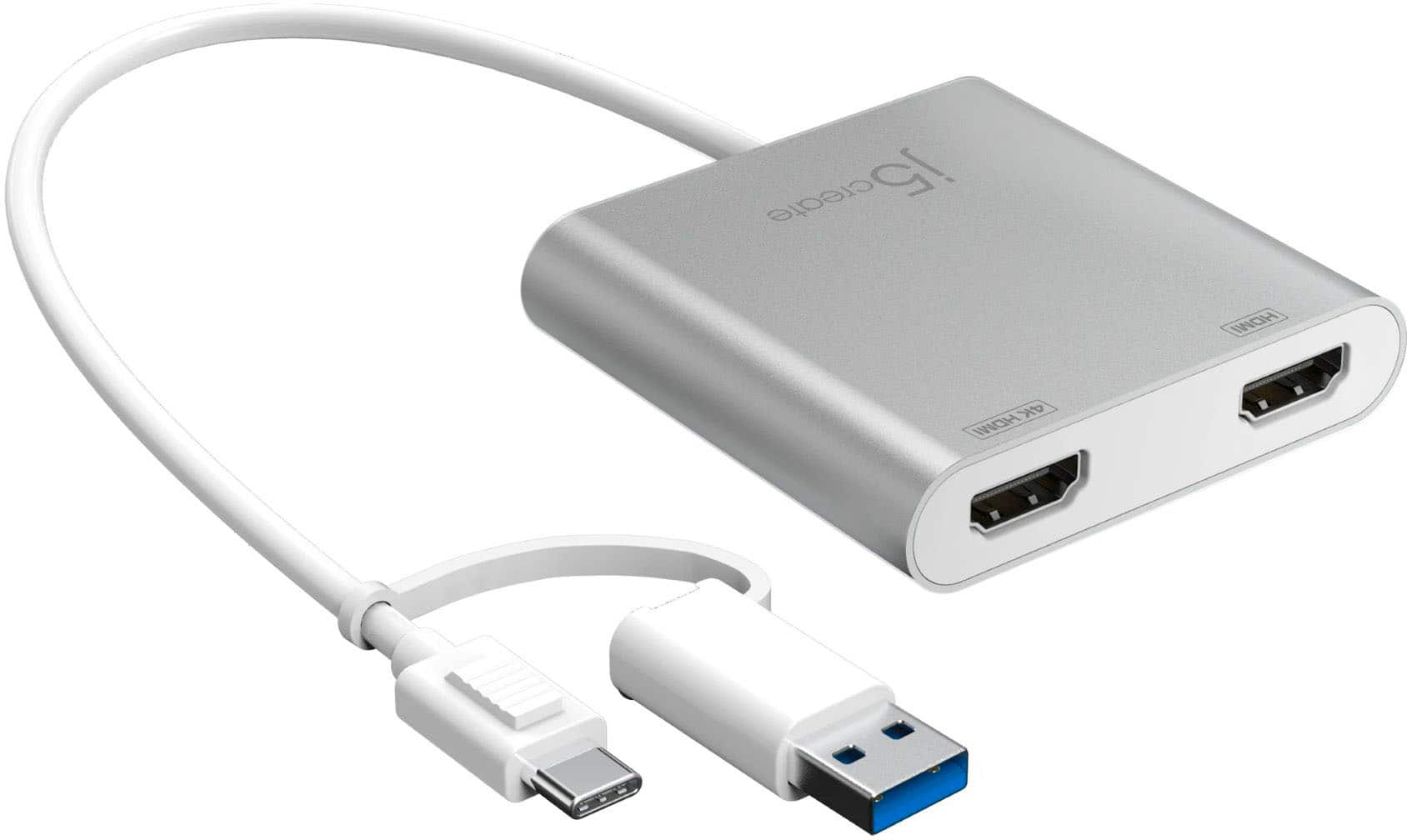
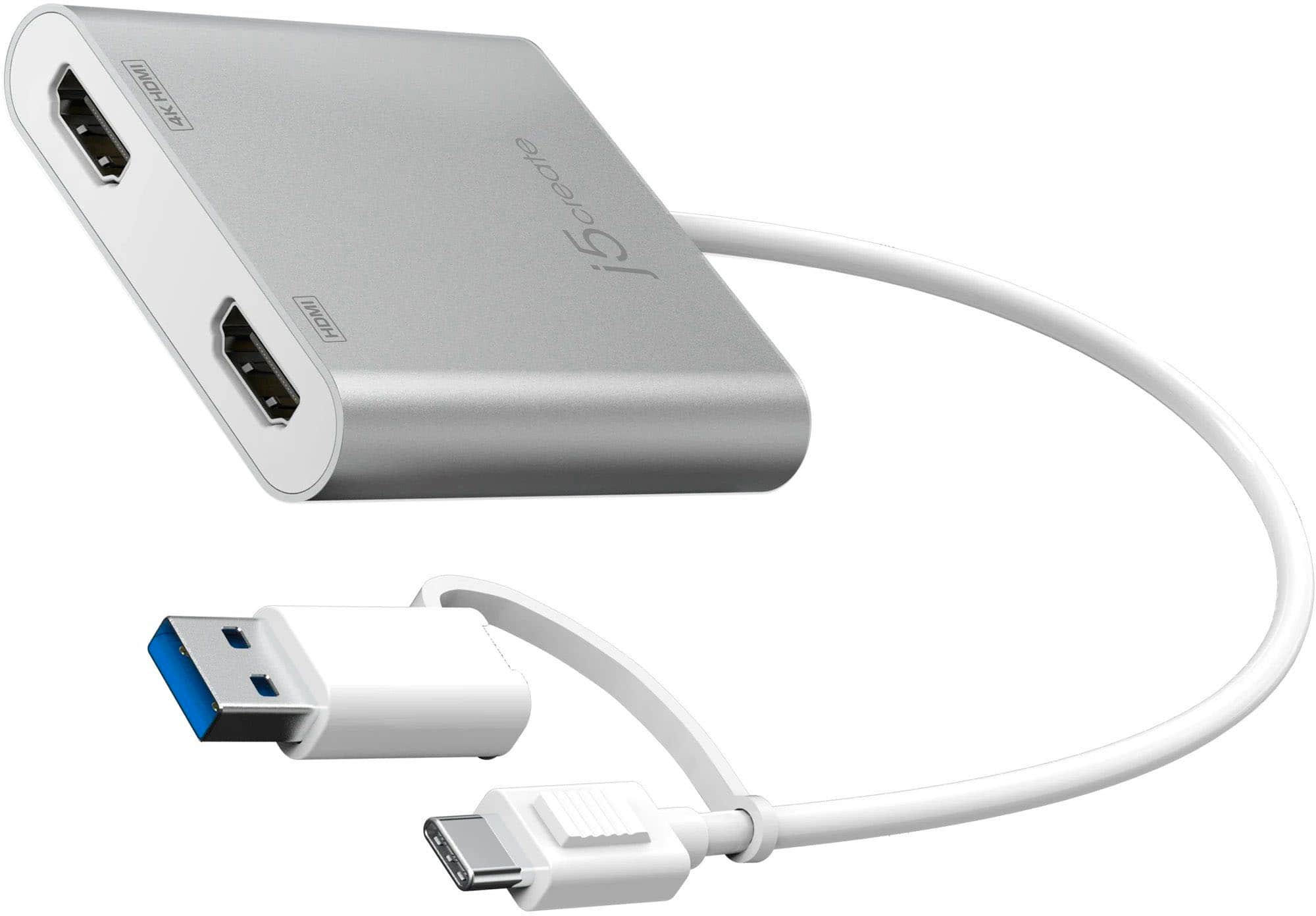
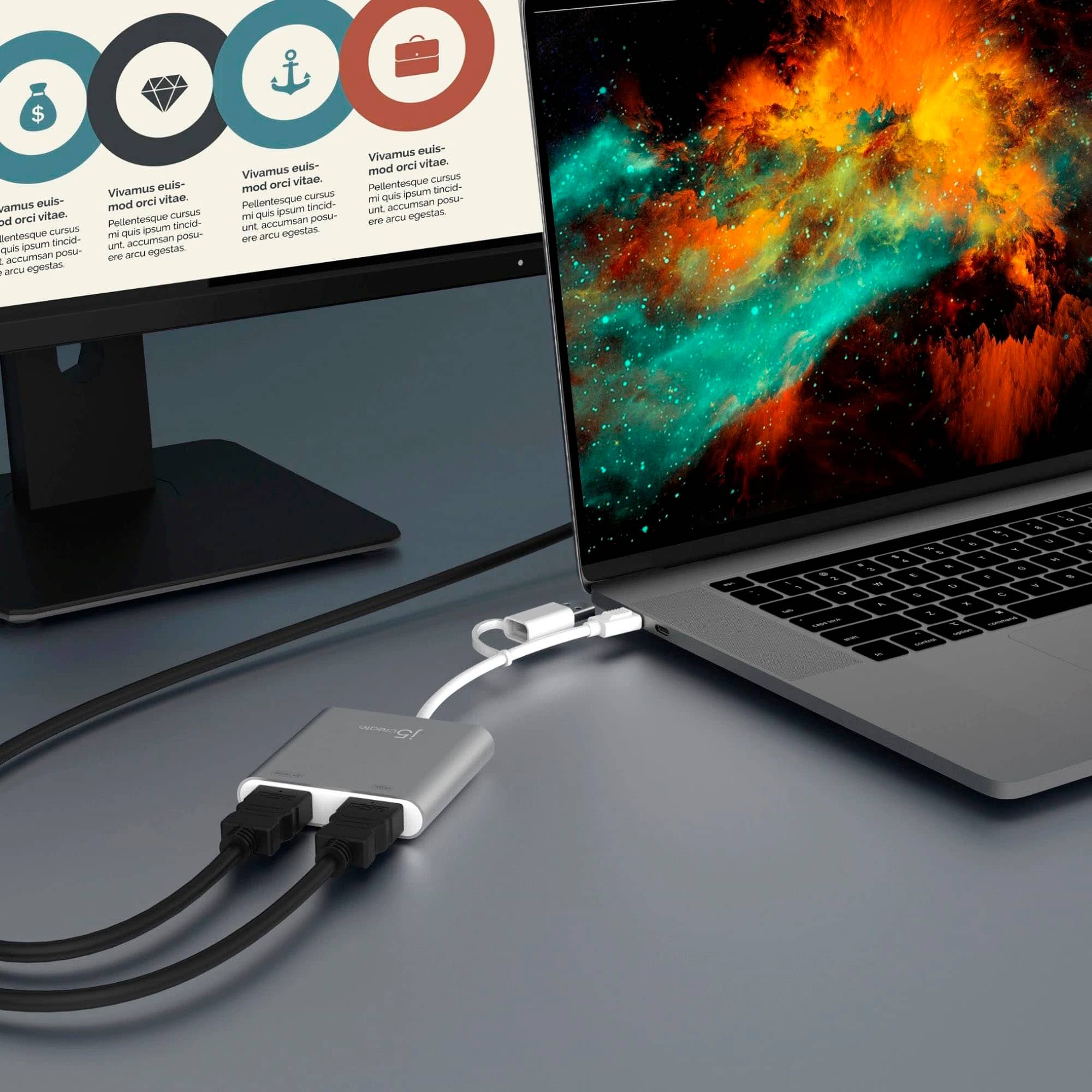
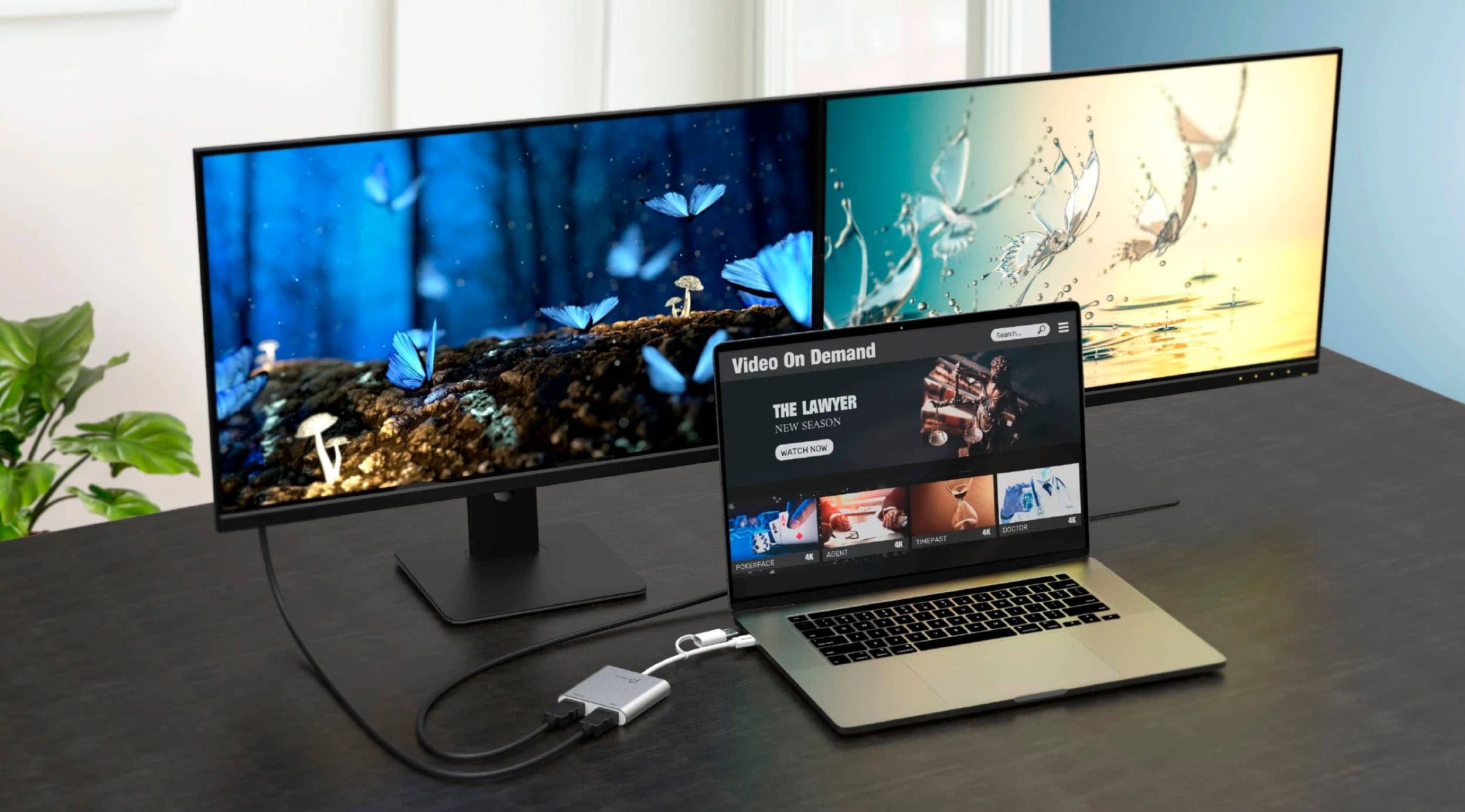
Customers value the USB-C to Dual HDMI Multi-Monitor Adapter for its ease of use, overall performance, and HDMI connectivity. Some customers have reported compatibility issues. The adapter is also appreciated for its price, easy setup, and compact size.
This summary was generated by AI based on customer reviews.
- Pros mentioned:Hdmi
Irritating Device
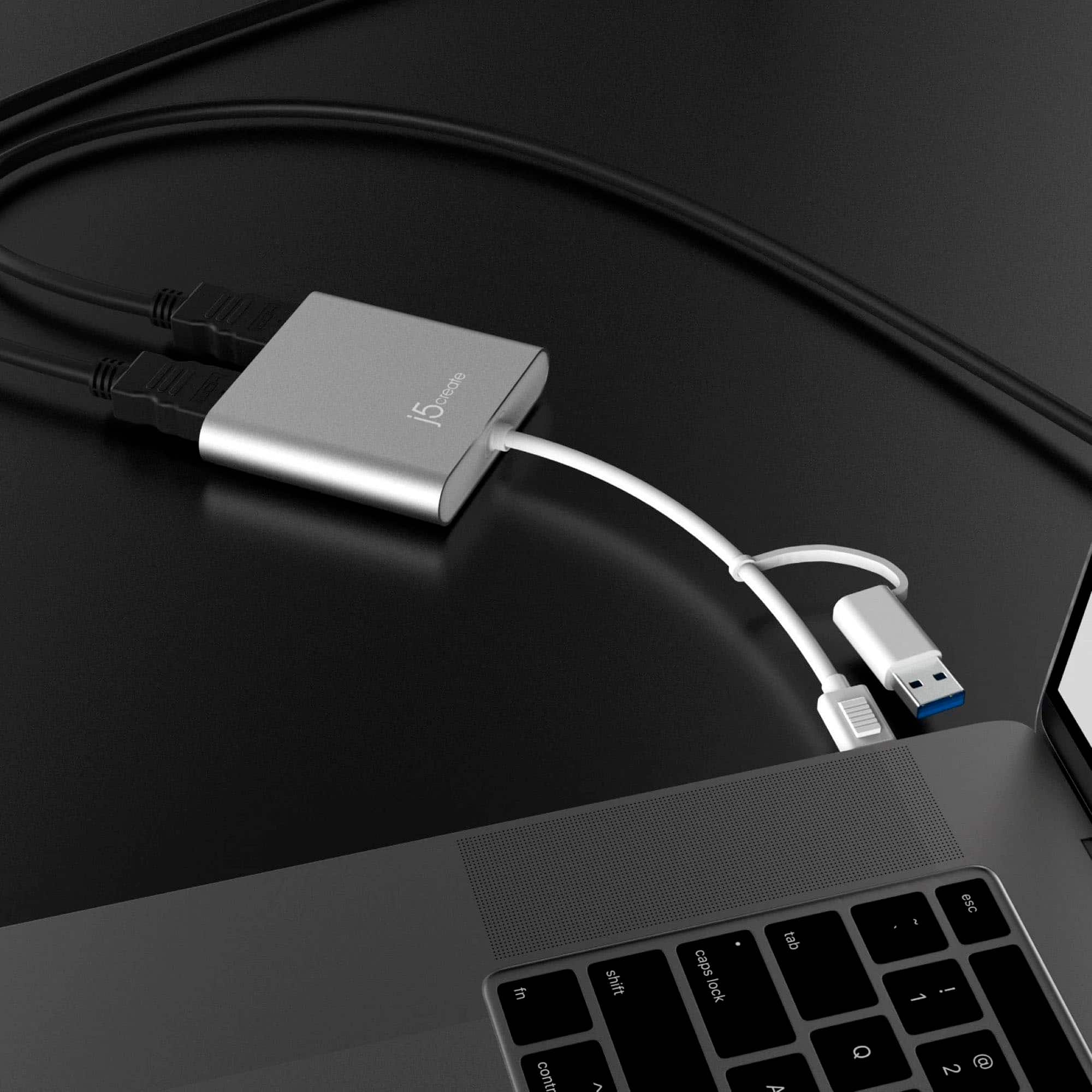
||Posted . Owned for 2 months when reviewed.This reviewer received promo considerations or sweepstakes entry for writing a review.PIA device that is overpriced and finicky. Bought this to connect an HP desktop workhorse to two monitors since the HP only comes with one HDMI. Irritating and finicky thing that must dangle in the front of my tower since connecting it to the USBs on the rear side for whatever reason wouldn't work. The USBs are fine. The device is finicky, frustrating, and overpriced.
No, I would not recommend this to a friendBrand response from J5create Team
Posted .Please contact our Technical Support Team for further information. Their information can be found on j5create website under the Support tab. Thank you.

Nice Buy
||Posted . Owned for 3 weeks when reviewed.This reviewer received promo considerations or sweepstakes entry for writing a review.Works as advertised. I was able to hook up two monitors and got really good picture quality.
I would recommend this to a friend- Cons mentioned:Compatibility
Not totally compatible with M1
||Posted .This reviewer received promo considerations or sweepstakes entry for writing a review.False advertising. Product claims to work with M1 Macbooks. While it connects, it doesn't allow you to set your display to work vertically, which this products competitors can do on display link. Save the money and go for the cheaper, easier to connect DisplayLink instead. Waste of time and money.
No, I would not recommend this to a friendBrand response from J5create Team
Posted .Please contact our Technical Support Team for further information. Their information can be found on j5create website under the Support tab. Thank you.
PERFECT
||Posted . Owned for 1 month when reviewed.This reviewer received promo considerations or sweepstakes entry for writing a review.NEEDED TO RUN 2 EXTRA MONITORS WITH A LAPTOP, THERE ARE MORE EXPENSIVE ADAPTORS, SO FAR SO GOOD WITH THIS 1
I would recommend this to a friendMr Shepherd
||Posted . Owned for 1 month when reviewed.This reviewer received promo considerations or sweepstakes entry for writing a review.The customer service was excellent, and they were very helpful in assisting me
I would recommend this to a friendMulti-monitor set up.
||Posted . Owned for 3 weeks when reviewed.This reviewer received promo considerations or sweepstakes entry for writing a review.Associate listen to my problem and make recommendations thst worked perfectly.
I would recommend this to a friendUSB C to HDMI
||Posted . Owned for 10 months when reviewed.This reviewer received promo considerations or sweepstakes entry for writing a review.Works great to add an additional monitor for our media department
I would recommend this to a friendGreat adapter!
||Posted . Owned for 3 weeks when reviewed.This reviewer received promo considerations or sweepstakes entry for writing a review.I really love this adapter! It was a bit tricky (for me) to set up but once I got everything to connect, I been using it everyday!
I would recommend this to a friendAwesome for multitaskers
||Posted . Owned for 2 months when reviewed.This reviewer received promo considerations or sweepstakes entry for writing a review.After almost two month of use I can say it's the best choice i made great product with great quality
I would recommend this to a friendBuyer Beware
||Posted . Owned for 1 month when reviewed.This reviewer received promo considerations or sweepstakes entry for writing a review.I bought this J5create multi monitor adapter several months ago and had problems with it and finally gave up and replaced it with another one and the problem has come back. When I log in the device comes on and turns off several times before finally engaging.
No, I would not recommend this to a friendBrand response from J5create Team
Posted .If you have more specific details about the issue, please reach out to j5create customer support team for troubleshooting. Thank you.
Desk Adapter
||Posted . Owned for 3 weeks when reviewed.This reviewer received promo considerations or sweepstakes entry for writing a review.If you have multiple monitors and you need to combine them this is a MUST NEED for you to have.
I would recommend this to a friendWORKS AS ADVERTISED
||Posted . Owned for 2 months when reviewed.This reviewer received promo considerations or sweepstakes entry for writing a review.This split monitor attachment works as advertised. If it's what you need, get it.
I would recommend this to a frienddual hdmi
||Posted . Owned for 1 month when reviewed.This reviewer received promo considerations or sweepstakes entry for writing a review.AwesomeBeen looking for this device for a while and finally found it
I would recommend this to a friendcool gadget
||Posted . Owned for 1 month when reviewed.This reviewer received promo considerations or sweepstakes entry for writing a review.Works great, allowing me access to different monitors for different devices
I would recommend this to a friendWorks perfect on my Mac Computer monitors
||Posted . Owned for less than 1 week when reviewed.This reviewer received promo considerations or sweepstakes entry for writing a review.I bought this to connect two monitors to my Mac and it works perfectly.
I would recommend this to a friendMs.
||Posted . Owned for 3 weeks when reviewed.This reviewer received promo considerations or sweepstakes entry for writing a review.Exactly what i needed!! The CSR was very helpful and friendly!!
I would recommend this to a friendHappy Consumer
||Posted . Owned for 11 months when reviewed.This reviewer received promo considerations or sweepstakes entry for writing a review.I absolutely love all things j5create. I use these products at work and in my home office.
I would recommend this to a friendMonitor hookup
||Posted . Owned for 2 weeks when reviewed.This reviewer received promo considerations or sweepstakes entry for writing a review.The multi meter hookup works great and was another easy hookup
I would recommend this to a friendUSB Adapter
||Posted . Owned for 3 weeks when reviewed.This reviewer received promo considerations or sweepstakes entry for writing a review.Works perfectly for my needs will recommend product to others.
I would recommend this to a friendWorks for my 3rd screen.
||Posted . Owned for less than 1 week when reviewed.This reviewer received promo considerations or sweepstakes entry for writing a review.It worked perfectly. The employee was super helpful when I purchased it.
I would recommend this to a friend