Customer Ratings & Reviews
- Model:
- JCC157
- SKU:
- 6507870
Rating by feature
- Value
Rating 4.4 out of 5 stars
- Quality
Rating 4.6 out of 5 stars
- Ease of Use
Rating 4.7 out of 5 stars
Customers are saying
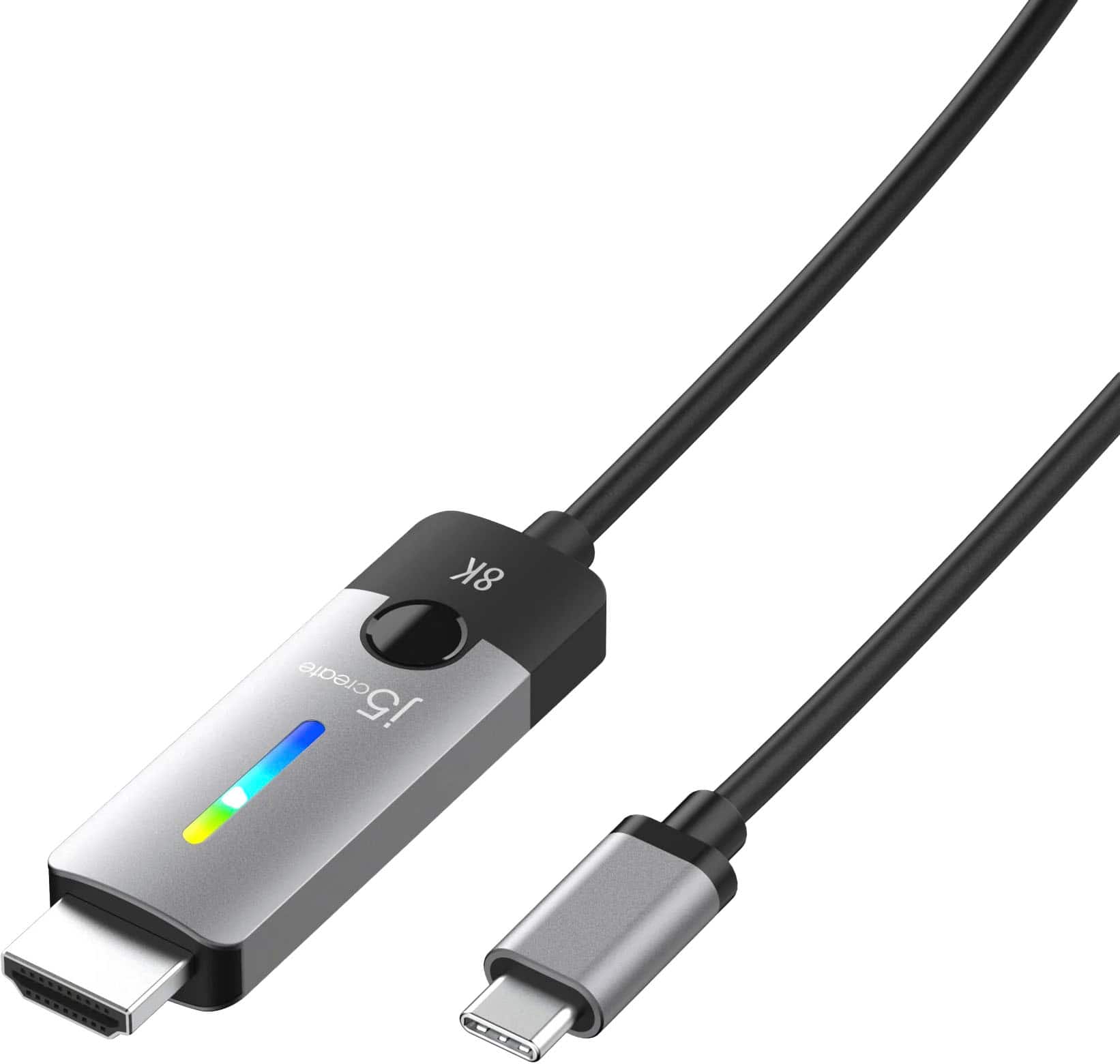
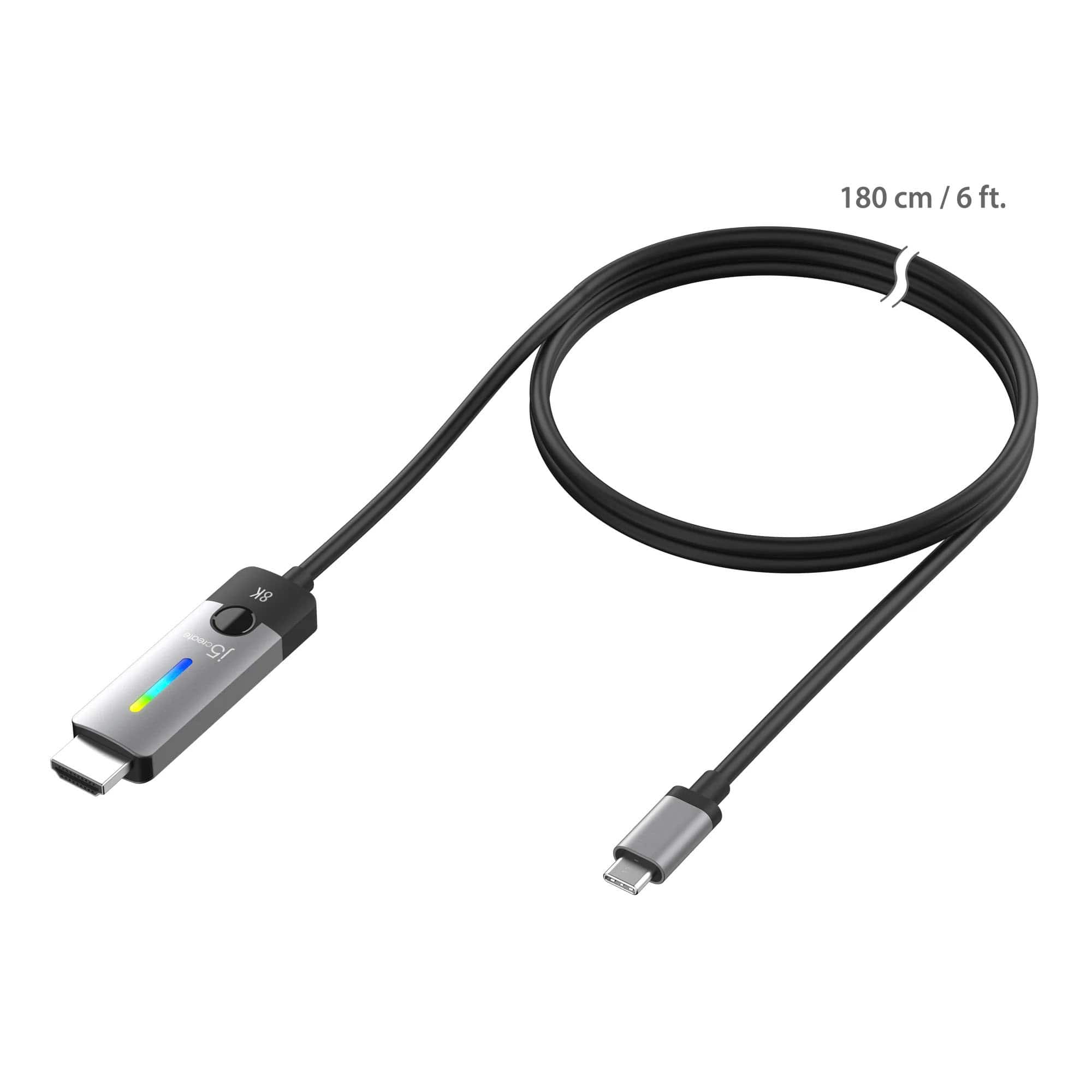
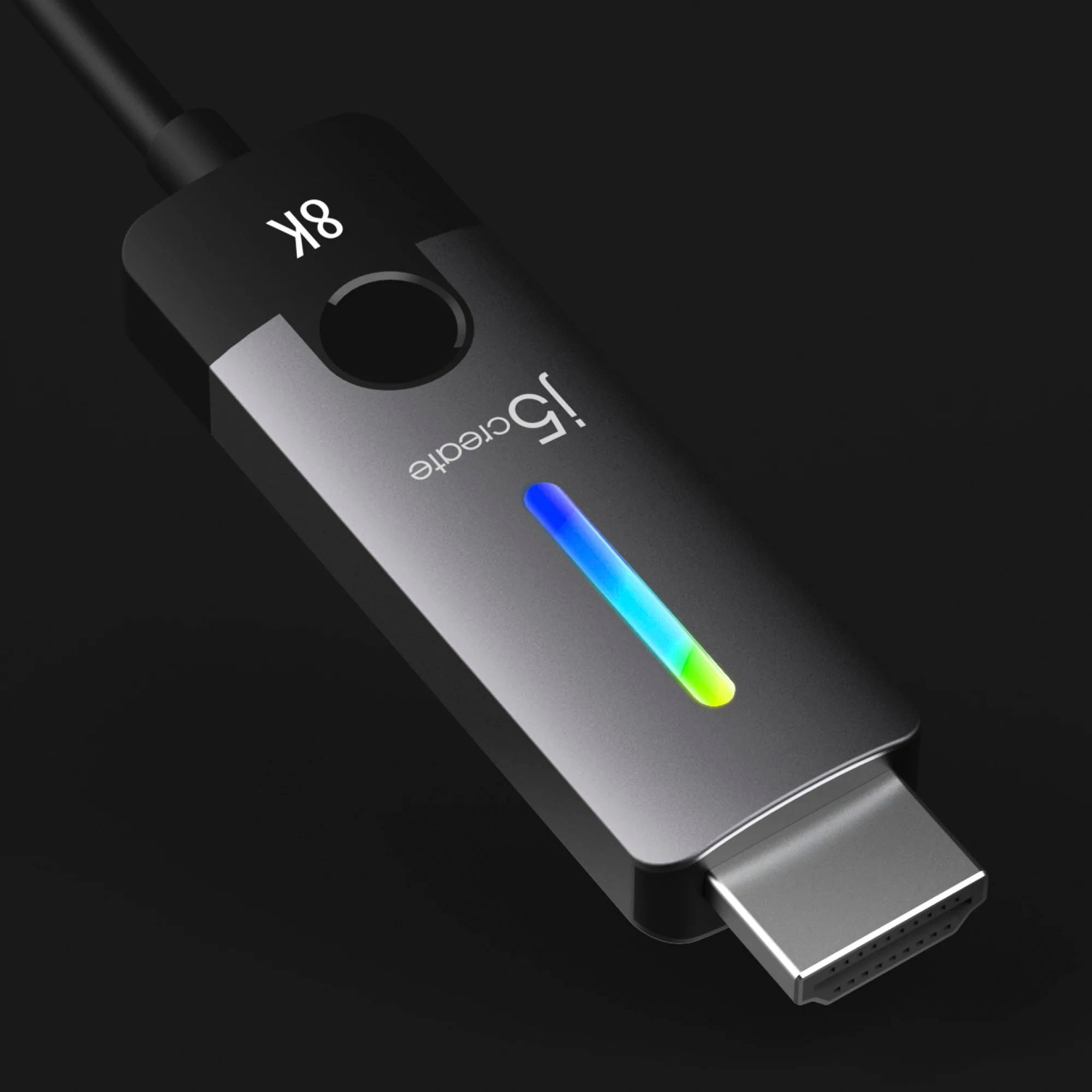
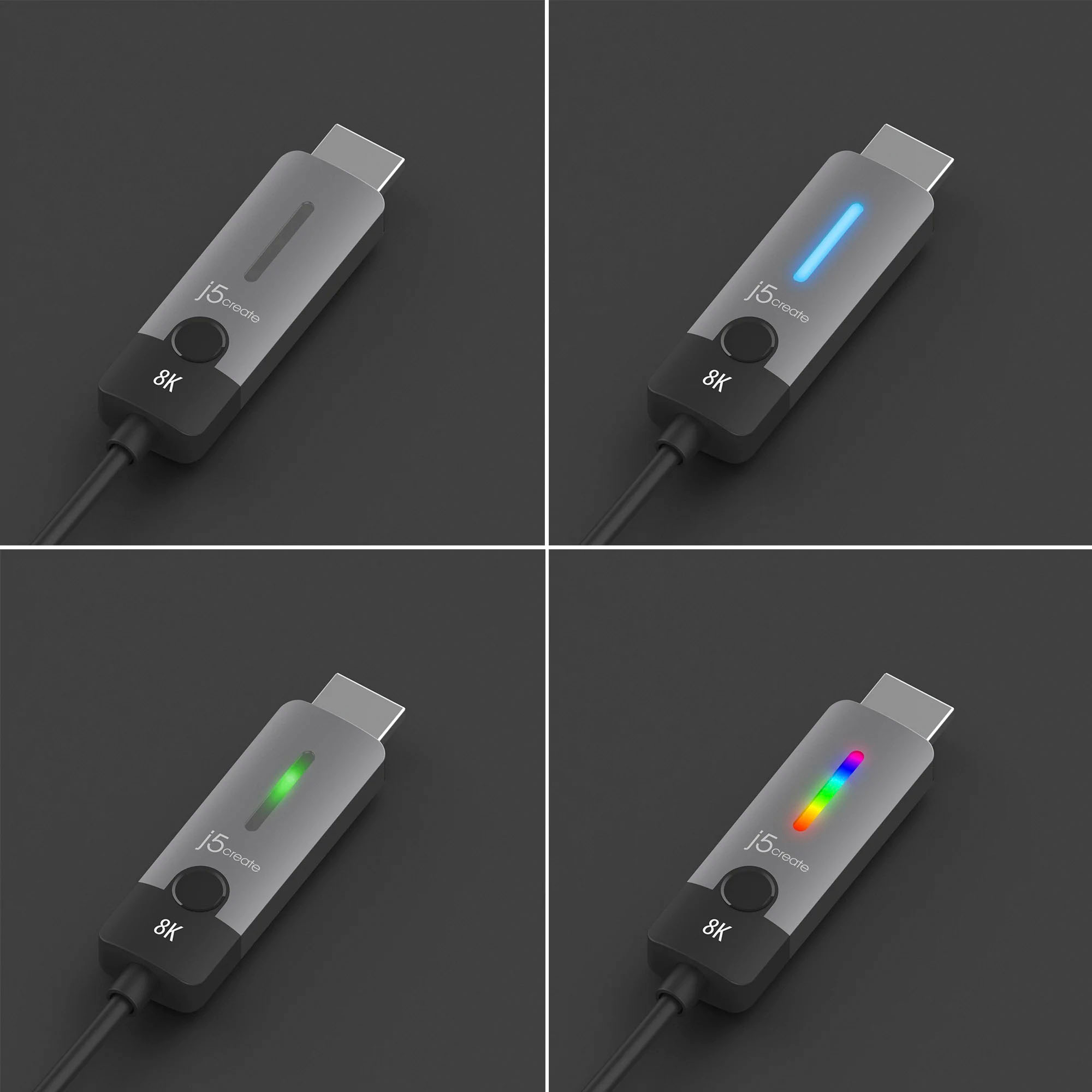
Customers often highlight the great overall performance and compatibility of the USB-C to HDMI 2.1 8K cable. Users appreciate its ease of use and the interesting design of the HDMI section. However, some customers feel that the product is overpriced.
This summary was generated by AI based on customer reviews.
- Pros mentioned:Compatibility
Gaming Laptop on the big Screen
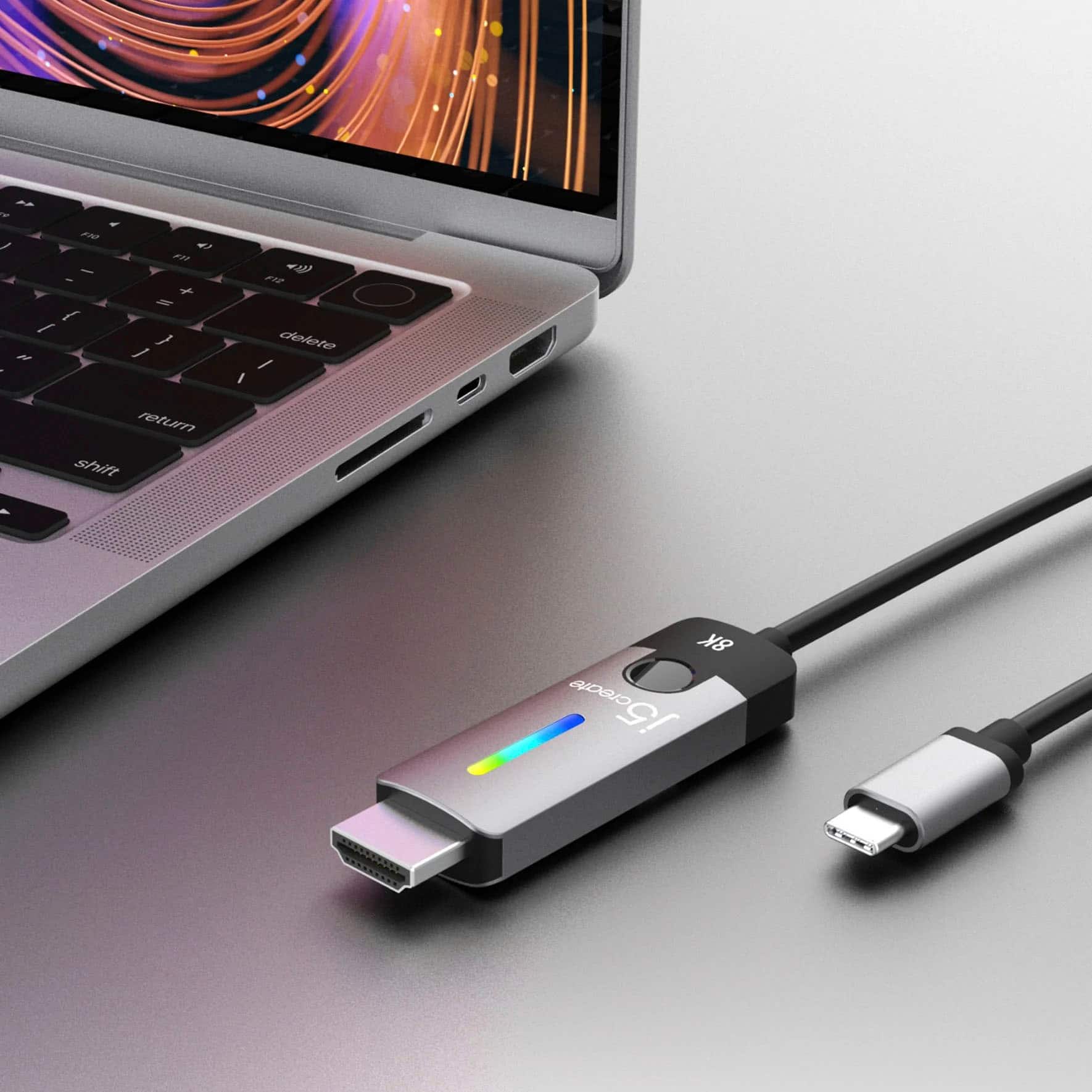
||Posted . Owned for 3 months when reviewed.This reviewer received promo considerations or sweepstakes entry for writing a review.Suits my needs hooking up my RTX gaming laptop to my Hisense TV. We'll see if it stands the test of time though.
I would recommend this to a friend - Pros mentioned:Ease of use
HDMI
||Posted . Owned for 1 month when reviewed.This reviewer received promo considerations or sweepstakes entry for writing a review.easy to use and assessable for the computer (Apple)
I would recommend this to a friend - Pros mentioned:Ease of use
Good Cord
||Posted . Owned for 3 weeks when reviewed.This reviewer received promo considerations or sweepstakes entry for writing a review.Good cord, worked great. No issues at all. Would buy again.
I would recommend this to a friend No Bueno
||Posted . Owned for 2 weeks when reviewed.This reviewer received promo considerations or sweepstakes entry for writing a review.Did not work well, does not charge phone while in use, which is very unusual.
No, I would not recommend this to a friendBrand response from J5create Team
Posted .The JCC157 is designed specifically for video output from a USB-C device to an HDMI display. It does not include power delivery (PD) functionality, which is why it doesn't charge your phone.
You would need to go with the JCC155G USB-C to 4K HDMI Cable With PD100W Pass-Through. The additional USB-C female port makes it possible to charge your device and still be able to connect to a display.
- Cons mentioned:Price
not worth it.
||Posted . Owned for 3 weeks when reviewed.This reviewer received promo considerations or sweepstakes entry for writing a review.expensive. poor display from macbook to monitor. the HDMI end has thermal issues.
No, I would not recommend this to a friendBrand response from J5create Team
Posted .I apologize for the experience you have had with your USB-C to HDMI 2.1 8K. You will want to make sure that the cable is away from any heat sources such as direct sunlight and heaters. Our customer support team can assist you with finding the problem and solution. To contact our customer support team please visit the j5create website then click on the "SUPPORT" tab at the top right of the webpage. Thank you.
It worked sometimes
||Posted . Owned for 2 months when reviewed.This reviewer received promo considerations or sweepstakes entry for writing a review.The cable would not stay connected at all times. Sometimes it would work for a couple of days at most before I had to reseat the plug back into my monitor. I ended up replacing the cable with another brand with no issues.
No, I would not recommend this to a friendBrand response from J5create Team
Posted .Try a different USB-C port on your laptop or device. Some ports may have looser connections or weaker retention.
Use another HDMI port on the monitor.
Check if your graphics drivers and monitor firmware are up to date.
Not as expected
||Posted . Owned for 3 weeks when reviewed.This reviewer received promo considerations or sweepstakes entry for writing a review.Idk if it’s just me but it’s not doing what it’s suppose to do
No, I would not recommend this to a friendBrand response from J5create Team
Posted .The USB-C to HDMI 2.1 cable only works if your USB-C port supports DisplayPort 1.4 Alternate Mode (DP Alt Mode) with DSC. You can verify by checking your manual/specs.
Good
||Posted . Owned for 1 month when reviewed.This reviewer received promo considerations or sweepstakes entry for writing a review.It works. Be sure your tv has enough memory to support the 8k.
I would recommend this to a friendEasy installation
||Posted . Owned for 1 month when reviewed.This reviewer received promo considerations or sweepstakes entry for writing a review.Easy installation works exactly as expected. Would recommend to amyone
I would recommend this to a frienduseless.
||Posted . Owned for 1 month when reviewed.This reviewer received promo considerations or sweepstakes entry for writing a review.was useless to buy this. i do not recommend buying these .
No, I would not recommend this to a friendBrand response from J5create Team
Posted .The USB-C to HDMI 2.1 8K Cable requires a computer, tablet or mobile phones with an available USB-C port that supports DisplayPort v1.4 Alt Mode to transmit audio and video signals and DSC to achieve 8K @ 60 Hz /4K @ 144 Hz resolution. Please refer to the manufacturer of your hardware for more information on your device. Thank you.
- Pros mentioned:Refresh rateCons mentioned:Price
Pricey, but 4k at 120hz, no input lag.
Posted .This reviewer received promo considerations or sweepstakes entry for writing a review.Overpriced for what it is, but the specs are high teir, only reason I got this to be able to run 4k at 120hz cause my TV supports it, all other options were mostly 4k at 60hz, this was the only one with the specs I needed that was available in store. Works as intended.
I would recommend this to a friend Did not work for me.
Posted .This reviewer received promo considerations or sweepstakes entry for writing a review.Good price but I had to keep unplugging and plugging every time I turned the machine on from sleep mode. It has been returned.
No, I would not recommend this to a friendBrand response from J5create Team
Posted .It sounds like you had an issue with the USB-C to HDMI 2.1 8K Cable not properly resuming its connection after your machine came out of sleep mode. Make sure your computer's USB and graphics drivers, as well as any relevant firmware, are up to date. Sometimes, compatibility and performance issues can be resolved with updates. Adjust your computer's power settings to prevent USB ports from being powered down during sleep mode. This might help ensure that the connected devices properly resume their connections when the computer wakes up. Ensure that your computer's display settings are properly configured to handle external displays. ** Feel free to contact j5create Technical Support if you require further assistance. Their information can be found on our website under the "Support" tab. Thank you.