Customer Ratings & Reviews
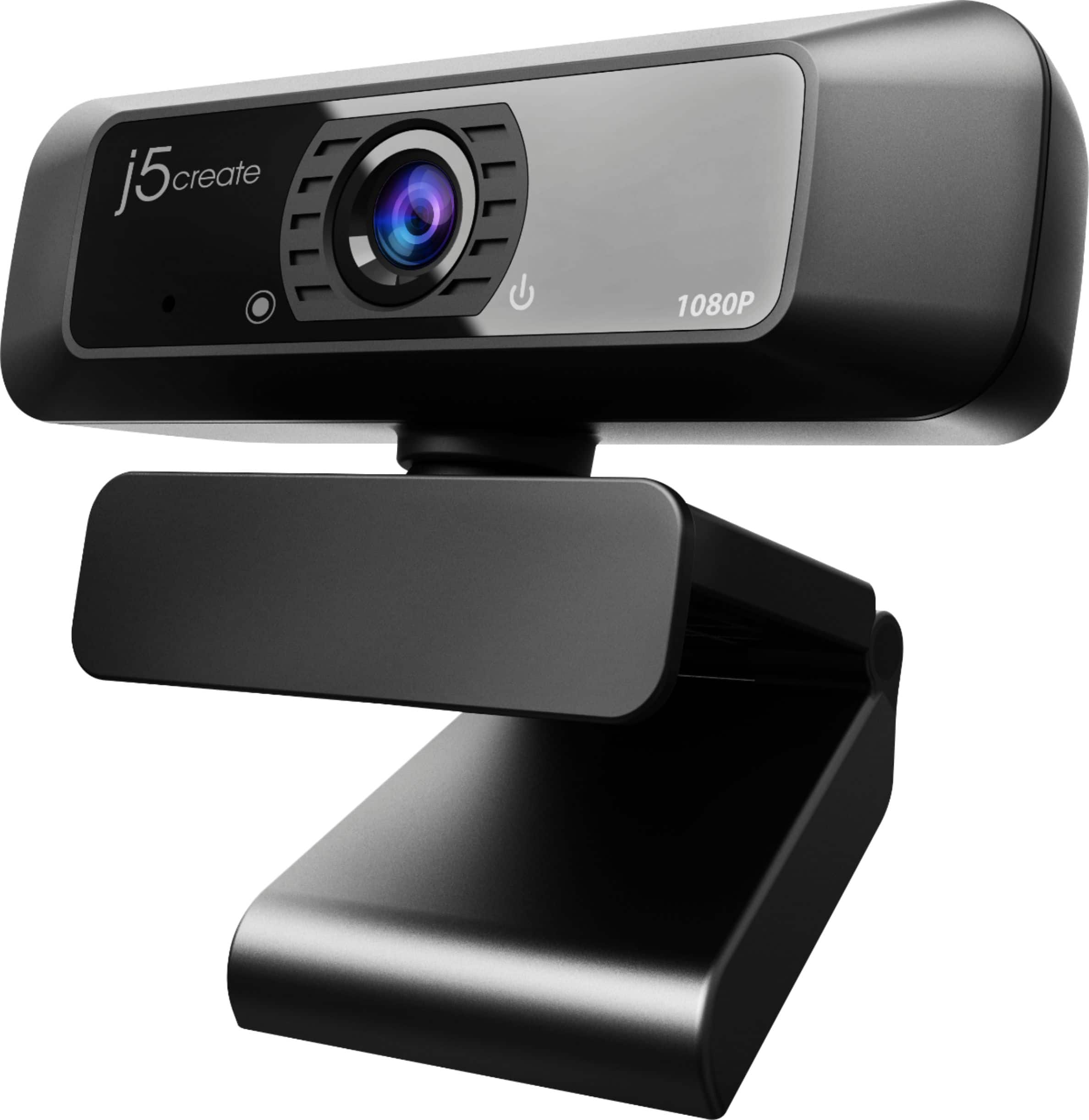
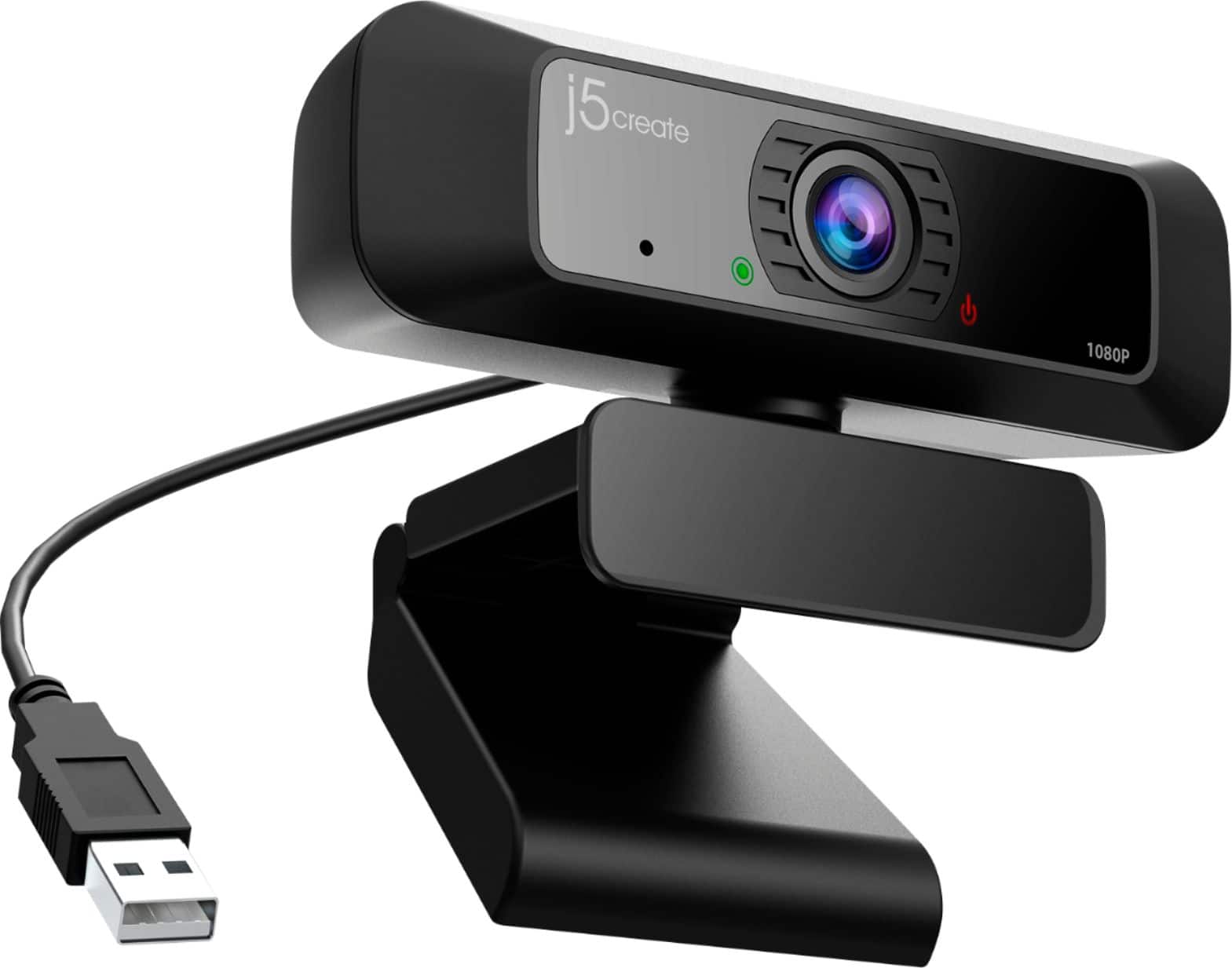
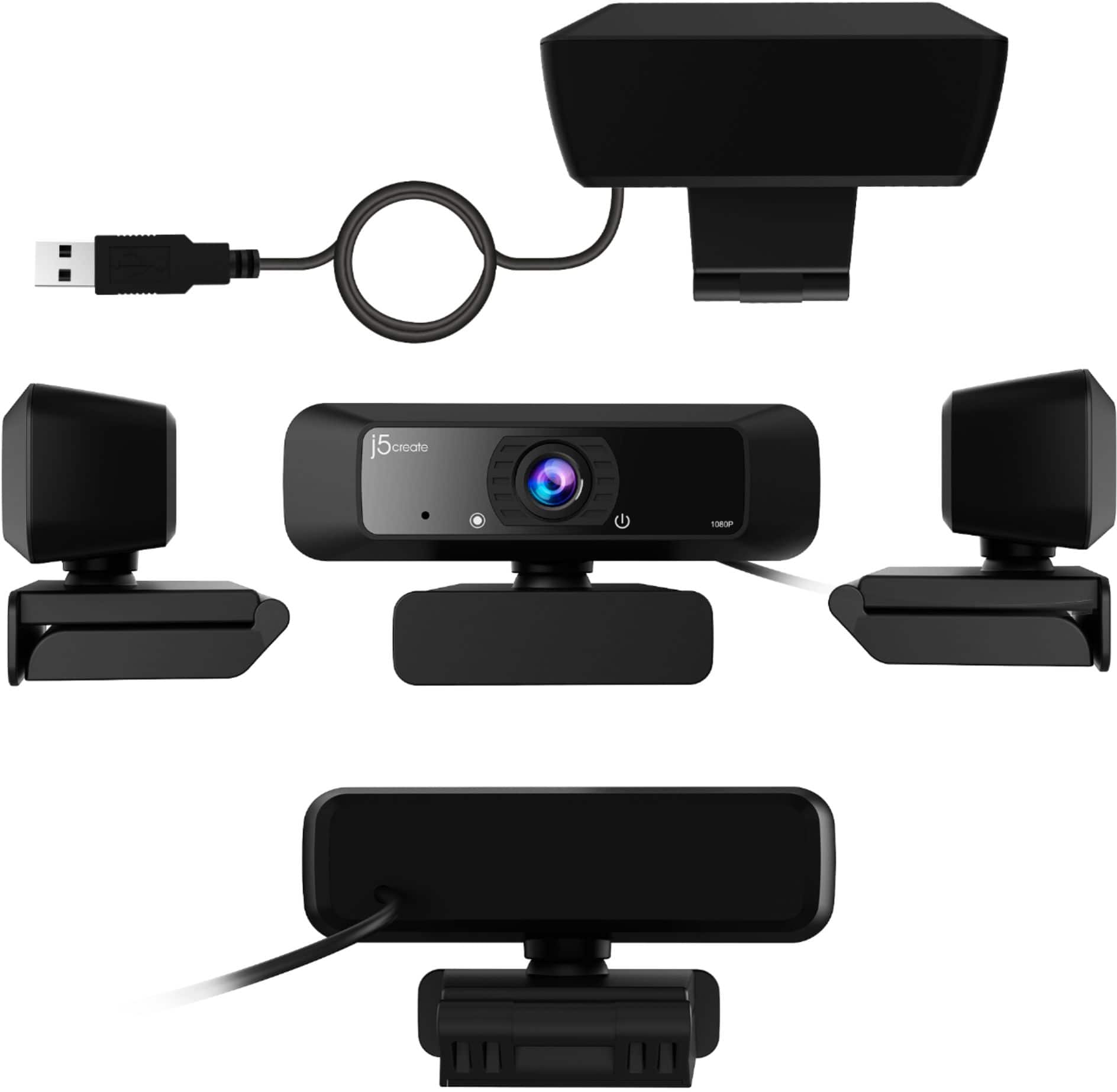
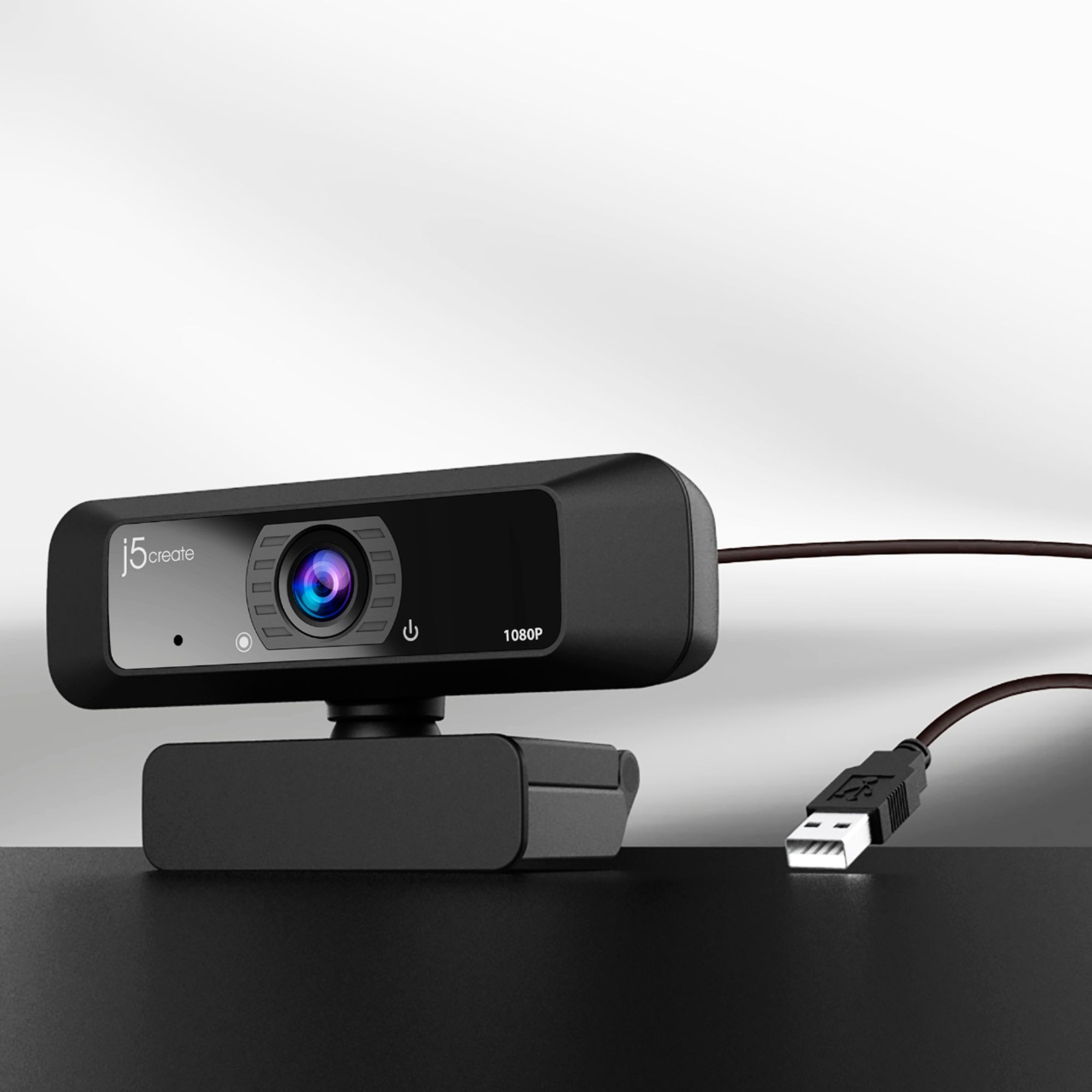
- Model:
- JVCU100
- SKU:
- 11910007
Rating by feature
- Value
Rating 4.4 out of 5 stars
- Quality
Rating 4.4 out of 5 stars
- Ease of Use
Rating 4.6 out of 5 stars
- Cons mentioned:Connectivity
You get what you pay for
||Posted .This reviewer received promo considerations or sweepstakes entry for writing a review.Camera initializes and then shuts off every time. How convenient that the camera would fail shortly after the return period expired. Switched out for Logitech camera on same port without issue. What a waste of money.
No, I would not recommend this to a friendBrand response from J5create Team
Posted .Ryan, I am terribly sorry to hear the JVCU100 has stopped working. The JVCU100 is covered under a manufacturer's 2 year warranty and if interested in exchanging it for a new one, please feel free to reach out to the support team printed on the casing and a specialist will be happy to help. We apologize for the inconvenience this may have caused and hope we may still be able to assist.
Respectfully,
j5create
Overpriced camera
||Posted . Owned for 3 weeks when reviewed.This reviewer received promo considerations or sweepstakes entry for writing a review.Returned this camera. Bought a better one for alot less money.
No, I would not recommend this to a friendBrand response from J5create Team
Posted .Good day,
I regret that this was not the right webcam for you. We try to keep our prices competitive while providing features like 1080p recording, a wide angle lens, and low light enhancement. Thank you for taking the time to share your feedback.
Have a good day,
-j5create
Good
||Posted . Owned for 1 month when reviewed.This reviewer received promo considerations or sweepstakes entry for writing a review.Quality of video is good Wide screen angle is fantastic
I would recommend this to a friendBrand response from J5create Team
Posted .The low light enhancement feature automatically adjusts the brightness and color scales.
Great when it works
||Posted . Owned for 8 months when reviewed.This reviewer received promo considerations or sweepstakes entry for writing a review.Is great when it works. First the microphone stopped working after one month. I was able to get that replaced. 3 months later the camera went out on the replacement and customer service has ignored requests for help.
No, I would not recommend this to a friendBrand response from J5create Team
Posted .We apologize for the inconvenience you experienced. Please contact our Customer Service Team by Live Chat or Email, so that they can get more information from you; in order to narrow down the exact issue you are experiencing, Their information can be found on our website under the "Support" tab. Thank you.
Didn’t work for us
||Posted . Owned for 5 months when reviewed.This reviewer received promo considerations or sweepstakes entry for writing a review.We were very hopeful for this camera since they have been so hard to come by. But it just wasn’t compatible for us. Not sure what the issue was, but wasn’t stable - would drop off and image wasn’t clear. After much troubleshooting we had to return it.
No, I would not recommend this to a friendBrand response from J5create Team
Posted .Hello,
I am sorry that the webcam did not work for you. In response to customer reports of similar issues that you have encountered we have developed a companion app and a firmware update to resolve these issues. As always our customer support team is available to provide assistance. You can find our contact information on the j5create website.
Thank you,
j5create
Could be better.
||Posted . Owned for 5 months when reviewed.This reviewer received promo considerations or sweepstakes entry for writing a review.The picture quality is subpar for skin tones. It will make you look orange/red or blown out if any type of light is on you. If you don't have the right kind of light (or it's too close or w/e), then you'll not show up properly in the video.
No, I would not recommend this to a friendBrand response from J5create Team
Posted .Hello Tanya,
We have had similar feedback from other customers and we have developed a companion application for the webcam to adjust some of the image settings. The app can be downloaded from the link below:
Windows:
https://download.j5create.com/driver/JVCU_Series_Companion_Windows/download.php
Mac:
https://apps.apple.com/us/app/jvcu-series-companion/id1524831268?mt=12
Thanks,
j5create
Do not buy
||Posted .This reviewer received promo considerations or sweepstakes entry for writing a review.Completely stopped working after 4 months. J5 support were absolutely useless, BestBuy customer service not much better. Returned (for store credit-sigh) and paid extra for a Logitech c920
No, I would not recommend this to a friendBrand response from J5create Team
Posted .Hello,
I regret to hear that the webcam stopped working and that our support team was unable to assist. The webcam should have still been eligible for a warranty exchange. We appreciate your feedback.
Thank you,
j5create
Webcam
||Posted . Owned for 3 weeks when reviewed.This reviewer received promo considerations or sweepstakes entry for writing a review.It won’t shut off after ending a call. I have to keep unplugging it to shut it off.
No, I would not recommend this to a friendBrand response from J5create Team
Posted .I apologize for the experience you have had with your USB HD Webcam with 360° Rotation. You will want to make sure that no other applications are actually still utilizing the camera. Our customer support team can assist you with any questions you may have. To contact our customer support team please visit the j5create website then click on the "SUPPORT" tab at the top right of the webpage. Thank you.
- Cons mentioned:Connectivity
disappointed
||Posted . Owned for 2 months when reviewed.This reviewer received promo considerations or sweepstakes entry for writing a review.disappointed, expected more after the reviews i read. webcam started off great, but after 2 weeks it started failing, shutting on and off, had to return it and get a different brand.
No, I would not recommend this to a friendBrand response from J5create Team
Posted .Hello,
Our customer support team is available to provide assistance with any of our products. Troubleshooting with our team can save the hassle of returning back to the store. Our contact information is printed on the product packaging and on the j5create website under ‘Support’.
Thanks,
The j5create team
- Cons mentioned:Mounting
DO NOT BUY -- UNSTABLE
||Posted . Owned for 1.5 years when reviewed.This reviewer received promo considerations or sweepstakes entry for writing a review.This product has no reliable way to be attached to a computer screen and the cable keeps causing it to wobble. Needs to have been designed better.
No, I would not recommend this to a friendBrand response from J5create Team
Posted .Please contact our customer service support by Live Chat or Email for further information about this issue. Their information can be found on our website under the "Support" tab. Cordially, j5.
Not a fan
||Posted . Owned for more than 2 years when reviewed.This reviewer received promo considerations or sweepstakes entry for writing a review.I do not like this WebCam, the picture quality is not great and I bought on accident. I didn’t realize that it was 360.
No, I would not recommend this to a friendBrand response from J5create Team
Posted .Make sure you have adjusted all the relevant settings in the webcam's application you're using the webcam with. You might be able to improve the picture quality by adjusting settings like resolution, exposure, white balance, and focus. Good lighting is essential for clear picture quality. Ensure that you have adequate lighting in your environment, preferably with soft and diffused light sources.
Keeps crashing. Turning off.
||Posted . Owned for 1 month when reviewed.This reviewer received promo considerations or sweepstakes entry for writing a review.This camera worked great the first couple weeks I had it. Now it is shutting down and turning off. I keep having to unplug it and plug it back in. If I move it it shuts off. I cannot figure out what is going on with it.
No, I would not recommend this to a friendBrand response from J5create Team
Posted .Hi!
I'm very sorry for any inconvenience you've had. Please contact my customer service department and we'd be more than happy to help you identify the cause of this. Our information can be found on the back of all of our product boxes and on our website under the support tab. There you can find links to our livechat, phone, and ticketing services.
Thanks,
j5create
- Cons mentioned:Connectivity
turns off
||Posted . Owned for 3 weeks when reviewed.This reviewer received promo considerations or sweepstakes entry for writing a review.sometimes it would not turn on when plugged in I troubleshooted it and it still wouldn't turn on, so I have to unplug it and plug it back in every time.
No, I would not recommend this to a friendBrand response from J5create Team
Posted .If the JVCU100 is constantly dropping in the middle of use, we recommend reaching out to the technical support team printed on the casing in order to seek an exchange. We apologize for the inconvenience this caused and look forward to working with you.
Respectfully,
j5create
Broken after a year
||Posted . Owned for 1 year when reviewed.This reviewer received promo considerations or sweepstakes entry for writing a review.This webcam wasn’t great quality to begin with, but it’s broken after a year. Junk.
No, I would not recommend this to a friendBrand response from J5create Team
Posted .We're sorry to hear you were less than satisfied with our webcam. We'd appreciate the opportunity to diagnose and troubleshoot the issue. Our contact information is available on the website and packaging in order to speak with a rep. Sincerely, j5.
Stay Clear!
||Posted . Owned for 1 month when reviewed.This reviewer received promo considerations or sweepstakes entry for writing a review.I had constant issues with this camera. Stick with Logitech if that is where you are headed or what you currently have. I went back to Logitech for my stream and I will never leave.
No, I would not recommend this to a friendBrand response from J5create Team
Posted .I'm very sorry to hear the JVCU100 did not meet your expectations. In order to narrow down the root of the problem you are experiencing, we recommend contacting the manufacturer printed on the casing to speak with a rep, they will properly diagnose the situation and offer a solution.
Respectfully,
j5create
I wouldn't use it.
||Posted . Owned for 3 weeks when reviewed.This reviewer received promo considerations or sweepstakes entry for writing a review.I needed a webcam for a test. I bought this thinking it was going to help/work. I plugged it in and it was blurry when i checked my computer. After adjusting some of the settings, it still did not work. I tried to return it but was past the 15 days. So now i have dumb webcam that doesnt work nor could i get my money back!
No, I would not recommend this to a friendBrand response from J5create Team
Posted .Blurriness and poor image quality can stem from various factors. Here are some troubleshooting steps to help you resolve the problem: Check the resolution settings in the webcam software or your computer's settings. Ensure that the webcam is set to its maximum supported resolution for the best image quality. Poor lighting can lead to blurry images. Make sure you have adequate lighting in your environment to help the webcam produce a clear image. Ensure that you have the latest drivers installed on your computer. Plug the webcam into a different USB port on your computer. Sometimes, using a different port can resolve connectivity or performance issues. Check if any other software on your computer is using the webcam simultaneously. Close any other applications that might be accessing the webcam and causing conflicts. If possible, try the webcam on another computer. Verify that the webcam is compatible with your operating system (UVC1.1/1.5 & UAC 1.0 support).
Wide angle lens distorts
||Posted . Owned for less than 1 week when reviewed.This reviewer received promo considerations or sweepstakes entry for writing a review.The wide-angle lens creates a fish-eye distortion. I can't imagine why it would be good for anything - to get in more of the background maybe? But why if you look like you're peering into a sideview mirrorThen, there's some kind of color correction going on that I didn't ask for or program. Returning to Best Buy. Pretty much hate it.
No, I would not recommend this to a friendBrand response from J5create Team
Posted .Hello,
I regret to hear that the webcam did not suit your needs. The wide angle lens allows for more to be included in the recording. The color correction may be the result of the low light enhancement feature of the webcam. We appreciate your feedback.
Have a good day,
j5create
Bad quality webcam
||Posted . Owned for 10 months when reviewed.This reviewer received promo considerations or sweepstakes entry for writing a review.The image was good but the quantity is terrible. It lasted less than 10 months. I would not recommend this product.
No, I would not recommend this to a friendBrand response from J5create Team
Posted .We're sorry to hear the webcam did not last long enough. Please contact our support team and they'll be glad to assist you with trouble shooting or if the unit has to be replaced under the 1-year limited warranty. Sincerely, j5create.
Frustrated with Inconsistency
||Posted . Owned for 3 months when reviewed.This reviewer received promo considerations or sweepstakes entry for writing a review.We purchased this camera a little over 3 months ago and are disappointed. The microphone just stops working frequently. A huge inconvenience I would not buy this again.
No, I would not recommend this to a friendBrand response from J5create Team
Posted .Hello,
We have had other reports of issues with the webcam microphone. To resolve this we have developed a firmware update for the webcam designed to improve microphone quality. It is available on the j5create website. If you would like assistance our customer support team would be happy to help. You can find our contact information below:
https://en.j5create.com/pages/contact-us
I hope that we can get everything on the webcam working for you.
Thank you,
j5create
- Cons mentioned:Connectivity
Defective Unit. need to return
||Posted . Owned for 1 month when reviewed.This reviewer received promo considerations or sweepstakes entry for writing a review.It doesn't work. I need to return it and get a Logitech unit. I am very disappointed as i really needed it. Alan SternS
No, I would not recommend this to a friendBrand response from J5create Team
Posted .kdka, please feel free to reach out to the technical support team mentioned on the casing to speak with a representative in regards to the JVCU100 not working properly. Under the manufacturer's 2 year warranty, we will exchange it for you. We apologize for the inconvenience this may have caused.
Respectfully,
j5create