Customer Ratings & Reviews


- Model:
- JVAW53Pro
- SKU:
- 6407848
Rating by feature
- Value
Rating 3.8 out of 5 stars
- Quality
Rating 3.9 out of 5 stars
- Ease of Use
Rating 3.8 out of 5 stars
Customers are saying
Customers are positive about the ScreenCast Wireless Display Adapter's ease of use, overall performance, and connectivity. Many find the setup quick and easy, and appreciate its compatibility with devices like iPhones. However, some customers have concerns regarding lag and video quality issues, particularly when there is movement.
This summary was generated by AI based on customer reviews.
Cable Cutter
||Posted . Owned for 3 weeks when reviewed.This reviewer received promo considerations or sweepstakes entry for writing a review.Slightly involved to program, but works great with an antenna.
I would recommend this to a friendBrand response from J5create Team
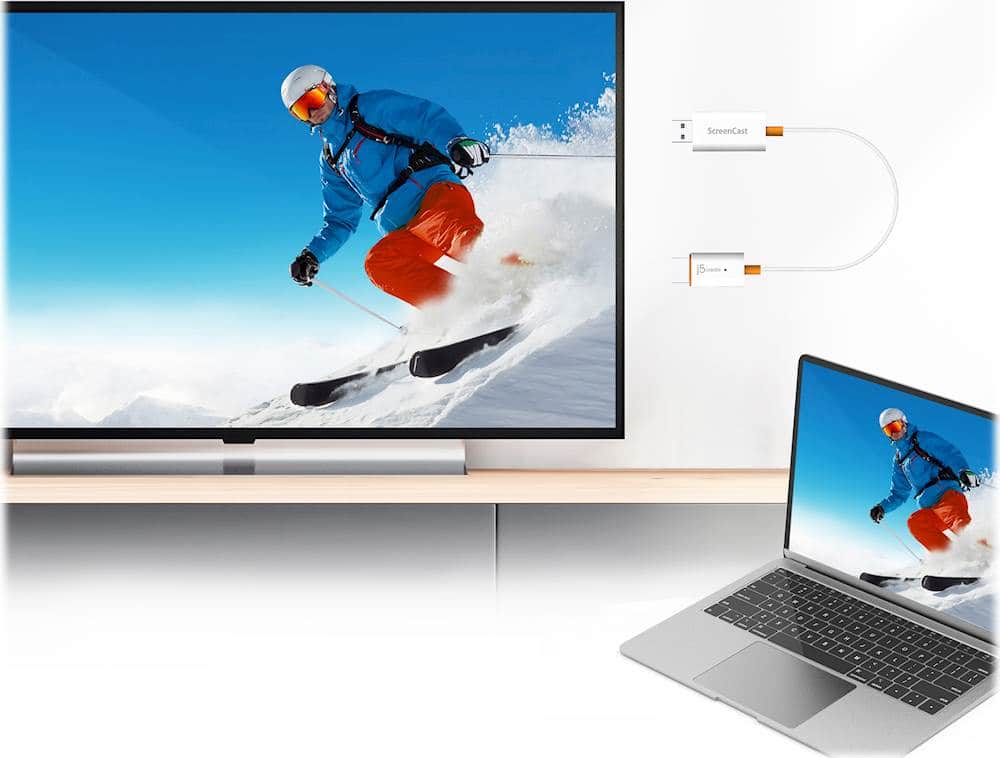
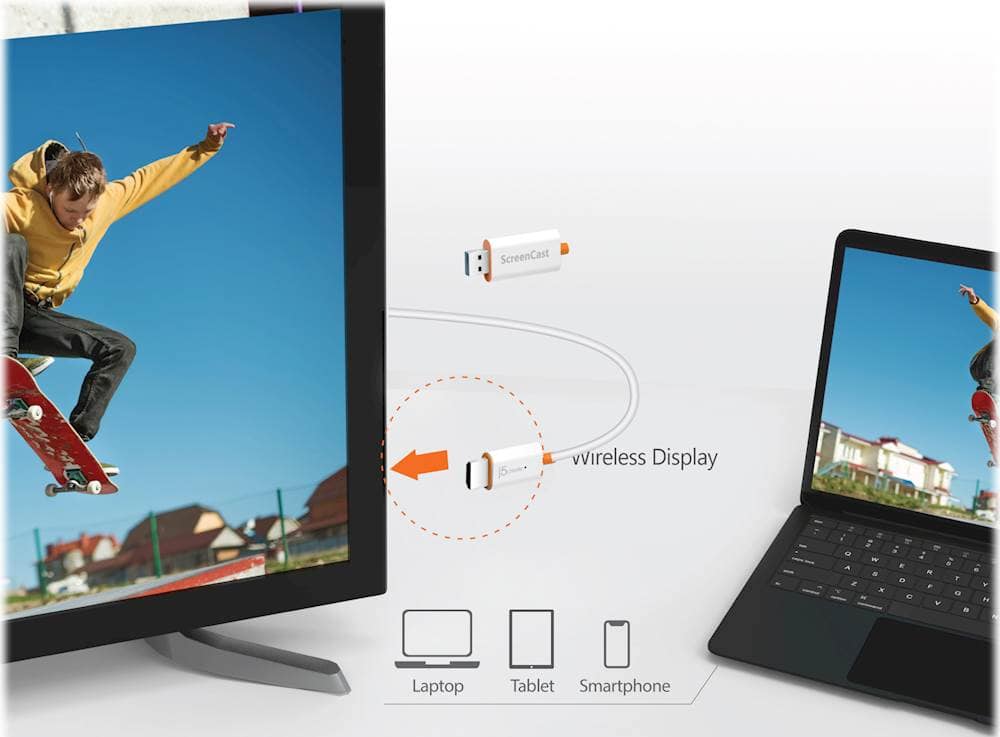
Posted .Wirelessly display content from a phone, tablet, or laptop onto a bigger screen with the ScreenCast Wireless Display Adapter.

So so
||Posted . Owned for 3 weeks when reviewed.This reviewer received promo considerations or sweepstakes entry for writing a review.Great for screen mirroring apps that do not have some sort of block, such as Amazon prime video and HBO Max. A bit slow as you move beyond 10 feet from device. Great for my RV.
I would recommend this to a friendBrand response from J5create Team
Posted .Perfect for home, travel, office, and more. The ScreenCast works with a wide variety of apps. Just connect and share!
Good but not wired
||Posted . Owned for 1 month when reviewed.This reviewer received promo considerations or sweepstakes entry for writing a review.The wireless HDMI is okay, but not as reliable as a wire HDMI cable. The moments of lack of communication between laptop and TV were rare, but more frequent that with a cable.
I would recommend this to a friendBrand response from J5create Team
Posted .Hello,
Latency issues will be more noticeable with a wireless system. We appreciate your feedback.
Thank you,
j5create
Better then Microsoft's Wireless Display adapters
||Posted . Owned for 3 weeks when reviewed.This reviewer received promo considerations or sweepstakes entry for writing a review.I highly recommend these. Once you use these, you'll realize how much more flexible they are. Get em. You won't regret it.
I would recommend this to a friendIf you don't have smart tv
||Posted . Owned for 1 month when reviewed.This reviewer received promo considerations or sweepstakes entry for writing a review.Mirrors phone, laptop, etc to tv. Especially nice for non-smart tv.
No, I would not recommend this to a friendNot worth it
||Posted . Owned for 1 month when reviewed.This reviewer received promo considerations or sweepstakes entry for writing a review.Too expensive and most of the laptops come with a function that allows to share the screen without a cable.
No, I would not recommend this to a friendBrand response from J5create Team
Posted .Greetings NEWPS5, thank you for considering one of our device and we appreciate your business. If you have any questions that we can help with, don't hesitant to reach out to us and we'll be happy to assist you. Kindly. j5create.
- Pros mentioned:SetupCons mentioned:Lag

Great device with some limitations
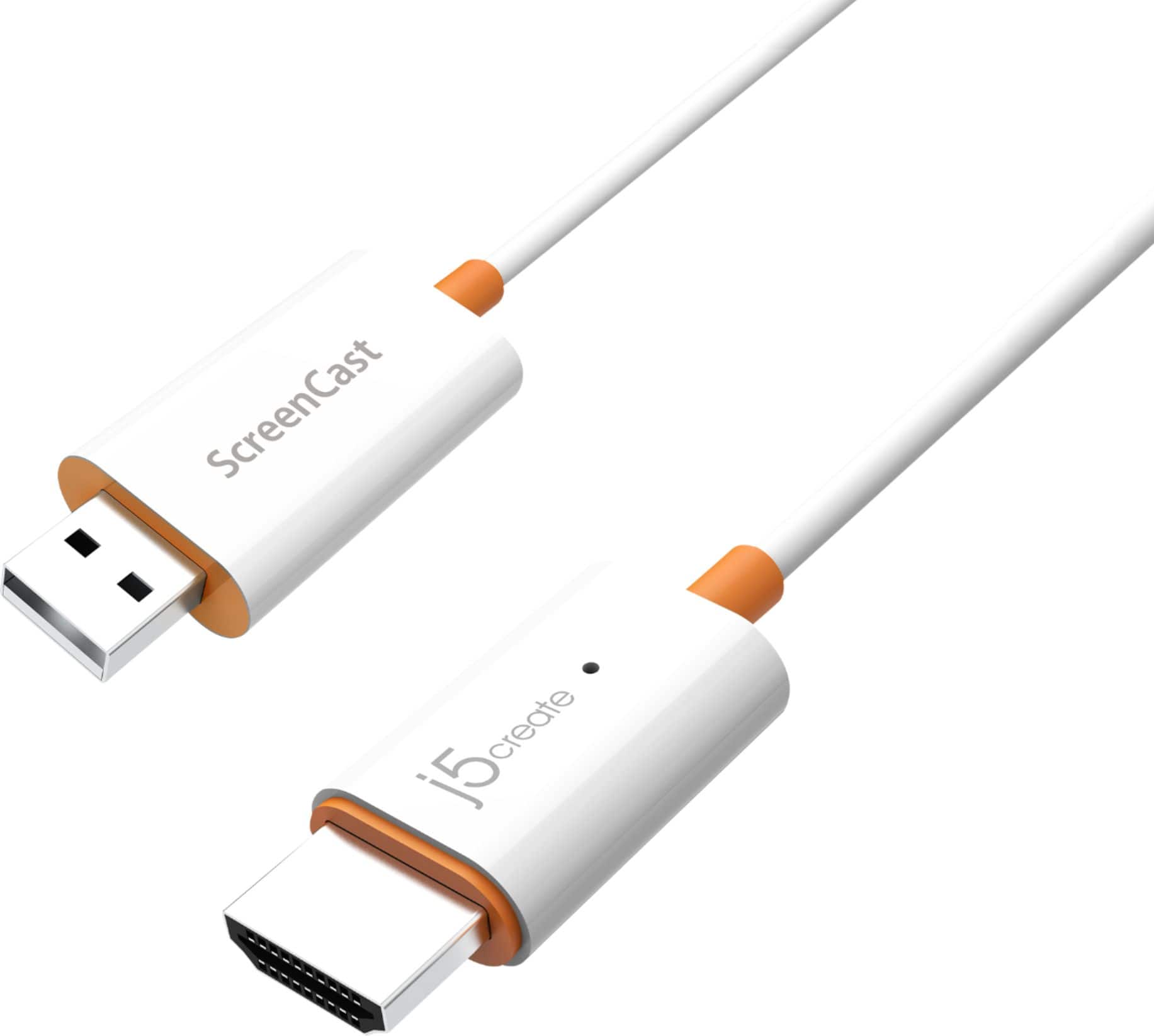
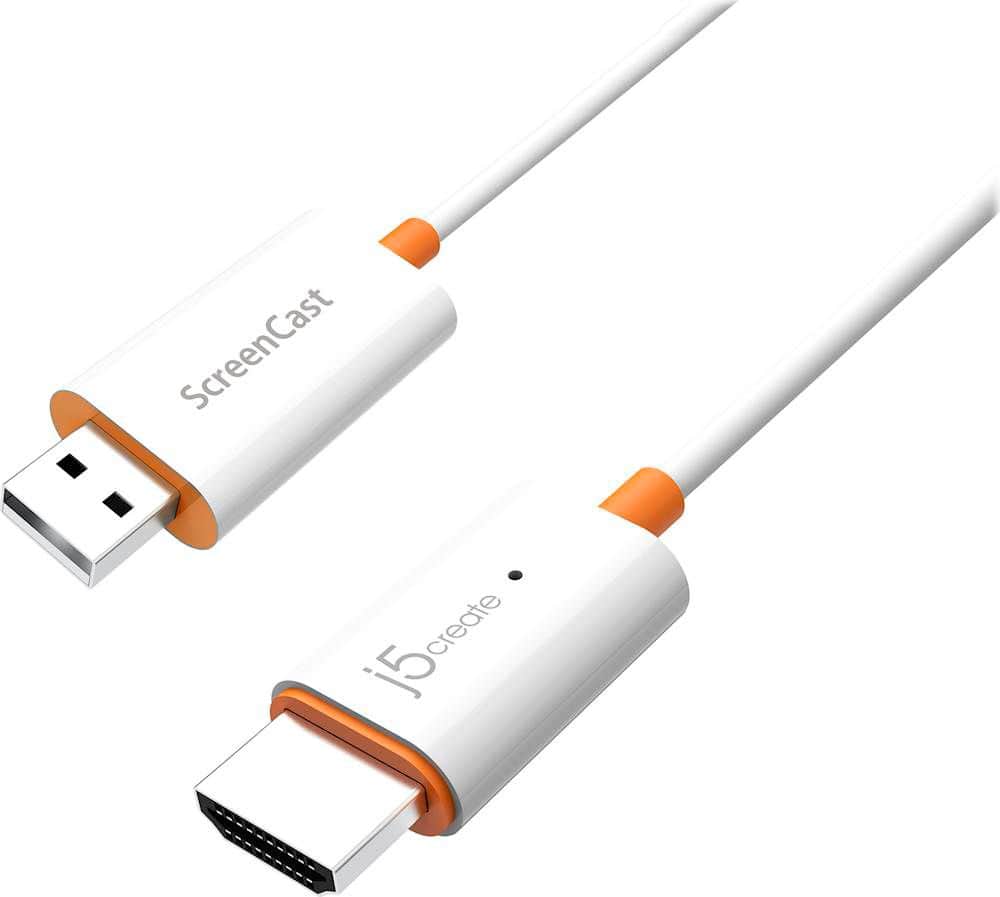
|Posted .This reviewer received promo considerations or sweepstakes entry for writing a review.I really like the j5create Screencast. I do think there are some limitations that people should be aware of. In the box, there is the j5create Screencast device as well as a USB type-A extension cable. The cable is useful as often times your device may not have a USB port right next to the HDMI port that the Screencast device can draw power from. The Screencast device itself was alot smaller than I thought it would be which was a pleasant surprise. I expected it to be somewhat bigger considering its functionality and other cast devices that I have seen. It's a very simple design and at first glance merely looks like a HDMI to USB adapter. Setup was simple enough. You plug it into an HDMI port and the USB side to a power source. You follow the on screen instructions. The ScreenCast creates its own wifi network which you connect to. Then, you go to the link provided on screen to connect the device to your wifi network. I promise it is alot easier than what I just typed out. Once that is finished, you are ready to cast your devices. On screen instructions are present for all of the devices. They are all very simple. The performance was ok. Not great. It mirrored an iPhone, Android, Windows laptop, and Macbook fine, but there was significant lag for me. I made sure that my wifi network was performing well. I think that the lag is simply because it is hard for a third-party company to create a device that is optimized for 4 different operating systems. Especially with videos that have a lot of action going on, the lag worsens. However, this occurs even with Chromecast. One important thing to note, I could not play streaming services such as Netflix and Hulu. This is due to the HDCP which is to prevent piracy. This is not necessarily the Screencast's fault. However, it did limit the usability significantly. Youtube did work fine. Unlike other streaming sticks, the Screencast does not have apps or dedicated software for the streaming services. What I really liked about this device is just its versatility in such a small package. It is able to connect to both iOS and Android devices as well as MacOS and Windows devices. The only thing I wish it included is Chromebook's ChromeOS but that's probably Google not providing support for it beyond Chromecast. However, the reason why I loved this versatility was mainly for the apple devices. You don't have to buy an apple TV or expensive airplay capable device to mirror your content. I can now show photos and videos from my phone straight to my TV. While this had been possible with Android devices and Chromecast, I could not find an affordable option with the other systems. All in all, this is a useful device. It does have its limitations with the lag and HDCP protections. However, it makes up for it with the versatility which I think makes this a great value. I think this is a great complement to other streaming sticks, not a replacement. Pros: Easy to setup Small and simple which makes it portable Versatility - able to connect to iOS, Android, MacOS, and Windows Cons: Lag HDCP makes it hard to use as a streaming device
I would recommend this to a friendBrand response from J5create Team
Posted .Hello,
We really appreciate your detailed review for the screen cast. I would like to address your drawbacks of the screen cast. HDCP compliance is a necessity of being an electronics manufacturer. The lag you are seeing may be the result of other wireless signals in the area where you are using the screen cast. If you would be interested in troubleshooting assistance you can contact the j5create customer support team. Our contact information is printed on the device package and is also on the j5create website under the ‘Support’ drop down.
Thank you,
j5create
Not simple for me to set up.
||Posted . Owned for 1 month when reviewed.This reviewer received promo considerations or sweepstakes entry for writing a review.Confusing for me to set up. I am not all that techie, so it's not as easy as the directions say.
I would recommend this to a friendBrand response from J5create Team
Posted .Please contact our Technical Support Team, so that they can get more information from you; in order to properly help you with the setup of the ScreenCast Wireless Display Adapter. Their information can be found on our website under the "Support" tab and a specialist will be ready to assist you. Thank you.

Nice for old skill use
|Posted . Owned for 1 month when reviewed.This reviewer received promo considerations or sweepstakes entry for writing a review.[Employee of bestbuy] Excellent device but with modern day TVs, it's virtually useless because most devices can screen cast without it.
I would recommend this to a friendWorks well with android
||Posted . Owned for 3 weeks when reviewed.This reviewer received promo considerations or sweepstakes entry for writing a review.Works great if you have an Android, can’t mirror everything on IOS.
I would recommend this to a friendScreen Cast
||Posted . Owned for 3 weeks when reviewed.This reviewer received promo considerations or sweepstakes entry for writing a review.This device works well for static items or slow action movies. Video streaming becomes pixilated during action scenes.
I would recommend this to a friendBrand response from J5create Team
Posted .The ScreenCast works with a wide variety of apps. Just connect and share!
Good Cable at first but then..
||Posted . Owned for 3 weeks when reviewed.This reviewer received promo considerations or sweepstakes entry for writing a review.It started good. I used it to connect my third monitor as with the pandemic it has been hard to find cables to work from home. After the third week it had difficulty connecting to my network and it is to complicated and frustating to fix. Rather go with two screens than deal with this. Also, there is a slight delay on the pointer. So if you are using to connect computer monitors, I would get something else.
No, I would not recommend this to a friendBrand response from J5create Team
Posted .Hello Jorge,
Thank you for sharing your feedback. I am sorry that you had a disappointing experience with the ScreenCast device. There are many factors that can have an effect on a wireless signal reaching the device. We also have a wide selection of display cables for a direct connection between a computer and an additional monitor. You may consider contacting our customer support team by email, phone, or live chat for assistance with your device. The contact information is on our company website and on the device packaging.
Thank you,
J5Create
Caster
||Posted . Owned for 1 month when reviewed.This reviewer received promo considerations or sweepstakes entry for writing a review.Does what it says it would. I hoped it would do more.
I would recommend this to a friendSlow
||Posted . Owned for 3 weeks when reviewed.This reviewer received promo considerations or sweepstakes entry for writing a review.The connection is poor even when its connected to wifi is slow and some times it log you out, out of nowhere
No, I would not recommend this to a friendBrand response from J5create Team
Posted .You may want to reset or restart the WiFi connection that is associated with your Screencast. The WiFi connectivity is also responsible for the Screencast disconnecting issues. Make sure that you are using the WiFi bandwidth that is supported by Screencast. For further troubleshooting, please contact our representative and they'll be glad to assist you. Kindly, j5create.
Wouldn't Buy Again
||Posted . Owned for 5 months when reviewed.This reviewer received promo considerations or sweepstakes entry for writing a review.Great concept, but spotty execution and connection; I wish I would have just bought a chromecast or an Apple TV.
No, I would not recommend this to a friendBrand response from J5create Team
Posted .Perfect for home, travel, office, and more. The ScreenCast works with a wide variety of apps. Just connect and share!
Very simple set up , exactly what I needed
||Posted . Owned for 1 month when reviewed.This reviewer received promo considerations or sweepstakes entry for writing a review.This is exactly what I needed . Simple set up , everything I want to watch is on my phone but I can now see it on a large screen .
I would recommend this to a frienddypack
||Posted . Owned for 3 weeks when reviewed.This reviewer received promo considerations or sweepstakes entry for writing a review.I'm happy with this product is just what I expected to help me on my computer systems
I would recommend this to a friendHDMI device
||Posted . Owned for 5 months when reviewed.This reviewer received promo considerations or sweepstakes entry for writing a review.Works fairly good the signal drops even when close to airing device
No, I would not recommend this to a friendBrand response from J5create Team
Posted .Hello King, for more information regarding the "signal drops close to airing devices", please contact our Support Team and they will be able to help with trouble shooting our device. Contact info. available through j5create.com under the "Support" tab. Respectfully, j5
Meh
||Posted . Owned for 2 months when reviewed.This reviewer received promo considerations or sweepstakes entry for writing a review.This is OK for the price I would recommend to family and friends
I would recommend this to a friendBrand response from J5create Team
Posted .Thank you for recommending our product, we appreciate it. Have a great day!
ScreenCast
||Posted . Owned for 1 month when reviewed.This reviewer received promo considerations or sweepstakes entry for writing a review.This item works exactly as described. It enables our office to extend our screens on our monitors.
I would recommend this to a friend