Customer Ratings & Reviews
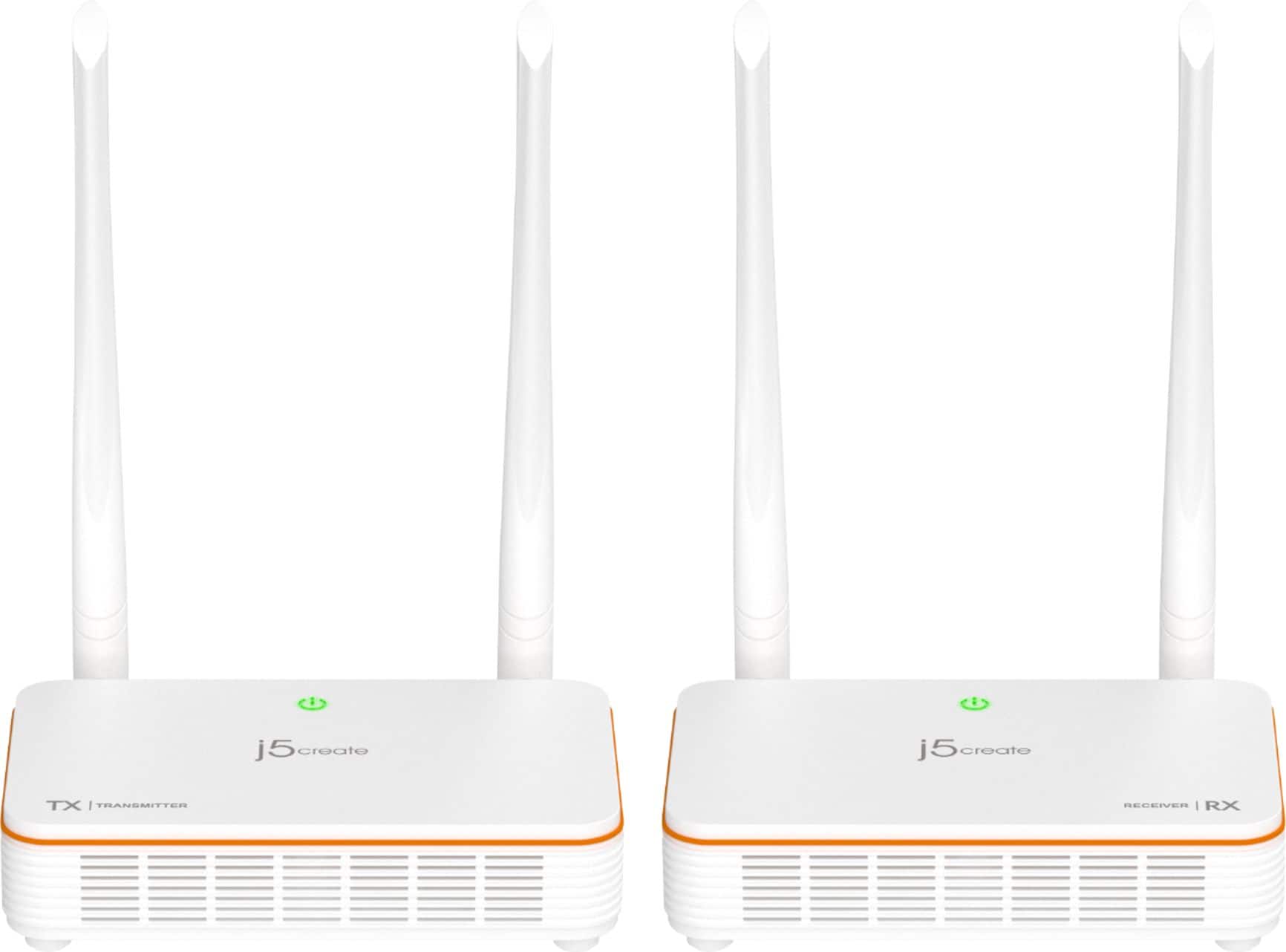
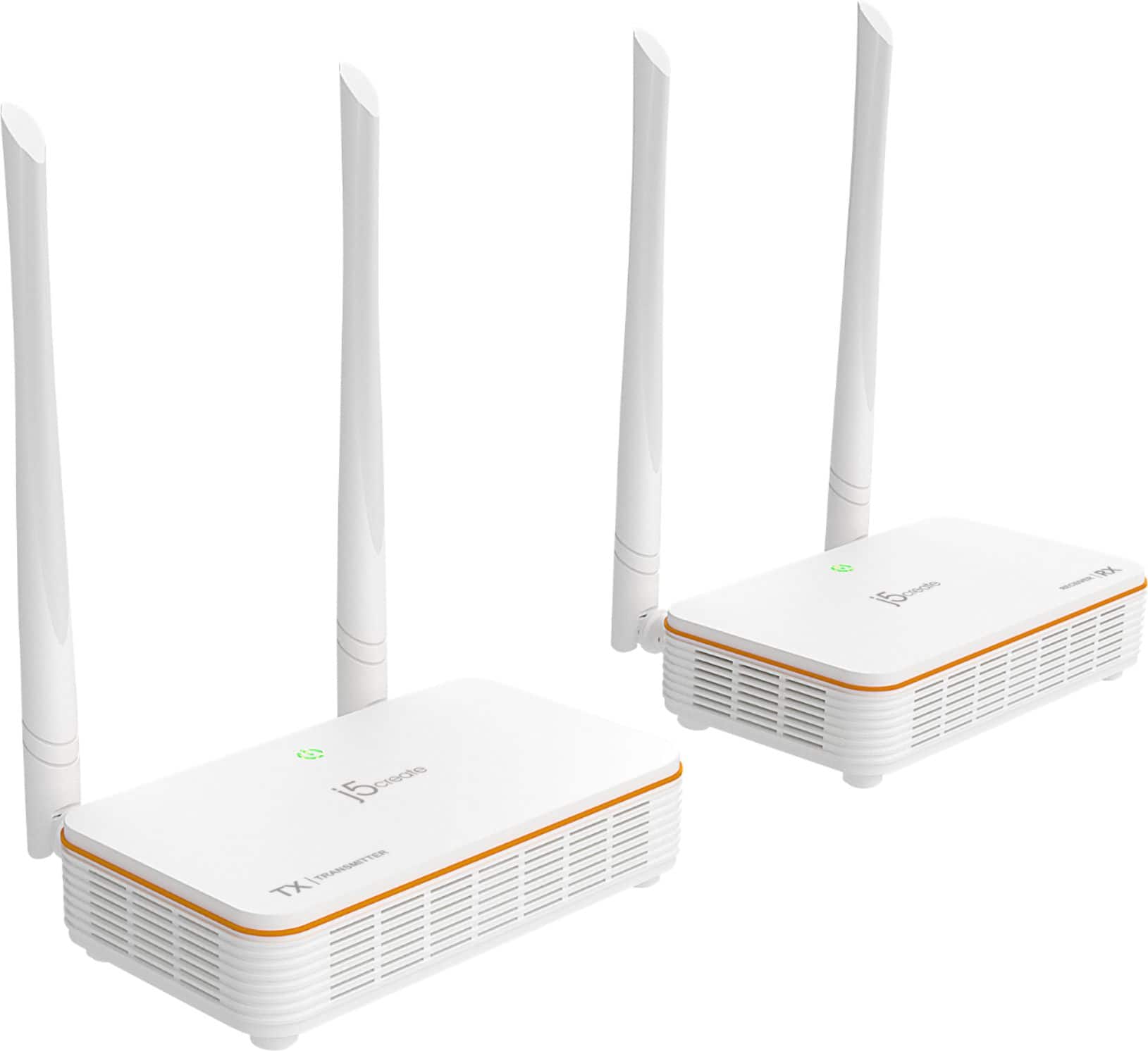
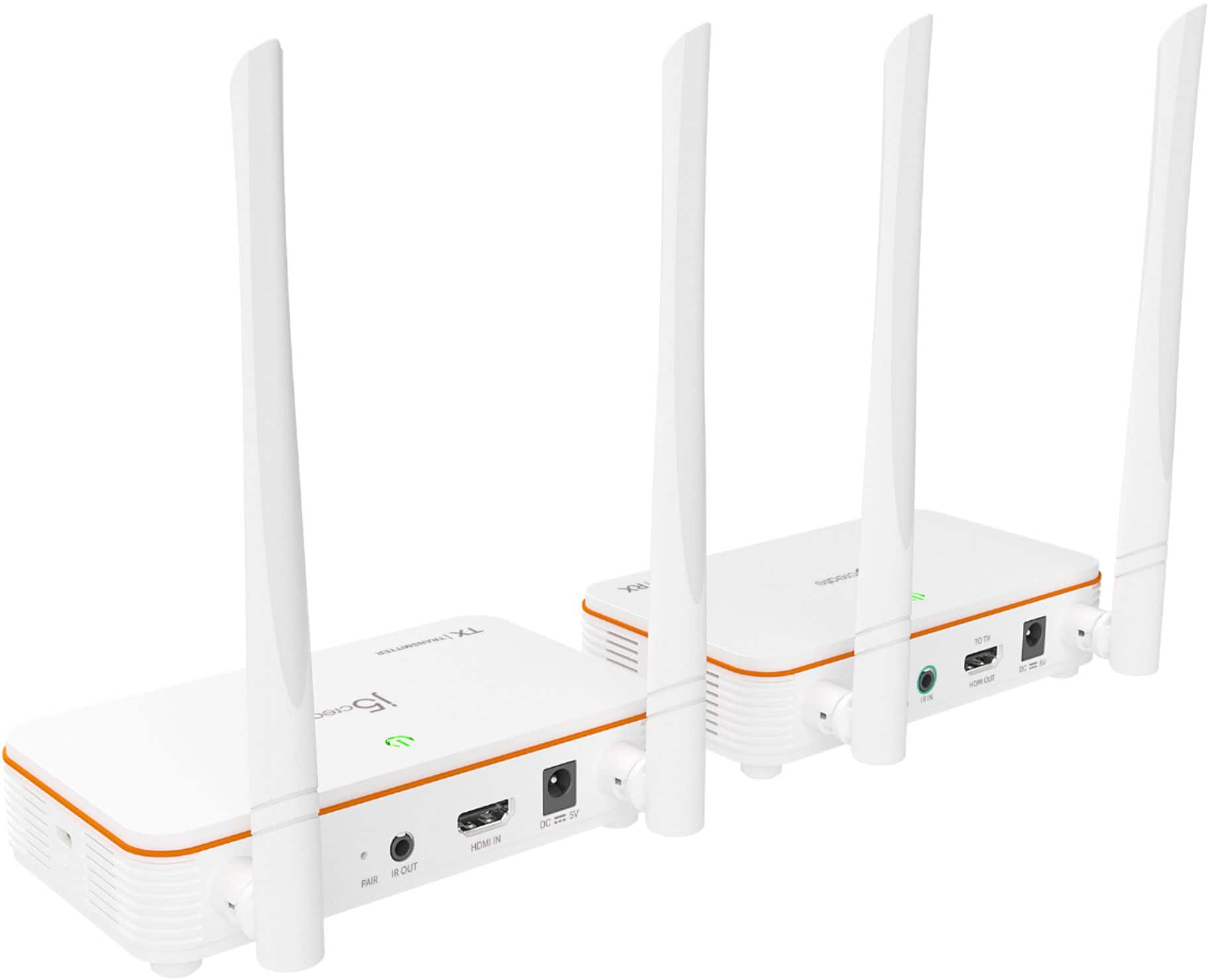
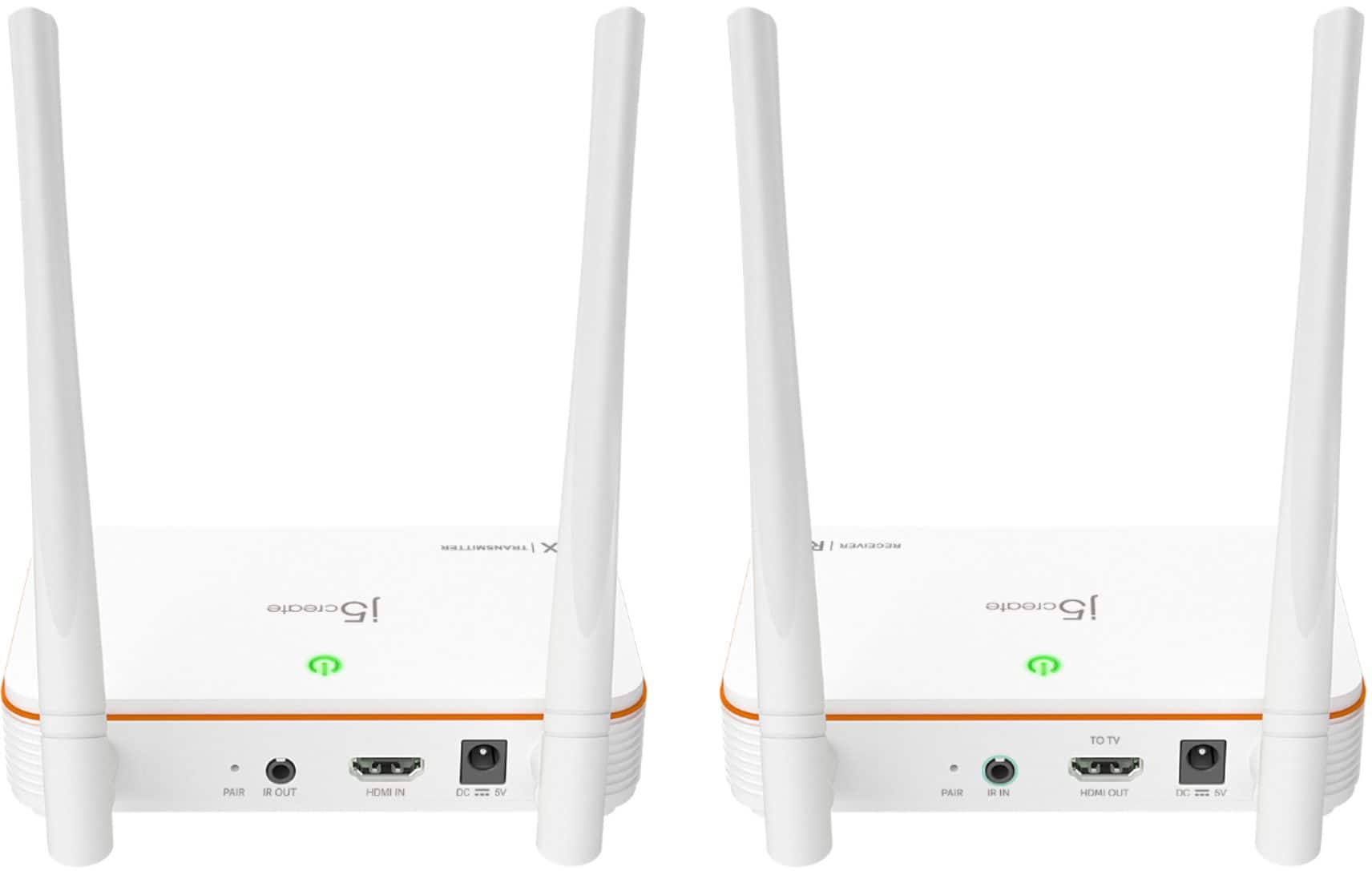
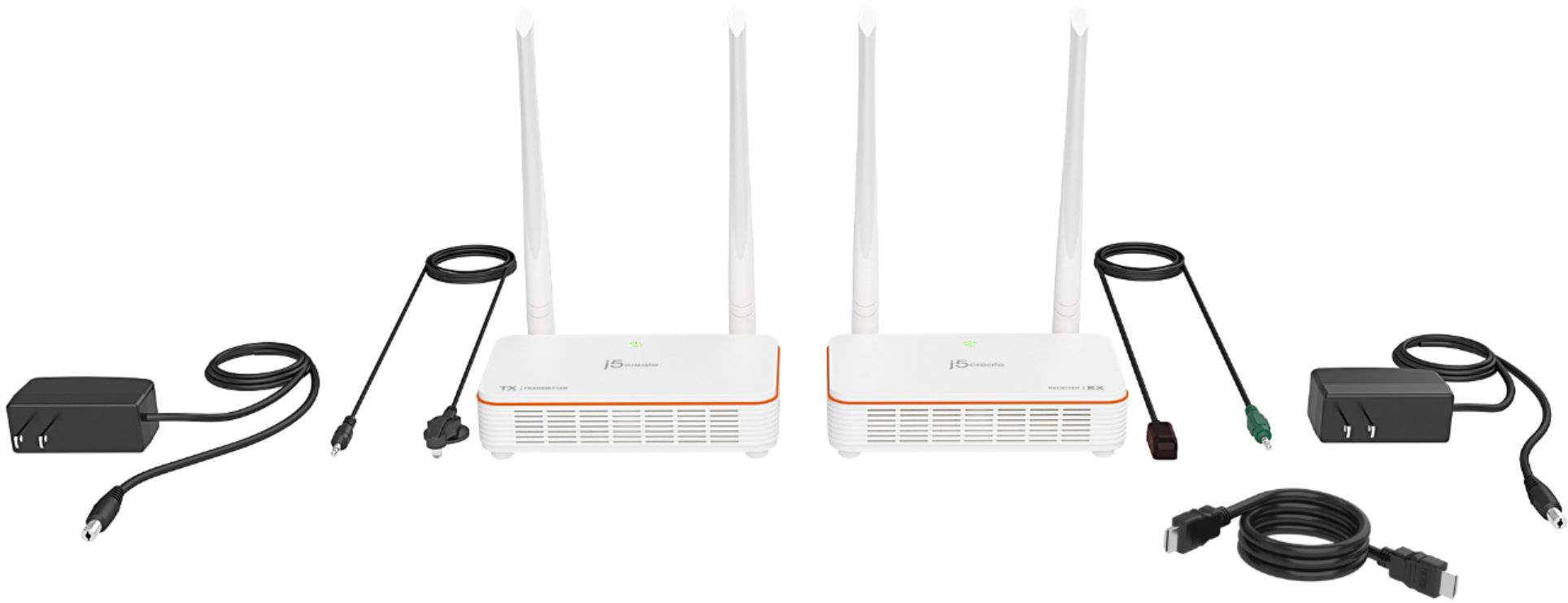
- Model:
- JVAW53
- SKU:
- 6407839
Rating by feature
- Value
Rating 3.7 out of 5 stars
- Quality
Rating 3.7 out of 5 stars
- Ease of Use
Rating 4.1 out of 5 stars
Customers are saying
Customers appreciate the Wireless Display HDMI Extender for its excellent picture quality and ease of use. The setup is extremely simple, and it works well over considerable distances. However, some customers have reported issues with lag, inconsistent range and connectivity, and overall performance not meeting expectations.
This summary was generated by AI based on customer reviews.
Cuts off at times
Posted .This reviewer received promo considerations or sweepstakes entry for writing a review.This disconnects at times. Never had this issue with hdmi cable. Can the manufacturer explain why. Is it a problem with the device or input? I never had this issue when I used hdmi cable. The transmitter and receiver are in the same room 16 feet apart and can see each other. I plan to have a tv stand and they may not see each other, although they will still be in the same room at the same distance. I might change the rating and recommendation after I know the exact issue. Can the manufacturer explain or suggest?
No, I would not recommend this to a friendBrand response from J5create Team
Posted .You may want to try and repair the units. Once reset, connect both units to a power adapter and stack them on top of each other. (They must be stacked on top of one another to pair). This is because they use NFC (Near-Field Communication) to pair. Once both units are on, press and hold the pair button on the back of the device (you may need a needle to push the button that is inside the hole) until both units’ lights are blinking. They will both flash red or orange, and finally green when they have been paired.

Save Your Money
Posted .This reviewer received promo considerations or sweepstakes entry for writing a review.I purchased this unit to avoid paying for an additional cable box for my bedroom, which is located less than 40 feet from the transmitter. While the setup was easy, and as others have noted, I occasionally experience audio lag. The picture quality is acceptable, but there is noticeable compression around darker colors. I’ve decided to purchase a Cat6 product instead.
No, I would not recommend this to a friendBrand response from J5create Team
Posted .Avoid placing the transmitter/receiver near Wi-Fi routers, microwaves, or Bluetooth devices that operate on 2.4GHz or 5GHz.
If possible, reduce obstructions between the transmitter and receiver.
- Pros mentioned:Picture quality
Just what we wanted
Posted .This reviewer received promo considerations or sweepstakes entry for writing a review.Works great. Exactly what we needed. The picture is very clear in the other room.
I would recommend this to a friend Conference use
Posted .This reviewer received promo considerations or sweepstakes entry for writing a review.Worked great in a crowded room no issues at all !!!
I would recommend this to a friend- Pros mentioned:Picture quality
Sound latency was poor
Posted .This reviewer received promo considerations or sweepstakes entry for writing a review.The picture was nice (probably about 30' from the source) but the sound would get to 1, 1.5 seconds behind the picture. It became too distracting to handle and I got a different brand.
No, I would not recommend this to a friendBrand response from J5create Team
Posted .We're sorry to hear the Wireless Extender did not work properly. We apologize for the inconvenience. Respectfully, j5.
- Cons mentioned:Range
Not bad
Posted .This reviewer received promo considerations or sweepstakes entry for writing a review.Range not so good but it worked wish it can work offf a network
I would recommend this to a friend Good way to add a remote TV
Posted .This reviewer received promo considerations or sweepstakes entry for writing a review.It works as advertised; no problems at all. You will need to get an HDMI splitter to feed a local set and a remote.
I would recommend this to a friendI don't like cables!
Posted .This reviewer received promo considerations or sweepstakes entry for writing a review.If you want HDMI wireless, then buddy have you found what you're looking for right here. Minimal latency and no hassle, basically plug and play and you're in business!
I would recommend this to a friend
Great Concept but Poor Performance
|Posted .This reviewer received promo considerations or sweepstakes entry for writing a review.I really like the idea of being able to broadcast my DVR from one room to the other without using a really long cable. After first hooking up this extender it appeared to do the trick. Setup was easy and I had a picture up and running quickly. However, the next time I turned the TV on to watch the sound coming from the extender was delayed. I thought it might be a one-time issue so I unpowered and restarted both extenders. Unfortunately, the delay between video and sound remained. Since then I have used the extender another dozen or so times. Every now and then it works great but most of the time the sound and picture do not match. Regarding picture quality. I have also noticed a green line at the bottom of the TV when using the extender, and the picture quality does not seem as good as the original quality - I guess that is to be expected when you are converting the signal, but thought I would point it out. Overall, I would like to keep using this device but don't think I can put up with the delayed sound.
No, I would not recommend this to a friendBrand response from J5create Team
Posted .Hello,
Thank you for taking your time to review the wireless HDMI extender kit. I regret that you are encountering this issue with the audio delay with the device. There is some latency to be expected with wireless devices when compared to wired devices. Some things that may be affecting the audio delay that you are seeing may be the material obstructions between the transmitter and the receiver and other wireless signals between the transmitter and receiver may also disrupting the signal.
If you would like assistance with troubleshooting I would recommend contacting j5create customer support. Contact information for our customer support team can be found on our website under the ‘Support’ drop down and also printed on the product packaging. I hope that you give us the opportunity to assist with getting the extender working for you.
Thank you,
j5create
Terrible Picture Quality, Huge audio delay
Posted .This reviewer received promo considerations or sweepstakes entry for writing a review.Not good. Used this to wirelessly transmit our HDMI cable box from the same room so we could hide the messy cables. Major Issues: 1.) Serious delay with audio. This isn’t a “low latency” it’s high latency. Everything looks like it’s dubbed in another language it’s that bad. 2.) Serious loss of qualify. Picture looks grainy and there’s quite a few artifacts. 3.) The IR blaster is extremely finicky. You have to point it precisely at the IR receiver and takes a few times. We wanted to hide our cable box under the bed and have this transmit to the TV mounted on the wall. The J5 devices were barely 6ft away from each other. No reason this shouldn’t have worked. I would avoid this product as the quality is severely lacking.
No, I would not recommend this to a friendBrand response from J5create Team
Posted .Hello Joseph,
I regret to hear that you are having issues with the JVAW53. Some things that will cause a reduction in signal quality include other wireless signals in the area, as well as the amount and type of material between the transmitter and receiver. If you would like assistance troubleshooting the device our customer support team would be happy to help. You can find our contact information on the j5create website under the ‘Support’ drop down.
Thank you,
j5create
It covers the entire house
Posted .This reviewer received promo considerations or sweepstakes entry for writing a review.Worked great and we’re getting whole house coverage.
I would recommend this to a friend- Cons mentioned:Range
dont buy
Posted .This reviewer received promo considerations or sweepstakes entry for writing a review.will not connect even 8 feet away and terrible customer service.
No, I would not recommend this to a friendBrand response from J5create Team
Posted .Ensure that both the transmitter and receiver units of the HDMI extender are properly powered. Wireless interference or obstacles between the units can affect the signal. Try relocating the units to see if the connection improves. Try to reset both the transmitter and receiver units and attempt to re-pair them.
Connect both units to a power adapter and stack them on top of each other. This is because they use NFC (Near-Field Communication) to pair. Once both units are on, press and hold the pair button on the back of the device (you may need a needle to push the button that is inside the hole) until both units’ lights are blinking. They will both flash red or orange, and finally green when they have been paired.