Customer Ratings & Reviews

- Model:
- 991-000261
- SKU:
- 6137501
Rating by feature
- Value
Rating 4.0 out of 5 stars
- Quality
Rating 4.1 out of 5 stars
- Ease of Use
Rating 4.2 out of 5 stars
Customers are saying
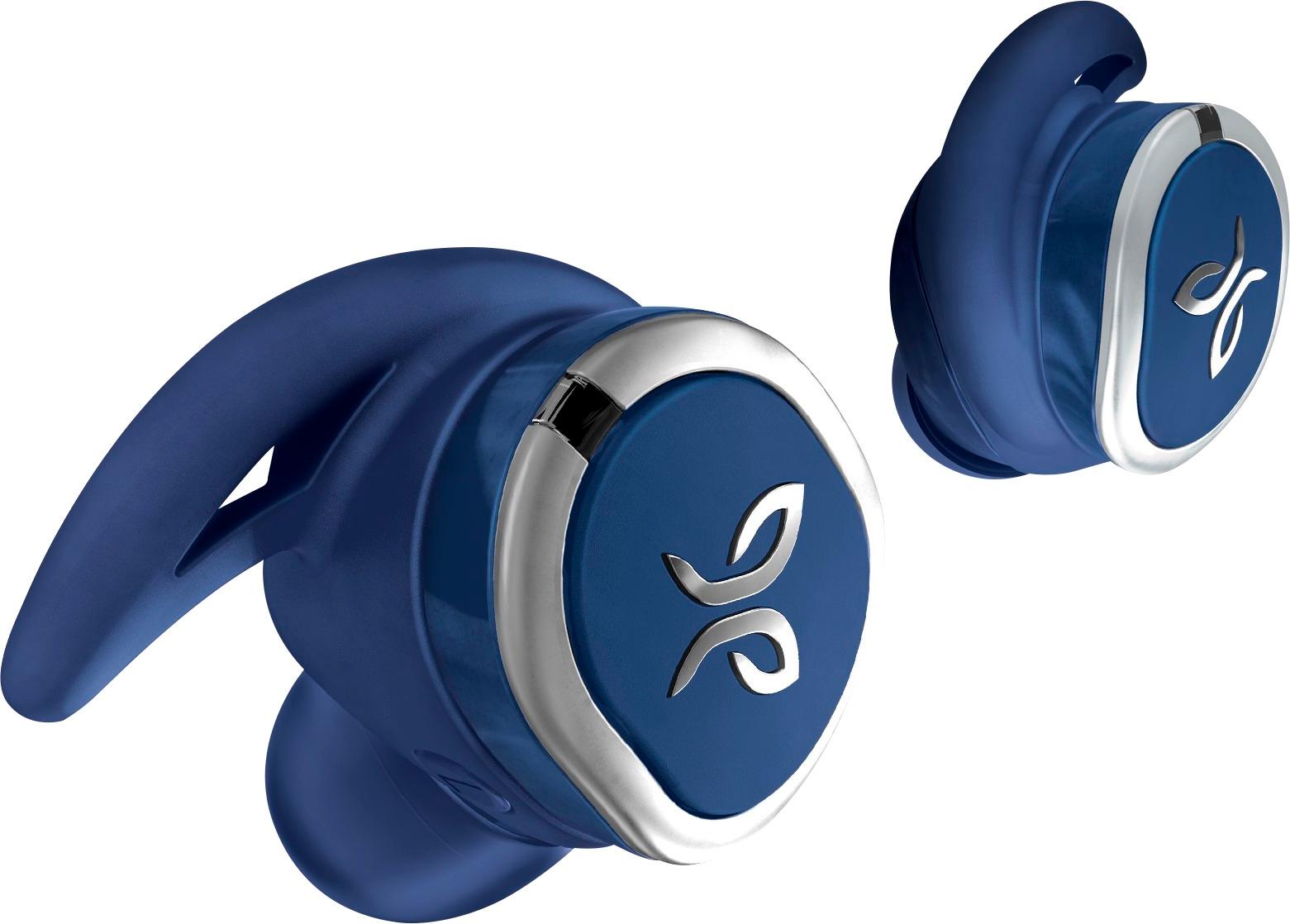
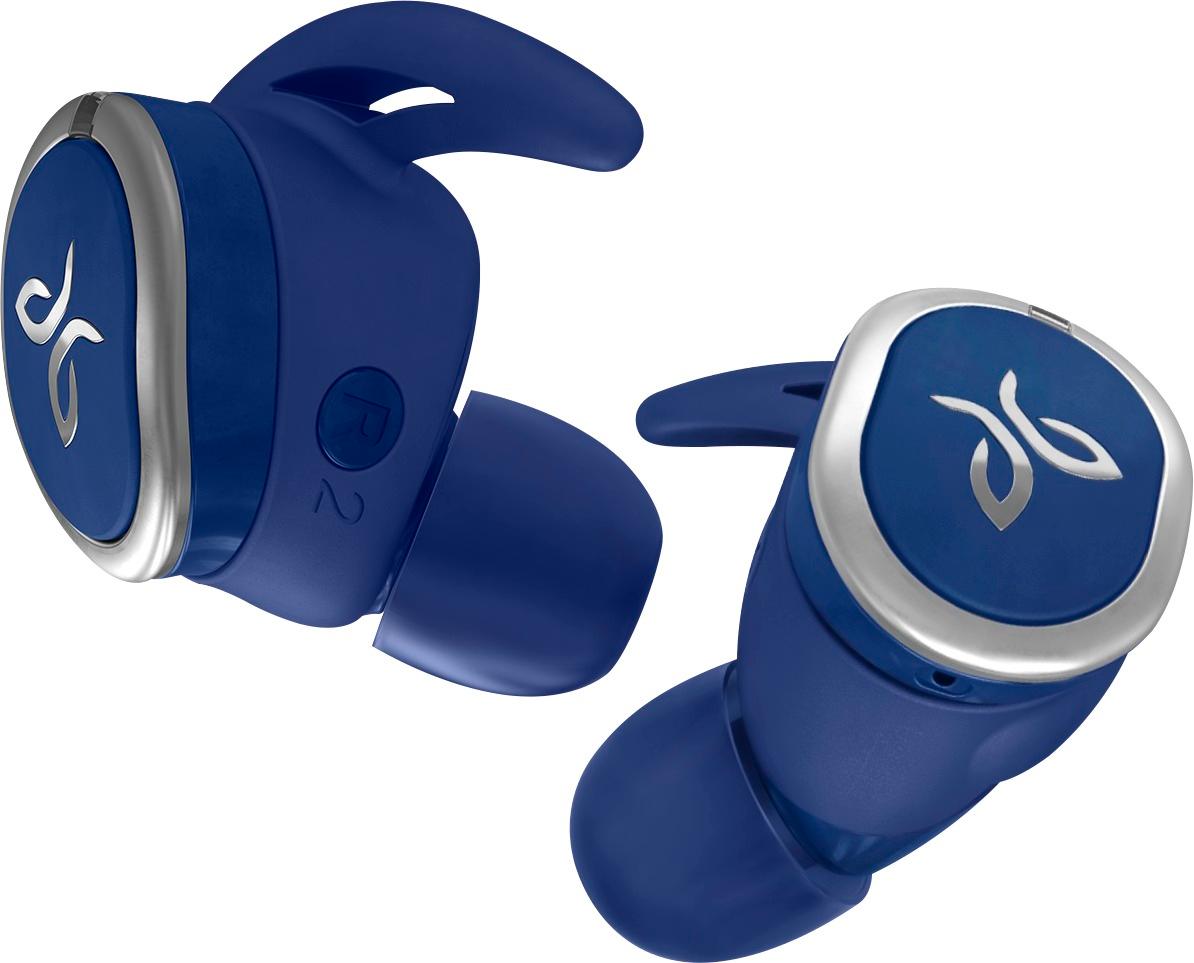
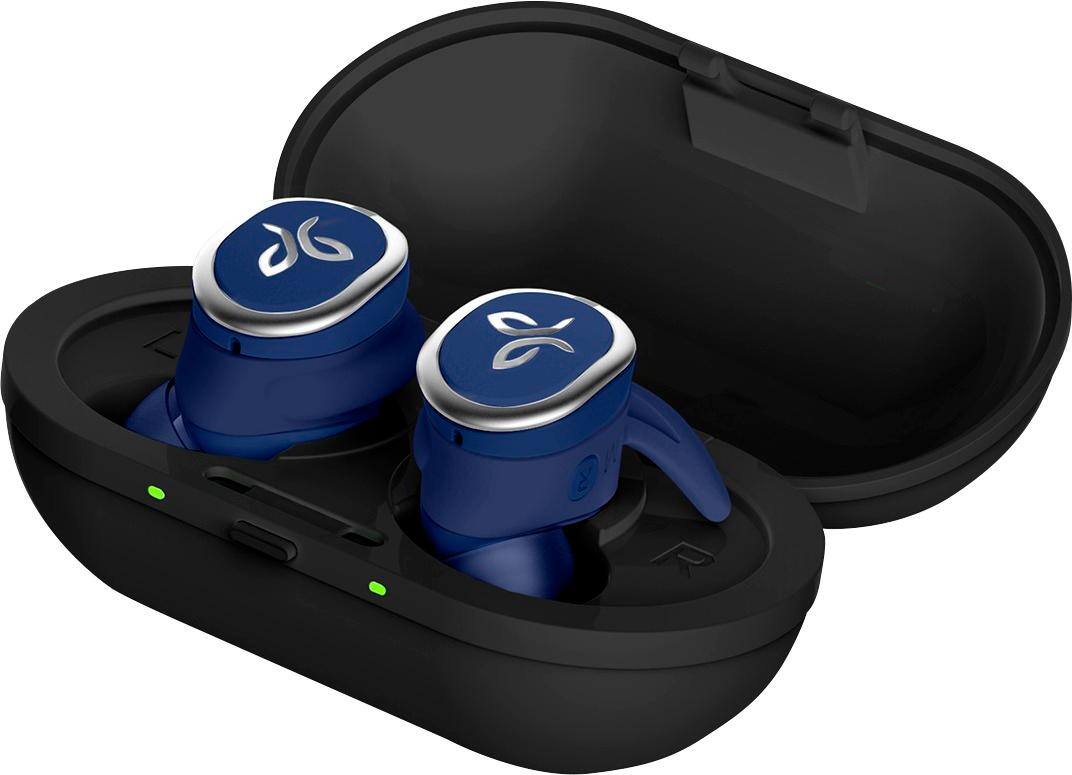
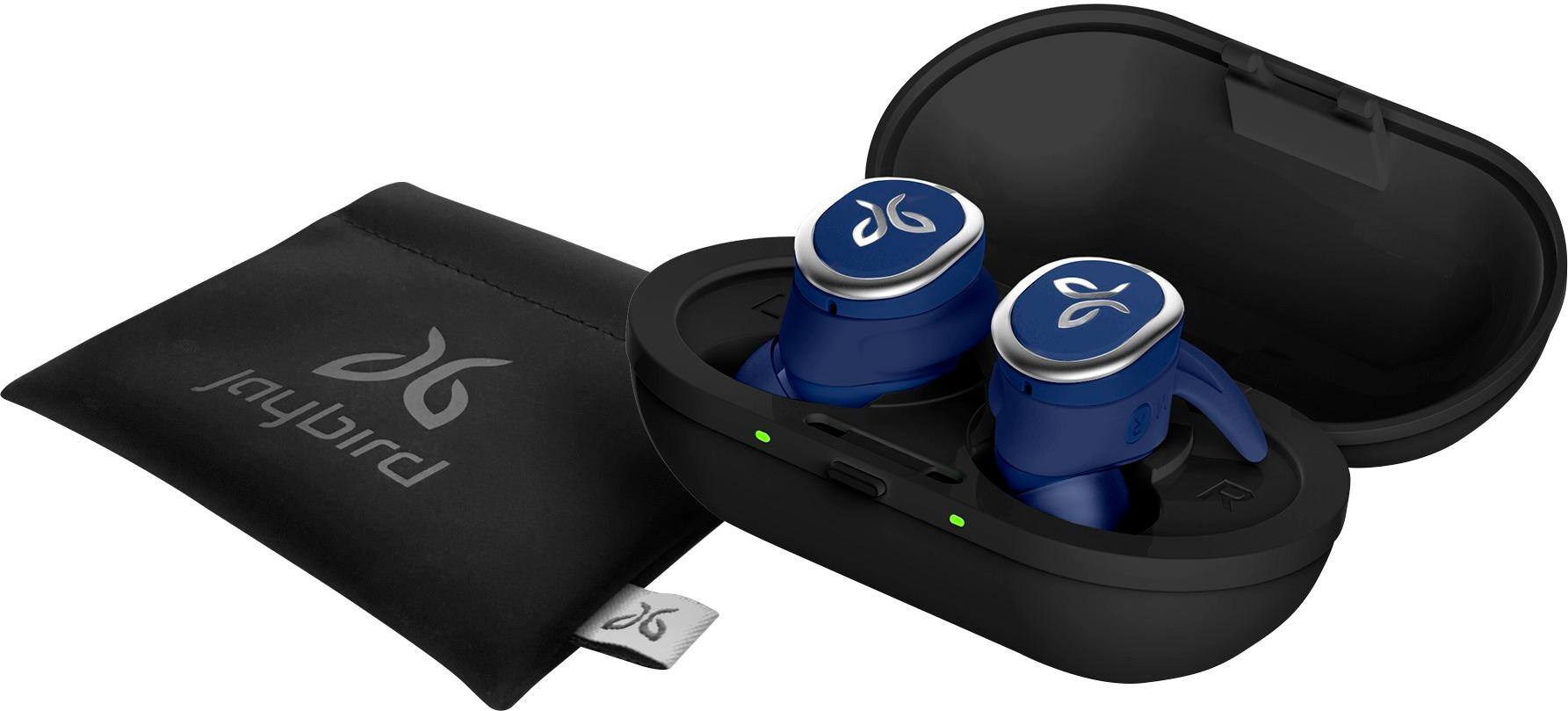
Customers are delighted by the RUN True Wireless In-Ear Headphones for their exceptional sound quality, comfortable fit, and long battery life. Many users have praised the snug fit and variety of ear tip sizes, ensuring a comfortable listening experience. The charging case has also received positive feedback for its functionality and stylish appearance. While some users have mentioned occasional connectivity issues and low volume, the overall sentiment towards these headphones remains highly positive.
This summary was generated by AI based on customer reviews.
These earbuds have awesome sound .
Posted .This reviewer received promo considerations or sweepstakes entry for writing a review.Sound is great. Jaybird app has so many options to find sound for you. They fit well.
I would recommend this to a friendThey Jam
Posted .This reviewer received promo considerations or sweepstakes entry for writing a review.Had to learn how to put them in my ear. The app showed me now then are greay
I would recommend this to a friendWorth
Posted .This reviewer received promo considerations or sweepstakes entry for writing a review.I have enjoyed the buds. I paired them with foam to keep them secure.
I would recommend this to a friendGreat Head phones
Posted .This reviewer received promo considerations or sweepstakes entry for writing a review.One of the greatest headphones I have ever purchased this far
I would recommend this to a friendBest in ear wireless earbuds!
Posted .This reviewer received promo considerations or sweepstakes entry for writing a review.Water resistant stay in ear. Pricey but well worth it.
I would recommend this to a friendExcellent
Posted .This reviewer received promo considerations or sweepstakes entry for writing a review.Best headset.......................................
I would recommend this to a friendTerrible Connectivity
Posted .This reviewer received promo considerations or sweepstakes entry for writing a review.I purchased the Jaybird RUN earbuds for working out at the gym and not having a wire get caught on equipment. The right earbud syncs just fine with my phone, but the left earbud cuts in and out nonstop. I checked and made sure I have up-to-date firmware and I made sure they are charged 100%. The problem is constant and disorientating. For nearly $200 I can't believe how poorly they communicate with each other. This is the first review I have ever posted on Bestbuy.com and hopefully it will save someone the pain of buying these terrible earbuds. I'm returning them today and exchanging for something different.
No, I would not recommend this to a friendBrand response from Jaybird Support Team
Posted .Hi aek89,
We are sorry to hear that you're experiencing connectivity issues with Jaybird RUN during your gyms sessions. Please reach out to jaybirdlistens@jaybirdsport.com and we will do what we can to help improve your experience.
Also, we recommend that you try the suggestions below that could help improve the connectivity of the headset.
- Perform a reset: https://jaybirdsport.com/en-us/run-faq.html#reset
- Re-establish the connection between the left and right buds: https://jaybirdsport.com/en-us/run-faq.html#leftbud
----------
#poweryourpassion
The Jaybird Sports Experience Team
If we've solved your issue, we'd appreciate an update to your review.
A big disappointment
Posted .This reviewer received promo considerations or sweepstakes entry for writing a review.So after owning a pair of Jaybird freedoms i was surprised by the sound quality. So later I had decided to upgrade to a better version the Jaybird runs. Now for being $100 dollars more the sound quality goes down horribly. There’s static in the the highs and mids and the volume of the headphone is horrible. I have them the benefit of the doubt and went and exchanged them for a second pair and I still have the same problem at this point it’s embarrassing to have to go to the store twice for the same product. DO NOT BUY
No, I would not recommend this to a friendTerrible Connection and Uncomfortable Fit
Posted .This reviewer received promo considerations or sweepstakes entry for writing a review.I was between these and airpods, and I will definitely be returning these. The connection is awful and continuously switches from the right earbud to the left earbud. The fit is extremely uncomfortable and left my ears very sore. They also disconnected from my phone multiple times, and sometimes just the right earbud would turn on and not the left and I would have to "reset" them by putting them in the case and bringing them back out. Very frustrated with this product, awful.
No, I would not recommend this to a friendBrand response from Jaybird Support Team
Posted .Hi sellybob4,
We're sorry to hear that you're experiencing connectivity and fit issues with your Jaybird Run buds and we'd like to help. Just send us an email at Jaybirdlistens@Jaybirdsport.com and we will get you taken care of.
Here are the Factory Reset instructions that might help resolve this problem:
-Turn off your right earbud by pressing the right multifunction button for 3 seconds.
-With your right earbud off, press and hold the right multifunction button for 6 seconds until the LED flashes green.
-Double press the right multifunction button. The LED will flash orange and the earbud will turn off. Your earbud has now been reset.
-When you hard reset your earbuds, you will lose any saved presets and any saved devices on the paired list. You’ll need to forget Jaybird RUN in your phone's Bluetooth device list, repair your earbuds to your Bluetooth device, See How do I pair my Jaybird RUN earbuds? and reselect your favorite preset from the Jaybird app.
As for fit, you can mismatch the ear tips, switch between the conical and round ear tips/all size fins.
----------
Bruce
Jaybird Customer Experience
#poweryourpassion
Trash
Posted .This reviewer received promo considerations or sweepstakes entry for writing a review.I have $15 Bluetooth earbuds that work better than this! Ear buds kept falling out, it took me about 2 days to get my phone to connect. Battery is terrible, an hour in and YOURE DONE! It’s seems like everytime I moved with them on the music kept skipping or getting out of range and I wasn’t far at all. Waste of money. And my Jaybird app never connected. The sound is ok when it isn’t having problems but it’s not $180 sound
No, I would not recommend this to a friendHUGE Disapointment
Posted .This reviewer received promo considerations or sweepstakes entry for writing a review.Well, These seem to be complete garbage. Left does NOT work DIRECTLY out of the package. After reading reviews on other sites and the problems with these particular model from Jaybird, they really ought to be ashamed. These are nothing but headaches for most people who buy them. These will be going back directly, tomorrow and I will look into another brand. For the price, these should work flawlessly out of the box.
No, I would not recommend this to a friendBrand response from Jaybird Support Team
Posted .Hello Toulon,
We are sorry to hear that your Jaybird Run's left bud does not work. This is not the performance nor quality we expect from our products. We'll be glad to help you out! Just send us an email at Jaybirdlistens@Jaybirdsport.com and we will get you taken care of.
Here are the instructions to factory reset your right earbud:
-Turn off your right earbud by pressing the right multifunction button for 3 seconds.
-With your right earbud off, press and hold the right multifunction button for 6 seconds until the LED flashes green.
-Double press the right multifunction button. The LED will flash orange and the earbud will turn off. Your earbud has now been reset.
-When you hard reset your earbuds, you will lose any saved presets and any saved devices on the paired list. You’ll need to forget Jaybird RUN in your phone's Bluetooth device list, repair your earbuds to your Bluetooth device, See How do I pair my Jaybird RUN earbuds? and reselect your favorite preset from the Jaybird app.
You can try re-establishing connection between the left and right earbud using the steps found on this link:
https://www.jaybirdsport.com/en-us/run-faq.html
----------
Bruce
Jaybird Customer Experience
#poweryourpassion
Horrible Battery Life
Posted .This reviewer received promo considerations or sweepstakes entry for writing a review.This is my second pair of JayBird Run. I had to return the first pair within the first couple of weeks of me buying them because the battery on the left would die within 30 mins while the right would still be at 80%. The same issue with the second pair that I got in exchange for the first one. Returning it and getting the Bose wireless headphones even though they are a little bulky.
No, I would not recommend this to a friendBrand response from Jaybird Support Team
Posted .Hi Will,
We're sorry to hear that your Jaybird Run's left bud looses battery faster and we'll be glad to help you out! Just send us an email at Jaybirdlistens@Jaybirdsport.com and we will get you taken care of.
Kindly try using a different power source/charger and/or a different USB cable. A pulsing green LED on each side means it is charging, solid green light when fully charged. It is recommended to use 5V/500mA-1A charger for 3 hours only.
It would also help to ensure that the lid of the charging case is securely closed and the charger ports and prongs align accordingly and are free from debris.
----------
Bruce
Jaybird Customer Experience
#poweryourpassion
Great At First
Posted .This reviewer received promo considerations or sweepstakes entry for writing a review.Wasted $179 on these DO NOT BUY! These ear buds worked great for two months, then the left one started cutting out. I did everything JayBird customer service recommended. Rest them, updated the App, etc. Still the headphones cut out. I want to work out, not spend my time trying to get an ear bud to work. These are awful and a waste of money. Trust me, do not waste your time or money on these.
No, I would not recommend this to a friendBrand response from Jaybird Support Team
Posted .Hi Fit130,
We are sorry to hear that you are experiencing connectivity issues with the left side of your Jaybird RUN even after following the suggestions we provided. This is not the behavior nor performance we expect from our product.
Please reach out to jaybirdlistens@jaybirdsport.com and we will do what we can to help improve your experience.
----------
#poweryourpassion
The Jaybird Sports Experience Team
If we've solved your issue, we'd appreciate an update to your review.
Horrible lag with no fix
Posted .This reviewer received promo considerations or sweepstakes entry for writing a review.These earbuds have horrible video lag and Jaybird does not care about fixing it. Jaybird's resolution is watch videos with the right side only and their excuses if they're built to work that way for audio only not for video no solution offered no solution in the future I returned these headphones.
No, I would not recommend this to a friendBrand response from Jaybird Support Team
Posted .Hi Treadhead,
We are sorry to hear that your Jaybird Run did not meet your expectations with some of the design and features and we'll be glad to help you out! Just send us an email at Jaybirdlistens@Jaybirdsport.com and we will get you taken care of.
We allow for a small amount of latency when watching video using Jaybird RUN. To ensure a premium music and sound experience and to guarantee the left and right earbud are always in sync, we introduce a small latency. The amount of latency can differ based on your operating system and video streaming app.
Jaybird RUN are designed to ensure a premium audio experience while running.
----------
Bruce
Jaybird Customer Experience
#poweryourpassion
Horrible connectivity
Posted .This reviewer received promo considerations or sweepstakes entry for writing a review.For the amount of money I spent on these, I would expect them to remain connected to my phone when I bend over or walk 10' away. They regularly lose connection, the volume goes up and down while I'm working in the yard. I would have been better off buying a cheaper brand.
No, I would not recommend this to a friendBrand response from Jaybird Support Team
Posted .Hi Milkdud68,
We are sorry to hear that you're experiencing connectivity issues with your Jaybird Run buds and we'll be glad to help you out! Just send us an email at Jaybirdlistens@Jaybirdsport.com and we will get you taken care of.
Please observe the buds to further isolate the issue, you can connect the buds to a different device or a device with a different OS. Resets are also recommended, I included both methods:
To soft reset your right earbud:
-Place your right earbud into the charge case and close the lid.
-Open the charge case and remove your earbud.
To hard reset your right earbud:
-Turn off your right earbud by pressing the right multifunction button for 3 seconds.
-With your right earbud off, press and hold the right multifunction button for 6 seconds until the LED flashes green.
-Double press the right multifunction button. The LED will flash orange and the earbud will turn off. Your earbud has now been reset.
-When you hard reset your earbuds, you will lose any saved presets and any saved devices on the paired list. You’ll need to forget Jaybird RUN in your phone's Bluetooth device list, repair your earbuds to your Bluetooth device, See How do I pair my Jaybird RUN earbuds? and reselect your favorite preset from the Jaybird app.
----------
Bruce
Jaybird Customer Experience
#poweryourpassion
Wouldn't stay on ear for more than 2 minutes.
Posted .This reviewer received promo considerations or sweepstakes entry for writing a review.Totally dissapointed. Couldn't get the buds to stay on me ears for more than a minute. I tried all the shapes and forms but they'll just keep falling off. I couldn't try the rest of the features so, I can't judge on it. Had to return them the very next day.
No, I would not recommend this to a friendBrand response from Jaybird Support Team
Posted .Hello LordValadez,
We're sorry to hear that the Jaybird Run did not meet your expectations with the seal and fit and we'll be glad to help you out! Just send us an email at Jaybirdlistens@Jaybirdsport.com and we will get you taken care of.
----------
Bruce
Jaybird Customer Experience
#poweryourpassion
Movies No
Posted .This reviewer received promo considerations or sweepstakes entry for writing a review.You cannot watch movies with the Run. There is an audio lag. Seems to be an on going problem with Jaybird looking at other reviews.
No, I would not recommend this to a friendBrand response from Jaybird Support Team
Posted .Hi Dray,
We appreciate your review for the Jaybird Run. If you experience audio lag issues with your buds, please send us an email at Jaybirdlistens@Jaybirdsport.com and we will get you taken care of.
Here are the Factory Reset instructions that might help resolve this problem:
To soft reset your earbuds:
-Place your right earbud into the charge case and close the lid.
-Open the charge case and remove your earbud.
To hard reset your earbuds:
-Turn off your right earbud by pressing the right multifunction button for 3 seconds.
-With your right earbud off, press and hold the right multifunction button for 6 seconds until the LED flashes green.
-Double press the right multifunction button. The LED will flash orange and the earbud will turn off. Your earbud has now been reset.
-When you hard reset your earbuds, you will lose any saved presets and any saved devices on the paired list. You’ll need to forget Jaybird RUN in your phone's Bluetooth device list, repair your earbuds to your Bluetooth device, See How do I pair my Jaybird RUN earbuds? and reselect your favorite preset from the Jaybird app.
You can check the Firmware update for Jaybird Run as an added solution. You can find the Firmware Update Assistant here:
https://www.jaybirdsport.com/en-us/dfu-download/dfurun-win.html
----------
Bruce
Jaybird Customer Experience
#poweryourpassion