Customer Ratings & Reviews




- Model:
- 985-000689
- SKU:
- 5883809
Rating by feature
- Value
Rating 4.0 out of 5 stars
- Quality
Rating 4.1 out of 5 stars
- Ease of Use
Rating 4.2 out of 5 stars
Customers are saying
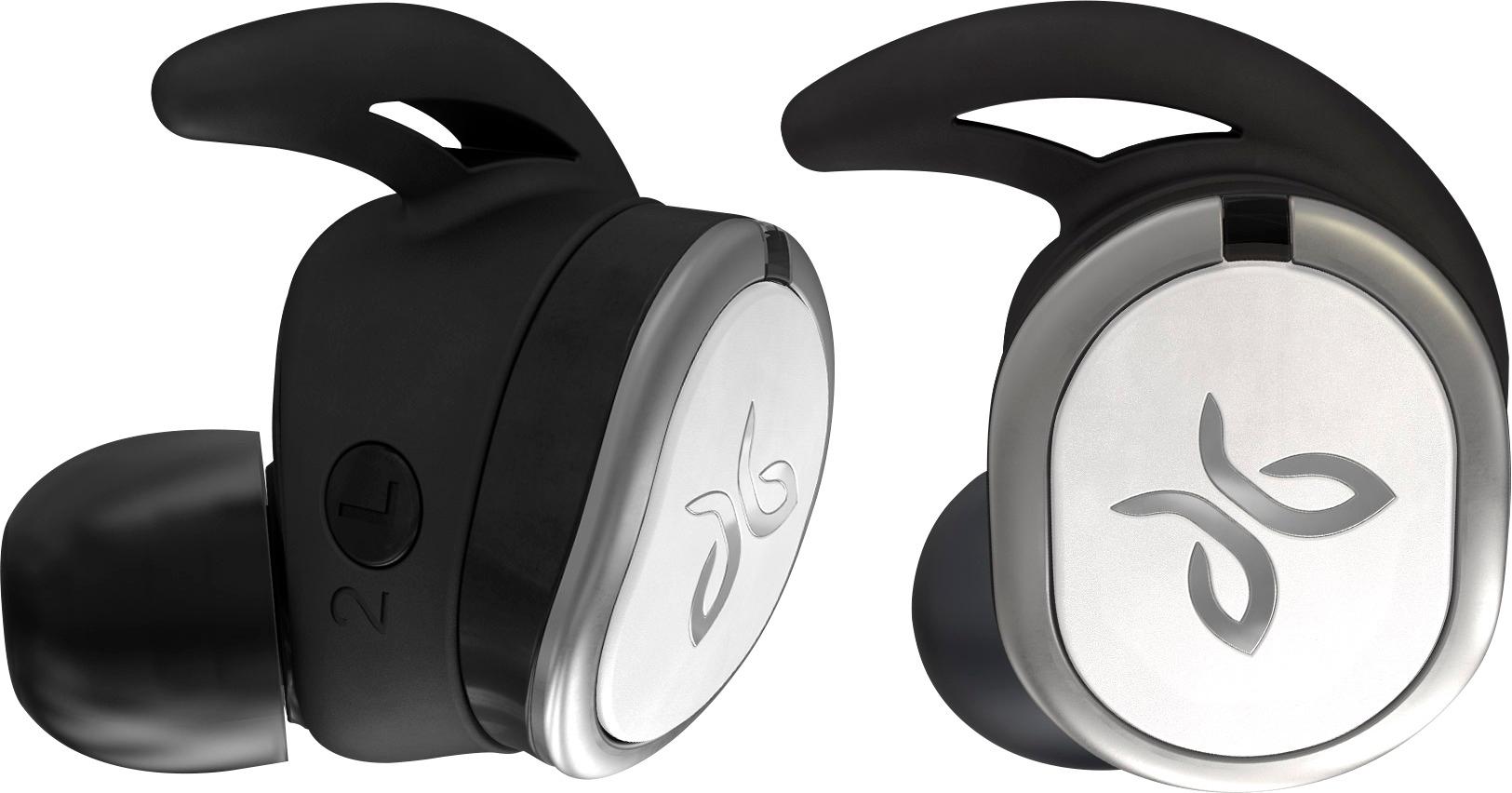
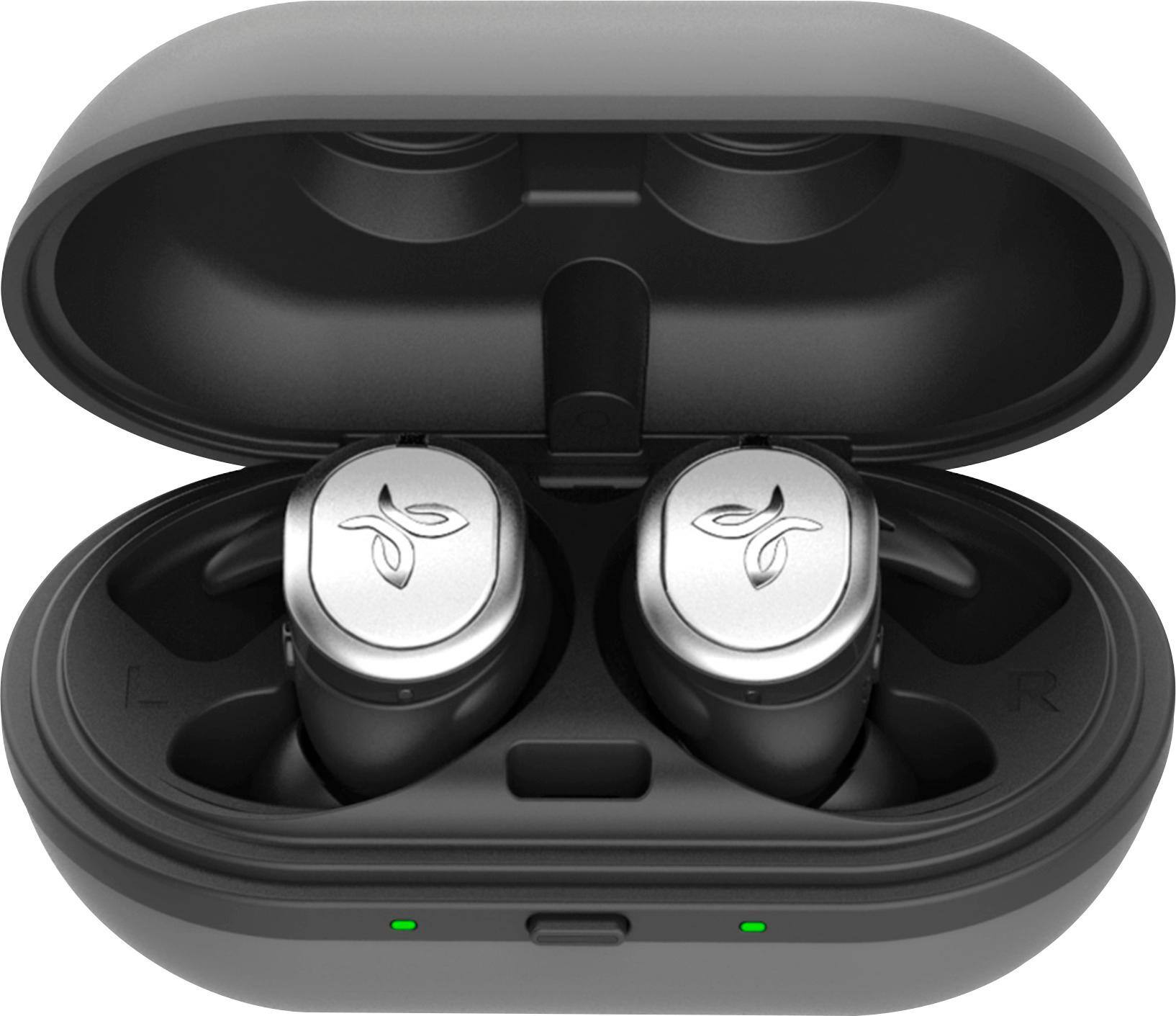
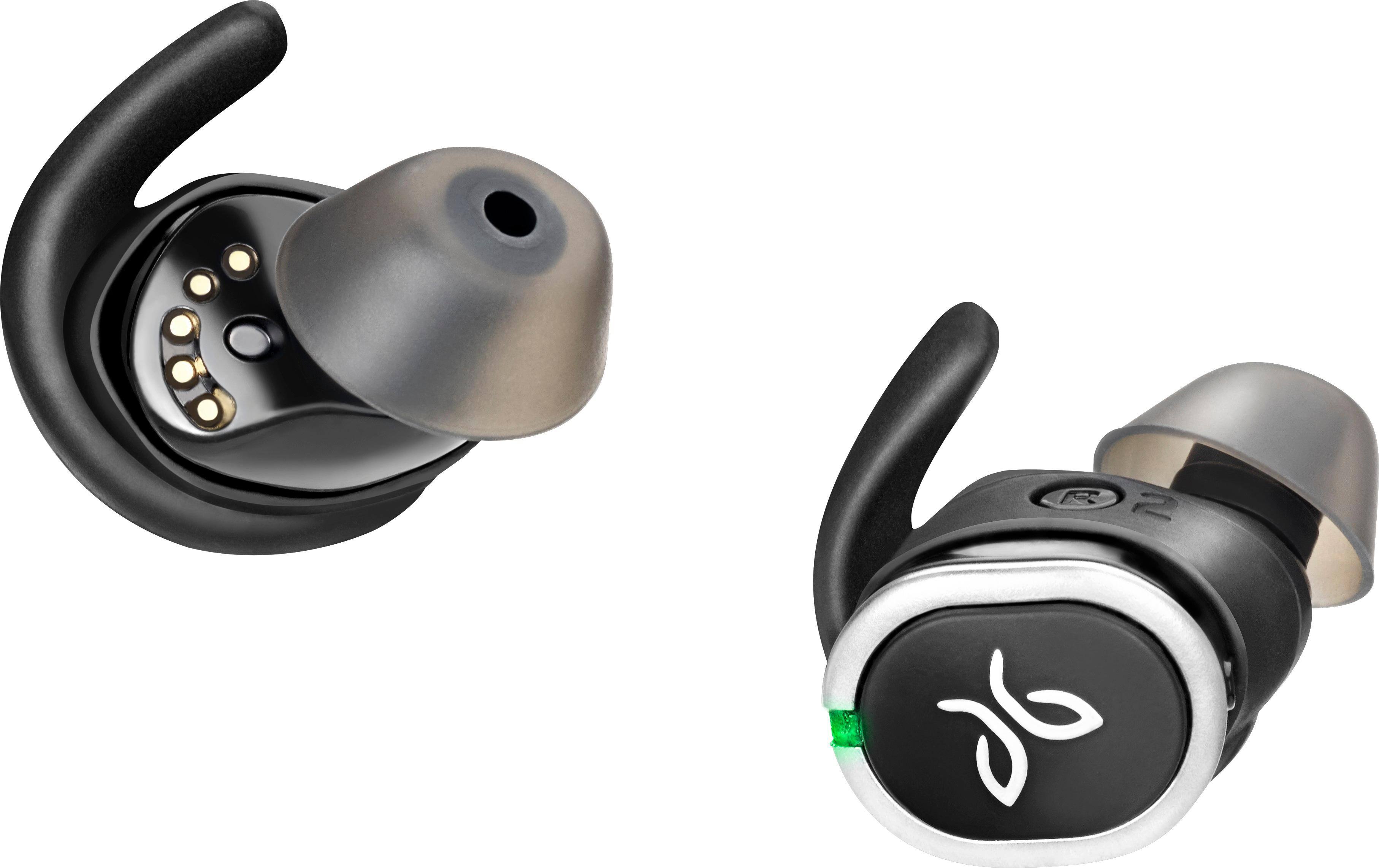
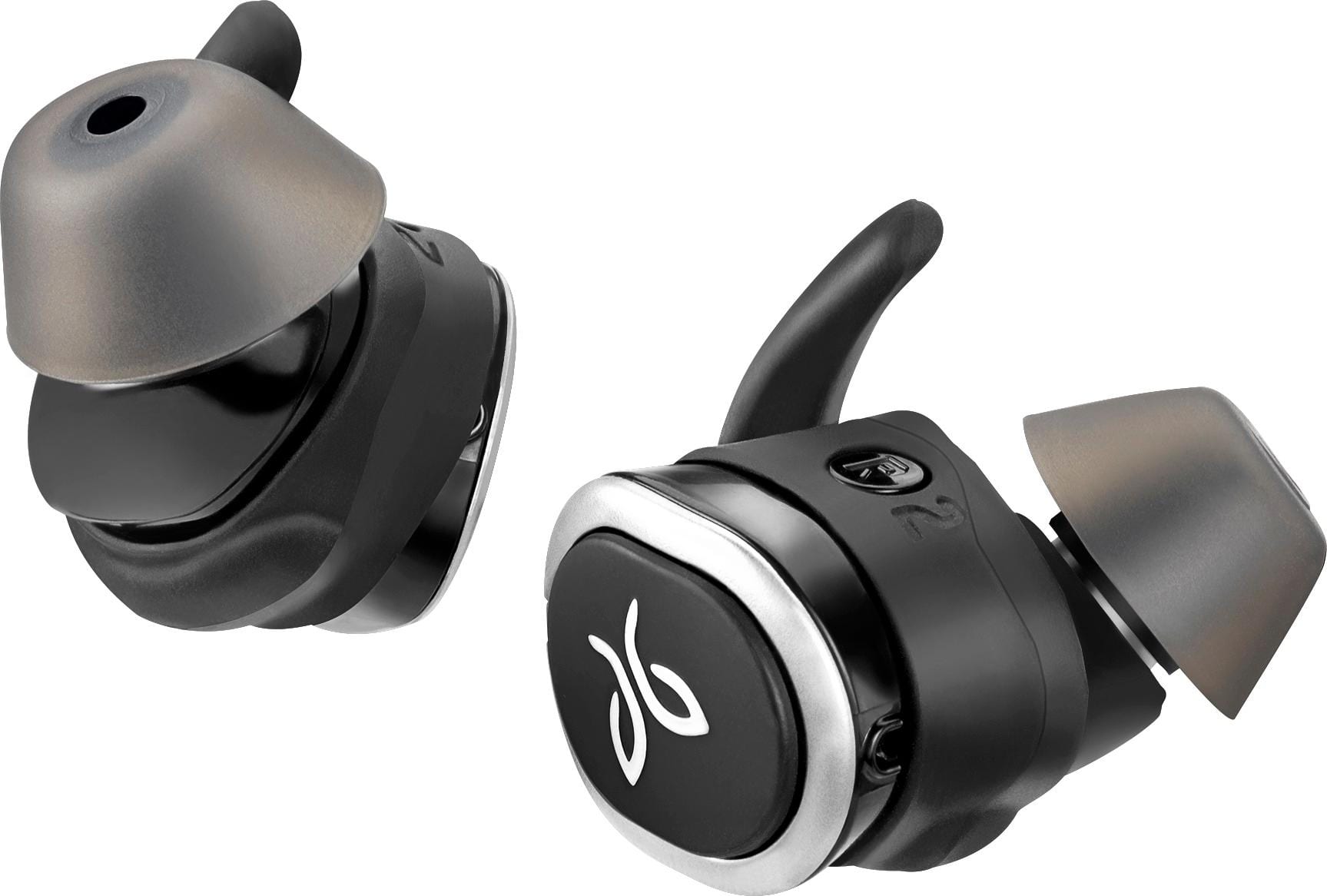
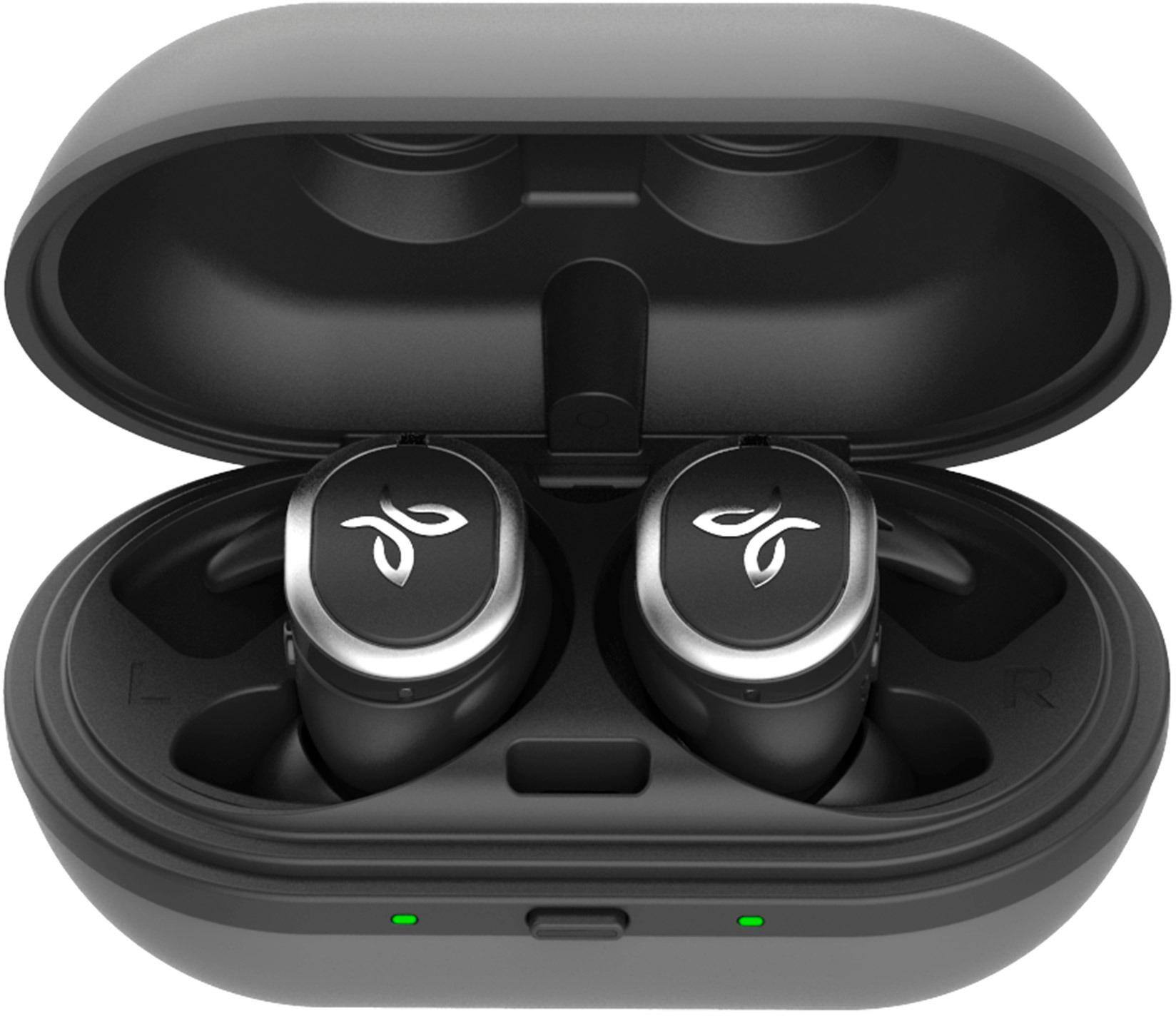
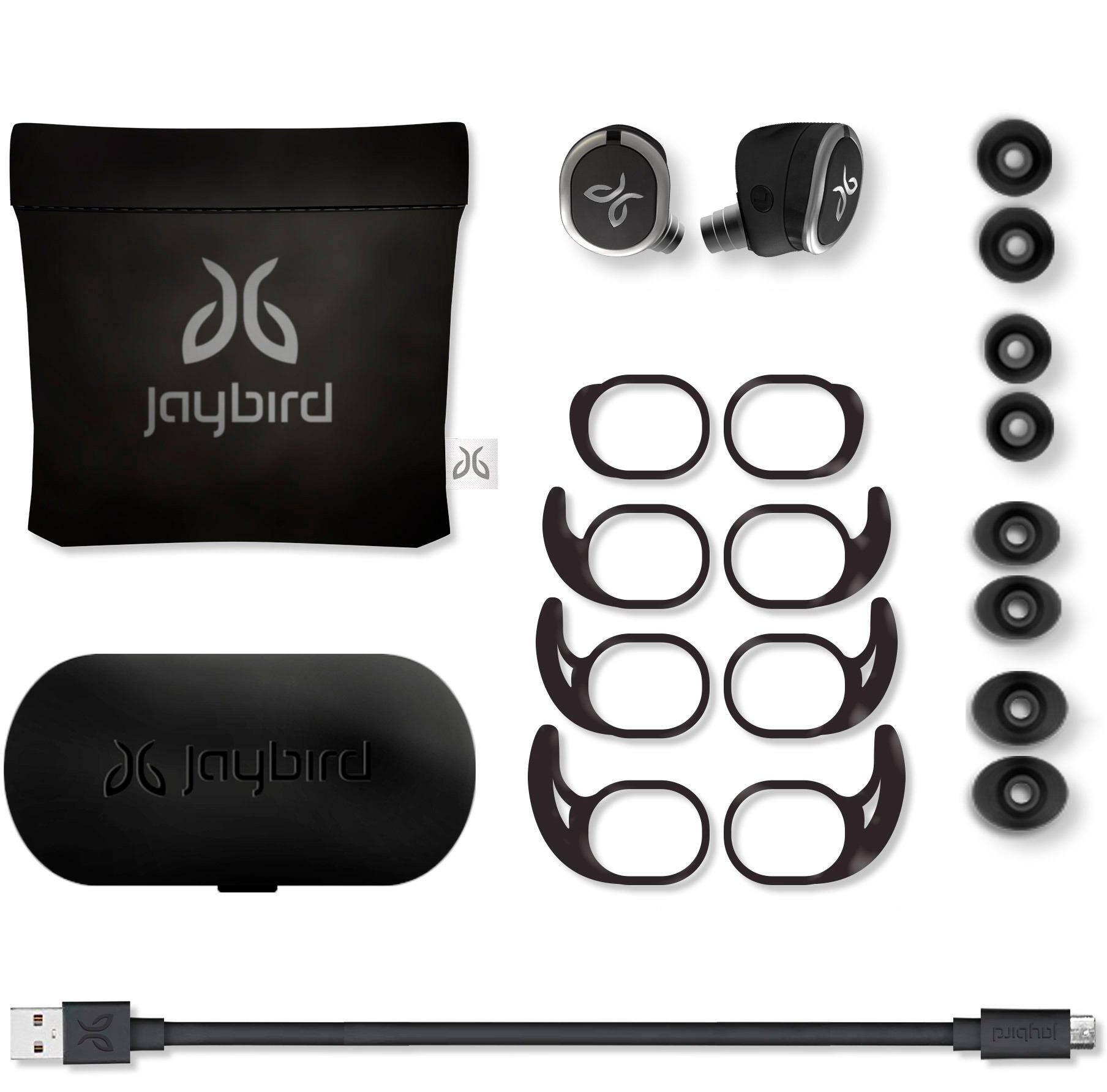
Customers are delighted by the RUN True Wireless In-Ear Headphones for their exceptional sound quality, comfortable fit, and long battery life. Many users have praised the snug fit and variety of ear tip sizes, ensuring a comfortable listening experience. The charging case has also received positive feedback for its functionality and stylish appearance. While some users have mentioned occasional connectivity issues and low volume, the overall sentiment towards these headphones remains highly positive.
This summary was generated by AI based on customer reviews.
- Pros mentioned:Comfort
Needs improvement !!
||Posted .This reviewer received promo considerations or sweepstakes entry for writing a review.They are comfortable to wear and stay in ears well. Sound is ok. The main problem is they lose connection very often. Sound fades from one ear to the other all the time. It was very annoying to the point I finally had to give up on them.
No, I would not recommend this to a friend - Pros mentioned:Sound quality
Good sound not well fitting
||Posted .This reviewer received promo considerations or sweepstakes entry for writing a review.I purchased these after the Bose Bluetooth wireless ones and the sound is good and the app has great features. The downfall is the fittings that go in the ear. Not very comfortable and it always feels like I had to keep pushing them in.
No, I would not recommend this to a friend - Pros mentioned:Battery life
great buds
||Posted . Owned for 1 year when reviewed.This reviewer received promo considerations or sweepstakes entry for writing a review.nice pair of wireless in ear headphones. connection to my galaxy phone was fast but had a bit of an issue with my i phone which took a little time in my part to fix but once connected they sound and last basically forever. charging is also easy and quick.
I would recommend this to a friend - Pros mentioned:Comfort
Everything but the volume button
||Posted .This reviewer received promo considerations or sweepstakes entry for writing a review.Pleased overall, needs volume button. Comfortable to wear
I would recommend this to a friend - Pros mentioned:Sound quality
Good for quality sound
||Posted .This reviewer received promo considerations or sweepstakes entry for writing a review.It exceeded my expectations and I use it daily for running.
I would recommend this to a friend - Pros mentioned:Fit
Nice earbuds
||Posted .This reviewer received promo considerations or sweepstakes entry for writing a review.After one year of heavy use the right bud doesnt start automatically when removed from the box. They stay in place without problems, they are comfortable and, after the software upgrade, I didnt experience any disconnection issues.
I would recommend this to a friend Great ear buds
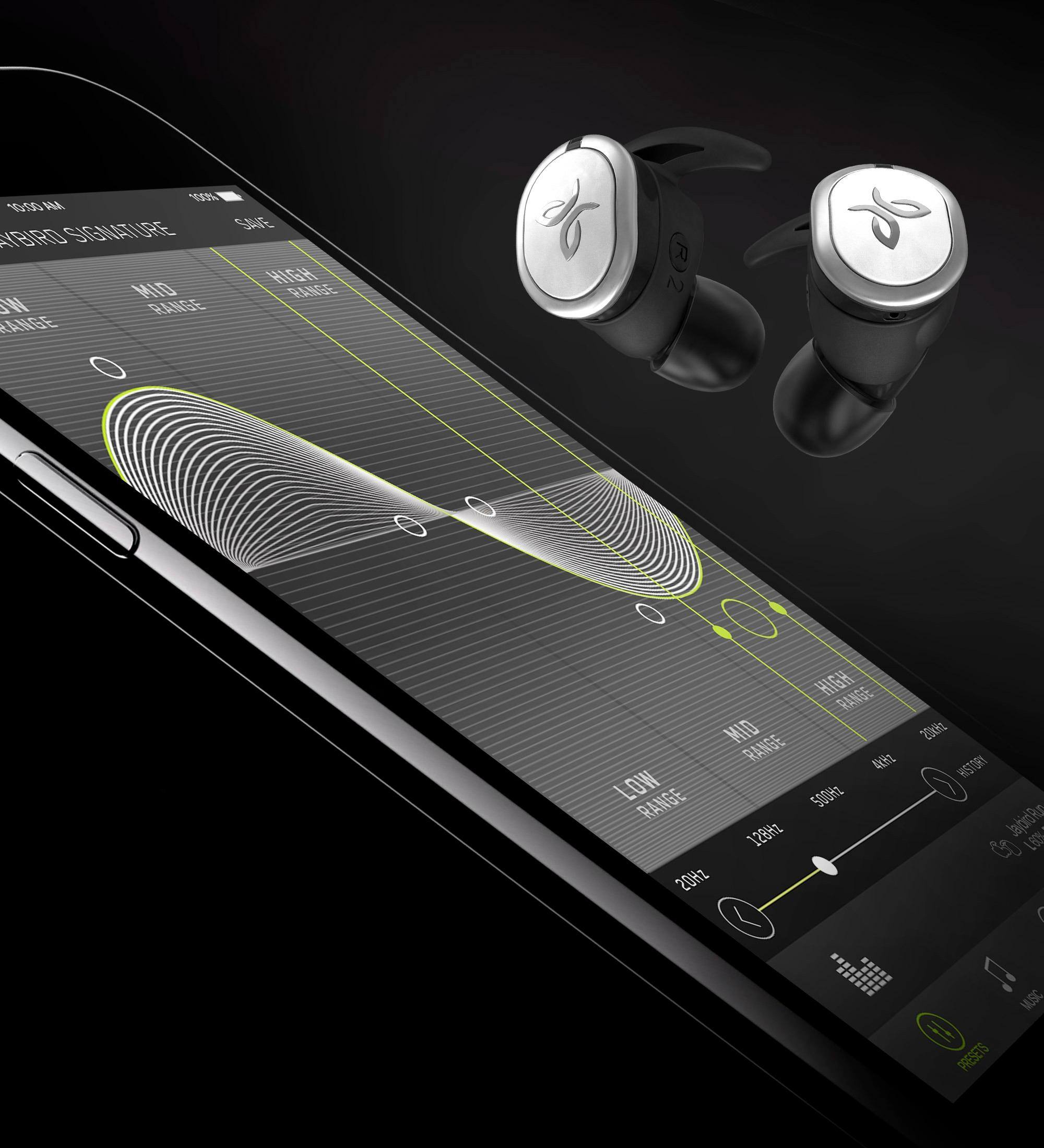
||Posted .This reviewer received promo considerations or sweepstakes entry for writing a review.I was so impressed with this product . YOU CAN adjust the sound to your own liking on the app.
I would recommend this to a friend- Pros mentioned:Sound quality
Best hands free!!!
||Posted .This reviewer received promo considerations or sweepstakes entry for writing a review.Opened up the package and inserted earbuds in and they fired right up. Easy to use, quick and easy charging station! What’s not to like. Went on 2 runs so far and they stayed intact and sound is good. I have the the Jaybird X3 and so far these are much superior.
I would recommend this to a friend - Pros mentioned:Sound quality
Great wireless earbuds for running
||Posted .This reviewer received promo considerations or sweepstakes entry for writing a review.I bought these for my girlfriend, and she’s really liking it. She runs a lot, and it was hard to find something that was sweat resistant and fit her ears. Would recommend to anyone looking for something for the gym or to go running in. Sound quality is good.
I would recommend this to a friend - Pros mentioned:Sound quality
Ear buds
||Posted .This reviewer received promo considerations or sweepstakes entry for writing a review.Great sound. Very easy to use while running or working out
I would recommend this to a friend Better Than expected!
||Posted .This reviewer received promo considerations or sweepstakes entry for writing a review.Great product and Even better pricing at Best Buy! Always my go to for all electronic needs!
I would recommend this to a friend- Pros mentioned:Comfort
Satisfied consumer
||Posted .This reviewer received promo considerations or sweepstakes entry for writing a review.I workout in these regularly and they are awesome!
I would recommend this to a friend - Pros mentioned:Comfort
Great air buds
||Posted .This reviewer received promo considerations or sweepstakes entry for writing a review.Have used for casual listening to exercise in the gym. The buds remained without having to be readjusted. The buds were comfortable and could be worn for hours. The buds have a thin appearance and do not stick out too far from the ear as I have noticed some have.
I would recommend this to a friend Worst JayBird product.... EVER!
||Posted .This reviewer received promo considerations or sweepstakes entry for writing a review.DON'T WASTE YOUR TIME OR MONEY! First thing I did was update the firmware, put in the buds, started playing music and within the first minute the left ear bud kept randomly disconnecting & reconnecting. Downloaded the app to see if there was anything else I could tweak and it tells me to turn on Bluetooth? My music is playing so, Yes, it is already connected and it isn’t the phone because its an iPhone 8 that has no issues with other Bluetooth devices including your 3+ year old BlueBuds. Been using this brand for years and this is 100% a garbage product. Jaybird, how you allowed this past “quality assurance" & on to the market is beyond me.
No, I would not recommend this to a friendBrand response from Jaybird Support Team
Posted .Hi RDRR,
Sounds like you are still having connections issues even after the update, this really should not be the case as from personal testing the update massively improves the connection. So it has to be something else. Here is a reset you can try for the left side specifically. If that does not help the connections please reach out to us at [email protected] and we will get these swapped out for you.
Reset - Make sure it is turned off first then hold the power button on the left bud for 6 seconds or so and it should go into "pairing mode" by continuously flashing green. When you see these colors double tab the left bud and it should reset.
After the reset put it back in pairing mode should be able to pair it back up but if it does not find the device simply delete it from the bluetooth menu and repair RUN again.
Please let me know if this works or not and we can help you out from there.
-----Jaybird support
- Pros mentioned:FitCons mentioned:Connection
Technological Failure
||Posted .This reviewer received promo considerations or sweepstakes entry for writing a review.I purchased these from Best Buy. I have purchased another set from Target and a THIRD set from AMAZON. All 3 had the same issue--poor connection, primarily with the left bud. Left bud constantly loses connection. Jaybird does not have a fix for this. The range is poor compared to other Jaybird earbuds I have owned. The sound quality is not as good as the X3. They are everything you would want otherwise--nice, secure fit. Wait for Jaybird to get the connectivity issues resolved before you buy these.
No, I would not recommend this to a friendBrand response from Jaybird Support Team
Posted .Hi Ryan,
We're sorry to hear that you're experiencing connectivity issues with your Jaybird Run buds and we'd like to help. Just send us an email at [email protected] and we will get you taken care of.
Here are the Factory Reset instructions that might help resolve this problem:
To soft reset your earbuds:
-Place your right earbud into the charge case and close the lid.
-Open the charge case and remove your earbud.
To hard reset your earbuds:
-Turn off your right earbud by pressing the right multifunction button for 3 seconds.
-With your right earbud off, press and hold the right multifunction button for 6 seconds until the LED flashes green.
-Double press the right multifunction button. The LED will flash orange and the earbud will turn off. Your earbud has now been reset.
-When you hard reset your earbuds, you will lose any saved presets and any saved devices on the paired list. You’ll need to forget Jaybird RUN in your phone's Bluetooth device list, repair your earbuds to your Bluetooth device, See How do I pair my Jaybird RUN earbuds? and reselect your favorite preset from the Jaybird app.
You can check the Firmware update for Jaybird Run as an added solution. You can find the Firmware Update Assistant here:
https://www.jaybirdsport.com/en-us/dfu-download/dfurun-win.html
You can also try re-establishing connection between the left and right earbud using the steps found on this link:
https://www.jaybirdsport.com/en-us/run-faq.html#leftbud
----------
Bruce
Jaybird Customer Experience
#poweryourpassion
- Pros mentioned:Fit
good for hands-free talking per cell phone
||Posted .This reviewer received promo considerations or sweepstakes entry for writing a review.music on my ipod did not sound so explosive as compared to BEATS WIRELESS.earpiece fits nice,comfortable.I only enjoyed this product for chit chatting or listening to movies or audio books on my iphone,not so good for music
I would recommend this to a friend Great buds
||Posted .This reviewer received promo considerations or sweepstakes entry for writing a review.After reading all reviews I decided to go with the jaybirds. And I have say I’m glad I did.
I would recommend this to a friendLove them!
||Posted .This reviewer received promo considerations or sweepstakes entry for writing a review.I love them since they are easy to use true headphones. I mostly use them during workouts.
I would recommend this to a friend- Cons mentioned:Connection
Great product!
||Posted .This reviewer received promo considerations or sweepstakes entry for writing a review.Some connection and fit issues but a great product
I would recommend this to a friend - Pros mentioned:Sound quality
Nice sound
||Posted .This reviewer received promo considerations or sweepstakes entry for writing a review.Trouble with staying my ear but over all nice sound
I would recommend this to a friend