Customer Ratings & Reviews



- Model:
- 985-000689
- SKU:
- 5883809
Rating by feature
- Value
Rating 4.0 out of 5 stars
- Quality
Rating 4.1 out of 5 stars
- Ease of Use
Rating 4.2 out of 5 stars
Customers are saying
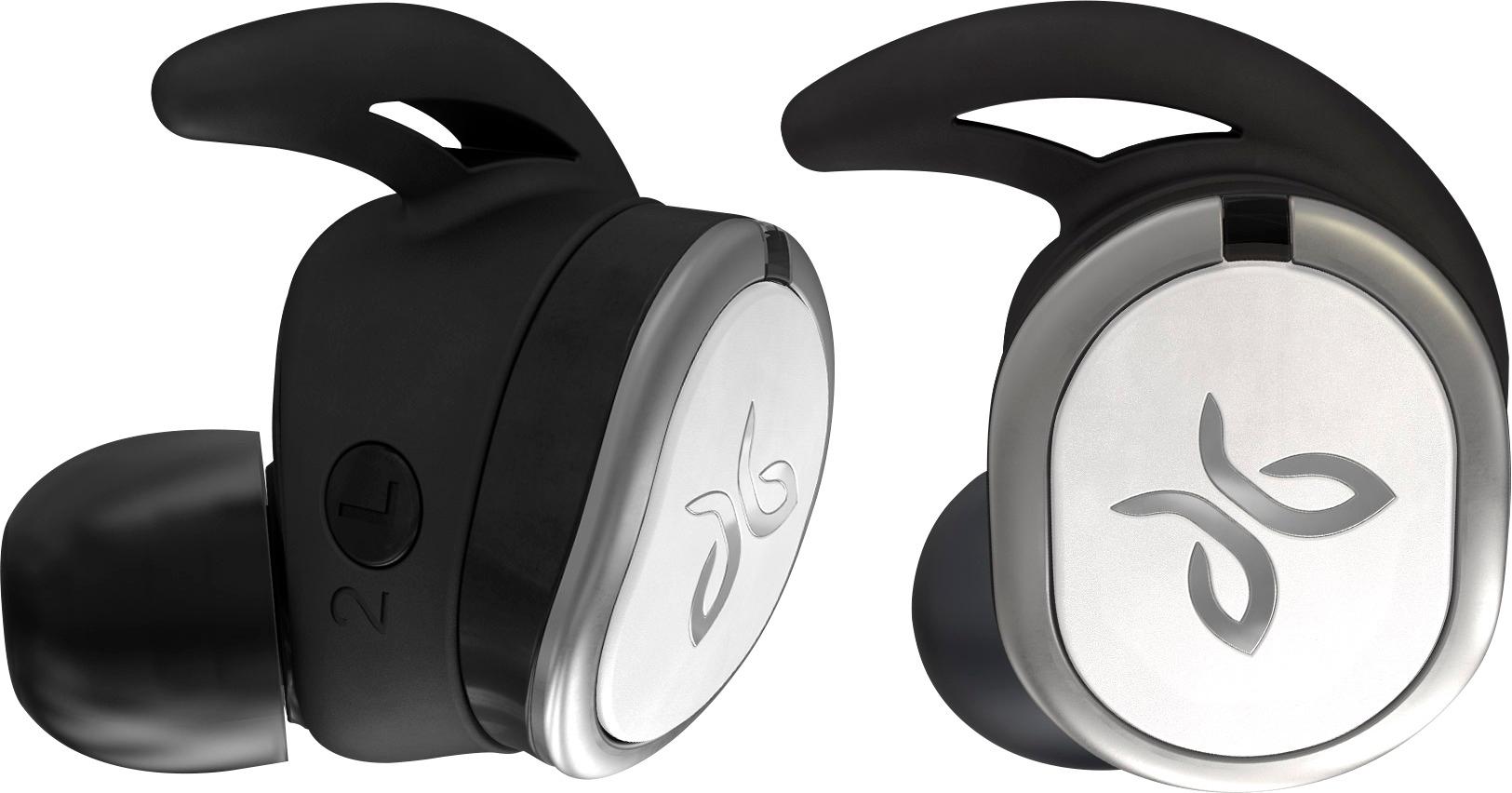
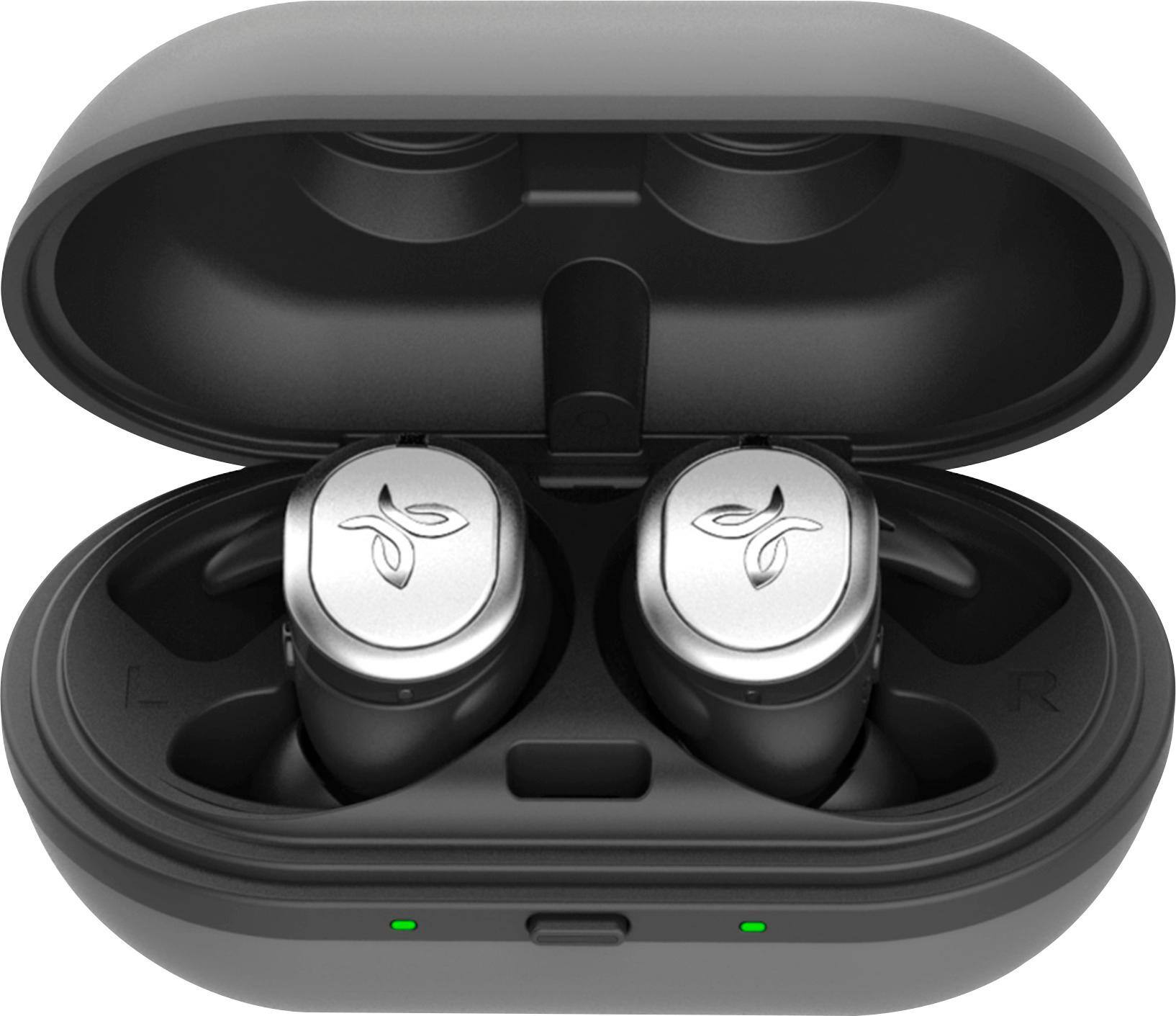
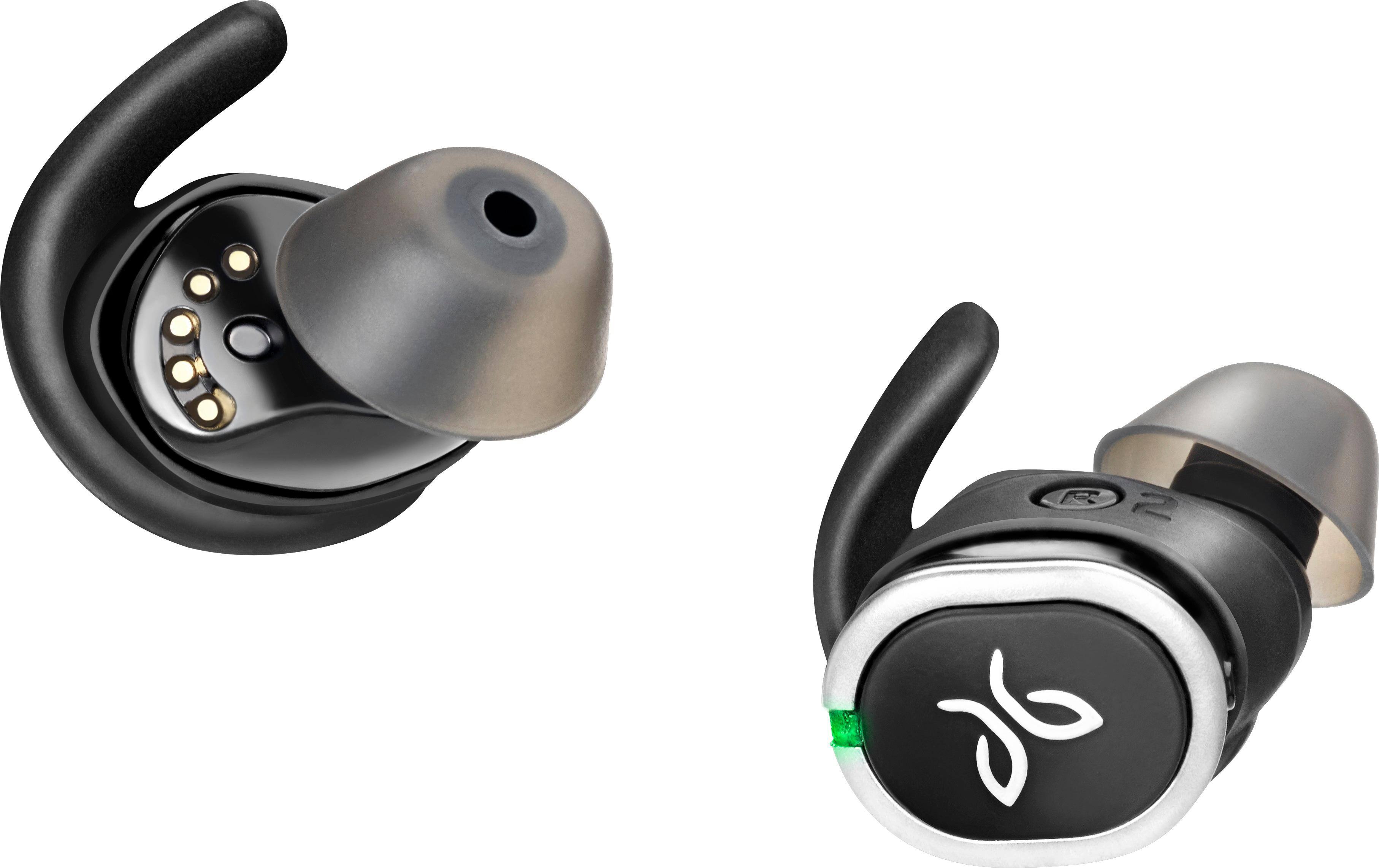
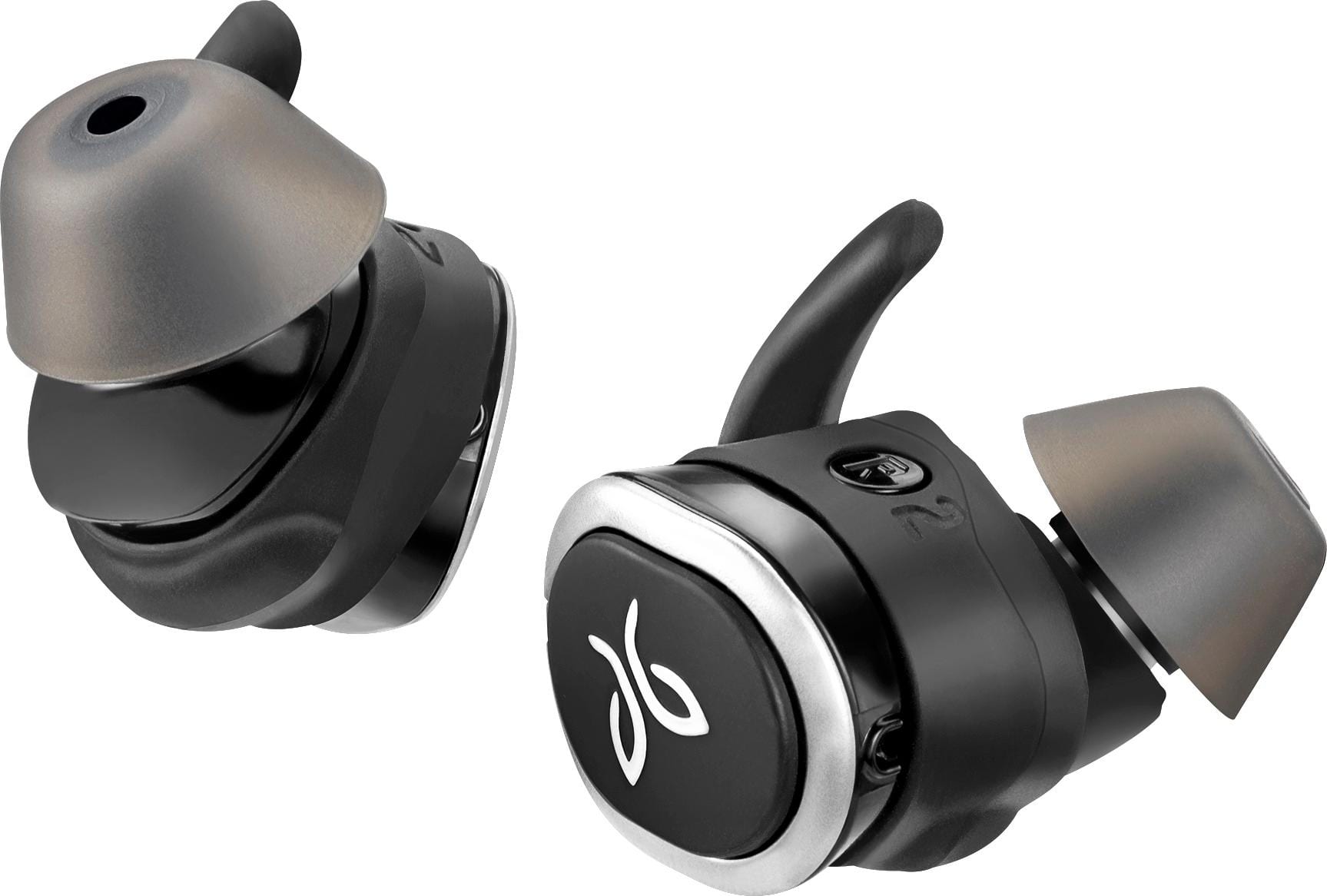
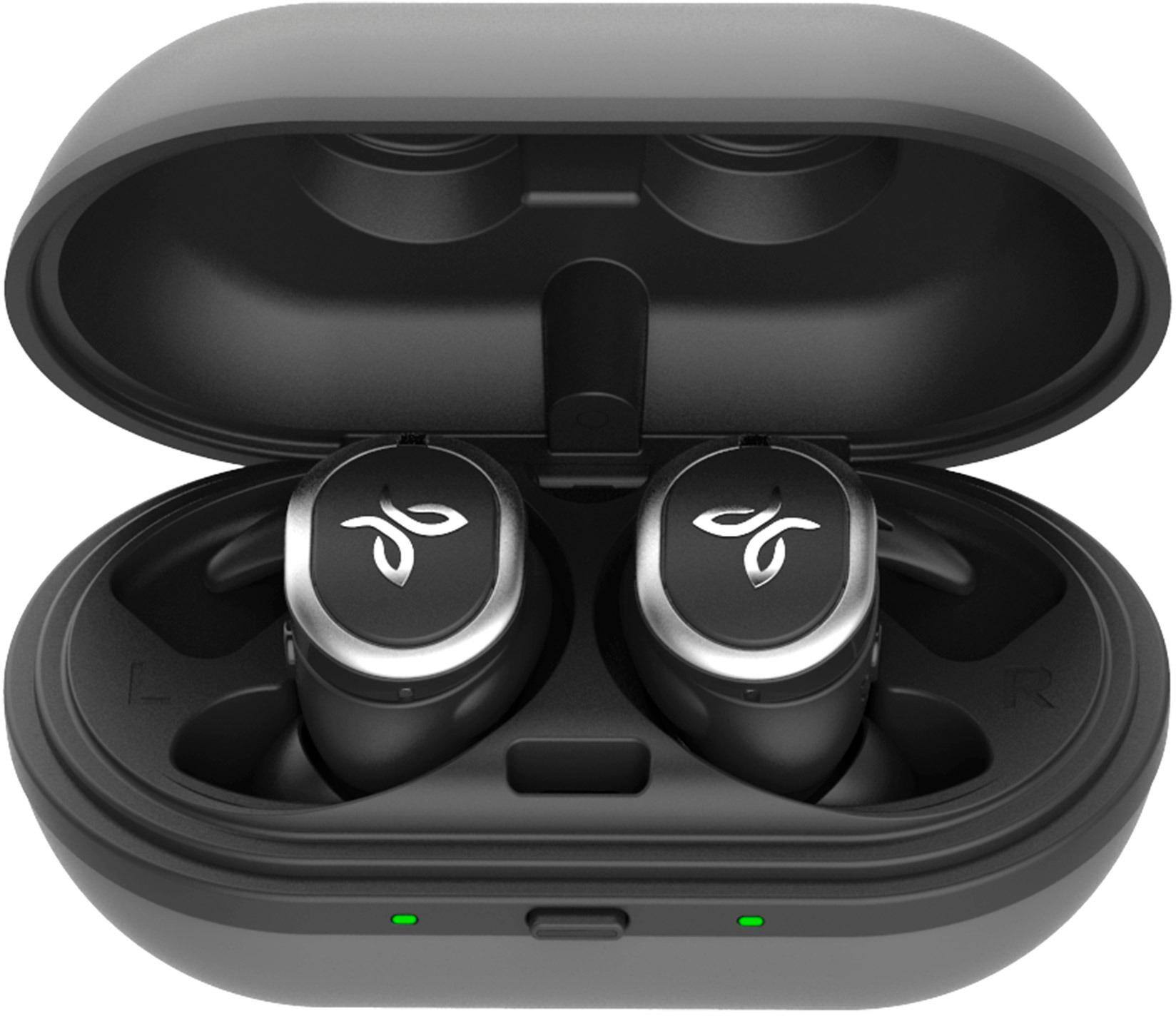
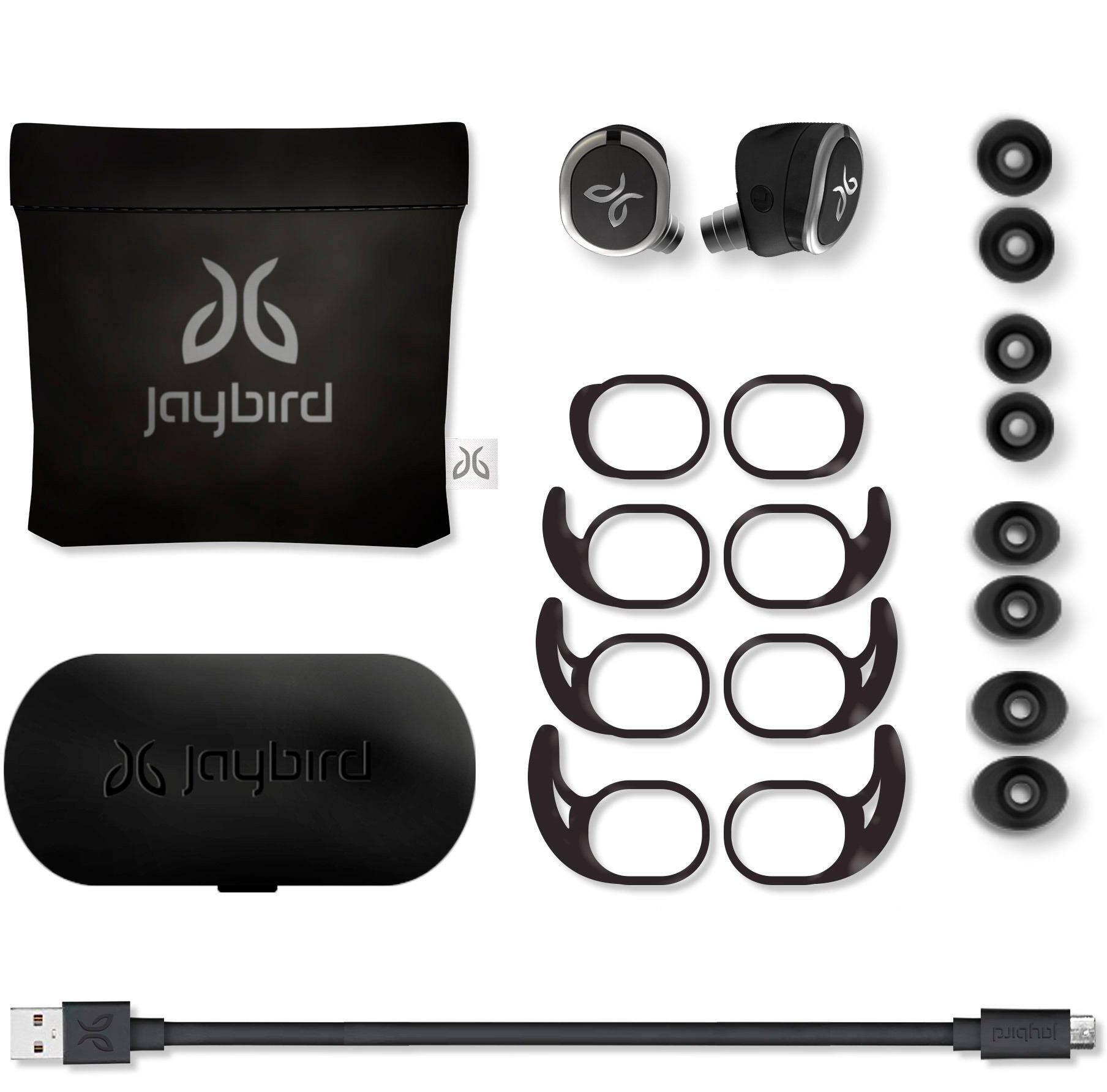
Customers are delighted by the RUN True Wireless In-Ear Headphones for their exceptional sound quality, comfortable fit, and long battery life. Many users have praised the snug fit and variety of ear tip sizes, ensuring a comfortable listening experience. The charging case has also received positive feedback for its functionality and stylish appearance. While some users have mentioned occasional connectivity issues and low volume, the overall sentiment towards these headphones remains highly positive.
This summary was generated by AI based on customer reviews.
Good
||Posted .This reviewer received promo considerations or sweepstakes entry for writing a review.Good very good food very good food very good good yes
I would recommend this to a friendBest earphones!
||Posted .This reviewer received promo considerations or sweepstakes entry for writing a review.These earphones are the best for working out!!!!!!
I would recommend this to a friendGREAT!!
||Posted .This reviewer received promo considerations or sweepstakes entry for writing a review.I HAVE ALWAYS HAD GREAT LUCK WITH JAYBIRD PRODUCTS!!
I would recommend this to a friendBest for the money!
||Posted .This reviewer received promo considerations or sweepstakes entry for writing a review.I love it so much I bought another one for my wife.
I would recommend this to a friendGreat earbuds for working out !
||Posted .This reviewer received promo considerations or sweepstakes entry for writing a review.This is one ofthe best wireless earbuds I’ve owned .
I would recommend this to a friend- Pros mentioned:Comfort, Sound quality, WirelessCons mentioned:Connection
Solid sound and connectivity
Posted .This reviewer received promo considerations or sweepstakes entry for writing a review.I was hesitant to buy these due to all the reported connectivity issues, but so far I have not experienced any intermittent cutouts and the sound is great for a set of workout headphones. The bass is a tad over amplified, but it makes hip hop music sound good. The out of the box fit was spot on for me, so I didn’t have a problem with comfort, and these don’t slip out like many of the other true wireless headphones have been doing. These are currently paired with my phone to adjust the settings and my watch to workout sans phone. My watch is on my left arm, and the connection is stable for both gym workouts and outdoor activities. So far these are the best overall active wireless headphones I have purchased.
I would recommend this to a friend - Cons mentioned:Connection
Headphones cut in and out
||Posted .This reviewer received promo considerations or sweepstakes entry for writing a review.Purchased these headphones and they keep cutting in and out not worth the money. Read a lot of the reviews and it looks like a lot of people are having the same issue.
No, I would not recommend this to a friend - Cons mentioned:Connection
Terrible
||Posted .This reviewer received promo considerations or sweepstakes entry for writing a review.I purchased and returned two of these due to connection and shutting off unexpectedly. I am a runner and this happened with both pairs each in less than two weeks.
No, I would not recommend this to a friendBrand response from Jaybird Support Team
Posted .Hi AlSmith,
We're sorry that you experienced connectivity issues with your Jaybird Run and we'll be glad to help you out! Just send us an email at Jaybirdlistens@Jaybirdsport.com and we will get you taken care of.
----------
Bruce
Jaybird Customer Experience
#poweryourpassion
Sound really nice.
||Posted .This reviewer received promo considerations or sweepstakes entry for writing a review.The audio is excellent and they stay in your ears.
I would recommend this to a friendNope
||Posted .This reviewer received promo considerations or sweepstakes entry for writing a review.I bought these due to my LG tones dying not being about to get the tones I switched to the jaybirds run they worked for the most part but it doesn’t block out the out side noise and it hurts my ears after awhile.
No, I would not recommend this to a friendBrand response from Jaybird Support Team
Posted .Hi Undecided,
Thank you for purchasing the Jaybird RUN. We are sorry that you have not found the perfect fit yet with the buds.
Everyone's ears are different and fit is the biggest part of headphones especially when being used to train or run so this being said we would love to help you get a perfect fit. We have some more ear tip options and fit suggestions that can help. Please reach out to jaybirdlistens@jaybirdsport.com and we will do what we can to help improve your experience and fit.
----------
#poweryourpassion
The Jaybird Sports Experience Team
If we've solved your issue, we'd appreciate an update to your review.
not for everyone
||Posted .This reviewer received promo considerations or sweepstakes entry for writing a review.I bought Jaybird-Run wireless in-Ear headphones for my daughter's new phone, but had to return them. She has small ears and these headphones would not stay in her ears. Got jaybird-X3 Sport instead.
No, I would not recommend this to a friend- Pros mentioned:Sound quality
Poor fit and sound
||Posted .This reviewer received promo considerations or sweepstakes entry for writing a review.Disappointed in the poor fit - I have been told I have normal sized ears and when I jammed them in the sound quality was ok. Would not suggest.
No, I would not recommend this to a friendBrand response from Jaybird Support Team
Posted .Hi bobbi,
We appreciate your feedback with your Jaybird Run's sound quality. We are sorry to hear that they do not fit your ears. Just send us an email at Jaybirdlistens@Jaybirdsport.com and we will get you taken care of.
Please try the following for secure fit:
1. Test all combinations of eartips and wings, including different sizes in each ear
2. You may view the instructional video on this link:
http://www.jaybirdsport.com/support/
----------
Bruce
Jaybird Customer Experience
#poweryourpassion
Husband didn’t like them
||Posted .This reviewer received promo considerations or sweepstakes entry for writing a review.Bought for my husband for Christmas. He didn’t like them at all. They hurt his ears and everything interferes with them. Like the microwave being on stopped the music from playing
No, I would not recommend this to a friendBrand response from Jaybird Support Team
Posted .Hi Maryannrod,
We're sorry to hear that your Jaybird Run disconnects and hurt your ears. Just send us an email at Jaybirdlistens@Jaybirdsport.com and we will get you taken care of.
Here are the Factory Reset instructions that might help resolve this problem:
To soft reset your earbuds:
-Place your right earbud into the charge case and close the lid.
-Open the charge case and remove your earbud.
To hard reset your earbuds:
-Turn off your right earbud by pressing the right multifunction button for 3 seconds.
-With your right earbud off, press and hold the right multifunction button for 6 seconds until the LED flashes green.
-Double press the right multifunction button. The LED will flash orange and the earbud will turn off. Your earbud has now been reset.
-When you hard reset your earbuds, you will lose any saved presets and any saved devices on the paired list. You’ll need to forget Jaybird RUN in your phone's Bluetooth device list, repair your earbuds to your Bluetooth device, See How do I pair my Jaybird RUN earbuds? and reselect your favorite preset from the Jaybird app.
For future reference, you can try these suggestions for secure fit:
1. Test all combinations of eartips and wings, including different sizes in each ear
2. You may view the instructional video on this link:
http://www.jaybirdsport.com/support/
----------
Bruce
Jaybird Customer Experience
#poweryourpassion
Alright
||Posted .This reviewer received promo considerations or sweepstakes entry for writing a review.A little disappointed with these Jaybird earbuds. When I first bought them they where awesome. Then the sound started to cut off. I finally exchanged them for regular Jaybirds.
No, I would not recommend this to a friendBrand response from Jaybird Support Team
Posted .Hello 1234,
We are sorry to hear that you're having connectivity issues with your Jaybird Run and we'd like to help. Please send us an email at Jaybirdlistens@Jaybirdsport.com and we will get you taken care of to improve your experience.
Kindly try a Factory Reset. Here are the steps:
To soft reset your earbuds:
-Place your right earbud into the charge case and close the lid.
-Open the charge case and remove your earbud.
To hard reset your earbuds:
-Turn off your right earbud by pressing the right multifunction button for 3 seconds.
-With your right earbud off, press and hold the right multifunction button for 6 seconds until the LED flashes green.
-Double press the right multifunction button. The LED will flash orange and the earbud will turn off. Your earbud has now been reset.
-When you hard reset your earbuds, you will lose any saved presets and any saved devices on the paired list. You’ll need to forget Jaybird RUN in your phone's Bluetooth device list, repair your earbuds to your Bluetooth device, See How do I pair my Jaybird RUN earbuds? and reselect your favorite preset from the Jaybird app.
----------
Bruce
Jaybird Customer Experience
#poweryourpassion

Robust, sturdy & reliable
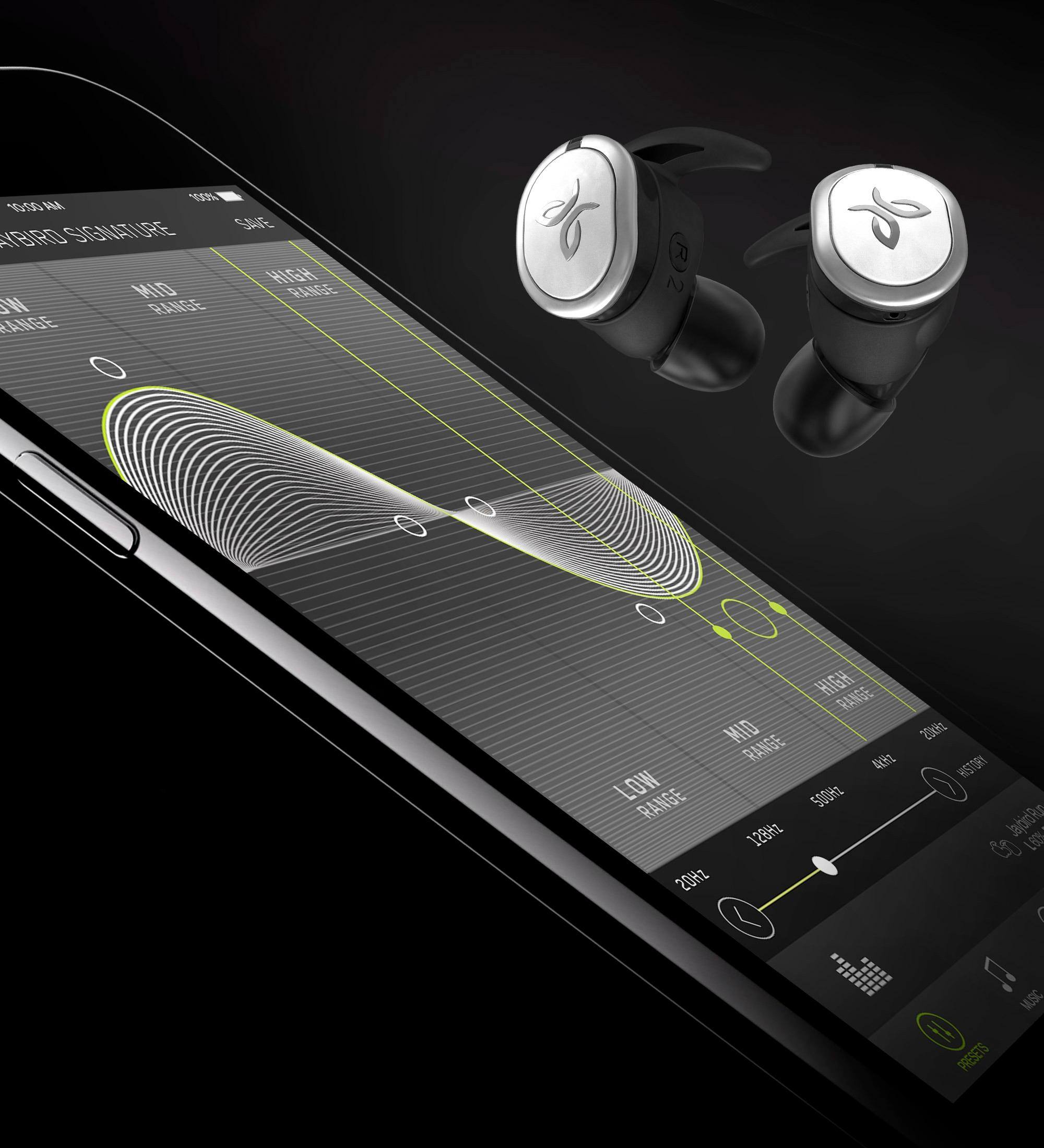
|Posted .This reviewer received promo considerations or sweepstakes entry for writing a review.I’ve used many previous Jaybird earbuds before but their first truly wireless version is so much easier, and better. The Run model sounds great and has plenty of bass...something I was worried wouldn’t cross over from Jaybird’s other offerings. The Jaybird app makes fine tuning the sound of these very easy. Preset options are fun to test out but ultimately, I created my own custom equalizer settings. Set up was a bit cumbersome and took longer than it should, plus Jaybird’s included manual is very light on info and I had to resort to online support. Once connected, the Bluetooth was strong and never had any cut outs while walking outside. The casing, which may be metal is light but a bit bulky. The earfit options are good but I do wish they offered Comply bud tips...the included silicone tips aren’t nearly as effective. The charging case is super compact and they fit in the charger nicely...I’ve had issues getting other brands to seat properly within their charging cradle in the past. So far so good and I’m hoping the battery life is as good as most of the competition. Overall a very good pair of truly wireless earbuds!
I would recommend this to a friendnot happy at all
||Posted .This reviewer received promo considerations or sweepstakes entry for writing a review.really don't like the earbuds they seem to keep falling out of my ears even though I put smallest ones in this is the first time i didnt like something from Best buy
No, I would not recommend this to a friendNot the greatest
||Posted . Owned for 1 month when reviewed.This reviewer received promo considerations or sweepstakes entry for writing a review.I have x4. So I was expecting same type of quality of sound, but it sucked. Not the greatest fit as well. Also Bluetooth went in and out half the time.
No, I would not recommend this to a friendBrand response from Jaybird Support Team
Posted .Hi Like072,
We are sorry to hear that the Jaybird Run XT did not meet your expectations with some of the design and features and we'll be glad to help you out! Just send us an email at Jaybirdlistens@Jaybirdsport.com and we will get you taken care of.
----------
Bruce
Jaybird Customer Experience
#poweryourpassion
- Pros mentioned:Fit, Sound qualityCons mentioned:Connection, Volume
Perfect except for connection problems.
Posted .This reviewer received promo considerations or sweepstakes entry for writing a review.For me the Jaybird Run should be perfect. After some adjusting I love the fit (they actually stay in for me without any wing tip). Sound is good and adjustable (not loud enough without adjusting in the Jaybird app, I just used the eq and puhsed everything up higher to increase volume, not sure if there is a better way). But the Bluetooth connection issues are horrible. Mine are not unusable, but they are not worth paying a price of a premium product if they don't work properly. I have 25 dollar J-Labs that work more reliably than these. The annoying part is its so close. It's only certain times and when I move my head and body certain ways. Usually in my house or places with no interference, they are pretty good. At the gym if I put my phone on the machine its good. But with my phone anywhere on my person (including in my right pocket like they say) it cuts out a lot, and ruins to convenience of truly wireless. I want to give these a chance, and I'll even wait til the end of my return policy to see if they do any updates that might help in the next week. But if not I will return them and either try the Jabra or Bose or just wait on true wireless.
No, I would not recommend this to a friendBrand response from Jaybird Support Team
Posted .Dear MicDuggan,
Thank you for your purchase of RUN. We love hearing that you like the fit and using the Jaybird App, but we’re sorry to hear that you’re having poor connectivity. The good news is, we’ve made steps to upgrade our firmware, and this should improve your connection! Please go to jaybirdsport.com/updates to update your firmware, and if that doesn’t improve your connection, reach out to us at jaybirdlistens@jaybirdsport.com. We’ll do what we can to make sure you have the best experience possible
- Pros mentioned:Battery life, Fit, Sound quality
Jaybird RUN
|Posted .This reviewer received promo considerations or sweepstakes entry for writing a review.So I've been testing out the Jaybird RUN Wireless In-Ear Headphones for the last couple of days and I must say I'm pretty impressed with them. The headphones came fully charged (worth of 4 hours time) and the charging case was also fully charged (worth 8 hours). Included in the package was additional rubber coverings for the earpieces, a micro USB charging cable, and the instructional manual. My iPhone was able to quickly find and pair the headphones with little to no effort. They fit pretty snug in both of my ears without falling out. I was able to jump around and RUN around outside without worry of them falling out. Sound-wise, they sounded pretty clear and got pretty loud. My only gripe was I wish they had a little more bass to them. Other than that I really loved the TRUE wireless nature of them. I would recommend them to anyone.
I would recommend this to a friend - Cons mentioned:Connection
Constant connection loss
||Posted .This reviewer received promo considerations or sweepstakes entry for writing a review.I returned them within a week. When at the gym, they constantly dropped connection. They were totally unusable.
No, I would not recommend this to a friendBrand response from Jaybird Support Team
Posted .Hi Donotbuythiscase,
We are sorry to hear that you've returned the Jaybird RUN due to Bluetooth/connectivity issues during your gyms sessions. Please reach out to jaybirdlistens@jaybirdsport.com and we will do what we can to help improve your experience.
Also, we recommend that you try the suggestions below that could help improve the connectivity of the headset.
- Perform a reset: https://jaybirdsport.com/en-us/run-faq.html#reset
- Re-establish the connection between the left and right buds: https://jaybirdsport.com/en-us/run-faq.html#leftbud
----------
#poweryourpassion
The Jaybird Sports Experience Team
If we've solved your issue, we'd appreciate an update to your review.