Customer Ratings & Reviews
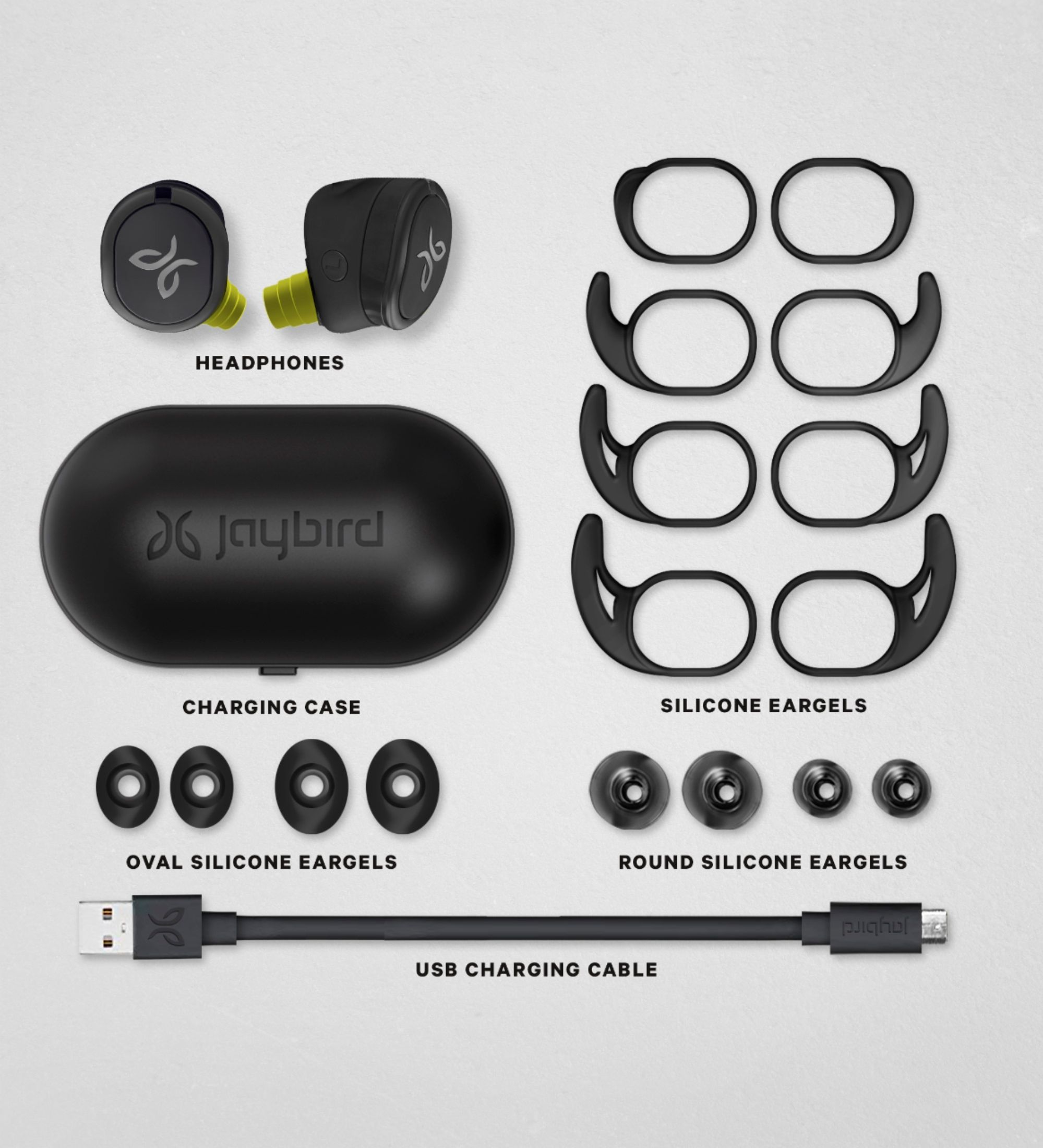
- Model:
- 985-000889
- SKU:
- 6320596
Rating by feature
- Value
Rating 4.0 out of 5 stars
- Quality
Rating 4.1 out of 5 stars
- Ease of Use
Rating 4.0 out of 5 stars
Customers are saying
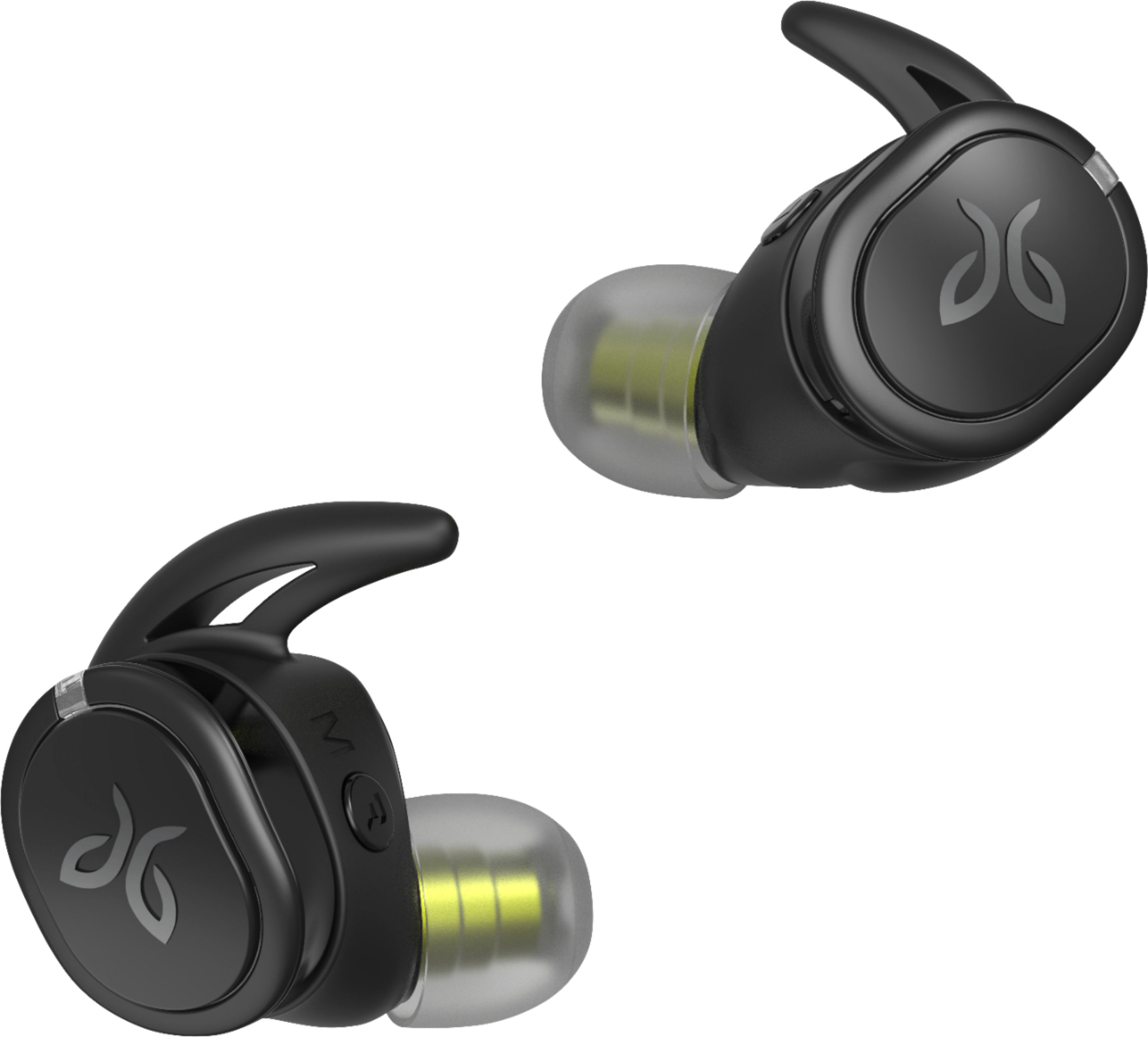
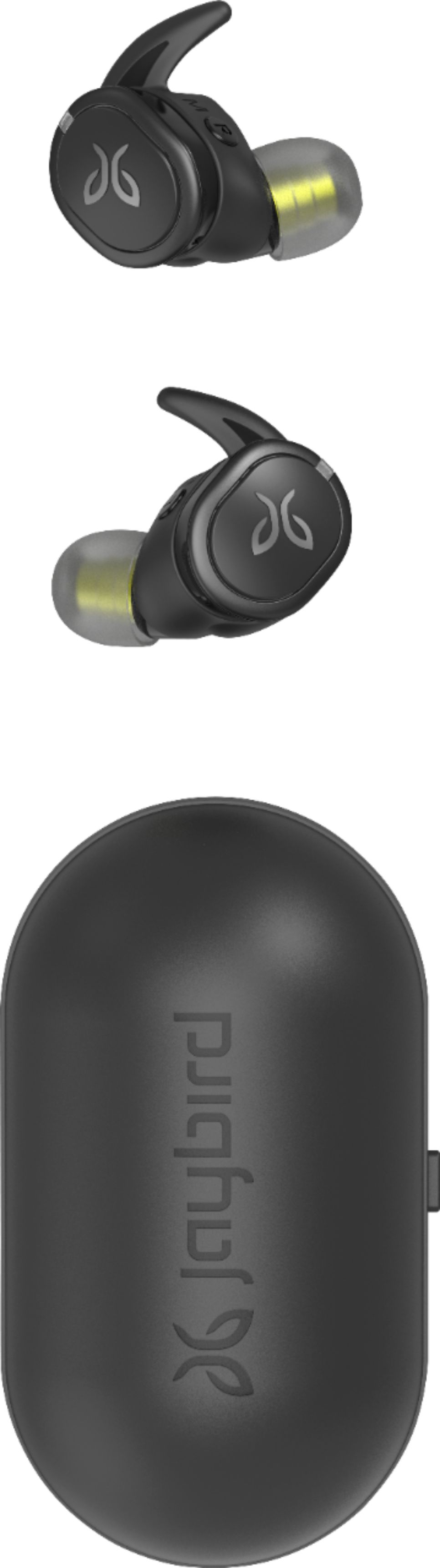
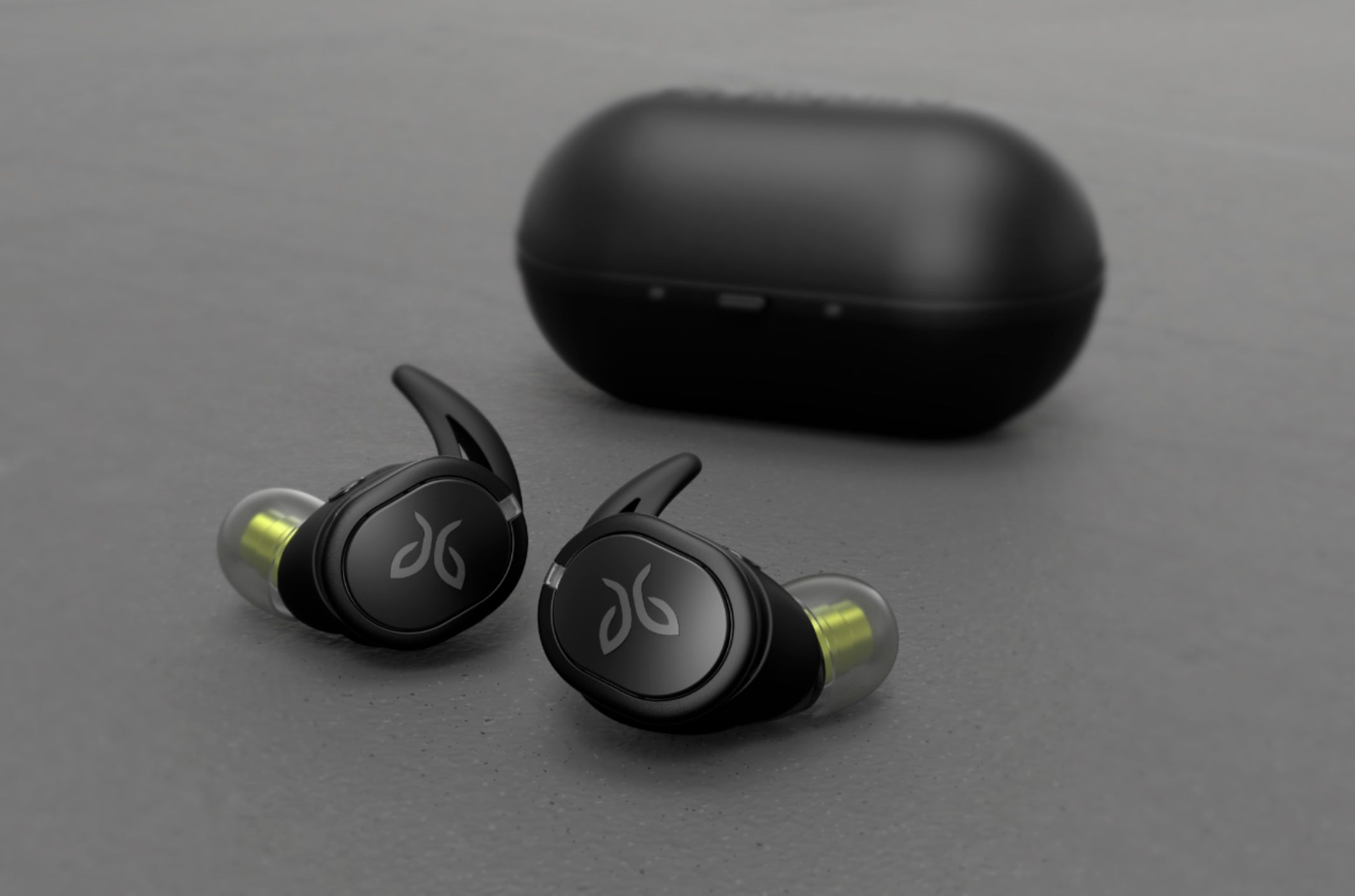
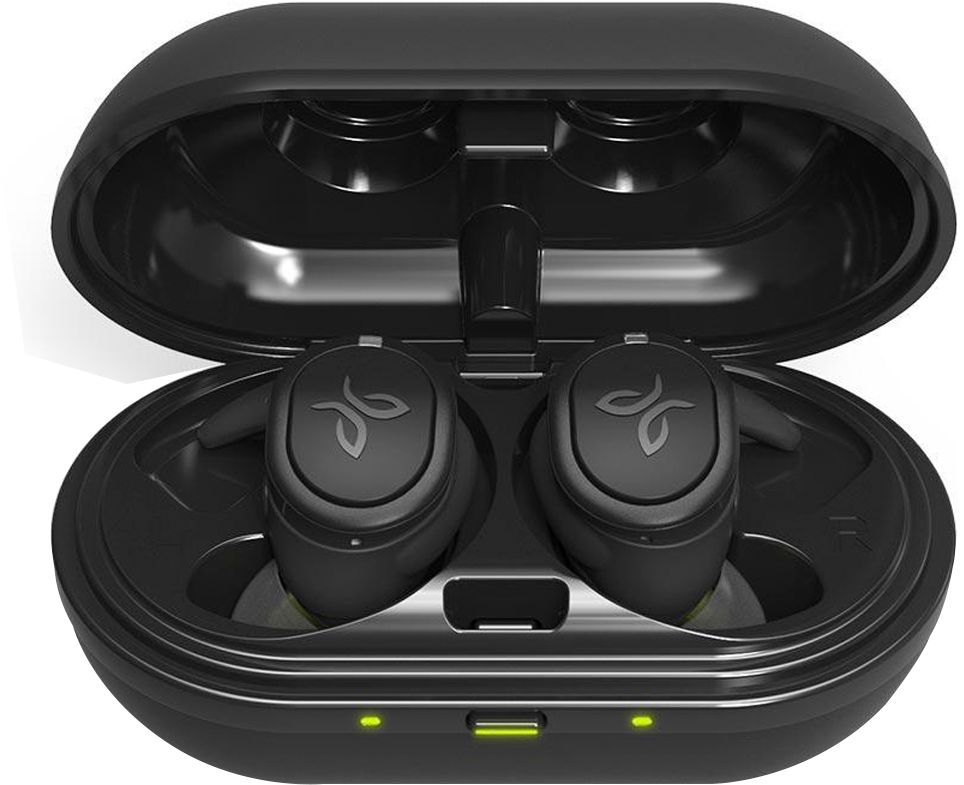
Customers appreciate the RUN XT Sport True Wireless In-Ear Headphones for their excellent sound quality, comfortable fit, long battery life, and affordable price. However, some users have experienced connectivity issues and occasional ear pain after extended use.
This summary was generated by AI based on customer reviews.
Might as well just be trash
||Posted . Owned for 2 months when reviewed.This reviewer received promo considerations or sweepstakes entry for writing a review.these sound like trash i would rather have the headphones that come with a phone
No, I would not recommend this to a friendNot a good fit for me
||Posted . Owned for 1 month when reviewed.This reviewer received promo considerations or sweepstakes entry for writing a review.No matter what but I put on I couldn't get them to stay and specifically in my right ear.
No, I would not recommend this to a friendBrand response from Jaybird Support Team
Posted .Hi NicoleRenea,
We are sorry to hear that the Jaybird Run XT did not meet your expectations with regard to fit and we'll be glad to help you out! Just send us an email at [email protected] and we will get you taken care of.
COMPLY Foam ear tips can be used with Jaybird RUN. If desired, COMPLY Foam ear tips can be purchased directly from COMPLY. Jaybird RUN earbuds use the same driver as Jaybird X3 and Jaybird Freedom which means all COMPLY Foam tips that came with Freedom and X3 are compatible.
Jaybird RUN earbuds come with round and oval silicone tips and we would love for you to give them a try.
----------
Bruce
Jaybird Customer Experience
#poweryourpassion
Not good
||Posted . Owned for 1 month when reviewed.This reviewer received promo considerations or sweepstakes entry for writing a review.I would not recommend to anyone. Very low and they turn off for no reason
No, I would not recommend this to a friendJust won't stay in
||Posted . Owned for 2 weeks when reviewed.This reviewer received promo considerations or sweepstakes entry for writing a review.I've tried just about every combination of tips and fins (and rotations) and insertion pressure and they will simply not stay in for more than a moment. A head shake or just running in place, and they are gone. I've used the app guide (including takings pictures) and the web page guide. <sigh>
No, I would not recommend this to a friend2 Headphones, 2 defects...
||Posted . Owned for less than 1 week when reviewed.This reviewer received promo considerations or sweepstakes entry for writing a review.Unfortunately, I never even got a chance to use them. The right earbud on the 1st pair did not turn on. The 2nd pair turned on but when I connected with the app, there was nothing but white noise and would not turn off. Very disappointing for a name brand set of headphones for this price.
No, I would not recommend this to a friendEnded up returning them
||Posted . Owned for 8 months when reviewed.This reviewer received promo considerations or sweepstakes entry for writing a review.Ended up returning this. Didn't really fit in my ears even with the use of the support wings. Felt heavy and the sound was only decent. For the money I expected way more. Spend more money and get the sennheisers or spend less and get the Samsung or Google.
No, I would not recommend this to a friendDo not buy
||Posted .This reviewer received promo considerations or sweepstakes entry for writing a review.I buy headphones for media consumption and this was the third pair of true wireless headphones I tried. I put them on in the car and tried to watch a video. The person's mouth movements were out of sync with the audio, so I immediately returned them. Over priced unless you are strictly listening to music.
No, I would not recommend this to a friendBrand response from Jaybird Support Team
Posted .Hi Joel,
We are sorry to hear that the Jaybird Run XT did not meet your expectations with some of the design and features and we'll be glad to help you out! Just send us an email at [email protected] and we will get you taken care of.
We allow for a small amount of latency when watching video using Jaybird Run XT. To ensure a premium music and sound experience and to guarantee the left and right earbud are always in sync, we introduce a small latency. The amount of latency can differ based on your operating system and video streaming app.
Jaybird Run XT are designed to ensure a premium audio experience while running.
----------
Bruce
Jaybird Customer Experience
#poweryourpassion
Not good
||Posted .This reviewer received promo considerations or sweepstakes entry for writing a review.They weren’t that comfortable and hurt my ears I would not recommend
No, I would not recommend this to a friendBrand response from Jaybird Support Team
Posted .Hello Scootter,
We are sorry to hear that your Jaybird Run XT buds hurt your ears and we'll be glad to help you out! Just send us an email at [email protected] and we will get you taken care of.
For future reference, you can try these suggestions regarding seal and fit:
1. Test all combinations of eartips and wings, including different sizes in each ear
2. You may view the instructional video on this link:
https://www.jaybirdsport.com/en-us/jaybird-support/jaybird-run/faq/find-my-fit.html
----------
Bruce
Jaybird Customer Experience
#poweryourpassion
Locks good but...
||Posted . Owned for 1 month when reviewed.This reviewer received promo considerations or sweepstakes entry for writing a review.U need use always the main (right) .... you can’t use one
No, I would not recommend this to a friendBrand response from Jaybird Support Team
Posted .Hi manjatec,
We are sorry to hear that the Jaybird Run XT did not meet your expectations with some of the design and features and we'll be glad to help you out! Just send us an email at [email protected] and we will get you taken care of.
Yes, please note that the Right bud is the master bud and the one you can use on its own.
----------
Bruce
Jaybird Customer Experience
#poweryourpassion
Junk wireless earphones
||Posted .This reviewer received promo considerations or sweepstakes entry for writing a review.Terrible, good luck fitting them in your ears. And as for being active while wearing impossible they fall out at the slightest movement . Returned them and they were good about it. I have to give credit to Best Buy for that!
No, I would not recommend this to a friendCouldn't get a good connection.
||Posted . Owned for 3 weeks when reviewed.This reviewer received promo considerations or sweepstakes entry for writing a review.I could not get the right earbud to stay connected when I was listening to my Samsung TV. It would cut out a lot and if I moved my head or tilted it slightly away from the TV to rest my head on my hand it would cut out completely.
No, I would not recommend this to a friendBrand response from Jaybird Support Team
Posted .Hi mohoppa,
We are sorry to hear that you're experiencing connectivity issues with your Jaybird Run XT buds and we'll be glad to help you out! Just send us an email at [email protected] and we will get you taken care of.
Please observe the buds to further isolate the issue, you can connect the buds to a different device or a device with a different OS. Resets are also recommended, I included both methods:
To soft reset your right earbud:
-Place your right earbud into the charge case and close the lid.
-Open the charge case and remove your earbud.
To hard reset your right earbud:
-Turn off your right earbud by pressing the right multifunction button for 3 seconds.
-With your right earbud off, press and hold the right multifunction button for 6 seconds until the LED flashes green.
-Double press the right multifunction button. The LED will flash orange and the earbud will turn off. Your earbud has now been reset.
-When you hard reset your earbuds, you will lose any saved presets and any saved devices on the paired list. You’ll need to forget Jaybird RUN in your phone's Bluetooth device list, repair your earbuds to your Bluetooth device, See How do I pair my Jaybird RUN earbuds? and reselect your favorite preset from the Jaybird app.
----------
Bruce
Jaybird Customer Experience
#poweryourpassion
Very poor device
||Posted . Owned for 3 weeks when reviewed.This reviewer received promo considerations or sweepstakes entry for writing a review.The ear piece does not sit firmly in the ears and falls out. This the uncomfortable Bluetooth device I have ever experienced. I look forward to to returning back the your store for a full refund. Thank you for your consideration.
No, I would not recommend this to a friendBrand response from Jaybird Support Team
Posted .Hi Love,
We are sorry to hear that the Jaybird Run XT did not meet your expectations with regard to fit and we'll be glad to help you out! Just send us an email at [email protected] and we will get you taken care of.
COMPLY Foam ear tips can be used with Jaybird RUN. If desired, COMPLY Foam ear tips can be purchased directly from COMPLY. Jaybird RUN earbuds use the same driver as Jaybird X3 and Jaybird Freedom which means all COMPLY Foam tips that came with Freedom and X3 are compatible.
Jaybird RUN earbuds come with round and oval silicone tips and we would love for you to give them a try.
----------
Bruce
Jaybird Customer Experience
#poweryourpassion
- Pros mentioned:Fit, Sound qualityCons mentioned:Connection
Great wireless buds with same Jaybird sound!
Posted .This reviewer received promo considerations or sweepstakes entry for writing a review.So recently I needed a discreet option for wearing headphones, and I began researching options on who would have the best wireless buds. Of course there are Bose, Beats, Raycons, etc. so the field is endless. It greatly depends on what your criteria is, and what you truly want from your wireless bud experience. Since I already have Jaybirds, I decided upon the Run XT since I wouldn't need another app. That was my first determining factor. Next, YouTube reviews assisted me in purpose since I wanted a bud that would not fall out. These XT's are perfect for an active purpose since they are really light and comfy. As always with Jaybird, extra fins are included to customize fit, but ironically since these buds are actually bigger to accommodate battery, the shape is different, so you can't use the same style fins if you're a Jaybird user. I ended up user the stock fit, which have been great for my ears. Amazon reviews have mentioned audio lag, which is what prompted me to write a review since it was bringing down the XT rating drastically. I have no lag whatsoever, and I use a Samsung Galaxy Note 9 with these and have no lag, no mismatch of sound to video. Also sound is exactly like my Jaybird Freedom, with perfect bass to treble based on what you're listening/watching. Some other factors which may help you is the right bud is master and left bud is slave. This means the right side controls auto features like on/off from case to ear. Once paired, each time you take out, it turns on, then you replace in case, it turns off. If you plan on using only one bud, you can have the right bud in ear and left bud in case, but if you have right bud in case, the left bud will not work. Because these buds are minimalistic, there is only one button which only has play/pause/track forward, but there are no volume controls. This has not been an issue as I actually do most listening with one bud. Although not a factor, some buds have the capability of downloading music to the buds for independent use, but I didn't need/want this option, so another factor to consider. The case is simple, and having a small battery charger like the Anker PowerCore + mini works perfectly if you want to boost the case, which chargers quickly thru micro USB. On occasion, the left bud drops out but syncs quickly. It happens rarely, but still wanted to include this to inform buyers. Overall, very happy with finding these, although you may want to check other platforms since might be cheaper elsewhere.
I would recommend this to a friend 
Great if you know what you are getting...
|Posted .This reviewer received promo considerations or sweepstakes entry for writing a review.Great if you know what you are getting... QUALITY: out of the box these earbuds are clearly top quality and solidly built. No concerns about them lasting a long time and standing up to any accidental drops and bumps. FIT: the best fit I have gotten so far from trying out several brands, including wired earbuds and wireless earbuds. Very snug, while still very comfortable. No 'headache' or 'earache' from wearing these an extended time, and once I got the fit and positioning right it is just about impossible to get these to fall out or loosen up. SOUND: good sound, and the best quality and range of any wireless earbuds I have tried so far. The app allows customizing the equalizer settings, and the pre-sets are very handy and I haven't needed to make any serious adjustments to the available pre-sets. BATTERY: several hours of music per charge, and several good (and quick) recharges from the holding case. Really a couple of days can go by with using these without having to hook the charging cable back up. At least as good for battery life as any others I have tried if not a little better. CONNECTIVITY: have had not issues connecting to phone, laptop, desktop >> all connections are good and although there is an occasional "drop" it is no worse than with other sets. The earbuds turn off when you put them in the case, and then connect quickly with whatever is around when you take them back out. KEWLNESS: nice feature of the app is to "find" a lost earbud. I guess if you are out running and one of the earbuds falls out and you don't realize this has happened until later (huh?) then the app will help you locate your lost earbud. Nice concept but who the heck wouldn't know that an earbud fell out? Maybe I'm missing the point here? CONTROLS: similar to other wireless earbuds, there are not quite as many controls available with only two buttons (one on each earbud) to use. Volume up/down by pushing the buttons requires going into the app and changing the button configuration. That's OK, but then you lose the play/pause, answer call, etc. functions that are set by default. As with other sets of wireless earbuds, you trade some control functions due to less room for "standard" sets of control buttons. Not better than other earbuds, not worse, just different and par for the course for wireless-ness. BUT... as advertised by Jaybird, these are made for listening to audio files and NOT NOT NOT for use when viewing any type of video. This was the one disappointment from these earbuds, and considering the price point was really a big disappointment. I feel kind of silly having to change out these wireless earbuds for a set that is considerably less in price to avoid the LAG LAG LAG between the video and audio when viewing a video. OK that Jaybird stresses the "use when working out or running and etc..." use of these earbuds, but honestly a big let-down to miss out on some of the functionality that could (or should) be there considering the price. If you don't plan to use these for watching video, and understand that they are never going to be usable for watching video, then by all means this is a premium product that should not disappoint. Otherwise, keep looking.
I would recommend this to a friendWas hoping for more
||Posted .This reviewer received promo considerations or sweepstakes entry for writing a review.This ear phones were hyped up by a worker at the store but upon testing and use, there is a huge lag in video sync and the audio quality isn’t the best. If you have an iPhone, use a different pair of headphonesz
No, I would not recommend this to a friendBrand response from Jaybird Support Team
Posted .Hi JerryTyson825,
We're sorry to hear that the Jaybird Run XT did not meet your expectations with regard to sound quality and we'll be glad to help you out! Just send us an email at [email protected] and we will get you taken care of.
We allow for a small amount of latency when watching video using Jaybird Run XT. To ensure a premium music and sound experience and to guarantee the left and right earbud are always in sync, we introduce a small latency. The amount of latency can differ based on your operating system and video streaming app.
Jaybird Run XT are designed to ensure a premium audio experience while running.
----------
Bruce
Jaybird Customer Experience
#poweryourpassion
Cuts out
||Posted . Owned for 1 week when reviewed.This reviewer received promo considerations or sweepstakes entry for writing a review.These things cut out or you would only get audio out of one. I would have to turn them off and on to get audio going. I did like the app for setting up custom sound. Returned.
No, I would not recommend this to a friendNot satisfied at all
||Posted .This reviewer received promo considerations or sweepstakes entry for writing a review.The left bud has never worked even after all steps suggested in the Jaybird Ap.im glad I purchased the warranty plan. When I return from Afghanistan I will be returning them.
No, I would not recommend this to a friendBrand response from Jaybird Support Team
Posted .Hello there,
We appreciate your feedback on the Jaybird Run XT and we'll be glad to help you out! Just send us an email at [email protected] and we will get you taken care of.
You can find helpful troubleshooting steps for connectivity here:
https://www.jaybirdsport.com/en-us/jaybird-support/jaybird-run/faq/connectivity.html
----------
Bruce
Jaybird Customer Experience
#poweryourpassion
Didn't Stay in My Ears
||Posted .This reviewer received promo considerations or sweepstakes entry for writing a review.Team I tried every option available that Jaybird provided which you may know are many, pretty good sound but buds would not stay in my ears even just walking around the house.
No, I would not recommend this to a friendBrand response from Jaybird Support Team
Posted .Hi George,
We appreciate your positive feedback on the Jaybird Run XT's sound quality. We are sorry to hear that they did not meet your expectations with regard to fit and we'll be glad to help you out! Just send us an email at [email protected] and we will get you taken care of.
COMPLY Foam ear tips can be used with Jaybird RUN. If desired, COMPLY Foam ear tips can be purchased directly from COMPLY. Jaybird RUN earbuds use the same driver as Jaybird X3 and Jaybird Freedom which means all COMPLY Foam tips that came with Freedom and X3 are compatible.
Jaybird RUN earbuds come with round and oval silicone tips and we would love for you to give them a try.
----------
Bruce
Jaybird Customer Experience
#poweryourpassion
Don’t buy
||Posted .This reviewer received promo considerations or sweepstakes entry for writing a review.Headphones keep going in and out of sound. Skips parts of the song. If using in the gym, every time another person walks by with headphones on these headphones will cut out.
No, I would not recommend this to a friendBrand response from Jaybird Support Team
Posted .Hi Champ408,
We are sorry to hear that you're experiencing connectivity issues with your Jaybird Run XT buds and we'll be glad to help you out! Just send us an email at [email protected] and we will get you taken care of.
Please observe the buds to further isolate the issue, you can connect the buds to a different device or a device with a different OS. Resets are also recommended, I included both methods:
To soft reset your right earbud:
-Place your right earbud into the charge case and close the lid.
-Open the charge case and remove your earbud.
To hard reset your right earbud:
-Turn off your right earbud by pressing the right multifunction button for 3 seconds.
-With your right earbud off, press and hold the right multifunction button for 6 seconds until the LED flashes green.
-Double press the right multifunction button. The LED will flash orange and the earbud will turn off. Your earbud has now been reset.
-When you hard reset your earbuds, you will lose any saved presets and any saved devices on the paired list. You’ll need to forget Jaybird RUN in your phone's Bluetooth device list, repair your earbuds to your Bluetooth device, See How do I pair my Jaybird RUN earbuds? and reselect your favorite preset from the Jaybird app.
----------
Bruce
Jaybird Customer Experience
#poweryourpassion
Hissing Sound on Calls
||Posted . Owned for 2 months when reviewed.This reviewer received promo considerations or sweepstakes entry for writing a review.Experiencing a terrible hissing sound when on calls. Terrible purchase. Not sure why the reviews are so high. Jabras are way better. I regret this purchase.
No, I would not recommend this to a friend