Customer Ratings & Reviews
- Model:
- 985-000889
- SKU:
- 6320596
Rating by feature
- Value
Rating 4.0 out of 5 stars
- Quality
Rating 4.1 out of 5 stars
- Ease of Use
Rating 4.0 out of 5 stars
Customers are saying
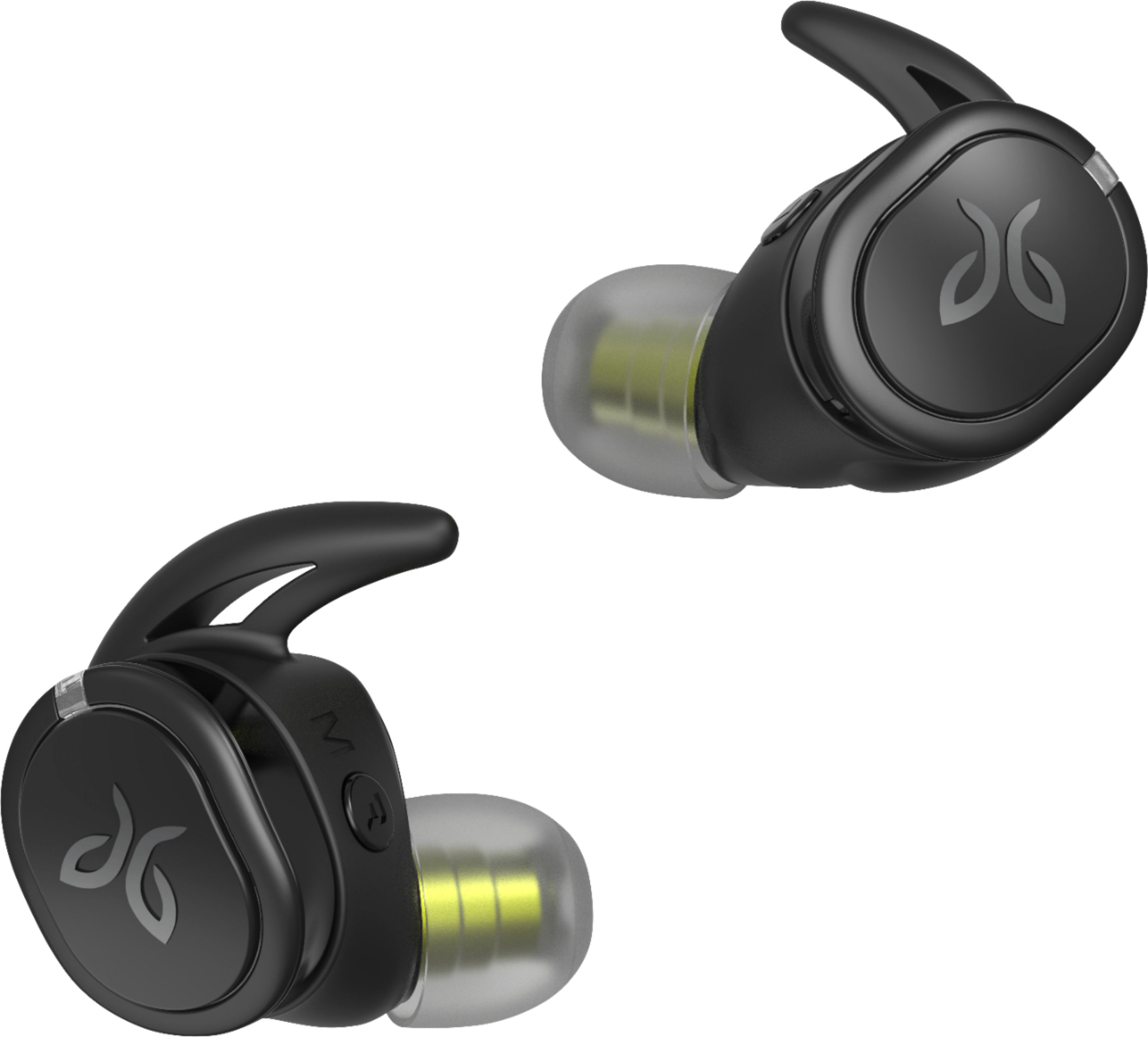
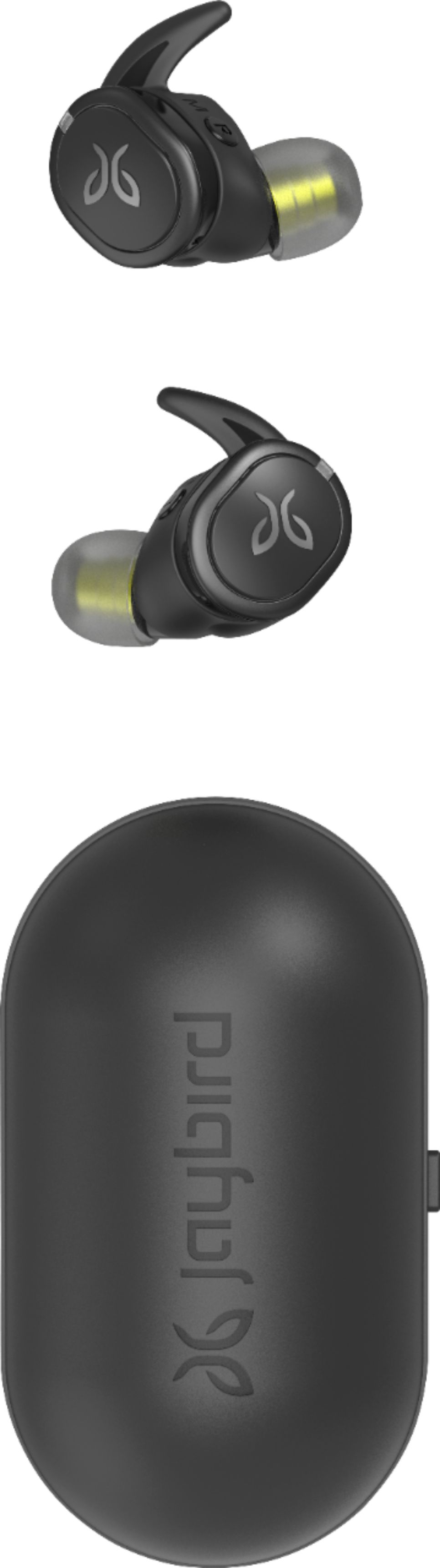
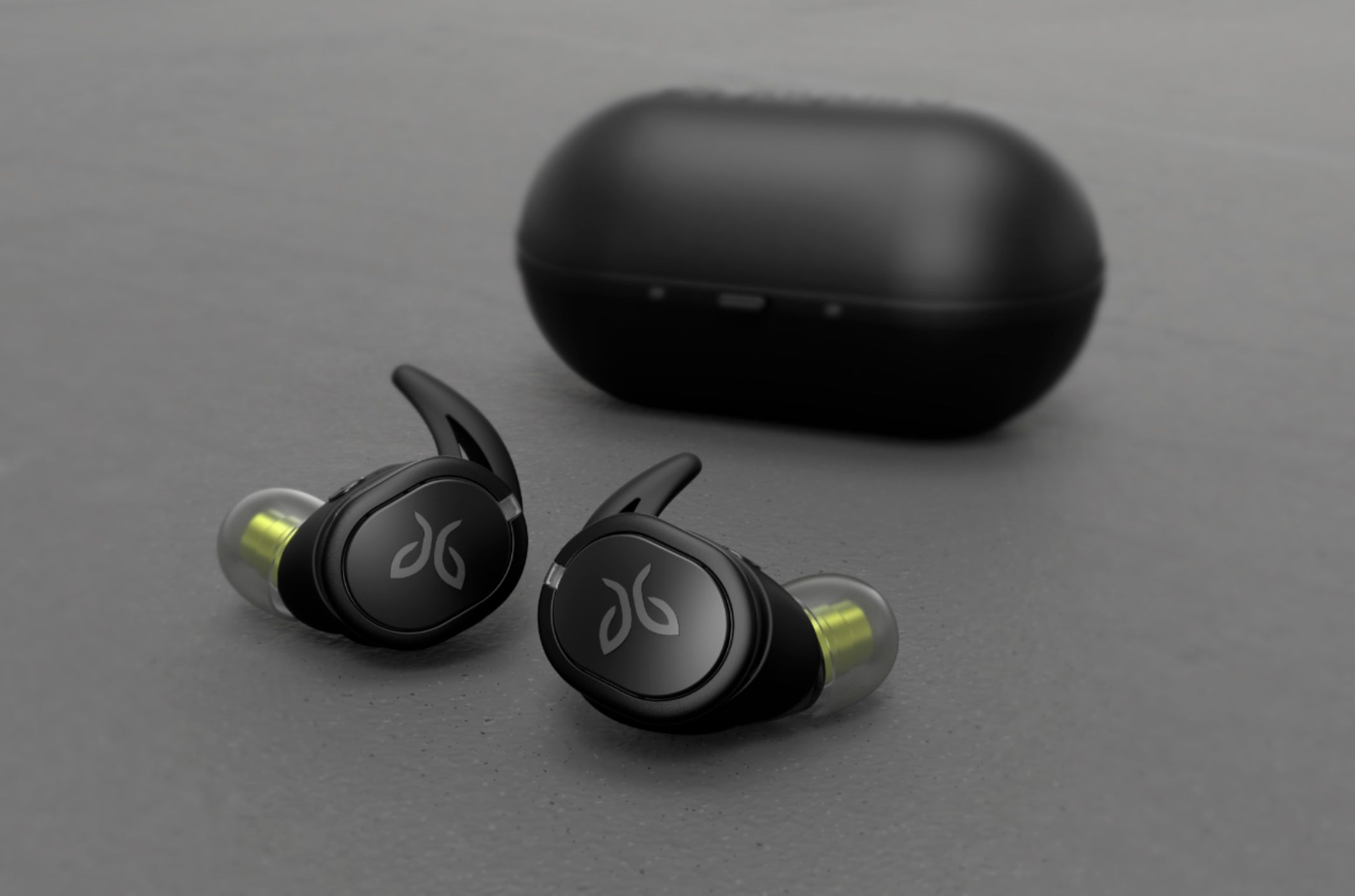
Customers appreciate the RUN XT Sport True Wireless In-Ear Headphones for their excellent sound quality, comfortable fit, long battery life, and affordable price. However, some users have experienced connectivity issues and occasional ear pain after extended use.
This summary was generated by AI based on customer reviews.
- Pros mentioned:Sound qualityCons mentioned:Connection
Great Sound/Horrible Connection
Posted .This reviewer received promo considerations or sweepstakes entry for writing a review.Ok...so as far as sound quality go this head set is on point with the high end Bluetooth earbuds and the apps customizable equalizer is great, but the overall experience has been lack luster to say the least. Once I really started using these on a day to day basis I noticed that the left earbud would loose connection to the right earbud quite often, especially if I was moving around. Then (on my Note9) if I left them in the charger for a day or two with no use, I would have to re-sync them with the phone. On my iPhone (XS Max) the app wont sync to them at all, the phone will connect to them, and I can listen to the music, but I have no customization of the units. Also battery is only meah, maybe 2 hours of steady listening off of a full charge.
No, I would not recommend this to a friendBrand response from Jaybird Support Team
Posted .Hi PapaChubby,
We appreciate your positive feedback on the Jaybird Run XT's sound quality and app. We are sorry to hear that they disconnect and do not hold a charge and we'll be glad to help you out! Just send us an email at [email protected] and we will get you taken care of.
Please observe the buds to further isolate the issue, you can connect the buds to a different device or a device with a different OS. Resets are also recommended, I included both methods:
To soft reset your right earbud:
-Place your right earbud into the charge case and close the lid.
-Open the charge case and remove your earbud.
To hard reset your right earbud:
-Turn off your right earbud by pressing the right multifunction button for 3 seconds.
-With your right earbud off, press and hold the right multifunction button for 6 seconds until the LED flashes green.
-Double press the right multifunction button. The LED will flash orange and the earbud will turn off. Your earbud has now been reset.
-When you hard reset your earbuds, you will lose any saved presets and any saved devices on the paired list. You’ll need to forget Jaybird RUN in your phone's Bluetooth device list, repair your earbuds to your Bluetooth device, See How do I pair my Jaybird RUN earbuds? and reselect your favorite preset from the Jaybird app.
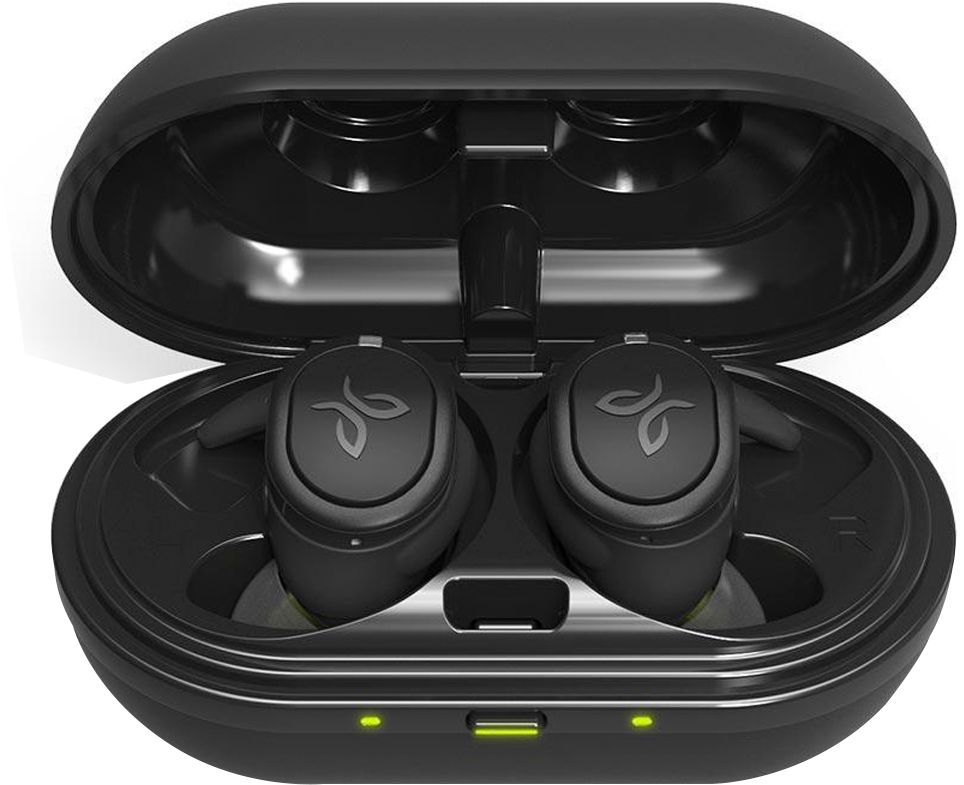
As for the battery, kindly try using a different power source/charger and/or a different USB cable. A pulsing green LED on each side means it is charging, solid green light when fully charged. It is recommended to use 5V/500mA-1A charger for 2 hours only.
It would also help to ensure that the lid of the charging case is securely closed and the charger ports and prongs align accordingly and are free from debris.
----------
Bruce
Jaybird Customer Experience
#powe ryourpassion
Great for athletes
Posted .This reviewer received promo considerations or sweepstakes entry for writing a review.My daily go-to earbuds used to be the powerbeats 3, but recently the earhooks broke off and the bluetooth signal kept cutting out. I decided to upgrade to truly wireless earbuds and being a previous owner of the jaybird X2s, these were a no brainer. They came charged up right out of the box and the pairing process was quick and simple. The jaybird app let me tune the sound signature to my liking and these things sound amazing. So far i have not had any bluetooth connection problems with these things. They fit really snug in my ear for when im running or working out and they are also water and sweat proof. One con that i have experienced so far is that the buttons are harder to press so i find myself jamming the earbuds into my ear when i try to use the play/pause button. While this is very uncomfortable it isnt a huge issue and i recommend these to anybody who wants to make the transition to fully wireless earbuds and wants great sound quality, a secure fit, and water resistance.
I would recommend this to a friend- Cons mentioned:Pairing
Sounds great!!
Posted .This reviewer received promo considerations or sweepstakes entry for writing a review.I love the fact you can change the beat and sound on how you want you buds to sound with music but there’s one thing I had a problem with it never paired with my iPhone XS Max. It took forever when I was at the gym and it didn’t want to pair fast I had to keep doing it manually which got me mad and I returned it and got a new pair I thought maybe it was the earphones but apparently it’s just a common issue it has with iPhone and I would not recommend them from iPhone people
No, I would not recommend this to a friendBrand response from Jaybird Support Team
Posted .Hi CiCi,
We appreciate your positive feedback on the Jaybird Run XT's sound quality. We're sorry to hear that you're experiencing connectivity/pairing issues. Just send us an email at [email protected] and we will get you taken care of.
Here are the Factory Reset instructions that might help resolve this problem:
To soft reset your earbuds:
-Place your right earbud into the charge case and close the lid.
-Open the charge case and remove your earbud.
To hard reset your earbuds:
-Turn off your right earbud by pressing the right multifunction button for 3 seconds.
-With your right earbud off, press and hold the right multifunction button for 6 seconds until the LED flashes green.
-Double press the right multifunction button. The LED will flash orange and the earbud will turn off. Your earbud has now been reset.
-When you hard reset your earbuds, you will lose any saved presets and any saved devices on the paired list. You’ll need to forget Jaybird RUN in your phone's Bluetooth device list, repair your earbuds to your Bluetooth device, See How do I pair my Jaybird RUN earbuds? and reselect your favorite preset from the Jaybird app.
----------
Bruce
Jaybird Customer Experience
#poweryourpassion
falling out during run
Posted .This reviewer received promo considerations or sweepstakes entry for writing a review.same problem with all silicone earbuds. once I start sweating they fall out. before I went running I tried all combinations of the fitting pieces. found what fit best and went running. a few minutes in they were falling out. had to keep readjusting them. everything except this seemed great. if you aren't running or moving around alot I'd recommend these but if you're a runner I'd stay away if you dont want to keep adjusting these during your run.
No, I would not recommend this to a friendBrand response from Jaybird Support Team
Posted .Hi simple,
We're sorry to hear that your Jaybird Run XT buds fall off and we'll be glad to help you out! Just send us an email at [email protected] and we will get you taken care of.
COMPLY Foam ear tips can be used with Jaybird RUN. If desired, COMPLY Foam ear tips can be purchased directly from COMPLY. Jaybird RUN earbuds use the same driver as Jaybird X3 and Jaybird Freedom which means all COMPLY Foam tips that came with Freedom and X3 are compatible.
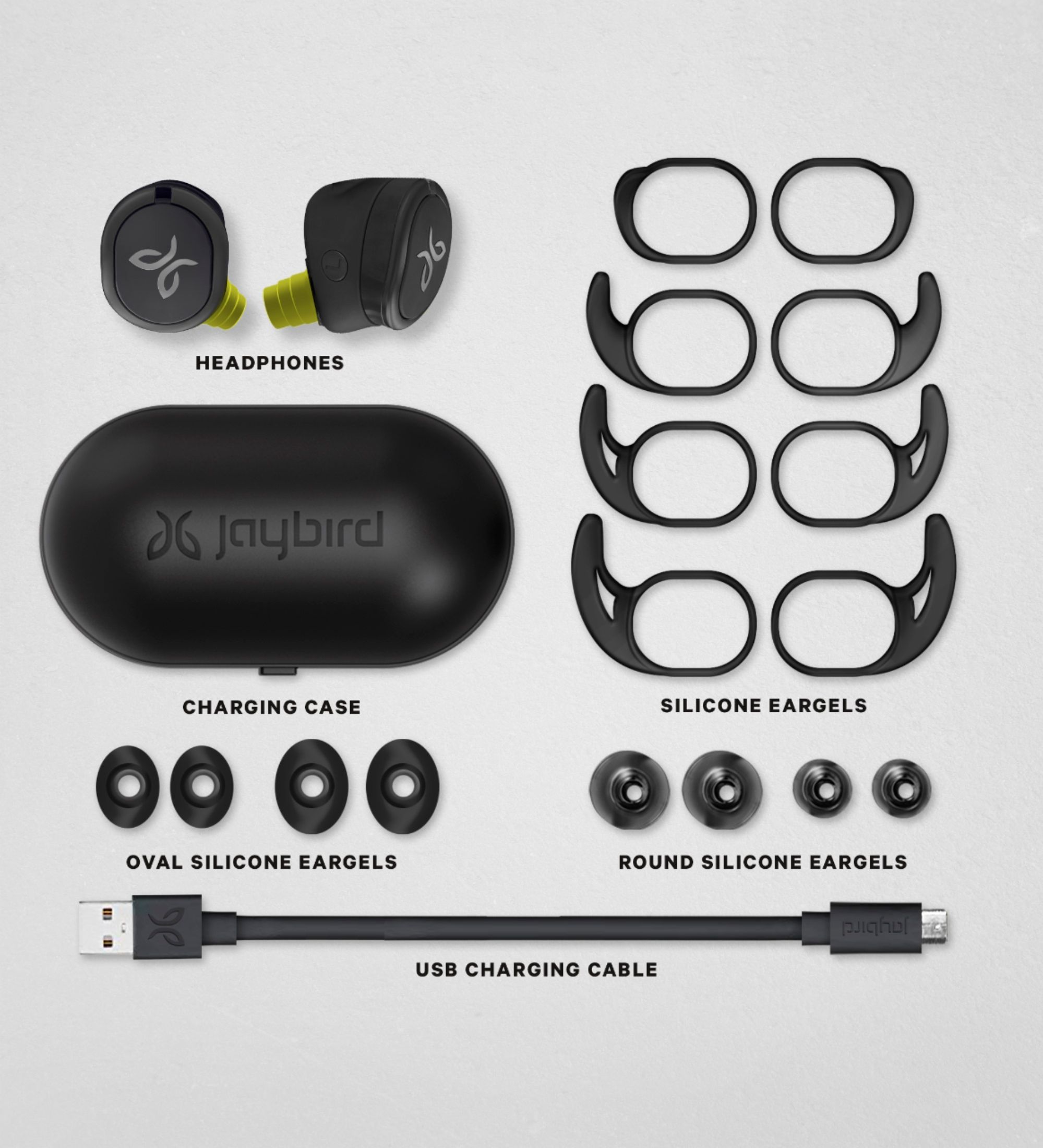
Jaybird RUN earbuds come with round and oval silicone tips and we would love for you to give them a try.
----------
Bruce
Jaybird Customer Experience
#poweryourpassion
Wouldn't recommend to anyone
Posted .This reviewer received promo considerations or sweepstakes entry for writing a review.These wireless headphones suck! Plain and simple. There's a lag time on Youtube, and other apps. They disconnect on their own for no particular reason, frequently, not just rarely. They fall out my ears all the time, and I've tried every combination possible with all the fittings they give. The headphones don't function correctly. They're just poorly made overall. Don't go out running with them because you will spend more time trying to reconnect them and keeping them in your ear than actually running. Wouldn't recommend to anyone.
No, I would not recommend this to a friendBrand response from Jaybird Support Team
Posted .Hello Kevin,
Thanks for your feedback. We are constantly trying make our products better and appreciate what you have to say.
Please do not hesitate to reach out to us at [email protected] and we'll be glad to help out.
----------
Bruce
Jaybird Customer Experience
#poweryourpassion
Serious bluetooth issues.
Posted .This reviewer received promo considerations or sweepstakes entry for writing a review.These headphones have serious BT connectivity issues. I see the issue especially when they are connected to another device and I try to switch to a different device. Example. They were connected to laptop and I go to work out and try connecting with my phone. No go. I have to go in and turnoff BT on laptop for my phone to pick em up. When they finally do connect the left headphone doesn't work. I wanted to like em. I am typically a Bose guy and I guess I should have stuck with old faithful.
No, I would not recommend this to a friendBrand response from Jaybird Support Team
Posted .Hi EZDOESIT,
We're sorry to hear that you're experiencing connectivity issues with your Jaybird Run XT buds. Just send us an email at [email protected] and we will get you taken care of.
Here are the Factory Reset instructions that might help resolve this problem:
To soft reset your earbuds:
-Place your right earbud into the charge case and close the lid.
-Open the charge case and remove your earbud.
To hard reset your earbuds:
-Turn off your right earbud by pressing the right multifunction button for 3 seconds.
-With your right earbud off, press and hold the right multifunction button for 6 seconds until the LED flashes green.
-Double press the right multifunction button. The LED will flash orange and the earbud will turn off. Your earbud has now been reset.
-When you hard reset your earbuds, you will lose any saved presets and any saved devices on the paired list. You’ll need to forget Jaybird RUN in your phone's Bluetooth device list, repair your earbuds to your Bluetooth device, See How do I pair my Jaybird RUN earbuds? and reselect your favorite preset from the Jaybird app.
You can also try re-establishing connection between the left and right earbud using the steps found on this link:
https://www.jaybirdsport.com/en-us/run-faq.html#leftbud
----------
Bruce
Jaybird Customer Experience
#poweryourpassion