Customer Ratings & Reviews
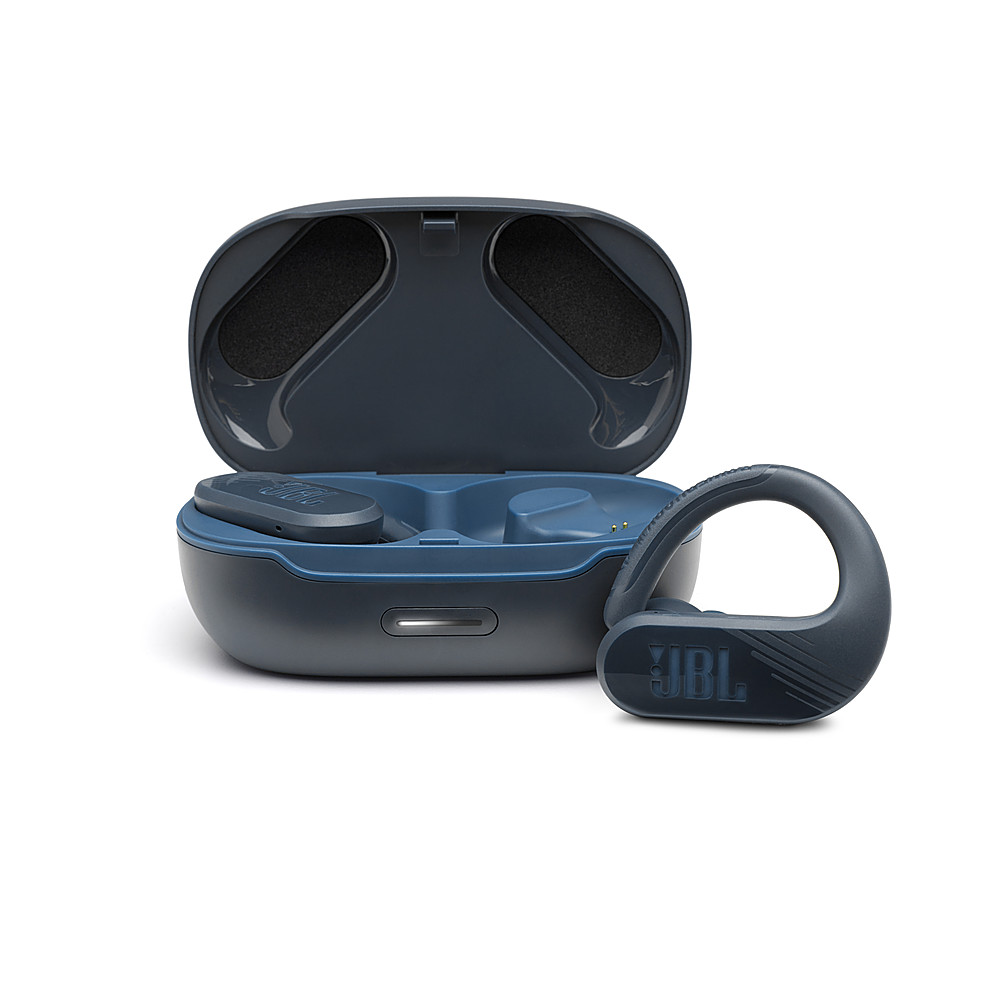
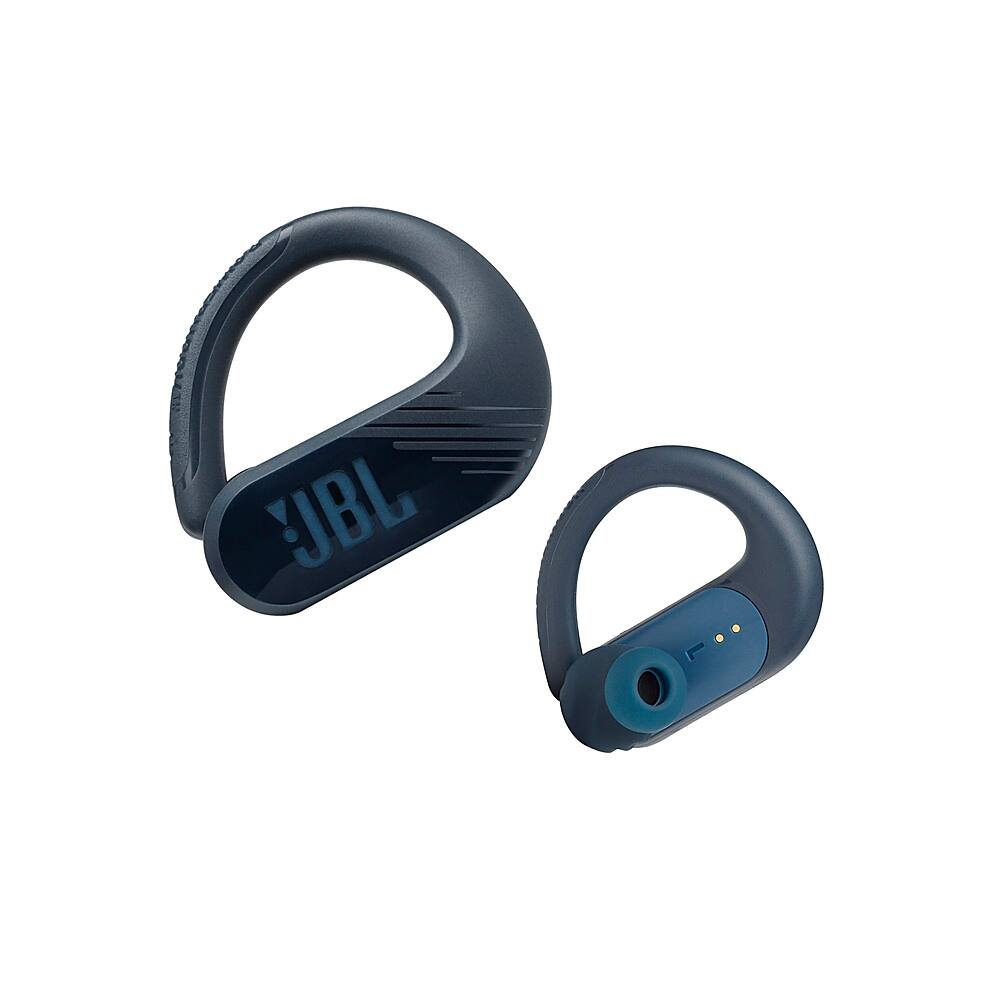
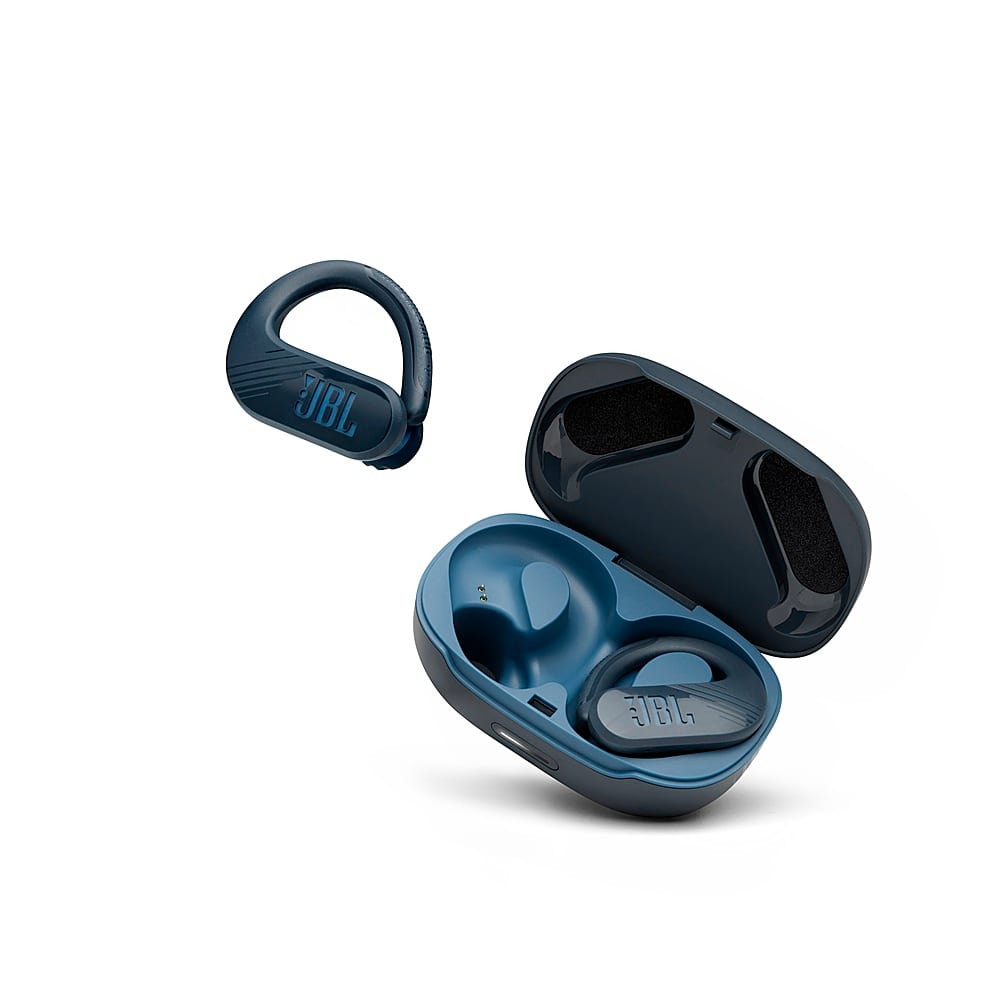

- Model:
- JBLENDURPEAKIIBLAM
- SKU:
- 6432290
Rating by feature
- Sound Quality
Rating 4.2 out of 5 stars
- Battery Life
Rating 4.3 out of 5 stars
- Connectivity
Rating 4.2 out of 5 stars
to a friend
Horrible
Posted .This reviewer received promo considerations or sweepstakes entry for writing a review.This item shut down after being charged once. It was a waist of 80.00 dollars. Im highly disappointed in this product. My wife didnt even enjoy these for a month before they didnt work.
No, I would not recommend this to a friendBrand response from JBL Support
Posted .Thanks for bringing this to our attention. We're here to help with your JBL Endurance Peak II. Try to charge the battery to 100% and then listen to music without any bass boosted, and at a very low volume, as low as possible. If the battery lasts close to the published playtime, the battery is working fine. For further assistance, please contact our customer support at (800) 336-4525 / Mon - Fri: 9:00 am - 11:00 pm (ET) Sat-Sun: 9:00 am - 5:00 pm (ET).

Poor quality
Posted .This reviewer received promo considerations or sweepstakes entry for writing a review.One earbud rarely worked. Really poor quality ear phones. Went back To buy the 3 gen. Those are way better and last
No, I would not recommend this to a friendBrand response from JBL Support
Posted .We're here to help with your JBL Endurance Peak II. We recommend cleaning the contact pins on the case and earbuds using a cotton swab with alcohol. These pins are sensitive to dust. Please ensure the pins are dried before placing them back on the case. If you need more help, we'd like to work with you directly. Please contact our customer support for assistance.
Not happy
Posted .This reviewer received promo considerations or sweepstakes entry for writing a review.Difficult to use...to conect it to bluetooth, i didn't even heard how is the sound like , i gave up trying turn on..
No, I would not recommend this to a friendBrand response from JBL Support
Posted .We appreciate you for sharing your feedback on our JBL Endurance Peak II. We want to ensure you get the most out of our products. To switch the earbuds to pairing mode, take off the earbuds from the charging case and pull their power hook to turn them on. Once the earbud powers on, a blue light on the earbud will flash. Next, enable your device's Bluetooth and look for "JBL Endurance Peak II" under the list of available devices, then tap it once it appears to pair and connect. If you need more help, please reach out to our Customer Support for further assistance.
JBL was not good. Had to go back
Posted .This reviewer received promo considerations or sweepstakes entry for writing a review.The sound quality was horribly bad. Very disappointed. When I returned them after Christmas I noticed that a lot of other people returned the same ones
No, I would not recommend this to a friendBrand response from JBL Support
Posted .Thank you for taking the time on providing us with your feedback. We're sorry to hear that our JBL Endurance Peak II didn't meet your expectations. We're always looking for ways to improve, so we'll make sure to submit your feedback to the right department.
Good at first but then stopped working.
Posted .This reviewer received promo considerations or sweepstakes entry for writing a review.The left ear piece stopped working, and I’ve had them for less than a year.
No, I would not recommend this to a friendBrand response from JBL Support
Posted .We're here to help with your JBL Endurance Peak II. We recommend cleaning the contact pins on the case and earbuds using a cotton swab with alcohol. These pins are sensitive to dust. Please ensure the pins are dried before placing them back on the case. If you need more help, we'd like to work with you directly. Please contact our customer support for assistance.
Bad purchase
Posted .This reviewer received promo considerations or sweepstakes entry for writing a review.Earbuds stopped working and charging after 1 week!
No, I would not recommend this to a friendNot the best
Posted .This reviewer received promo considerations or sweepstakes entry for writing a review.Ear buds dont have loud sound,can't hear them well. Work in truk with windows up
No, I would not recommend this to a friendBrand response from JBL Support
Posted .We appreciate your feedback. We are sorry to hear that the audio quality of our JBL Endurance Peak II didn't meet your expectations. Assuming that both ear pieces are properly positioned in your ears, as with all in-ear headphones, they can be susceptible to a build up of dust and earwax. This can cause low volume on one or both earbuds, or balance issues (e.g., the right earbud is louder than the left earbud). To reduce the likelihood of these issues occurring, it is a good idea to periodically clean your earbuds. Clean the earbuds by removing dust and wax, using a pointed toothpick to remove larger amounts and a small amount of rubbing alcohol applied to a cotton swab for final degreasing. If you're still having audio issues with your device, please contact our customer support service via our official website or toll-free hotline for further assistance. If you have any questions or concerns about your device, please get in touch with our customer support service via our official website or toll-free hotline.
Not good
Posted .This reviewer received promo considerations or sweepstakes entry for writing a review.Soon after receiving these the right one stopped working. I paid 99.99 for one to work but shuts off
No, I would not recommend this to a friendBrand response from JBL Support
Posted .We're sorry to hear about what happened. Please try manual pairing the earphones if this can help fix the problem: If the Right earbud has become unpaired: Power on the Right earbud and leave the Left earbud powered off. Triple press the right earbud to trigger TWS pairing mode quickly before it can connect with the previous connected BT device. In doing this, the right earbud will be removed from the BT paired list and stay in TWS pairing mode. The Right earbud can reconnect only when the Left earbud also enters into TWS pairing mode to connect with the right side. Because the Left earbud is the primary, it will not remove itself from the BT paired list when entering into TWS mode. Once you power on and connect the Left earbud to your device, you now should be able to reconnect the right earbud as well. If you need more help, please contact us so we can assist you: https://bit.ly/2PjTiIF
Cheap headphones
Posted .This reviewer received promo considerations or sweepstakes entry for writing a review.They lasted one week. Then, one of them stopped working. Cheap product
No, I would not recommend this to a friendBrand response from JBL Support
Posted .If there's no sound coming from your headphones' Right earbud, could have been unpaired from the left. Please try manually pairing the earbuds. To do this, first un-pair the one earbud that likely is paired to your mobile and working. You must forget the Endurance Peak II in your BT menu. Tap the right earbud three times to trigger TWS pairing mode before it can connect with the previously connected BT device. Then, turn your Bluetooth back on your mobile device and power on both the Left and Right earbuds which should automatically go into pairing mode and pop up on your discoverable BT devices. Choose the Endurance Peak II and now both earbuds should be reconnected to your device.
I wouldn’t recommend buying these
Posted .This reviewer received promo considerations or sweepstakes entry for writing a review.I really don’t like these, they don’t talk to you, I had a cheaper pair and they did , also they turns off by there self and that annoying.
No, I would not recommend this to a friendBrand response from JBL Support
Posted .We appreciate your feedback on our JBL Endurance Peak II. We're always looking for ways to improve. We'd like to work with you directly to address the issues you're experiencing with your unit. Please contact our customer support via our official website or toll-free hotline.
Right device does not pair
Posted .This reviewer received promo considerations or sweepstakes entry for writing a review.Right device does not pair, ask for a pairing code which comes nowhere.
No, I would not recommend this to a friendBrand response from JBL Support
Posted .We're here to help with your JBL Endurance Peak II. This unit does not require a pin. If you are being prompted to enter a PIN, this can indicate that the installed Bluetooth drivers are incorrect. Please test if 0000 or 1234 will work. If the issue remains, please contact our customer support via our official website or toll-free hotline for further assistance.