Customer Ratings & Reviews
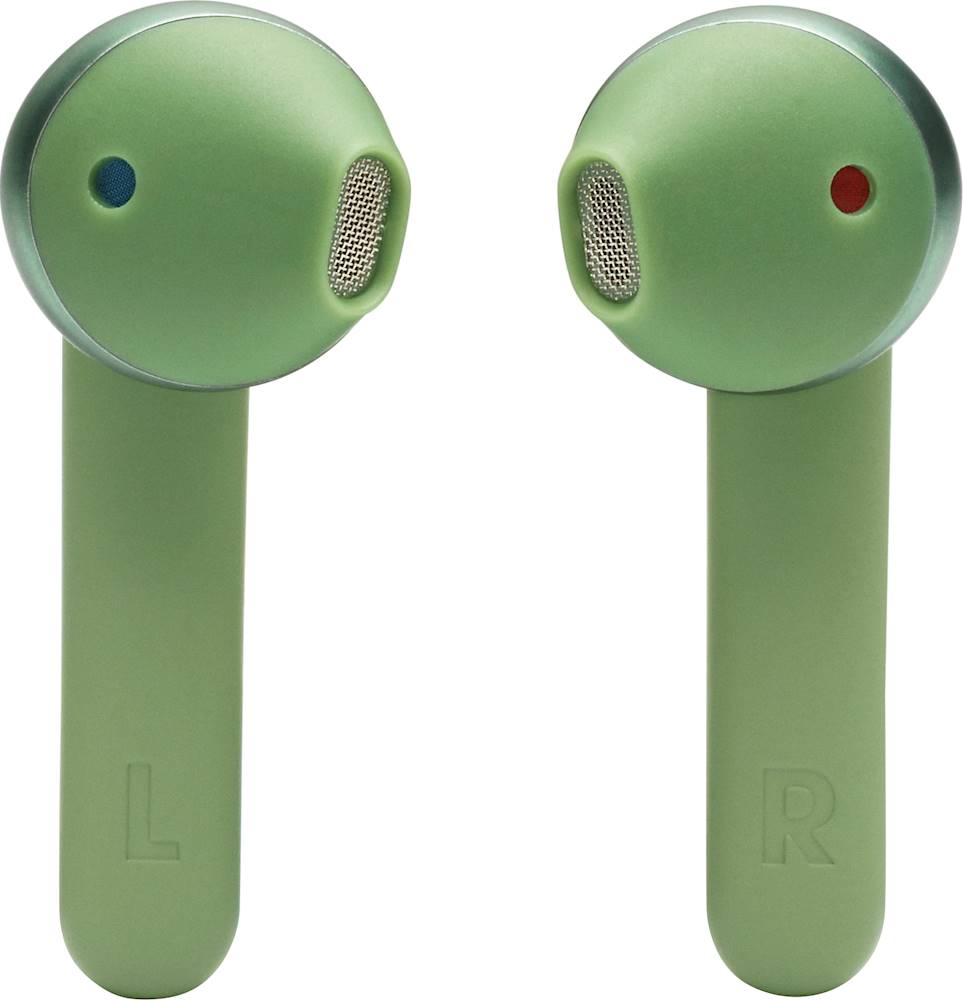
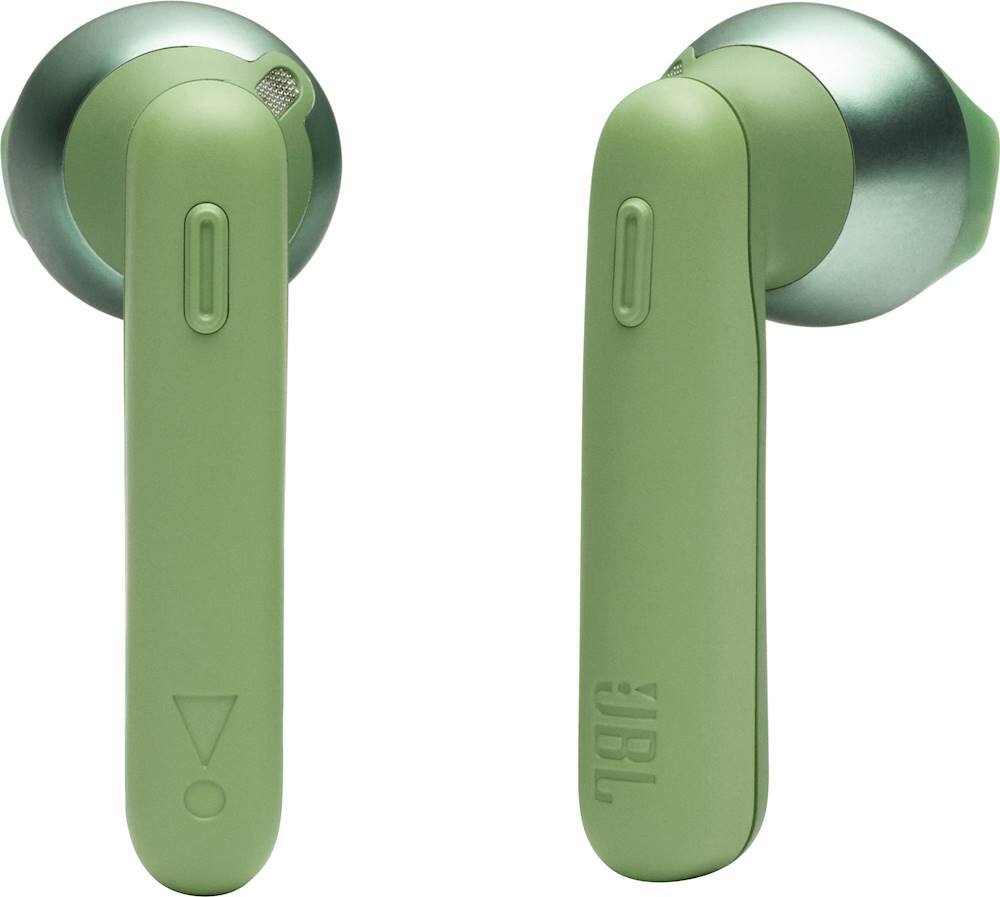
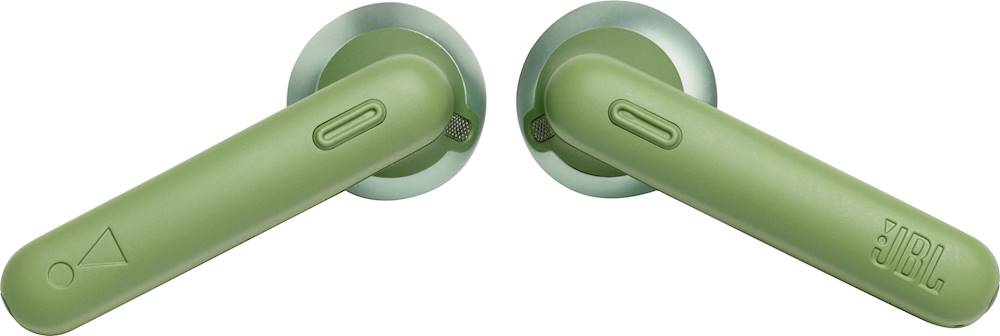
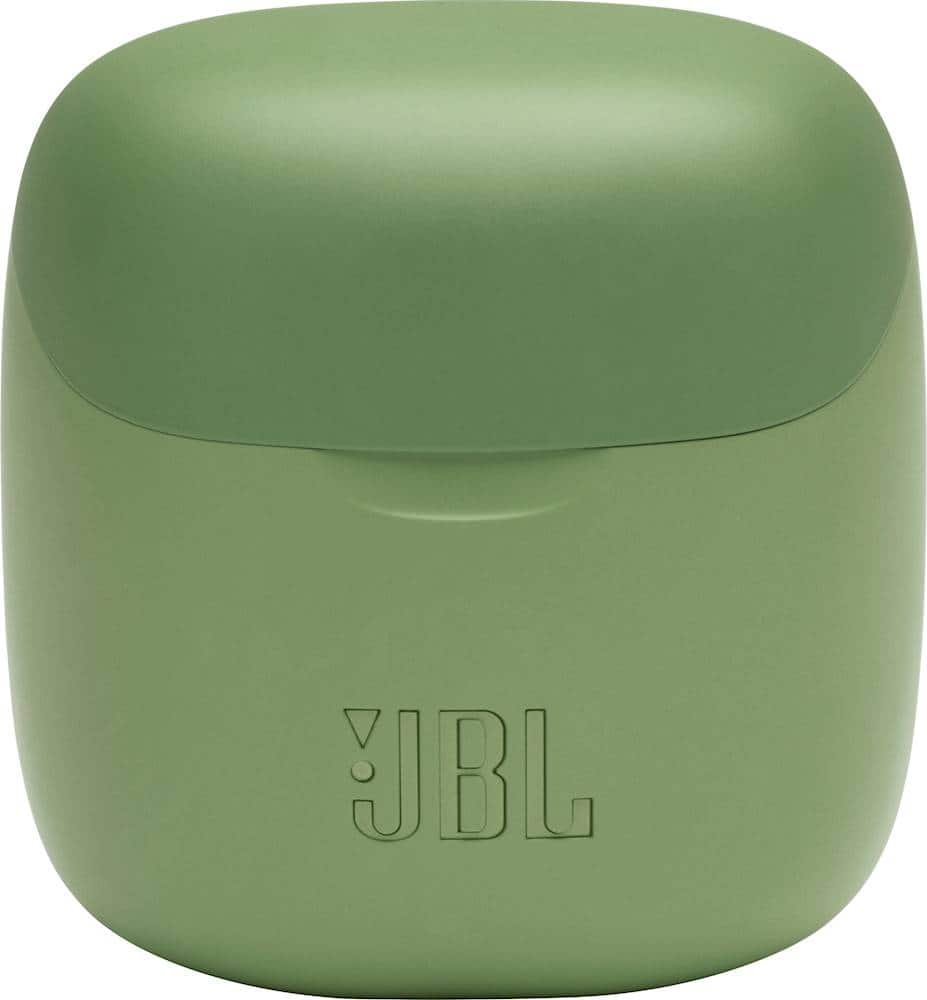

- Model:
- JBLT220TWSGRNAM
- SKU:
- 6408555
Rating by feature
- Sound Quality
Rating 4.2 out of 5 stars
- Battery Life
Rating 4.0 out of 5 stars
- Connectivity
Rating 4.1 out of 5 stars
Customers are saying
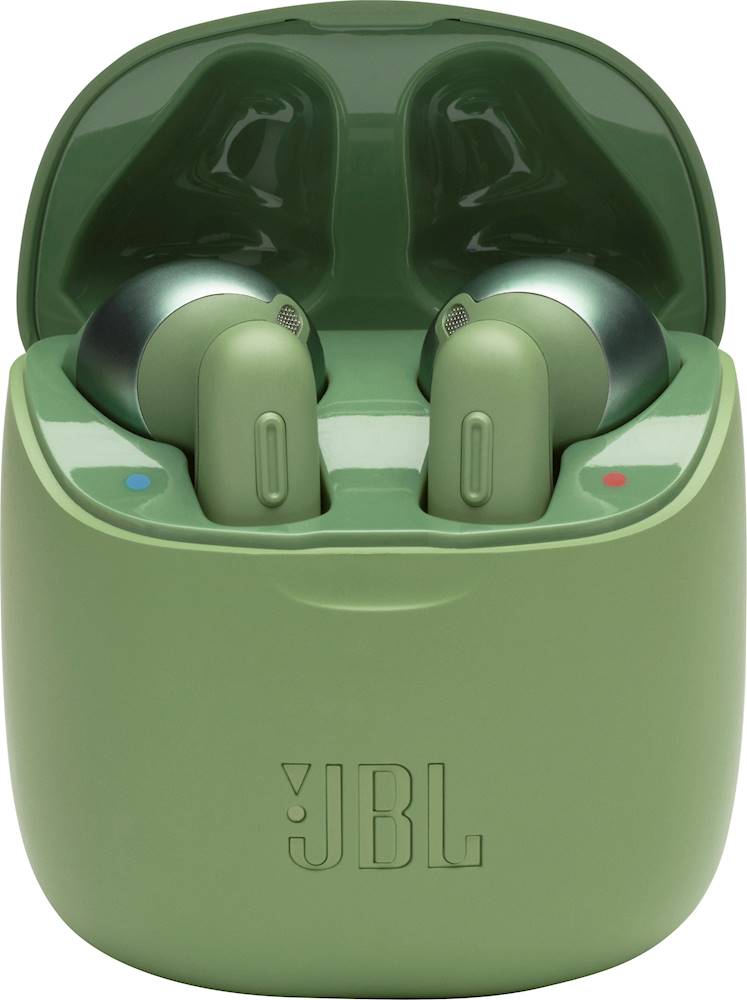
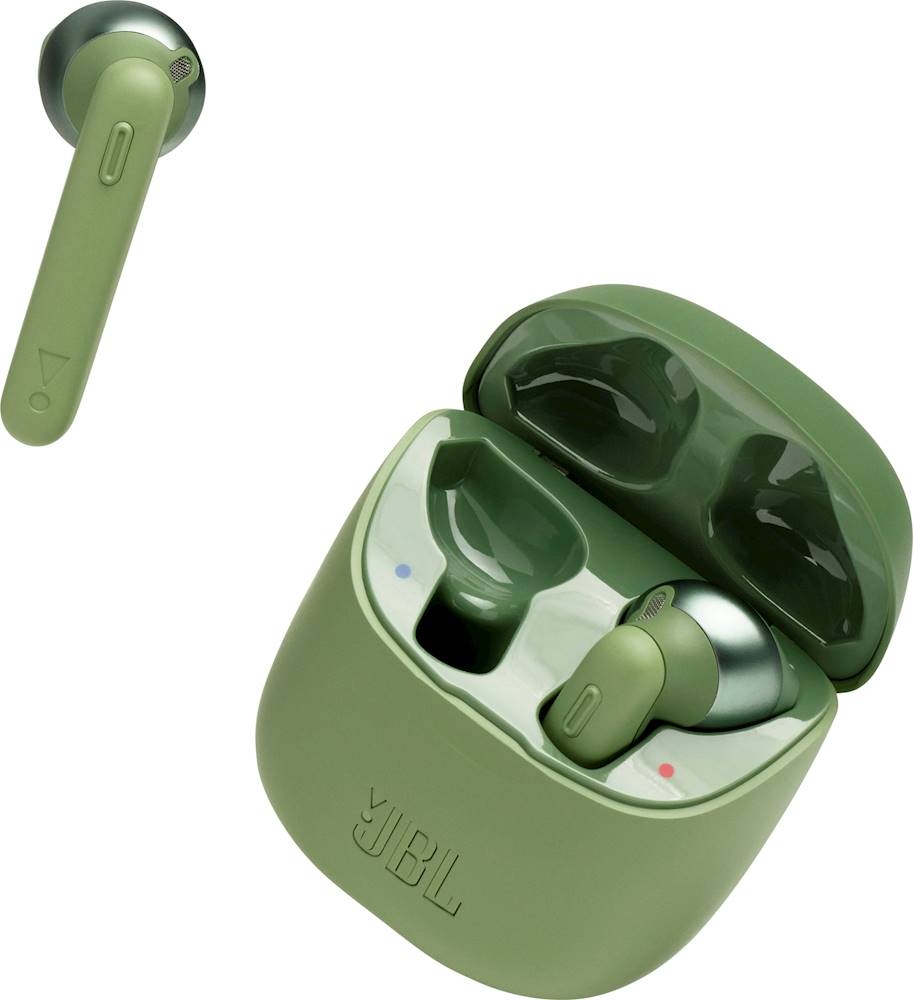
Customers enjoy the TUNE 220TWS True Wireless In-Ear Headphones for their sound quality, design, and fit. Many customers find the sound quality to be good enough for their needs, while others appreciate the aesthetic design and comfortable fit of the earbuds. However, some customers have expressed concerns about the battery life of the headphones.
This summary was generated by AI based on customer reviews.
Died after 4 1/2 months
||Posted . Owned for 4 months when reviewed.This reviewer received promo considerations or sweepstakes entry for writing a review.These headphones were perfect at first. I have had them for about 4 1/2 months and the right earbud will no longer connect to my phone and the left earbud will not hold a charge for longer than 20 minutes. They were not used very often and the rubber started to peel from the plastic. I would not recommend.
No, I would not recommend this to a friendBrand response from JBL Support
Posted .We're sorry to hear about what happened to your JBL Tune 225TWS. You may try to reset the unit to check if this can help fix the problem. Place both earpods in the charging box, while the charging box is plugged into a power source. Press and hold the button on the Right pod for about 5 seconds. The LED on the pod will turn off and then turn back on again. This restores to factory default. (Please note that charging must take place for reset to work.) It also may be necessary to remove or forget the earbuds from the list of paired Bluetooth devices in order to pair again. To manually pair the earbuds, Press both dedicated buttons of the earbuds simultaneously to reconnect them with each other. Here are some cleaning steps for re-establishing charging: If you have charging problems, the first step is to always clean all contact points, on each earbud and on the charging case. You will need: cotton cloth or makeup swab, cotton swabs and rubbing alcohol. Also a pencil with eraser for further cleaning. Use a cotton swab with some rubbing alcohol to clean the charging terminals of the headphones. Wipe the contact pins in the charging case with a clean cotton swab. The swab can be slightly moistened with rubbing alcohol, but it is important that the interior is completely dry before closing the box. Use the cotton cloth and wait for it to dry. if the problem persists, please contact us, so we can assist you in checking your warranty.

Really hard
||Posted . Owned for 3 weeks when reviewed.This reviewer received promo considerations or sweepstakes entry for writing a review.After five minutes with wearing, my ears started to hurt so I have to return it.
No, I would not recommend this to a friendBrand response from JBL Support
Posted .This isn't the experience we wanted our customers to have with our products. If you've had this product for not more than 30 days and was purchased directly from our website. You can always return it and get a full refund. Please contact our Customer Support.
I don’t recommend them
||Posted . Owned for 11 months when reviewed.This reviewer received promo considerations or sweepstakes entry for writing a review.Not so good quality, after using them a couple times I realized the battery die fast.
No, I would not recommend this to a friendBrand response from JBL Support
Posted .We're sorry to hear about what happened. We appreciate it for taking the time in providing us with this review. Our JBL Tune 225TWS has a maximum of 5 hours at a normal volume and a minimal bass content. While the charging case has an additional 20hrs of music playtime when you charge it from a low-battery state. Please check the charging contacts of the earbuds as well as the charging case if there is dirt or debris that's preventing the unit from charging properly. Try using a different USB Type-C charging cable and wall charger if this can help fix the problem. If the problem persists, our portable products have 1-year warranty, please contact us and provide us the proof of purchase of the unit, so we can check your options:https://support.jbl.com/us/en/#contact
No
||Posted . Owned for 1 month when reviewed.This reviewer received promo considerations or sweepstakes entry for writing a review.They suck dont pair with anything dont recommended
No, I would not recommend this to a friendBrand response from JBL Support
Posted .Thanks for reaching out. Please follow the troubleshooting steps outlined in our 'Bluetooth Troubleshooting' guide found in this link. https://bit.ly/2LXMoHJ
My opinion
||Posted . Owned for 2 weeks when reviewed.This reviewer received promo considerations or sweepstakes entry for writing a review.distortion, fits in ear ok.. Ok sound quality. No noise cancellation.. Just exspected more
No, I would not recommend this to a friendBrand response from JBL Support
Posted .Thank you for taking the time to provide us with your feedback. We are sorry to hear that our JBL Tune 225 TWS didn't meet your expectations. We're always looking for ways to improve. We'll make sure to submit your feedback to the appropriate department.
Not it
||Posted . Owned for 2 weeks when reviewed.This reviewer received promo considerations or sweepstakes entry for writing a review.Not what I wanted and I wish I could return them for the headphones I really wanted to buy.
No, I would not recommend this to a friendBrand response from JBL Support
Posted .Unfortunately, our return policy doesn't cover exchanging a returned unit for a different model. You may return our JBL Tune 225TWS and get a refund then you can order the model that you wish to have. Here's the link for our Returns Process. https://bit.ly/3r2dJI8
Sound
||Posted . Owned for 2 weeks when reviewed.This reviewer received promo considerations or sweepstakes entry for writing a review.Bass aint strong. Music production is low. Good people who dont like loud music
I would recommend this to a friendBrand response from JBL Support
Posted .Thank you for taking the time to provide us with your feedback. We are sorry to hear that our JBL Tune 225TWS Headphones did not meet your expectations. We're always looking for ways to improve so we'll make sure to submit your feedback to our development team. If you have any questions or concerns about this product's features, please reach out to us at: https://bit.ly/2WocMfi
Low battery life
||Posted . Owned for 1 month when reviewed.This reviewer received promo considerations or sweepstakes entry for writing a review.Does not hold charge for long. Battery depleted after about 1.5 hours of use!
No, I would not recommend this to a friendBrand response from JBL Support
Posted .Thanks for reaching out. Here are some things to try that often fix these issues. Try a different USB cable. Try a different USB charger, rated at least 2 amps. Try disconnecting the cable from your product and re-inserting it. If you need further assistance, you may reach out to our Customer Support Team at (800) 336-4525 Mon - Fri: 9:00 am - 11:00 pm (EST) Sat - Sun: 9:00 am - 5:00 pm (EST)
Left earbud not working after 3 months
||Posted . Owned for 2 months when reviewed.This reviewer received promo considerations or sweepstakes entry for writing a review.Have had it for a little under 3 months and the left earbud went very quiet all of a sudden. Before that the sound would clip out off and on once in awhile as well, which got annoying fast. Really disappointed honestly as I wanted to love these, but the one earbud being unusable is out of the question.
No, I would not recommend this to a friendBrand response from JBL Support
Posted .Thanks for reaching out. We want you to get the most out of our product. It would be best if we can work with you directly to get more information and to do troubleshooting with your JBL - Tune 225TWS True Wireless In-Ear Headphones. Please contact our customer support at. https://bit.ly/3xzCIGE
Not durable
||Posted . Owned for 8 months when reviewed.This reviewer received promo considerations or sweepstakes entry for writing a review.After not even a year one stopped working. Not for runners.
No, I would not recommend this to a friendOk for voice, music not so much.
||Posted .This reviewer received promo considerations or sweepstakes entry for writing a review.Glad I got this mostly for voice and not music, the bass is virtually non-existing.
No, I would not recommend this to a friendBrand response from JBL Support
Posted .Thank you for your feedback. We'd like to work with you directly to troubleshoot the sound quality of our JBL Tune 225TWS. Please contact customer service at. https://bit.ly/2WocMfi
Did not last
||Posted . Owned for 1 year when reviewed.This reviewer received promo considerations or sweepstakes entry for writing a review.One of the earbud stop working after few months ...
No, I would not recommend this to a friendDissatisfy customer
||Posted . Owned for 3 weeks when reviewed.This reviewer received promo considerations or sweepstakes entry for writing a review.Not a good product, the right ear stopped working around 1/4/22.
No, I would not recommend this to a friendBrand response from JBL Support
Posted .We're sorry to hear that the right ear bud of your JBL Tune 225TWS stopped working. Please check if it's still charging. If not, please check the contact terminals and clean it for any dirt and debris that may be causing it not to charge. If you need more help, please reach out to us at https://support.jbl.com/us/en/
Wack ear buds
||Posted . Owned for 2 months when reviewed.This reviewer received promo considerations or sweepstakes entry for writing a review.Waste of money. Hurt the ears, keep falling out. Looks awkward, sound quality is terrible. You have to connect it each time to your iPhone if you want to use it and that’s a process in of itself. Got this ok Black Friday and returned them two days later. I wouldn’t pay half the price for these let alone full price
No, I would not recommend this to a friendOk
||Posted . Owned for 3 weeks when reviewed.This reviewer received promo considerations or sweepstakes entry for writing a review.They work for about 3 weeks and the right one stop working .
I would recommend this to a friendBrand response from JBL Support
Posted .Thanks for reaching out. It's possible that the earbud is not working because it's not charging while inside the charging case. Use a cotton swab with some rubbing alcohol to clean the charging terminals of the headphones. Rotate the swab and scrub lightly on each contact surface, then use a cotton cloth to remove any dust and cotton residue left on the headphones. Wipe the contact pins in the charging case with a clean cotton swab. The swab can be slightly moistened with rubbing alcohol, but it is important that the interior is completely dry before closing the box. If none of these fixes the issue, please reach out to JBL Customer Service for technical support and assistance. https://bit.ly/2WocMfi
Not happy
||Posted .This reviewer received promo considerations or sweepstakes entry for writing a review.They kept falling out of my ear and the battery life seemed extremely short
No, I would not recommend this to a friendBrand response from JBL Support
Posted .We appreciate the feedback you've provided to us. We understand that our JBL Tune 225TWS did not meet your expectations. We're always looking for ways to improve so we'll make sure to submit your feedback to the right department.
Jbl earbuds
||Posted . Owned for 2 months when reviewed.This reviewer received promo considerations or sweepstakes entry for writing a review.Very uncomfortable to wear. Ears hurt a lot while using
No, I would not recommend this to a friendBrand response from JBL Support
Posted .This isn't the experience we wanted our customers to have with our products. If you've had this product for not more than 30 days and was purchased directly from our website. You can always return it and get a full refund. Please reach out to JBL Customer Service for technical support and assistance at (800) 336-4525 Mon - Fri: 9:00 am - 11:00 pm (EST), Sat-Sun: 9:00 am - 5:00 pm (EST).
Nagy Mohamed
||Posted . Owned for less than 1 week when reviewed.This reviewer received promo considerations or sweepstakes entry for writing a review.Not so good no I don't like it I wish I cloud return it
No, I would not recommend this to a friendBrand response from JBL Support
Posted .We appreciate the feedback that you've provided us with our products. We are sorry to hear that our JBLTune 225TWS Headphones did not meet your expectations. We'll make sure to submit your feedback to the appropriate department. If you've had this product for not more than 30 days and was purchased directly from our website. You can always return it and get a full refund. Please use the link to contact our customer support. https://bit.ly/2WocMfi
Bluetooth headphones
||Posted . Owned for 1 month when reviewed.This reviewer received promo considerations or sweepstakes entry for writing a review.These headphones are not worth the price they are valued in...
No, I would not recommend this to a friendBrand response from JBL Support
Posted .Thank you for your feedback. We'd like to get more information to see if we can find ways to make your experience with our JBL Tune 225TWS better. Please contact customer service at. https://bit.ly/2WocMfi
Expensive piece of junk
||Posted . Owned for 1 month when reviewed.This reviewer received promo considerations or sweepstakes entry for writing a review.Complete garbage. Right earpiece already fell apart with minimum use. Barely used at night as to not wake anyone and the right earpiece split. Extremely disappointed.
No, I would not recommend this to a friendBrand response from JBL Support
Posted .Thank you for bringing this to our attention. We'd like to work with you directly and gather more information so that we can check your options. Please use this link to contact customer service. https://bit.ly/2WocMfi