Customer Ratings & Reviews
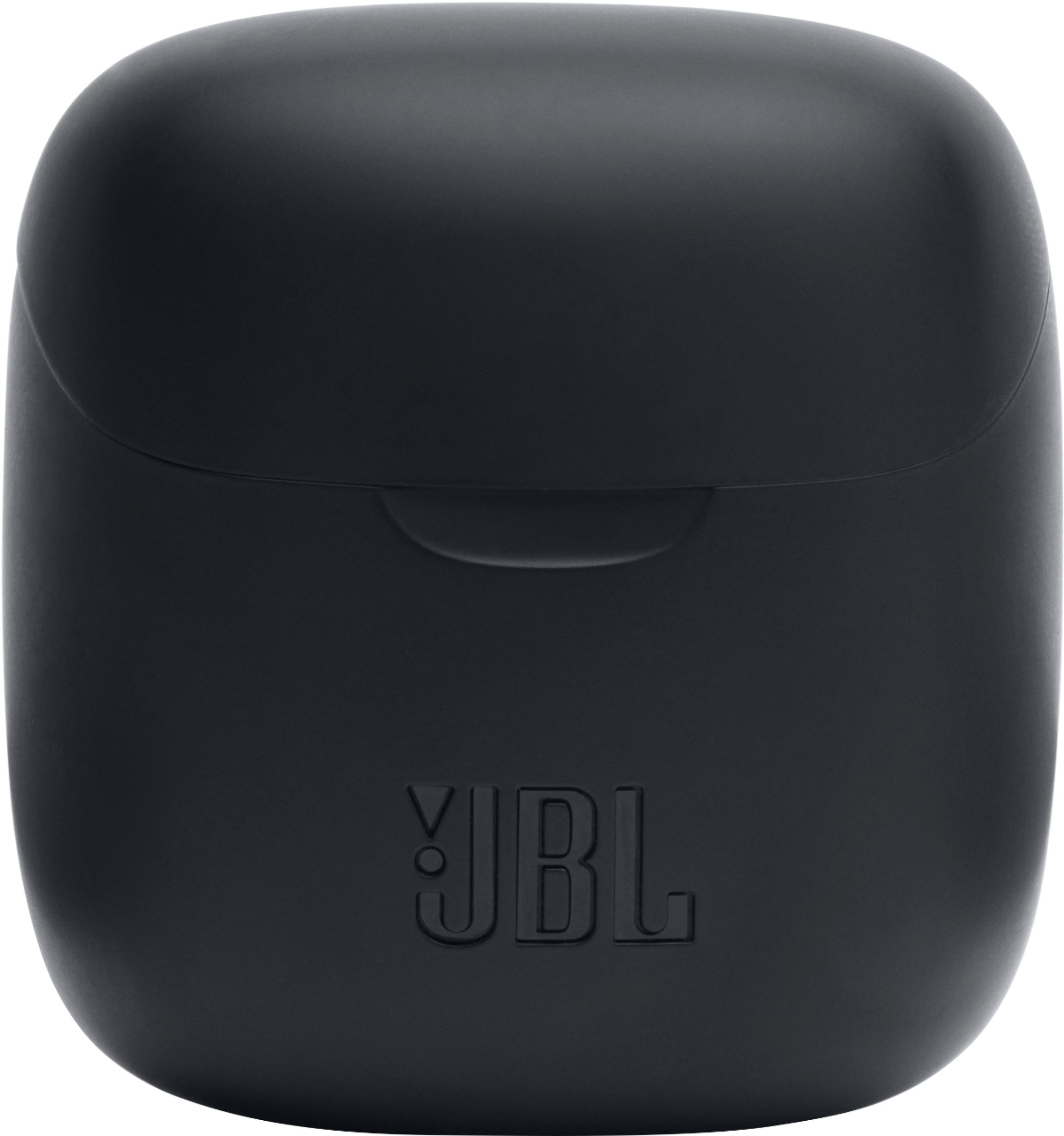
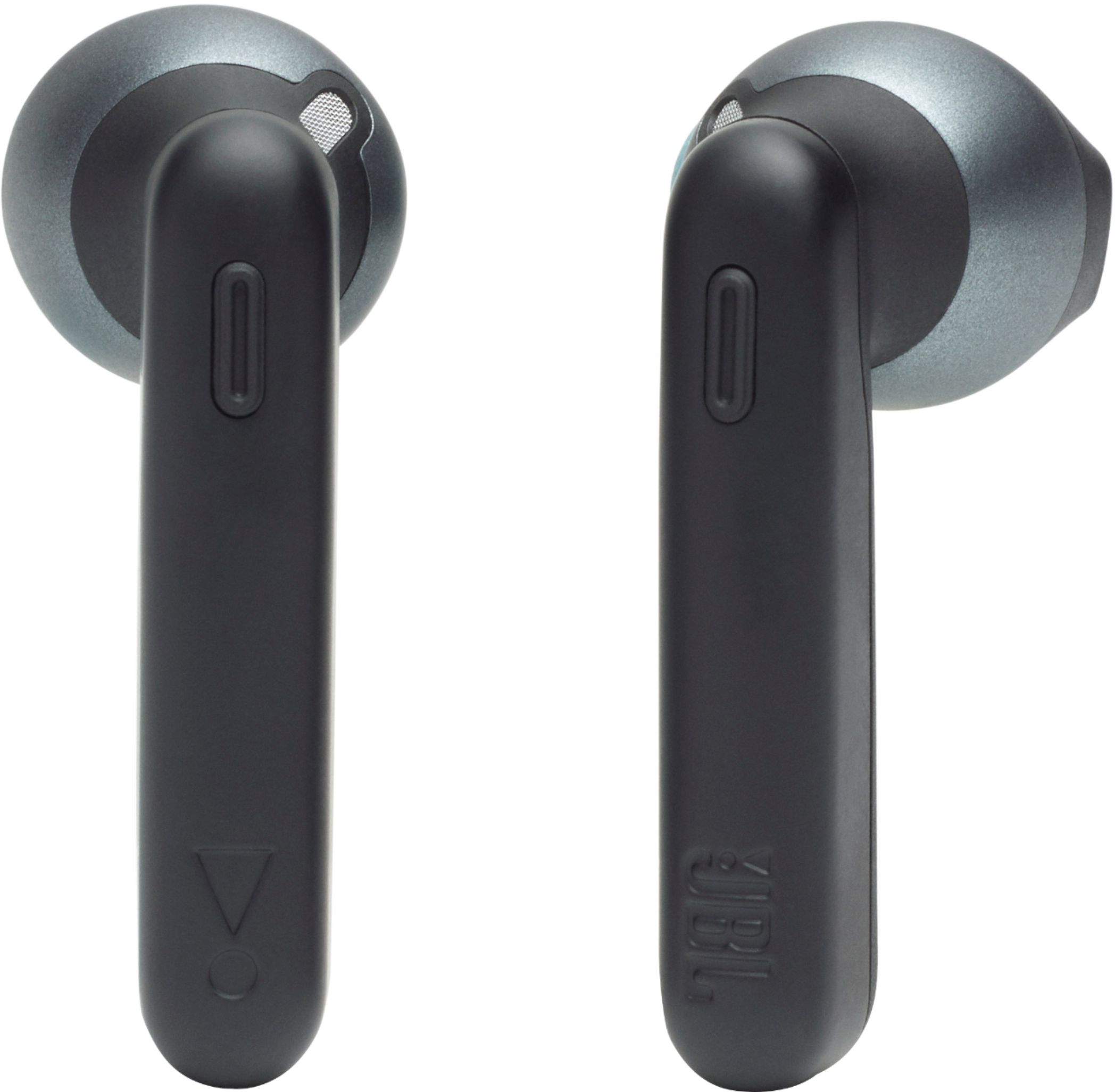
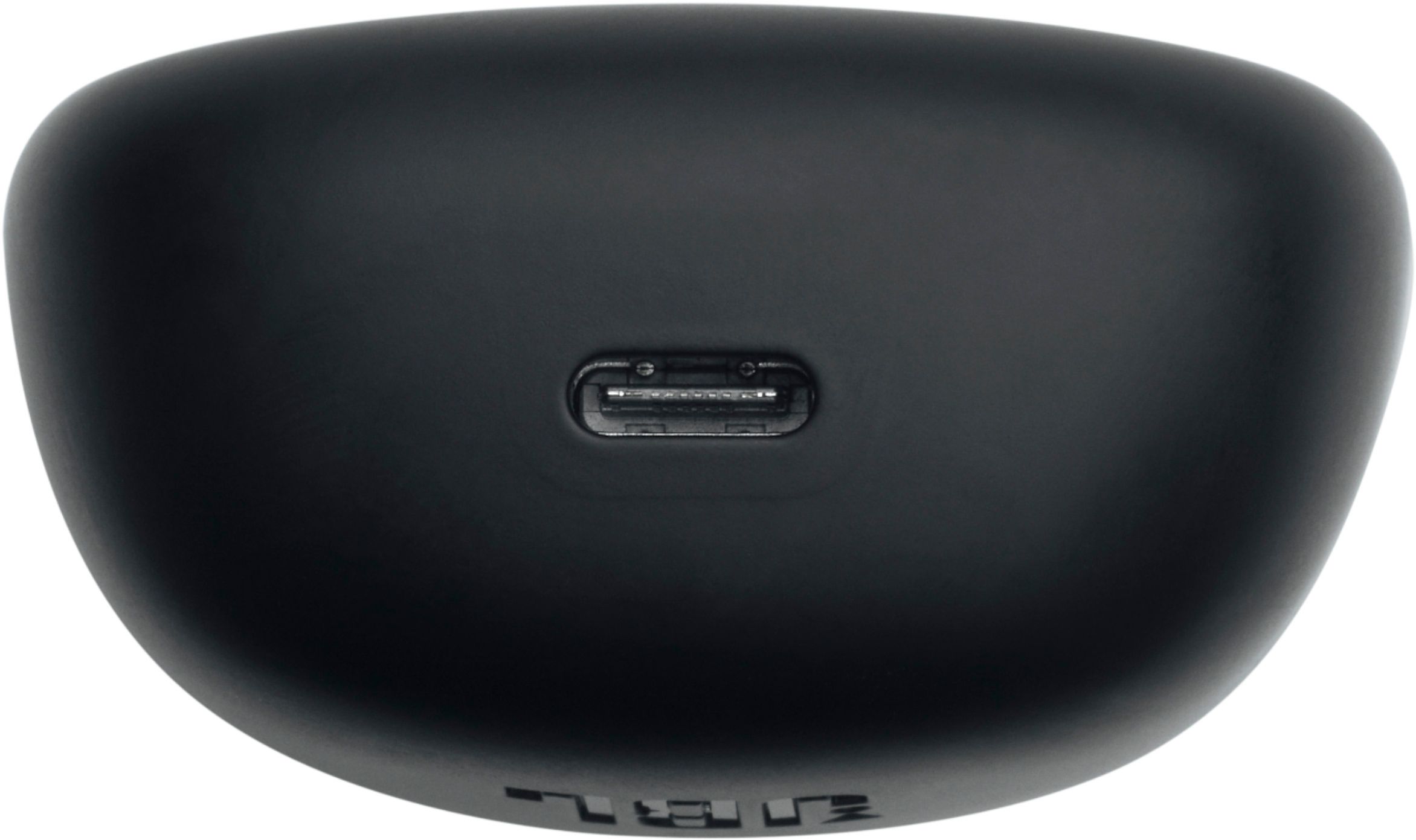
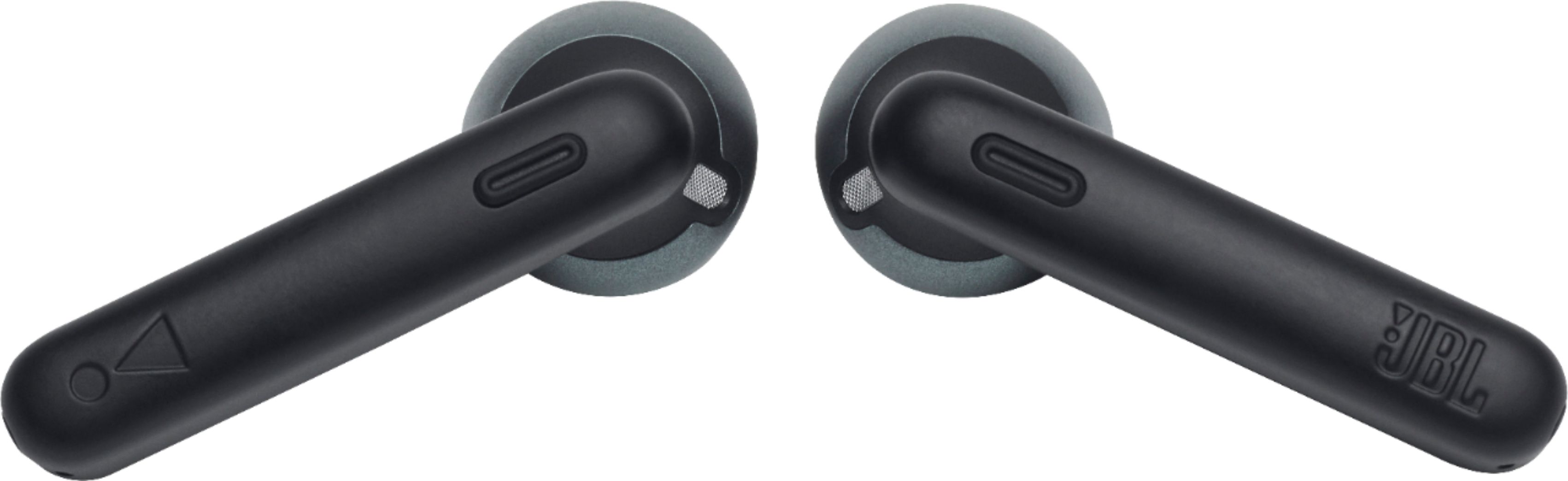
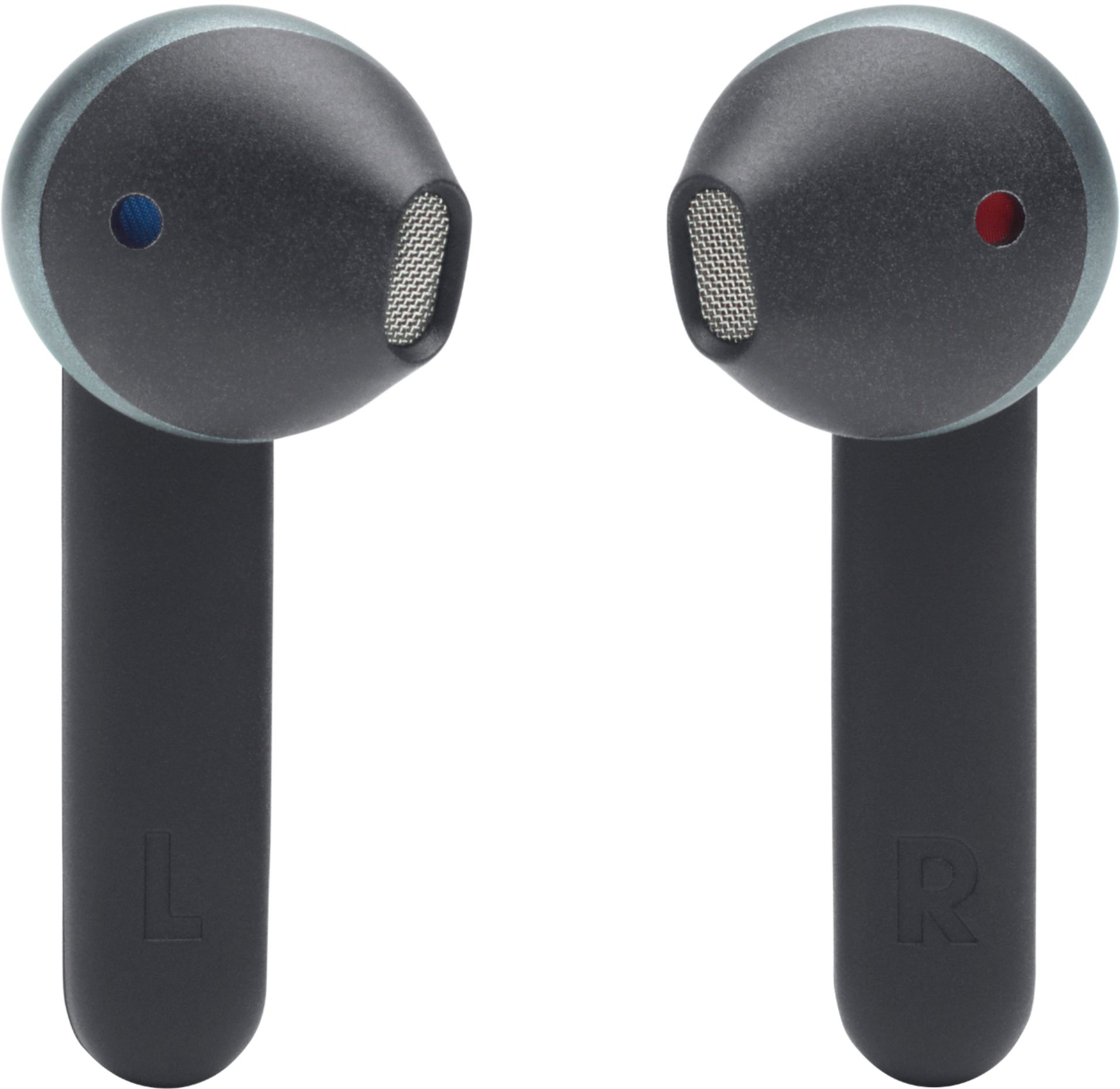
- Model:
- JBLT225TWSBLKAM
- SKU:
- 11960804
Rating by feature
- Sound Quality
Rating 4.2 out of 5 stars
- Battery Life
Rating 4.0 out of 5 stars
- Connectivity
Rating 4.1 out of 5 stars
to a friend
never again
||Posted . Owned for 8 months when reviewed.This reviewer received promo considerations or sweepstakes entry for writing a review.trash dont buy.the case is cheap and they wont hold a full charge or last long after a few month of use.save your money buy better ones
No, I would not recommend this to a friendBrand response from JBL Support
Posted .Thanks for reaching out. We want you to get the most out of our product. It would be best if we can work with you directly to get more information and to do troubleshooting with your JBL Tune 225TWS Headphones. Please contact our customer support at. https://bit.ly/2WocMfi

did not fit for me
||Posted . Owned for 1 week when reviewed.This reviewer received promo considerations or sweepstakes entry for writing a review.not for "active" use, they fell out alot. sound is good. could only recommend for chilling at the desk, but i needed something more secure
No, I would not recommend this to a friendBrand response from JBL Support
Posted .Thank you for taking the time to provide us with your feedback. We are sorry to hear that our JBL Tune 225TWS didn't meet your expectations. For better fitment, you could choose from the three ear tip sizes (S, M, L). If you've had this product for not more than 30 days, you can always return it and get a full refund. Please use the link to contact our customer support. https://bit.ly/3mdE6sP
Flat and tinny
||Posted . Owned for 1 year when reviewed.This reviewer received promo considerations or sweepstakes entry for writing a review.Not a good purchase. No matter what device I use this with, The sound was the same. Flat in tinny.
No, I would not recommend this to a friendMeh-
||Posted . Owned for 1 month when reviewed.This reviewer received promo considerations or sweepstakes entry for writing a review.One of the earpieces went out about 7 days in. The other hasn't gone out, but its hard to hear the caller on the other end.
No, I would not recommend this to a friendBrand response from JBL Support
Posted .This isn't the experience we wanted our customers to have with our JBL Tune 225TWS. If you've had this product for less than 30 days and was purchased directly from our website. You can always return it and get a full refund. Please reach out to JBL Customer Service for technical support and assistance at (800) 336-4525 Mon - Fri: 9:00 am - 11:00 pm (EST), Sat-Sun: 9:00 am - 5:00 pm (EST).
Not recommended for using it with Laptop
||Posted .This reviewer received promo considerations or sweepstakes entry for writing a review.I bought this product for joining meetings from my laptop. I was looking for wireless headphones which I can use for listening to music as well as joining meetings while working from home. I am quite disappointed when I use this earphones with my laptop. There is a static noise and also the voice is breaking continuously when I use it with my laptop.
No, I would not recommend this to a friendBrand response from JBL Support
Posted .Thanks for taking the time in providing your feedback on our JBL Tune 225TWS. We're always looking for ways to improve. If you need any help with our products, please reach out to our Customer Support.
Not worth the price
||Posted .This reviewer received promo considerations or sweepstakes entry for writing a review.they turn off constantly. They don't stay secure in the ears. I would not pay that much again for wireless buds.
No, I would not recommend this to a friendBrand response from JBL Support
Posted .Thanks for reaching out. If the earbuds go into standby mode and turn off, you can still use them without putting them back into the charging case. You can reactivate the headphones by pressing or touching the outside earbud itself. If you have other questions or concerns about this product's features, please reach out to us at: https://bit.ly/2WocMfi
Jbl pods
||Posted . Owned for 1 year when reviewed.This reviewer received promo considerations or sweepstakes entry for writing a review.Hard to pair.....looses connection to easy..uncomfortable
No, I would not recommend this to a friendOuch
||Posted . Owned for 3 weeks when reviewed.This reviewer received promo considerations or sweepstakes entry for writing a review.I had to return them they were so painful to wear the edges were cutting into my ear
No, I would not recommend this to a friendBrand response from JBL Support
Posted .Thank you for taking the time to provide us with your feedback. We are sorry to hear that the comfortability of our JBL Tune 225TWS didn't meet your expectations. We're always looking for ways to improve. We'll make sure to submit your feedback to the appropriate department.
Not happy
||Posted . Owned for 1 month when reviewed.This reviewer received promo considerations or sweepstakes entry for writing a review.Sound isn’t great and no cushion ends to help with fit in different size ears.
No, I would not recommend this to a friendBrand response from JBL Support
Posted .Thank you for taking the time in providing us with this review. Please try using a different music player and if you're using an equalizer, turn it off. Try using a different source (phone, tablet) to check if the sound would still be the same. If the problem persists, please contact us, so we can assist you in checking your options: https://support.jbl.com/us/en/#contact
Best Headphones
||Posted . Owned for 3 weeks when reviewed.This reviewer received promo considerations or sweepstakes entry for writing a review.So far these are the best headphones I've purchased. great sound love them
I would recommend this to a friendDon’t buy these
||Posted . Owned for 2 months when reviewed.This reviewer received promo considerations or sweepstakes entry for writing a review.They suck, will always disconnect and one of the EarPods stopped working all of a sudden.
No, I would not recommend this to a friendBrand response from JBL Support
Posted .Please try to connect it to a different source (phone, tablet, computer) to check if it would work. If the problem persists, kindly get in touch with our Customer Support Team so we can directly assist you: https://support.jbl.com/us/en/
Headphones
||Posted . Owned for 2 months when reviewed.This reviewer received promo considerations or sweepstakes entry for writing a review.It’s great I think it’s the same as apple headphones we like it
I would recommend this to a friendBrand response from JBL Support
Posted .We appreciate for taking the time to provide us with your feedback. We'll make sure to submit it to the right department.
GREAT QUALITY
||Posted .This reviewer received promo considerations or sweepstakes entry for writing a review.The audio quality is way better than Beats 10/10 recommend
I would recommend this to a friendBrand response from JBL Support
Posted .Thank you for taking the time to provide us with your feedback. If you have any questions or concerns about this product's features, you may reach out to our Customer Service Team for further assistance.
Charging issues
||Posted . Owned for 1 year when reviewed.This reviewer received promo considerations or sweepstakes entry for writing a review.Absolutely dislike this product. Usually I'm satisfied with JBL but not this time. I charge this over night, get on a phone call in the morning, halfway through my conversation I get an indication that the batteries are running low. I've tried to be patient and work with the product but I've yet to fully enjoy. Perhaps there is a charging issue.
No, I would not recommend this to a friendBrand response from JBL Support
Posted .Here are some things to try that often fix these issues. If you have other charging cables, give them a try. Same for the charger- if your product charges by USB, try a different USB charger. Be sure that it is rated at least 2.0a (2 amps) output. Try other electrical outlets at your location to be certain it is not a local wiring issue. If none of these fixes the issue, JBL Customer Service for technical support and assistance. https://bit.ly/2WocMfi
Not holding charge
||Posted . Owned for 2 months when reviewed.This reviewer received promo considerations or sweepstakes entry for writing a review.These headphones stopped holding a charge after just 60 days of use. I would not recommend these.
No, I would not recommend this to a friendBrand response from JBL Support
Posted .Thanks for reaching out. Here are some things to try that often fix these issues. If you have other charging cables, give them a try. (Be sure that the cable has the same type of connector as the original one that came with your product.). Same for the charger- if your product charges by USB, try a different USB charger. Be sure that it is rated at least 2.0a (2 amps) output. Try other electrical outlets at your location to be certain it is not a local wiring issue. Charge the product overnight for at least 8 hours. Check to see if there is dirt/dust on the charging port of the speaker. Check to see if there is damage/ bent pin/s on the charging port of the speaker/headset. Sometimes wiggling the charging connection restores charging power. Try plugging the Cable to a Laptop/Computer. When powering on press the power button for 5 seconds. If none of these fixes the issue, contact JBL Customer Service for technical support and assistance. https://bit.ly/2WocMfi
Rubbish, absolutely rubbish.
||Posted . Owned for 2 weeks when reviewed.This reviewer received promo considerations or sweepstakes entry for writing a review.If I could give them zero stars I would. I usually like JBL but these are absolutely awful. First off the battery only lasts about 2 hours. Second if you use these so you can talk on the phone with them, no one can understand you. Third the music quality is sub par. I have only had these for two weeks and I just smashed them out of pure frustration. Guess I cant get my money back now.
No, I would not recommend this to a friendBrand response from JBL Support
Posted .We appreciate the feedback you've provided to us. We understand that our JBL 225TWS didn't meet your expectations. We're always looking for ways to improve so we'll make sure to submit your feedback to the right department.
Don’t waste your money
||Posted .This reviewer received promo considerations or sweepstakes entry for writing a review.I have $3 Bluetooth headphone that are better quality than these don’t waste your money.
No, I would not recommend this to a friendNaa
||Posted . Owned for 5 months when reviewed.This reviewer received promo considerations or sweepstakes entry for writing a review.Doesnt take that long after couple months . Doesnt charge even you clean good.
No, I would not recommend this to a friendBrand response from JBL Support
Posted .We're sorry to hear about what happened. Here are some cleaning steps for re-establishing charging: If you have charging problems, the first step is to always clean all contact points, on each earbud and on the charging case. You will need: cotton cloth or makeup swab, cotton swabs and rubbing alcohol. Also a pencil with eraser for further cleaning. Use a cotton swab with some rubbing alcohol to clean the charging terminals of the headphones. Wipe the contact pins in the charging case with a clean cotton swab. The swab can be slightly moistened with rubbing alcohol, but it is important that the interior is completely dry before closing the box. Use the cotton cloth and wait for it to dry. if the problem persists, please contact us, so we can assist you in checking your warranty.
Died after 4 1/2 months
||Posted . Owned for 4 months when reviewed.This reviewer received promo considerations or sweepstakes entry for writing a review.These headphones were perfect at first. I have had them for about 4 1/2 months and the right earbud will no longer connect to my phone and the left earbud will not hold a charge for longer than 20 minutes. They were not used very often and the rubber started to peel from the plastic. I would not recommend.
No, I would not recommend this to a friendBrand response from JBL Support
Posted .We're sorry to hear about what happened to your JBL Tune 225TWS. You may try to reset the unit to check if this can help fix the problem. Place both earpods in the charging box, while the charging box is plugged into a power source. Press and hold the button on the Right pod for about 5 seconds. The LED on the pod will turn off and then turn back on again. This restores to factory default. (Please note that charging must take place for reset to work.) It also may be necessary to remove or forget the earbuds from the list of paired Bluetooth devices in order to pair again. To manually pair the earbuds, Press both dedicated buttons of the earbuds simultaneously to reconnect them with each other. Here are some cleaning steps for re-establishing charging: If you have charging problems, the first step is to always clean all contact points, on each earbud and on the charging case. You will need: cotton cloth or makeup swab, cotton swabs and rubbing alcohol. Also a pencil with eraser for further cleaning. Use a cotton swab with some rubbing alcohol to clean the charging terminals of the headphones. Wipe the contact pins in the charging case with a clean cotton swab. The swab can be slightly moistened with rubbing alcohol, but it is important that the interior is completely dry before closing the box. Use the cotton cloth and wait for it to dry. if the problem persists, please contact us, so we can assist you in checking your warranty.
I do no recommend
||Posted . Owned for 3 weeks when reviewed.This reviewer received promo considerations or sweepstakes entry for writing a review.Thay dont habe the best sound quality when talking on the phone. They also keep falling put of my ears.
No, I would not recommend this to a friendBrand response from JBL Support
Posted .We appreciate the feedback that you've provided us with our JBL Tune 225TWS. We'd like to work directly with you, kindly get in touch with our Customer Support Team so we can check your options here: https://bit.ly/3fl8ujn