Customer Ratings & Reviews





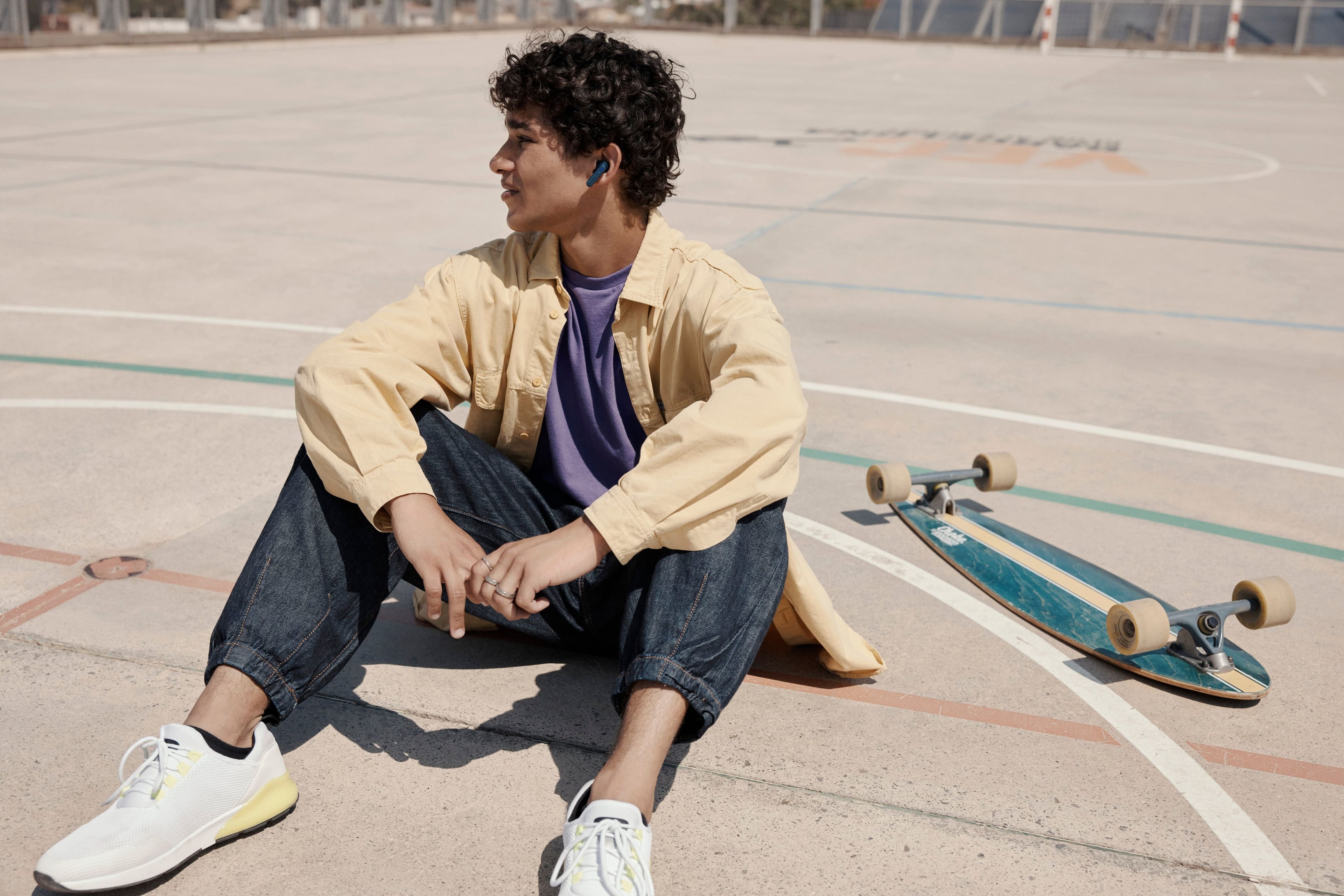

- Model:
- JBLT230NCTWSBAM
- SKU:
- 10769765
Rating by feature
- Sound Quality
Rating 4.5 out of 5 stars
- Battery Life
Rating 4.6 out of 5 stars
- Connectivity
Rating 4.5 out of 5 stars
- Pros mentioned:Sound quality
Not kindle fire compatible
||Posted . Owned for 1 week when reviewed.This reviewer received promo considerations or sweepstakes entry for writing a review.Not compatible with kindle fire only reason I bought them. Other than that they sound great
I would recommend this to a friend JBL - Tune 235NC True Wireless Noise Cancelling In
||Posted . Owned for 3 weeks when reviewed.This reviewer received promo considerations or sweepstakes entry for writing a review.Not enough base in the sound. Too much treble. Also did not stay in my ears well.
No, I would not recommend this to a friendPoor bluetooth connection
||Posted . Owned for 1 week when reviewed.This reviewer received promo considerations or sweepstakes entry for writing a review.Difficulty in pairing with S22plus samsung during voice call. It pairs well for music though
No, I would not recommend this to a friendNoisy
||Posted . Owned for 3 weeks when reviewed.This reviewer received promo considerations or sweepstakes entry for writing a review.Can hear to much noise when grinding or walking and its windy
No, I would not recommend this to a friendBrand response from JBL Support
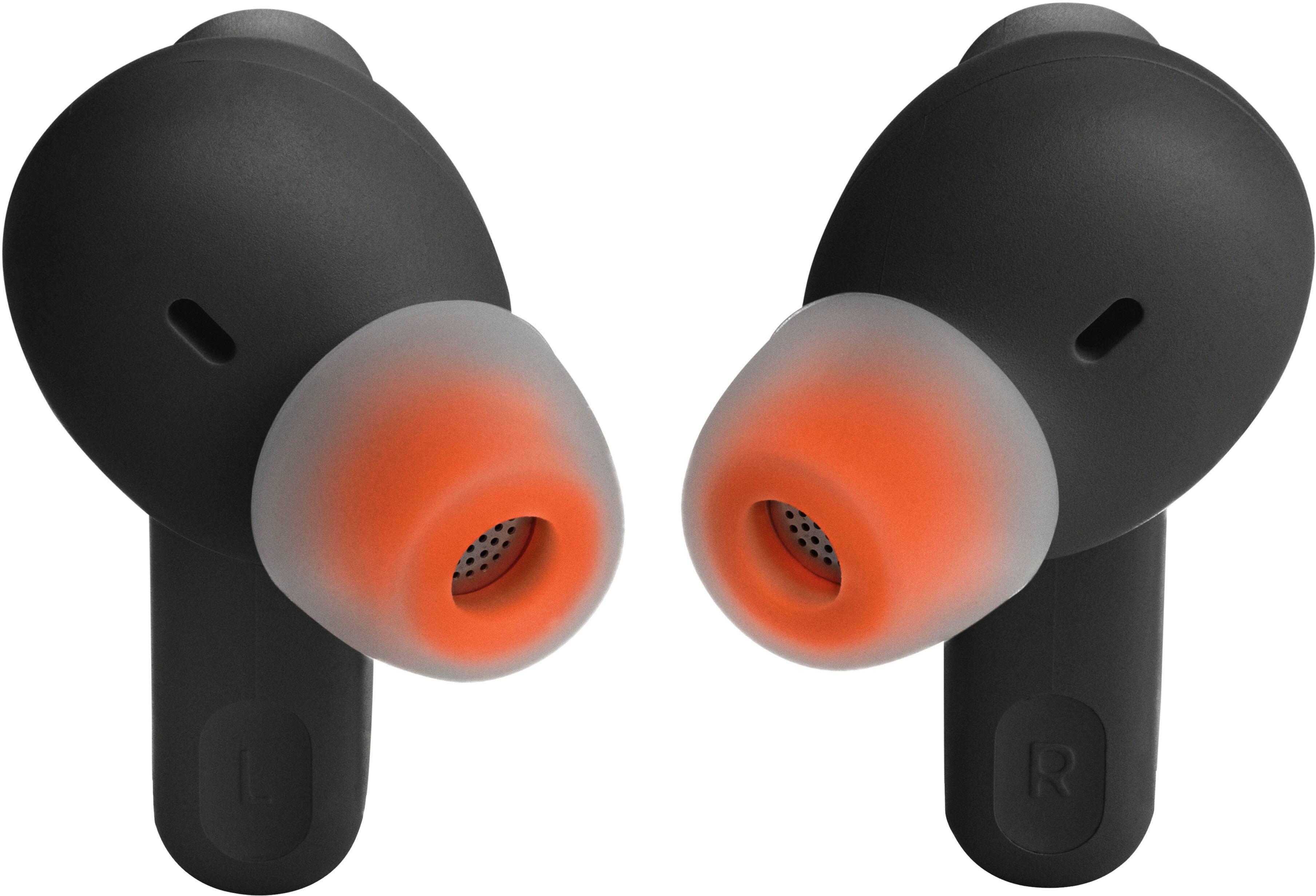
Posted .Thank you for your feedback on our JBL Tune 235NC TWS. For optimal noise reduction, achieve the best seal and a secure fit by creating a tight seal within your ear canal. To do this, angle the ear tip slightly downward to make it easier to insert into your ear canal, gently twist the earbud to fit it securely into the shape of your ear, and continue twisting the earbud into your ear canal. You can also try different sizes of ear tips that came with the headphones to see if a better fit.

JBL
||Posted . Owned for 3 weeks when reviewed.This reviewer received promo considerations or sweepstakes entry for writing a review.overall its good but i found a little bit heavier when i Put in my ears
No, I would not recommend this to a friendBrand response from JBL Support
Posted .Thanks for your feedback. This is due to the stick-closed design of the ear tips, which adds some weight to the ear canal. Our earbuds come with three sizes of silicone ear tips. You can try different sizes and see which one fits you best. To achieve the best seal and a secure fit, you must create a tight seal within your ear canal. To do this, angle the ear tip slightly downward to make it easier to insert into your ear canal, gently twist the earbud to fit it securely into the shape of your ear, and continue twisting the earbud into your ear canal.
- Cons mentioned:Charging
Youll be sorry
||Posted . Owned for 10 months when reviewed.This reviewer received promo considerations or sweepstakes entry for writing a review.0ne earbud decided not to charge so i have just one earbud
No, I would not recommend this to a friendBrand response from JBL Support
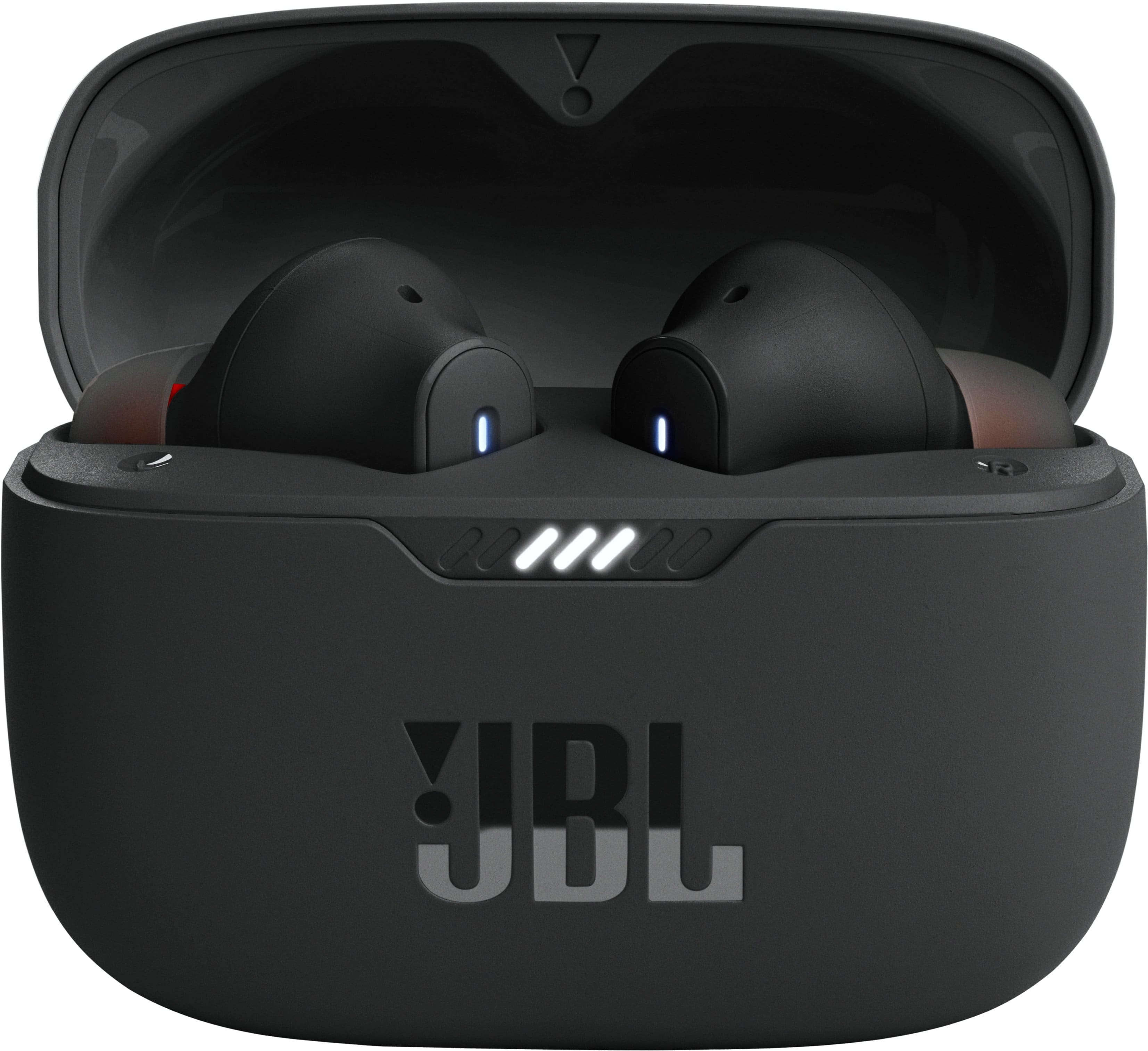
Posted .Thank you for your feedback. We're here to help with your JBL Tune 230NC TWS. Charging issues are frequently caused by foreign matter on the metal charging contacts. These issues can be resolved by cleaning the contact points on the earbuds and charging case using a cotton cloth, a makeup or cotton swab, and rubbing alcohol. If the issue remains, please contact JBL Customer Support so we can assist you.
Can’t pair, factory reset doesn’t work
||Posted . Owned for 7 months when reviewed.This reviewer received promo considerations or sweepstakes entry for writing a review.Buds won’t pair and one won’t turn on, factory reset doesn’t work.
No, I would not recommend this to a friendBrand response from JBL Support
Posted .We appreciate your feedback on our JBL Tune 230NC TWS. We understand that it didn't meet your expectations. We're looking for ways to improve, and we'll make sure to share your feedback with the appropriate team. If you need further assistance with your unit, please reach out to our customer support. We're here to help.
Nice earbuds
||Posted . Owned for 2 months when reviewed.This reviewer received promo considerations or sweepstakes entry for writing a review.Bought for receiving phone calls during work. Sound is good and easy to use. A bit expensive compared to many generic brand.
I would recommend this to a friendPoor quality
||Posted . Owned for 1 year when reviewed.This reviewer received promo considerations or sweepstakes entry for writing a review.Not worth the price. They died within 3 months of use.
No, I would not recommend this to a friendNo bueno
||Posted . Owned for 1 month when reviewed.This reviewer received promo considerations or sweepstakes entry for writing a review.No bueno. Thought id go cheap but never again! Air pods all the way!
No, I would not recommend this to a friendNot worth 70 dollars
||Posted . Owned for 2 months when reviewed.This reviewer received promo considerations or sweepstakes entry for writing a review.With in the three months one side just doesn't want to charge anymore I had a airpod last for 3 years. This was supposed to be my replacement
No, I would not recommend this to a friendBrand response from JBL Support
Posted .Thanks for your feedback. Here are some troubleshooting steps that might help to isolate the issue with your JBL Tune 235NC. First, you may try to clean the charging terminals on the earbuds using a swab dipped in rubbing alcohol, as charging issues are frequently caused by foreign matter on the metal charging contacts. We also recommend cleaning the contacts with the tip of a pencil and the eraser at the end of the pencil, as the graphite and rubber can help to re-establish the connection between the earbuds and the case. If your need further assistance, please contact us at (800) 336-4525 Mon - Fri: 9:00 am - 11:00 pm (EST) Sat-Sun: 9:00 am - 5:00 pm (EST)
- Pros mentioned:Sound qualityCons mentioned:Connectivity
Left Earbud will not connect at all.
||Posted . Owned for 4 months when reviewed.This reviewer received promo considerations or sweepstakes entry for writing a review.dont get me wrong, these ate great noise cancelling earphones however my left ear piece stopped connecting/chargjng after 3-4 months aftwr buying them. Ive tried to clean them and disconnect from bluetooth but it still will not connect or show the LED light flash.
No, I would not recommend this to a friendBrand response from JBL Support
Posted .We're here to help. We're sorry to hear about what happened. Here are some cleaning steps for re-establishing charging: If you have charging problems, the first step is to always clean all contact points, on each earbud and on the charging case. You will need: cotton cloth or makeup swab, cotton swabs and rubbing alcohol. Also a pencil with eraser for further cleaning. Use a cotton swab with some rubbing alcohol to clean the charging terminals of the headphones. Wipe the contact pins in the charging case with a clean cotton swab. The swab can be slightly moistened with rubbing alcohol, but it is important that the interior is completely dry before closing the box. Use the cotton cloth and wait for it to dry.
You may manually pairing the earbuds by pressing both dedicated buttons/touchpad of the earbuds once then press and hold it for 5 seconds for the earbuds to connect with each other.
You may also reset the unit by pressing both dedicated buttons/touchpad of the earbuds twice then press and hold it for 5 seconds. Place the earbuds back into the charging case to restore the unit to default settings. Once the rest is completed, manually pair them again.
If the problem persists, please contact us, so we can assist you in checking your warranty.
- Cons mentioned:Charging
Some problems
||Posted . Owned for 3 weeks when reviewed.This reviewer received promo considerations or sweepstakes entry for writing a review.Sometimes have a hard time getting the right bud to work or charge correctly
I would recommend this to a friend Dont buy
||Posted . Owned for 3 weeks when reviewed.This reviewer received promo considerations or sweepstakes entry for writing a review.It stinks people can't hear me and one earpiece is always crackling
No, I would not recommend this to a friendBrand response from JBL Support
Posted .Thanks for your feedback. We're here to help. This problem might be cause of Volume Level, EQ Settings, and Source Device. You may try to connect the headphones to other devices, and perform a reset by turning on both earbuds and not charging, tap two times and hold the button on the third tap for more than 5 seconds. You may need to 'forget' the headphones in Bluetooth settings on your phone/tablet in order to pair it again. If these steps do not work, please contact our customer support for further assistance.
DON'T BUY JBL PRODUCTS = JUNK
||Posted . Owned for 2 months when reviewed.This reviewer received promo considerations or sweepstakes entry for writing a review.Will not connect to Computer. Chatted with horrible support and they said it has a faulty battery; however, I have had them 97 days and they say it is non-returnable.
No, I would not recommend this to a friendBrand response from JBL Support
Posted .Thanks for your feedback. If you're pairing a new source device, make sure Bluetooth is enabled on your computer and select "JBL Tune 235NC" in the Bluetooth settings. For your earbuds to be in pairing mode, take them out of the charging case. The earbuds will turn on automatically and enter pairing mode. If the problem continues, reset the earbuds and try pairing again. To reset, with both earbuds on and not charging, tap the right earbud two times and hold the button on the third tap for more than 5 seconds. If the recent support has confirmed that your unit has battery issue, please be informed that all our products come with a one-year warranty. To assist you with the replacement, please contact our customer support at (877) 871-6755 / Mon - Fri: 9:00 am - 11:00 pm (ET) Sat-Sun: 9:00 am - 5:00 pm (ET).
One isn't working
||Posted . Owned for 3 weeks when reviewed.This reviewer received promo considerations or sweepstakes entry for writing a review.The return window was only two weeks and the left earbud stopped working. My son bought them with a gift card he had been saving. He is disappointed. I am going to see what the manufacture warranty is too.
No, I would not recommend this to a friendBrand response from JBL Support
Posted .Thanks for your feedback. If one bud of your JBL Tune 235 NC has a sound issue, you can try manually pairing the buds by putting the buds from their charging case and removing them again. You can also do a reset with both earbuds on, and not charging, tap two times, and hold the button on the third tap for more than 5 seconds. If the problem is with the earbud not turning on, please try cleaning the contact points on the case and earbuds to check if the unit will charge. The warranty and return coverage of our products will be based on where it was purchased. If you need further assistance, please contact our customer support at (877) 871-6755 / Mon - Fri: 9:00 am - 11:00 pm (ET) Sat-Sun: 9:00 am - 5:00 pm (ET).
UPGRADE YOUR DEVICE TODAY.
||Posted . Owned for 1 month when reviewed.This reviewer received promo considerations or sweepstakes entry for writing a review.I MUST SAY I PICKED A GOOD ONE. LOVE THE DEVICE. NOT HARD TO PUT TOGETHER.GO TO APP STORE AND PICK JBL EAR BUDS.
I would recommend this to a friend- Cons mentioned:Connectivity
Bluetooth pairing not good.
||Posted .This reviewer received promo considerations or sweepstakes entry for writing a review.It automatically loses connection with my android devices. Highly not recommended.
No, I would not recommend this to a friendBrand response from JBL Support
Posted .We'd like to work with you directly to address the issues you're experiencing with the Tune 230NC TWS. If needed, we'd also like to get more information so we can check your options. Please contact our customer support service via our official website or toll-free hotline
Probably won’t buy these again
||Posted . Owned for 1 month when reviewed.This reviewer received promo considerations or sweepstakes entry for writing a review.They worked well for a couple of weeks going into a month then left side started going out!
No, I would not recommend this to a friendBrand response from JBL Support
Posted .We're here to help with your JBL Tune 230NC TWS. We recommend cleaning the contact points on the earbuds and charging case to see if it helps. If the issue persists, please contact our customer support service via our official website or toll-free hotline.
JBL
||Posted . Owned for 3 weeks when reviewed.This reviewer received promo considerations or sweepstakes entry for writing a review.Its ok , sound os average, battery life not so great. Good for music but not so much for calls
No, I would not recommend this to a friendBrand response from JBL Support
Posted .We appreciate your time in providing your feedback. Our JBL Tune 230NC TWS has up to 40 hours of combined battery life, where you can use the earbuds for 10 hours and charge them up for another 30 hours from your charging case. The music playtime also varies depending on the audio content, volume level, and if the ANC is enabled when playing music.