Customer Ratings & Reviews






- Model:
- JBLT230NCTWSBAM
- SKU:
- 6495841
Rating by feature
- Sound Quality
Rating 4.5 out of 5 stars
- Battery Life
Rating 4.6 out of 5 stars
- Connectivity
Rating 4.5 out of 5 stars
Customers are saying
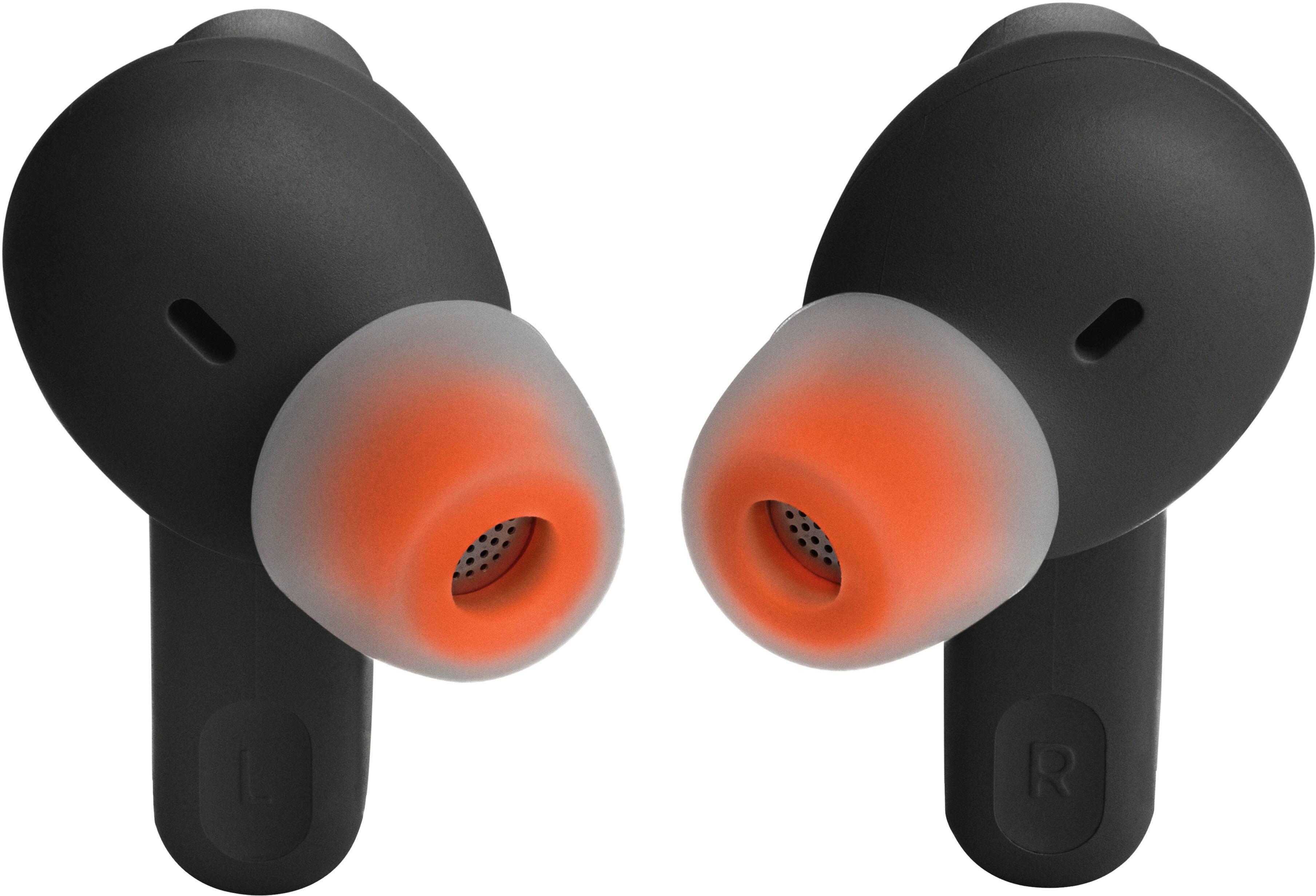
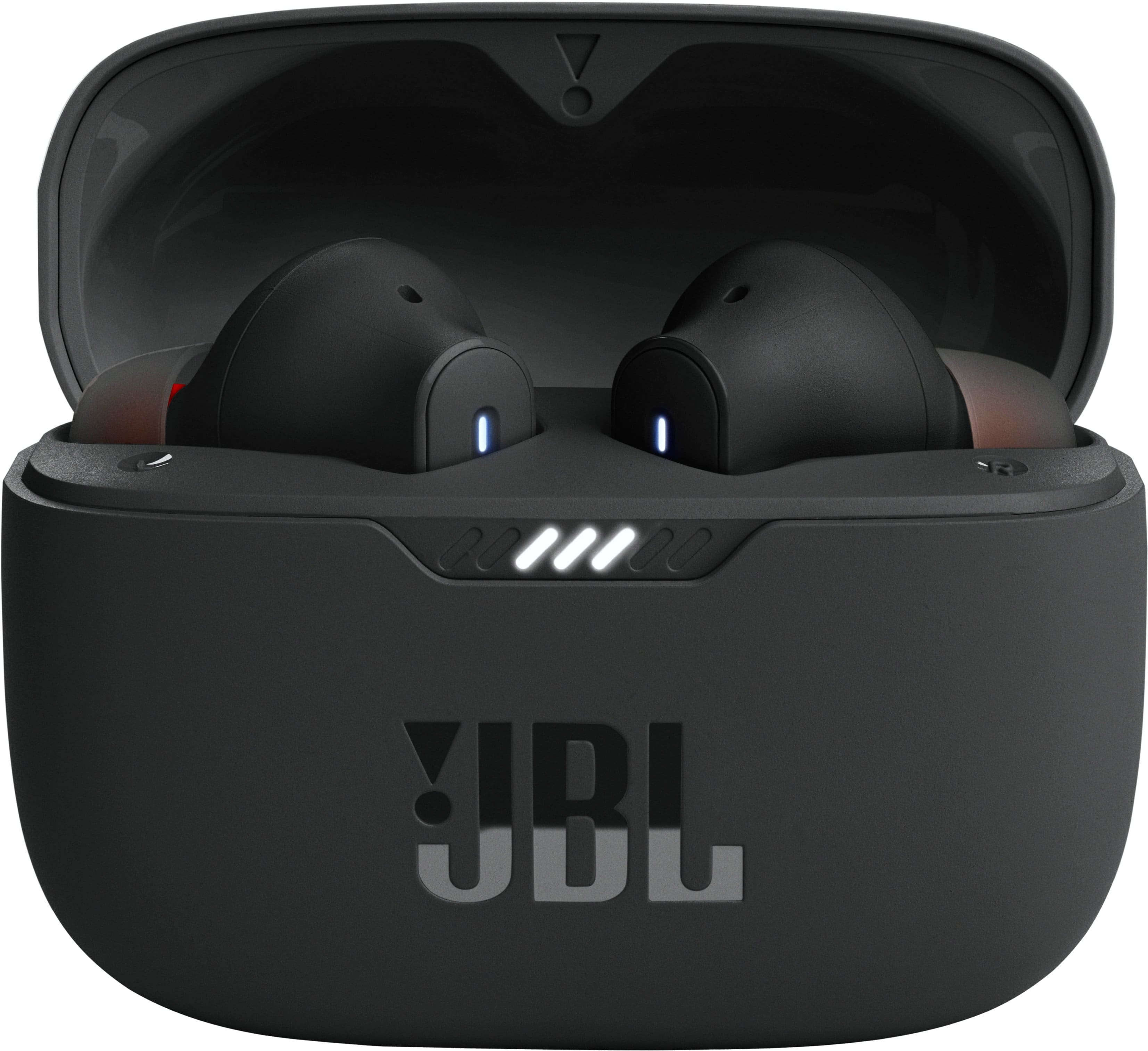
Customers recognize the Tune 230NC True Wireless Noise Cancelling In-Ear Earbuds for their sound quality, comfortable fit, and overall feel in the ear. However, some customers have reported concerns about the battery life, specifically noting that one side may drain faster than the other.
This summary was generated by AI based on customer reviews.
Happy with purchase
||Posted . Owned for 1 month when reviewed.This reviewer received promo considerations or sweepstakes entry for writing a review.Happy with purchase, they work well. Only negative I've experienced is that you can hear wind noise when windy. Don't know if this is normal for Earbuds...
I would recommend this to a friendHas a mind of its own
||Posted . Owned for 1 month when reviewed.This reviewer received promo considerations or sweepstakes entry for writing a review.Idk why but they dont always turn on when i take them out of the case
No, I would not recommend this to a friendBrand response from JBL Support
Posted .Thanks for reaching out. We're here to help. The earbuds should automatically turn on when you take them out of the case. Make sure that earbuds are properly charged. You may try to clean the charging terminals on the earbuds using a swab dipped in a rubbing alcohol, as foreign matter on the metal charging contacts may affect the charging process of it. We also recommend cleaning the contacts with the tip of a pencil and the eraser at the end of the pencil, as the graphite and rubber can help to re-establish charging. If these steps didn't work, for further assistance, please contact us at (800) 336-4525 Mon - Fri: 9:00 am - 11:00 pm (EST) Sat - Sun: 9:00 am - 5:00 pm (EST).

Tws
||Posted . Owned for 3 weeks when reviewed.This reviewer received promo considerations or sweepstakes entry for writing a review.Good quality works real well but also having a problem with one of the earbuds dying and one just won't charge
No, I would not recommend this to a friendOkay
||Posted . Owned for 8 months when reviewed.This reviewer received promo considerations or sweepstakes entry for writing a review.Sounded okay, but had a hard time connecting them and keeping them connected. Best spend your money elsewhere
No, I would not recommend this to a friendExcellent product
||Posted . Owned for 1 month when reviewed.This reviewer received promo considerations or sweepstakes entry for writing a review.I use everyday and I am fascinated, the sound is perfect, the only thing, I am not sure is when I am using for long time, the ANS activates alone.
I would recommend this to a friendNo good
||Posted . Owned for 2 weeks when reviewed.This reviewer received promo considerations or sweepstakes entry for writing a review.Using for a long time, feel very uncomfortable and painful in the ear.
No, I would not recommend this to a friendBrand response from JBL Support
Posted .We're here to help. To achieve the best seal and secure fit with your JBL Tune 235NC TWS, you must create a tight seal within your ear canal. To do this, angle the ear tip slightly downward to make it easier to insert into your ear canal, gently twist the earbud to fit it securely into the shape of your ear, and continue twisting the earbud into your ear canal. If you need more help, please contact our customer support.
Mr.
||Posted . Owned for 1.5 years when reviewed.This reviewer received promo considerations or sweepstakes entry for writing a review.This is one of the worts that I buy from best buy,to many problems with it.
No, I would not recommend this to a friendJBL Earbuds
||Posted . Owned for 8 months when reviewed.This reviewer received promo considerations or sweepstakes entry for writing a review.All i can say is " they have a mind of thier own". Left side stopped working and the right side doesn't stay on long.
No, I would not recommend this to a friendBrand response from JBL Support
Posted .We're here to help with your JBL Tune 230NC TWS. We recommend cleaning the contact pins on the case and earbuds using a cotton swab with alcohol. These pins are sensitive to dust. Please ensure the pins are dried before placing them back on the case. If you need more help, we'd like to work with you directly. Please contact our customer support for assistance.
0 noise canceling
||Posted . Owned for 3 weeks when reviewed.This reviewer received promo considerations or sweepstakes entry for writing a review.I just purchased few weeks ago , poor noise cancellation. People still hearing everything going on around you. Very disappointed.
No, I would not recommend this to a friend- Cons mentioned:Connectivity
Junk . . . Taking them back.
Posted .This reviewer received promo considerations or sweepstakes entry for writing a review.ANC is worthless outside. They lose connection 30ft away. App can't find them most of the time. Strike 3. Taking them back.
No, I would not recommend this to a friendBrand response from JBL Support
Posted .Thanks for reaching out. We want you to get the most out of our product. It would be best if we can work with you directly to get more information and to do troubleshooting with your JBL Tune 230NC True Wireless Noise Cancelling Earbuds. Please contact our customer Support.
- Cons mentioned:Volume
JBL
||Posted . Owned for 1 month when reviewed.This reviewer received promo considerations or sweepstakes entry for writing a review.Poor quality, a lot of wind noise. Wish the volume goes higher. Fall out of ear easily.
No, I would not recommend this to a friendBrand response from JBL Support
Posted .Thanks for taking the time to provide feedback on our JBL 230NC TWS. We understand that its performance didn't meet your expectations. We're always looking for ways to improve, and we'll make sure to share your feedback with the appropriate team. If you have any queries or issues about your device, please contact us via our official website or toll-free hotline.
Poor sound
||Posted .This reviewer received promo considerations or sweepstakes entry for writing a review.Item was advertised as good quality sound. Unfortunately for the product they no where near came close to making that statement true
No, I would not recommend this to a friendLeft ear Bud stopped after only 3 months!
||Posted . Owned for 1 month when reviewed.This reviewer received promo considerations or sweepstakes entry for writing a review.Not even 3 months old. Left ear no longer works at all. Cleaned contacts, left it charging all day and nothing. Unpaired, and can’t try to factory reset it if the one ear Bud doesn’t respond. Apparently that left ear Bud has issues. It appears to be a common problem from what i have seen as well. Do not recommend this product at all.
No, I would not recommend this to a friendBrand response from JBL Support
Posted .We appreciate your time in providing your feedback on our JBL Tune 230NC TWS. We'd like to work with you directly to address the issue you're experiencing. Please contact our customer support for further assistance.
Bad product
||Posted . Owned for 2 months when reviewed.This reviewer received promo considerations or sweepstakes entry for writing a review.Bad product. Stopped working after a couple of months. Contacted JBL technical support and they are refusing to help.
No, I would not recommend this to a friendBrand response from JBL Support
Posted .This isn't the experience we want our customer's to have with our products, Our JBL Tune 235NCTWS has a one-year limited warranty. To further assist you, please contact our customer support at 800-336-4525. Monday to Friday 9 am to 11 pm EST Saturday and Sunday 9 am to 5 pm EST.
JBL Earbuds
||Posted . Owned for 2 months when reviewed.This reviewer received promo considerations or sweepstakes entry for writing a review.One earbud stopped working a month later for no reason, luckily i have Total Tech protection but dissappointed it stopped working.
No, I would not recommend this to a friendBrand response from JBL Support
Posted .Thank you for taking the time to provide us with your feedback. We're here to help with your JBL Tune 230NC TWS. We recommend cleaning the contact points on the earbuds and charging case to see if it helps. If the issue still persists, please contact our customer support service via our official website or toll-free hotline.
No bueno
||Posted . Owned for 1 month when reviewed.This reviewer received promo considerations or sweepstakes entry for writing a review.No bueno. Thought id go cheap but never again! Air pods all the way!
No, I would not recommend this to a friendNoisy
||Posted . Owned for 3 weeks when reviewed.This reviewer received promo considerations or sweepstakes entry for writing a review.Can hear to much noise when grinding or walking and its windy
No, I would not recommend this to a friendBrand response from JBL Support
Posted .Thank you for your feedback on our JBL Tune 235NC TWS. For optimal noise reduction, achieve the best seal and a secure fit by creating a tight seal within your ear canal. To do this, angle the ear tip slightly downward to make it easier to insert into your ear canal, gently twist the earbud to fit it securely into the shape of your ear, and continue twisting the earbud into your ear canal. You can also try different sizes of ear tips that came with the headphones to see if a better fit.
JBL - Tune 235NC True Wireless Noise Cancelling In
||Posted . Owned for 3 weeks when reviewed.This reviewer received promo considerations or sweepstakes entry for writing a review.Not enough base in the sound. Too much treble. Also did not stay in my ears well.
No, I would not recommend this to a friend- Pros mentioned:Sound quality
Not kindle fire compatible
||Posted . Owned for 1 week when reviewed.This reviewer received promo considerations or sweepstakes entry for writing a review.Not compatible with kindle fire only reason I bought them. Other than that they sound great
I would recommend this to a friend JBL
||Posted . Owned for 3 weeks when reviewed.This reviewer received promo considerations or sweepstakes entry for writing a review.overall its good but i found a little bit heavier when i Put in my ears
No, I would not recommend this to a friendBrand response from JBL Support
Posted .Thanks for your feedback. This is due to the stick-closed design of the ear tips, which adds some weight to the ear canal. Our earbuds come with three sizes of silicone ear tips. You can try different sizes and see which one fits you best. To achieve the best seal and a secure fit, you must create a tight seal within your ear canal. To do this, angle the ear tip slightly downward to make it easier to insert into your ear canal, gently twist the earbud to fit it securely into the shape of your ear, and continue twisting the earbud into your ear canal.