Customer Ratings & Reviews



- Model:
- JBLT230NCTWSWAM
- SKU:
- 10095747
Rating by feature
- Sound Quality
Rating 4.5 out of 5 stars
- Battery Life
Rating 4.6 out of 5 stars
- Connectivity
Rating 4.5 out of 5 stars
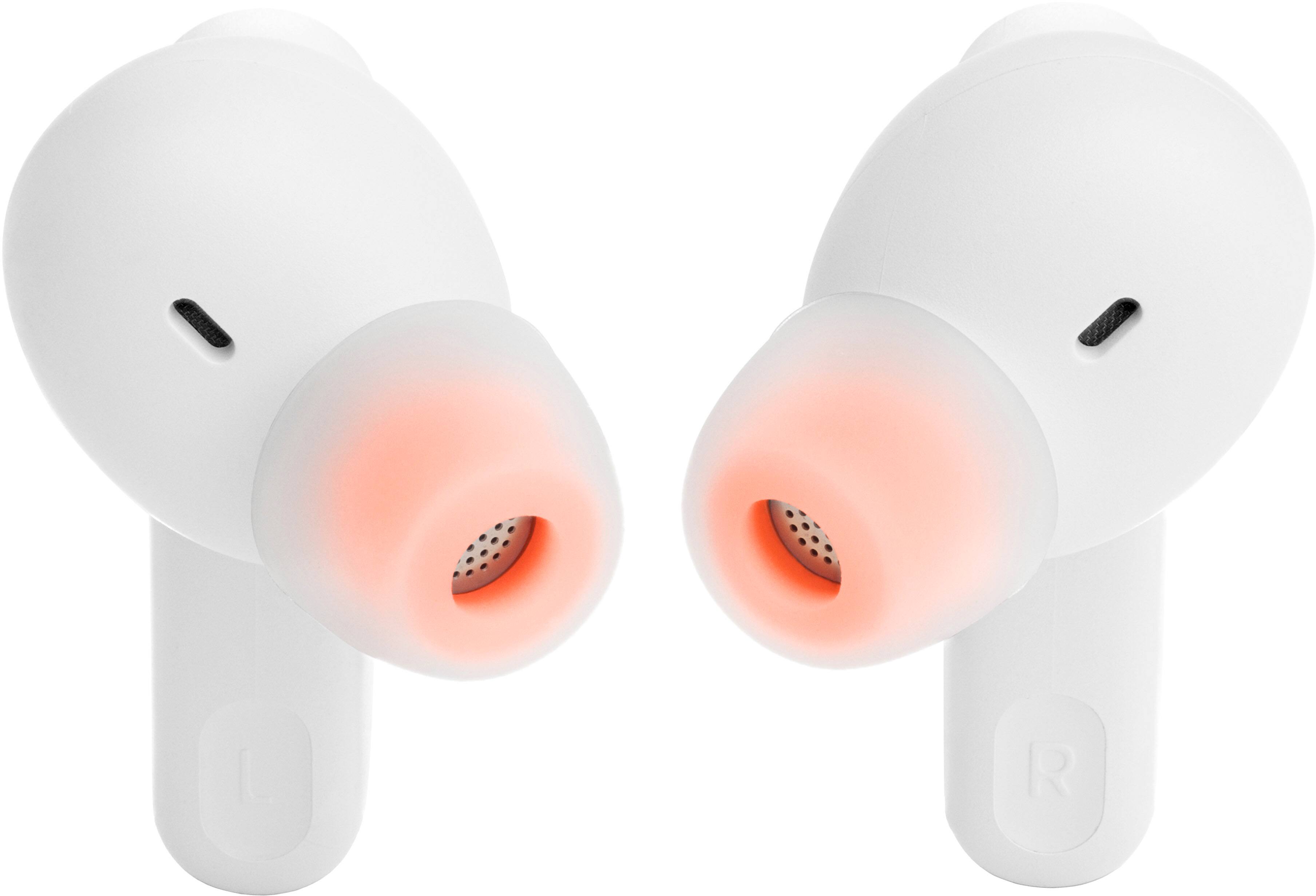
The heaphones are huge and dont fit in my ears
||Posted . Owned for 1 week when reviewed.This reviewer received promo considerations or sweepstakes entry for writing a review.The ear buds are massive and easily slip out of my ear. Leading to the quaility sounding bad
No, I would not recommend this to a friendDisconnect itself
||Posted . Owned for 2 weeks when reviewed.This reviewer received promo considerations or sweepstakes entry for writing a review.I dony recommend this airpods ……………………………,,,,,,,,,
No, I would not recommend this to a friendBrand response from JBL Support
Posted .We appreciate your feedback. Here are some troubleshooting steps that might help isolate the issue of your JBL Tune 235NC. First, check if the dropouts occur when the headphones and device are within 10 feet from each other and with a clear line of sight (no obstacles). Next, forget/unpair the headphones on your device then perform manual pairing, after that, you may try to connect the headphones to a different device (phone/tablet/music player) to see if it fixes the problem. Lastly is reset, with both earbuds on, and not charging, tap two times and hold the button on the third tap for more than 5 seconds. You may need to 'forget' the headphones in Bluetooth settings on your phone/tablet in order to pair it again. If the issue remains, please contact our customer support for further assistance

Noise cancellation does not work
||Posted . Owned for 3 weeks when reviewed.This reviewer received promo considerations or sweepstakes entry for writing a review.Noise cancellation does not work. Poor quality. Do not purchase it
No, I would not recommend this to a friendBrand response from JBL Support
Posted .Thank you for your feedback on our JBL Tune 230NC TWS. We recommend doing a factory reset of the earbuds. To do it, double tap either the left or right earbud and hold it on the 3rd tap for 5 seconds, then put the earbuds back in the case to complete the reset and forget the name of the earbuds on the source device before connecting again. If the same issue remains, please contact our customer support for further assistance.
Useless after a week
||Posted . Owned for 1 week when reviewed.This reviewer received promo considerations or sweepstakes entry for writing a review.There's a reason why they're $50. Left ear but wasn't working after a week of use.
No, I would not recommend this to a friendBrand response from JBL Support
Posted .Thanks for bringing this to our attention. We're here to help you with your Tune 230NC TWS. You may try to manually pair your earbuds by pressing and holding the touch control of your right earbud for 5 secs. You can also try to factory reset the earbuds. To do it, double tap the button of an earbud and hold it on the 3rd tap for 5 seconds, then put the earbuds back in the case to complete the reset. You can also try to clean the contact points of both the earbuds and charging case. If the same issue remains, please contact our customer support for further assistance.
Case quality
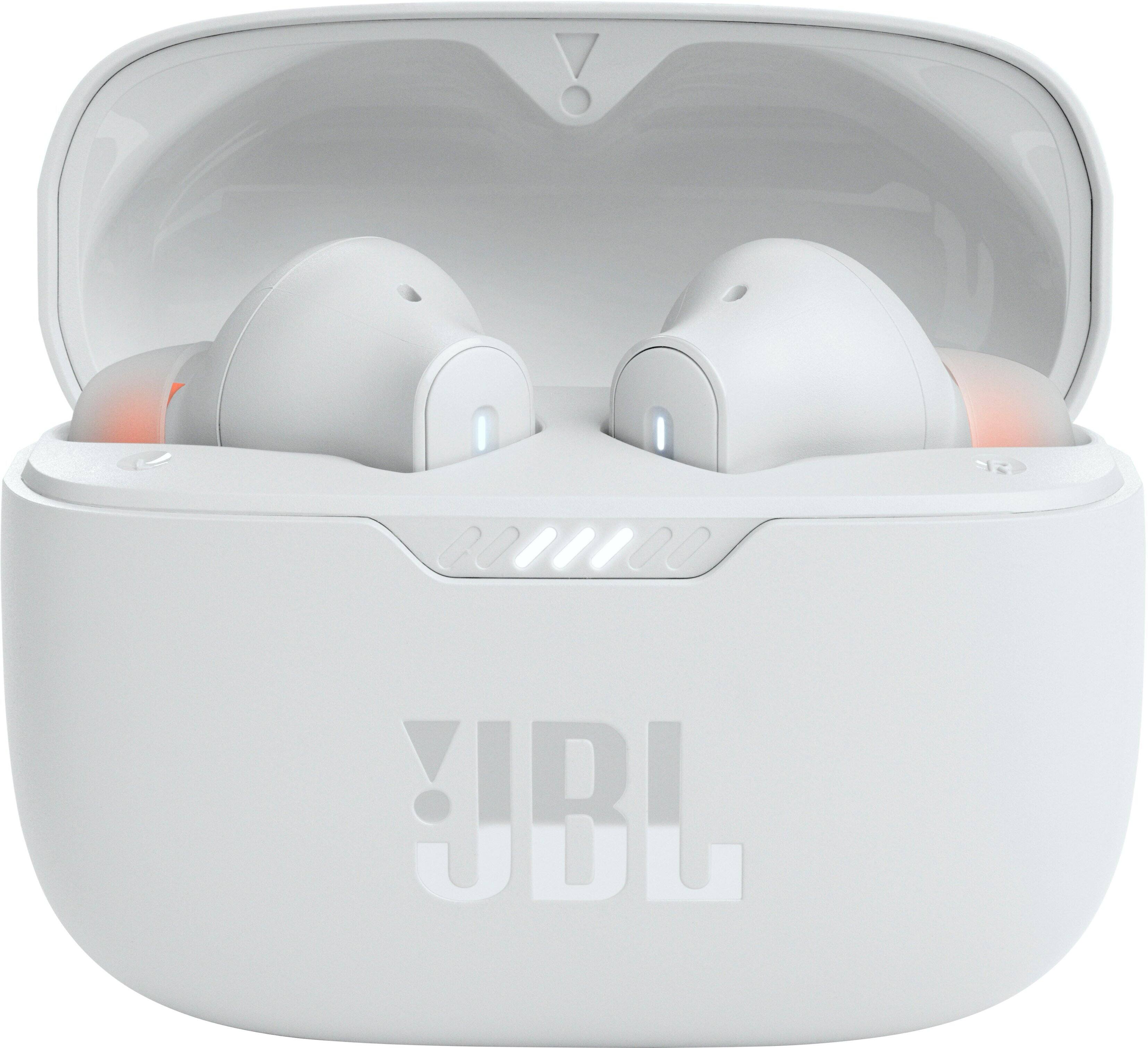
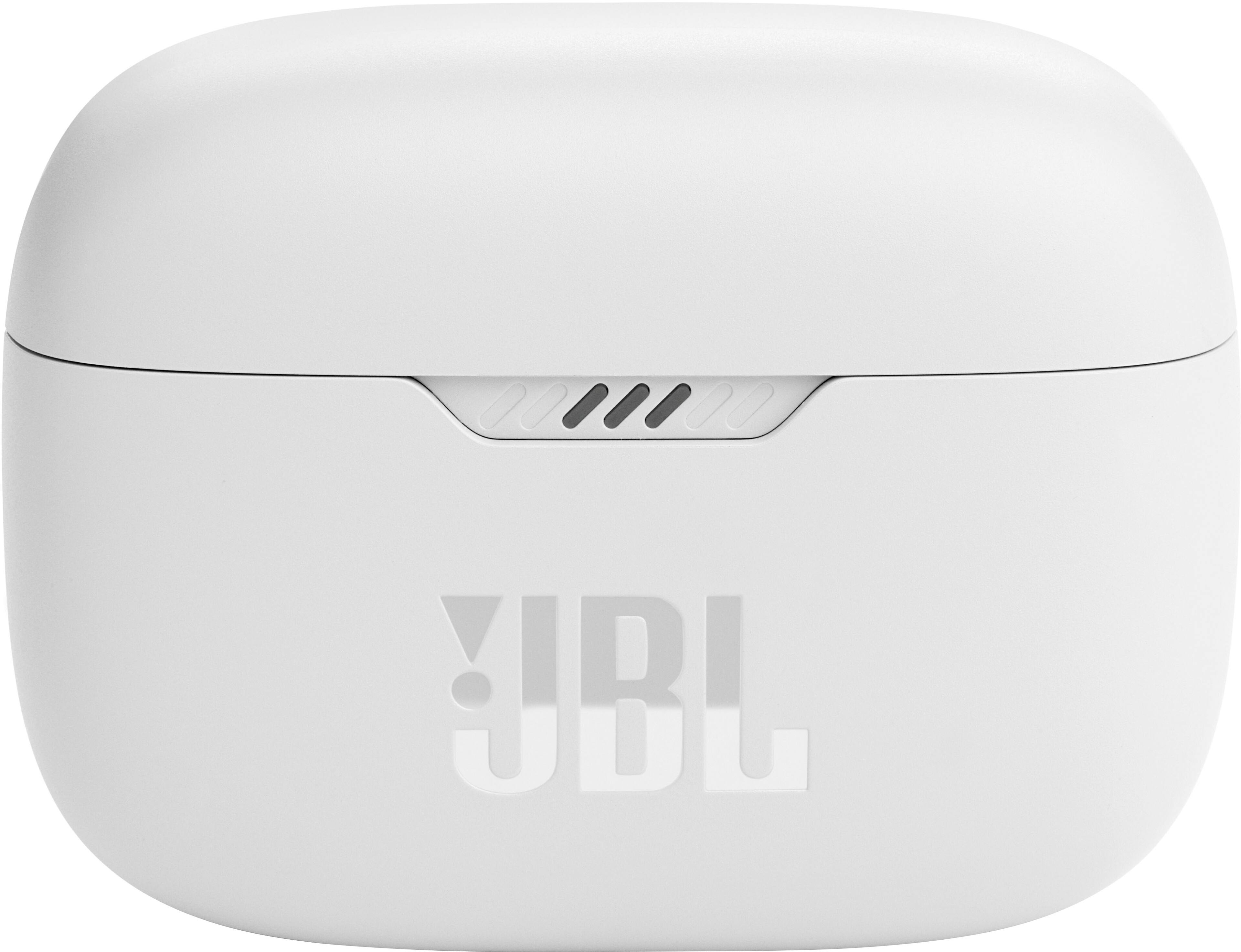
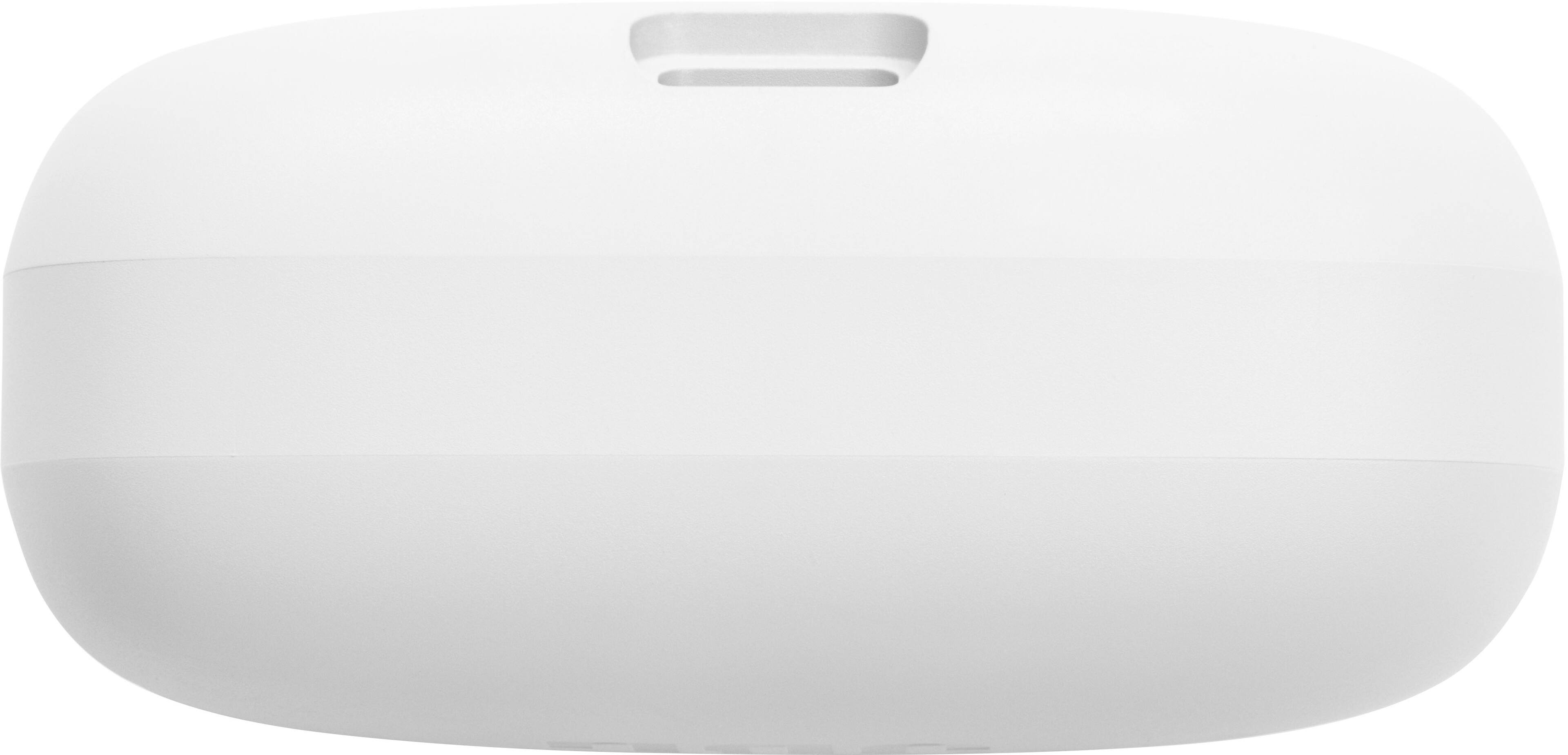
||Posted . Owned for 2 weeks when reviewed.This reviewer received promo considerations or sweepstakes entry for writing a review.Sounds okay for the price but the case is made of cheap plastic that gets scratched easily
No, I would not recommend this to a friendDon’t waste your money
||Posted . Owned for 1 month when reviewed.This reviewer received promo considerations or sweepstakes entry for writing a review.My wife got me this for Christmas. They Stop working after the first week I use it.
No, I would not recommend this to a friendBrand response from JBL Support
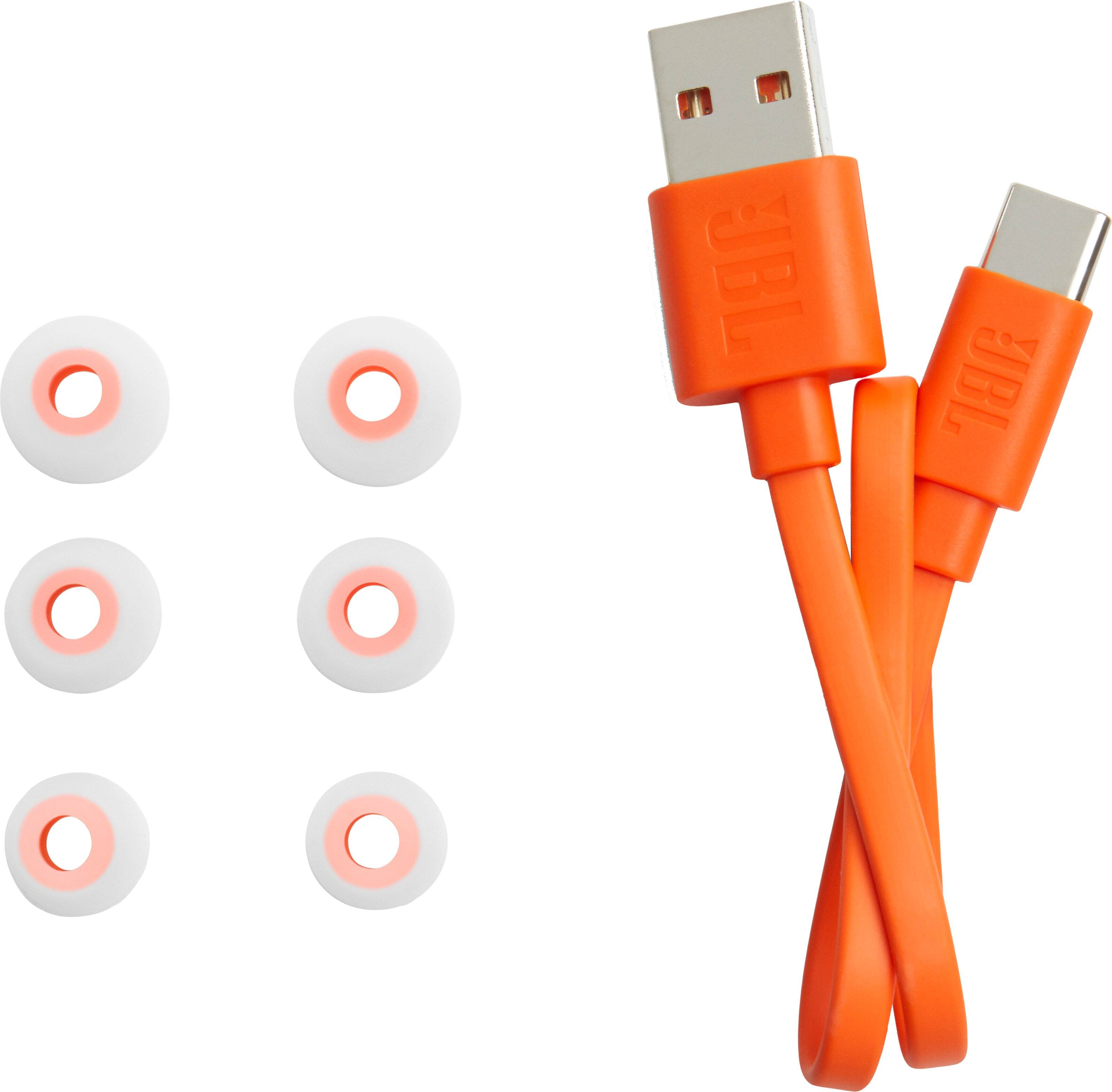
Posted .Thank you for bringing this to our attention. Please try cleaning the contact points of both the earbuds and charging case or try using a different charging cable and adapter to charge the device. If the issue still persists, we'd like to work with you directly to address the issues you're experiencing with your JBL Tune 230 NC TWS. If needed, we'd also like to get more information so we can check your options. Please contact our customer support service via our official website or toll-free hotline.
Jbl tws
||Posted . Owned for 3 weeks when reviewed.This reviewer received promo considerations or sweepstakes entry for writing a review.It was my first best buy purchase Very disappointed The tws might be replica Worst!
No, I would not recommend this to a friendBrand response from JBL Support
Posted .Thanks for bringing this to our attention. You could check this guide to make sure you're buying authentic JBL Devices: https://bit.ly/3uiMvyE
- Cons mentioned:Connectivity
JBL earbuds
||Posted . Owned for 1 month when reviewed.This reviewer received promo considerations or sweepstakes entry for writing a review.The sound is not that great. They disconnect often.
No, I would not recommend this to a friendBrand response from JBL Support
Posted .We appreciate your feedback on our JBL Tune 230NC TWS. We're always looking for ways to improve. We'd like to work with you directly to address the issues you're experiencing with your unit. Please contact our customer support via our official website or toll-free hotline.
Bass not great , fit pretty snug
||Posted . Owned for 3 weeks when reviewed.This reviewer received promo considerations or sweepstakes entry for writing a review.Bass of headphones were horrible. My apple 1st generation sounded 10x better.
No, I would not recommend this to a friendBrand response from JBL Support
Posted .Thanks for taking the time to provide your feedback. Our JBL Tune 230NC TWS is compatible with our JBL Headphones App. You can adjust the settings of the equalizer, bass, and other preset EQs. This app is available for download from the App Store and the Google Play Store.
Broke in 5 months
||Posted . Owned for 4 months when reviewed.This reviewer received promo considerations or sweepstakes entry for writing a review.I bought these earbuds in November and the left one now does not work!!!
No, I would not recommend this to a friendBrand response from JBL Support
Posted .We're here to help with your JBL Tune 230NC TWS. We recommend cleaning the contact points on the charging case and on the earbuds itself. You can also try to factory reset the earbuds. To do it, double tap the button of an earbud and hold it on the 3rd tap for 5 seconds, then put the earbuds back in the case to complete the reset and forget the name of the earbuds on the source device before connecting again. If the same issue remains, please contact our customer support for further assistance.
Not bad for budget bear buds
||Posted . Owned for 1 month when reviewed.This reviewer received promo considerations or sweepstakes entry for writing a review.Solid budget headphones although they have a little crackling at higher volunes
I would recommend this to a friendOnly one of the earbuds work, tried everything
||Posted . Owned for less than 1 week when reviewed.This reviewer received promo considerations or sweepstakes entry for writing a review.This is the third time I had brought JBL earbuds and they don’t work
No, I would not recommend this to a friendBrand response from JBL Support
Posted .Thanks for bringing this to our attention. We'd like to work with you directly to address the issues you're experiencing with your JBL Tune 230NC TWS. If needed, we'd also like to get more information so we can check your options. Please contact our customer support service via our official website or toll-free hotline.
Disappointed
||Posted . Owned for 3 weeks when reviewed.This reviewer received promo considerations or sweepstakes entry for writing a review.Terrible noise canceling...kept losing Bluetooth connection
No, I would not recommend this to a friendBrand response from JBL Support
Posted .We're here to help with your JBL Tune 130NC TWS. Ensure that you are connecting your device to JBL Tune 230NC TWS and not JBL Tune 230NC TWS-LE. After confirming, kindly do a manual pairing of the earbuds by tapping the left and right buds at the same time. If the earbuds are disconnecting from each other, please check that both of the earbuds have been charged to ensure continuous connection. If you need more help, please contact our customer support for assistance.
Worst
||Posted . Owned for 5 months when reviewed.This reviewer received promo considerations or sweepstakes entry for writing a review.These lasted a whole 5 months. Worst earbuds I’ve owned.
No, I would not recommend this to a friendBrand response from JBL Support
Posted .Thank you for bringing this to our attention. We'd like to work with you directly to address the issues you're experiencing with your Tune 230NC TWS. If needed, we'd also like to get more information so we can check your options. Please contact our customer support service via our official website or toll-free hotline.
- Cons mentioned:Connectivity
Connection issues
||Posted . Owned for 1 month when reviewed.This reviewer received promo considerations or sweepstakes entry for writing a review.They are ok comfort wise but I got these on sale for 50$ and they simply suck save up and get better they do not connect right battery life sucks one earbud charges other does when it feels like . Sure there were cheaper options that are better than these
No, I would not recommend this to a friendBrand response from JBL Support
Posted .Thank you for taking the time to provide us with your feedback. The manual pairing of the earbuds of our JBL Tune 230NC TWS can be done by tapping the left and right bud at the same time. If the earbuds are disconnecting from each other, please check that both of the earbuds have charge to ensure continuous connection. Lastly, try to reset the earbuds to fix the issue. To reset it: Tap the touch control of the left or right earbud twice, and on the second time, after tapping, hold it for 5 seconds, and put both earbuds back in the charging case and they will reset to their factory default. A RESET will wipe all previous settings and pairings, so it will be necessary to pair your headphones with your devices again. If you need help, please reach out to our customer support.
stopped charging
||Posted . Owned for 1 month when reviewed.This reviewer received promo considerations or sweepstakes entry for writing a review.1 month in and they wont turn on too bad 14 day exchange is up
I would recommend this to a friendBrand response from JBL Support
Posted .We're here to help with your JBL Tune 230NC TWS. We recommend cleaning the contact points on the earbuds and charging case to see if it helps. If the issue persists, please contact our customer support service via our official website or toll-free hotline.
Jbl earbuds 120tws
||Posted . Owned for 2 weeks when reviewed.This reviewer received promo considerations or sweepstakes entry for writing a review.I bought this earbuds and the right earbuds didn't work all the time
No, I would not recommend this to a friend- Pros mentioned:Bass, Battery life, Sound quality
Amazing Earbuds
Posted .This reviewer received promo considerations or sweepstakes entry for writing a review.I use my headphones almost every day. Battery life depends on use. It lasts for 5 hours on a full charge. When making calls, the noise reduction works quite well. I've had a lot of positive feedback about it. When I listen to music, the bass is very powerful and clear. Films and surrounding effects are also perfect.
I would recommend this to a friend Not a good product
||Posted . Owned for 2 months when reviewed.This reviewer received promo considerations or sweepstakes entry for writing a review.After 2 months, it stopped working. I don't recommend it.
No, I would not recommend this to a friendBrand response from JBL Support
Posted .Thanks for bringing this to our attention. We'd like to work with you directly to address the issues you're experiencing with your JBL Tune 230NC. If needed, we'd also like to get more information so we can check your options. Please contact our customer support service via our official website or toll-free hotline.
Bbl tune 230nc
||Posted . Owned for 1 month when reviewed.This reviewer received promo considerations or sweepstakes entry for writing a review.Bad condition left one did not work bad sound quality
No, I would not recommend this to a friendBrand response from JBL Support
Posted .Thank you for bringing this to our attention. We'd like to work with you directly to address the issues you're experiencing with the earbuds of your JBL Tune 230NC TWS. If needed, we'd also like to get more information so we can check your options. Please contact our customer support service via our official website or toll-free hotline.