Customer Ratings & Reviews
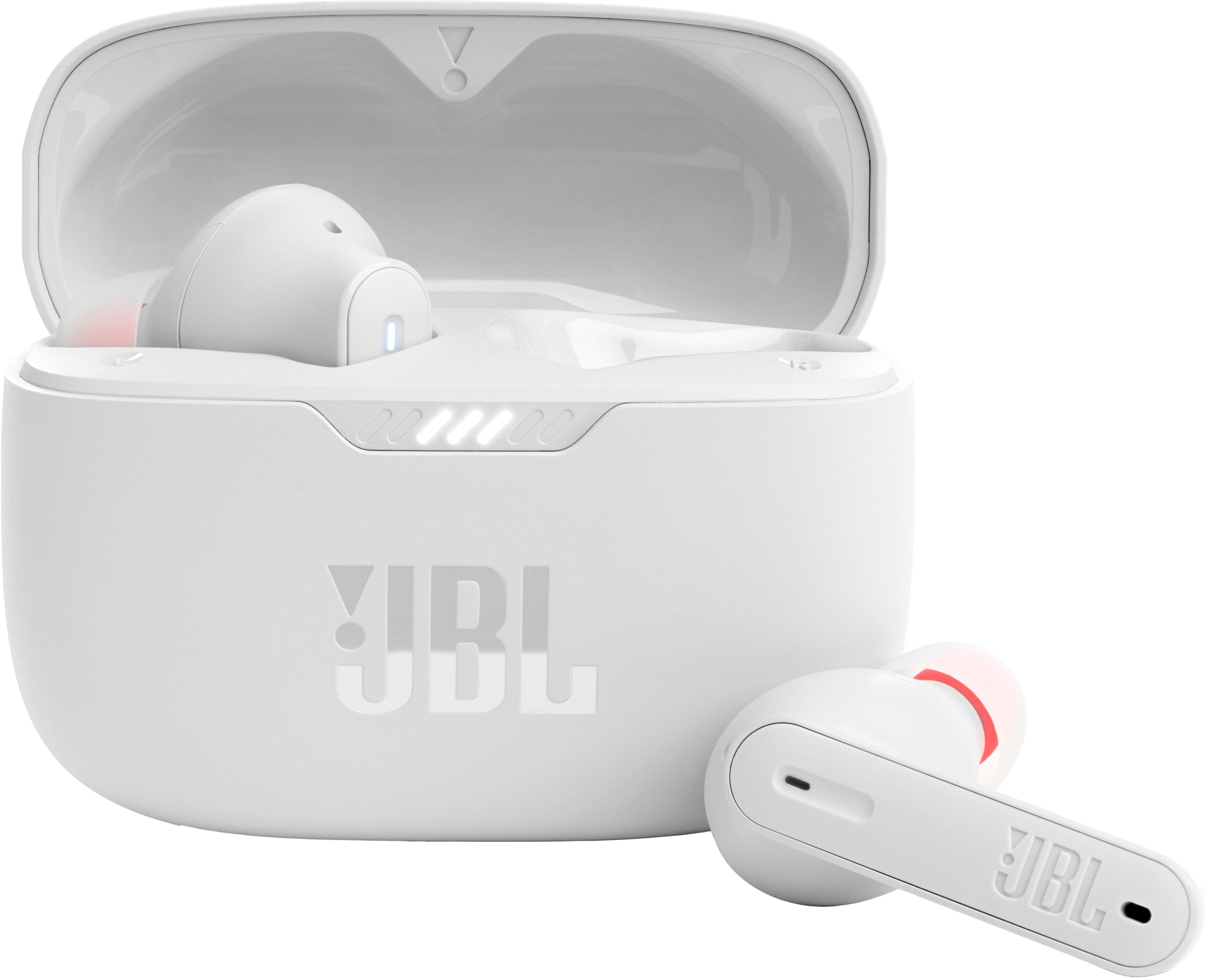
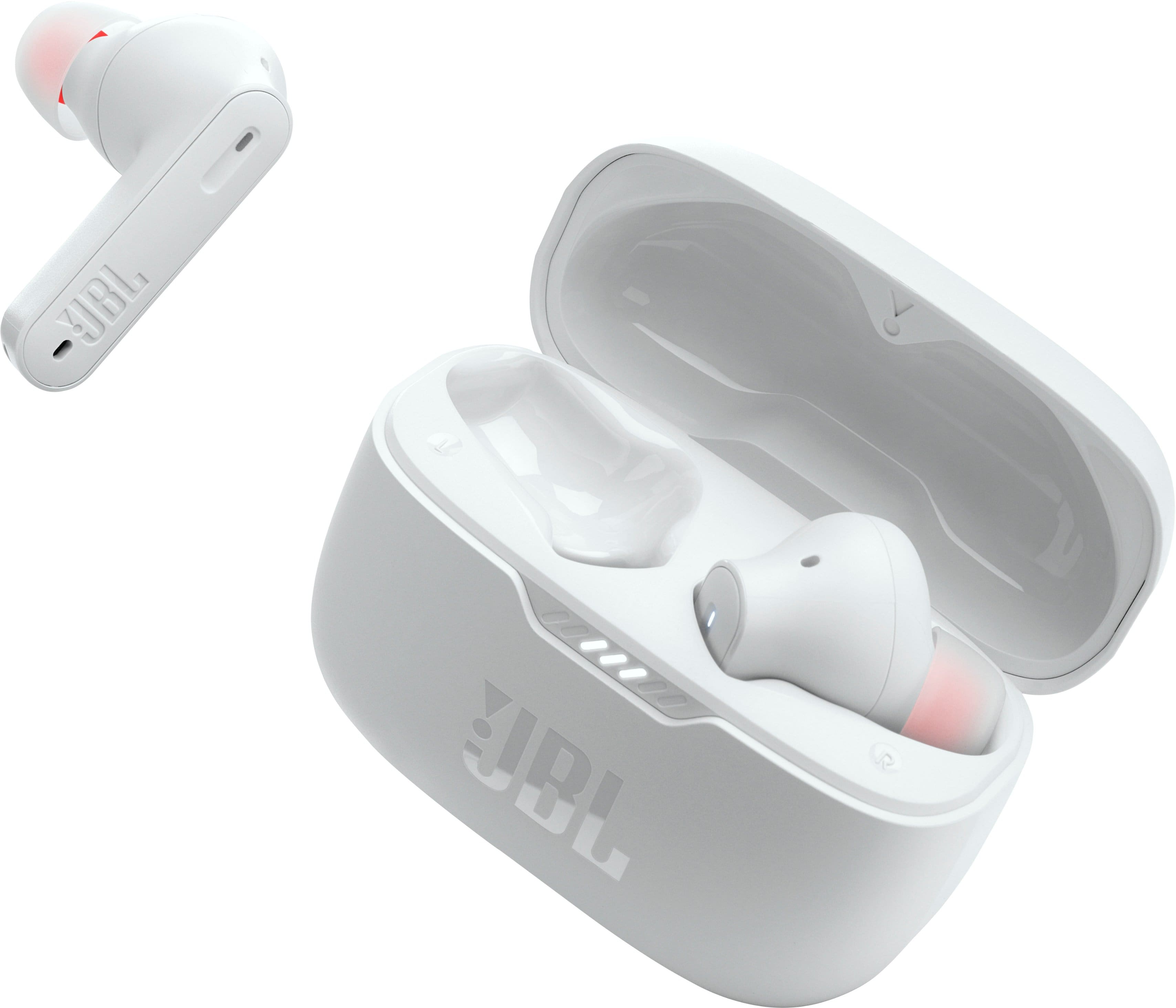
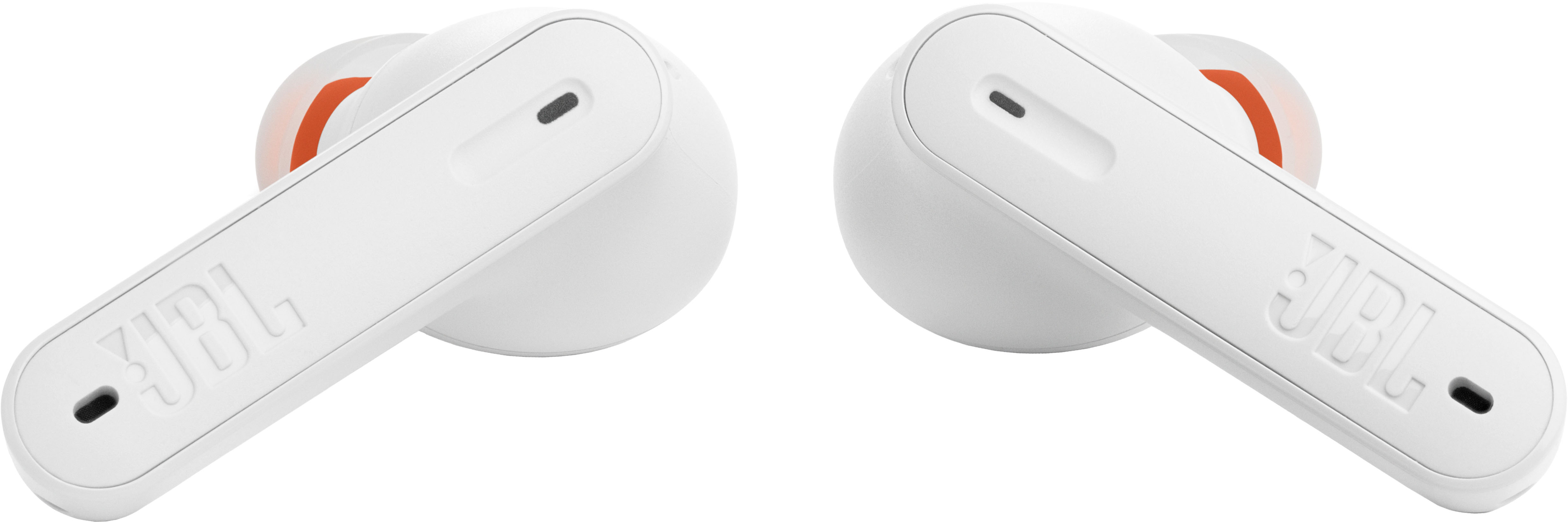
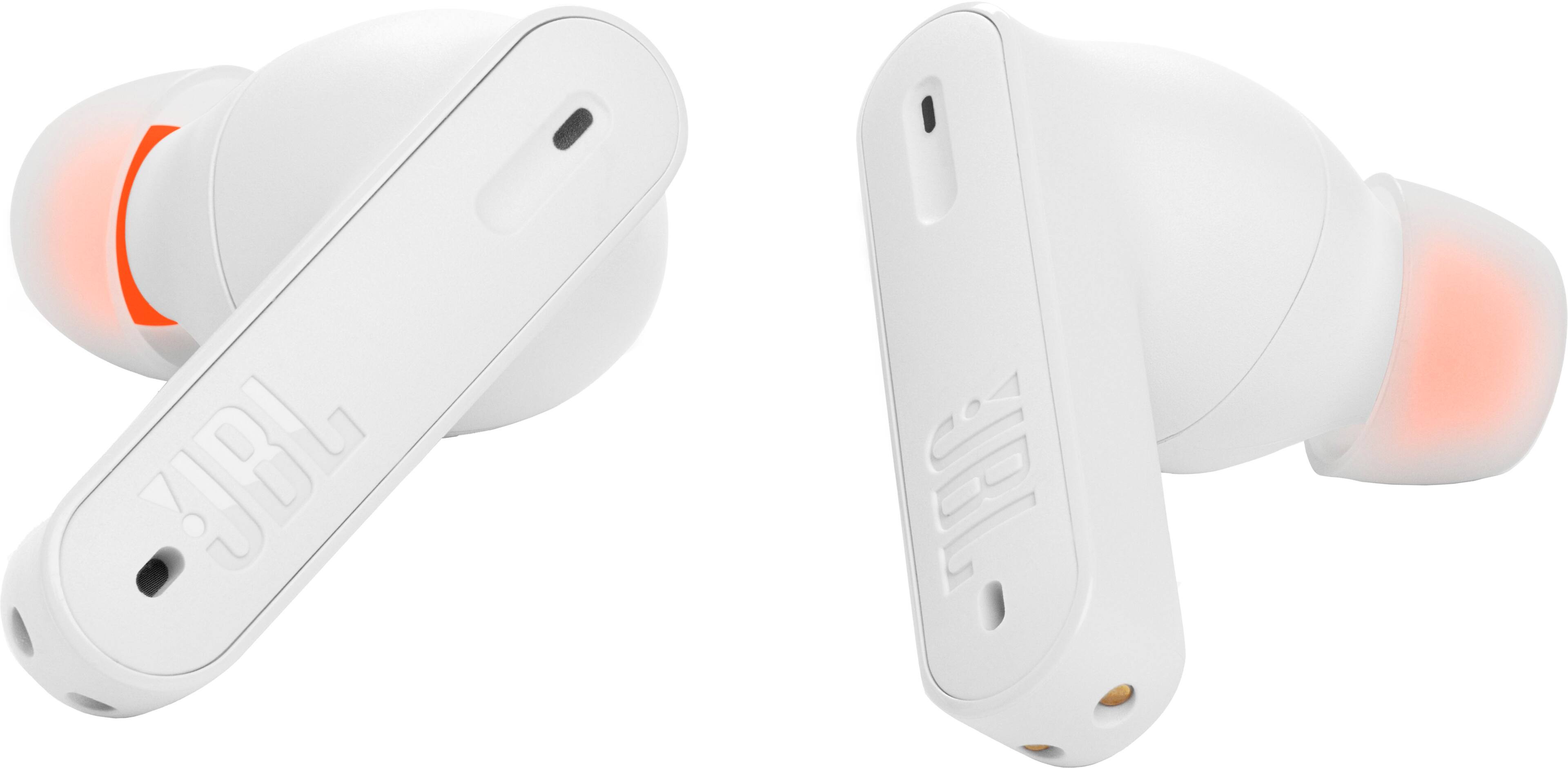




- Model:
- JBLT230NCTWSWAM
- SKU:
- 10095747
Rating by feature
- Sound Quality
Rating 4.5 out of 5 stars
- Battery Life
Rating 4.6 out of 5 stars
- Connectivity
Rating 4.5 out of 5 stars
- Cons mentioned:Connectivity
Disappointing
||Posted . Owned for 1 month when reviewed.This reviewer received promo considerations or sweepstakes entry for writing a review.I’ve had my earbuds for six weeks, charge them after every use and all of a sudden my left earbud stopped working. I cleaned the case which was already spotless and wasn’t having any luck. In the app there was an option to power off my earbuds so I did so. Now I can’t power them back on because in the app you can’t get to any settings until you’re connected to Bluetooth, obviously I can’t connect to Bluetooth if the earbuds are off.
No, I would not recommend this to a friend - Pros mentioned:Sound quality
Awful, won't be buying JBL again
||Posted . Owned for 3 months when reviewed.This reviewer received promo considerations or sweepstakes entry for writing a review.Garbage, not even worth the sale price. Passthrough randomly switches off, case is slick- I sanded it down to be able to hold it better- and doesn't open enough to get good grip on buds, you also have to rotate them from case to ear which is hard to do without pressing buttons, I'm not entirely convinced these were designed by people with human hands. They do sound good but these will end up in the trash soon enough as I need something with more reliable passthrough
No, I would not recommend this to a friendBrand response from JBL Support
Posted .We appreciate your feedback. We would like to let you know that this is not the experience that we want you to have with our products. We're always looking for ways to improve. We'll make sure to pass this along to our development team. Please be informed that all our products come with a one-year warranty. To file a claim and assist you with the replacement, please contact our customer support at (877) 871-6755 / Mon - Fri: 9:00 am - 11:00 pm (ET) Sat-Sun: 9:00 am - 5:00 pm (ET).

- Cons mentioned:Volume
Not for me
||Posted . Owned for 1 month when reviewed.This reviewer received promo considerations or sweepstakes entry for writing a review.Not very good! The noise cancellation is very poor people have a hard time hearing me talk when I’m running my machine spend the extra $$$ and get airpods or something else. Not worth it in my opinion. They don’t go very loud either and switch back and forth from noise canceling to other modes randomly
No, I would not recommend this to a friendBrand response from JBL Support
Posted .We're here to help with your JBL Tune 235NC TWS. We recommend checking our JBL Headphones App and modify your headphones ANC level of EQ settings to get the most out of your audio experience. If you need further assistance with troubleshooting, please contact us.
Don’t buy these ear buds.
||Posted .This reviewer received promo considerations or sweepstakes entry for writing a review.These ear buds are not as advertised. Sound quality is terrible along with the bass. It says bass all over the package but doesn’t reflect any quality when listening through the head phones. When you turn them up, they distort. Noise canceling is terrible too. Save your money. Unfortunately, I didn’t know you couldn’t return them after 15 days when I came in at day 20. I get it, my fault for not reading the fine print, but 30 days is a pretty standard return time in this Industry. I would have appreciated at least a store credit. It’s no wonder Best Buy’s are closing shop.
No, I would not recommend this to a friend- Cons mentioned:Charging
No charge
||Posted .This reviewer received promo considerations or sweepstakes entry for writing a review.Only work 3-4 months the left voice no work no charge
No, I would not recommend this to a friend - Cons mentioned:Connectivity
Bad ones
||Posted . Owned for 2 months when reviewed.This reviewer received promo considerations or sweepstakes entry for writing a review.It doesn’t disconnect of my iPhone after close the box. The earbuds isn’t synchronized charger, some time the left earbuds is run out battery other the right side is the problem.
No, I would not recommend this to a friendBrand response from JBL Support
Posted .Our JBL Tune 235NC TWS will automatically turn off once the earbuds are placed in the case and the charging case is closed. Please also clean the contact points on both the case and buds. If you need more help, please reach out to our customer support.
Not worth the money
||Posted . Owned for 3 weeks when reviewed.This reviewer received promo considerations or sweepstakes entry for writing a review.I have only had these headphones for 3 weeks, the left side earbud will not charge and unfortunately can’t return them with Best Buy’s 15 day policy. Do not waste your money on this product
No, I would not recommend this to a friendBrand response from JBL Support
Posted .Thanks for your feedback. We're always looking for ways to improve. For our JBL Tune 235NC TWS, we recommend cleaning the contact pins on the case and earbuds using a cotton swab with alcohol. These pins are sensitive to dust. Please ensure the pins are dried before placing them back on the case. If the issue still persists, please contact our customer support.
Melted charge port
||Posted . Owned for 2 months when reviewed.This reviewer received promo considerations or sweepstakes entry for writing a review.I purchased 2 pair of these on Mother’s Day 2025. One of them just melted the charging port while being charged.
No, I would not recommend this to a friendJBL Tune 230NC TWS
||Posted . Owned for 4 months when reviewed.This reviewer received promo considerations or sweepstakes entry for writing a review.the JBL Tune 230NC TWS were working fine, but the charging case stopped working after 5 months.
No, I would not recommend this to a friendBrand response from JBL Support
Posted .Thank you for taking the time to provide us with your feedback. We're here to help with your JBL Tune 230NC TWS. We recommend cleaning the contact points on the earbuds and charging case to see if it helps. If the issue still persists, please contact our customer support service via our official website or toll-free hotline.
Arriving today for 30 days since last year
||Posted . Owned for 1 month when reviewed.This reviewer received promo considerations or sweepstakes entry for writing a review.Not here yet, been waiting for over. A month they should be lost by now
No, I would not recommend this to a friendWorst earphones
||Posted . Owned for less than 1 week when reviewed.This reviewer received promo considerations or sweepstakes entry for writing a review.Worst earphones ever please never buy them , they stopped working on the very second day
No, I would not recommend this to a friendBrand response from JBL Support
Posted .We appreciate your feedback on our JBL Tune 230 NC TWS. We're always looking for ways to improve. We'll make sure to share your feedback with the appropriate team. If you have any questions or concerns about your device, please contact our Customer Support.
- Cons mentioned:Charging
Buds will not charge!!!
||Posted . Owned for 3 months when reviewed.This reviewer received promo considerations or sweepstakes entry for writing a review.Very frustrated with the earbuds. Left one will not charge.
No, I would not recommend this to a friendBrand response from JBL Support
Posted .We're sorry to hear about what happened. Here are some cleaning steps for re-establishing charging: If you have charging problems, the first step is to always clean all contact points, on each earbud and on the charging case. You will need: cotton cloth or makeup swab, cotton swabs, and rubbing alcohol. Also a pencil with an eraser for further cleaning. Use a cotton swab with some rubbing alcohol to clean the charging terminals of the headphones. Wipe the contact pins in the charging case with a clean cotton swab. The swab can be slightly moistened with rubbing alcohol, but it is important that the interior is completely dry before closing the box. Use the cotton cloth and wait for it to dry.
- Pros mentioned:Fit, Sound qualityCons mentioned:Connectivity
Good Sound Quality but poor connectivity.
||Posted . Owned for 2 months when reviewed.This reviewer received promo considerations or sweepstakes entry for writing a review.I wanted to love these headphones but after having them for a few months I can't say that. Pros, they have good sound quality when they are working correctly, they stay in my ears when I run which was a big reason I chose this type. The controls are easy to use. Cons, sometimes even if I think the case is fully charged one headphone will die mid run or workout which is irritating. In addition, sometimes one of them wont connect when you pull them out of the case. I have to put them back in and try again. Also, they dont disconnect from bluetooth when you put them back in the case. Sometimes I'll be trying to watch something with sound on my phone and getting no sound from my phone only to realize my headphones are still connected even when they are in the case. Also when I put the phone in a pocket while I am running the sound cuts in and out. Only time these headphones work perfectly is when my phone is not in my pocket. So the connection isn't that strong I guess? Anyway, I will likely buy a different pair and these will become by backup pair.
No, I would not recommend this to a friendBrand response from JBL Support
Posted .We appreciate your feedback. We're here to help with your JBL Tune 235NC TWS. We recommend cleaning the contact pins on the case and earbuds using a cotton swab with alcohol. It is also possible that the prongs on the earbuds and in the case are not making proper contact. Please make sure that the white LED lights on the earbuds are On while they are in the case, before closing it securely. This will ensure that the earbuds are charging properly and are disconnected from your phone. And to prevent connection interruptions, please make sure that there are no walls, obstacles, and other devices that could cause this issue. If you need more help, please contact us.
- Pros mentioned:Battery lifeCons mentioned:Connectivity
Can’t power earbuds on without the case
||Posted .This reviewer received promo considerations or sweepstakes entry for writing a review.Do not buy these - even if they’re on sale. The earbuds are only powered on when you remove them from the case, therefore you must have the case on you and hope that it’s charged (which it’ll eventually stop charging, too). There is no way to use the earbuds without the case. That might not be an issue for some, but it was for me, especially being that it wasn’t something I expected and I spent a good amount of time reading reviews before I purchased these. First, the left earbud will stop connecting and require you to re-sync the pair each time. Then the case will struggle to recognize that your earbuds are in it and it’ll also require you to re-sync it each time, which I had to search online to even figure out how to do because the instructions are unclear. Then eventually the case will stop charging completely and your earbuds won’t ever turn on again. Granted, I never contacted JBL for help or a possible replacement so I can’t speak to that, but I didn’t even find the earbuds to be worth that effort. Save your money. I spent time reading up on these earbuds before I purchased them for myself one Christmas and I’ve been meaning to write a review ever since learning they can’t even be powered on without the case. I didn’t see that information anywhere and I read a lot before my purchase. I hope this helps someone else especially someone who might consider purchasing these for Christmas and/or they’re on-sale. Save your money. The only good thing I can say about these earbuds is that the battery life was better than I thought it would be and I was at least thankful for that when dealing with the connectivity & charging issues.
No, I would not recommend this to a friend - Pros mentioned:Battery life, Sound qualityCons mentioned:Charging
Would not recommend these ear buds!
||Posted . Owned for 4 months when reviewed.This reviewer received promo considerations or sweepstakes entry for writing a review.Great sound and great battery life, BUT had to replace them after a month because the left ear bud stopped charging. I even tried cleaning the contacts on the ear buds and the ones in the case and still no luck. My replacements ended up developing the same problem but this time with the right ear bud a couple months after getting them.
No, I would not recommend this to a friendBrand response from JBL Support
Posted .Thanks for bringing this to our attention. We'd like to work with you directly to address the issues you're experiencing with your JBL Tune 235NC TWS. Please contact our customer support for further assistance.
- Pros mentioned:Sound quality
Absolute Garbage - Do Not Buy!
Posted .This reviewer received promo considerations or sweepstakes entry for writing a review.This AirBud is an absolute waste of money. Sure, the sound quality is decent, but what's the point when it only works for one month? This product is a complete scam. If you want to throw your money away on a piece of junk, then buy this. It's unreliable and feels like it's designed to break after minimal use. Avoid at all costs! If u dont believe me i will send u when i bought and when is my review. Im really disappointed with this.
No, I would not recommend this to a friendBrand response from JBL Support
Posted .Thanks for your feedback. We would like to know more about the issue with your JBL Tune 235NC and provide some troubleshooting steps that can help isolate the issue. Please contact us at (800) 336-4525 Mon - Fri: 9:00 am - 11:00 pm (EST) Sat-Sun: 9:00 am - 5:00 pm (EST)
- Cons mentioned:Connectivity
Not worth even the sale price
||Posted . Owned for 1 month when reviewed.This reviewer received promo considerations or sweepstakes entry for writing a review.These are the worst piece of garbage I've ever put in my ears. The sound quality is terrible. They feel super cheap. They don't turn off when you take them out of your ears - you have to MANUALLY stop them from playing (yes, they will continue to play in the case even when closed!). You have to MANUALLY pair and unpair each time you switch devices. Which means...if they are connected to your computer at home, and you're 100 miles away, you can't use them on your phone because they are still paired to your computer 100 miles away and won't connect to another device until you go into that computer and unpair them. There is no bluetooth connect button anywhere on the case or the earbuds, so you can't even send a bluetooth signal to pair them if they don't automatically show up in your list of devices. They don't connect with ANY Apple products. The buttons are horribly placed so just putting them in your ear either starts playing or changes the settings, depending on which ear bud you are putting in but expect that each time you put them in you will hit the buttons that are, for some reason, exactly where your finger needs to push to get them in your ear. I bought these on sale for 50% off and that feels like too much for these. Please don't waste your time or money, they are garbage, they sound terrible, and are for the most part unusable.
No, I would not recommend this to a friendBrand response from JBL Support
Posted .This is not what we want you to experience with our JBL Tune 235NC TWS. Sound and connectivity issue can be resolved using the reset procedure. Make sure that the earbuds are not connected to any Bluetooth. Press either the left or right earbud three (3) times then hold it on the third tap for 5 seconds. Once done, put back both earbuds inside the charging case for 10 seconds while the lid is closed, and connect them again to your device. Please forget JBL Tune 253NC TWS on your paired devices before pairing again as reset would default all the settings of your earbuds. Please contact us directly for further assistance.
- Pros mentioned:Sound qualityCons mentioned:Connectivity
Very Disappointed
||Posted . Owned for 4 months when reviewed.This reviewer received promo considerations or sweepstakes entry for writing a review.Bought these earbuds a few months ago. I now finally had a chance to really check them out. The sound quality is good. Many times one of the buds has a hard time connecting to my Galaxy tab. I have to take them both off, put them back in the case and try to connect them. This can go on for numerous times. When i am finally connected, the right earbud will shut down after 30 minutes of use. While the left side is working fine.
No, I would not recommend this to a friendBrand response from JBL Support
Posted .We appreciate your feedback. Please make sure to clean the contact points of your earbuds and the charging case. Usually, any charging issues with the earbuds will be resolved after cleaning. If you are still having the same issue, please contact us directly for further assistance.
- Cons mentioned:Charging, Connectivity
Not worth it.
||Posted .This reviewer received promo considerations or sweepstakes entry for writing a review.Not worth the hassle of trying to reconnect after one disconnects half the time. One bud will charge and the other doesn't half the time also. Finicky to say the least.
No, I would not recommend this to a friend - Cons mentioned:Charging
Fire Hazard
Posted .This reviewer received promo considerations or sweepstakes entry for writing a review.The case melted when charging ear buds with chargers provider. company was has been responsive and honors warranty. I would be exercise caution when charging.
No, I would not recommend this to a friendBrand response from JBL Support
Posted .Thanks for bringing this to our attention. We take this matter seriously as our products are tested to meet the highest safety standards. We understand that it didn't meet your expectations. We're looking for ways to improve, and we'll make sure to share your feedback with the appropriate team. If you need further assistance with your unit, please reach out to our customer support. We're here to help.