Customer Ratings & Reviews
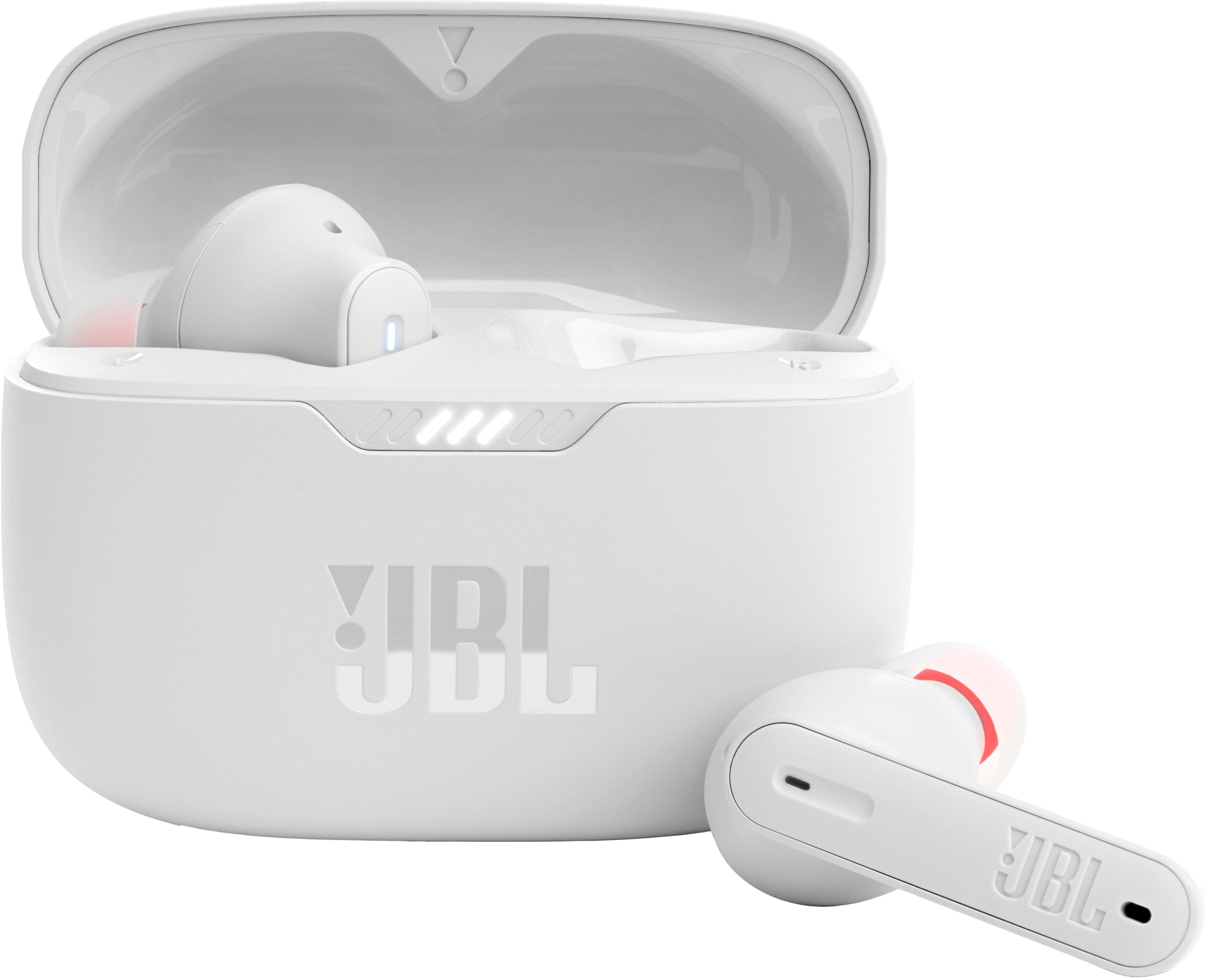
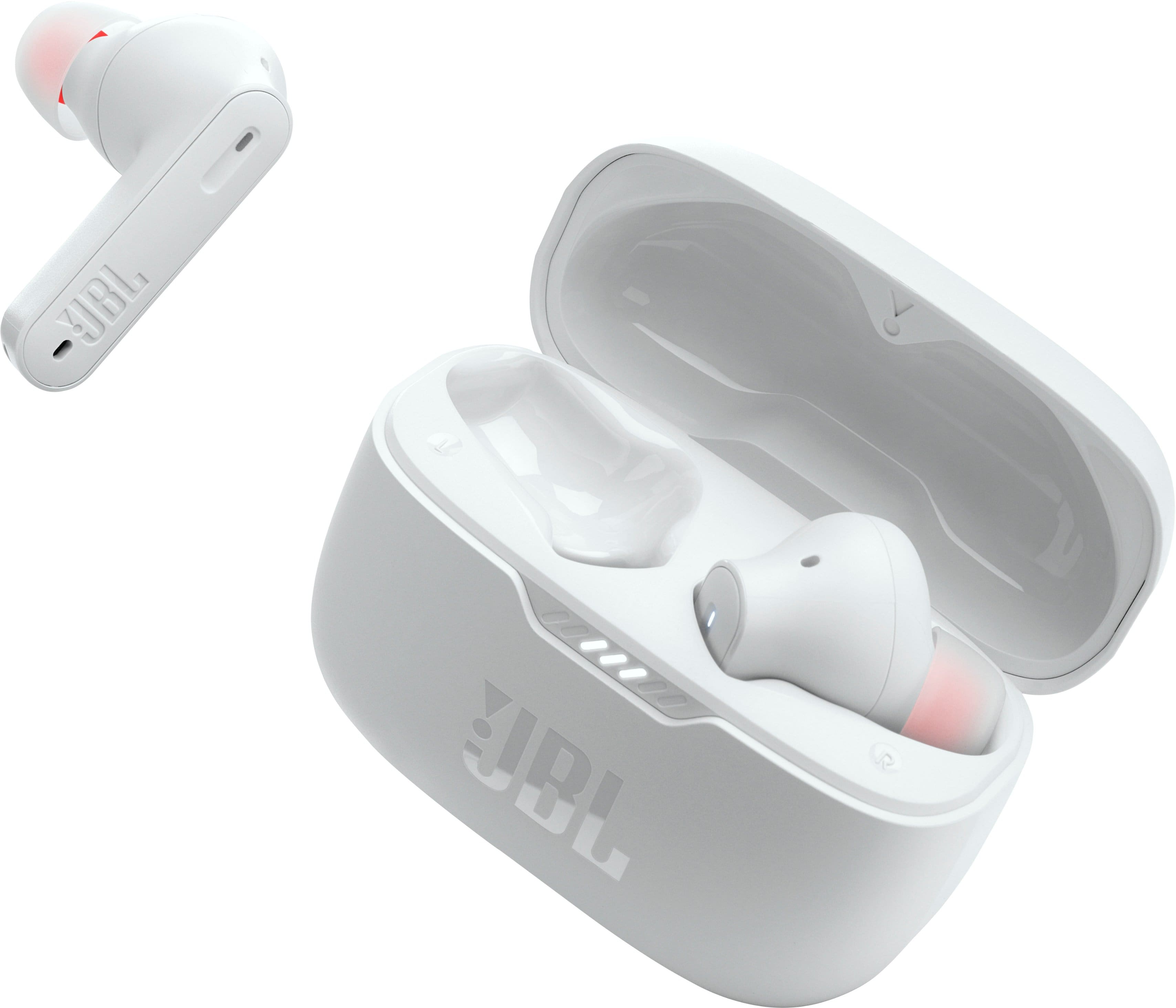
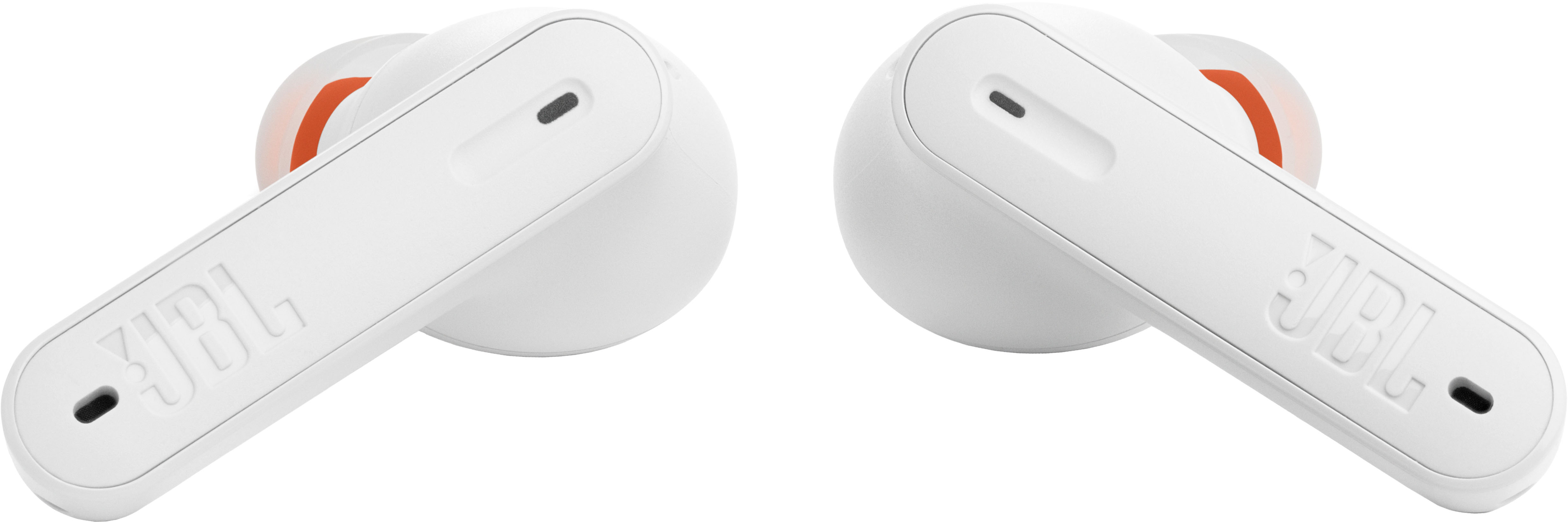
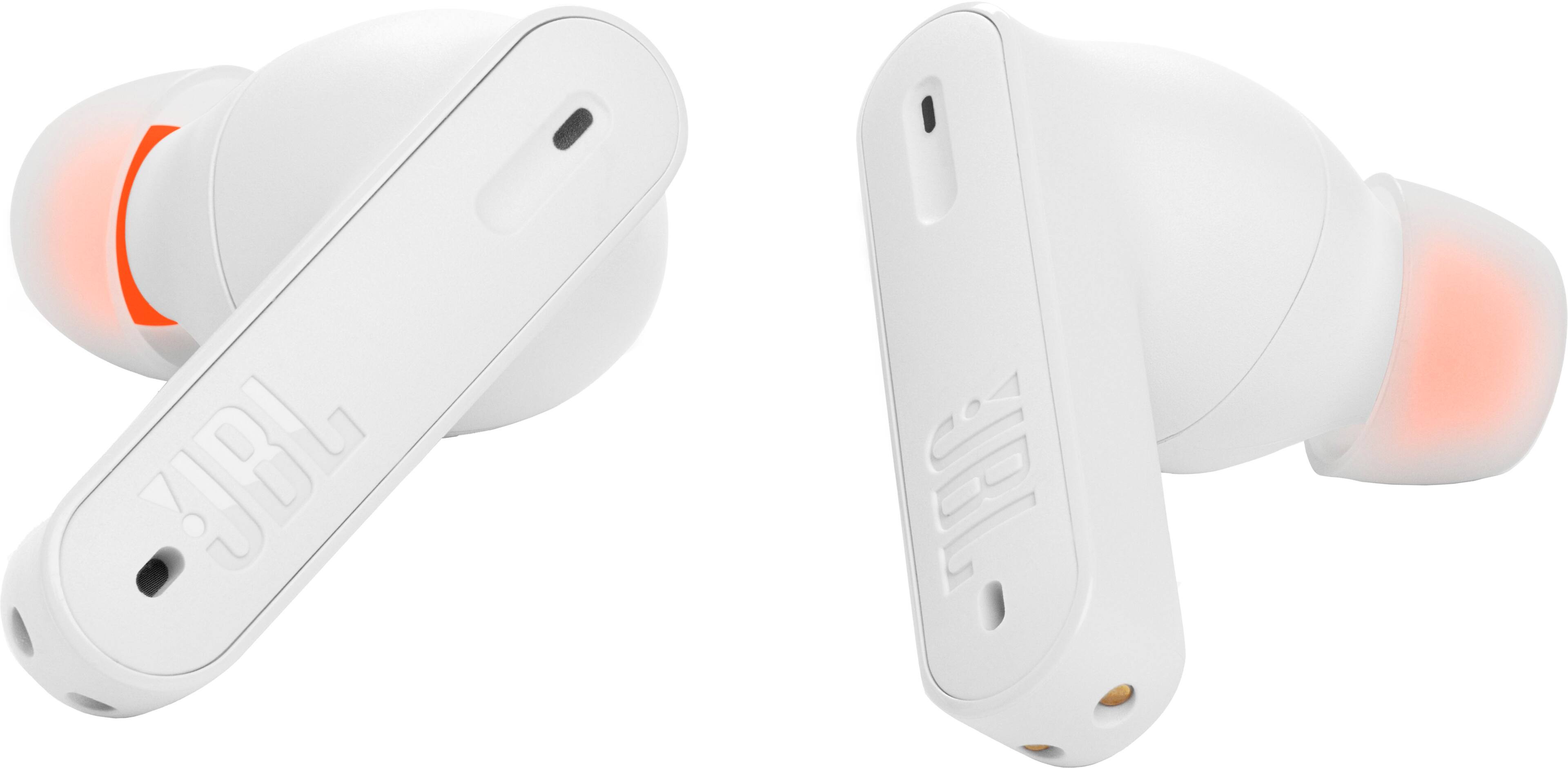




- Model:
- JBLT230NCTWSWAM
- SKU:
- 10768970
Rating by feature
- Sound Quality
Rating 4.5 out of 5 stars
- Battery Life
Rating 4.6 out of 5 stars
- Connectivity
Rating 4.5 out of 5 stars
Complicated setup
||Posted . Owned for 4 months when reviewed.This reviewer received promo considerations or sweepstakes entry for writing a review.The left earbuds is not working anymore and it said on mono mode
No, I would not recommend this to a friendBrand response from JBL Support
Posted .We're here to help with your JBL Tune 230NC TWS. We recommend cleaning the contact pins on the case and earbuds using a cotton swab with alcohol. These pins are sensitive to dust. Please ensure the pins are dried before placing them back on the case. It is also necessary to reset the earbuds by tapping one of the earbuds twice and holding it for 5 seconds on the third tap. Put the earbuds back in the case to complete the reset. Resetting your earbuds will erase all previous settings and pairings. Please remove or forget the earbuds from the list of paired Bluetooth devices before pairing them again. If you need more help, we'd like to work with you directly. Please contact our customer support for assistance.

Lackluster
||Posted . Owned for 1 month when reviewed.This reviewer received promo considerations or sweepstakes entry for writing a review.Really uncomfortable in the ear and fell out easily
No, I would not recommend this to a friendBrand response from JBL Support
Posted .Thanks for your inquiry. For our JBL Tune 230NC TWS to give you the best seal and secure fit, gently twist the earbud to fit it securely into the shape of your ear, then, continue twisting the earbud into your ear canal. If you need more help, please contact our Customer Support so we could try other steps.
Sonically disappointing
||Posted . Owned for less than 1 week when reviewed.This reviewer received promo considerations or sweepstakes entry for writing a review.I was immediately unimpressed with the sound of these things. Tinny, no low end, and not very loud. I tried a bigger set of rubber tips, which helped a little, but still... My old, wired $20 Sonys blow these away.
No, I would not recommend this to a friendBrand response from JBL Support
Posted .Thanks for your feedback. We're here to help. To increase and have a good quality volume on your JBL Tune 235NC, make sure the volume level on your source device and the earbuds is on the maximum level. We have a JBL Headphones App that will help you to navigate the Equalizer settings of your desired music mode of your JBL Tune 235NC. If these steps do not work, you may try to connect your JBL Tune 235NC to other devices. You can also do a reset with both earbuds on, and not charging, tap two times, and hold the button on the third tap for more than 5 seconds. If the issue persists, please contact our customer support at (877) 871-6755 / Mon - Fri: 9:00 am - 11:00 pm (ET) Sat-Sun: 9:00 am - 5:00 pm (ET).
Right earbud has failed twice
||Posted . Owned for 6 months when reviewed.This reviewer received promo considerations or sweepstakes entry for writing a review.Have owned these less than a year and have had to send them back to be replaced after the right ear bud simply stopped working. Received the replacements in the mail after a couple of weeks and now after less than two months the right ear bud has stopped working again.
No, I would not recommend this to a friendBrand response from JBL Support
Posted .Thank you for bringing this to our attention. We'd like to work with you directly to address the issues you're experiencing with the earbuds of your JBL Tune 230NC TWS. If needed, we'd also like to get more information so we can check your options. Please contact our customer support service via our official website or toll-free hotline.
Dont buy this product please!
||Posted . Owned for 2 months when reviewed.This reviewer received promo considerations or sweepstakes entry for writing a review.I wont recommend it! Battery timing is awful. Dont
No, I would not recommend this to a friendVery Bad JBL earbuds
||Posted . Owned for 6 months when reviewed.This reviewer received promo considerations or sweepstakes entry for writing a review.No good!! These earbuds only lasted for 2 months then one of the earbuds stopped working, it died and could never charge it again, JBL has great speakers but bad earbuds.
No, I would not recommend this to a friendBrand response from JBL Support
Posted .Thank you for taking the time to provide us with your feedback. We're here to help with your JBL Tune 230NC TWS. We recommend cleaning the contact points on the earbuds and charging case to see if it helps. If the issue still persists, please contact our customer support service via our official website or toll-free hotline.
Did not work
||Posted . Owned for 5 months when reviewed.This reviewer received promo considerations or sweepstakes entry for writing a review.Stopped working. Expensive but terrible. 99 dollars yet failed after a month or so. I am very disappointed with the product.
No, I would not recommend this to a friendBrand response from JBL Support
Posted .We appreciate your feedback. We understand that our JBL Tune 235 didn't meet your expectations. To further assist you, please contact us to discuss troubleshooting or warranty options.
Jbl Bluetooth headphones
||Posted . Owned for 1 month when reviewed.This reviewer received promo considerations or sweepstakes entry for writing a review.Doesn't fit snug in ear and when u run they fall out
No, I would not recommend this to a friendBrand response from JBL Support
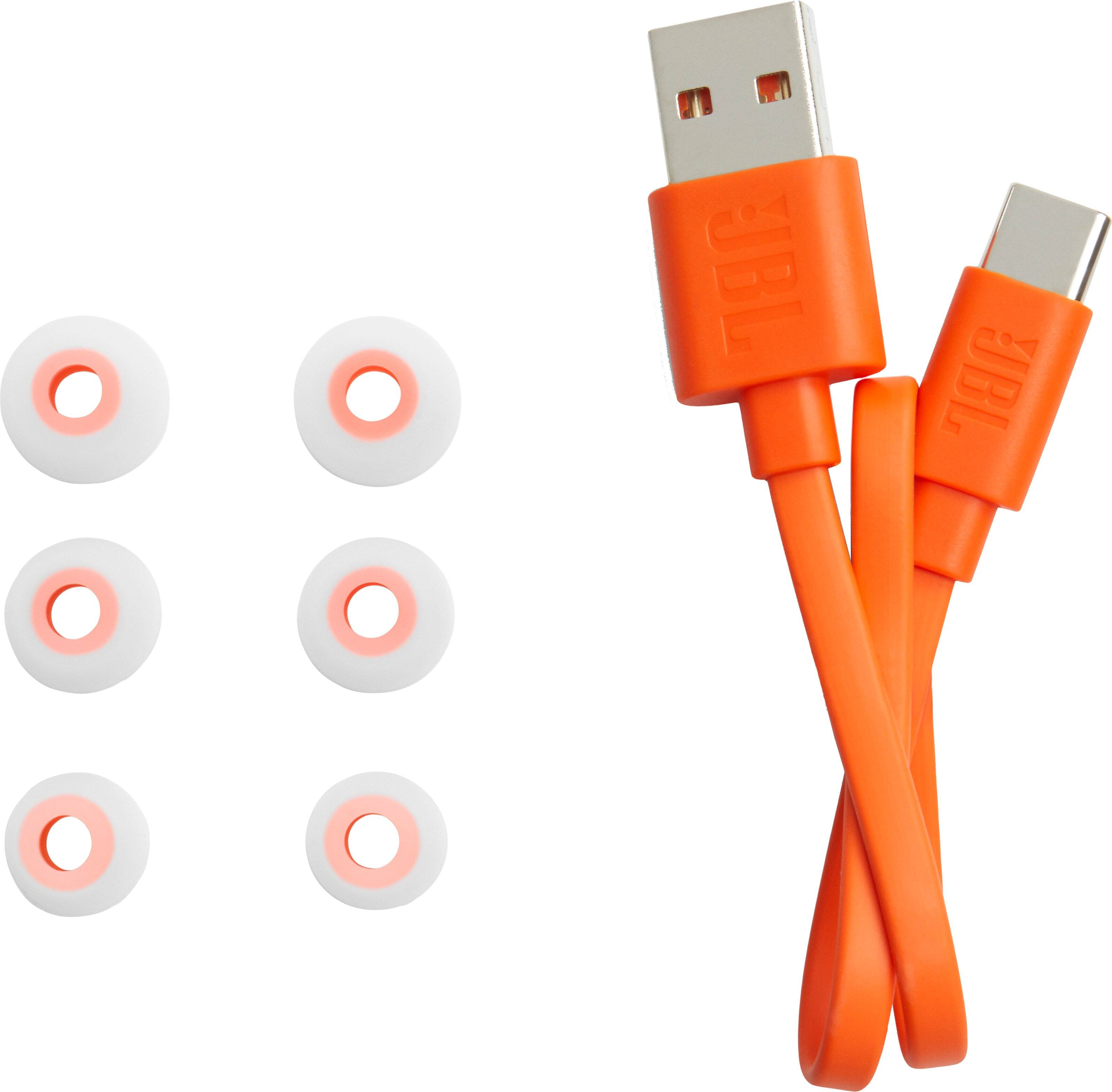
Posted .Thanks for taking the time to provide us with your feedback on our JBL Tune 230NC TWS. These earbuds come with a choice of 3 sizes of ear tips (S, M, and L). You may choose the right size for your ears so that they will stay in your ears for the best fit.
JBL
||Posted . Owned for 1 month when reviewed.This reviewer received promo considerations or sweepstakes entry for writing a review.Ear buds are not noise canceling. I wear them at work and a crackling noise comes out of the speakers. I cant use them. All music is distorted.
No, I would not recommend this to a friendBrand response from JBL Support
Posted .We appreciate your feedback. Our JBL Tune 235NC headphones have active noise cancellation (ANC) feature which helps reduce background noise. To activate the noise-canceling feature, tap your left earbud once. You may experience distortion due to issue with volume level, EQ settings, or source device. Try connecting a different device to identify if the issue lies with the earbuds or source device, you can also do a reset with both earbuds on, and not charging, tap two times, and hold the button on the third tap for more than 5 seconds. You can also try manually pairing the buds by putting the buds from their charging case and removing them again. If you need further assistance, please contact our customer support at (877) 871-6755 / Mon - Fri: 9:00 am - 11:00 pm (ET) Sat-Sun: 9:00 am - 5:00 pm (ET).
Earbuds
||Posted .This reviewer received promo considerations or sweepstakes entry for writing a review.Good product and works well. Functionality next expectations
I would recommend this to a friendGood ear bud with low price
||Posted . Owned for 2 months when reviewed.This reviewer received promo considerations or sweepstakes entry for writing a review.It falls from my ear but the sound is not bad looking at the price.
I would recommend this to a friendNot charging
||Posted . Owned for less than 1 week when reviewed.This reviewer received promo considerations or sweepstakes entry for writing a review.Left headphones won't charge. Stuck at 20 percent. Only had them for a few days.
No, I would not recommend this to a friendBrand response from JBL Support
Posted .We're here to help with your JBL Tue 235NC TWS. We recommend cleaning the contact pins on the case and earbuds using a cotton swab with alcohol. These pins are sensitive to dust. Please ensure the pins are dried before placing them back on the case. If you need more help, please contact our customer support.
Mhhh
||Posted . Owned for 4 months when reviewed.This reviewer received promo considerations or sweepstakes entry for writing a review.Worked for about 5 months then the left earbud died.
No, I would not recommend this to a friendBrand response from JBL Support
Posted .We're here to help with your JBL Tune 230NC TWS. We recommend cleaning the contact pins on the case and earbuds using a cotton swab with alcohol. These pins are sensitive to dust. Please ensure the pins are dried before placing them back on the case. It is also necessary to reset the earbuds by tapping one of the earbuds twice and holding it for 5 seconds on the third tap. Put the earbuds back in the case to complete the reset. Resetting your earbuds will erase all previous settings and pairings. Please remove or forget the earbuds from the list of paired Bluetooth devices before pairing them again. If you need more help, we'd like to work with you directly. Please contact our customer support for assistance.
Say No
||Posted . Owned for 6 months when reviewed.This reviewer received promo considerations or sweepstakes entry for writing a review.Returned these ear buds.They were bulky and didn't fit What I was looking for.
No, I would not recommend this to a friendBrand response from JBL Support
Posted .We appreciate you taking the time to provide us with your feedback. We're sorry to hear that our JBL Tune 235NC TWS didn't meet your expectations. We'll make sure to share your feedback with the appropriate team. If you need more help with your unit, please contact our customer support via our official website or toll-free hotline.
So darn close!
||Posted .This reviewer received promo considerations or sweepstakes entry for writing a review.Unfortunately have to take them back. Modern Bluetooth allows you to have your headphones paired to multiple devices. Sadly these allow you to only connect to one and then have to delete it from the current paired device to use it with another. They sound great though.
No, I would not recommend this to a friendBrand response from JBL Support
Posted .Thanks for reaching out. We'd like to work with you directly to address the issues you're experiencing with your JBL Tune 230NC. If needed, we'd also like to get more information so we can check your options. Please contact our customer support service via our official website or toll-free hotline.
- Cons mentioned:Volume
disappointed in JBL
||Posted . Owned for less than 1 week when reviewed.This reviewer received promo considerations or sweepstakes entry for writing a review.disappointed in JBL - these are difficult to pair with some computers and phones (even using their phone app). ALSO: VERY disappointed in the sound quality. I've owned JBL products since the '70's and always considered their products quality.....with all filters off, EQ settings at MAX and phone volume at MAX....they just don't get loud......at the gym it's hard to listen with ambient noise, as well
No, I would not recommend this to a friendBrand response from JBL Support
Posted .We appreciate you taking the time to provide us with your feedback. We're sorry to hear that our JBL Tune 230NC TWS didn't meet your expectations. We're always looking for ways to improve and we'll make sure to share your feedback with the appropriate team. If you need assistance with your unit, please contact our customer support.
Complaint.
||Posted . Owned for 3 weeks when reviewed.This reviewer received promo considerations or sweepstakes entry for writing a review.I did not like the service, picking them up and I do not like the product. unsatisfied. I went out of my way to pick them up and It was an overall horrible experience.
No, I would not recommend this to a friendJunk
||Posted . Owned for 1 month when reviewed.This reviewer received promo considerations or sweepstakes entry for writing a review.Left earbud quit working a month after purchasing. Junk
No, I would not recommend this to a friendBrand response from JBL Support
Posted .Thank you for bringing this to our attention. If you are having a charging issue with the left earbud of the JBL Tune 235NC TWS, these issues are often caused by foreign matter on the metal charging contacts. This can include sweat, grease, ear wax, etc. These issues can be resolved by cleaning the contact points on the earbuds and charging case. For further assistance, please contact our customer support.
Conic
||Posted .This reviewer received promo considerations or sweepstakes entry for writing a review.Very good product I will recommend this product to someone else
I would recommend this to a friendGreat sound
||Posted . Owned for 3 weeks when reviewed.This reviewer received promo considerations or sweepstakes entry for writing a review.Picked these up for my wife for when she is working in her garden and a wired headphone just wont cut it. She loves them.
I would recommend this to a friend