Customer Ratings & Reviews
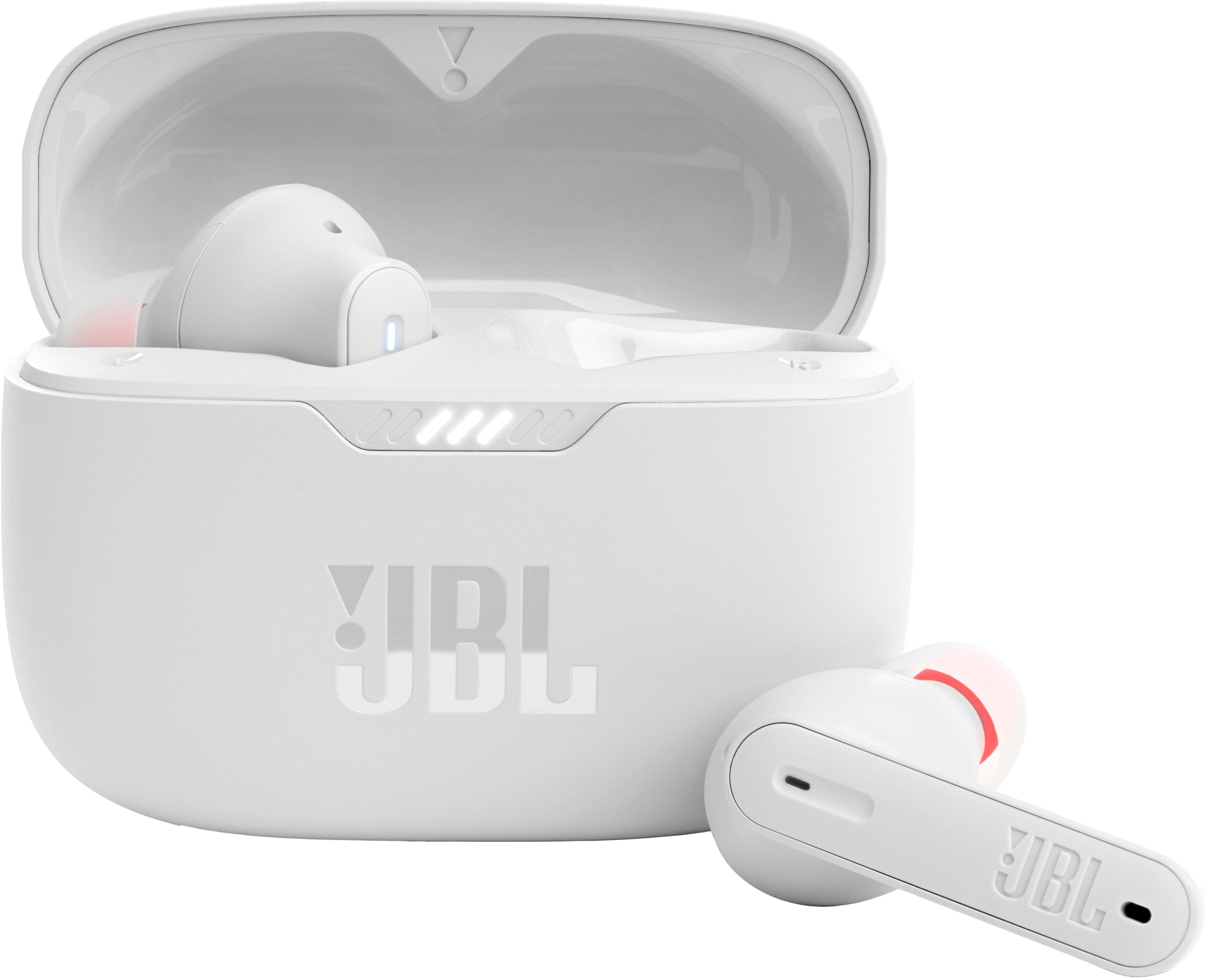
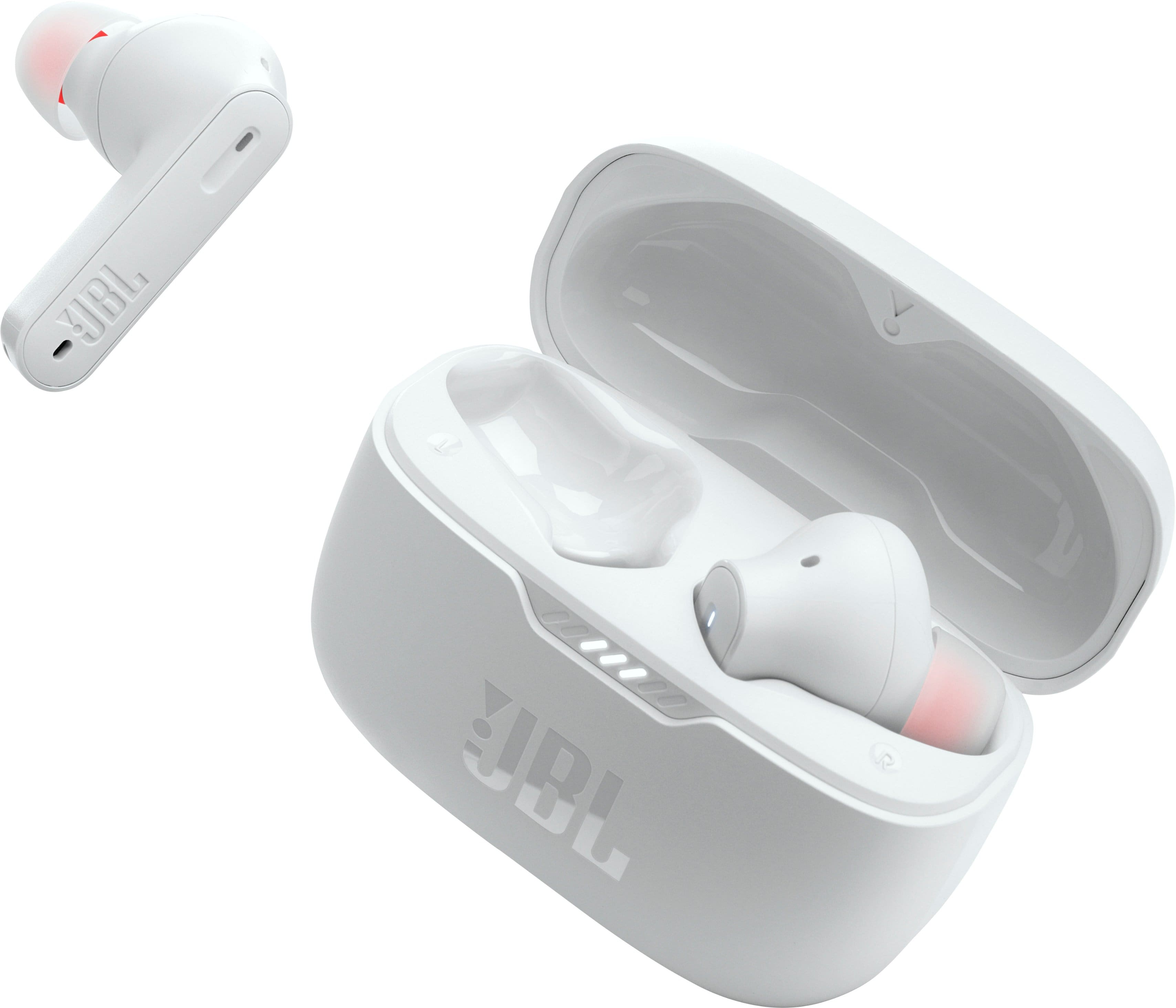
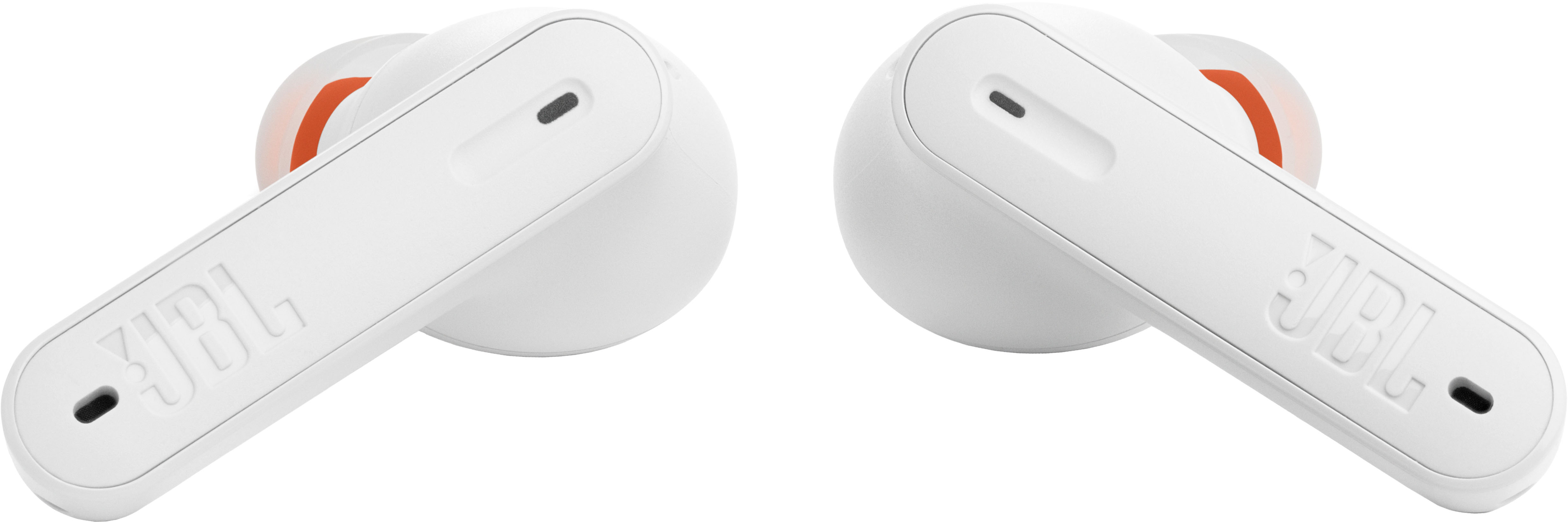
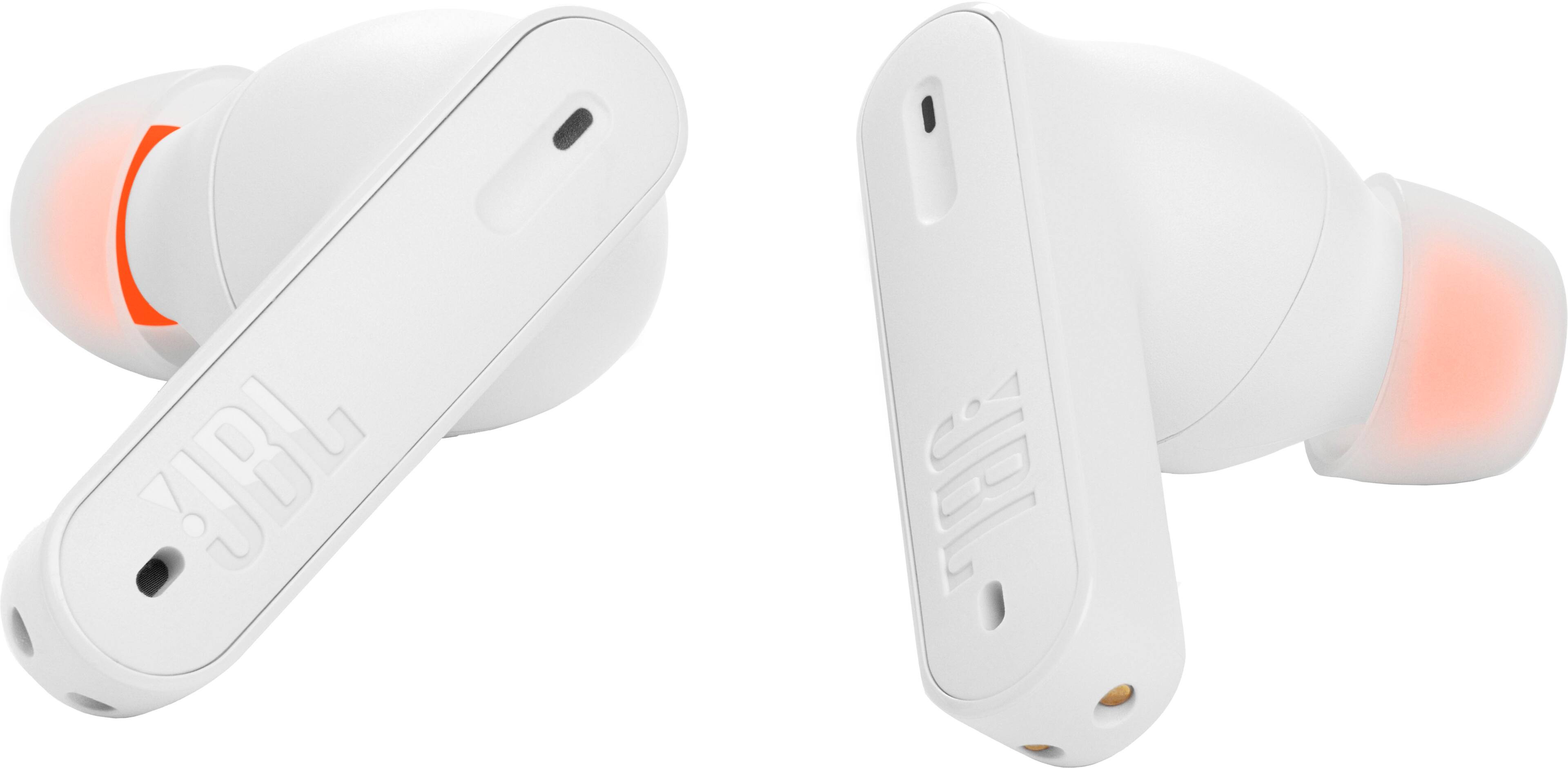




- Model:
- JBLT230NCTWSWAM
- SKU:
- 10768970
Rating by feature
- Sound Quality
Rating 4.5 out of 5 stars
- Battery Life
Rating 4.6 out of 5 stars
- Connectivity
Rating 4.5 out of 5 stars
The stop commands, play music, etc. do not work
||Posted . Owned for 1 month when reviewed.This reviewer received promo considerations or sweepstakes entry for writing a review.The stop commands, play music, etc. do not work. I really wanted my money back
No, I would not recommend this to a friendBrand response from JBL Support
Posted .Thanks for your inquiry. You can enable advanced controls by connecting your JBL TUNE235NC TWS to the JBL Headphones App. This enables gestures and commands on the earbuds for you to control your music.

ANGELR
||Posted . Owned for 1 year when reviewed.This reviewer received promo considerations or sweepstakes entry for writing a review.BAD CONNECTION QUALITY, UNSTABLE AND POOR, CHANGE FOR OTHERS, BUT EQUAL BAD QUALITY
No, I would not recommend this to a friendDon't throw your money
||Posted . Owned for 2 months when reviewed.This reviewer received promo considerations or sweepstakes entry for writing a review.Don't buy it. Even i didn't use two months the right side one completely stopped working.
No, I would not recommend this to a friendBrand response from JBL Support
Posted .Thanks for your feedback. If the earbuds of your JBL Tune 230NC TWS no longer charges, we recommend cleaning the contact points on the earbuds and charging case using a cotton cloth, a makeup or cotton swab, and rubbing alcohol. If the issue remains with your JBL Tune 230NC TWS, please contact JBL Customer Support. We're here to help.
- Pros mentioned:Battery life, Comfort, Sound quality
Great Sound
Posted .This reviewer received promo considerations or sweepstakes entry for writing a review.I have been looking for a pair of true wireless earbuds that are comfortable, have good sound, and decent call quality. I have a few already that sound nice, but calls are horrible. I tried three other pair before settling on the JBL Tone 230NC. First the Pros. The sound is great right out of the box! The equalizer in the JBL app helps but isn't necessary on my LG V60 phone. There is plenty of base (for the size) and good mid and highs as well. Just keep in mind these are wireless earbuds, not high end Bose or Sony around-ear cans. The sound-stage is good, especially for Bluetooth earbuds. They also get very loud! The 230NC earbuds are comfortable enough to wear for at least a couple hours straight without my ears getting tired. The medium size tips are secure in my ear and I'm not worried they buds will fall out while I'm on a walk, though I am not sure how well they'd do for runners. Call quality is great! There was no issue on either side of the conversation. Battery life seems to be close to what JBL is claiming. I only lost 10% after listening for two hours straight. All day listening won't be an issue. The earbuds have a good range; I can walk about 30 feet from my phone inside my home before they disconnect. The charging case is easily pocketable and charges fast by USB-C. No wireless charging on this model, but that's OK. The JBL Headphone App is decent, though I still find it annoying that it needs to know my location. ALL headphone apps seem to want that so, again, not a big deal. I like that the app shows the battery percentage of each bud and the case separately. The tap controls on the buds work fine for me, though the options in the app seem odd. Basically, you can't get away from some kind of tap activating a voice assistant. I'm sure i'll get use to this in a few days. Now the one Con. The ANC does works but is weak. It barely makes any difference at all with the fan I have running in the room. On the street, there is a little more noticeable difference; traffic sounds are decreased, but still clearly audible with music at normal levels. Some of the other buds I tried had way better isolation, but they also had bigger flaws in other areas such as being uncomfortable. I feel the ANC should be stronger considering the price. That isn't a deal breaker for me as I am more interest in comfort, good music, and decent call quality indoors. Those aspects are well covered on the the JBL 230NC. I didn't get to test calls in noisy conditions. I'm guessing that Bose or Sony buds have better voice isolation, but are least 50% more expensive and not necessarily as comfortable. All in all, for the price point, I'm not sure there is anything that can beat the sound, call quality, battery life, and comfort of these wireless earbuds.
I would recommend this to a friend Horrible battery life!!!
||Posted . Owned for 11 months when reviewed.This reviewer received promo considerations or sweepstakes entry for writing a review.I've had these for about a year now and they will not hold a charge. Do not recommend.
No, I would not recommend this to a friendBrand response from JBL Support
Posted .Thanks for your feedback. If the earbuds of your JBL Tune 230NC TWS no longer charges, we recommend cleaning the contact points on the earbuds and charging case using a cotton cloth, a makeup or cotton swab, and rubbing alcohol. If the issue remains with your JBL Tune 230NC TWS, please contact JBL Customer Support. We're here to help.
Just Average
||Posted . Owned for 3 weeks when reviewed.This reviewer received promo considerations or sweepstakes entry for writing a review.Nothing exceptional about these. The ANC was no better than my $25.00 Boltune earbuds. I returned the JBL earbuds to BB.
No, I would not recommend this to a friendBrand response from JBL Support
Posted .We appreciate your feedback on our JBL Tune 230NC. We're always looking for ways to improve. We'll make sure to share your feedback with the appropriate team. If you have any questions or concerns about your device, please contact our Customer Support. Please contact our customer support service via our official website or toll-free hotline
Skullcandy noise cancelling ear buds are better
||Posted . Owned for 1 month when reviewed.This reviewer received promo considerations or sweepstakes entry for writing a review.You can hear the wind bad when you are around windy areas not great for it being noise cancelling ear buds
No, I would not recommend this to a friendNot a great fit
||Posted . Owned for 3 weeks when reviewed.This reviewer received promo considerations or sweepstakes entry for writing a review.The could be great headphones if they could figure out a way to keep them in your ears. I am very particular about fit.
I would recommend this to a friendBrand response from JBL Support
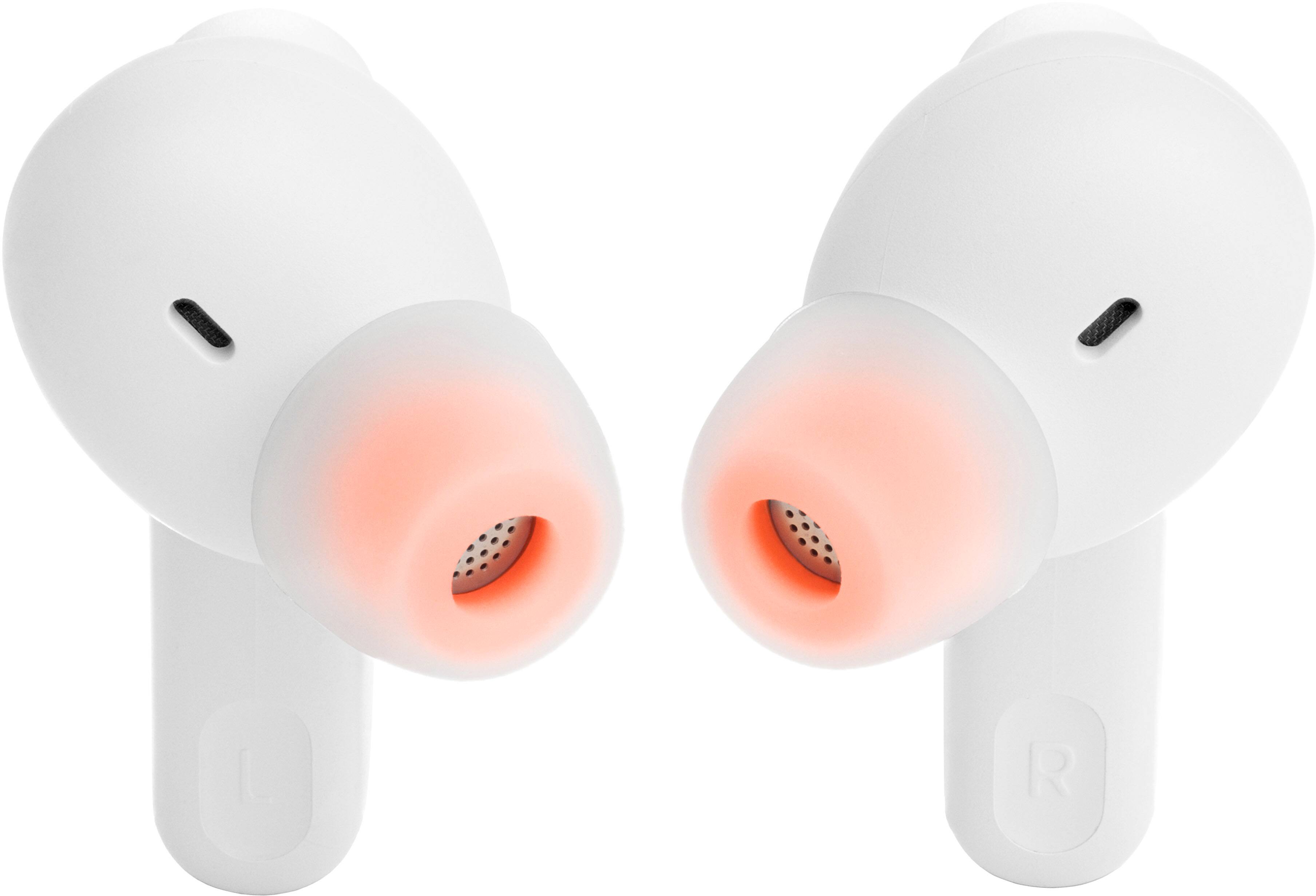
Posted .Thank you for posting a review and we’re sorry to hear that you're having comfortability issues with our JBL 230NC TWS. This earbuds comes with 3 sizes of eartips for a better comfortable fit in your ear. We're always looking for ways to improve, so we'll make sure to submit your feedback to our Development Team. If you have any questions or concerns about this product's features, you may reach out to our Customer Service Team for further assistance.
Junk don’t last
||Posted . Owned for 2 weeks when reviewed.This reviewer received promo considerations or sweepstakes entry for writing a review.Literally left earbud went out today on the first day I can’t return them. They are junk
No, I would not recommend this to a friendBrand response from JBL Support
Posted .We're here to help with your JBL Tune 230NC TWS. We recommend cleaning the contact pins on the case and earbuds using a cotton swab with alcohol. These pins are sensitive to dust. Please ensure the pins are dried before placing them back on the case. If you need more help, we'd like to work with you directly. Please contact our customer support for assistance.
Poor connection
||Posted . Owned for 3 months when reviewed.This reviewer received promo considerations or sweepstakes entry for writing a review.They did not work, immediately returned to the store.
No, I would not recommend this to a friendYou get what you pay for most of the time
||Posted . Owned for 7 months when reviewed.This reviewer received promo considerations or sweepstakes entry for writing a review.Poor sound. Not even worth the $50 I paid for them. Quickly returned them.
No, I would not recommend this to a friendBrand response from JBL Support
Posted .We appreciate your feedback on our JBL Tune 230NC TWS. We're always looking for ways to improve. We'll make sure to share your feedback with the appropriate team. If you have any questions or concerns about your device, please contact our Customer Support.
tampons in your ears
||Posted . Owned for 11 months when reviewed.This reviewer received promo considerations or sweepstakes entry for writing a review.Ear juice and tampons. Dont get caught looking silly and feeling dumb.
No, I would not recommend this to a friendDeeply disappointed
||Posted . Owned for 1 month when reviewed.This reviewer received promo considerations or sweepstakes entry for writing a review.Terrible product. Defective. Had to send to JBL for warranty replacement.
No, I would not recommend this to a friend- Pros mentioned:Sound quality
Disappointed
||Posted . Owned for 1 month when reviewed.This reviewer received promo considerations or sweepstakes entry for writing a review.Does not stay in my ear while I'm on stationary spin bike. Sound quality is good
No, I would not recommend this to a friendBrand response from JBL Support
Posted .Response: Thank you for posting a review and we’re sorry to hear that you're having comfortability issues with our JBL 230NC TWS. Our JBL 230NC TWS comes with 3 sizes of eartips for a better comfortable fit in your ear. We're always looking for ways to improve, so we'll make sure to submit your feedback to our Development Team. If you have any questions or concerns about this product's features, you may reach out to our Customer Service Team for further assistance.
Bad sound
||Posted . Owned for 1 month when reviewed.This reviewer received promo considerations or sweepstakes entry for writing a review.Sound is very bad. Dollar store earbuds sound better
No, I would not recommend this to a friendBrand response from JBL Support
Posted .Thank you for your feedback. We understand that our JBL Tune 235NC TWS didn't meet your expectations. We're always looking for ways to improve and we'll make sure to share your feedback with the appropriate team.
Charging port burn up
||Posted . Owned for 2 weeks when reviewed.This reviewer received promo considerations or sweepstakes entry for writing a review.Had to replace my first one because the charging port burn up after plug-ins charge for leather 1mins.
No, I would not recommend this to a friendRight bud drained in 10 mins after 100% fully
||Posted . Owned for 1 year when reviewed.This reviewer received promo considerations or sweepstakes entry for writing a review.Right bud drained in 10 mins after 100% fully charged
No, I would not recommend this to a friendBrand response from JBL Support
Posted .We appreciate you taking the time to provide us with your feedback. Please know that the battery may be losing its capacity. Volume and usage can affect the battery's life. In addition, please know that the battery wears out over time. Even if listening at maximum volume to heavy bass music, the battery should last longer than 60% of the published playtime. Please contact our customer support for further assistance.
The heaphones are huge and dont fit in my ears
||Posted . Owned for 1 week when reviewed.This reviewer received promo considerations or sweepstakes entry for writing a review.The ear buds are massive and easily slip out of my ear. Leading to the quaility sounding bad
No, I would not recommend this to a friendUseless after a week
||Posted . Owned for 1 week when reviewed.This reviewer received promo considerations or sweepstakes entry for writing a review.There's a reason why they're $50. Left ear but wasn't working after a week of use.
No, I would not recommend this to a friendBrand response from JBL Support
Posted .Thanks for bringing this to our attention. We're here to help you with your Tune 230NC TWS. You may try to manually pair your earbuds by pressing and holding the touch control of your right earbud for 5 secs. You can also try to factory reset the earbuds. To do it, double tap the button of an earbud and hold it on the 3rd tap for 5 seconds, then put the earbuds back in the case to complete the reset. You can also try to clean the contact points of both the earbuds and charging case. If the same issue remains, please contact our customer support for further assistance.
Case quality
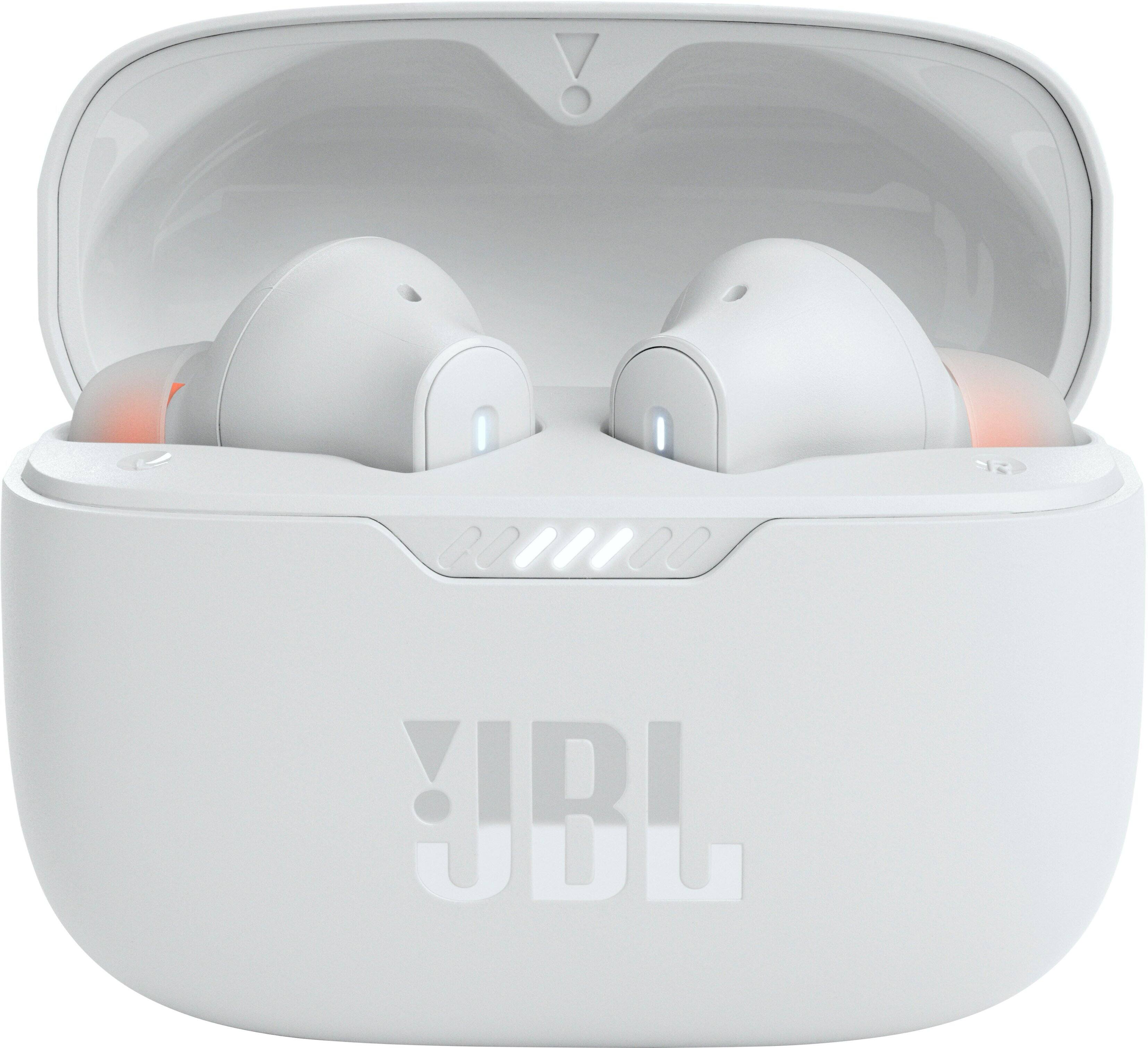
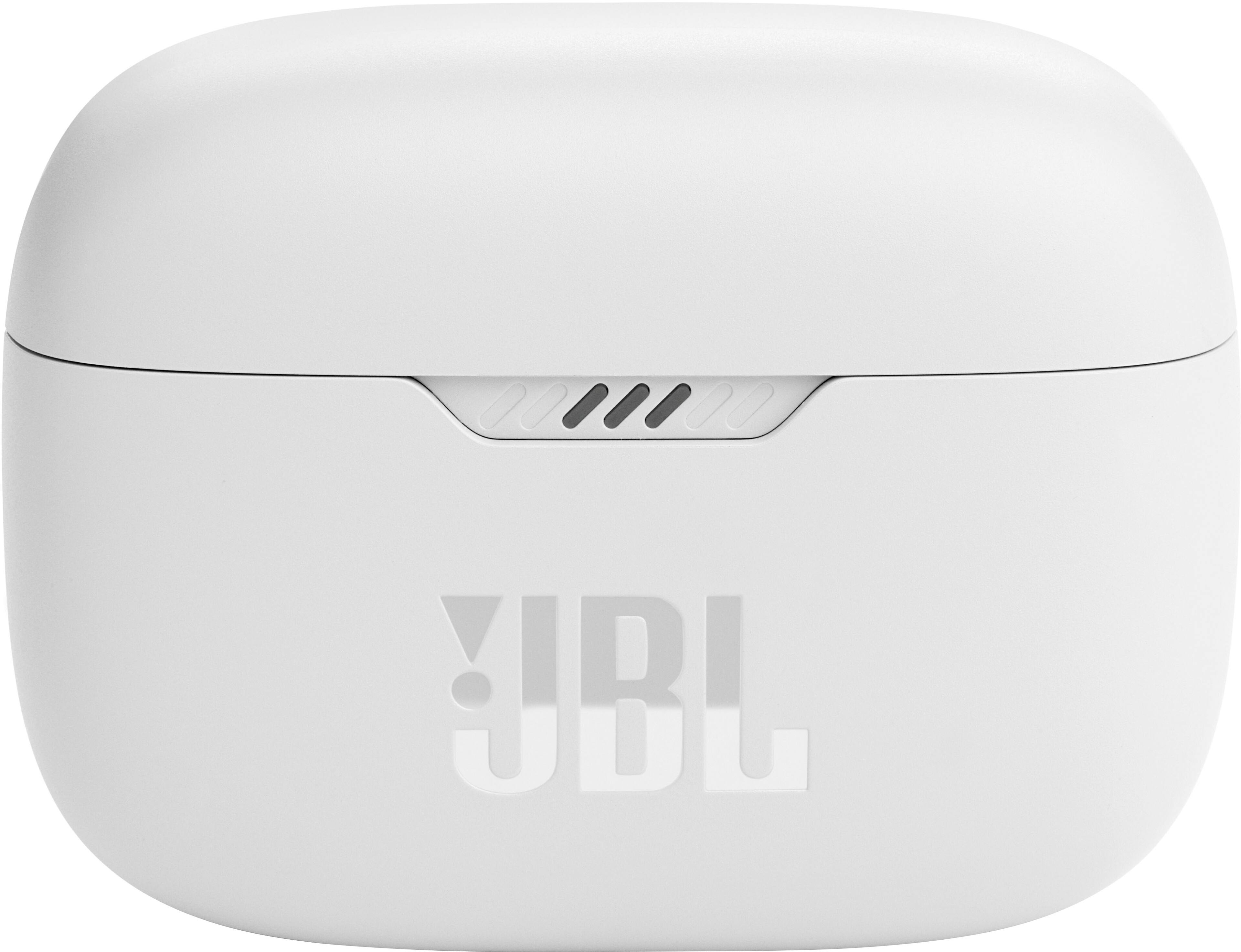
||Posted . Owned for 2 weeks when reviewed.This reviewer received promo considerations or sweepstakes entry for writing a review.Sounds okay for the price but the case is made of cheap plastic that gets scratched easily
No, I would not recommend this to a friend