Customer Ratings & Reviews
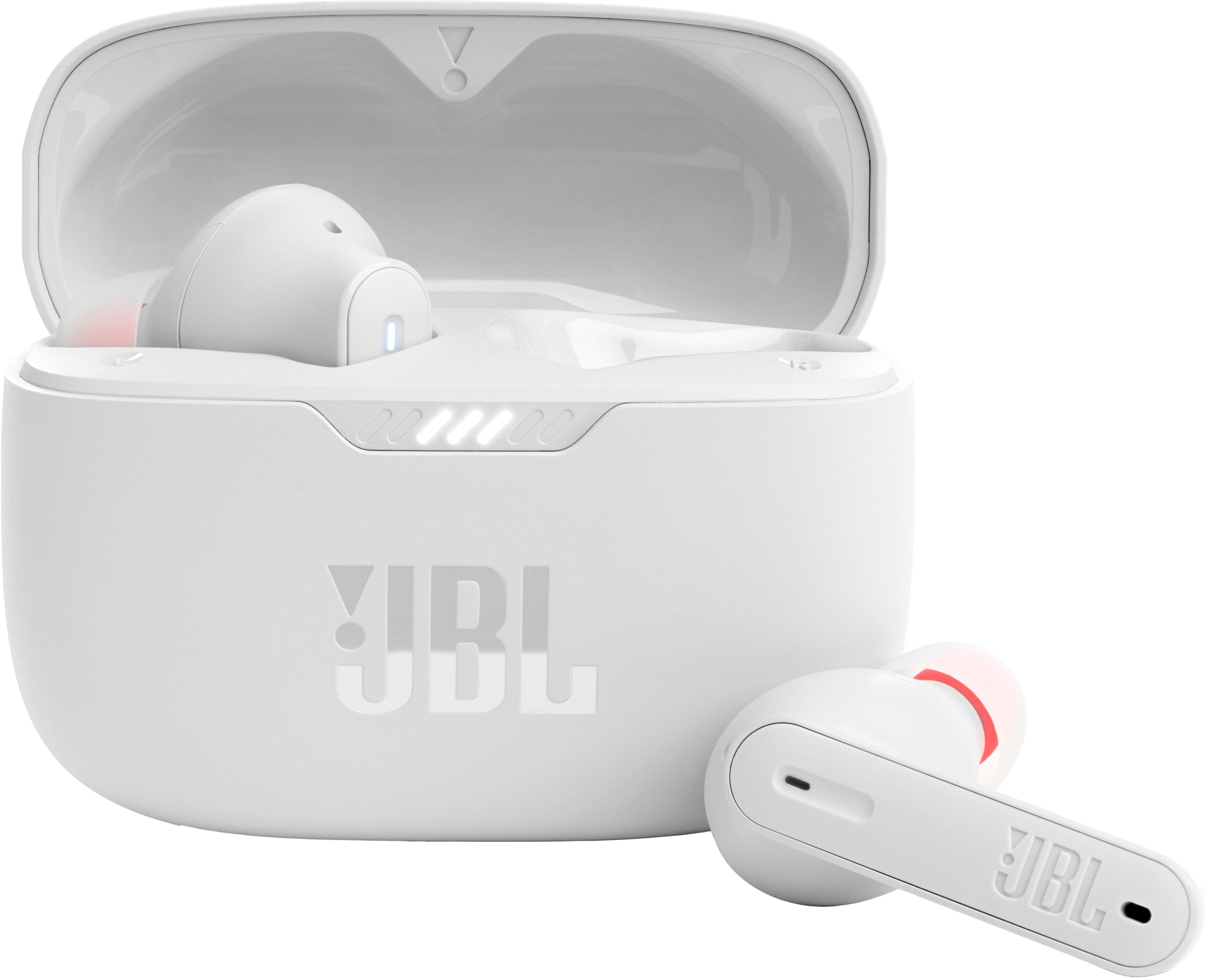
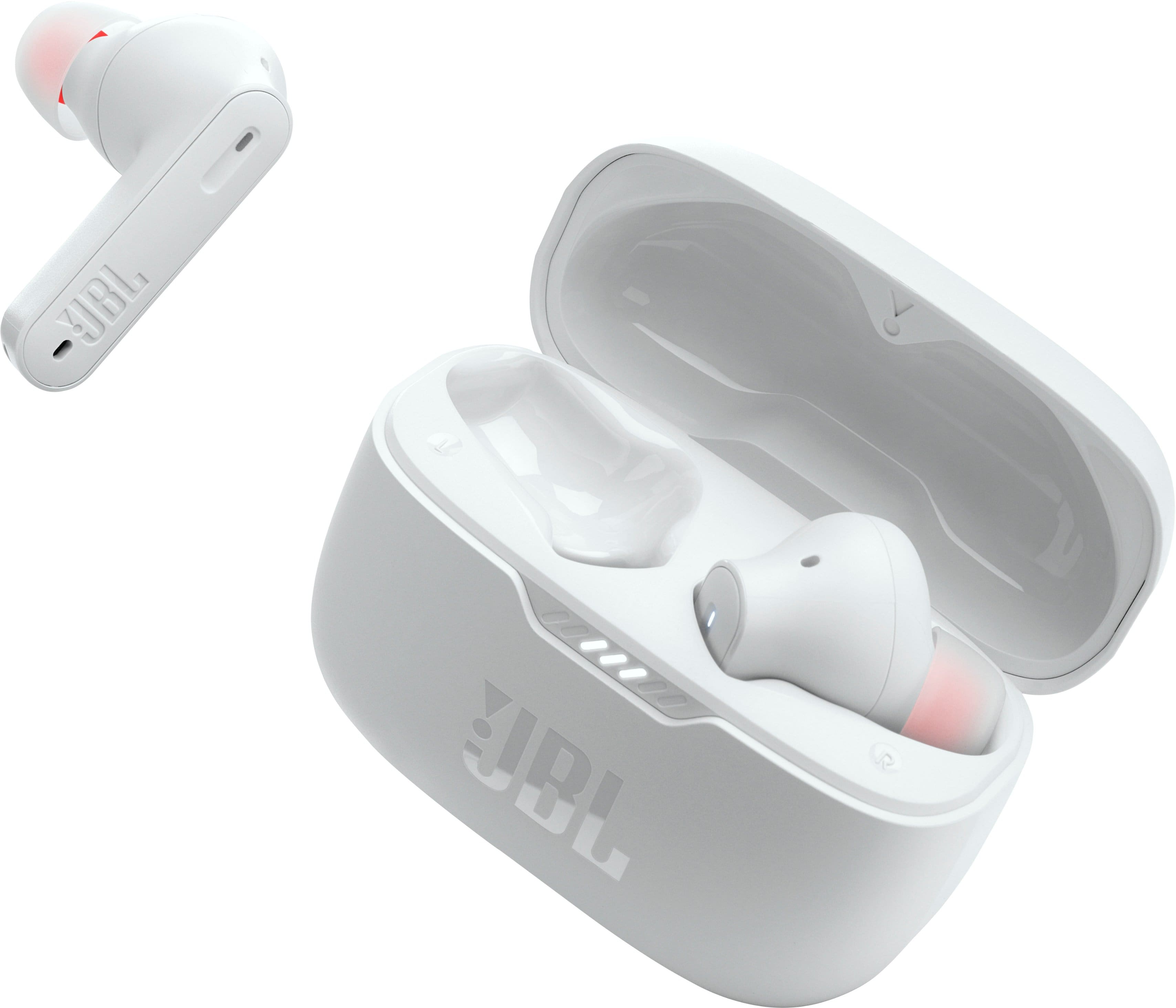
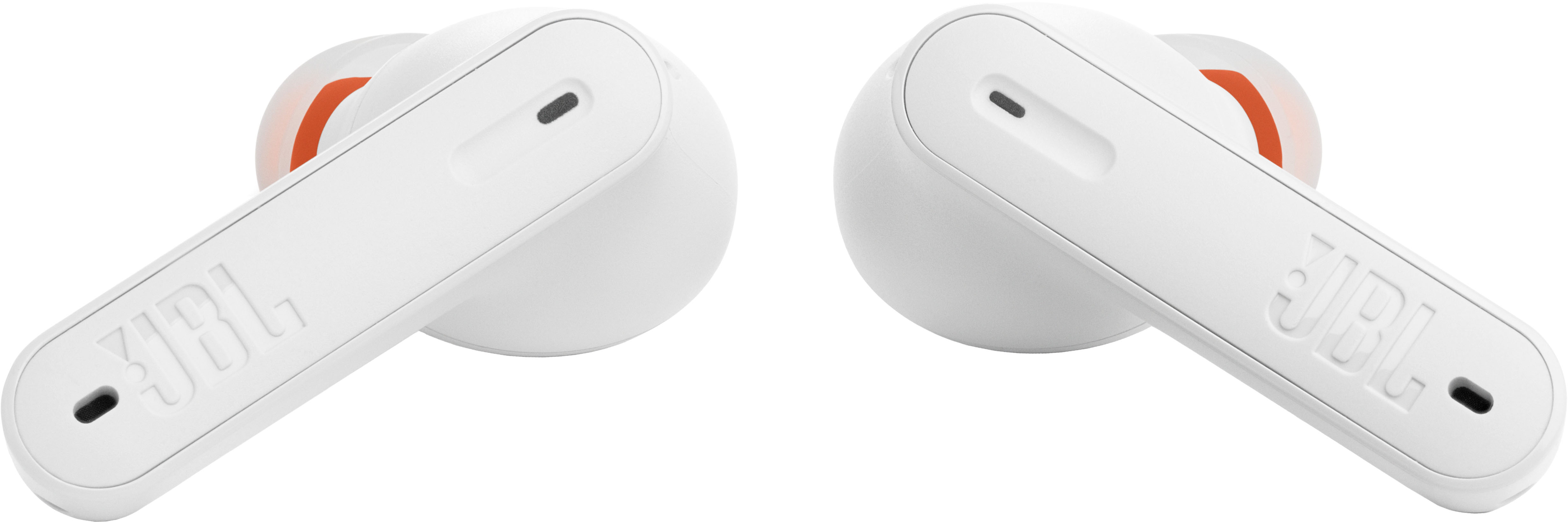
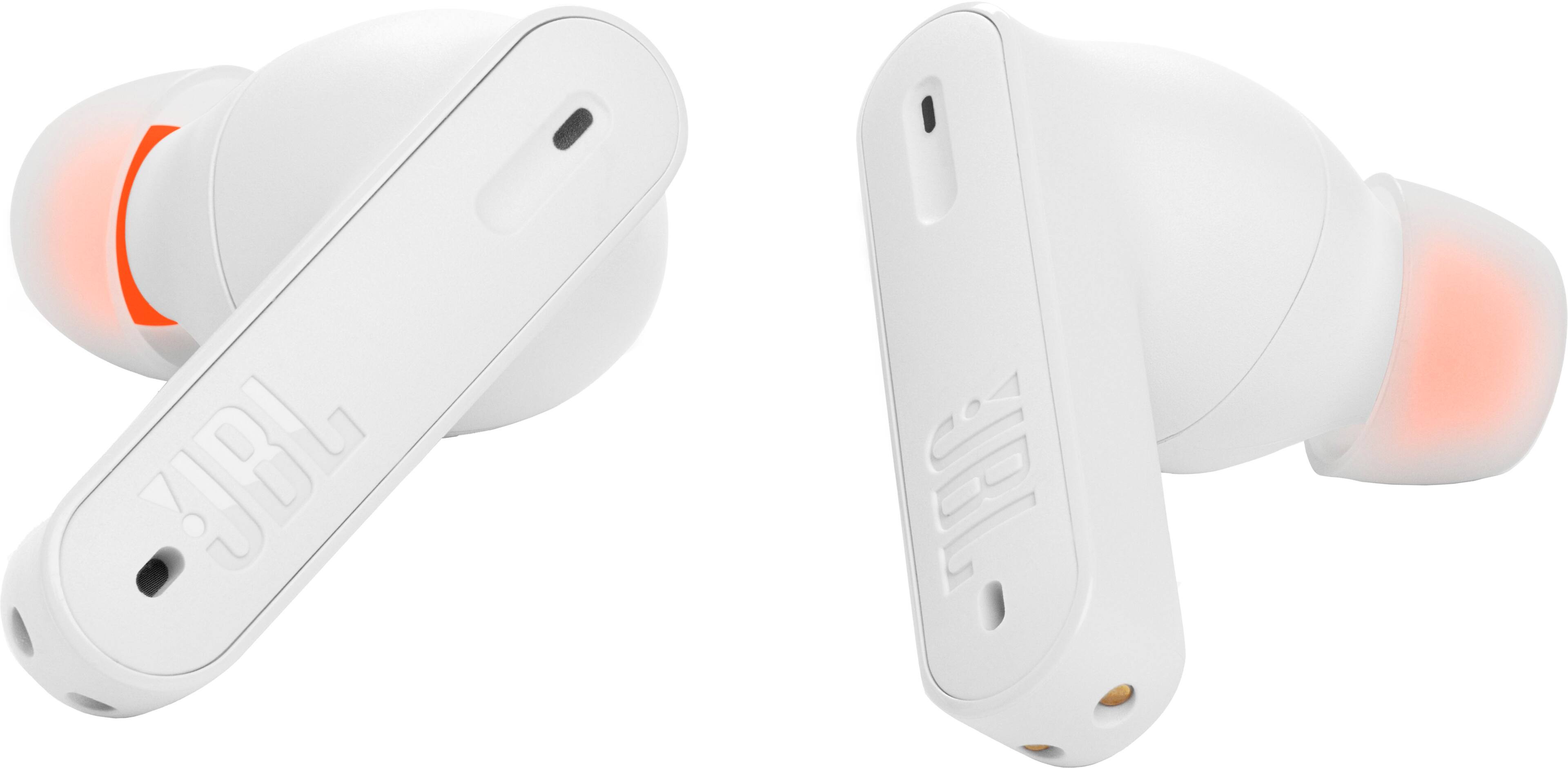




- Model:
- JBLT230NCTWSWAM
- SKU:
- 10768970
Rating by feature
- Sound Quality
Rating 4.5 out of 5 stars
- Battery Life
Rating 4.6 out of 5 stars
- Connectivity
Rating 4.5 out of 5 stars
Customers are saying
Customers find value in the product's excellent sound quality, good battery life, and comfortable fit. They also appreciate the satisfying bass and overall value for the price. However, some users have experienced occasional connectivity issues, problems with an earbud not charging, and unsatisfactory volume levels.
This summary was generated by AI based on customer reviews.
Jbl
Posted .This reviewer received promo considerations or sweepstakes entry for writing a review.It only lasted a week, one stopped charging. Couldn’t use it anymore.
No, I would not recommend this to a friendBrand response from JBL Support
Posted .We're here to help with your JBL Tune 235NC TWS. We recommend cleaning the contact pins on the case and earbuds using a cotton swab with alcohol. These pins are sensitive to dust. Please ensure the pins are dried before placing them back on the case. If you need more help, we'd like to work with you directly. Please contact JBL customer support for assistance.

Don't Buy
Posted .This reviewer received promo considerations or sweepstakes entry for writing a review.Right ear bud won't connect to Bluetooth and I've owned these for less than 4 months. Trash product
No, I would not recommend this to a friendBrand response from JBL Support
Posted .Thanks for bringing this to our attention. We're here to help. You may try to manually pair your earbuds by pressing and hold the touch control of your right earbud for 5 secs. You can also try to factory reset the earbuds. To do it, double tap the button of an earbud and hold it on the 3rd tap for 5 seconds, then put the earbuds back in the case to complete the reset. If the same issue remains, please contact our customer support for further assistance.
No good
Posted .This reviewer received promo considerations or sweepstakes entry for writing a review.Not even a month of ownership and the left side stop working
No, I would not recommend this to a friendBrand response from JBL Support
Posted .Thanks for bringing this to our attention. Both earbuds should be playing audio as soon as your device has been connected to it. If you can no longer hear out of one earbud, you may check if the bud with no sound is charging, the earbud may not have charged properly. If you determine that the earbud with no sound is not charging, you may try to clean the charging terminals on the earbuds using a swab dipped in rubbing alcohol, as foreign matter on the metal charging contacts may affect the charging process. If the issue remains, please contact us at (800) 336-4525 Mon - Fri: 9:00 am - 11:00 pm (EST) Sat-Sun: 9:00 am - 5:00 pm (EST)
bad product
Posted .This reviewer received promo considerations or sweepstakes entry for writing a review.Bad product as compared to 230NC, I do not recommend
No, I would not recommend this to a friendBrand response from JBL Support
Posted .Hi there, we hear you. We're always looking for ways to improve and thanks for the feedback. We'll make sure to pass this along to our development team. If you need assistance with performing some troubleshooting steps that can help isolate the issue with your JBL Tune 235NC, please contact us at (877) 871-6755 / Mon - Fri: 9:00 am - 11:00 pm (ET) Sat-Sun: 9:00 am - 5:00 pm (ET).
Power on issues, not worth the price tag
Posted .This reviewer received promo considerations or sweepstakes entry for writing a review.The sound quality is okay. The problem is they don’t turn in 90% of the time. Every time I try to turn them on (every day) they never turn on for about 10 minutes until randomly they come back to life.
No, I would not recommend this to a friendBrand response from JBL Support
Posted .Thank you for bringing this to our attention. We'd like to work with you directly to address the issues you're experiencing with the JBL Tune 230NC. If needed, we'd also like to get more information so we can check your options. Please contact our customer support service via our official website or toll-free hotline
JBL earphones
Posted .This reviewer received promo considerations or sweepstakes entry for writing a review.Earphone keeps dropping, I didn't like it………………………
No, I would not recommend this to a friendBrand response from JBL Support
Posted .We appreciate you taking the time to provide us with your feedback on our JBL Tune 230NC. We're always looking for ways to improve and we'll make sure to share your feedback with the appropriate team. If you need assistance with your unit, please contact our customer support.