Customer Ratings & Reviews
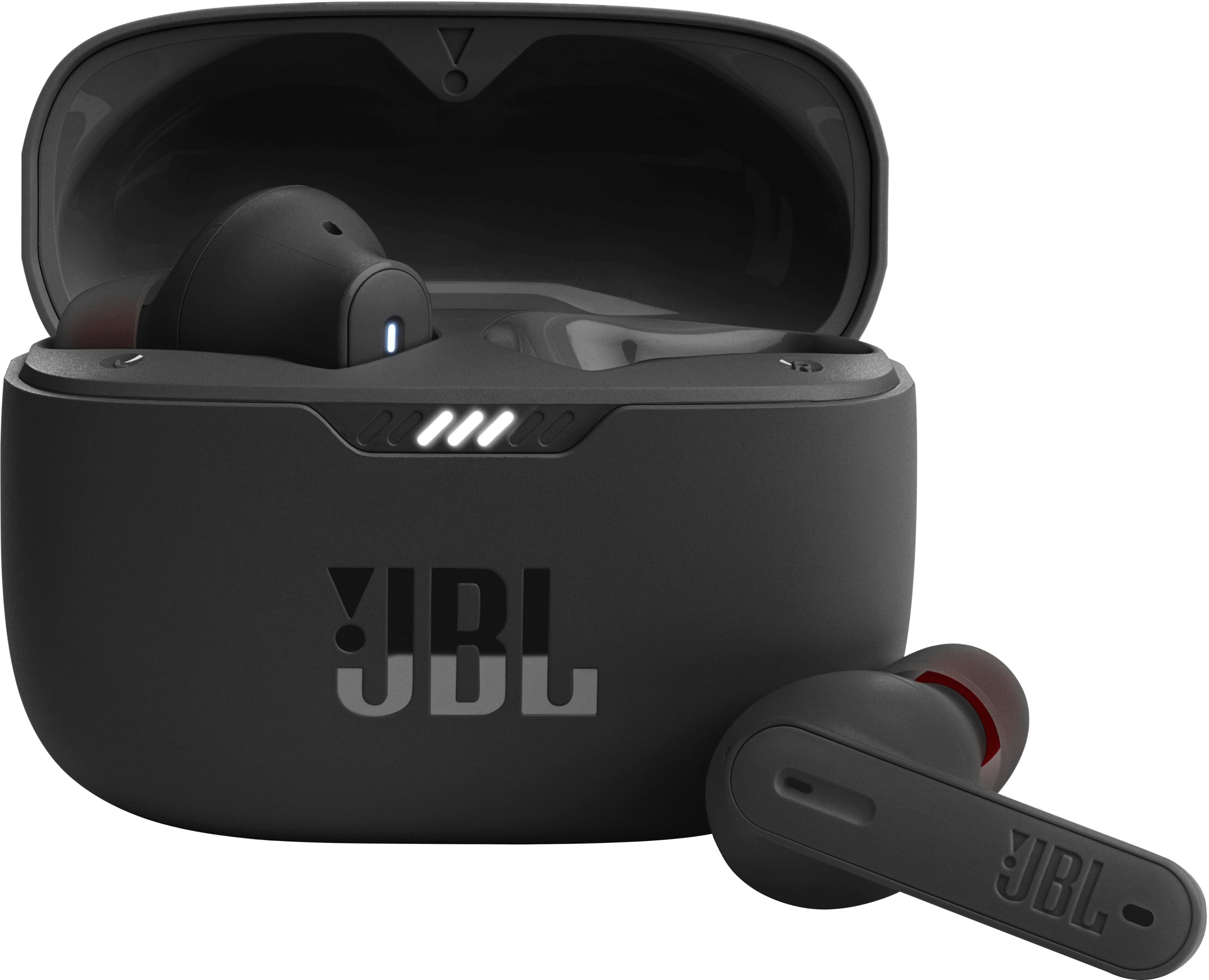
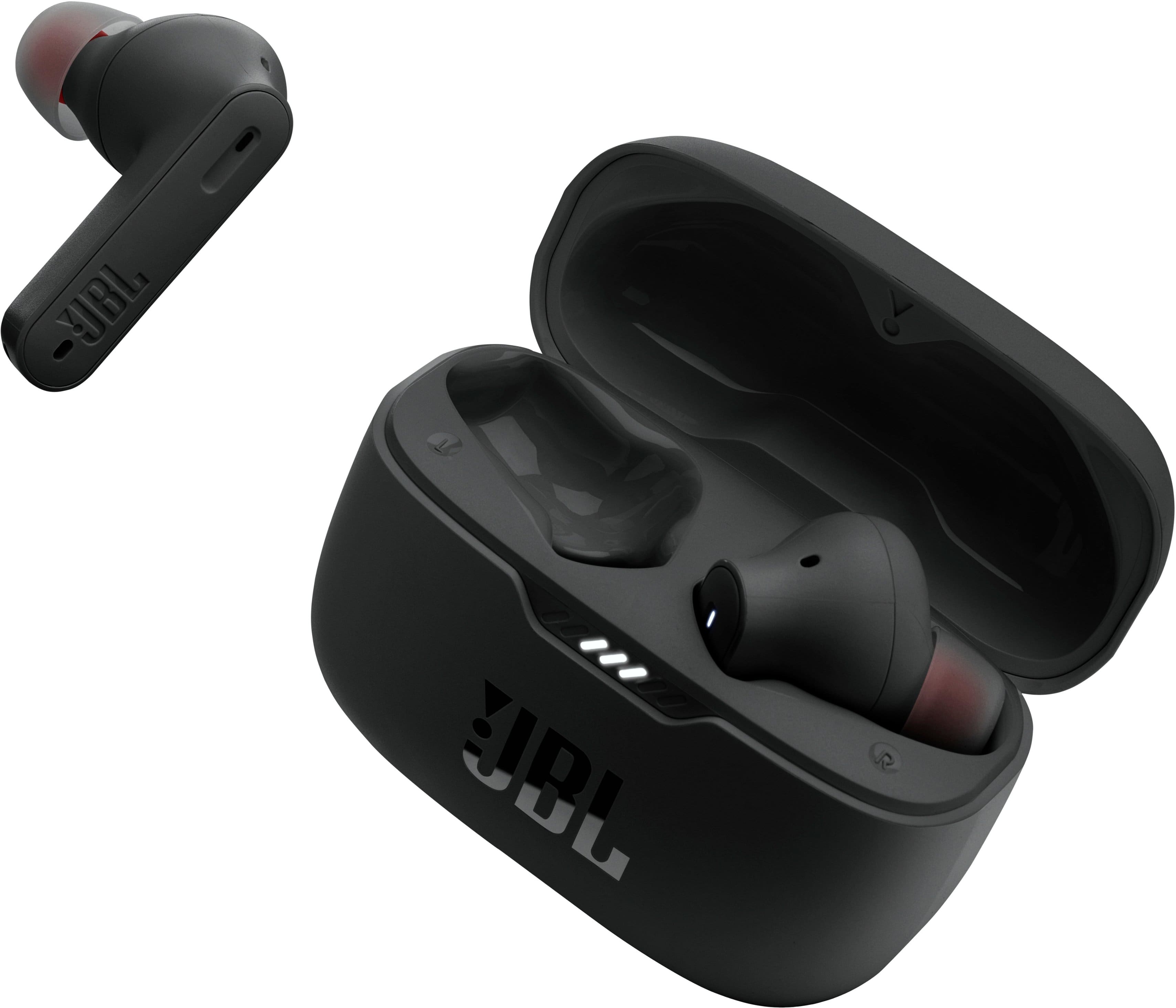
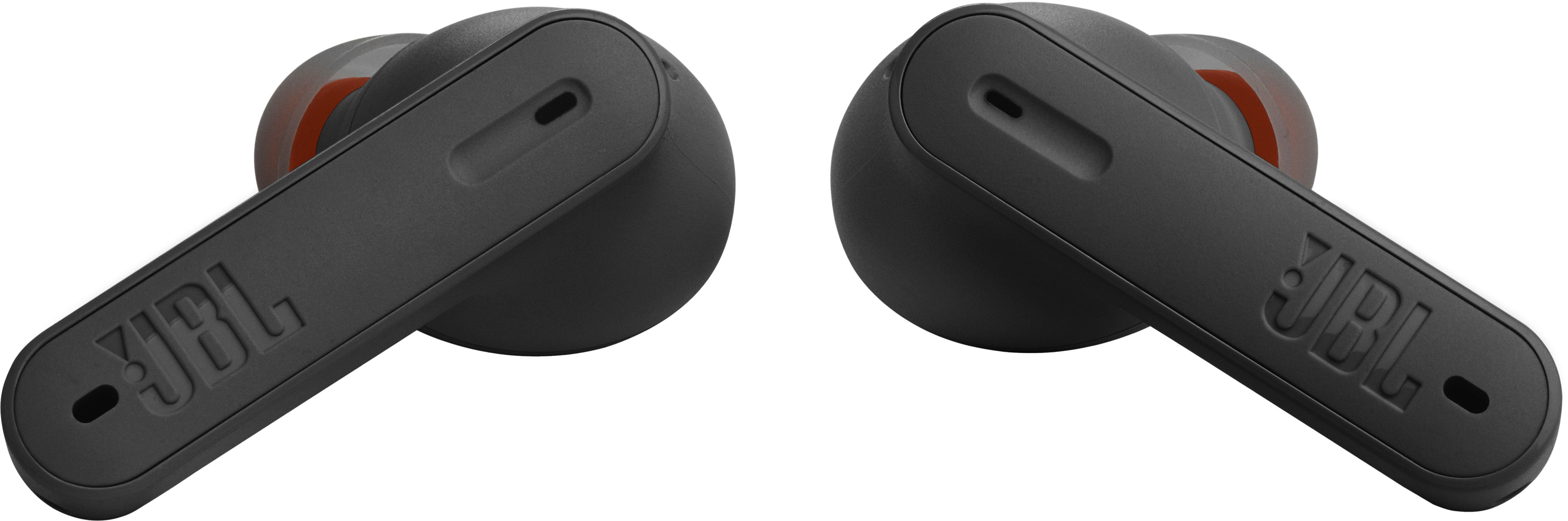
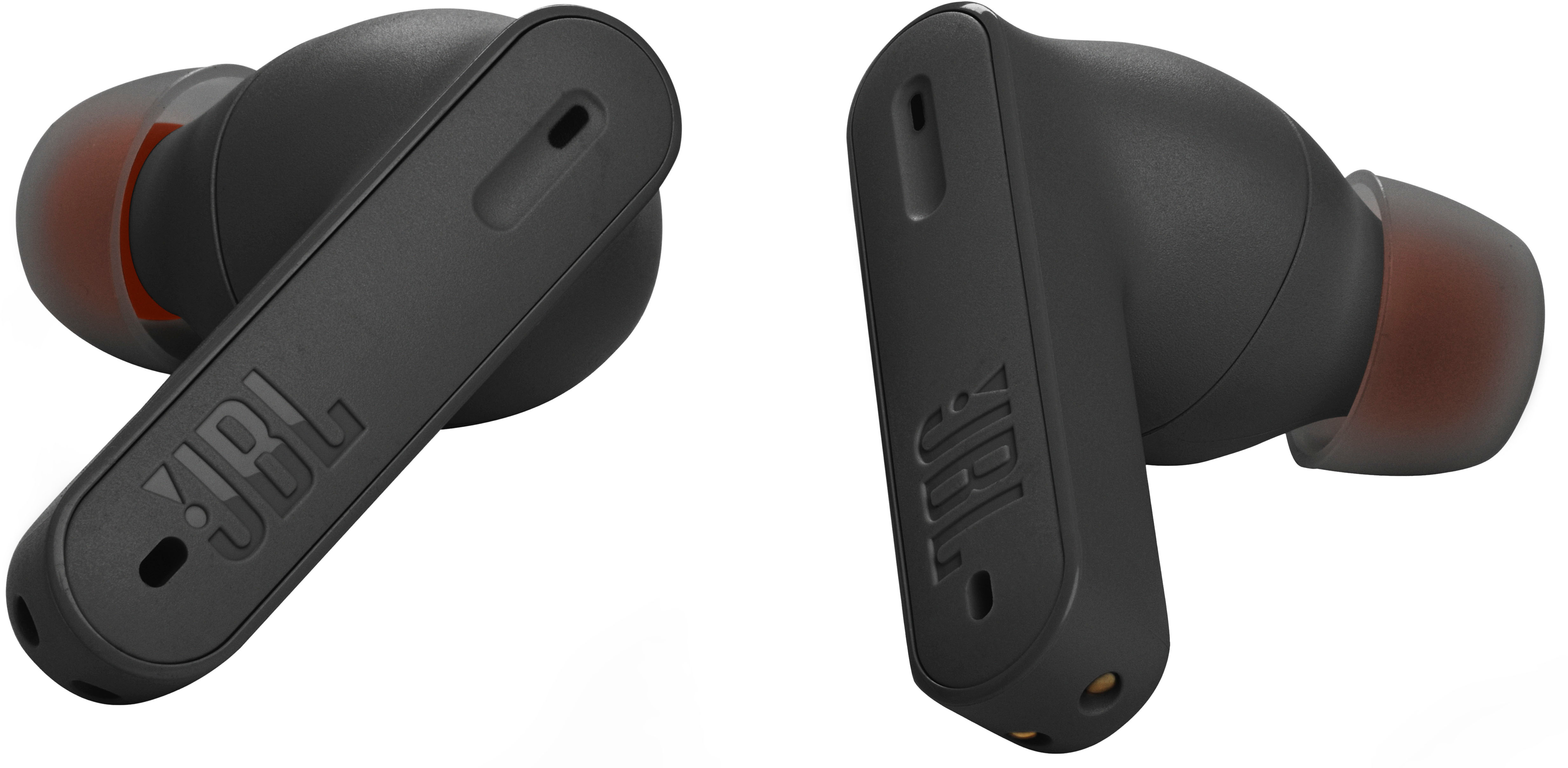

- Model:
- JBLT235NCTWSBAM
- SKU:
- 6535036
Rating by feature
- Sound Quality
Rating 4.5 out of 5 stars
- Battery Life
Rating 4.6 out of 5 stars
- Connectivity
Rating 4.5 out of 5 stars
Customers are saying
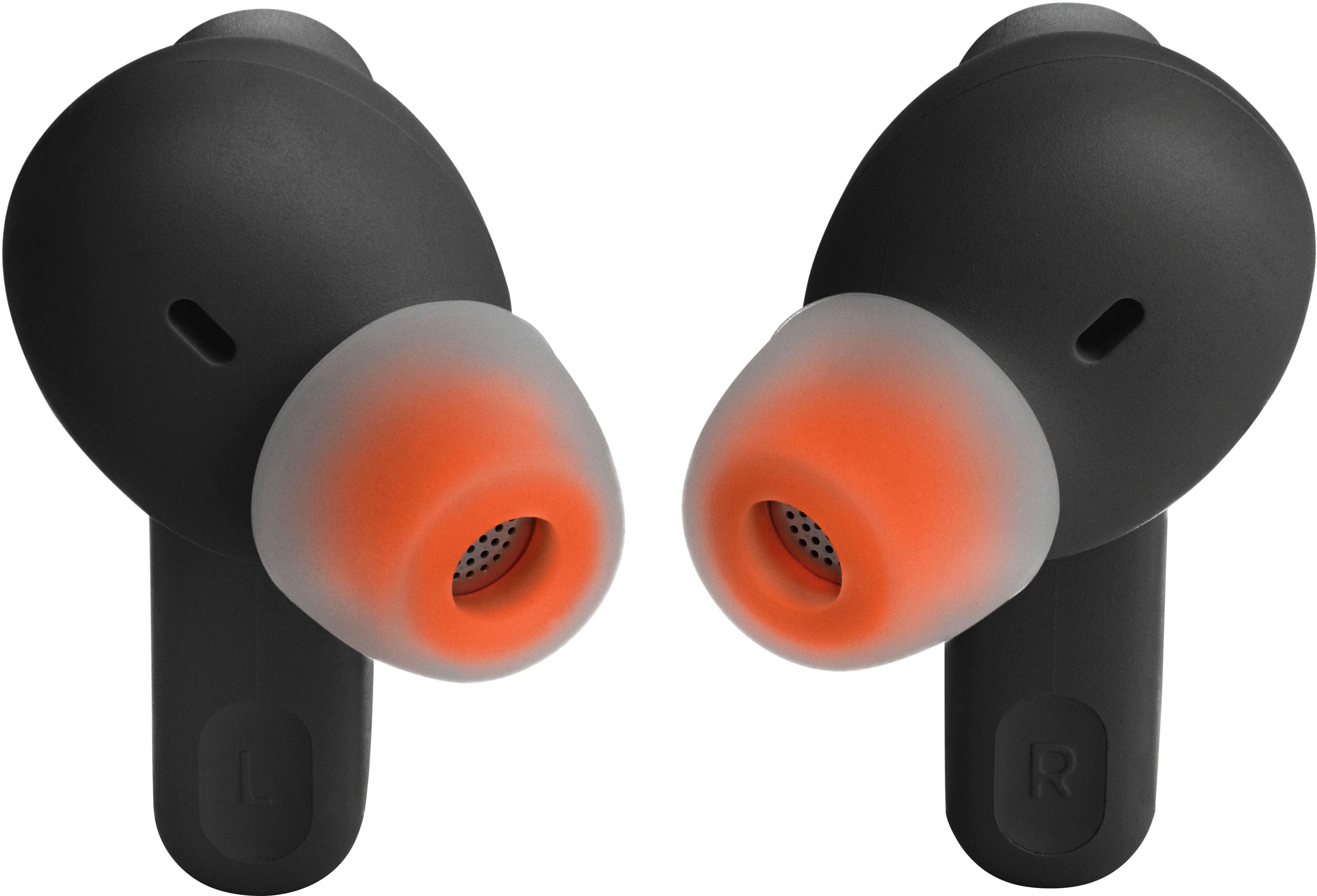
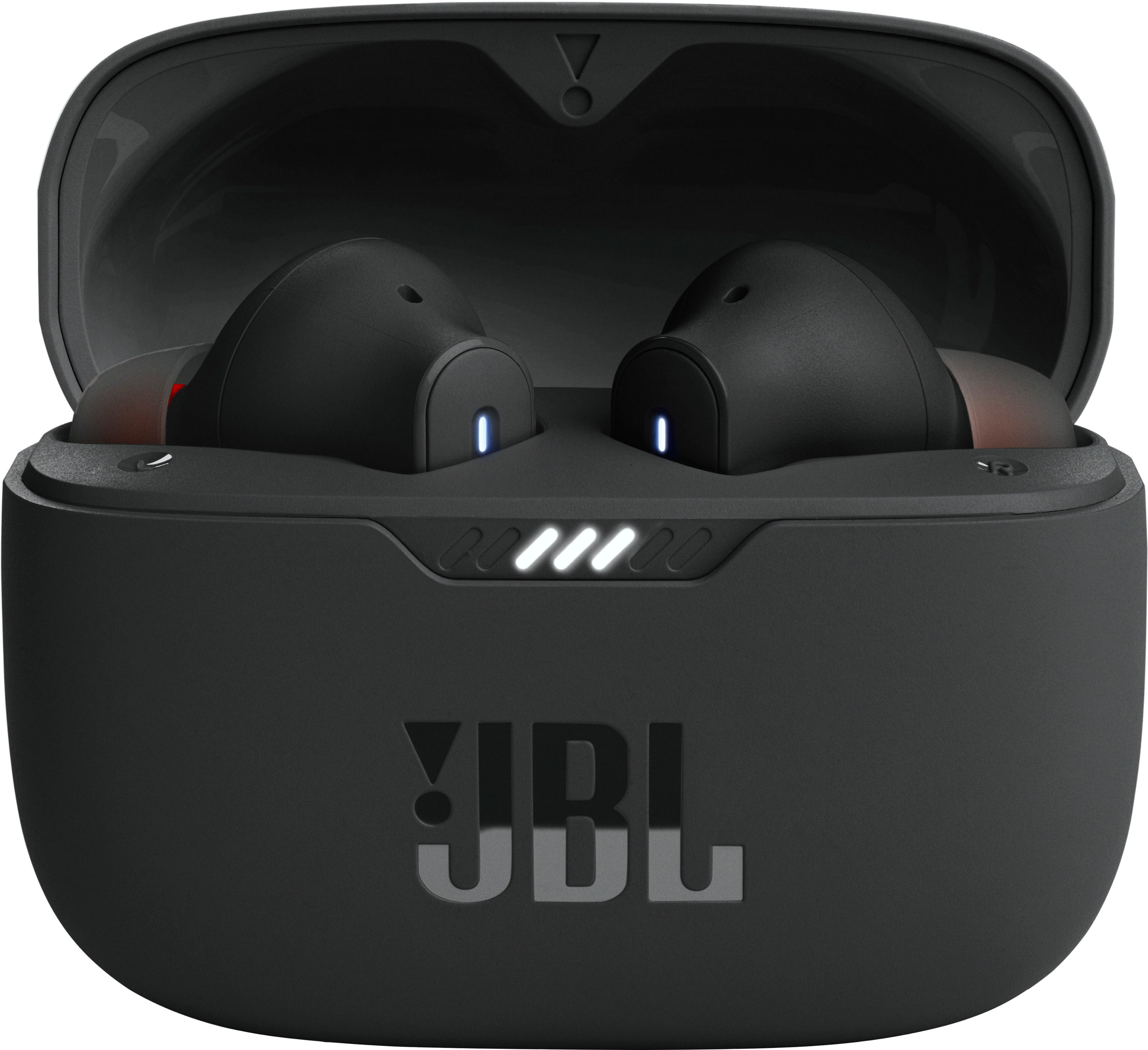
Customers regard the Tune 230NC True Wireless Noise Cancelling In-Ear Earbuds highly for their sound quality, battery life, and comfortable fit. Many appreciate the bass and value for the price. However, some customers have reported occasional connectivity issues, charging problems, and concerns about the volume.
This summary was generated by AI based on customer reviews.
- Pros mentioned:Sound quality
Very decent earphones
||Posted . Owned for 1 month when reviewed.This reviewer received promo considerations or sweepstakes entry for writing a review.This were a gift for my teenager Son and he loves it .
I would recommend this to a friend Waste of money. Do not buy
||Posted . Owned for 1 month when reviewed.This reviewer received promo considerations or sweepstakes entry for writing a review.Earbuds would require constant re pairing to phone. They would theh stsrt pairing seperstely and not as pair ao i could onlybget audio in one earbud at a time. Noq just a couple months later theyre dead. This is my second set of JBL earbuds. Both broke far to soon. I will jever buy a jbl product again.
No, I would not recommend this to a friend- Pros mentioned:Sound quality
good
||Posted .This reviewer received promo considerations or sweepstakes entry for writing a review.Good .
I would recommend this to a friend Won't purchase again.
||Posted . Owned for 3 weeks when reviewed.This reviewer received promo considerations or sweepstakes entry for writing a review.They will not stop play. Can not play, stop. Not happy with them
No, I would not recommend this to a friendBrand response from JBL Support
Posted .Thanks for your feedback. Our JBL Tune 235NC should turn off and start charging once the charging case is closed. You may try to clean the charging terminals on the earbuds using a swab dipped in rubbing alcohol, as the issue can be caused by dirt on the foreign matter on the metal charging contacts. We also recommend cleaning the contacts with the tip of a pencil and the eraser at the end of the pencil, as the graphite and rubber can help to re-establish the connection between the earbuds and the case. If the issue remains, please contact us at 800) 336-4525 Mon - Fri: 9:00 am - 11:00 pm (EST) Sat-Sun: 9:00 am - 5:00 pm (EST)

Broke in 45 days
||Posted . Owned for 1 month when reviewed.This reviewer received promo considerations or sweepstakes entry for writing a review.I purchased these earbuds in tge first week of june 2024. It is now the 3rd week of July and my left earbud will not charge over 10%. I am over my 30 day to return frame. So im out 100 buck. Im done with JBL.
No, I would not recommend this to a friendBrand response from JBL Support
Posted .Thanks for your feedback. We're always looking for ways to improve. With our JBL Tune 230NC TWS, we recommend cleaning the contact pins on the case and earbuds using a cotton swab with alcohol. These pins are sensitive to dust. Please ensure the pins are dried before placing them back on the case. If you need more help, please contact our customer support.
Too much bass
||Posted . Owned for 1 week when reviewed.This reviewer received promo considerations or sweepstakes entry for writing a review.Not good sound quality and way too much bass to the point where it hurts your ears after 20-30 minutes of listening and I wasn’t even on full volume
No, I would not recommend this to a friendBrand response from JBL Support
Posted .We appreciate your feedback on our JBL Tune 235NC TWS. We're always looking for ways to improve. We'll make sure to share your feedback with the appropriate team. If you have any questions or concerns about your device, please contact our Customer Support.
Spend more to have better if you have iphone
||Posted . Owned for 1 week when reviewed.This reviewer received promo considerations or sweepstakes entry for writing a review.Quality of sound in iphone is not good, noice cancellation is not work on iphone and the app is not wfor iphone 15 pro
I would recommend this to a friendBrand response from JBL Support
Posted .We appreciate you taking the time to provide us with your feedback. We're sorry to hear that it didn't meet your expectations. If you have any questions or concerns about your device, please contact our customer support.
You get what you pay for
||Posted . Owned for 3 months when reviewed.This reviewer received promo considerations or sweepstakes entry for writing a review.Worked great for the first 3 months. Now the right one charges the same amount of time as the left, but dies within minutes of use. Should have bought the warranty
No, I would not recommend this to a friendBrand response from JBL Support
Posted .Thank you for providing your feedback on our JBL Tune 230NC. We're always looking for ways to improve. We'll make sure to share your feedback with the appropriate team. If you'll have any questions or concerns about your device, please contact our Customer Support via our official website or toll-free hotline.
- Pros mentioned:Sound quality
One stopped working
||Posted . Owned for 6 months when reviewed.This reviewer received promo considerations or sweepstakes entry for writing a review.The sounded great. They were easy to link up too my phone. But one stopped working about 6 months after purchase
No, I would not recommend this to a friendBrand response from JBL Support
Posted .We're here to help with your JBL Tune 230NC TWS. We recommend cleaning the contact pins on the case and earbuds using a cotton swab with alcohol. These pins are sensitive to dust. Please ensure the pins are dried before placing them back on the case. If you need more help, we'd like to work with you directly. Please contact our customer support for assistance.
Sound quality and connectivity to phone awful
||Posted . Owned for 1 month when reviewed.This reviewer received promo considerations or sweepstakes entry for writing a review.Very bad audio when making calls with my Samsung Z fold phone. Even worse when using to make calls while driving.
No, I would not recommend this to a friendBrand response from JBL Support
Posted .We'd like to work with you directly to address the issues you're experiencing with your JBL Tune 235NC TWS. If needed, we'd also like to get more information so we can check your options. Please contact our customer support service via our official website or toll-free hotline.
Not good
||Posted .This reviewer received promo considerations or sweepstakes entry for writing a review.The right earphone stopped working after 20 days of purchase. I can not return it because it exceeded the 15-day return policy date. So sad and regretting buying now
No, I would not recommend this to a friendBrand response from JBL Support
Posted .Thanks for your feedback. We would like to work with you directly to address the issue with your JBL Tune 235NC. You may file a warranty claim on our official website or contact us for further assistance at (800) 336-4525 Mon-Fri: 9:00 am - 11:00 pm (EST) Sat-Sun: 9:00 am - 5:00 pm (EST)
Worst buy I have ever done
||Posted . Owned for 1 month when reviewed.This reviewer received promo considerations or sweepstakes entry for writing a review.Worst earbuds I ever bought. Waste of money. Even though it was brand new one they both started off as working, and all of a sudden the left side ear bud works but the right side is super static and you can’t hear anything from it.
No, I would not recommend this to a friendBrand response from JBL Support
Posted .We're here to help with your JBL Tune 235NC TWS. Please try checking the balance control on your source device by going to the "Accessibility" settings on your music player app, commonly found in the playback or EQ settings. We also recommend cleaning them as the earbuds might not be charging properly. If the issue remains, please contact JBL Customer Support so we can assist you.
No good
||Posted .This reviewer received promo considerations or sweepstakes entry for writing a review.One month and the right earphone stop working. .
No, I would not recommend this to a friendNo good
||Posted . Owned for 3 weeks when reviewed.This reviewer received promo considerations or sweepstakes entry for writing a review.Noise cancelation is not really good, and the headphones are too big
No, I would not recommend this to a friendBrand response from JBL Support
Posted .We're here to help. To achieve the best seal and secure fit with your JBL Tune 235NC TWS, you must create a tight seal within your ear canal. To do this, angle the ear tip slightly downward to make it easier to insert into your ear canal, gently twist the earbud to fit it securely into the shape of your ear, and continue twisting the earbud into your ear canal. Your JBL Tune 235NC TWS might be in our ambient aware feature. To activate your earbud's noise cancelling feature, tap the left earbud once. You may also enable your advance controls by connecting your JBL Tune 235NC TWS to our JBL Headphones App. If you need more help, please contact our customer support.
Good value
||Posted . Owned for 3 weeks when reviewed.This reviewer received promo considerations or sweepstakes entry for writing a review.These exceeded my expectations in terms of audio quality and ease of use. Not yet sure about "noise cancellation" effectiveness-- harder to gauge. Overall good value.
I would recommend this to a friendDo not buy these JBL bods
||Posted . Owned for 1 month when reviewed.This reviewer received promo considerations or sweepstakes entry for writing a review.Left ear bud stopped working in just over a month since purchase. Took them back to Best Buy and they basically said too bad - next!
No, I would not recommend this to a friendStay Away
||Posted . Owned for 1.5 years when reviewed.This reviewer received promo considerations or sweepstakes entry for writing a review.This item is poor quality and didn't last long. One side stopped working
No, I would not recommend this to a friend- Cons mentioned:Connectivity
Earbuds
||Posted . Owned for 3 weeks when reviewed.This reviewer received promo considerations or sweepstakes entry for writing a review.I like the product. My only problem is I can't connect to my laptop. If I could do that I would give them a 5 star rating.
No, I would not recommend this to a friendBrand response from JBL Support
Posted .Our JBL Tune 230NC TWS is compatible with PCs and laptops as long as they are Bluetooth-capable. If you're having issues connecting the earbuds, make sure there's no other source connected and check if the drivers on your laptop are updated. If you have any further questions, please reach out to our customer support.
Problems
||Posted . Owned for 3 weeks when reviewed.This reviewer received promo considerations or sweepstakes entry for writing a review.The ear buds were not comfortable for me. It could be because it wasn't physically a good fit for me, the noise cancellation function did not seem to work.
No, I would not recommend this to a friendBrand response from JBL Support
Posted .Thank you for bringing this to our attention. To achieve the best seal and secure fit, you must create a tight seal within your ear canal. To do this, angle the ear tip slightly downward to make it easier to insert into your ear canal, gently twist the earbud to fit it securely into the shape of your ear, and continue twisting the earbud into your ear canal. Also, the noise-canceling feature of our JBL Tune 235NC TWS can only be used when music is playing , and to activate it, please tap the left earbud once. For further assistance, please contact our customer support.
Returned in one day
||Posted . Owned for 3 weeks when reviewed.This reviewer received promo considerations or sweepstakes entry for writing a review.I couldnt use them because of issues with my ears. I cant use noise cancelling, and they constantly defaulted to it instead of letting me set what the default option was
No, I would not recommend this to a friend