Customer Ratings & Reviews

- Model:
- JBLT235NCTWSBAM
- SKU:
- 6535036
Rating by feature
- Sound Quality
Rating 4.5 out of 5 stars
- Battery Life
Rating 4.6 out of 5 stars
- Connectivity
Rating 4.5 out of 5 stars
Customers are saying
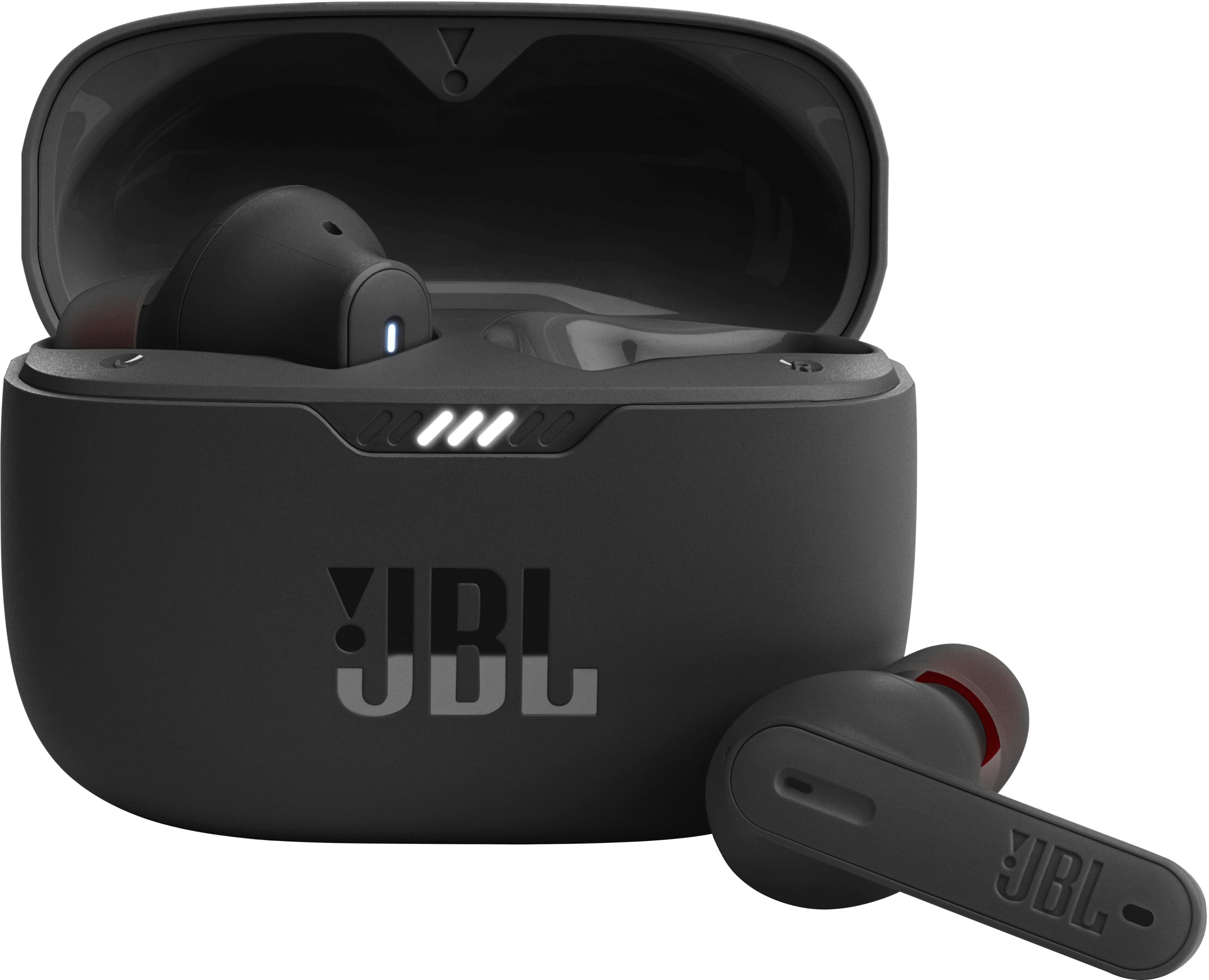
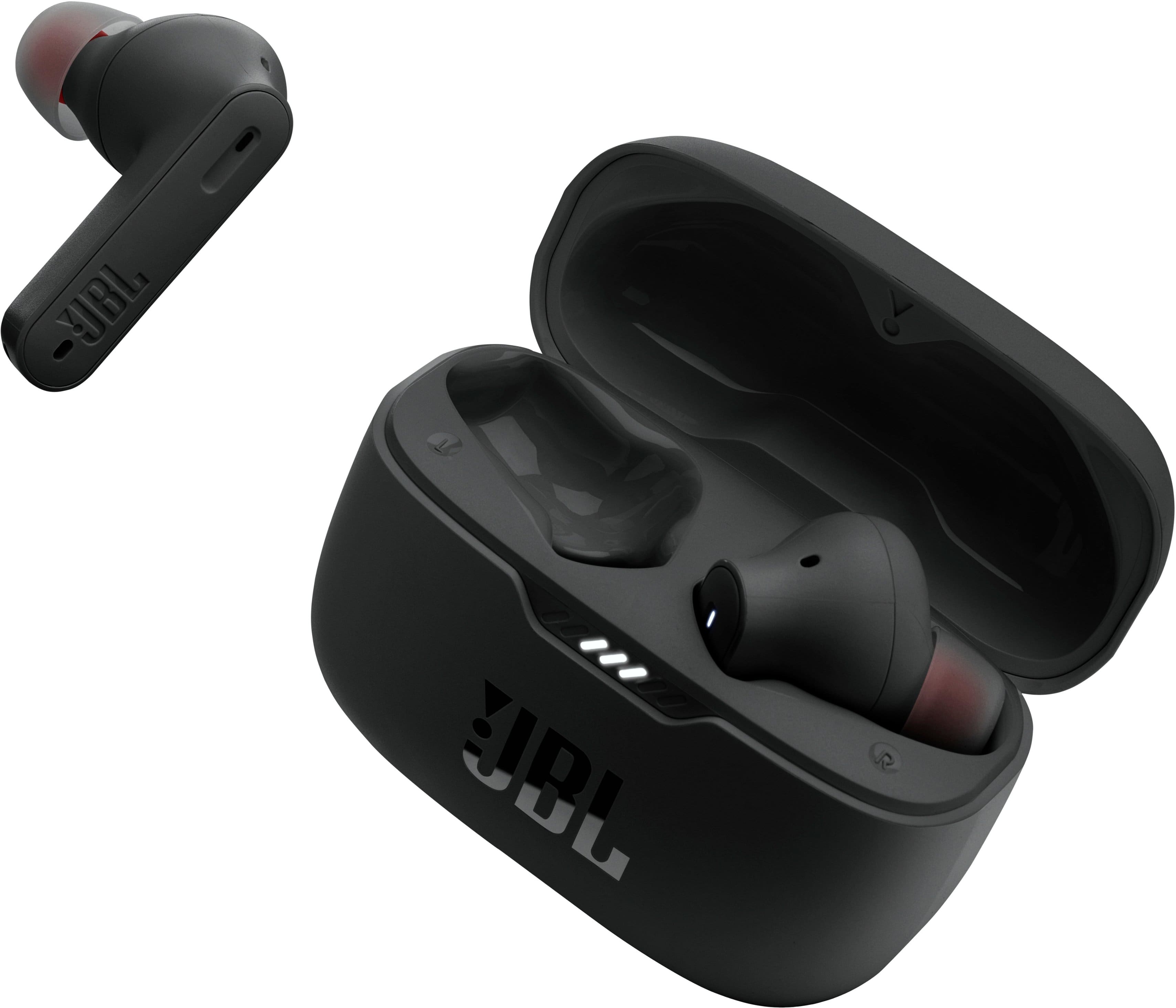
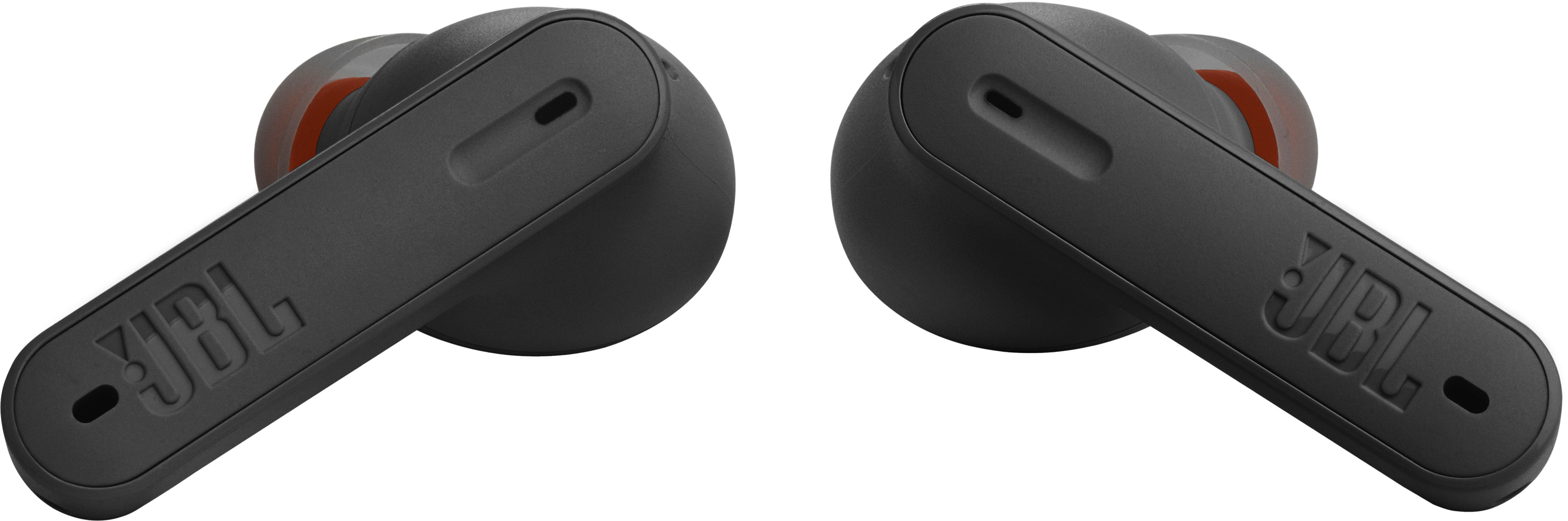
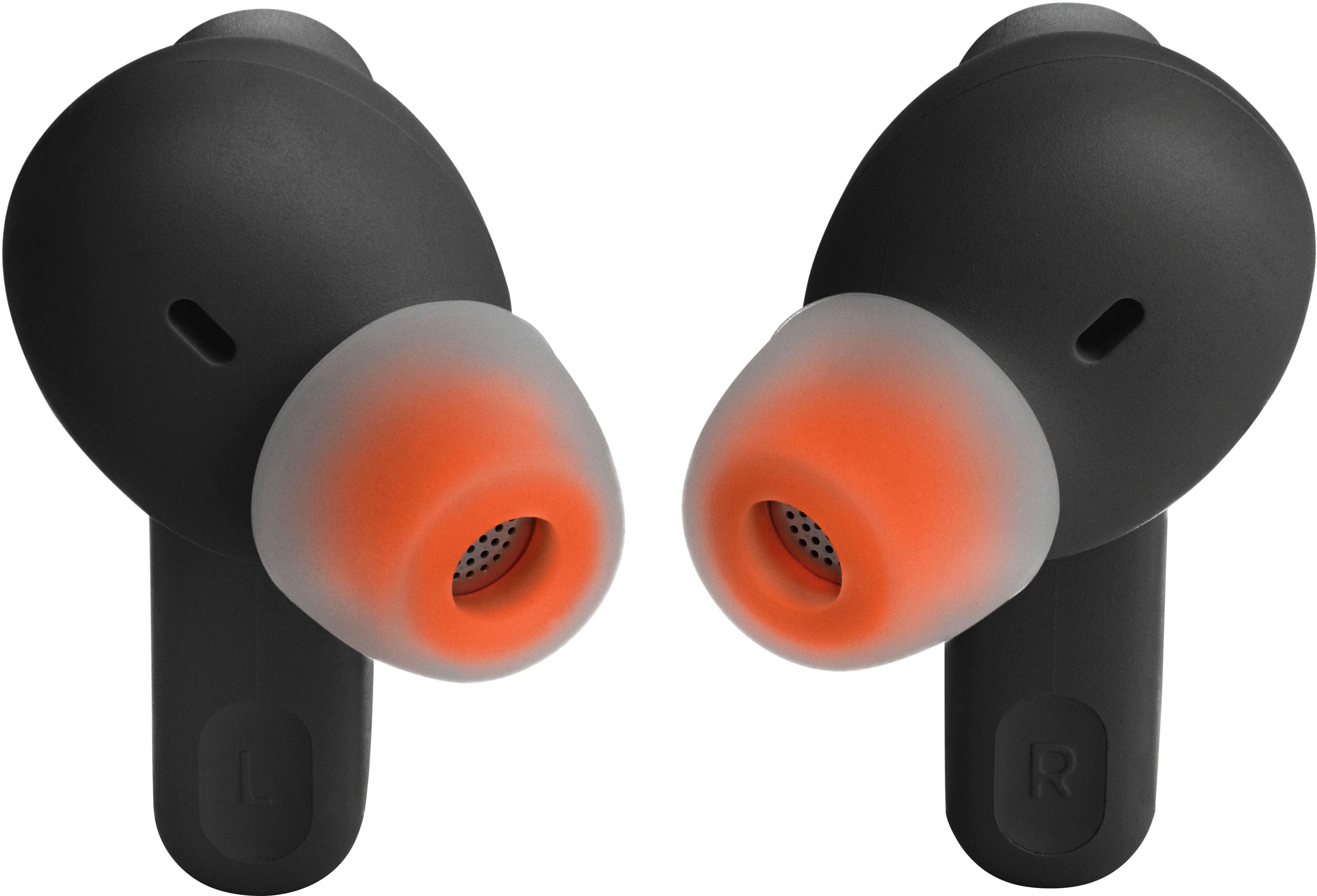
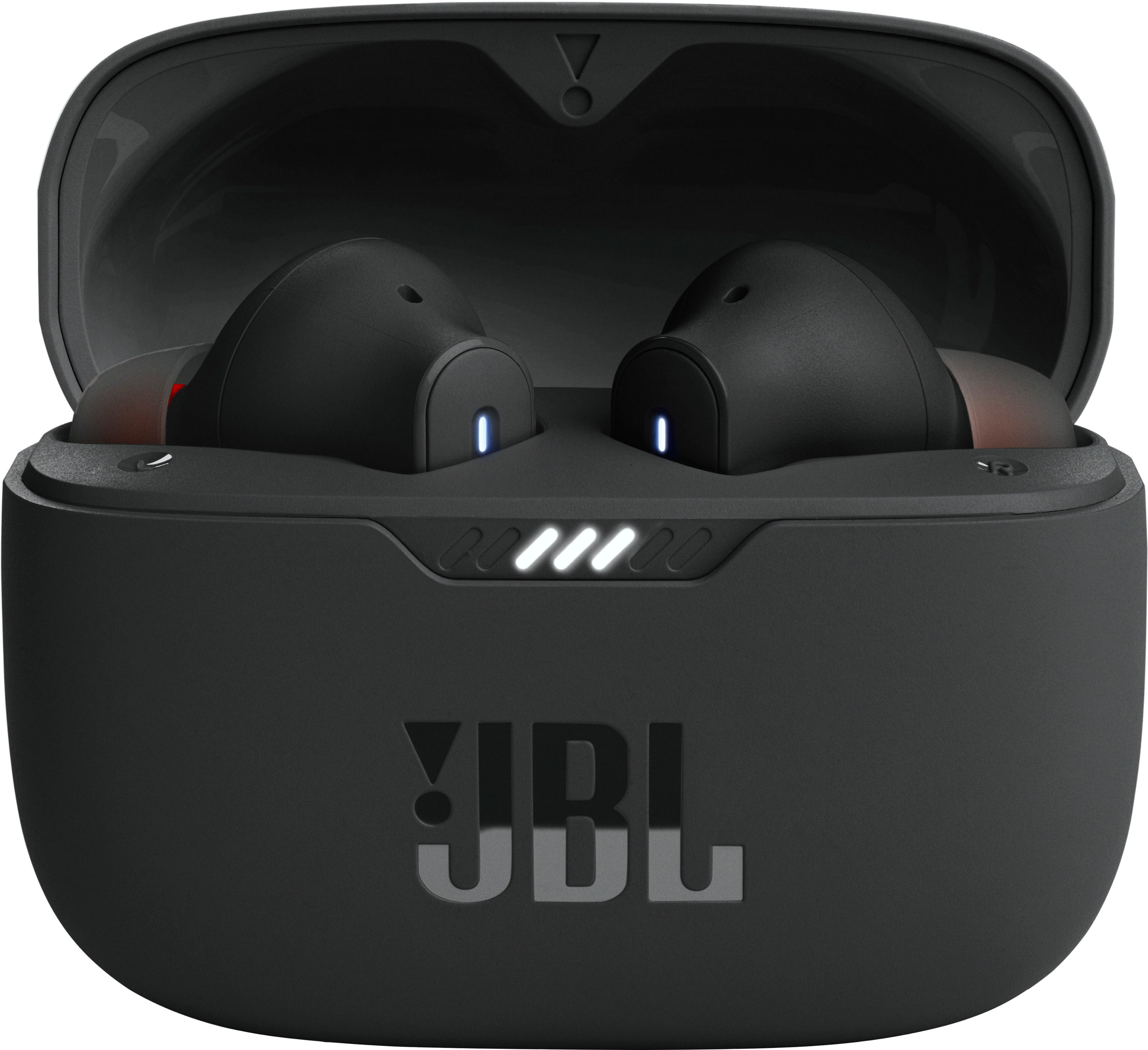
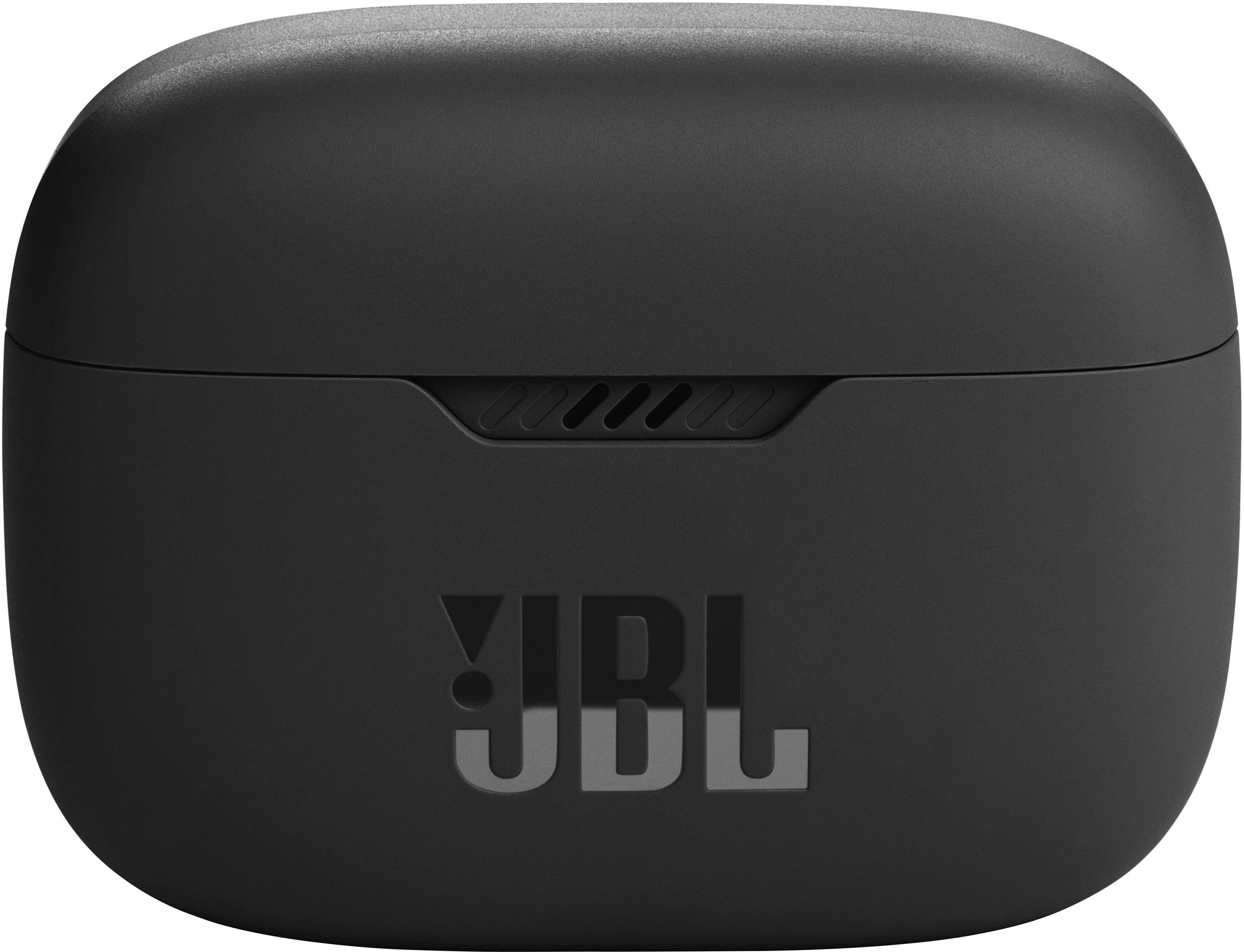
Customers regard the Tune 230NC True Wireless Noise Cancelling In-Ear Earbuds highly for their sound quality, battery life, and comfortable fit. Many appreciate the bass and value for the price. However, some customers have reported occasional connectivity issues, charging problems, and concerns about the volume.
This summary was generated by AI based on customer reviews.
Ear buds lose sound
||Posted . Owned for 1 month when reviewed.This reviewer received promo considerations or sweepstakes entry for writing a review.I keep losing sound everything five minutes or so constantly and continues
No, I would not recommend this to a friendJBL good a t first
||Posted . Owned for 1 year when reviewed.This reviewer received promo considerations or sweepstakes entry for writing a review.Good product at first, long life and good sound quality. Unfortunately, after a few months the left earbud loses quality in the sound and battery life. After some research, these are prone to that. So I wouldn’t recommend for long term use or for the money
No, I would not recommend this to a friendSeem okay
||Posted . Owned for 3 weeks when reviewed.This reviewer received promo considerations or sweepstakes entry for writing a review.Seem to work. Haven't used them too much. Sound started out a little muffled but it could have been the position.
I would recommend this to a friendVoice Lag
||Posted . Owned for 3 weeks when reviewed.This reviewer received promo considerations or sweepstakes entry for writing a review.Voice on TV slightly out of synch with the earbuds
No, I would not recommend this to a friendBrand response from JBL Support
Posted .Our JBL Tune 235NC TWS is recommended to connect with smartphones, tablets, laptops, or PCs. Although it can connect to your TV via Bluetooth, you may experience audio-video delays as these earbuds aren't equipped with an aptX low latency codec.

no charge life
||Posted . Owned for 1 month when reviewed.This reviewer received promo considerations or sweepstakes entry for writing a review.cant seem to keep a charge and the bud tips don't seem to stay on
No, I would not recommend this to a friendEar buds do not hold charge
||Posted . Owned for 1.5 years when reviewed.This reviewer received promo considerations or sweepstakes entry for writing a review.At first these weee great earbuds sound was amazing. But then they started not golding there charge, they would show 100% charged and once connecred they dropped.down to 0. Do not buu
No, I would not recommend this to a friend- Pros mentioned:Sound quality
Good sound but defect piece received
||Posted . Owned for 3 weeks when reviewed.This reviewer received promo considerations or sweepstakes entry for writing a review.Sound is great but on right side the sound is very low compared to left.
I would recommend this to a friend Junk
||Posted . Owned for 1 month when reviewed.This reviewer received promo considerations or sweepstakes entry for writing a review.If I could give zero stars I would. I purchased two of them. One the only function that worked by finger was volume, and the sound quality was bad I tried a few different equalizer apps none of them helped much. On the other pare only one ear worked.
No, I would not recommend this to a friendBrand response from JBL Support
Posted .We appreciate you taking the time to provide us with your feedback. Here are some troubleshooting steps that can help isolate the issues for both of your JBL Tune 235NC. You may check the Quick Start Guide to see what other functions you can use with touch controls as well as the JBL Headphone App. If the other pairs of earbuds are not charging, you may try to clean the charging terminals on the earbuds using a swab dipped in rubbing alcohol, as foreign matter on the metal charging contacts may affect the charging process. If the issue remains, you may contact our customer support for further assistance.
Questionable sound quality!
||Posted . Owned for less than 1 week when reviewed.This reviewer received promo considerations or sweepstakes entry for writing a review.They turn off and you can’t turn it on without a case. Ambishurs are not suitable for everyone, the quality is low. The sound is below average. Those who use Bose and Sony headphones are in for a big disappointment. The equalizer is more for visibility, there is no sound drawing. Wouldn't buy a second time.
No, I would not recommend this to a friendBrand response from JBL Support
Posted .If the earbuds go into standby mode and turn off, you can still use them without putting them back into the charging case. You can reactivate the headphones by pressing or touching the outside earbud itself. While for the sound quality, please try different source devices and music applications. We'd like to work with you directly to address the issues you're experiencing. Please contact our customer support service via our official website or toll-free hotline.
No good
||Posted . Owned for 2 months when reviewed.This reviewer received promo considerations or sweepstakes entry for writing a review.These headphone were very good at first but now they are Terrible super buggy the left ear pod barely has any noise coming out now. I do not recommend.
No, I would not recommend this to a friendBrand response from JBL Support
Posted .Thanks for bringing this to our attention. We're here to help. Here are some troubleshooting steps that can help isolate the issue of your JBL Tune 235NC. In order for the headphones to give you the best audio response, you must create a tight seal within your ear canal. You may also check the balance control on your source device by going to the "Accessibility" settings and checking the balance control on your music player app or JBL headphones App, commonly found in the playback or EQ settings. Next, try to connect the headphones to a different device (phone/tablet/music player) to see if it fixes the problem. Lastly, is to clean the ear tips. If you need further assistance, you may contact our customer support.
Mediocre
||Posted . Owned for 2 weeks when reviewed.This reviewer received promo considerations or sweepstakes entry for writing a review.You get what you pay for. Noise cancelling adequate but nothing close to Bose.
No, I would not recommend this to a friendRight earbud blew out
||Posted . Owned for 1 month when reviewed.This reviewer received promo considerations or sweepstakes entry for writing a review.Right earbud blew out otherwise I liked them for the month I had them.
No, I would not recommend this to a friendBrand response from JBL Support
Posted .Thanks for bringing this to our attention. We'd like to work with you directly to address the issues you're experiencing with your JBL Tune 230NC TWS. If needed, we'd also like to get more information so we can check your options. Please contact our customer support service via our official website or toll-free hotline.
Good
||Posted . Owned for 2 weeks when reviewed.This reviewer received promo considerations or sweepstakes entry for writing a review.This is a very good product that I think it should have more options in color
I would recommend this to a friendDont buy this product please!
||Posted . Owned for 2 months when reviewed.This reviewer received promo considerations or sweepstakes entry for writing a review.I wont recommend it! Battery timing is awful. Dont
No, I would not recommend this to a friendConsider something else for calls.
||Posted . Owned for 3 weeks when reviewed.This reviewer received promo considerations or sweepstakes entry for writing a review.For music they were very clear. However the moment I would take a call it would disconnect every couple minutes to every few seconds. They were useless.
No, I would not recommend this to a friendBrand response from JBL Support
Posted .Thanks for bringing this to our attention. Bluetooth typically performs well within a 30-foot range, but walls, obstacles, and other wireless devices can impede this. If you experience dropouts within 10 feet, there may be interference. To resolve the issue with your JBL Tune 235NC, ensure it is within 10 feet of your device with a clear line of sight (no obstacles). Try to forget/unpair the earbuds on your device and initiate a reset. To reset your earbuds, first make sure that the case is not charging, tap the right earbud twice and hold the button on the third tap for more than 5 seconds. Reset will wipe all previous settings and pairings, so it will be necessary to pair your unit with your devices again. Lastly, try to connect the earbuds to a different device to identify if the issue lies with the earbuds or the initial device you paired them with. If the issue persists, please be informed that all our products come with a one-year warranty. To file a claim and assist you with the replacement, please contact us at (877) 871-6755 / Mon - Fri: 9:00 am - 11:00 pm (ET) Sat-Sun: 9:00 am - 5:00 pm (ET).
Eat buds
||Posted . Owned for 3 weeks when reviewed.This reviewer received promo considerations or sweepstakes entry for writing a review.Bought for chicken gift for grandson price was decent compared to others
I would recommend this to a friendSonically disappointing
||Posted . Owned for less than 1 week when reviewed.This reviewer received promo considerations or sweepstakes entry for writing a review.I was immediately unimpressed with the sound of these things. Tinny, no low end, and not very loud. I tried a bigger set of rubber tips, which helped a little, but still... My old, wired $20 Sonys blow these away.
No, I would not recommend this to a friendBrand response from JBL Support
Posted .Thanks for your feedback. We're here to help. To increase and have a good quality volume on your JBL Tune 235NC, make sure the volume level on your source device and the earbuds is on the maximum level. We have a JBL Headphones App that will help you to navigate the Equalizer settings of your desired music mode of your JBL Tune 235NC. If these steps do not work, you may try to connect your JBL Tune 235NC to other devices. You can also do a reset with both earbuds on, and not charging, tap two times, and hold the button on the third tap for more than 5 seconds. If the issue persists, please contact our customer support at (877) 871-6755 / Mon - Fri: 9:00 am - 11:00 pm (ET) Sat-Sun: 9:00 am - 5:00 pm (ET).
Earbuds
||Posted . Owned for 1 month when reviewed.This reviewer received promo considerations or sweepstakes entry for writing a review.Connection wise and sound is awful Hard to find a good quality
No, I would not recommend this to a friendBrand response from JBL Support
Posted .We appreciate your feedback on our JBL Tune 230NC TWS. We're always looking for ways to improve. We'll make sure to share your feedback with the appropriate team. If you have any questions or concerns about your device, please contact our Customer Support.
Lackluster
||Posted . Owned for 1 month when reviewed.This reviewer received promo considerations or sweepstakes entry for writing a review.Really uncomfortable in the ear and fell out easily
No, I would not recommend this to a friendBrand response from JBL Support
Posted .Thanks for your inquiry. For our JBL Tune 230NC TWS to give you the best seal and secure fit, gently twist the earbud to fit it securely into the shape of your ear, then, continue twisting the earbud into your ear canal. If you need more help, please contact our Customer Support so we could try other steps.
Complicated setup
||Posted . Owned for 4 months when reviewed.This reviewer received promo considerations or sweepstakes entry for writing a review.The left earbuds is not working anymore and it said on mono mode
No, I would not recommend this to a friendBrand response from JBL Support
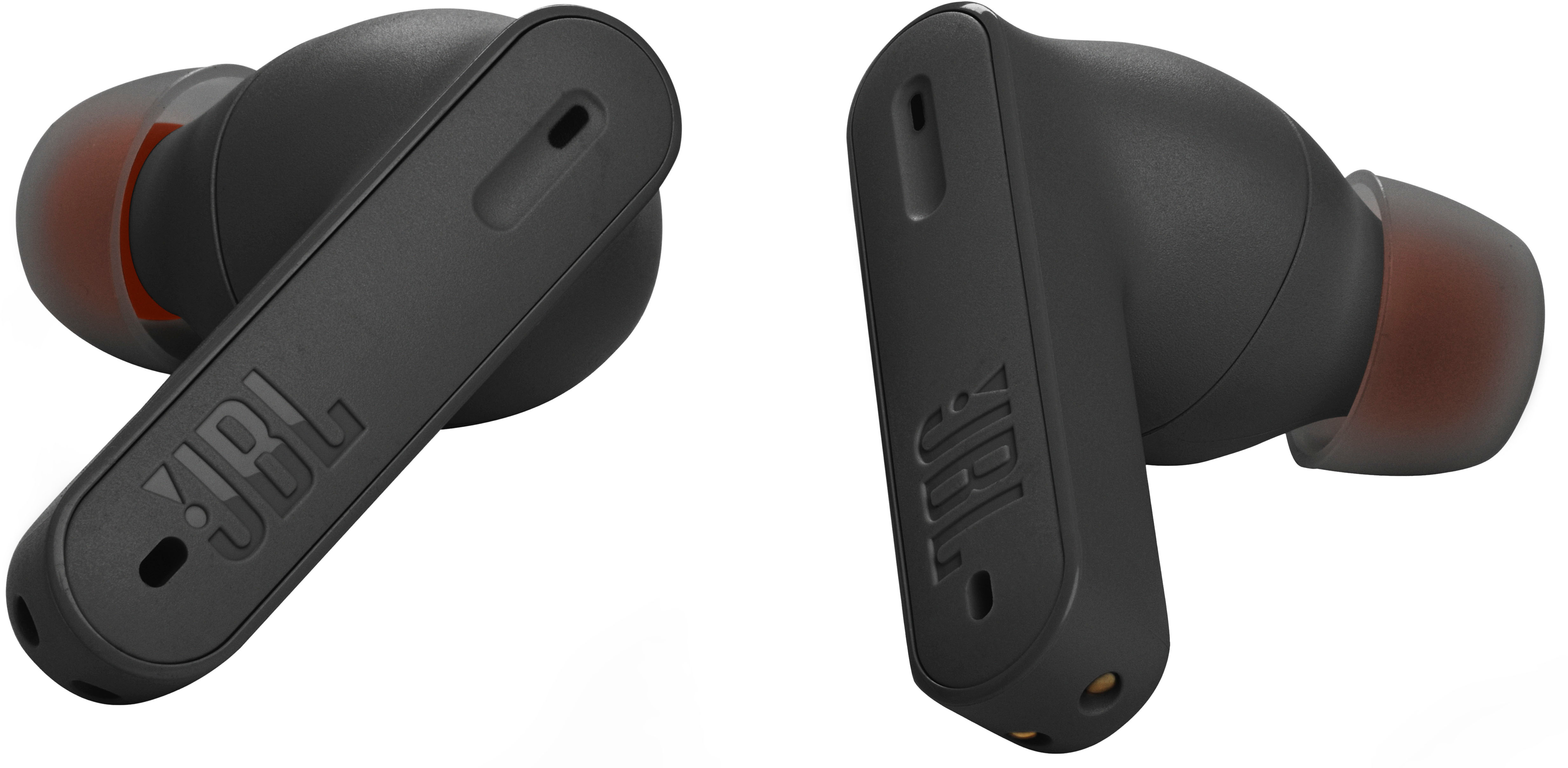
Posted .We're here to help with your JBL Tune 230NC TWS. We recommend cleaning the contact pins on the case and earbuds using a cotton swab with alcohol. These pins are sensitive to dust. Please ensure the pins are dried before placing them back on the case. It is also necessary to reset the earbuds by tapping one of the earbuds twice and holding it for 5 seconds on the third tap. Put the earbuds back in the case to complete the reset. Resetting your earbuds will erase all previous settings and pairings. Please remove or forget the earbuds from the list of paired Bluetooth devices before pairing them again. If you need more help, we'd like to work with you directly. Please contact our customer support for assistance.