Customer Ratings & Reviews

- Model:
- JBLT235NCTWSBAM
- SKU:
- 6535036
Rating by feature
- Sound Quality
Rating 4.5 out of 5 stars
- Battery Life
Rating 4.6 out of 5 stars
- Connectivity
Rating 4.5 out of 5 stars
Customers are saying
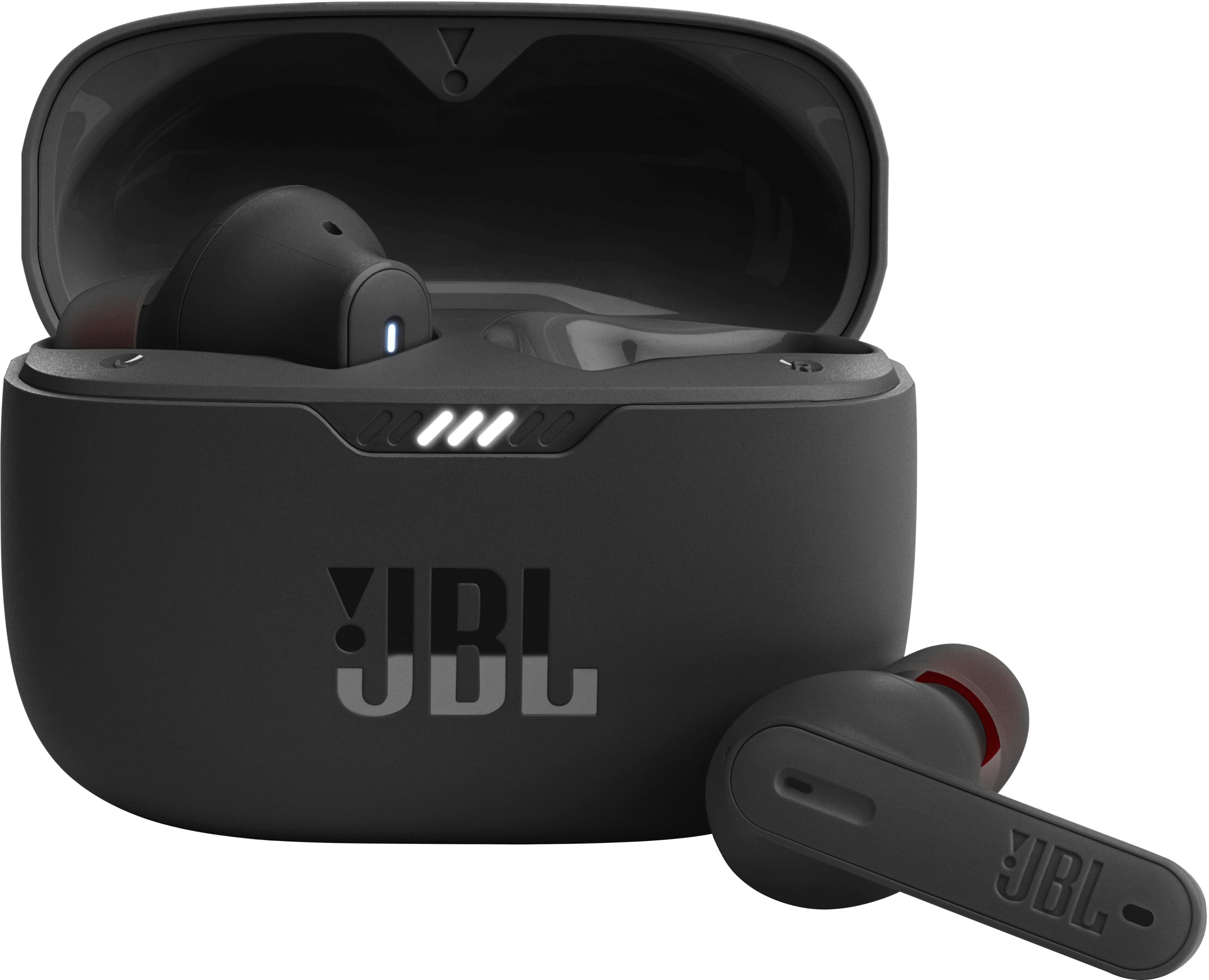
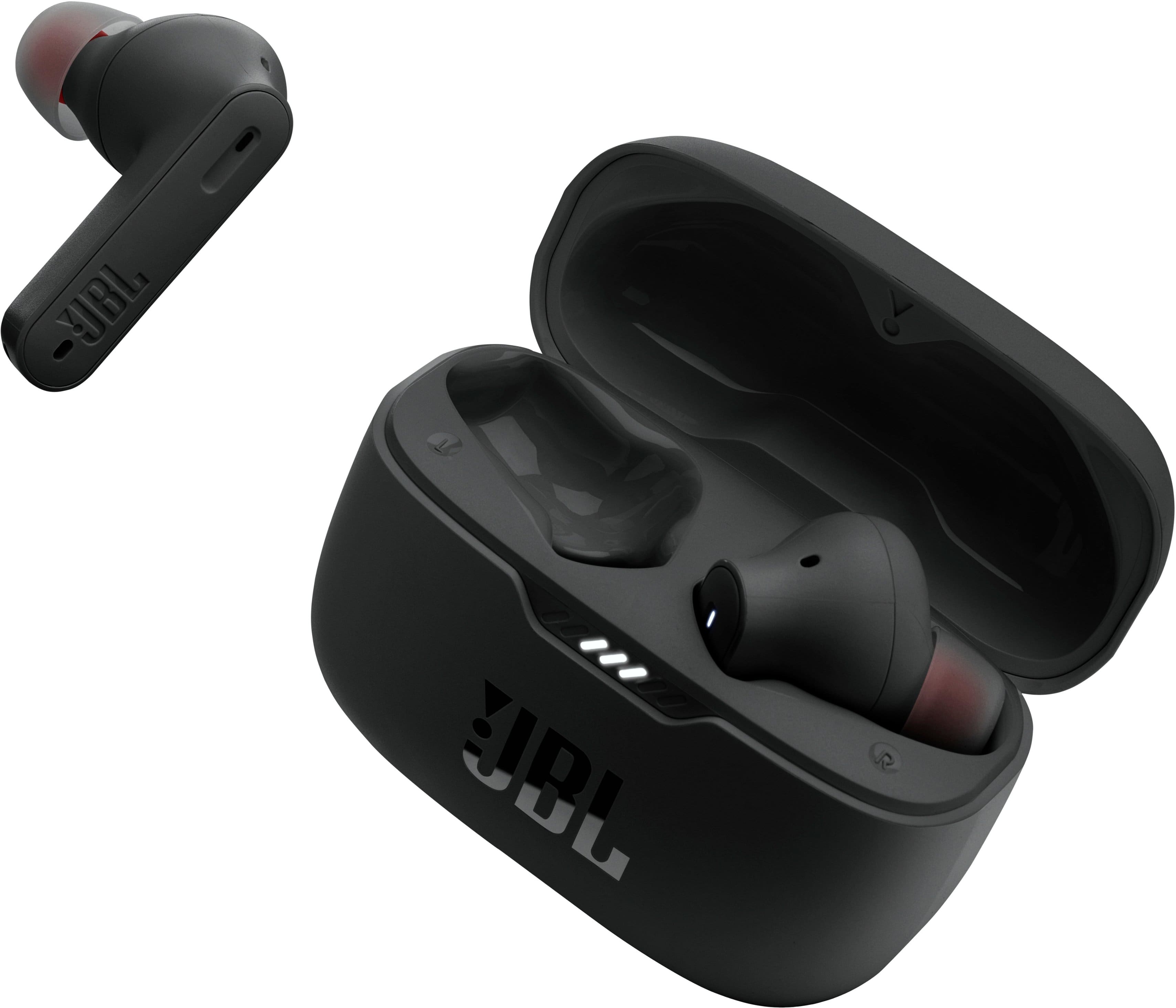
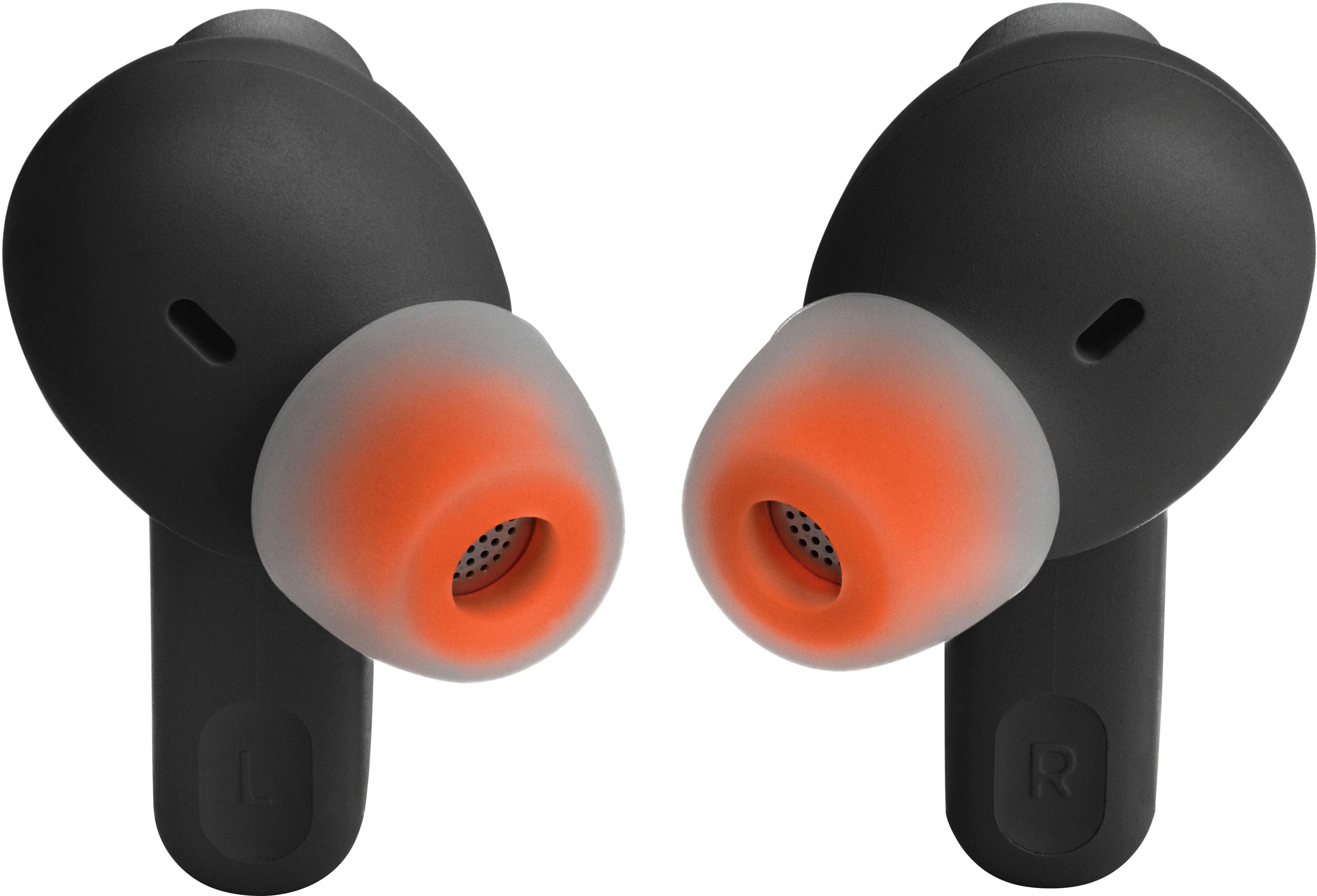
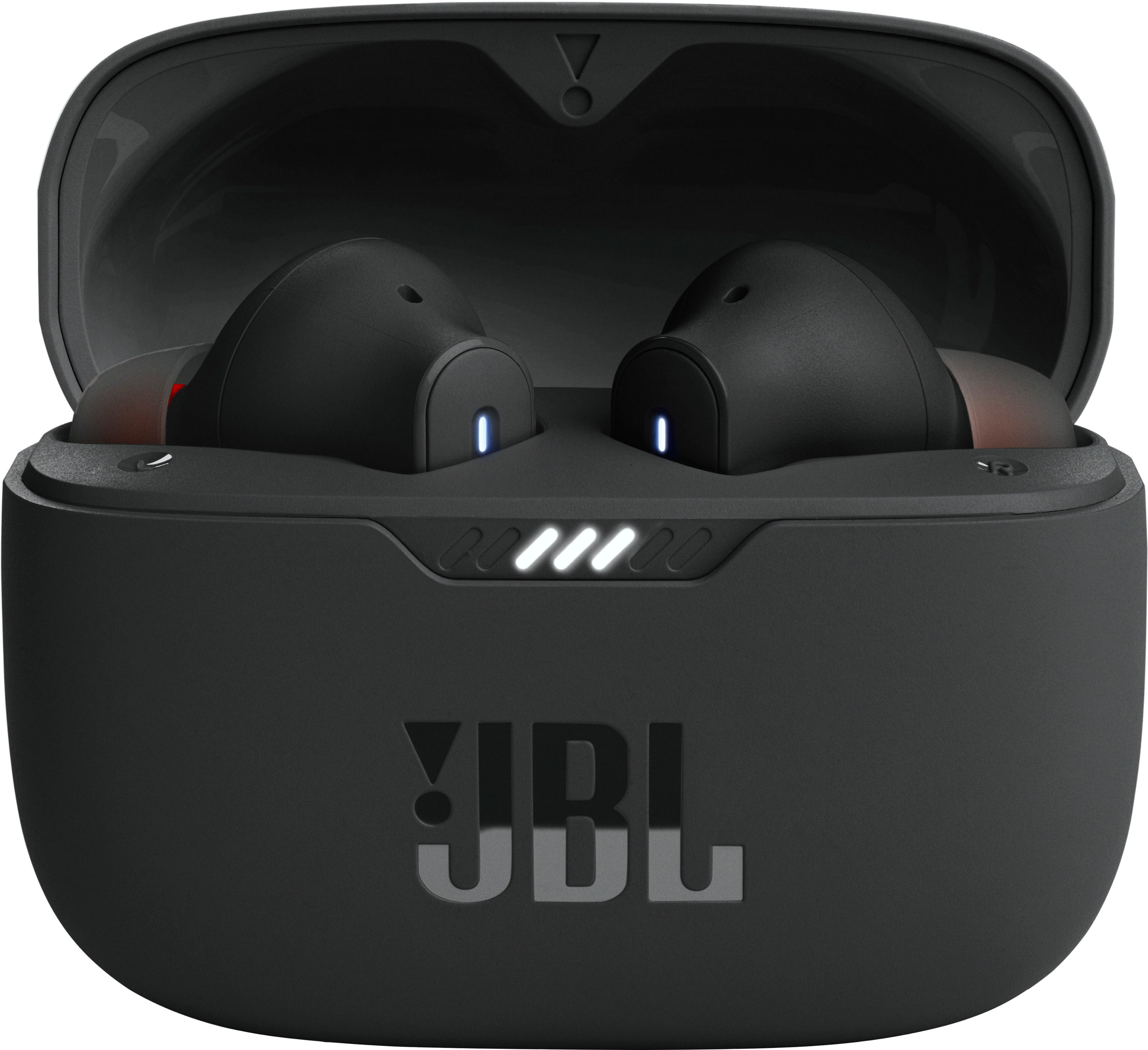
Customers regard the Tune 230NC True Wireless Noise Cancelling In-Ear Earbuds highly for their sound quality, battery life, and comfortable fit. Many appreciate the bass and value for the price. However, some customers have reported occasional connectivity issues, charging problems, and concerns about the volume.
This summary was generated by AI based on customer reviews.
- Pros mentioned:Battery life
Pretty painful
Posted .This reviewer received promo considerations or sweepstakes entry for writing a review.These headphones have run-of-the-mill noise cancellation. The case outer finish scratches extremely easily, and you can't cover them up. It doesn't matter which tip you use, the bud itself is so bulky and uncomfortable in the ear, that I'm in actual pain from using it after the next day. The battery life is the only redeeming quality, but I've not had these for long so I can't say how the battery decay is. I would stay away from these. Its unfortunate because JBL is a great consumer audio company
No, I would not recommend this to a friendBrand response from JBL Support
Posted .We appreciate you taking the time to provide us with your feedback on our JBL Tune 230NC. We're sorry to hear that it didn't meet your expectations. We're always looking for ways to improve, and we'll make sure to share your feedback with the appropriate team. If you need help with your unit, please contact our customer support service via our official website or toll-free hotline.

- Cons mentioned:Connectivity
Not worth half the price, garbage
Posted .This reviewer received promo considerations or sweepstakes entry for writing a review.They won't even connect to each other, both of my phones and the app are refusing to recognize that these are a pair of headphones
No, I would not recommend this to a friendBrand response from JBL Support
Posted .Thanks for bringing this to our attention. We're here to help you with your Tune 230NC TWS. You may try to manually pair your earbuds by pressing and holding the touch control of your right earbud for 5 secs. You can also try to factory reset the earbuds. To do it, double tap the button of an earbud and hold it on the 3rd tap for 5 seconds, then put the earbuds back in the case to complete the reset. If the same issue remains, please contact our customer support for further assistance.
Ear plugs
Posted .This reviewer received promo considerations or sweepstakes entry for writing a review.Not my style and the right one broke in 2 weeks Will buy something else
I would recommend this to a friendBrand response from JBL Support
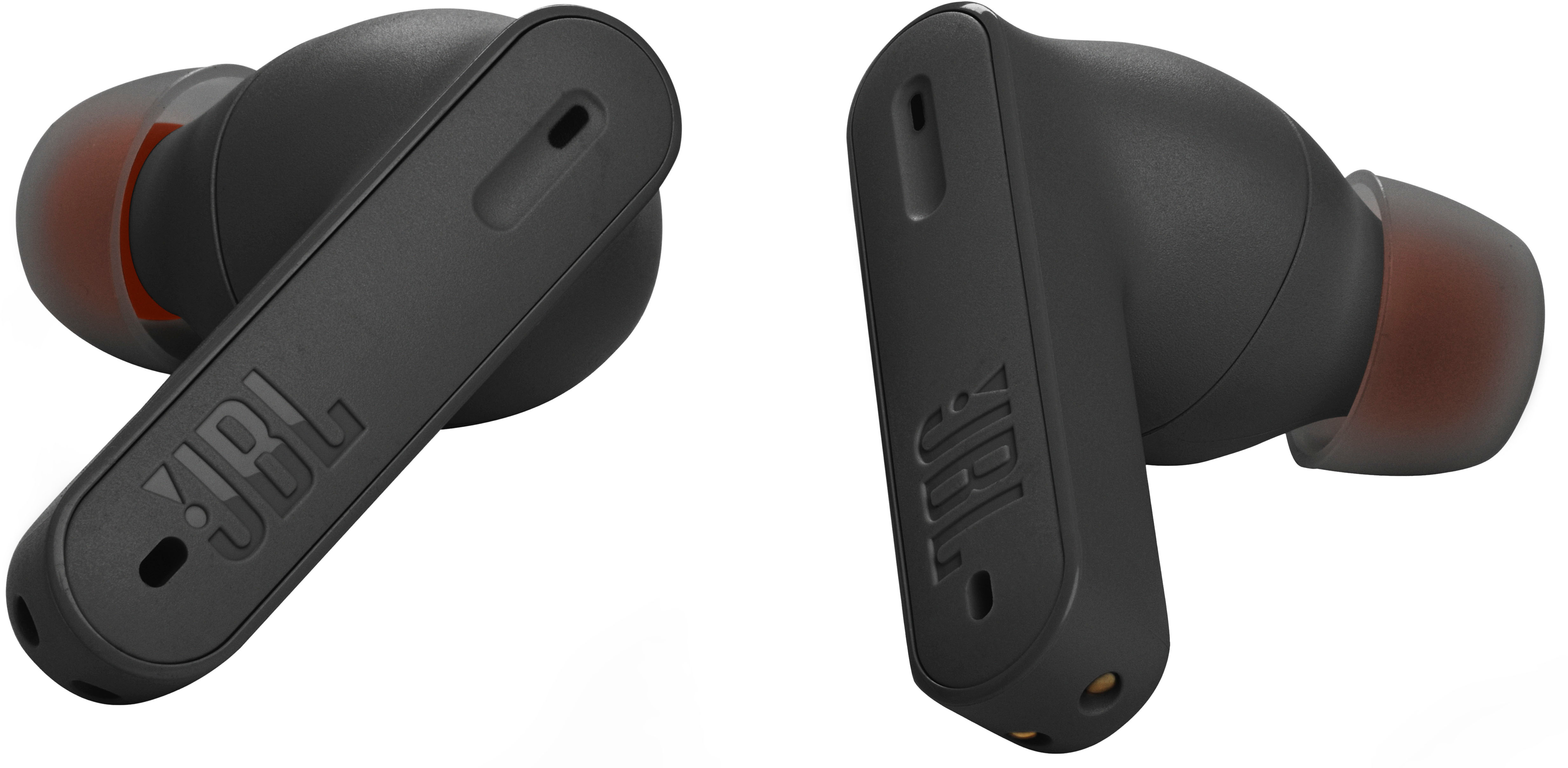
Posted .We appreciate you giving our JBL Tune 235NC a try, and we thank you for your honest feedback. If the right earbud stopped working most likely it doesn't have a charge. With TWS ear buds, charging issues are frequently caused by foreign matter on the metal charging contacts. This can include sweat, grease, ear wax, etc. These issues can be resolved by cleaning the contact points on the earbuds and charging case. If you need more assistance, please contact customer support.
- Cons mentioned:Connectivity
Very static
Posted .This reviewer received promo considerations or sweepstakes entry for writing a review.Very poor connection. Keep droping calls and its very static
No, I would not recommend this to a friend Got stuck in mono mode after a month
Posted .This reviewer received promo considerations or sweepstakes entry for writing a review.They worked great for a month. 2 weeks outside of the returnable date they got stuck in "mono mode". Now the only way I can get them fixed is to return them to JBL but JBL's website won't let me log in. When I called JBL support, the guy there couldn't confirm that the Tune 235NC model even existed.
No, I would not recommend this to a friendBrand response from JBL Support
Posted .Thanks for your feedback. Our JBL Tune 235NC TWS is a Best Buy exclusive at the moment, but they are identical to the Tune 230NC TWS. Please try doing a factory reset. To do this, double tap either the left or right earbud and hold it on the 3rd tap for 5 seconds, then put the earbuds back in the case to complete the reset and forget the name of the earbuds on the source device before connecting again. If the same issue remains, please contact JBL Customer Support for further assistance.
Work great for music but not for phone conversatio
Posted .This reviewer received promo considerations or sweepstakes entry for writing a review.they don’t work well with talking otp a lot of static when on phone calls
No, I would not recommend this to a friendBrand response from JBL Support
Posted .Thanks for your feedback. Our JBL Tune 235NC earbuds have active noise cancellation (ANC) feature which helps reduce background noise during phone calls. To activate the noise-canceling feature, tap your left earbud once. You can also use our JBL Headphones App to enable it. For optimal noise reduction during phones calls, make sure the eartips fit securely in your ears. To achieve the best seal and a secure fit, you must create a tight seal within your ear canal. To do this, angle the ear tip slightly downward to make it easier to insert into your ear canal, gently twist the earbud to fit it securely into the shape of your ear, and continue twisting the earbud into your ear canal. You can also try different sizes of ear tips that came with the earbuds to check a better fit.
so so sound
Posted .This reviewer received promo considerations or sweepstakes entry for writing a review.not my favorite; sound is only fair, noise cancellation is below expectations
No, I would not recommend this to a friendBrand response from JBL Support
Posted .Thanks for your feedback. We understand that our JBL Tune 235NC TWS didn't meet your expectations. If you have technical issues with the unit, we'd like to work with you directly. Please contact JBL Customer Support for assistance.
The worst ear buds I’ve ever owned.
Posted .This reviewer received promo considerations or sweepstakes entry for writing a review.Contanly sped music up, cut in and out, and didn’t function anywhere I tried them. House, gym, anywhere. These were so bad, I went back to plug in headphones. I’ve never seen a bluetooth device so poorly perform, especially at the price they cost. $40 wired ear buds kick the living xxxx out of these on every level.
No, I would not recommend this to a friendBrand response from JBL Support
Posted .Thank you for your feedback on our JBL Tune 235NC TWS. We understand that it didn't meet your expectations. This isn't the usual behavior of this unit. Please contact JBl Customer Support if you encounter any technical issues with your unit. We're here to help.
Only get if on sale
Posted .This reviewer received promo considerations or sweepstakes entry for writing a review.Decent pair of earbuds. I got them on sale and don’t think there good at full price
I would recommend this to a friendStopped working after less than a year.
Posted .This reviewer received promo considerations or sweepstakes entry for writing a review.They were great headphones while they worked, but after less than a year one of the ear buds stopped working entirely. I would not recommend these.
No, I would not recommend this to a friendBad quality product
Posted .This reviewer received promo considerations or sweepstakes entry for writing a review.Stopped working after 2 weeks left side stopped outputting soound and then a week after that the bluetooth for it stopped working .
No, I would not recommend this to a friendBrand response from JBL Support
Posted .We appreciate your feedback on our JBL Tune 235NC TWS. We're here to help. Since the earbuds are susceptible to moist or deep-seated dirt and could cause sound issues, please try to clean the earbuds by removing the dirt after each use, using a pointed toothpick to remove large amounts and a small amount of rubbing alcohol applied to a cotton swab for final degreasing. If cleaning doesn't solve the problem, the next thing to check is the balance control on your source device by going to the "Accessibility" settings. You can also check it on playback or EQ settings of your music player app or via the JBL Headphones App. Lastly, unpair the JBL Tune 235NC TWS and try to factory reset it by double-tapping the button on any side, then hold it for 5 seconds on your third tap. If the issue continues after reconnecting the earbuds to your device, please reach out to our Customer Support for further assistance.
Awesome
Posted .This reviewer received promo considerations or sweepstakes entry for writing a review.Use to be only Sony xtra bass, these buds are awesome, love them!!!!!!
I would recommend this to a friendUndelivered order.
Posted .This reviewer received promo considerations or sweepstakes entry for writing a review.The product was never delivered. I have waited for more than 4weeks now. Unfortunately my money was deducted.
No, I would not recommend this to a friendEar buds
Posted .This reviewer received promo considerations or sweepstakes entry for writing a review.Very nice item. It arrived very quickly. I would recommend this item and the store.
I would recommend this to a friendHeadphones don't work
Posted .This reviewer received promo considerations or sweepstakes entry for writing a review.This product does not connect to the phone it was purchased for. I can not use the headphones at all. I would like to return them but missed the 2 week window. Can I still return these?
No, I would not recommend this to a friendBrand response from JBL Support
Posted .We'd like to work with you directly to address the issues you're experiencing with your JBL Tune 230NC TWS and provide proper troubleshooting. Please reach out to our customer support via our official website or toll-free hotline. We're here to help.
Jbl
Posted .This reviewer received promo considerations or sweepstakes entry for writing a review.It only lasted a week, one stopped charging. Couldn’t use it anymore.
No, I would not recommend this to a friendBrand response from JBL Support
Posted .We're here to help with your JBL Tune 235NC TWS. We recommend cleaning the contact pins on the case and earbuds using a cotton swab with alcohol. These pins are sensitive to dust. Please ensure the pins are dried before placing them back on the case. If you need more help, we'd like to work with you directly. Please contact JBL customer support for assistance.
Don't Buy
Posted .This reviewer received promo considerations or sweepstakes entry for writing a review.Right ear bud won't connect to Bluetooth and I've owned these for less than 4 months. Trash product
No, I would not recommend this to a friendBrand response from JBL Support
Posted .Thanks for bringing this to our attention. We're here to help. You may try to manually pair your earbuds by pressing and hold the touch control of your right earbud for 5 secs. You can also try to factory reset the earbuds. To do it, double tap the button of an earbud and hold it on the 3rd tap for 5 seconds, then put the earbuds back in the case to complete the reset. If the same issue remains, please contact our customer support for further assistance.
bad product
Posted .This reviewer received promo considerations or sweepstakes entry for writing a review.Bad product as compared to 230NC, I do not recommend
No, I would not recommend this to a friendBrand response from JBL Support
Posted .Hi there, we hear you. We're always looking for ways to improve and thanks for the feedback. We'll make sure to pass this along to our development team. If you need assistance with performing some troubleshooting steps that can help isolate the issue with your JBL Tune 235NC, please contact us at (877) 871-6755 / Mon - Fri: 9:00 am - 11:00 pm (ET) Sat-Sun: 9:00 am - 5:00 pm (ET).
No good
Posted .This reviewer received promo considerations or sweepstakes entry for writing a review.Not even a month of ownership and the left side stop working
No, I would not recommend this to a friendBrand response from JBL Support
Posted .Thanks for bringing this to our attention. Both earbuds should be playing audio as soon as your device has been connected to it. If you can no longer hear out of one earbud, you may check if the bud with no sound is charging, the earbud may not have charged properly. If you determine that the earbud with no sound is not charging, you may try to clean the charging terminals on the earbuds using a swab dipped in rubbing alcohol, as foreign matter on the metal charging contacts may affect the charging process. If the issue remains, please contact us at (800) 336-4525 Mon - Fri: 9:00 am - 11:00 pm (EST) Sat-Sun: 9:00 am - 5:00 pm (EST)
Power on issues, not worth the price tag
Posted .This reviewer received promo considerations or sweepstakes entry for writing a review.The sound quality is okay. The problem is they don’t turn in 90% of the time. Every time I try to turn them on (every day) they never turn on for about 10 minutes until randomly they come back to life.
No, I would not recommend this to a friendBrand response from JBL Support
Posted .Thank you for bringing this to our attention. We'd like to work with you directly to address the issues you're experiencing with the JBL Tune 230NC. If needed, we'd also like to get more information so we can check your options. Please contact our customer support service via our official website or toll-free hotline