Customer Ratings & Reviews



- Model:
- JBLTBUDSBLUAM
- SKU:
- 10736498
Rating by feature
- Sound Quality
Rating 4.6 out of 5 stars
- Battery Life
Rating 4.7 out of 5 stars
- Connectivity
Rating 4.6 out of 5 stars
Customers are saying
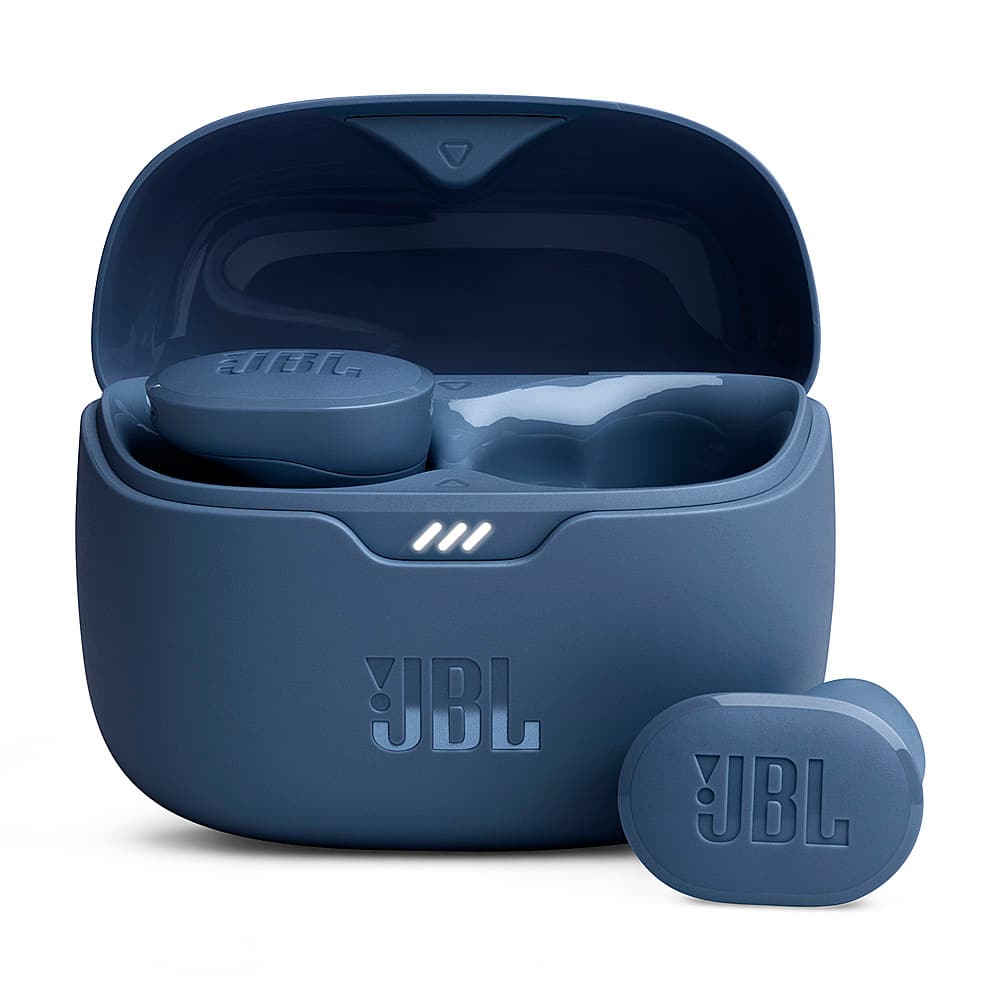
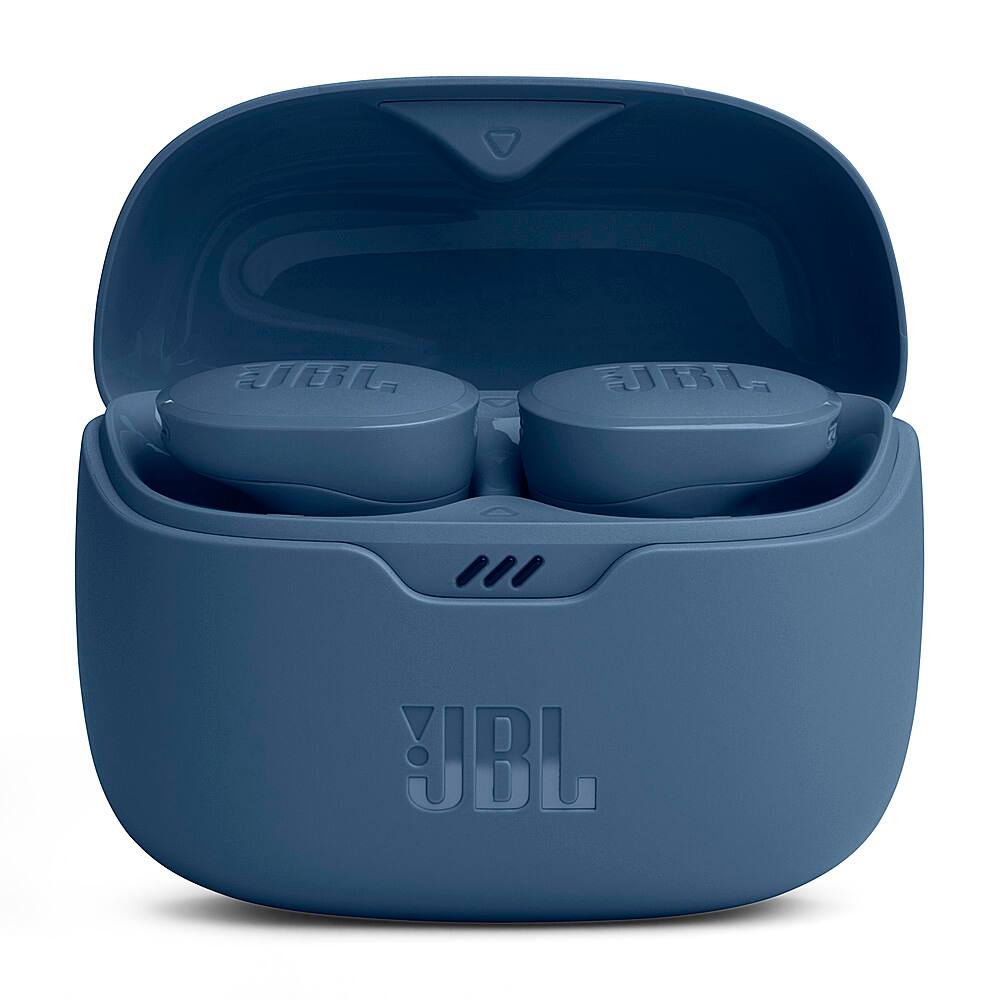
Customers are positive about the Tune Buds True Wireless Noise Cancelling Earbuds' sound quality and battery life, with many finding them comfortable and praising the bass. However, some customers have concerns regarding the fit of the earbuds. Others mention issues with the volume and connectivity.
This summary was generated by AI based on customer reviews.
Good job thank you
||Posted . Owned for 3 weeks when reviewed.This reviewer received promo considerations or sweepstakes entry for writing a review.So nice and helpfully its really great and amazing
I would recommend this to a friendThe best
||Posted . Owned for 1 month when reviewed.This reviewer received promo considerations or sweepstakes entry for writing a review.Wondefulll product I recommended to other people an my family
I would recommend this to a friendAwesome
||Posted . Owned for 1 month when reviewed.This reviewer received promo considerations or sweepstakes entry for writing a review.Great for a gift would like to get many of my fam this
I would recommend this to a friendEarpods
||Posted . Owned for 7 months when reviewed.This reviewer received promo considerations or sweepstakes entry for writing a review.I got these for my husband but they stop working properly after a month so I had to return them, good thing I purchased apple care protection it was an easy exchange
No, I would not recommend this to a friendBirthday girl
||Posted . Owned for 1 month when reviewed.This reviewer received promo considerations or sweepstakes entry for writing a review.Purchased for my great-grandson’s birthday he really loves them
I would recommend this to a friendThe Jbl wet farts
||Posted .This reviewer received promo considerations or sweepstakes entry for writing a review.The bass is like having someone blow in your ear. Combine that with wearing them for 30 minutes, the ear sweat is unpleasant
No, I would not recommend this to a friend- Cons mentioned:Fit
Wouldnt stay in ear
||Posted . Owned for 1 month when reviewed.This reviewer received promo considerations or sweepstakes entry for writing a review.Didnt like the fit or sound, was hoping to use for work would not stay in ear went with raycon impacts
No, I would not recommend this to a friendBrand response from JBL Support
Posted .We appreciate your time in providing your feedback. We understand that the fit and the sound of our JBL Tune Buds didn't meet your expectations. If you need more help with the unit, please contact our customer support so we can assist you.

- Cons mentioned:Fit
Don't buy
||Posted . Owned for 2 months when reviewed.This reviewer received promo considerations or sweepstakes entry for writing a review.Absolutely horrible, the earbuds either don't fit or make my ears bleed.
No, I would not recommend this to a friendBrand response from JBL Support
Posted .Thanks for your feedback. To enjoy the best audio experience, you can try our JBL Fit Checker tools with the "check my best fit" option to see if it helps.
- Cons mentioned:Connectivity
JBL Tune Buds
||Posted . Owned for 1 month when reviewed.This reviewer received promo considerations or sweepstakes entry for writing a review.There okay dont stay in your ear sound is okay. Sometimes they will loose connection.
No, I would not recommend this to a friendBrand response from JBL Support
Posted .We appreciate you taking the time to provide us with your feedback. Our JBL Tune Buds come in different ear tip sizes that you can try to see which best fits your ear comfortably. As for the interference, make sure there is a clear line of sight between devices to avoid interference. Shut down unused Bluetooth devices that could cause interference. Avoid concrete/brick walls that interrupt the signal. Open spaces like parks can also cause issues with Bluetooth signals. Last is the reset, with both earbuds on, and not charging, tap two times and hold the button on the third tap for more than five seconds. If these steps do not resolve the issue, please contact our customer support for further assistance.
- Pros mentioned:Sound qualityCons mentioned:Fit
Dont fit
||Posted . Owned for less than 1 week when reviewed.This reviewer received promo considerations or sweepstakes entry for writing a review.Great sound but the only it does not fit on my ears.
No, I would not recommend this to a friendBrand response from JBL Support
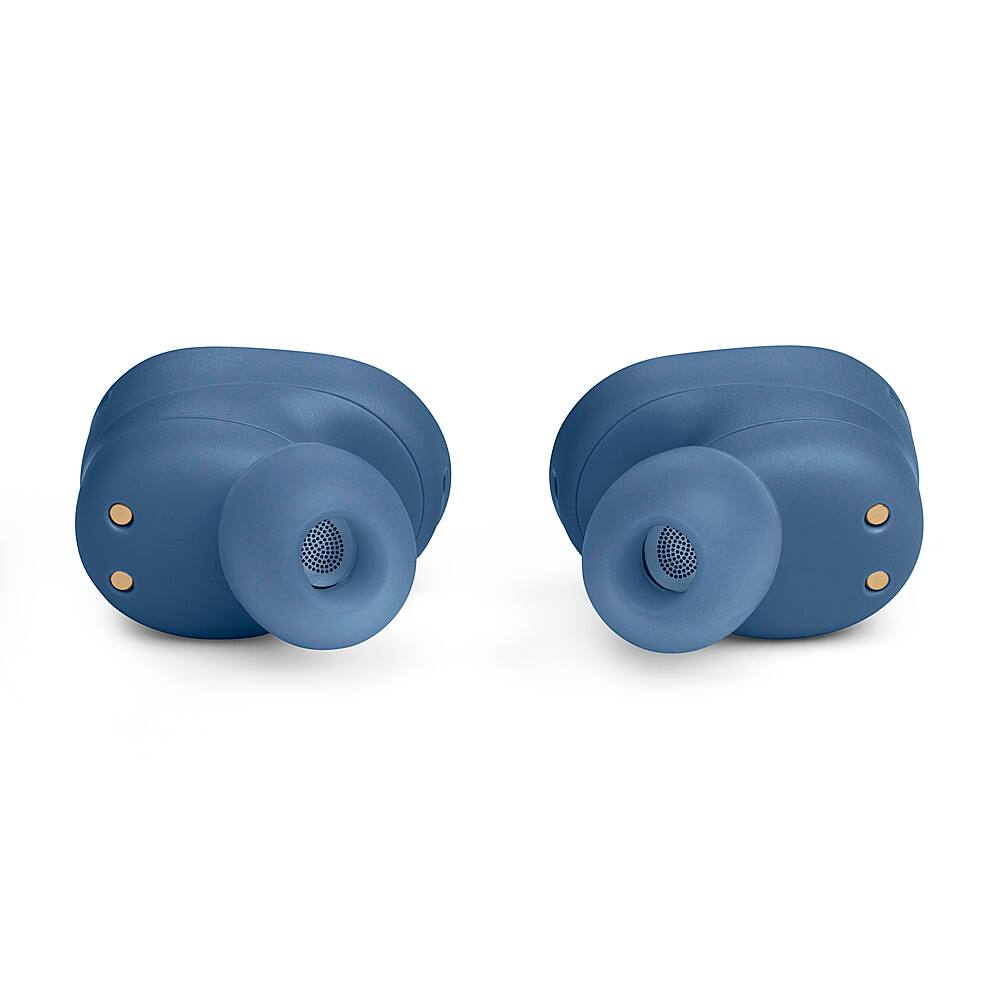
Posted .Thanks for your inquiry. Our JBL Tune Buds come with a choice of 3 sizes of eartips (S, M, L). You may choose the right size for your ears so that they may stay in your ears and not fall out. If you need more help, please contact our Customer Support, so we can assist you.
- Pros mentioned:Sound quality
Customer
||Posted . Owned for 3 weeks when reviewed.This reviewer received promo considerations or sweepstakes entry for writing a review.The earbuds were great as far sound but they were hard to keep in your ears. I would not buy these unless you have big ear lobes.
No, I would not recommend this to a friendBrand response from JBL Support
Posted .We’re here to help you with your JBL Tune Buds. Feel free to choose your preferred size of eartips that can fit in your ear as they are exchangeable. Also, to achieve the best seal and secure fit, you must create a tight seal within your ear canal. To do this, angle the ear tip slightly downward to make it easier to insert into your ear canal, gently twist the earbud to fit it securely into the shape of your ear, and continue twisting the earbud into your ear canal. For further assistance, please contact our customer support.
- Cons mentioned:Fit
Install in ear
||Posted . Owned for 1 week when reviewed.This reviewer received promo considerations or sweepstakes entry for writing a review.Couldn't get them to fit in ear to shallow for me but i bought them for a friend's birthday and had same issue maybe a design thing or it might be me but pass i returned them for the reason stated
No, I would not recommend this to a friend Hubs Buds
||Posted . Owned for 1 month when reviewed.This reviewer received promo considerations or sweepstakes entry for writing a review.I lijed the price. However, the buds do not stay in my ear. And, the sound quality is not the best.
No, I would not recommend this to a friend- Cons mentioned:Fit
In ear buds
||Posted . Owned for 3 weeks when reviewed.This reviewer received promo considerations or sweepstakes entry for writing a review.These JBL buds are too small and they won't stay snug. I have many earbuds. My absolute favorites, are the Sony WF-1000XM4's. In 2nd is the Ankor Soundcore Liberty 3 Pro, then Bose Quiet Comfort, and in last for me...Samsung buds pro, both 1 and 2 suck. However, If you get the right foam tips, any earbuds will work.
No, I would not recommend this to a friendBrand response from JBL Support
Posted .Thanks for your feedback on our JBL Tune Buds. We understand that it didn't meet your expectations. You may check other ear tips that would best fit with your ear as it comes with three sizes of ear tips (S, M, L).
They are okay
||Posted . Owned for 1 week when reviewed.This reviewer received promo considerations or sweepstakes entry for writing a review.Good but the noise canceling is not that great. I work with loud machine and they don’t work good for that.
I would recommend this to a friendNot worth it
||Posted .This reviewer received promo considerations or sweepstakes entry for writing a review.Only used a couple times now the box wont charge so i cant charge my headphones. Ive used different chargers and the box is still in good condition. I dont know what happened
No, I would not recommend this to a friendGarbage.
||Posted . Owned for 6 months when reviewed.This reviewer received promo considerations or sweepstakes entry for writing a review.They did not last even 6 months. Right side of the headphones is quieter than the left side. Worked fine two days ago. Warranty? Probably not. Dont waste your money on headphones anymore they all are designed this way so you buy a few every year. My skull candies from 2010 were ten times better than these headphones.
No, I would not recommend this to a friendBrand response from JBL Support
Posted .Thanks for your feedback. If you are experiencing volume or balance issues, always check for wax and dirt in and around the earbud and driver, and complete cleaning of the earbuds. There may be earwax/dirt stuck in the small holes in the grille in front of the driver, preventing sound output. To resolve the issue, try dipping the affected earbud tip into a solution of lukewarm tap water and a small amount of dish soap (washing up liquid). The earbud tip should only be put into the liquid up to a maximum depth of 1-2 mm. Immersing the earbuds in water or putting the earbuds in water at a depth greater than this could void your warranty. Keep the earbud tip in the water for about 2-3 minutes, then wipe/clean the grille with a small brush (such as a toothbrush). They should remove the wax and resolve the volume/balance issues. For further troubleshooting steps, please contact us at (800) 336-4525, Mon-Fri: 9:00 am - 11:00 pm (EST), Sat-Sun: 9:00 am - 5:00 pm (EST) for further assistance.
- Cons mentioned:Fit
Bad wear design and poor sound quality
||Posted . Owned for 1 month when reviewed.This reviewer received promo considerations or sweepstakes entry for writing a review.Sound volume is the weakest among all the different brand ear buds I have tried . I can’t enjoy watching a movie w this. And, easily fall off…doesn’t stay in the ear well
No, I would not recommend this to a friendBrand response from JBL Support
Posted .We appreciate your feedback. Let's troubleshoot the issue with your JBL Tune Buds. To achieve the best seal and a secure fit to make it feel not heavy, you must create a tight seal within your ear canal. To do this, angle the ear tip slightly downward to make it easier to insert into your ear canal, gently twist the earbud to fit it securely into the shape of your ear, and continue twisting the earbud into your ear canal. You can also try different sizes of ear tips that came with the earbuds to see if a better fit can prevent them from falling off. For volume issue, if you have already maximized the volume levels on both your source device and the earbuds itself and still find the loudness insufficient, please note that the EQ (equalizer) feature can be accessed through the JBL Headphones App to adjust and enhance the volume levels of specific frequencies in the audio signal. If you have already tried this and remain unsatisfied with the loudness, rest assured that we're always looking for ways to improve, and your feedback will be forwarded to our development team for future improvement.
- Cons mentioned:Fit
They are OKAY
||Posted . Owned for 3 weeks when reviewed.This reviewer received promo considerations or sweepstakes entry for writing a review.They sound okay... Don't stay in my ears well while exercising.
No, I would not recommend this to a friendBrand response from JBL Support
Posted .We appreciate your feedback on our JBL Tune Buds. We're always looking for ways to improve. We'll make sure to share your feedback with the appropriate team. If you have any questions or concerns about your device, please contact our Customer Support.
Not worth buying
||Posted . Owned for 1 month when reviewed.This reviewer received promo considerations or sweepstakes entry for writing a review.I lose one already. You have to be very careful. It doesn’t worth buying
No, I would not recommend this to a friend