Customer Ratings & Reviews
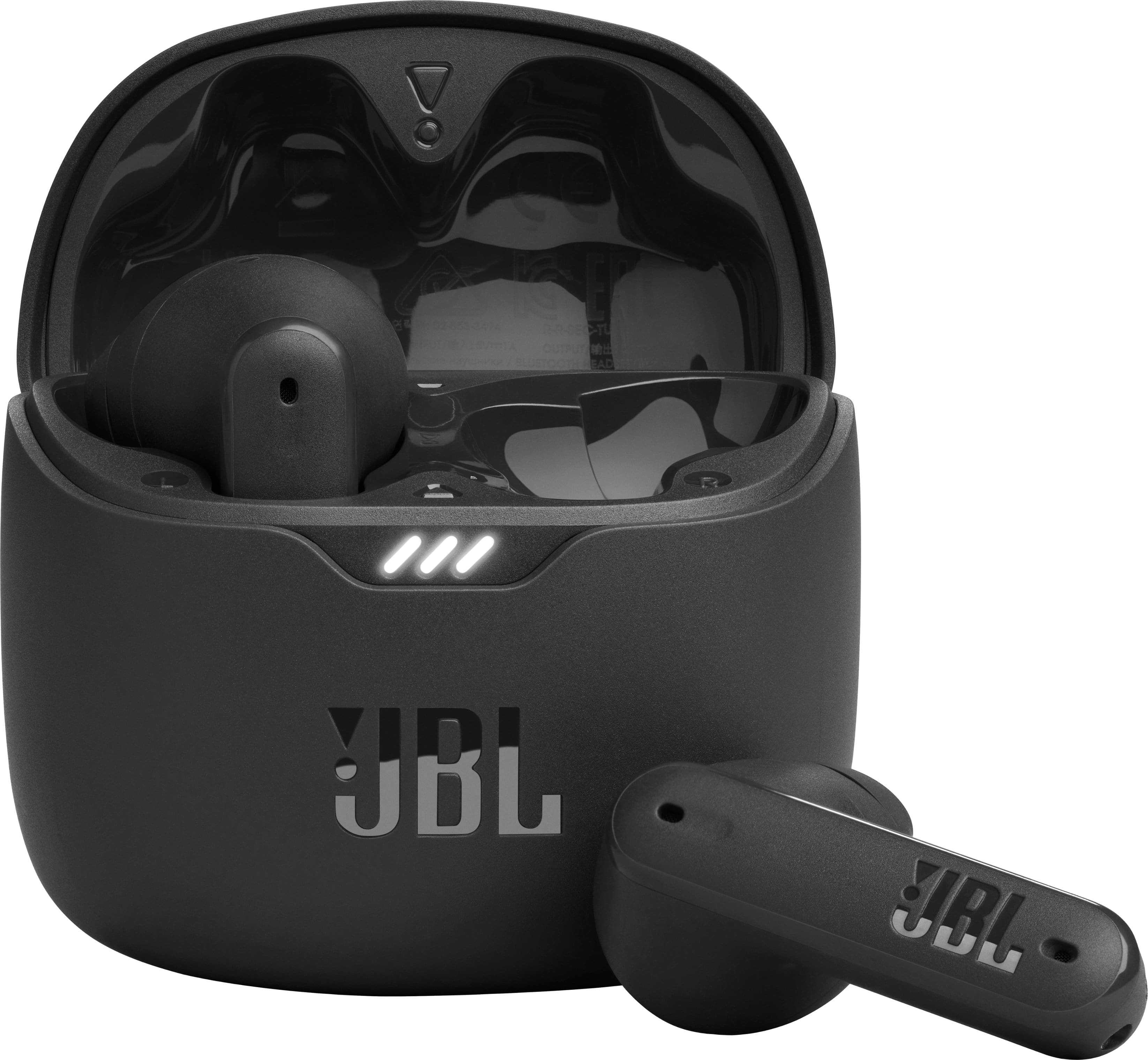
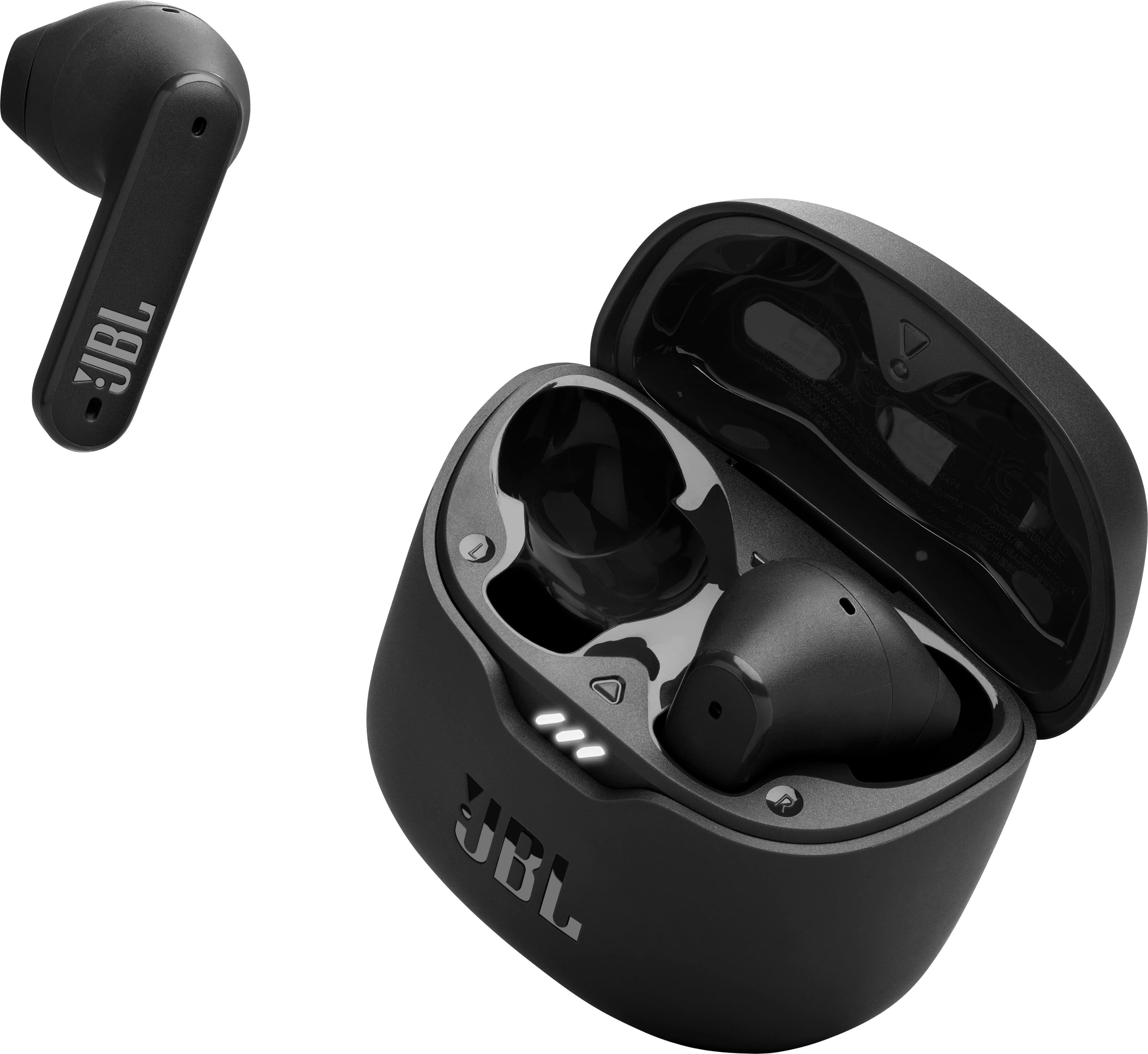
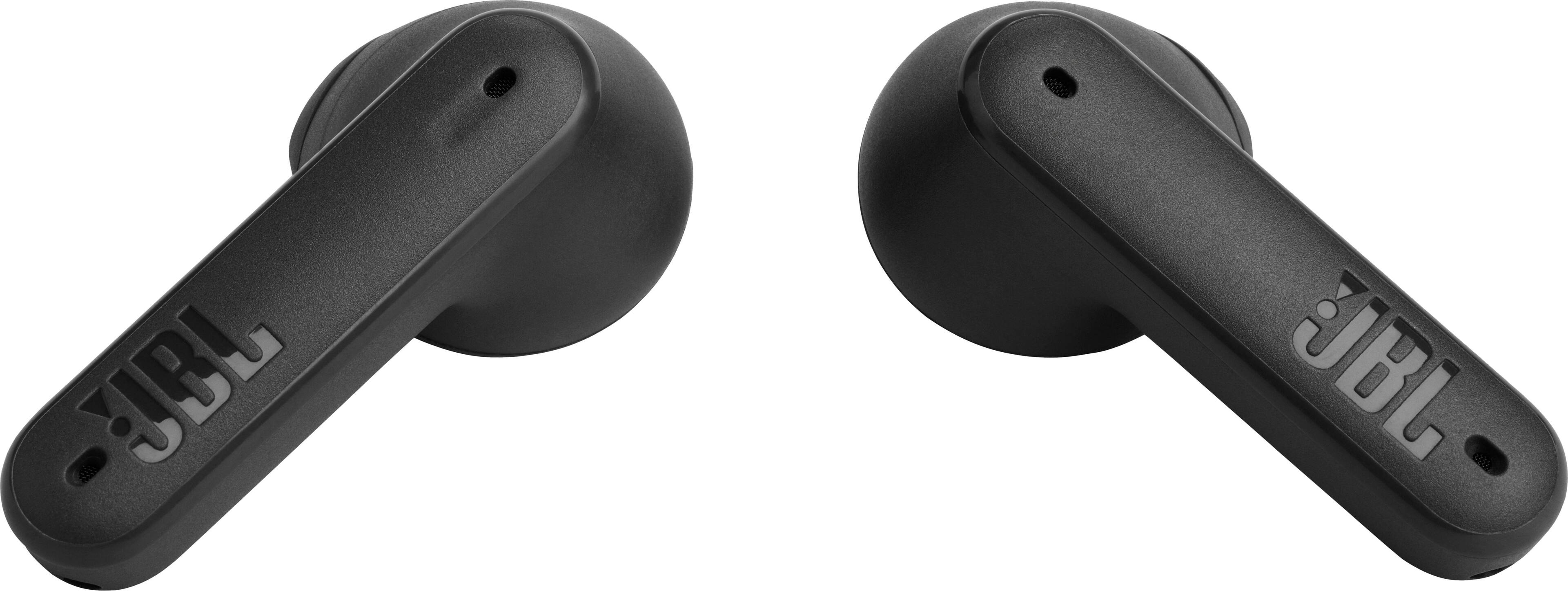
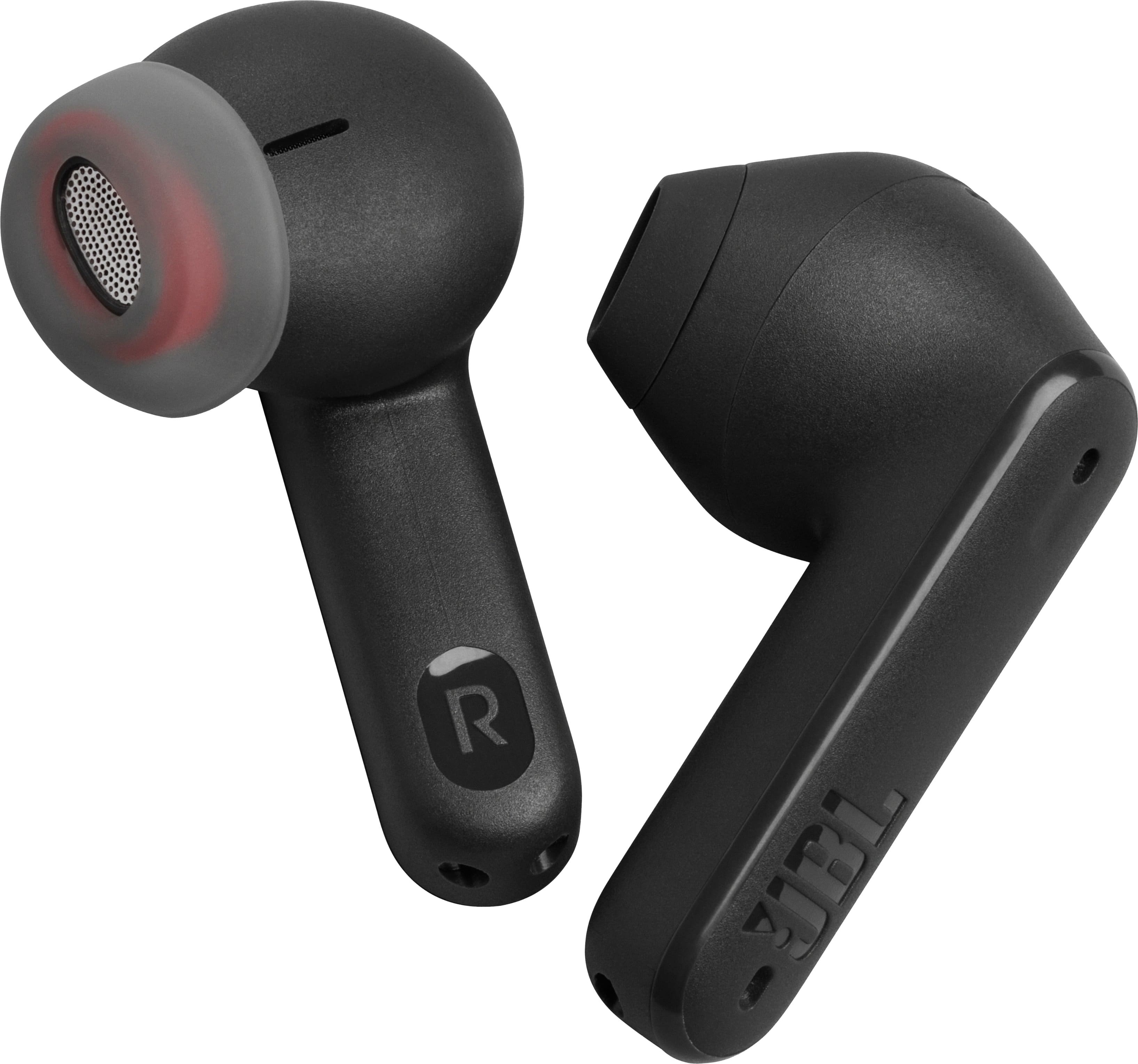
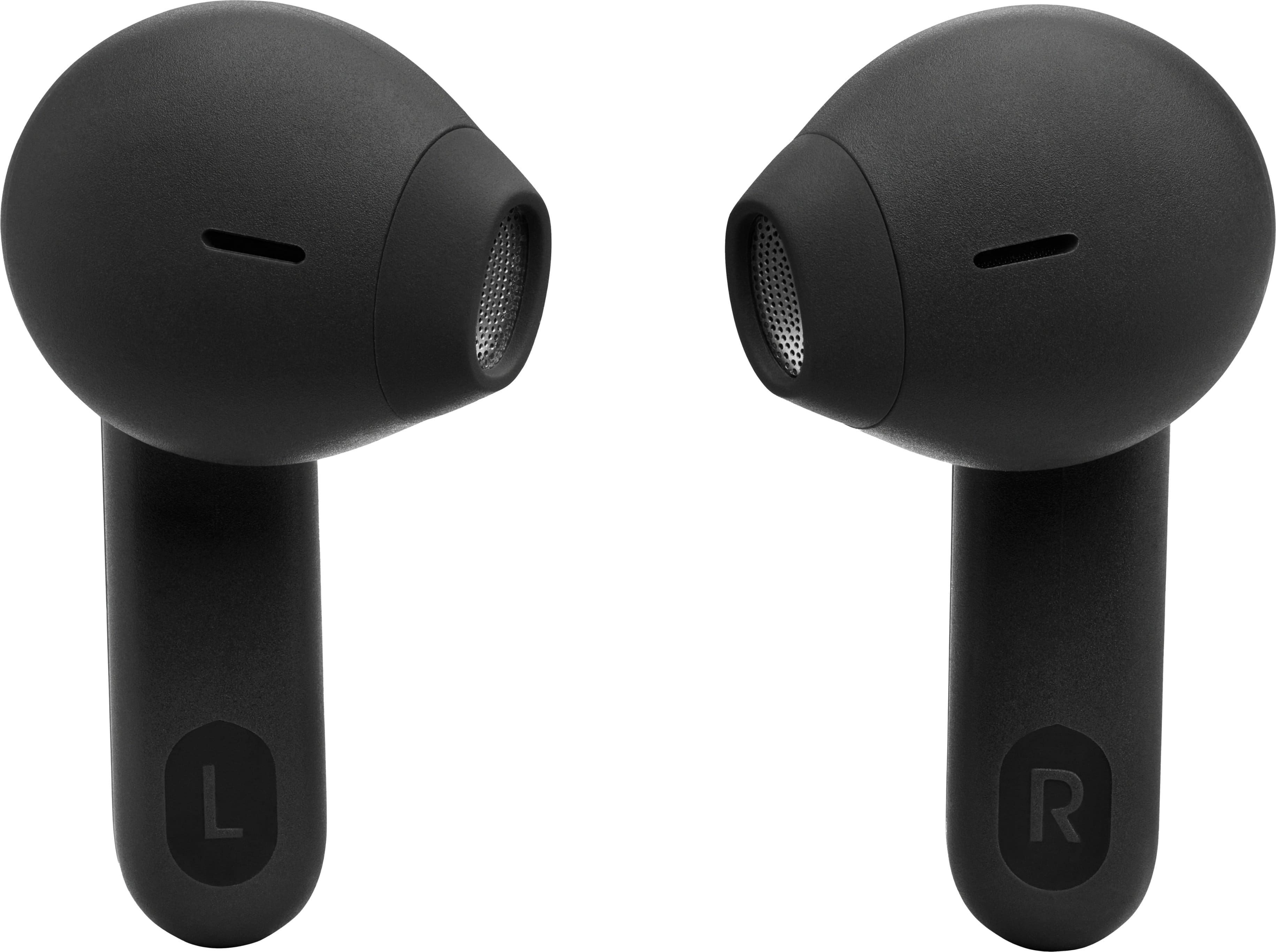
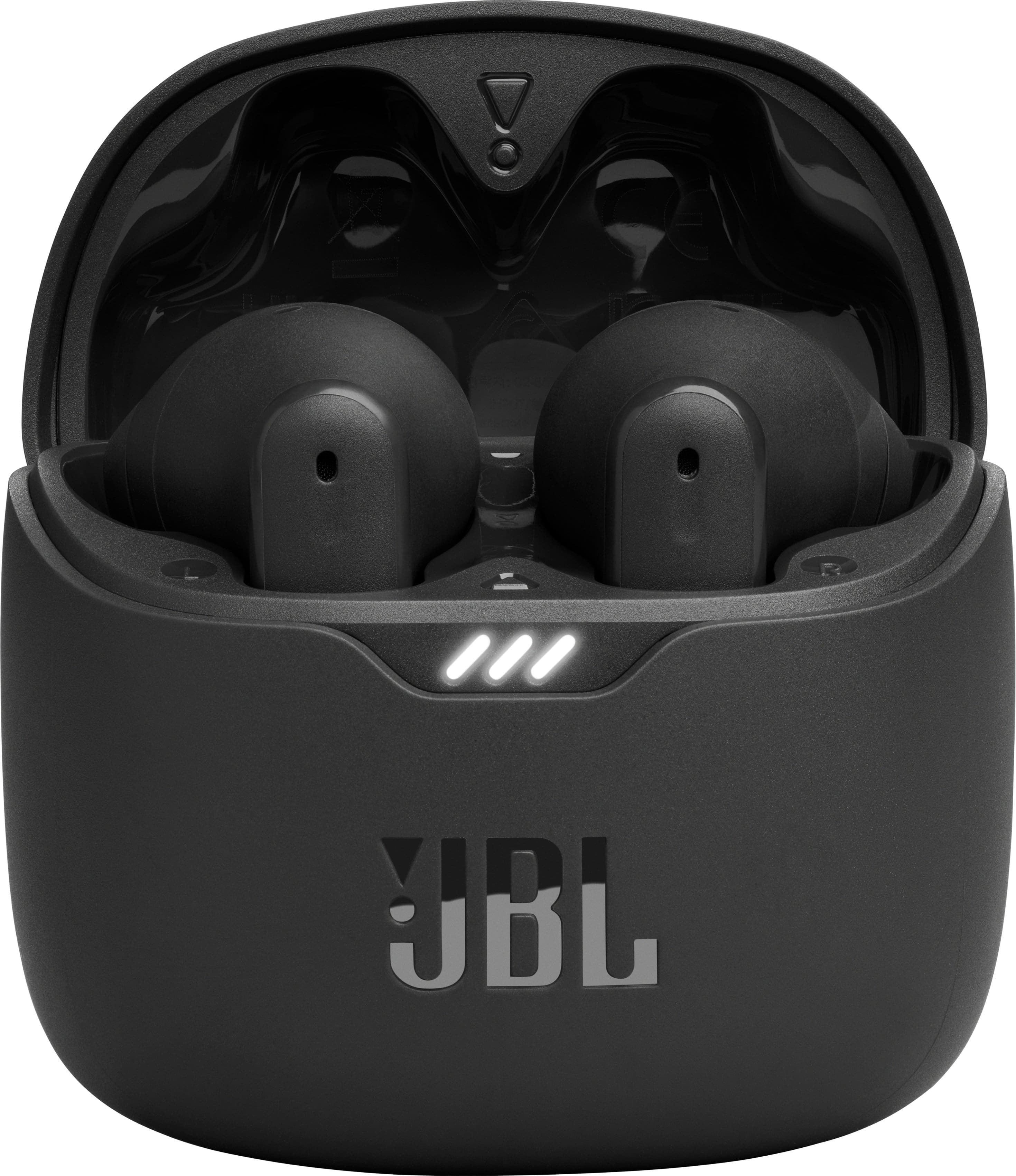
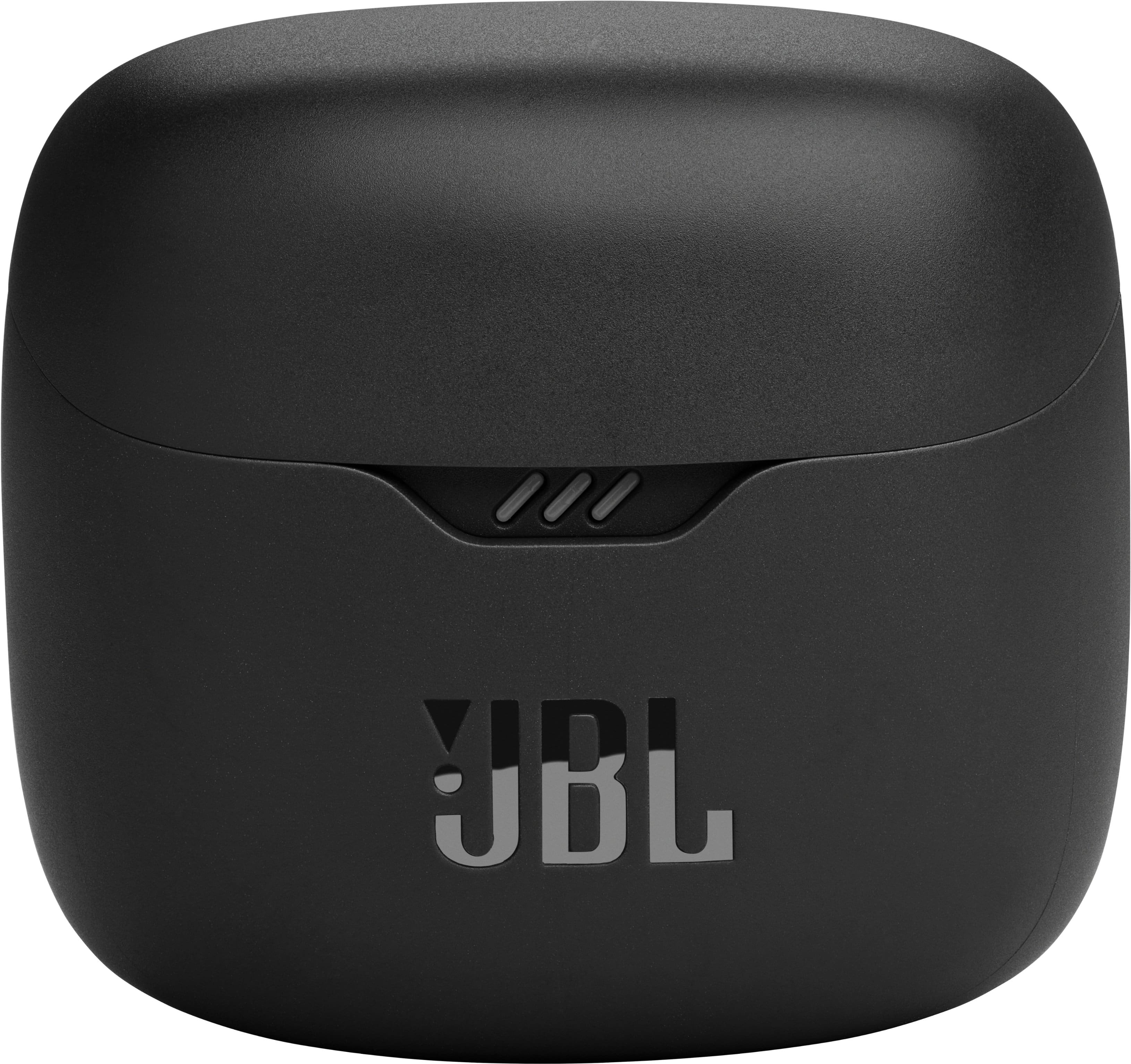
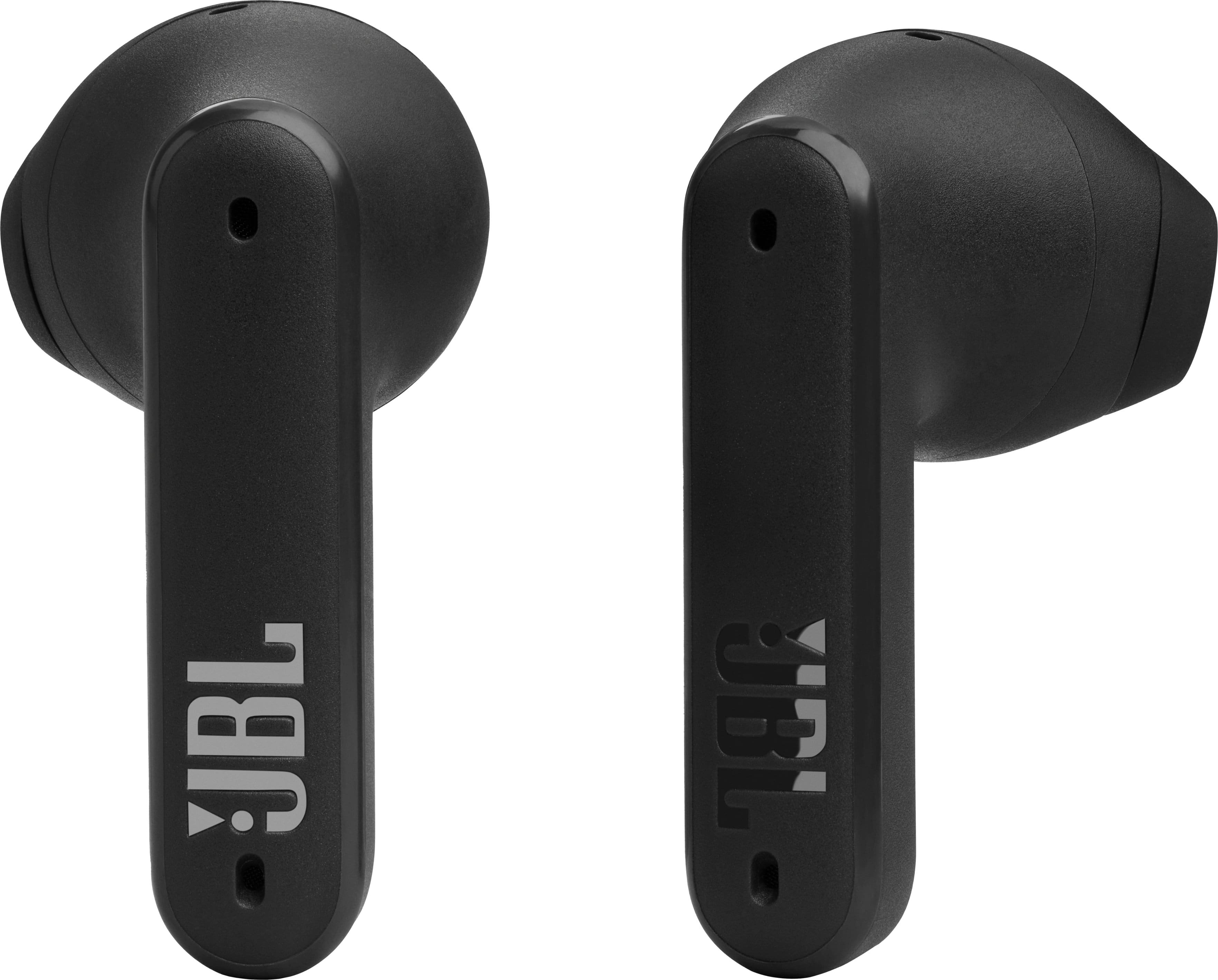




- Model:
- JBLTFLEXBLKAM
- SKU:
- 10100615
Rating by feature
- Sound Quality
Rating 4.5 out of 5 stars
- Battery Life
Rating 4.6 out of 5 stars
- Connectivity
Rating 4.5 out of 5 stars
Customers are saying
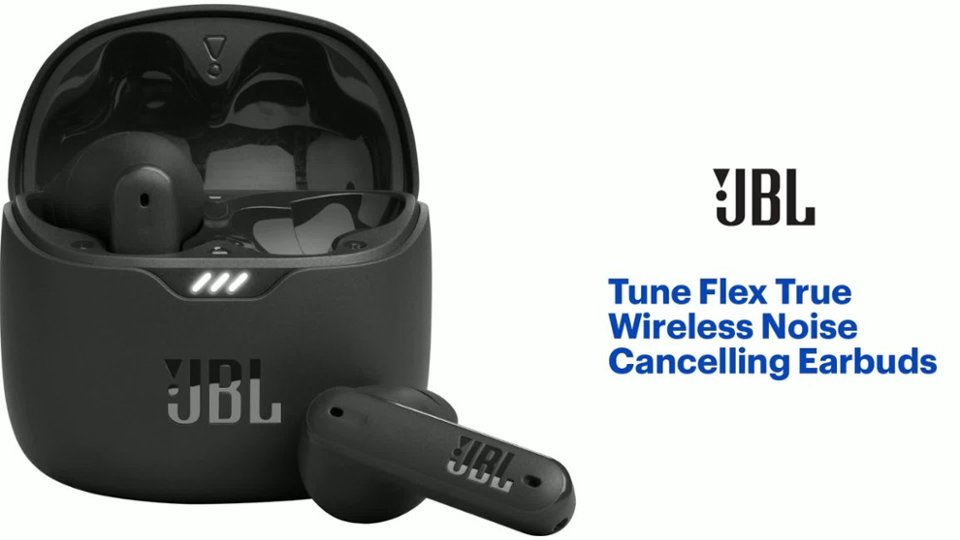
Customers are impressed with the Tune Flex True Wireless Noise Cancelling Earbuds' sound quality, battery life, and comfortable fit. Many appreciate the strong bass and reasonable price point. Some customers have noted issues with connectivity, volume levels, charging problems, and overly sensitive touch controls. Overall, the earbuds seem to be well-received for their audio performance and comfort.
This summary was generated by AI based on customer reviews.
- Pros mentioned:Sound quality
Garbage
||Posted . Owned for 2 months when reviewed.This reviewer received promo considerations or sweepstakes entry for writing a review.Garbage. Sounds great but who designed your battery system? This is trash that should not be sold to the general public. Do better Best Buy.
No, I would not recommend this to a friendBrand response from JBL Support
Posted .Thanks for your feedback. We would like to work with you directly to know more about the issue with your JBL Tune Flex and address it. Please contact us at (800) 336-4525 Mon - Fri: 9:00 am - 11:00 pm (EST) Sat-S: 9:00 am - 5:00 pm

Do not recommend shopping with this company.
||Posted . Owned for 1 week when reviewed.This reviewer received promo considerations or sweepstakes entry for writing a review.Item was defective...the right earbud would not even power...attempted exchange, but order was cancelled by Best Buy for unknown reason..."Customer Care" states can only place one replacement order in the system even though it was their fault. I used a temp virtual card, so no refund is coming...In summary I am making payments on this without the product...spent hours on the phone trying to explain it, repeatedly. and I do not even have a defective product to show for it. Do not recommend shopping with this company.
No, I would not recommend this to a friendDon't get baited
||Posted . Owned for 7 months when reviewed.This reviewer received promo considerations or sweepstakes entry for writing a review.Positive reviews either bought and reviewed same day or fake. Is poor product that loses sound within weeks and if like me; left bud just died within 2 months. That being said. Right ear works when I don't care to lose it.
No, I would not recommend this to a friendBrand response from JBL Support
Posted .Thanks for your feedback. We're always looking for ways to improve. For your JBL Tune Flex to give you the best audio response, you must create a tight seal within your ear canal. To do this, angle the ear tip slightly downward to make it easier to insert into your ear canal, gently twist the earbud to fit it securely into the shape of your ear, and continue twisting the earbud into your ear canal to achieve the best seal and secure fit. We recommend cleaning the contact pins on the case and earbuds using a cotton swab with alcohol. These pins are sensitive to dust. Please ensure the pins are dried before placing them back on the case. If you need more help, please contact our customer support.
JBL tour
||Posted . Owned for 3 weeks when reviewed.This reviewer received promo considerations or sweepstakes entry for writing a review.Sound quality sucks. Controls sucks you can only control them with both headphones.
No, I would not recommend this to a friendFunction
||Posted . Owned for 1 month when reviewed.This reviewer received promo considerations or sweepstakes entry for writing a review.Unfortunately I could not get comfortable with the functionality of this device. I was trying to just make it work for the price but I paid more for Apple since I knew what I was getting.
No, I would not recommend this to a friendBrand response from JBL Support
Posted .We're here to help with your JBL Tune Flex TWS. To achieve the best seal and secure fit, you must create a tight seal within your ear canal. To do this, angle the ear tip slightly downward to make it easier to insert into your ear canal, gently twist the earbud to fit it securely into the shape of your ear, and continue twisting the earbud into your ear canal. If you need more help, please contact our customer support.
- Pros mentioned:Sound quality
Ear tips are impossible to attach - design flaw?
||Posted .This reviewer received promo considerations or sweepstakes entry for writing a review.I am so sad about these. They paired easily and sounded great, but I've been trying for an hour to attach the ear tips and they will not stay on. I give up. They're going back to the store.
No, I would not recommend this to a friendBrand response from JBL Support
Posted .We appreciate your feedback. We're always looking for ways to improve. We'll pass this along to our development team. Let us know if you have other questions in the future.
Not noise canceling
||Posted . Owned for 1 month when reviewed.This reviewer received promo considerations or sweepstakes entry for writing a review.These are suppose to have a noise canceling option, but I can't tell the difference when noise canceling is no or when it's off.
No, I would not recommend this to a friendBrand response from JBL Support
Posted .Thank you for your feedback. Our JBL Tune Flex is compatible with the JBL Headphones app, which you can use to check if Active Noise Cancelling is enabled.
I would look for something else.
||Posted . Owned for 5 months when reviewed.This reviewer received promo considerations or sweepstakes entry for writing a review.These started off great but I just continued to have sound issues, people on the phone can't really hear me, and they barely work today. For context, I've only had these for 6 months.
No, I would not recommend this to a friend- Cons mentioned:Volume
Not for me
||Posted . Owned for 1 year when reviewed.This reviewer received promo considerations or sweepstakes entry for writing a review.Volume seemed very low and the fit was uncomfortable. Returned same day
No, I would not recommend this to a friend Poor Quality
||Posted .This reviewer received promo considerations or sweepstakes entry for writing a review.Not l9ng lasting. I bought 2 and one went bad before rhe year and the other 1 earbud went bad. I do not recommend.
No, I would not recommend this to a friendA little upset
||Posted . Owned for 2 weeks when reviewed.This reviewer received promo considerations or sweepstakes entry for writing a review.I love JBL products but this disappointed it. They have like a static noise after being on the phone about 30 minutes. It could be because I have an iPhone or something but this is a first time I ever had this issue with a product. So unfortunately I have to return them. I got them on sale. Amazing price! Amazing case size! I hate they don’t work like I dreamed they would.
No, I would not recommend this to a friendBrand response from JBL Support
Posted .We're here to help with your JBL Tune Flex. We would like to work with you directly to know more about your experience and for us to try troubleshooting steps with you. Please reach out to our customer support, we're here to help.
Very disappointed
||Posted . Owned for 5 months when reviewed.This reviewer received promo considerations or sweepstakes entry for writing a review.Very disappointed in the earbuds and customer service. We purchased them for my son for Christmas and by mid January they were broken. Best Buy would not return or exchange them. Would not buy again.
No, I would not recommend this to a friendBrand response from JBL Support
Posted .We'd like to work with you directly to address the issues you're experiencing with your unit. If needed, we'd also like to get more information so we can check your options. Please contact us at (800) 336-4525. We are available Monday to Friday from 9:00 am to 11:00 pm (ET) and Saturday to Sunday from 9:00 am to 5:00 pm (ET).
Terrible noise cancelling technology
||Posted . Owned for less than 1 week when reviewed.This reviewer received promo considerations or sweepstakes entry for writing a review.Some of the worst sound cancelling earbuds ive ever bought. Not gonna return cause i feel bad for best buy
No, I would not recommend this to a friendBrand response from JBL Support
Posted .Thanks for your feedback. In order for our JBL Tune Flex to give you the best audio response and noise reduction, you must create a tight seal within your ear canal. First, try to angle the ear tip slightly downward to make it easier to insert into your ear canal then gently twist the earbud to fit it securely into the shape of your ear. It is best to try this with all of the provided sealing ear tip sizes until you find the one that accomplishes this most easily. If you need further assistance, please contact us.
Save for AirPods
||Posted . Owned for 3 months when reviewed.This reviewer received promo considerations or sweepstakes entry for writing a review.These worked great for a month or so. Now, you can barely hear the out of them.
No, I would not recommend this to a friendBrand response from JBL Support
Posted .Thanks for your feedback. We're always looking for ways to improve. For our JBL Tune Flex, source devices (phones, tablets, etc.) all behave a bit differently. Some have very loud outputs, and some can be quite a bit lower, even at maximum volumes. You may try to use an equalizer like JBL Headphones App on your music application to adjust the volume to your preference. If you need more help, please contact our customer support.
Disappointing
||Posted . Owned for 7 months when reviewed.This reviewer received promo considerations or sweepstakes entry for writing a review.Disappointed in most aspects. Constantly fell out of ears (tried every plug size). Turned off every time I pushed them back in. Charge was ok. Sound was ok.
No, I would not recommend this to a friendBrand response from JBL Support
Posted .Thank you for your feedback. We hear you and we are always looking for ways to improve our products. To get the most out of your JBL Tune Flex earbuds, please make sure that the earbuds are positioned properly in your ear and a tight seal is created to ensure the best sonic performance while wearing the headphones. Please check the gestures on the app, it's possible that the music paused when you wear the headphones.
frustratingly awful
||Posted . Owned for 2 weeks when reviewed.This reviewer received promo considerations or sweepstakes entry for writing a review.the right headphone never wants to come on until i go and take a qtip to the inside of the case. They never turn off when put them back in the case so i find them dead after continuing to run for hours. Physical activity is impossible with these as they will not stay in my ears no matter which size tip i use, if i bend over even a little they start working their way out.
No, I would not recommend this to a friendBrand response from JBL Support
Posted .We're here to help with your JBL Tune Flex TWS. We recommend cleaning the contact pins on the case and earbuds using a cotton swab with alcohol. These pins are sensitive to dust. Please ensure the pins are dried before placing them back on the case. To achieve the best seal and secure fit, you must create a tight seal within your ear canal. To do this, angle the ear tip slightly downward to make it easier to insert into your ear canal, gently twist the earbud to fit it securely into the shape of your ear, and continue twisting the earbud into your ear canal. If you need more help, we'd like to work with you directly. Please contact our customer support for assistance.
Defective JBL earbuds
||Posted . Owned for 3 weeks when reviewed.This reviewer received promo considerations or sweepstakes entry for writing a review.I am not happy with these Earbuds from JBL, the sound drops in and out and sometimes I can barely hear the speaker and I'm a foot away from the computer bluetooth source. Has happened using Youtube, Microsoft Teams etc. I've only had them since Mid July 2024 and BestBuys says they are past the return date.
No, I would not recommend this to a friendBrand response from JBL Support
Posted .We're here to help with your JBL Tune Flex. It is possible that the Bluetooth connection is corrupt. Please unpair your unit from your device before pairing them again. If the issue remains, try pairing it to a different device to know if it is a problem with the source device. If you need more help, please contact us.
- Cons mentioned:Connectivity
JBL AirPods
||Posted . Owned for 1 week when reviewed.This reviewer received promo considerations or sweepstakes entry for writing a review.Having a hard time with these JBL AirPods, They will play at first, then after that they will not reconnect and start playing.
No, I would not recommend this to a friendBrand response from JBL Support
Posted .We're here to help with your JBL Tune Flex. Please make sure that there's no other devices connected to your earbuds as well as to your phone. We recommend doing a factory reset. To do this, tap one of the earbuds three times then on the third tap hold it for five seconds. Remove or forget the earbuds from the list of paired Bluetooth devices to pair them again. If you need more help, please reach out to JBL Customer Support.
One month and already not working
||Posted . Owned for 1 month when reviewed.This reviewer received promo considerations or sweepstakes entry for writing a review.Purchased online at best buy on 10/7/2024 recieved them they worked great until they didnt. Its 11/29/2024 andI have one headphone that is just no longer working. I give the 1* because they arent allowing a return only offering me to talk to support. Great way for me to have wasted the 70 bucks I spent on them.
No, I would not recommend this to a friendBrand response from JBL Support
Posted .Thank you for your feedback. We're here to help with your JBL Tune Flex. If one of the earbuds is not working, please try charging them in the charging case. If they're not charging, we recommend cleaning the contact pins on both the case and the earbuds using a cotton swab dipped in alcohol. Charging issues are often caused by foreign matter on the metal charging contacts, such as sweat, grease, or earwax. Please ensure that the pins are dry before placing the earbuds back in the case. If you need further assistance, we'd like to work with you directly. Please contact our customer support for assistance.
Wasn’t for me
||Posted . Owned for 4 months when reviewed.This reviewer received promo considerations or sweepstakes entry for writing a review.Didn’t like them. My first pair the left ear bud couldn’t keep a charge, so I returned them. Second pair irritated my left ear I returned them also.
No, I would not recommend this to a friend