Customer Ratings & Reviews
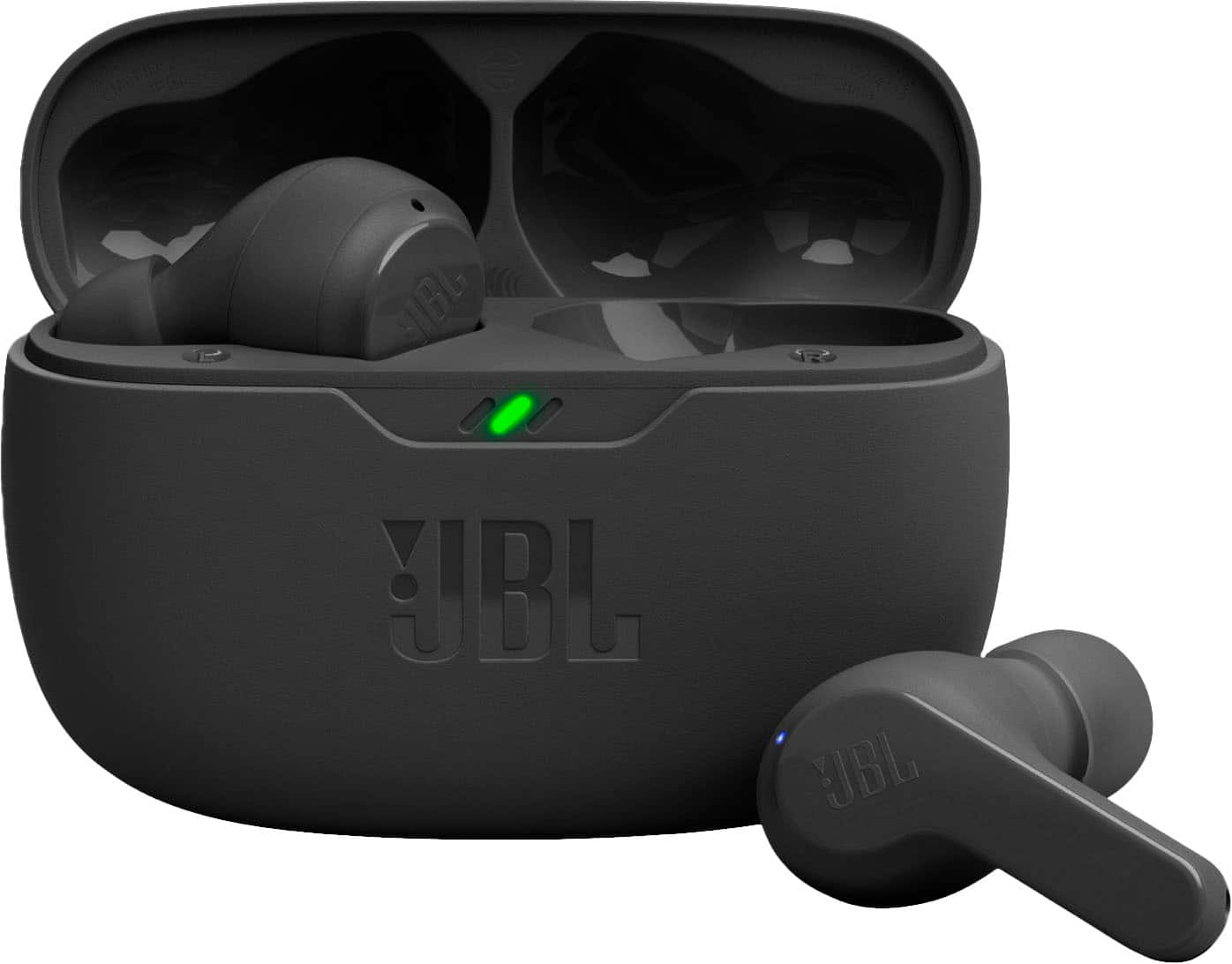
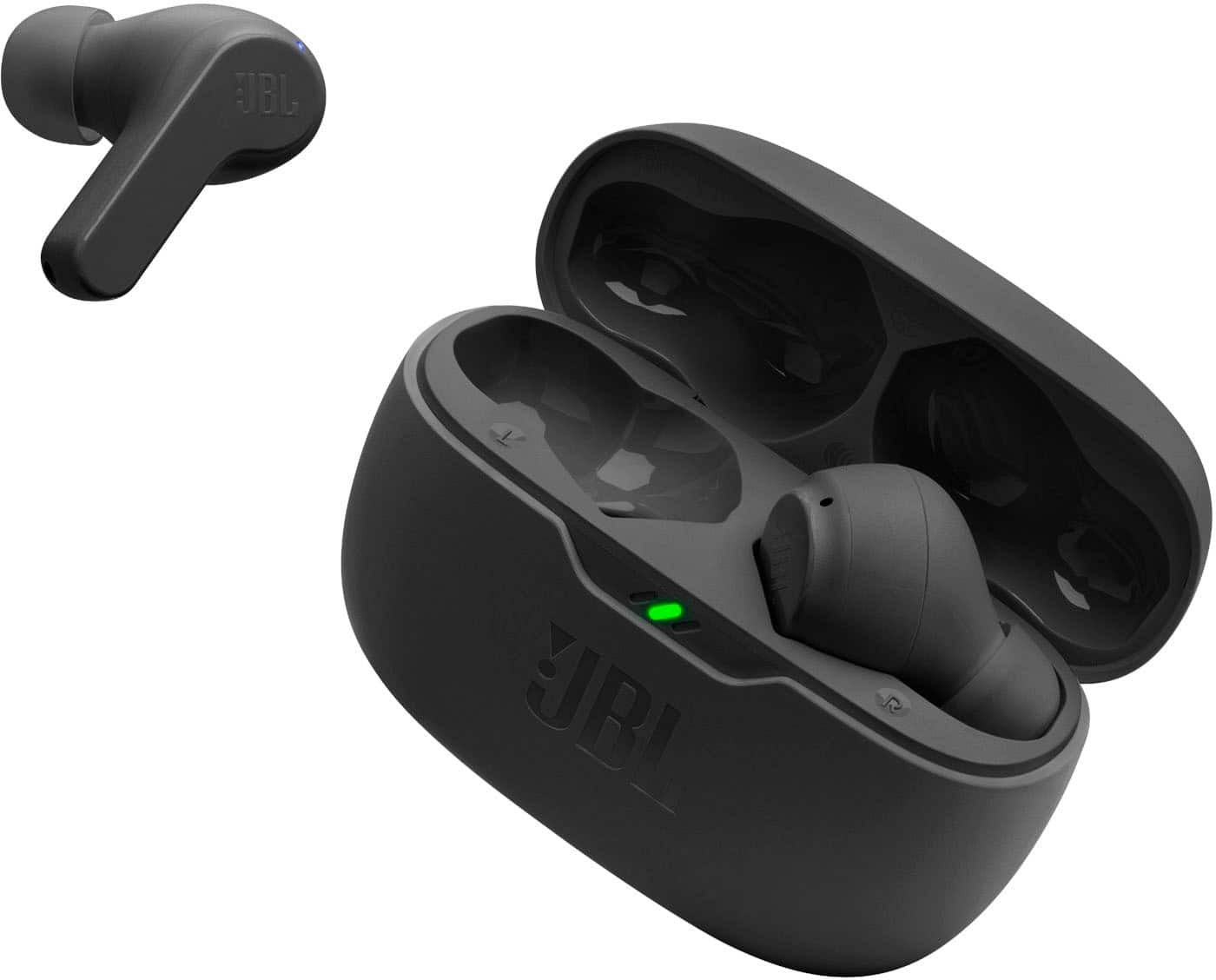
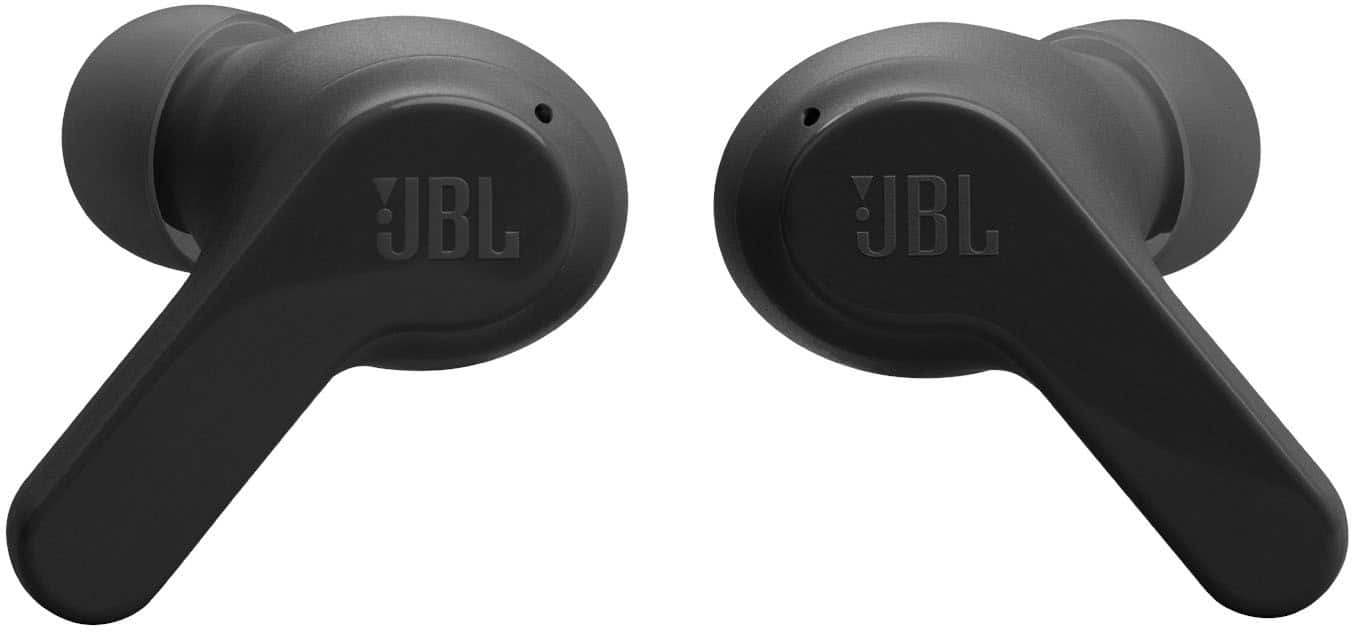
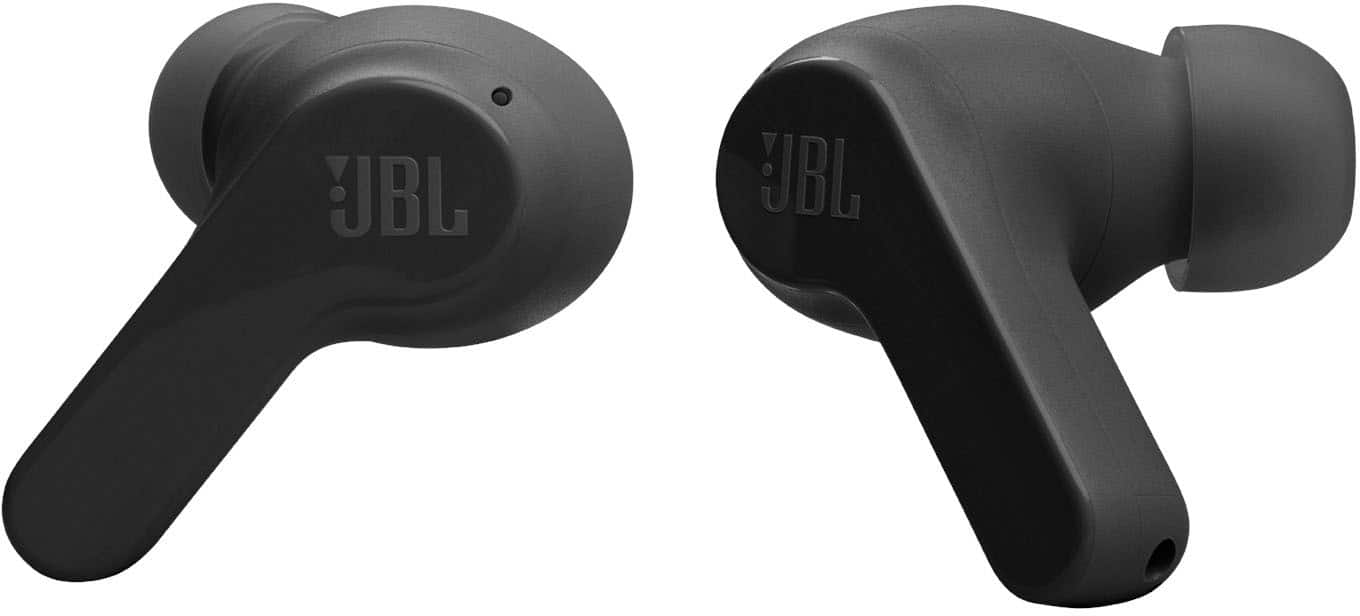

- Model:
- JBLVBEAMBLKAM
- SKU:
- 10433618
Rating by feature
- Sound Quality
Rating 4.5 out of 5 stars
- Battery Life
Rating 4.6 out of 5 stars
- Connectivity
Rating 4.6 out of 5 stars
Customers are saying
Customers are impressed with the excellent sound quality, long battery life, and overall comfort and fit of the product. They also appreciate its reliable connectivity and fast charging speed. However, some users have noted that the volume levels are a drawback. Additionally, the design of the case makes it difficult to remove the product.
This summary was generated by AI based on customer reviews.
Xxxxxx
||Posted . Owned for 3 weeks when reviewed.This reviewer received promo considerations or sweepstakes entry for writing a review.Excellent product.............................!!!!!!!!
I would recommend this to a friendGood product overall
||Posted . Owned for 3 weeks when reviewed.This reviewer received promo considerations or sweepstakes entry for writing a review.Best product for the price sound clarity was okay .
I would recommend this to a friend- Pros mentioned:Sound quality
Okay for the price
||Posted . Owned for 4 months when reviewed.This reviewer received promo considerations or sweepstakes entry for writing a review.They are okay. The down side is that they disconnect when talking on the phone. Sound is nice.
I would recommend this to a friendBrand response from JBL Support
Posted .Thanks for your feedback. Our JBL Vibe Beam should perform well for up to 30 feet. However, walls, obstacles, and other wireless devices can impede that 30-foot range. If it works well at 10 feet or less, it is likely that there is something interfering with your wireless Bluetooth signal, causing these dropouts. First, try to forget/unpair the headphones on your device, then perform manual pairing. Next, try to connect the headphones to a different device (phone/tablet/music player) to see if it fixes the problem. Last is reset, with both earbuds on, and not charging, tap two times and hold the button on the third tap for more than five seconds. You may need to 'forget' the headphones in the Bluetooth settings on your phone/tablet to pair it again. If the issue remains, please contact us at (800) 336-4525 Mon - Fri: 9:00 am - 11:00 pm (EST) Sat-S: 9:00 am - 5:00 pm (EST)

Ear buds
||Posted . Owned for 1 month when reviewed.This reviewer received promo considerations or sweepstakes entry for writing a review.Works great they were just what I was looking for.
I would recommend this to a friendGood Headphones
||Posted . Owned for 2 months when reviewed.This reviewer received promo considerations or sweepstakes entry for writing a review.For its price of 39.99$ that was on sale it's pretty good.
I would recommend this to a friendGood earbuds
||Posted . Owned for 1 month when reviewed.This reviewer received promo considerations or sweepstakes entry for writing a review.Decent earbuds sound quality a little on the low side
I would recommend this to a friendGood and easy to use
||Posted . Owned for 3 weeks when reviewed.This reviewer received promo considerations or sweepstakes entry for writing a review.Bought for my daugter, has been good so far. Easy to use.
I would recommend this to a friendJbl the number 1
||Posted . Owned for 2 weeks when reviewed.This reviewer received promo considerations or sweepstakes entry for writing a review.This Jbl is excellent work very well i would recommend this JBL to anyone
I would recommend this to a friendGood gift
||Posted . Owned for 1 week when reviewed.This reviewer received promo considerations or sweepstakes entry for writing a review.Bought as a gift for my dad. He really enjoys these ear buds
I would recommend this to a friendActive Noise Cancellation is not available
||Posted . Owned for 5 months when reviewed.This reviewer received promo considerations or sweepstakes entry for writing a review.This product does not come with Active Noise Cancellation Feature. So, the person on the other side of the call would hear all background noise from the person using this Earbuds. So Horrible
I would recommend this to a friendSound quality
||Posted . Owned for 1 week when reviewed.This reviewer received promo considerations or sweepstakes entry for writing a review.These were a gift to my dad for Father’s Day and he liked them.
I would recommend this to a friendgood quality
||Posted . Owned for 1 week when reviewed.This reviewer received promo considerations or sweepstakes entry for writing a review.i Bought this earphone for a gift and she really likes it
I would recommend this to a friendGreat buy
||Posted . Owned for 2 weeks when reviewed.This reviewer received promo considerations or sweepstakes entry for writing a review.Great cost effective option in wireless headphones.
I would recommend this to a friendYou get what you pay for
||Posted . Owned for 1 month when reviewed.This reviewer received promo considerations or sweepstakes entry for writing a review.Good for temporary use. However the audio is on the low end and even at max they cant help block out external noise.
No, I would not recommend this to a friendJBL - Auriculares inalámbricos Vibe Beam True - Ne
||Posted . Owned for 3 weeks when reviewed.This reviewer received promo considerations or sweepstakes entry for writing a review.Excellent product it is great ear JBL - **********Vibe Beam True -
I would recommend this to a friendGOOD for the price
||Posted . Owned for 3 weeks when reviewed.This reviewer received promo considerations or sweepstakes entry for writing a review.First time to purchase earbuds. Very satifisfied with it.
I would recommend this to a friendGreat for the money!
||Posted . Owned for 3 weeks when reviewed.This reviewer received promo considerations or sweepstakes entry for writing a review.Great set of ear buds for the money. Highly recommend them.
I would recommend this to a friendExcelent product
||Posted . Owned for 3 weeks when reviewed.This reviewer received promo considerations or sweepstakes entry for writing a review.Great product thank you best buy I love my best buy
I would recommend this to a friendGreat product
||Posted . Owned for 2 months when reviewed.This reviewer received promo considerations or sweepstakes entry for writing a review.It works as it should, would buy again. Great pricing
I would recommend this to a friendJBL ear buds.
||Posted . Owned for 3 weeks when reviewed.This reviewer received promo considerations or sweepstakes entry for writing a review.This buds are whar I was looking for my wife. She loves them.
I would recommend this to a friend