Customer Ratings & Reviews
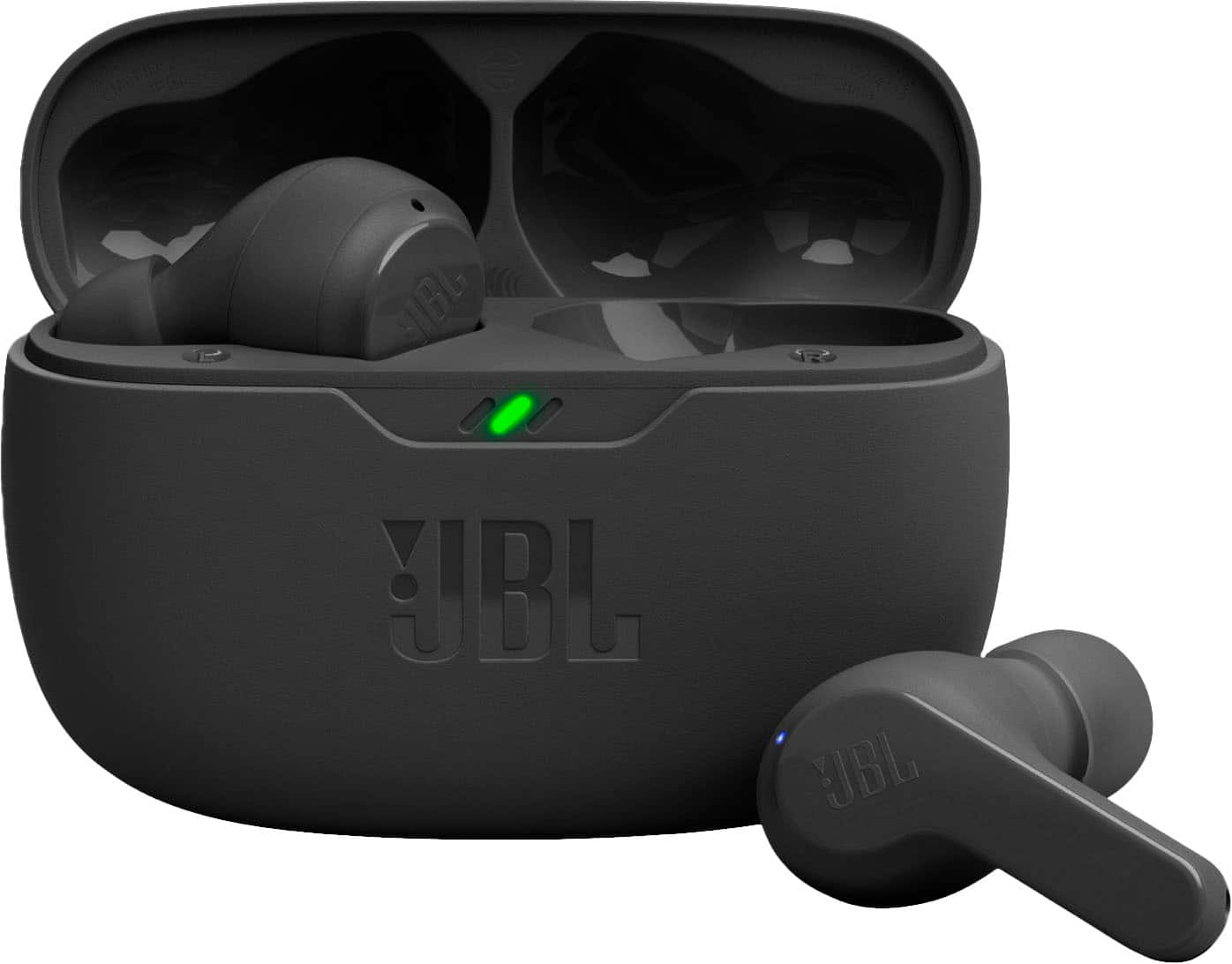
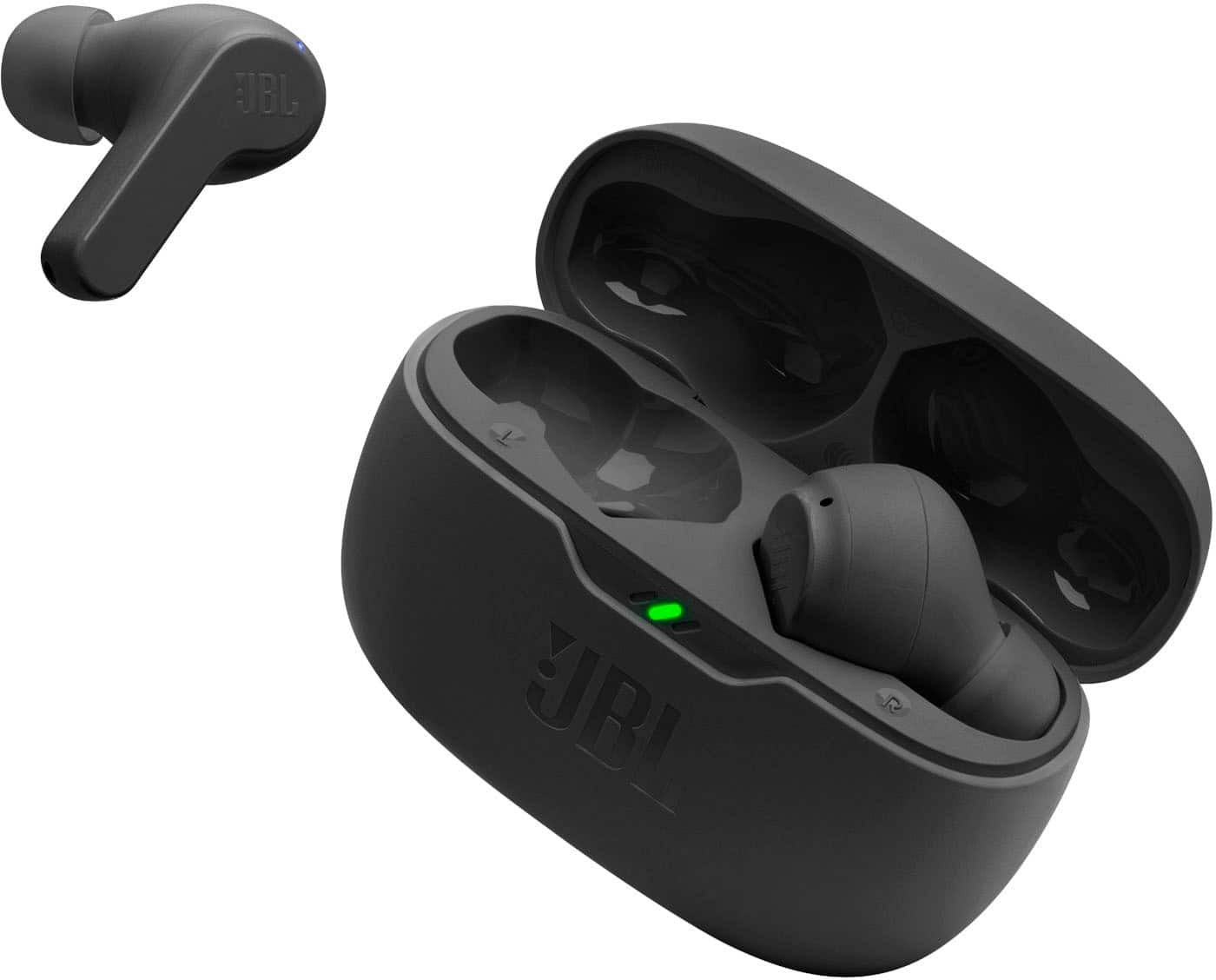
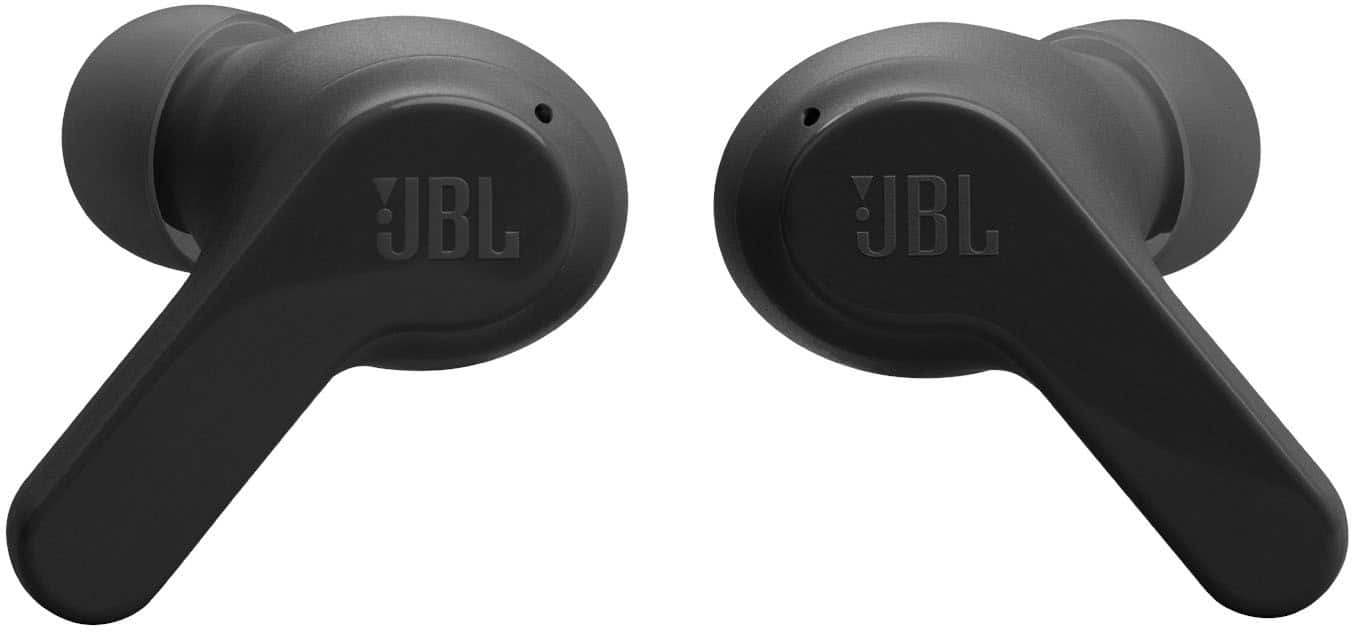
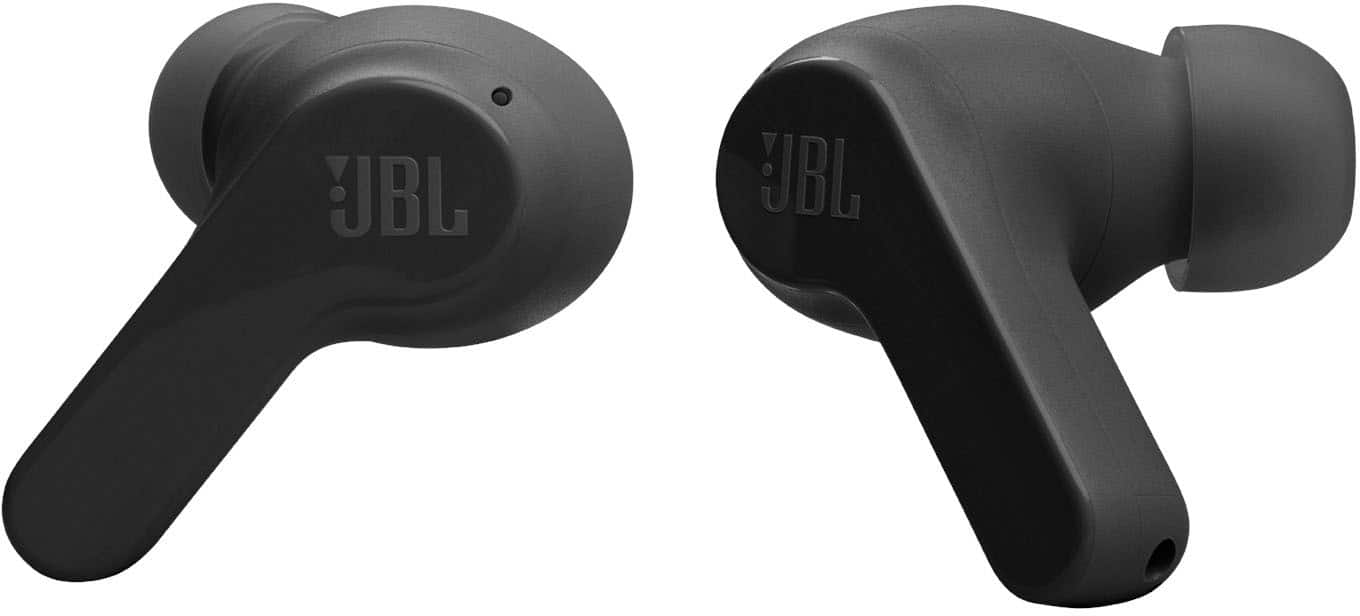

- Model:
- JBLVBEAMBLKAM
- SKU:
- 10433618
Rating by feature
- Sound Quality
Rating 4.5 out of 5 stars
- Battery Life
Rating 4.6 out of 5 stars
- Connectivity
Rating 4.6 out of 5 stars
Customers are saying
Customers are impressed with the excellent sound quality, long battery life, and overall comfort and fit of the product. They also appreciate its reliable connectivity and fast charging speed. However, some users have noted that the volume levels are a drawback. Additionally, the design of the case makes it difficult to remove the product.
This summary was generated by AI based on customer reviews.
Not what I hoped for
||Posted . Owned for 3 weeks when reviewed.This reviewer received promo considerations or sweepstakes entry for writing a review.Too sensitive and hard to get out of the case without turning them on. Also don’t stay in ears with any of the tips
No, I would not recommend this to a friendBrand response from JBL Support
Posted .We appreciate your feedback on our JBL Vibe Beam. To achieve the best seal and secure fit, you must create a tight seal within your ear canal. To do this, angle the ear tip slightly downward to make it easier to insert into your ear canal, gently twist the earbud to fit it securely into the shape of your ear, and continue twisting the earbud into your ear canal. We also recommend considering larger ear tips from third-party sellers. If you need more help, please contact us.

Price worthy
||Posted . Owned for 2 months when reviewed.This reviewer received promo considerations or sweepstakes entry for writing a review.You perfectly get what you pay for. It's a decent earbuds
I would recommend this to a friend- Cons mentioned:Volume
Jbl
||Posted . Owned for less than 1 week when reviewed.This reviewer received promo considerations or sweepstakes entry for writing a review.Sound and quality is poor. Volume too low. Difficult staying in ear
No, I would not recommend this to a friendBrand response from JBL Support
Posted .We appreciate your feedback on our JBL Vibe Beam. We understand that the sound quality of this product didn't exceed your expectations. You may also try connecting your JBL Vibe Beam to our JBL Headphones app, the app will allow you to modify the EQ setting to produce the sound to your preference. On the other hand to achieve the best seal and secure fit, you must create a tight seal within your ear canal. To do this, angle the ear tip slightly downward to make it easier to insert into your ear canal, gently twist the earbud to fit it securely into the shape of your ear, and continue twisting the earbud into your ear canal. If you need more help, please contact our customer support.
Amun1285
||Posted . Owned for 3 weeks when reviewed.This reviewer received promo considerations or sweepstakes entry for writing a review.Need more noise cancelling added but a good choice for the price
I would recommend this to a friendbasic wireless headphones
||Posted . Owned for 1 month when reviewed.This reviewer received promo considerations or sweepstakes entry for writing a review.not the best comfortability. you get what you pay for.
I would recommend this to a friendEar buds
||Posted . Owned for 3 weeks when reviewed.This reviewer received promo considerations or sweepstakes entry for writing a review.The ear buds didn't block all the noise while outside.
No, I would not recommend this to a friend- Pros mentioned:Sound quality
Good earbuds bad usb-c port
||Posted . Owned for less than 1 week when reviewed.This reviewer received promo considerations or sweepstakes entry for writing a review.I bought two of these and the sound is good, however the usb-c charging port broke for both, I returned it.
No, I would not recommend this to a friend Not sure
||Posted . Owned for 1 month when reviewed.This reviewer received promo considerations or sweepstakes entry for writing a review.Not impressed- the do not fit my ears, they keep falling out.
I would recommend this to a friendGarbage
||Posted . Owned for 1 year when reviewed.This reviewer received promo considerations or sweepstakes entry for writing a review.These are junk. The left side speaker blew out in 3 months and I dont even listen at high volume
No, I would not recommend this to a friendBrand response from JBL Support
Posted .Thanks for the feedback. If you’re using an equalizer (EQ) to boost certain frequencies, it can have the same effect as increasing the volume. Try turning the EQ off. If the sound no longer distorts with the EQ disabled, the speaker isn’t damaged—the EQ settings just need to be adjusted to prevent distortion and potential damage. You may also try to connect the earbuds to your other source device. If it still has the same issue, you may proceed to reset your unit. With both earbuds on and not charging, press either the left or right earbud three (3) times then hold it on the third tap for 5 seconds. Once done, put back both earbuds inside the charging case for 10 seconds while the lid is closed. You may need to forget the headphones in your device’s Bluetooth settings and pair them again. If the issue persists, please contact us directly.
Average
||Posted . Owned for 3 weeks when reviewed.This reviewer received promo considerations or sweepstakes entry for writing a review.Average not the best sound when talking thru them.
No, I would not recommend this to a friendDoesn't fit in the ear
||Posted . Owned for 3 weeks when reviewed.This reviewer received promo considerations or sweepstakes entry for writing a review.Was little bit big for my ears. So have to return it.
No, I would not recommend this to a friend- Pros mentioned:Battery life
Long Lasting Discomfort
||Posted . Owned for less than 1 week when reviewed.This reviewer received promo considerations or sweepstakes entry for writing a review.Battery life is great, but these ear buds are EXTREMELY uncomfortable. I would not recommend.
No, I would not recommend this to a friendBrand response from JBL Support
Posted .Thanks for your feedback. We're always looking for ways to improve. For our JBL Vibe Beam, to achieve the best seal and secure fit, you must create a tight seal within your ear canal. To do this, angle the ear tip slightly downward to make it easier to insert into your ear canal, gently twist the earbud to fit it securely into the shape of your ear, and continue twisting the earbud into your ear canal. If you need more help, please contact our customer support.
Disappointed
||Posted . Owned for 8 months when reviewed.This reviewer received promo considerations or sweepstakes entry for writing a review.Simply trash unfortunately, used it only about 30 times and the right earbud stopped working. Sound is sub-par and the fit is lousy despite trying the different plugs included. Cheap but not worth it in the end.
No, I would not recommend this to a friendSo far so good
||Posted . Owned for 4 months when reviewed.This reviewer received promo considerations or sweepstakes entry for writing a review.So far so good. Working as expected for price paid.
I would recommend this to a friend- Pros mentioned:Sound quality
Poor Sound Quality
||Posted . Owned for 7 months when reviewed.This reviewer received promo considerations or sweepstakes entry for writing a review.Sound quality is around the same mark as a free pair that I received at a trade show. Returned these and purchased beats, which have much better bass and sound quality.
No, I would not recommend this to a friendBrand response from JBL Support
Posted .We appreciate you taking the time to provide us with your feedback. We're sorry to hear that our JBL Vibe Beam TWS didn't meet your expectations. We're always looking for ways to improve, and we'll make sure to share your feedback with the appropriate team.
- Cons mentioned:Volume
Low volume
||Posted . Owned for 1 month when reviewed.This reviewer received promo considerations or sweepstakes entry for writing a review.Theses headphones are horrible. I paired them to my iPhone and they very low in volume
No, I would not recommend this to a friendBrand response from JBL Support
Posted .Thank you for your feedback on our JBL Vibe Beam. We understand that it didn't meet your expectations. In order for the headphones to give you the best audio response, you must create a tight seal within your ear canal. It is best to try this with all of the provided ear tip sizes until you find the one that accomplishes this most easily. Please also ensure that all the Bluetooth settings are enabled on your device to avoid any issues.
- Pros mentioned:Sound quality
Not JBL wuality
||Posted . Owned for 3 weeks when reviewed.This reviewer received promo considerations or sweepstakes entry for writing a review.Cheap. Tinny sound. Returned a day later. Poor quality from a good sound brand. Maybe too entry level. Apple ear pods much better.
No, I would not recommend this to a friendBrand response from JBL Support
Posted .Thanks for your feedback. We understand that our JBL Vibe Beam didn't meet your expectations. We're always looking for ways to improve and we'll make sure to share your feedback to the appropriate team. If you need more help, please contact JBL Custome Support so we can assist you.
Disappointed with Best Buy
||Posted . Owned for 1 month when reviewed.This reviewer received promo considerations or sweepstakes entry for writing a review.Disclaimer: This review is for Best Buy in-store experience, not about the product. I purchased this product from Union City store on black friday and didn't open the box until now. When I opened it today the earbuds were missing (someone at the store must have opened the box, picked the earbuds and left the user manual for me to read). So went back to the store and the store manager said it's too late. I understand I was late, but the problem is with the store not tracking theft and us customers have to pay for it. Staying away from best buy for a while, will explore other retailers.
No, I would not recommend this to a friendWont turn on
||Posted .This reviewer received promo considerations or sweepstakes entry for writing a review.My earbuds are 3 mounths old and the right one will not turn on or charge. Up till that point they were great.
No, I would not recommend this to a friendDon’t waste your money
||Posted . Owned for 3 months when reviewed.This reviewer received promo considerations or sweepstakes entry for writing a review.The 32 hour battery life is a blatant lie and scam. I have to charge these headphones every night and I’ve only had them for three months. The charging case is constantly draining, and when it dies it automatically turns on the headphones so they die as well. Worst pair of headphones I’ve ever owned.
No, I would not recommend this to a friendBrand response from JBL Support
Posted .Thanks for your feedback, our JBL Vibe Beam has up to 32 hours of battery life. This may vary depending on volume and music content. If the speaker doesn't meet the advertised playtime hours even at low to mid-volume levels, there could be a problem with the battery of the unit. Please contact our Customer Support, so we can assist you.