Year-End SaleEnds 1/1/26. Limited quantities. No rainchecks.

Skip to contentGo to Product SearchGo to Footer
Main Content

Customer Ratings & Reviews
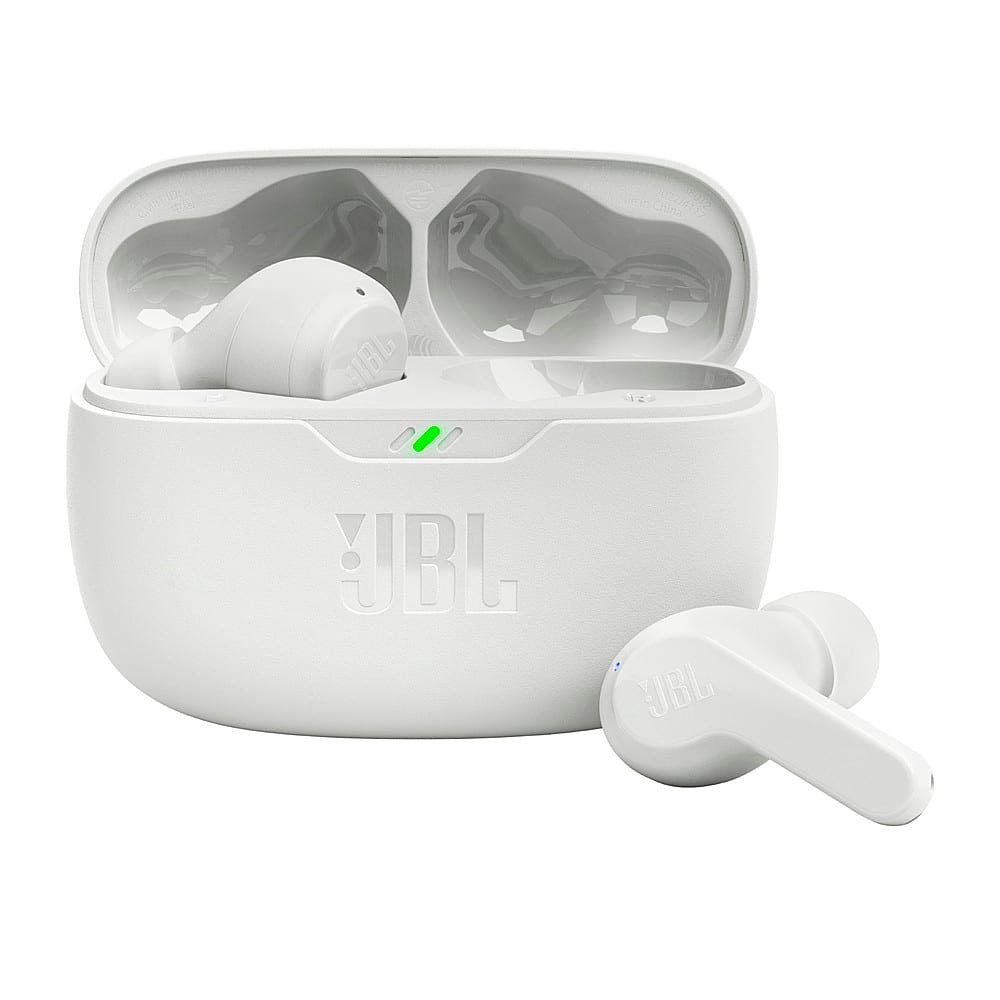
Model:
JBLVBEAMWHTAM
SKU:
6533942
Your price for this item is $54.95

Customer reviews

Rating 4.5 out of 5 stars with 2626 reviews

Rating Filter

Rating by feature

  • Sound Quality

    Rating 4.5 out of 5 stars

  • Battery Life

    Rating 4.6 out of 5 stars

  • Connectivity

    Rating 4.6 out of 5 stars

Pros mentioned filter

Cons mentioned filter

89%would recommend to a friend

Customers are saying

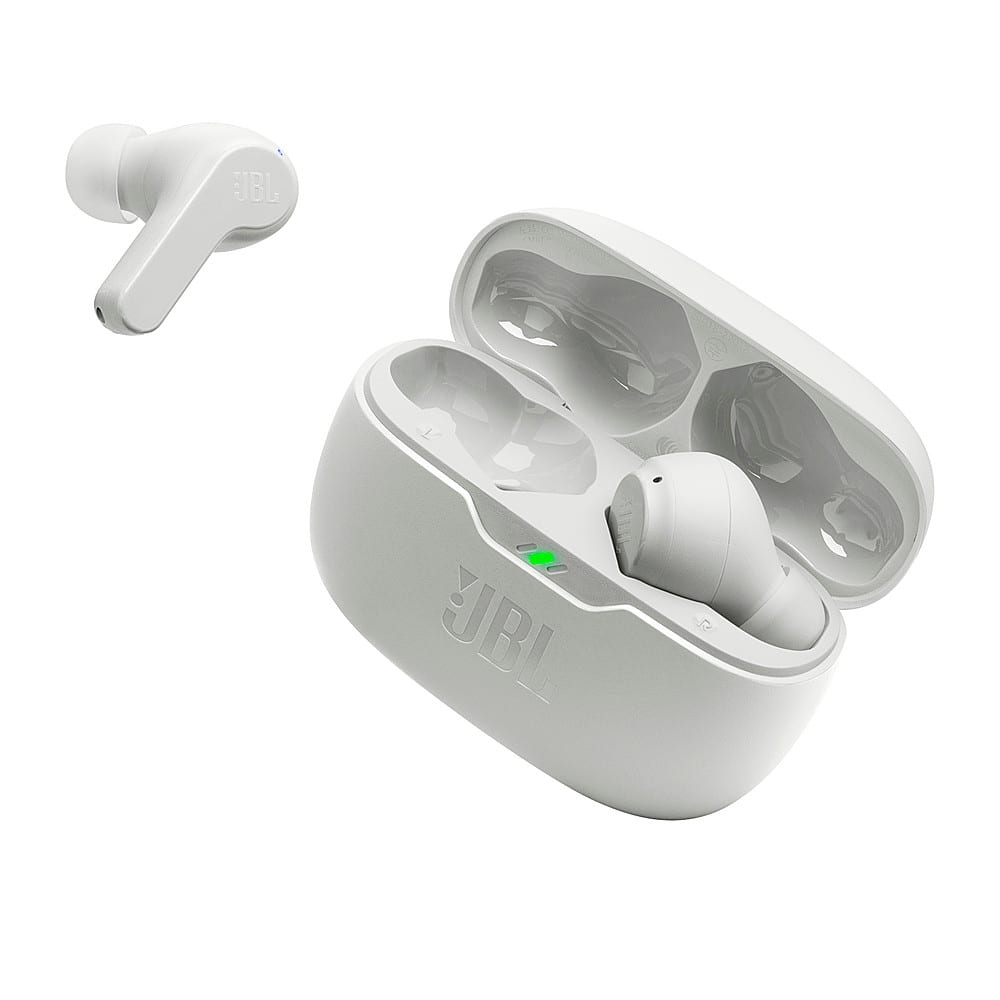
Customers are delighted by the Vibe Beam True Wireless Earbuds - 2023, particularly the sound quality and battery life. Many also praise the comfortable fit and reliable connectivity. However, some customers have expressed concerns about the volume and the case design.

This summary was generated by AI based on customer reviews.

The vast majority of our reviews come from verified purchases. Reviews from customers may include My Best Buy members, employees, and Tech Insider Network members (as tagged). Select reviewers may receive discounted products, promotional considerations or entries into drawings for honest, helpful reviews.
Page 131 Showing 2,601-2,620 of 2,626 reviews
  • Rated 3 out of 5 stars

    ok

    Posted .
    This reviewer received promo considerations or sweepstakes entry for writing a review.

    the overall quality is average, but they dont work well with phone calls.

    No, I would not recommend this to a friend
  • Rated 1 out of 5 stars

    If You Have Small Ears This Is Not For You

    Posted .
    This reviewer received promo considerations or sweepstakes entry for writing a review.

    I thought this was going to be a great budget option for a wireless earbud but every two seconds i would have to re-position them in my ears, even on the smallest rubber thing they would constantly fall out. They are also very uncomfortable for a long amount of time - an hour at most - before they would hurt.

    No, I would not recommend this to a friend
    • Brand response from JBL Support
      Posted .

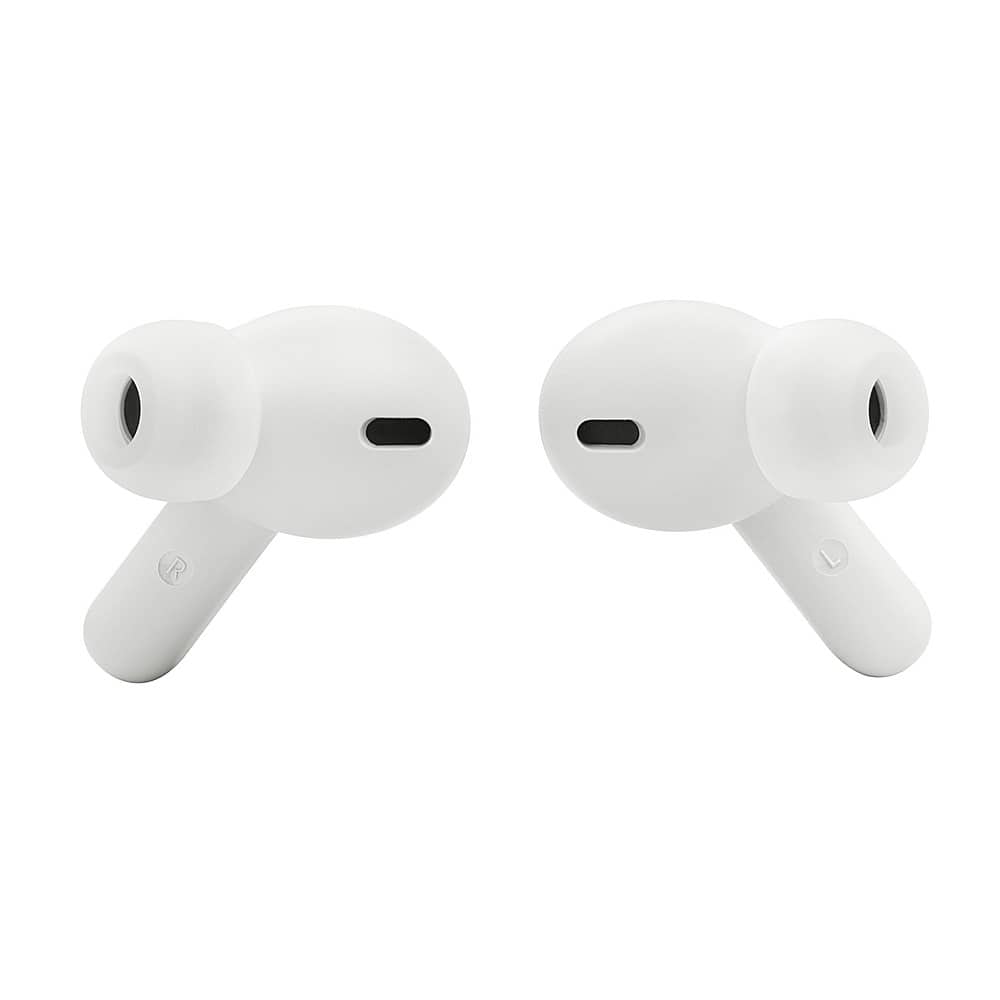
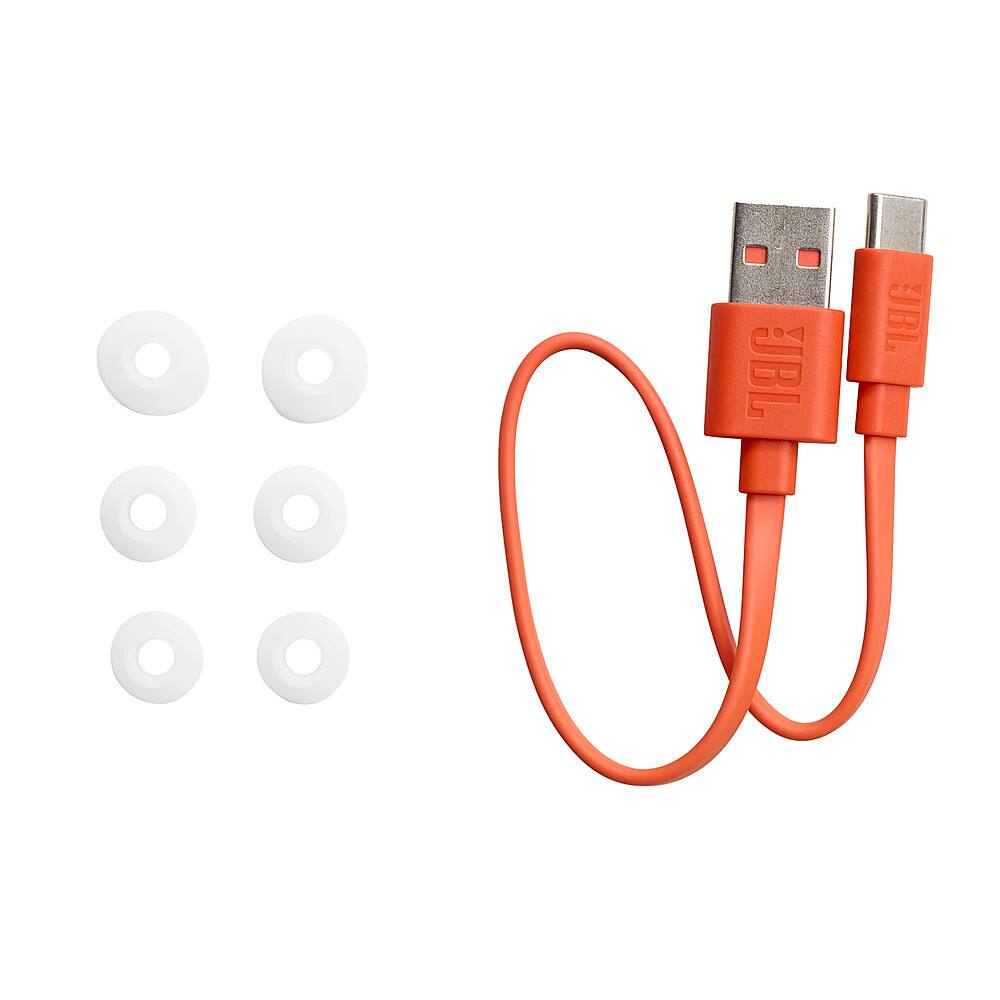
      We're here to help you with your JBL Vibe Beam. To achieve the best seal and secure fit, you must create a tight seal within your ear canal. To do this, angle the ear tip slightly downward to make it easier to insert into your ear canal, gently twist the earbud to fit it securely into the shape of your ear, and continue twisting the earbud into your ear canal. Additionally, there are extra sealing tips in 3 sizes that are exchangeable, please choose depending on your fit. For further assistance, please contact our customer support. JBL

  • Rated 3 out of 5 stars

    For tech savvy users

    Posted .
    This reviewer received promo considerations or sweepstakes entry for writing a review.

    Ear buds were difficult for 94 year old father to operate and often didn't stay in ears

    I would recommend this to a friend
  • Rated 3 out of 5 stars

    Average device

    Posted .
    This reviewer received promo considerations or sweepstakes entry for writing a review.

    Works well. Doesn’t sync well when someone calls. And doesn’t cancel noise

    I would recommend this to a friend
  • Pros mentioned:
    Fit

    Rated 1 out of 5 stars

    Awful Sound

    Posted .
    This reviewer received promo considerations or sweepstakes entry for writing a review.

    These look great. They fit. The sound quality is tinny - there’s no bass, no middle, just a thin tinny sound. Even for the price of $30 do not bother. Complete waste. I’m a musician and audiophile. These are being rrturned within an hour of purchase.

    No, I would not recommend this to a friend
    • Brand response from JBL Support
      Posted .

      Thanks for your feedback. We're always looking for ways to improve our products. You may contact BestBuy for further assistance with returning your JBL Vibe Beam TWS. JBL

  • Rated 3 out of 5 stars

    dont fit well in ears

    Posted .
    This reviewer received promo considerations or sweepstakes entry for writing a review.

    they dont fit very good in my ears no matter what eartips i use

    No, I would not recommend this to a friend
  • Cons mentioned:
    Volume

    Rated 1 out of 5 stars

    Could be better

    Posted .
    This reviewer received promo considerations or sweepstakes entry for writing a review.

    They are not as loud as I thought they would be. I still can hear my outside surroundings if im in a loud area. I use them to roller skate and they aren't the best go to for me

    No, I would not recommend this to a friend
    • Brand response from JBL Support
      Posted .

      Thank you for taking the time to provide us with your feedback. We are sorry to hear that the sound quality of our JBL Vibe Beam didn't meet your expectations. we recommend downloading the JBL Headphones App and customizing the EQ settings of the earbuds to your preference. We always strive to improve and your feedback will be shared with the relevant team. For any further queries or concerns, please do not hesitate to contact our customer support. JBL

  • Rated 2 out of 5 stars

    Works great at first, then doesn't

    Posted .
    This reviewer received promo considerations or sweepstakes entry for writing a review.

    First purchased on 7/2022. They worked great. Then the sound on the right went out. Returned and received a 2nd pair 1/2023, had Total Tech. Right went out again w/in 5mos. Tried my iPods to make sure it wasnt my hearing going bad.

    No, I would not recommend this to a friend
    • Brand response from JBL Support
      Posted .

      This is not the experience we want you to have with our JBL Vibe Beam. You may want to perform a reset to bring the earbuds back to their factory settings. Here’s how: while holding the earbuds, tap the touch control two times and hold the button on the third tap for more than 5 seconds. This restores factory defaults. (Please note that charging must take place for the reset to work.) It may also be necessary to remove or forget the earbuds from the list of paired devices to pair again. Please contact our customer support if you need additional assistance. JBL

  • Rated 2 out of 5 stars

    Not enough bass or mids

    Posted .
    This reviewer received promo considerations or sweepstakes entry for writing a review.

    Lots of treble, lack of bass or mids. Even adjusting the EQ the bass is subpar vs other bluetooth and wired earbuds I have. And my other earbuds are not expensive or fancy.

    No, I would not recommend this to a friend
    • Brand response from JBL Support
      Posted .

      Thank you for your feedback on our JBL Vibe Beam. We understand that it didn't meet your expectations. We're always looking for ways to improve and we'll make sure to submit your feedback to the appropriate team. JBL

  • Rated 2 out of 5 stars

    Lost

    Posted .
    This reviewer received promo considerations or sweepstakes entry for writing a review.

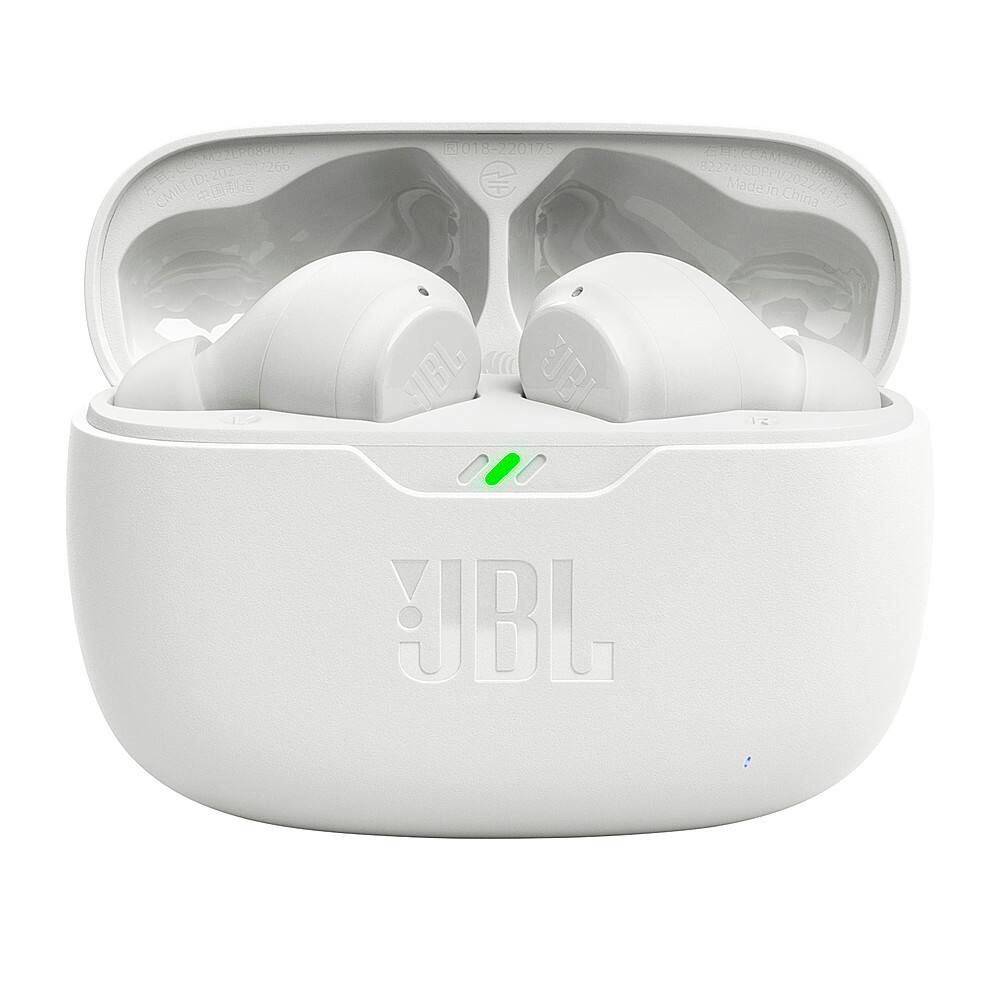
    I paid less for more functionality in ear buds I bought in 2020. These are more expensive, less comfortable and they made these to be lost. The case is tiny.

    No, I would not recommend this to a friend
    • Brand response from JBL Support
      Posted .

      We appreciate your time in providing feedback on our JBL Vibe Beam. We understand that it didn't meet your expectations. We're always looking for ways to improve and we'll make sure to share your feedback to the appropriate team. JBL

  • Rated 2 out of 5 stars

    Sound isnt that good

    Posted .
    This reviewer received promo considerations or sweepstakes entry for writing a review.

    The bass isnt strong at all. Audio doesnt sound deep, they sound very cheap.

    No, I would not recommend this to a friend
    • Brand response from JBL Support
      Posted .

      Thanks for your feedback. We're here to help with your JBL Vibe Beam. This instance is sometimes caused by the quality of your source, depending on what you are listening to. You may check the music player app on your source device to see if Equalizer is engaged. If engaged, turn off the equalizer. If turning it off does not resolve the issue, turn it on again and adjust the EQ by boosting the bass to your liking. If you still find the bass insufficient, you can control the Equalizer through the JBL Headphones App to adjust and enhance the bass levels. Should you wish to increase the bass level of your JBL Vibe Beam, you can use the App for this purpose. If you have already tried this and remain unsatisfied with the bass, rest assured that we're always looking for ways to improve, and your feedback will be forwarded to our development team for future improvement. JBL

  • Rated 2 out of 5 stars

    Sub standard

    Posted .
    This reviewer received promo considerations or sweepstakes entry for writing a review.

    Tinny sound quality. Easily fall out of my ears. No reminder when units go out of range.

    No, I would not recommend this to a friend
    • Brand response from JBL Support
      Posted .

      We appreciate your time in providing feedback on our JBL Vibe Beam. To give you the best seal and secure fit, gently twist the earbud to fit it securely into the shape of your ear, then, continue twisting the earbud into your ear canal. You can also change the ear tips as they come in three sizes (S, M, L). Please also note that this unit has a maximum Bluetooth range of 10 - 15 meters, with no large objects blocking the line of sight. A distance farther than that would pose signal deterioration. If you need more help, please contact JBL customer support. JBL

  • Rated 1 out of 5 stars

    Stopped working within days

    Posted .
    This reviewer received promo considerations or sweepstakes entry for writing a review.

    Bought these are a convenient pair of wireless earbuds and the LEFT unit stopped working after two days....frustrating... Not worth the money, but Best Buy was solid and accepted the return

    No, I would not recommend this to a friend
    • Brand response from JBL Support
      Posted .

      Thanks for your feedback on our JBL Vibe Beam. This is not the experience that we want you to have and we understand that it didn't meet your expectations. If you still need help with the unit, please contact JBL Customer Support. We're here to help. JBL

  • Rated 1 out of 5 stars

    Don’t buy em

    Posted .
    This reviewer received promo considerations or sweepstakes entry for writing a review.

    The sound quality is terrible, the saying is true. You get what you pay for. Zero bass, just don’t waste your time and money on these. 0/5 stars

    No, I would not recommend this to a friend
    • Brand response from JBL Support
      Posted .

      Thanks for your feedback. This instance is sometimes caused by the quality of your source, depending on what you are listening to. You may check the music player app on your source device to see if Equalizer is engaged. If engaged, turn off the equalizer. If turning it off does not enhance the sound quality, turn it on again and adjust the EQ by boosting the bass to your liking. You can also control the Equalizer through the JBL Headphones App to adjust and enhance the volume levels of specific frequencies in the audio signal. This feature allows you to personalize sound optimization to better meet your preferences. If you have already tried this and remain unsatisfied with the sound quality, rest assured that we're always looking for ways to improve, and your feedback will be forwarded to our development team for future improvement. JBL

  • Rated 1 out of 5 stars

    Tin can

    Posted .
    This reviewer received promo considerations or sweepstakes entry for writing a review.

    These are the worst buds I’ve ever owned. They sound like like listening through a tin can, and there is absolutely no bass. The battery life is a joke, just terrible.

    No, I would not recommend this to a friend
    • Brand response from JBL Support
      Posted .

      Thanks for reaching out to us. We're here to help. In order for the headphones to give you the best audio response, you must create a tight seal within your ear canal. If you have accomplished a tight seal, but still feel that the bass is lacking, this might be caused of the sonic quality of your source, depending on what you are listening to, EQ Settings, or Source Device. If you're using an EQ, you may try to turn it off, or if not, try turning it on and boosting the bass. You may also reset the earbuds by turning it on, and not charging, tap two times and hold the button on the third tap for more than 5 seconds. On the other hand, please note that battery depletes more quickly when the volume is very loud. For further assistance with your earbuds, please contact us at (800) 336-4525 Mon - Fri: 9:00 am - 11:00 pm (EST) Sat - Sun: 9:00 am - 5:00 pm (EST) JBL

  • Rated 1 out of 5 stars

    Not using them

    Posted .
    This reviewer received promo considerations or sweepstakes entry for writing a review.

    Not even trying to use them anymore. I could not keep them in my ears and eventually went back to Best Buy and purchased JBL headphones.

    No, I would not recommend this to a friend
    • Brand response from JBL Support
      Posted .

      We appreciate you taking the time to provide us with your feedback. We're always looking for ways to improve. We'll make sure to pass this along to our development team. JBL

  • Rated 1 out of 5 stars

    Not very happy

    Posted .
    This reviewer received promo considerations or sweepstakes entry for writing a review.

    They don't stay in your ears very well. Fallout 2 easy, and you cannot get them to fit very well because all the ear pieces are the same size.

    No, I would not recommend this to a friend
    • Brand response from JBL Support
      Posted .

      We appreciate your time in providing feedback on our JBL Vibe Beam TWS. We understand that it didn't meet your expectations. We're always looking for ways to improve and we'll make sure to submit your feedback to the appropriate team. JBL

  • Rated 1 out of 5 stars

    Don't waste your money

    Posted .
    This reviewer received promo considerations or sweepstakes entry for writing a review.

    My earbuds constantly come unconnected to my phone and it's very frustrating. I don't recommend them.

    No, I would not recommend this to a friend
    • Brand response from JBL Support
      Posted .

      Thanks for bringing this to our attention. Bluetooth typically performs well within a 30-foot range, but walls, obstacles, and other wireless devices can impede this. If you experience dropouts within 10 feet, there may be interference. To resolve the issue with your JBL Vibe Beam, ensure it is within 10 feet of your device with a clear line of sight (no obstacles). Try to forget/unpair the earbuds on your device, and initiate a reset. To reset your unit, first make sure that the case is not charging, tap the right earbud twice and hold the button on the third tap for more than 5 seconds. Reset will wipe all previous settings and pairings, so it will be necessary to pair your unit with your devices again. If the issue persists, please contact us at (877) 871-6755 / Mon - Fri: 9:00 am - 11:00 pm (ET) Sat-Sun: 9:00 am - 5:00 pm (ET). JBL

  • Rated 1 out of 5 stars

    Bad 'Vibe'

    Posted .
    This reviewer received promo considerations or sweepstakes entry for writing a review.

    Nope. Even after adjusting equalizer on app, still sounds like a bucket over my head. No bass at all. Sorry, but Airpods win again.

    No, I would not recommend this to a friend
    • Brand response from JBL Support
      Posted .

      We appreciate your time in providing feedback on our JBL Vibe Beam. We understand that it didn't meet your expectations. We're always looking for ways to improve and we'll make sure to submit your feedback to the appropriate team. JBL

  • Rated 1 out of 5 stars

    Headphones didnt last a week, left earbud dont cha

    Posted .
    This reviewer received promo considerations or sweepstakes entry for writing a review.

    Horrible left earbud stopped working after one week.

    No, I would not recommend this to a friend