Customer Ratings & Reviews


- Model:
- KEPICKEYRBLK4
- SKU:
- 6521119
Rating by feature
- Value
Rating 4.5 out of 5 stars
- Quality
Rating 4.5 out of 5 stars
- Ease of Use
Rating 4.6 out of 5 stars
Customers are saying
Customers value the Epic Wireless Keyboard for its excellent quality, long-lasting battery, and comfortable key feel. Many appreciate the convenient volume control, reliable connectivity across devices, and ease of use. The keyboard's design is also a plus for many users. Overall, the Epic Wireless Keyboard appears to be well-received.
This summary was generated by AI based on customer reviews.
Great keyboard
||Posted . Owned for 3 months when reviewed.This reviewer received promo considerations or sweepstakes entry for writing a review.Great keyboard. Swap between my Mac and PC. Would recommend.
I would recommend this to a friendgood keyboard
||Posted . Owned for 1 month when reviewed.This reviewer received promo considerations or sweepstakes entry for writing a review.Positive customer service and knowledgeable representative.
I would recommend this to a friendExcellent buy
||Posted . Owned for less than 1 week when reviewed.This reviewer received promo considerations or sweepstakes entry for writing a review.Bought for work and is a perfect addition to my office space.
I would recommend this to a friendNice
||Posted . Owned for 3 weeks when reviewed.This reviewer received promo considerations or sweepstakes entry for writing a review.Love it!!!!!!!!!!!!!!!!!!!!!!!!!!!!!!!!!!!!!!!!!!!
I would recommend this to a friendWorks well.
||Posted . Owned for 1 week when reviewed.This reviewer received promo considerations or sweepstakes entry for writing a review.………………………………………………………………………………………………………………………………..
I would recommend this to a friendgreat feel
||Posted . Owned for 3 weeks when reviewed.This reviewer received promo considerations or sweepstakes entry for writing a review.Keyboard feels very responsive and has many features.
I would recommend this to a friendEhh it’s okay
||Posted . Owned for less than 1 week when reviewed.This reviewer received promo considerations or sweepstakes entry for writing a review.Hard to get connected. Make sure to pay close attention to the directions.
No, I would not recommend this to a friendDoesn’t integrate
||Posted . Owned for 1 week when reviewed.This reviewer received promo considerations or sweepstakes entry for writing a review.Bought mouse by same company. Keyboard won’t connect with it. Their peripherals are not compatible. Requested help got an email that was not helpful. Sent me to links I already viewed
No, I would not recommend this to a friendBrand response from JLab Audio Team
Posted .We appreciate your feedback and will use it to improve your experience.

- Pros mentioned:Battery life, Volume control

Simple and clean
|Posted .This reviewer received promo considerations or sweepstakes entry for writing a review.I have been searching for a keyboard to add to my work from home setup and I finally found the perfect fit! I love the sleek and stylish design; it has that sophisticated look that I was going for, unlike those trendy mechanical keyboards. The backlit keys are easy on the eyes. I am a fan of the volume knob, it feels a bit retro and I love that you can configure it too. The number pad is also a very helpful feature especially when you work with a lot of numbers. Aside from that, the customizable keys and pre-programmed shortcuts make this keyboard worth buying. As I own multiple devices of different operating systems, I appreciate the dedicated key to switch between OS. Not to mention that is very easy to pair with your devices. I love that it's rechargeable and has a long lasting battery life. It has a battery indicator too which is a nice addition. Key pressing is soft which enhances the overall typing experience. I would love to see future models to have better wrist support. Regardless, it's still comfortable to use for an extended period of time, and worth buying for a simple and great keyboard.
I would recommend this to a friend Constantly loses connection
||Posted . Owned for 2 weeks when reviewed.This reviewer received promo considerations or sweepstakes entry for writing a review.The signal and connection are very unreliable. Will return keyboard. It constantlyloses connection.
No, I would not recommend this to a friendBrand response from JLab Audio Team
Posted .We appreciate your feedback and will use it to improve your experience.
- Pros mentioned:Battery life, Key feel, Keyboard quality
Durability Meets Versatility
|Posted .This reviewer received promo considerations or sweepstakes entry for writing a review.I recently had the opportunity to get my hands on the JLab Epic Wireless Scissor Keyboard, and after spending some quality time with it, I must say it left quite an impression. As a tech enthusiast and avid typist, I was particularly keen on evaluating its build quality, battery life, typing experience, and multi-connection capabilities. Here's my take on this keyboard: Build Quality (4/5): The JLab Epic Wireless Scissor Keyboard certainly lives up to its name in terms of build quality. It's sleek, slim, and feels surprisingly robust for its lightweight design. The scissor-switch keys offer a satisfying tactile response, and the overall construction feels sturdy. While it's not a premium aluminum build, it strikes a good balance between durability and portability. The matte finish on the keyboard is a nice touch and minimizes fingerprints. Battery Life (4.5/5): One of the standout features of this keyboard is its impressive battery life. With regular use, it lasted me well over a month on a single charge. This means you can go weeks without worrying about recharging it, making it an excellent choice for those who are always on the move or simply dislike the hassle of frequent charging. The included USB-C charging cable is handy and quick to top up the battery when needed. Decent Keys (4/5): Typing on the JLab Epic Wireless Scissor Keyboard is a pleasant experience. The scissor-switch keys provide a nice balance between tactile feedback and quietness. The key travel distance is just right, and I found myself typing comfortably for extended periods without any discomfort. However, if you're a mechanical keyboard enthusiast, this might not be your cup of tea, as it doesn't have the same level of clickiness or customization options. But for everyday typing and productivity tasks, it gets the job done admirably. Multi-Connection (4.5/5): One of the standout features of this keyboard is its ability to connect to multiple devices simultaneously. I could easily switch between my laptop, tablet, and smartphone with a simple press of a button. The pairing process is straightforward and hassle-free, and I appreciated the convenience of not needing to re-pair each time I switched devices. This feature alone makes it a versatile choice for those who juggle multiple devices throughout the day. In conclusion, the JLab Epic Wireless Scissor Keyboard is a solid choice for users looking for a reliable and versatile wireless keyboard. Its build quality, impressive battery life, comfortable keys, and multi-connection capabilities make it a compelling option for professionals and anyone in need of a portable typing solution. While it may not cater to the hardcore mechanical keyboard enthusiasts, it excels in the realm of practicality and functionality.
I would recommend this to a friendBrand response from JLab Audio Team
Posted .Thank you so much for taking the time to share your feedback. We are so grateful for your kind words!
Don't buy this unless you like torturing yourself
||Posted . Owned for 3 months when reviewed.This reviewer received promo considerations or sweepstakes entry for writing a review.This is the worst keyboard. I would of rather bought my inlaws lunch then buy this if I could go back. The Bluetoooth always gets disconnected when my computer restarts. I have to go fish out a keyboard from the early 2000s just to type in my password to try to fix the connection. Buy anything else
No, I would not recommend this to a friendSqueaking keyboard ruins the experience.
||Posted . Owned for 10 months when reviewed.This reviewer received promo considerations or sweepstakes entry for writing a review.I really wanted to like this keyboard with its volume knob, but two problems ruin the experience. First, an annoyance, there is no dedicated "end" key. Secondly, after 10 months of light to moderate use several keys, including the space bar, have started to squeak when hit. I would like to get my money back to buy a different brand.
No, I would not recommend this to a friendsorry i couldn't givre it a 0 stars!
||Posted . Owned for 1 month when reviewed.This reviewer received promo considerations or sweepstakes entry for writing a review.brought it back! terrible to connect to cpu. flimsy both the keyboard and mouse.
No, I would not recommend this to a friendjlab-junk
||Posted . Owned for 11 months when reviewed.This reviewer received promo considerations or sweepstakes entry for writing a review.disapointing keyboard. not very responsive, short battery life. always have to re pair.
No, I would not recommend this to a friendWake up
||Posted . Owned for 3 weeks when reviewed.This reviewer received promo considerations or sweepstakes entry for writing a review.It goes to sleep all the time. It is annoying to start typing and it is not engaged. I replaced it after a week.
No, I would not recommend this to a friend- Pros mentioned:Connectivity, Keyboard quality
An Amazingly Wonderful Step Forward
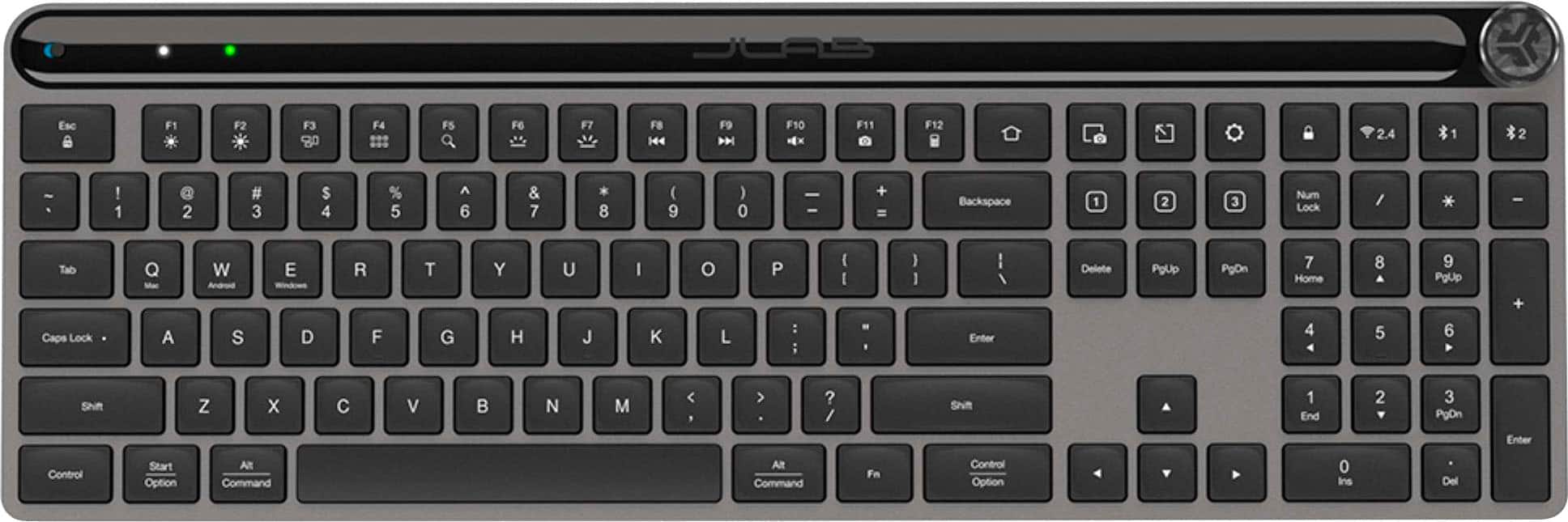
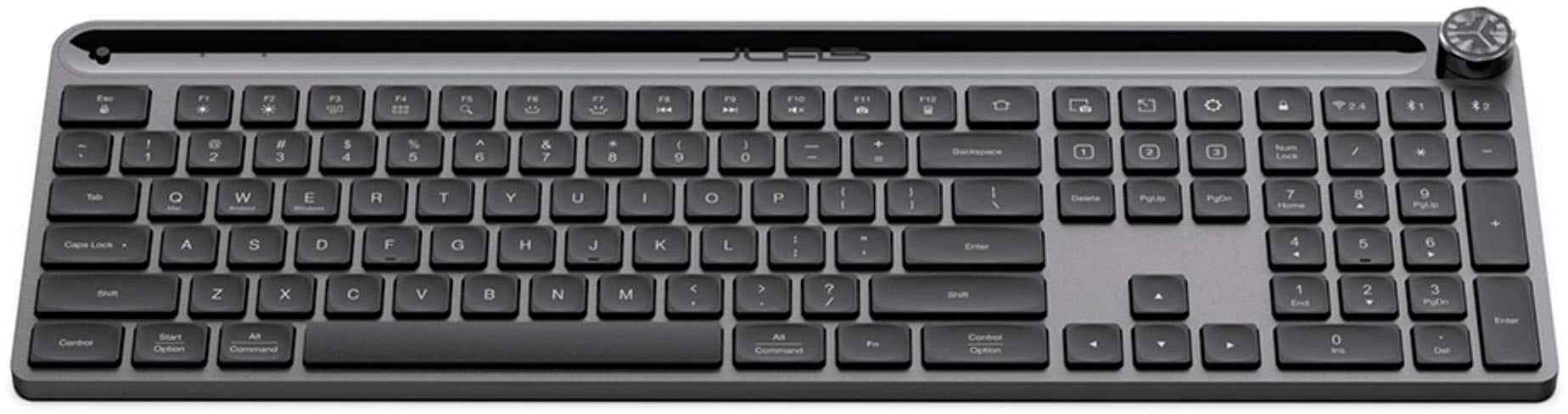
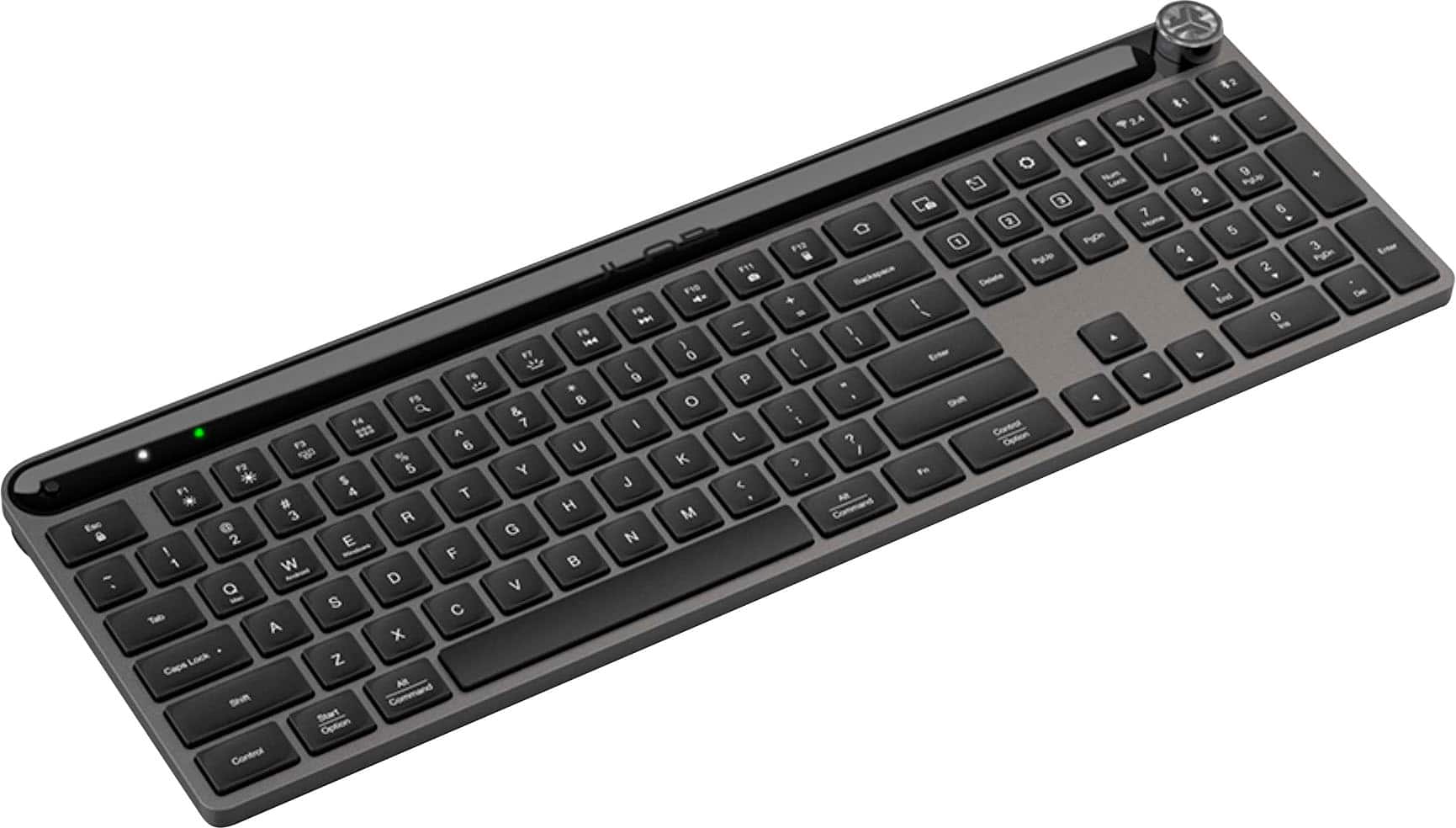
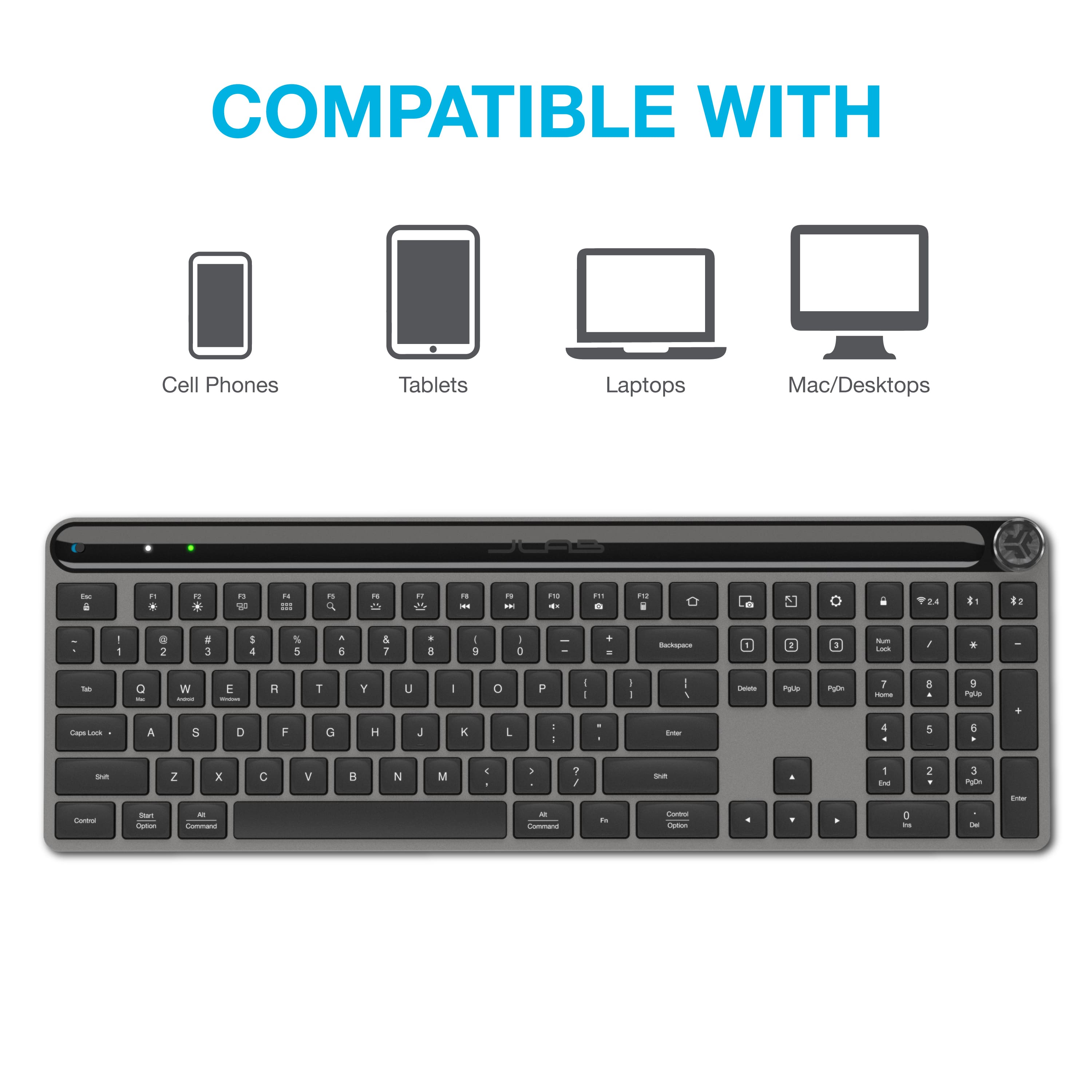
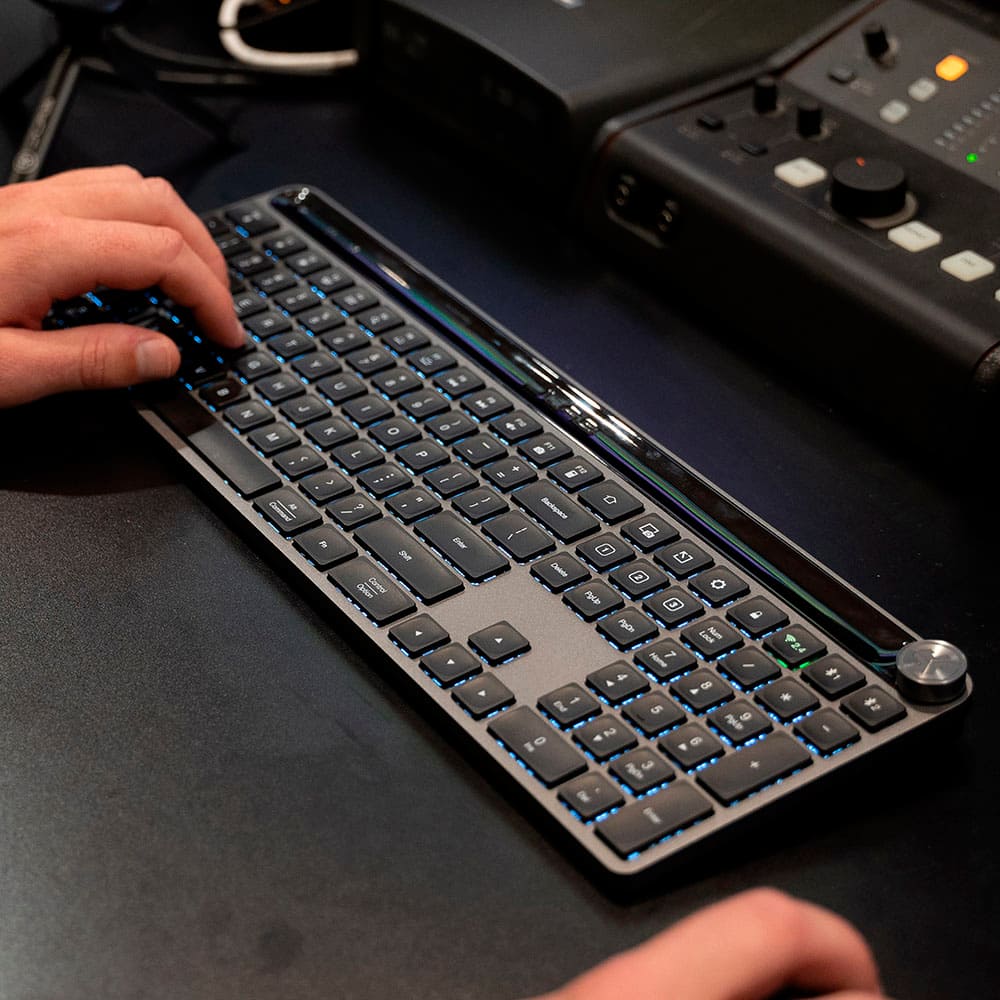
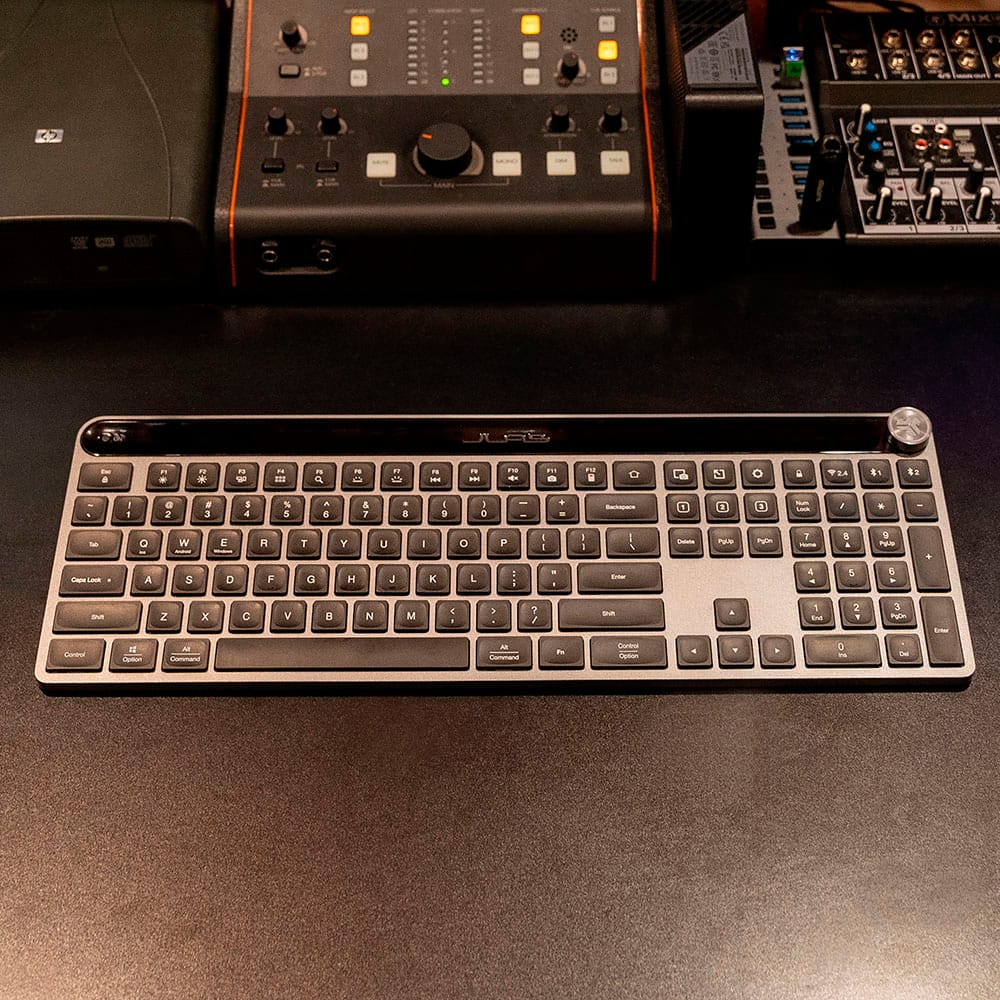
|Posted .This reviewer received promo considerations or sweepstakes entry for writing a review.The very first thing I want to say is that the Jlab Epic Wireless Keyboard is exactly what Jlab says it is. It is a truly wireless, multi-device keyboard. It does everything they claim, and a lot of what they don't. The second thing I want to say is that I am extremely surprised by just how well-built the keyboard is. It is sturdy, made of durable construction, and is truly made to outlast the life of probably everything you connect it to. (Of course I can't really prove that, but it is extremely well-built!) The greatest thing I want to mention is that I am using the Epic Keyboard to write this review! As I said, the keyboard is well-made and appears to be extremely durable. It is a dark metallic-like gray with black lighted keys. I might add that the keys are well-lit and very easy to see in the dark, as well as in well-lit conditions. It comes ergonomically designed, but the angle is non-adjustable. The keyboard has a 108-key layout design. Jlab boasts that the keyboard is easy to connect to three devices. They are quite correct in this as I was able to connect to my iOS phone, Android tablet and Windows laptop with just the touch of a key or two. Connection was amazingly simple and easy. Each device took way less than half of a minute to connect. I really like the way the keys feel as I type. They are responsive, and bounce back quite assertively. Jlab went to a lot of effort to ensure a very tactile experience with this keyboard. The Epic Keyboard is programmable, that is, it has shortcut keys that are able to be programmed to perform certain functions. This is made simple by using the Jlab Work App. And although the keyboard is certainly functional without the app, I would highly recommend installing it to access the full range of features available with the Epic Keyboard. Another great feature of this keyboard is the media knob, which allows the user to control volume, forward, back, etc. I've never seen this on a keyboard before, and for me it is a useful and very unique addition. Hats off to Jlab for this ingenious idea! For me, it has taken a bit of getting used to when it comes to the Epic Keyboard. This is only because I am so used to other keyboards that I have a feel for where the keys are. The Jlab Epic is not the same, so every once in a while my fingers will hit a wrong key. This will of course pass as I get more used to it. I find it difficult to come up with anything negative to say about the Jlab Epic Wireless Keyboard. It is well-made, durable, thoughtfully engineered...and the fact that you can store up to three different devices is mind-blowing. The keyboard is responsive, and feels quite pleasurable to use. And the price is probably one of the most attractive selling points of this keyboard. It is well worth the cost. If you are looking for a keyboard that allows you the ability to use up to three devices with only one keyboard, this is the one. I absolutely and highly recommend it.
I would recommend this to a friendBrand response from JLab Audio Team
Posted .Thank you so much for taking the time to share your feedback. We are so grateful for your kind words!
- Pros mentioned:Connectivity, Key feel
Good Basic Keyboard
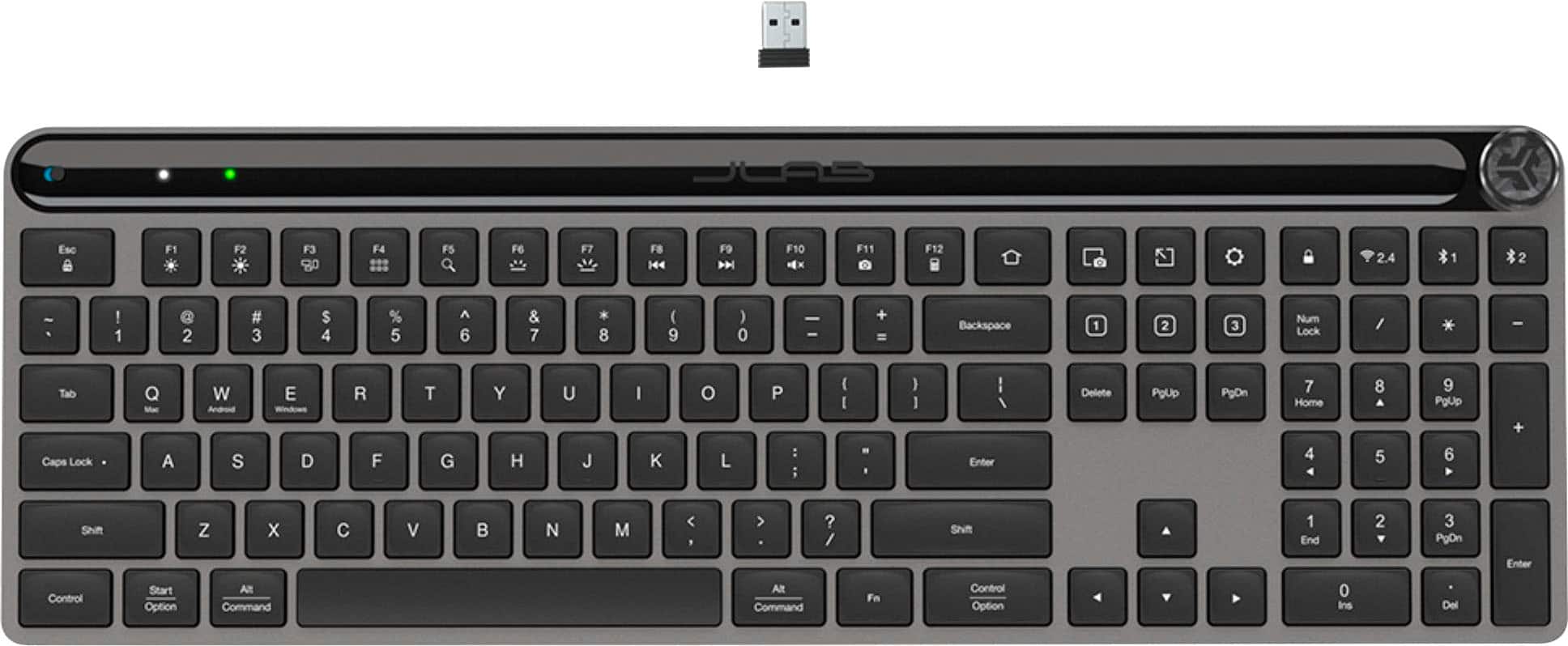
|Posted .This reviewer received promo considerations or sweepstakes entry for writing a review.The JLab Epic Wireless keyboard is a very good basic wireless keyboard. It features laptop style keys, wireless connectivity via dongle and bluetooth, charges via USB-C, and features media control via a volume knob. The keys are nice and tactile and about what you'd expect from this type of keyboard. I had no problem typing on it and was very comfortable the whole time I used it. Connection options are very nice. You can connect using the wireless dongle, or two additional connections via bluetooth. So you can have this connected to a computer, tablet, and another computer, and easily switch between the three with the press of a button. I find this very useful since I work from home and have a work computer and a personal computer both set up on my desk. I used to have to unplug the wireless dongle and plug it back in whenever I wanted to switch between computers, but with this keyboard I just press a key and bam, I'm switched over. It's a really useful feature, and not one I thought I would appreciate so much. One issue I had with the keyboard was the media control. Most other keyboards I've used have separate keys or buttons for play, forward, rewind, etc. But with the JLab, everything is done via the volume control knob. It clicks in for the different actions. So, click in to play/pause, two clicks for fast forward (or rewind, I can't remember), etc. Admittedly, I don't really use media control anyway, so personally I am not too bothered, but it just doesn't seem very intuitive or simple. Additionally, the knob doesn't really turn smoothly. It sort of clicks when turning and it makes it a little tough. Most of the time when I use my volume knob I just do a quick adjustment to hear someone or something. I can usually do that with one finger on other keyboards. With this one I have to physically grab the knob and give it a few good twists to turn the volume down. Not a deal breaker by any means, just not what I'm used to. Lastly, one worth mentioning is that there is no height adjustment. Most other keyboard have those little feet things you can pop out to lift the keyboard and inch or so. Those are nowhere to be found on this keyboard. So overall this is a really nice keyboard. My only issues with it are pretty nitpicky. I would easily recommend this to anyone needing a basic keyboard.
I would recommend this to a friendBrand response from JLab Audio Team
Posted .Thank you so much for taking the time to share your feedback. We are so grateful for your kind words!
- Pros mentioned:Key feel, Keyboard quality
JLab - Epic Wireless Scissor Keyboard
|Posted .This reviewer received promo considerations or sweepstakes entry for writing a review.JLab - Epic Wireless Scissor Keyboard Let me preface this by saying that I recently within the last year purchased a new mechanical keyboard for my home office dual setup of a Mac Mini and an ASUS ROG Strix desktop computer. A very solid and expensive keyboard, top notch quality, though it has a few quirks that, I'm not particularly fond of. Enter the my new JLab Epic Wireless Scissor Keyboard that I received about 2 weeks ago and have been putting it through it's paces. For starters, it's almost two-thirds, less expensive than the mechanical keyboard I purchased last year. Major plus in my book. This keyboard is very simple and easy to use. Upon opening the box, you find the following: * JLab Epic Wireless Scissor Keyboard * USB Receiver * USB-C Charging Cable * User Documentation To get started, simply plug in the USB Receiver into an open port on your computer (compatible with macOS, Chrome OS, or Windows) and that's pretty much it. When I plugged it into my Mac Mini, it was instantly ready. I was pleasantly surprised how quick and responsive this keyboard was. The build quality of this keyboard is amazing. Very sturdy and just as strong as the more expensive keyboard I purchased a year ago. The layout of this keyboard is exactly what I needed for my home office. With a full 108 keys including the side number key to the right. this keyboard will fit perfectly in any home setup. My absolute favorite feature of this keyboard is the volume scroll wheel in the top right corner of the keyboard. It's within perfect reach and the works flawlessly. The keys on the keyboard have a very nice soft touch and are too loud when pressed. The key travel is perfect and the keys light up when pressed. Although the keyboard has most if not all of the usual features amongst other keyboards/operating systems, it also allows you to customize it to your liking.
I would recommend this to a friendBrand response from JLab Audio Team
Posted .Thank you so much for taking the time to share your feedback. We are so grateful for your kind words!
Keyboard
||Posted . Owned for 3 weeks when reviewed.This reviewer received promo considerations or sweepstakes entry for writing a review.Connection not good. Layout not intuitive and cramped
No, I would not recommend this to a friendBrand response from JLab Audio Team
Posted .We appreciate your feedback and will use it to improve your experience.