Customer Ratings & Reviews

- Model:
- N428-TP-BK-S-CK
- SKU:
- 10951227
Rating by feature
- Value
Rating 4.3 out of 5 stars
- Quality
Rating 4.3 out of 5 stars
- Ease of Use
Rating 4.8 out of 5 stars
Customers are saying
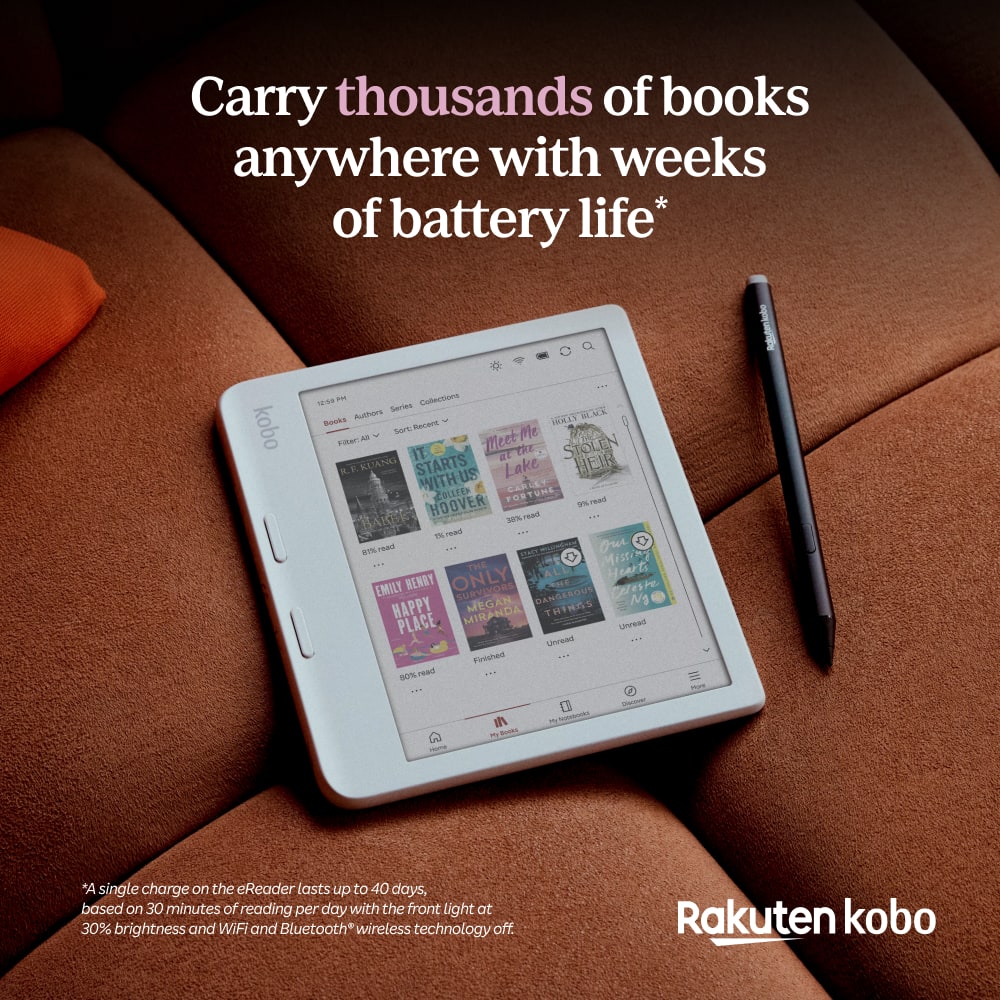
Customers find value in the product's overall performance and impressive battery life. Many users appreciate its reliability for daily use, with some noting that they can expect at least two weeks of general usage on a single charge.
This summary was generated by AI based on customer reviews.
- Pros mentioned:Overall performance
Good e-reader
||Posted .This reviewer received promo considerations or sweepstakes entry for writing a review.Item seemed to be great but was not what I was looking for.
No, I would not recommend this to a friend Best e-reader
||Posted . Owned for 2 weeks when reviewed.This reviewer received promo considerations or sweepstakes entry for writing a review.I love this e-reader. I have been a Kindle customer for more than 5 years. The best inversion ever. It
I would recommend this to a friend
A Great E-Reader with Smart Features
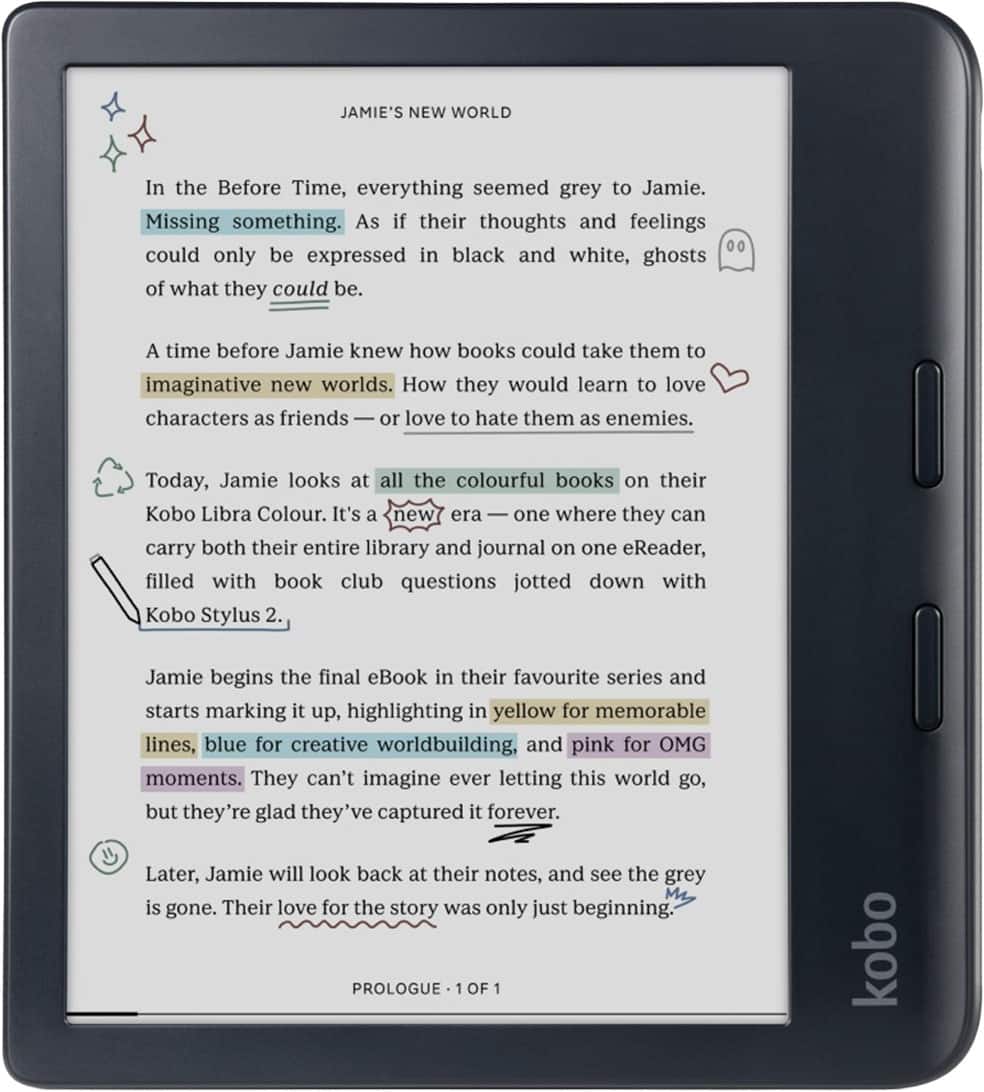
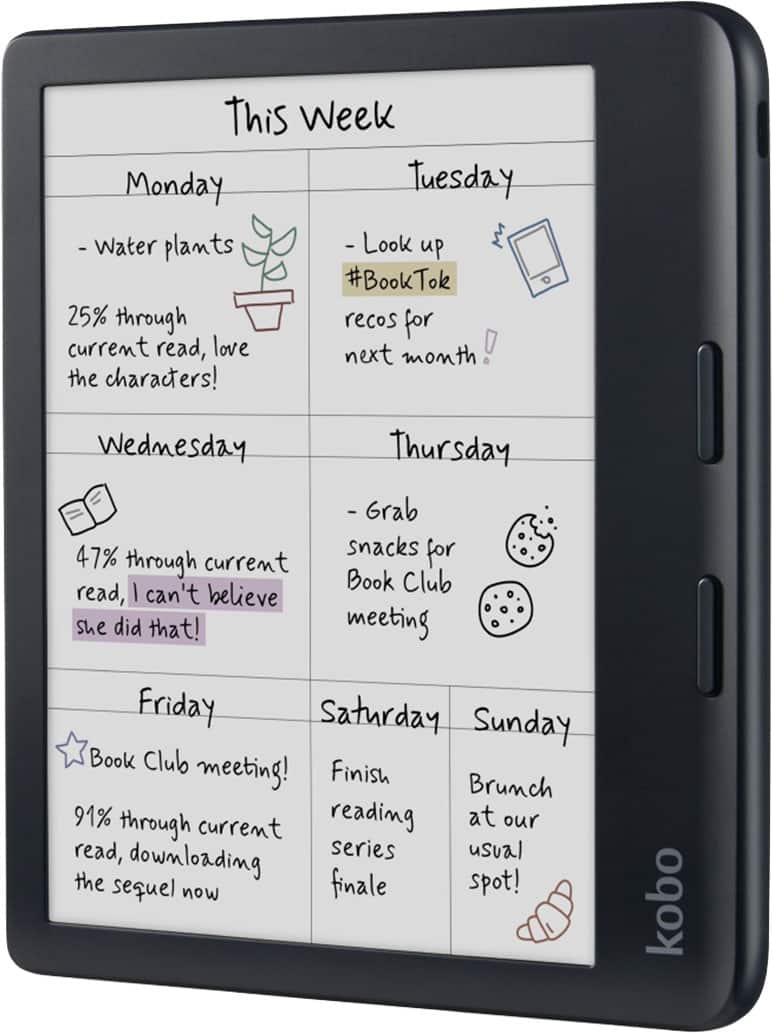
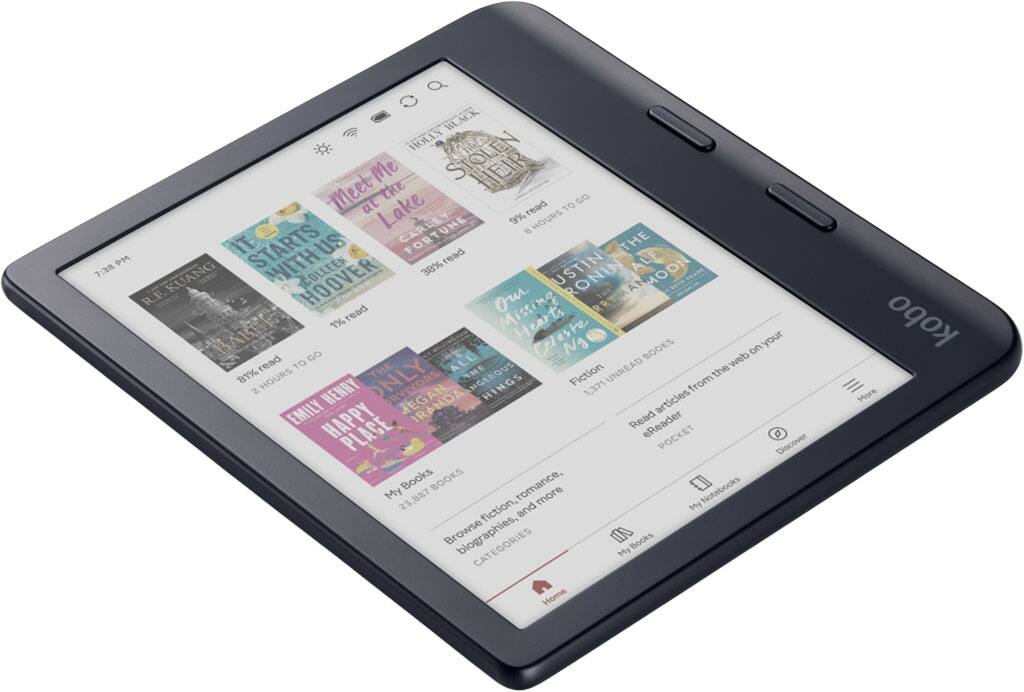
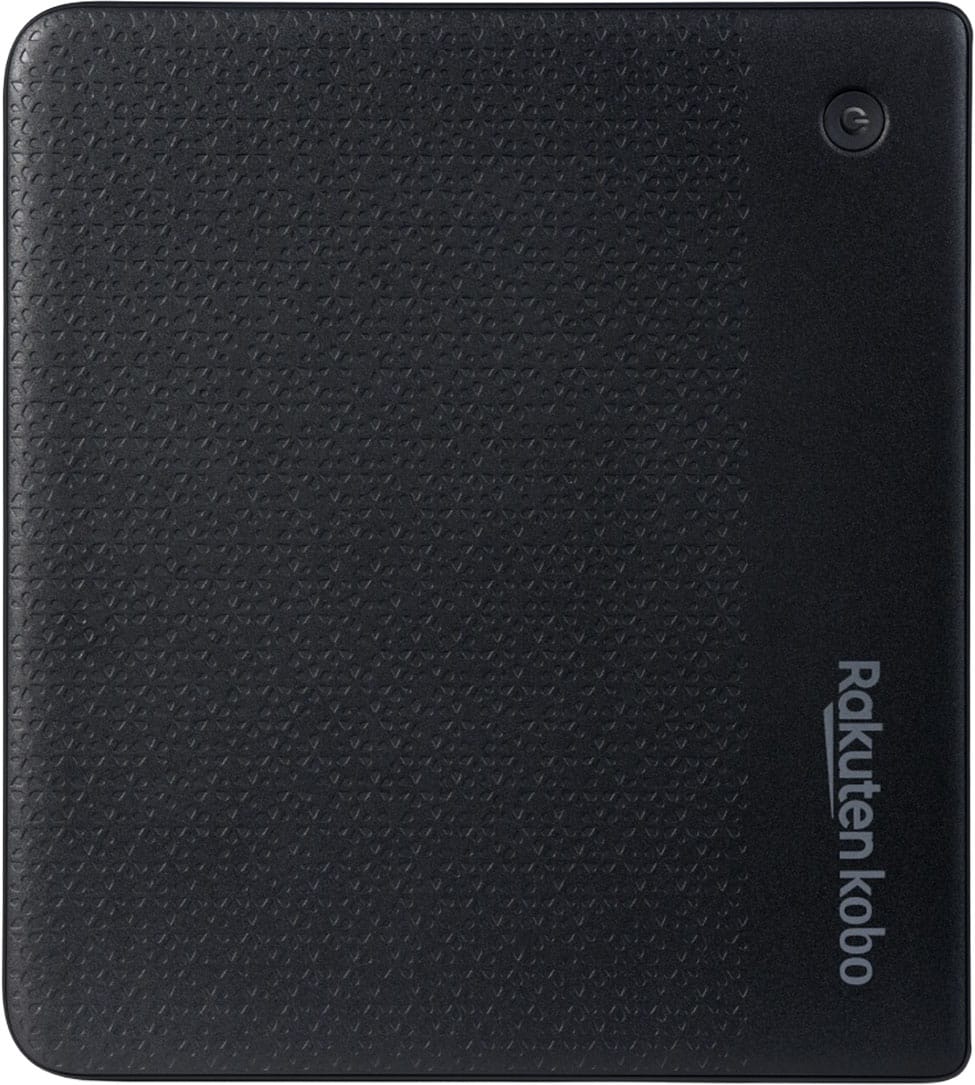
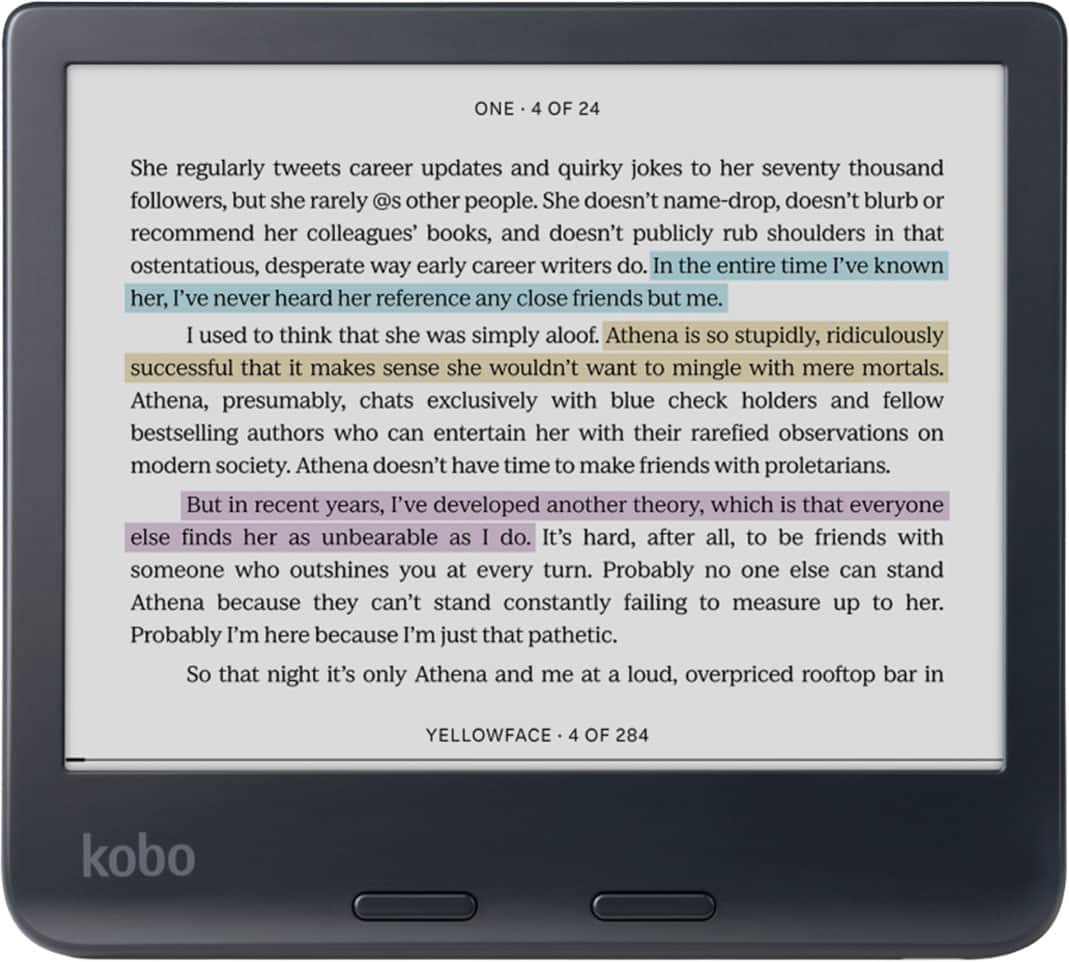
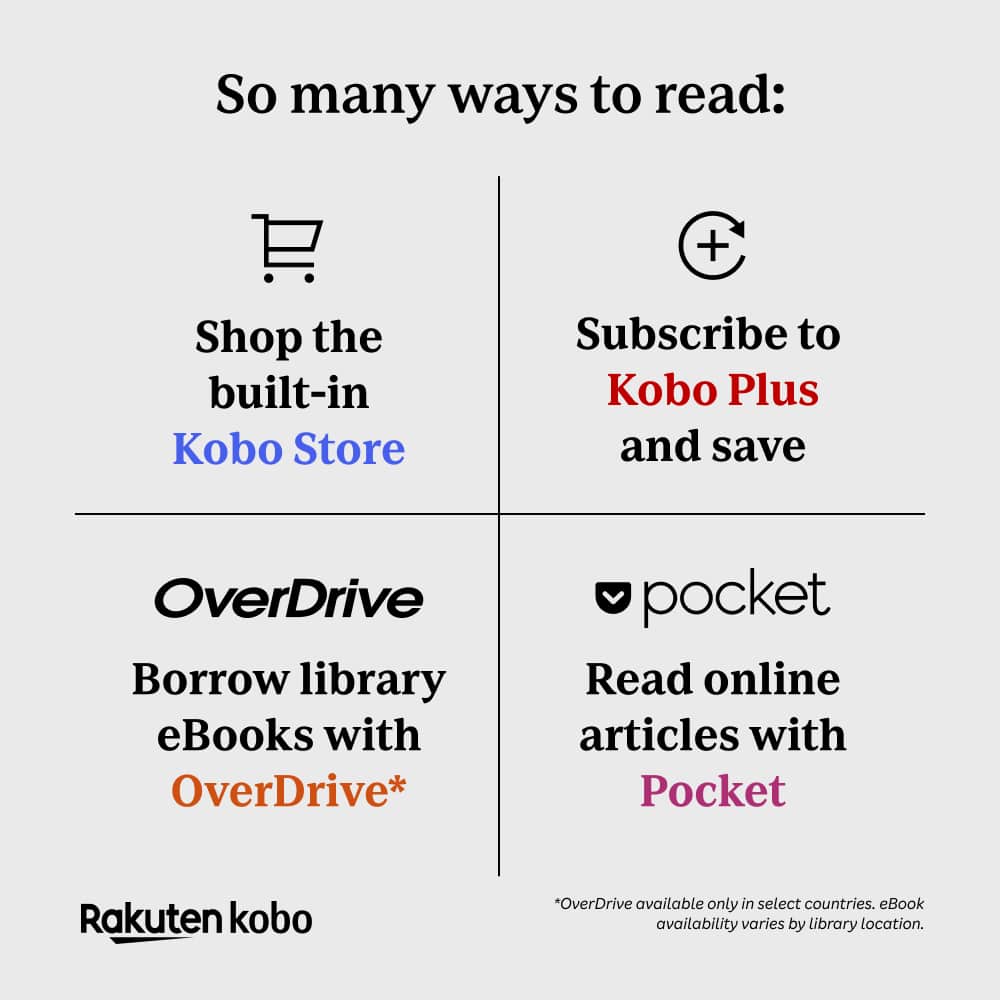
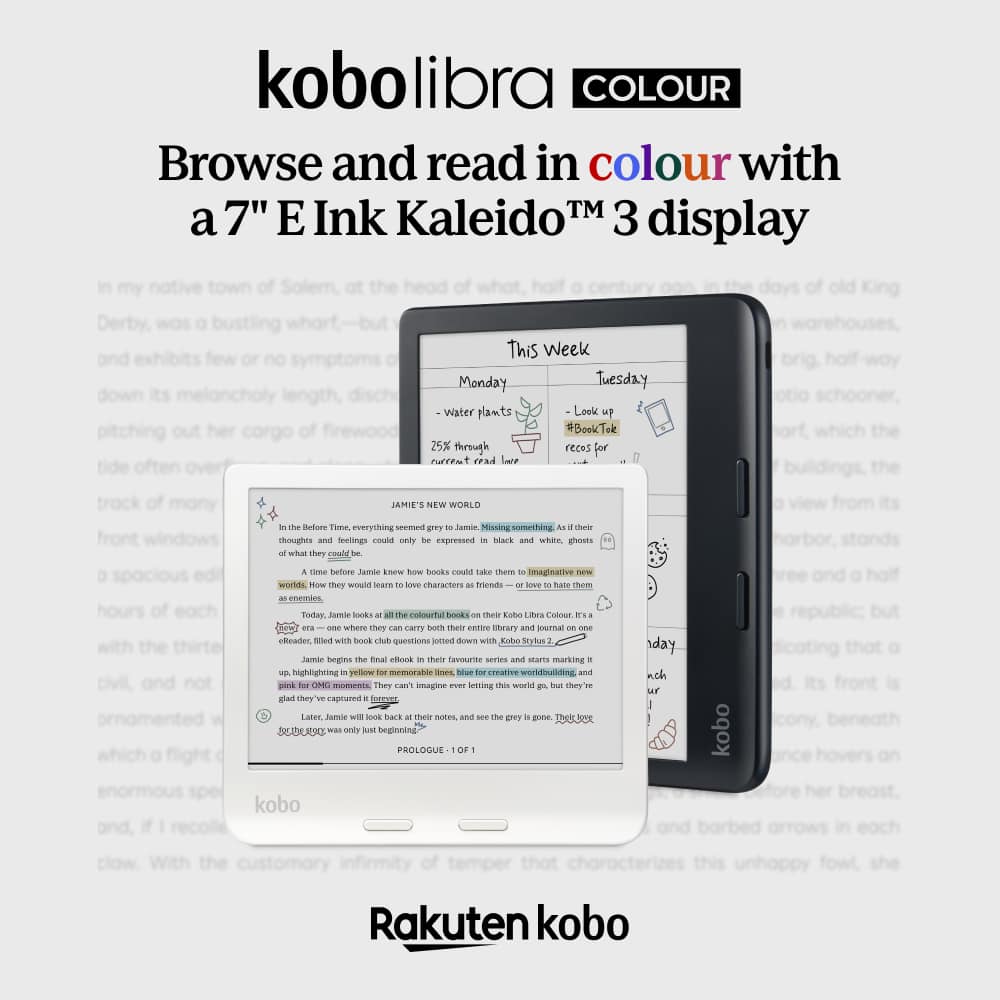
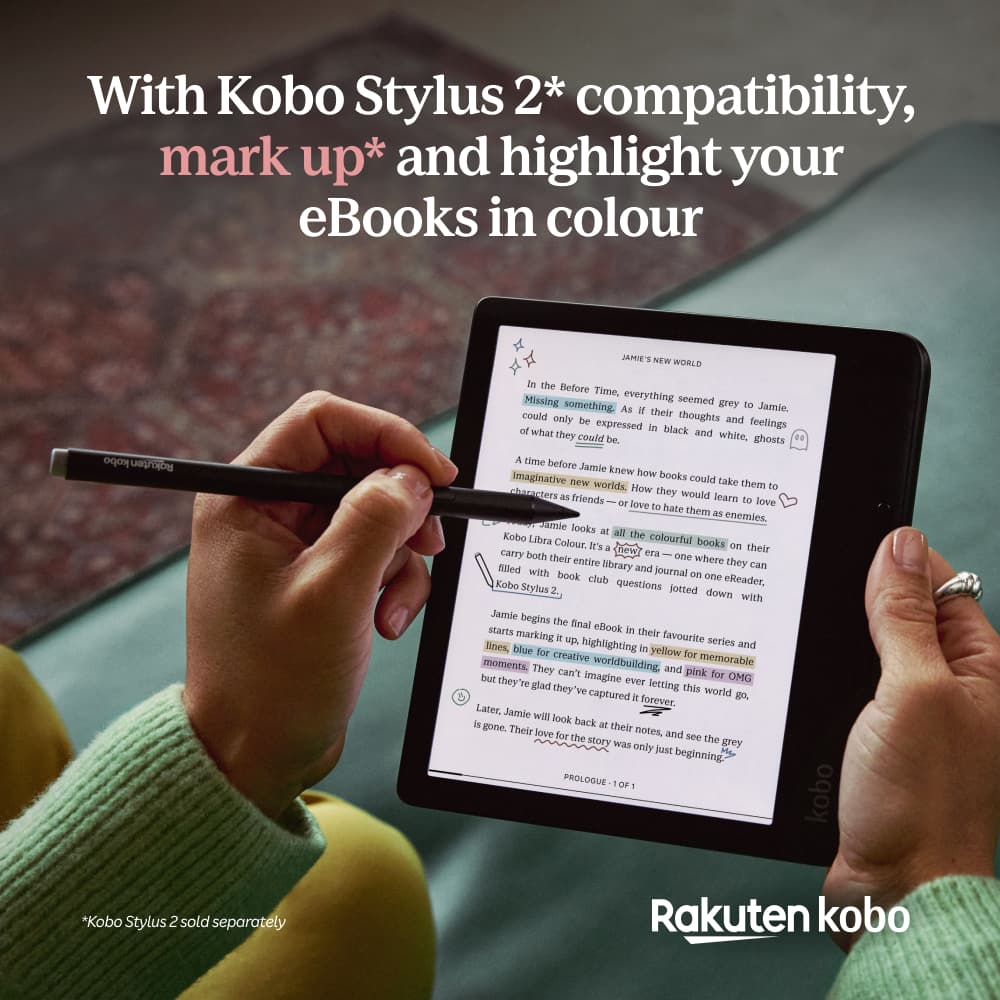
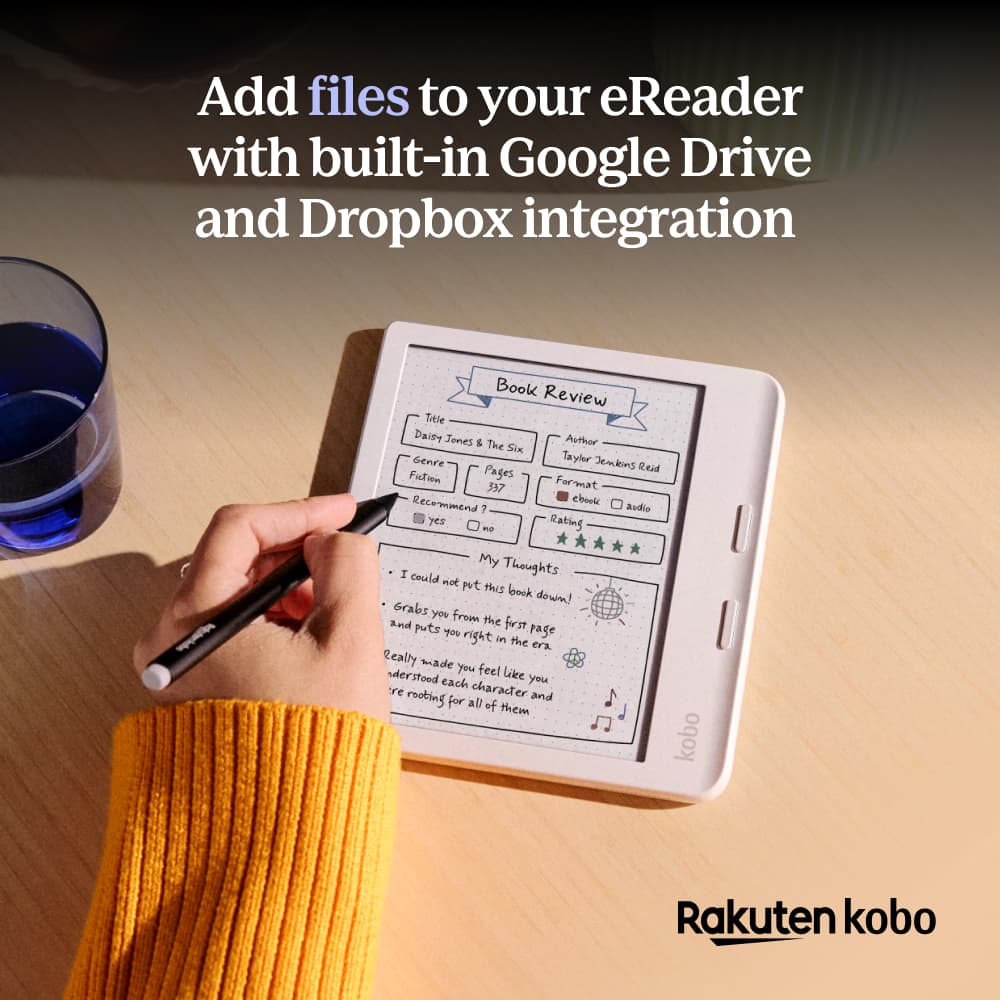
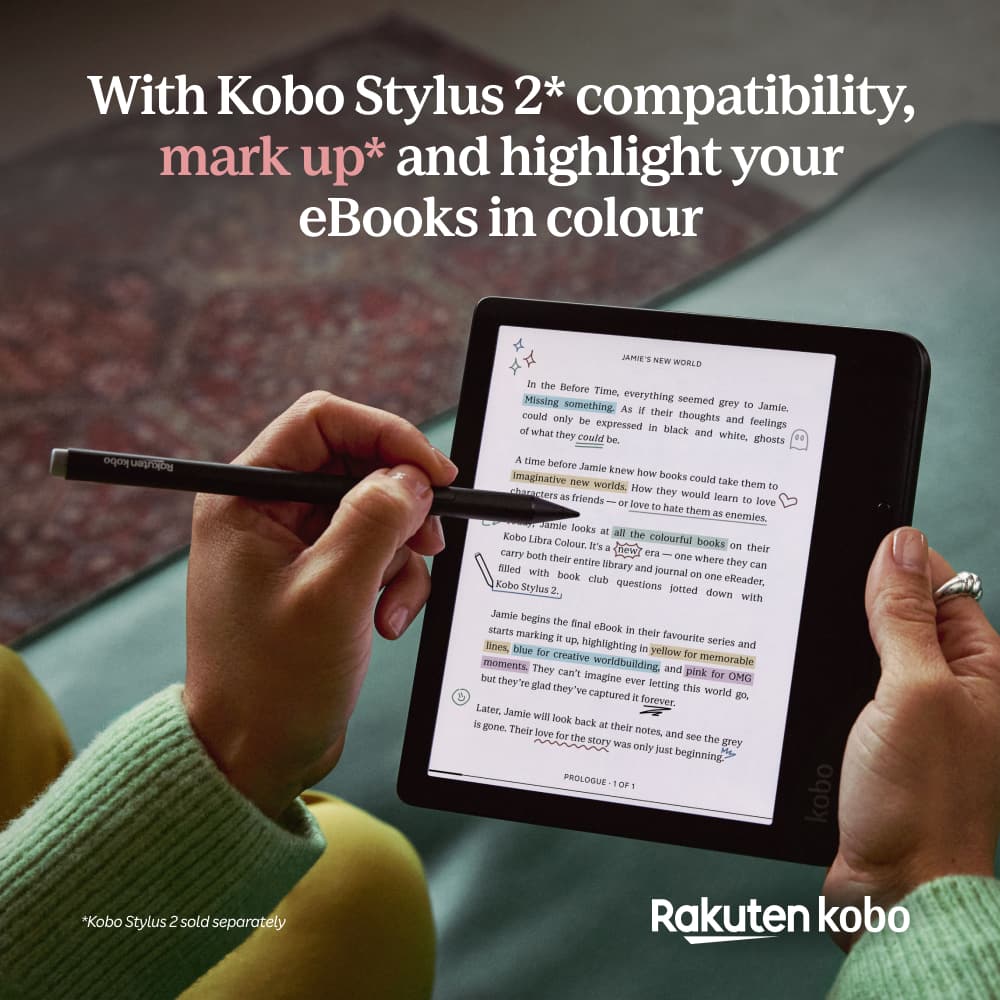
|Posted .This reviewer received promo considerations or sweepstakes entry for writing a review.This is my first e-reader and also my first experience with a color E Ink display, so I wasn’t completely sure what to expect from the Kobo Libra Colour, but after using it for a while, I really like it. It’s super lightweight, comfortable to hold, easy to navigate, and has some neat features. The best part though, is that it makes sitting down and reading a regular book feel easy and relaxing w/o a notification popping up every few minutes. The Kobo arrived quickly and was very well packaged in a sturdy cardboard box that is shaped and opens almost like a book, which is a nice touch. Inside you get the e-reader, a USB-C charging cable, and some paperwork to help you get started. Setup was simple. I connected it to Wi-Fi, scanned the QR code with my phone and setup an account with Kobo. I really like the design. It has a good size edge around the whole screen and one side has a wider bezel with a slight flare that gives you a proper place to hold it without touching the screen. The two physical page-turn buttons are large, perfectly placed, and easy to press. The lightweight simple design is one of my favorite things about this. The back has a textured pattern that looks nice and adds a little grip. The Kobo is extremely lightweight, but the plastic body does have some flex. I would be careful about leaving it somewhere a child could bend it, or where someone might accidentally sit or step on it. I definitely recommend getting a protective case or sleep cover if you plan on carrying it in a bag. The interface is simple and easy to understand, with Home, My Books, Discover, and More available along the bottom. The touchscreen is responsive and works really well. Because this is an E Ink display, there is a brief flash or negative-looking ghost image almost every time you open another screen or menu. It looks strange at first, but you get used to it. During normal reading, it moves fast enough and does not really bother me. The brightness and color temperature can both be adjusted. I do wish the display got a little brighter, but I am also used to staring at bright phones, tablets, and computer screens all day. The softer display is probably much better for my eyes. You can change the light from a cool blue tone to a very warm yellow, and you can schedule it to automatically become warmer at bedtime. One of the first things I recommend doing, especially if you have vision problems, is turning on Large Print Mode. From the Home screen, select More, choose Beta Features, and turn on Large Print Mode. It made the menus much easier for me to read. From the reading menu you can also choose different fonts, font sizes, line spacing, margins, justification, weight, and sharpness. You can make the text so large that only a few sentences appear on each page, which could make this a great option for older readers or anyone with poor vision. Tapping the middle of a book opens the Reading Menu, where you can view the table of contents, move through pages, search the book, and see all your annotations. It also shows your progress through the book and the current chapter, along with estimated reading times. Searching for a word or phrase could be especially helpful for book clubs, students, or anyone trying to find a specific passage. One of my favorite features is the dictionary. Press and hold on any word and you can immediately see its definition, pronunciation, part of speech, and examples. You can also highlight text in yellow, pink, blue, or green, add a typed note, or save the word to My Words for later review. I think this is fantastic for younger readers. When I was a kid, I often had to guess what unfamiliar words meant from the context. With this, a child can instantly look up the meaning without leaving the book. The Kobo Libra Colour can also connect with Google Drive, Dropbox, and Instapaper, which could be useful for writers or anyone reviewing documents. The optional Kobo Stylus allows handwritten notes, drawing, and freehand markup. I do not currently have the stylus, so I cannot review how well it works, but I do feel like you are missing out on some of the best annotation features without it. Kobo should also make it clearer on the box that the handwritten markups shown in the artwork require a separately sold stylus. Cross-device syncing works really well. If I read part of a book in the Kobo app on my phone or tablet and then open it on the Libra Colour, it recognizes my progress and asks if I want to jump to the last page I read. I really like being able to switch between devices that easily. My biggest disappointment is reading graphic novels. In portrait mode, I can read a full page, and the physical buttons turn pages quickly enough. However, the text and artwork can be small, especially for someone like me who does not have the best vision. You can zoom in and pan around, but every small movement causes the E Ink screen to refresh. The colors flash, ghost images appear, and there is a delay as you move around the page. It works, but it quickly becomes arduous. The colors are also much flatter and more muted than they are on a phone or tablet. It is what it is. Still, the same graphic novel looks much better in the Kobo app on my phone or tablet, where the colors are richer and zooming is smooth. For regular books, the Kobo is the better reading experience. For graphic novels, I would probably use another device. Browsing and searching for books is also faster in the phone app because you do not have to wait for the E Ink screen to refresh. Really, the best thing to do on this e-reader is read a book. It says it supports audiobooks, but it does not have built-in speakers or a headphone jack. You have to connect Bluetooth headphones or a speaker. Bluetooth works fine, but I wish it had a small built-in speaker. I would also love to see an optional solar sleep cover. Since the device uses so little power, a cover with solar cells could slowly charge it while sitting near a window or outside. It probably would not completely replace USB-C charging, but it could extend the battery life and would be a really cool accessory. Overall, I really like the Kobo Libra Colour. It is lightweight, comfortable, easy to use, and very well designed for reading. The E Ink flashing and muted colors take some getting used to, and I would not recommend it mainly for graphic novels if you need to zoom frequently. But for regular books, writers, students, younger readers, and anyone who wants something easier on the eyes than a phone or tablet, I think it is a great choice. I would recommend getting the stylus with it so you can take advantage of more of its writing and annotation features.
I would recommend this to a friendLove my Kobo
Posted .This reviewer received promo considerations or sweepstakes entry for writing a review.Love my Kobo. East to use and comfortable in the hand
I would recommend this to a friend