Customer Ratings & Reviews

- Model:
- LAP980800F136
- |
- SKU:
- 6261267
Customer reviews
Rating 3.7 out of 5 stars with 829 reviews
(829 customer reviews)Rating by feature
- Value3.9
Rating 3.9 out of 5 stars
- Quality4.2
Rating 4.2 out of 5 stars
- Ease of Use3.6
Rating 3.6 out of 5 stars
Customers are saying
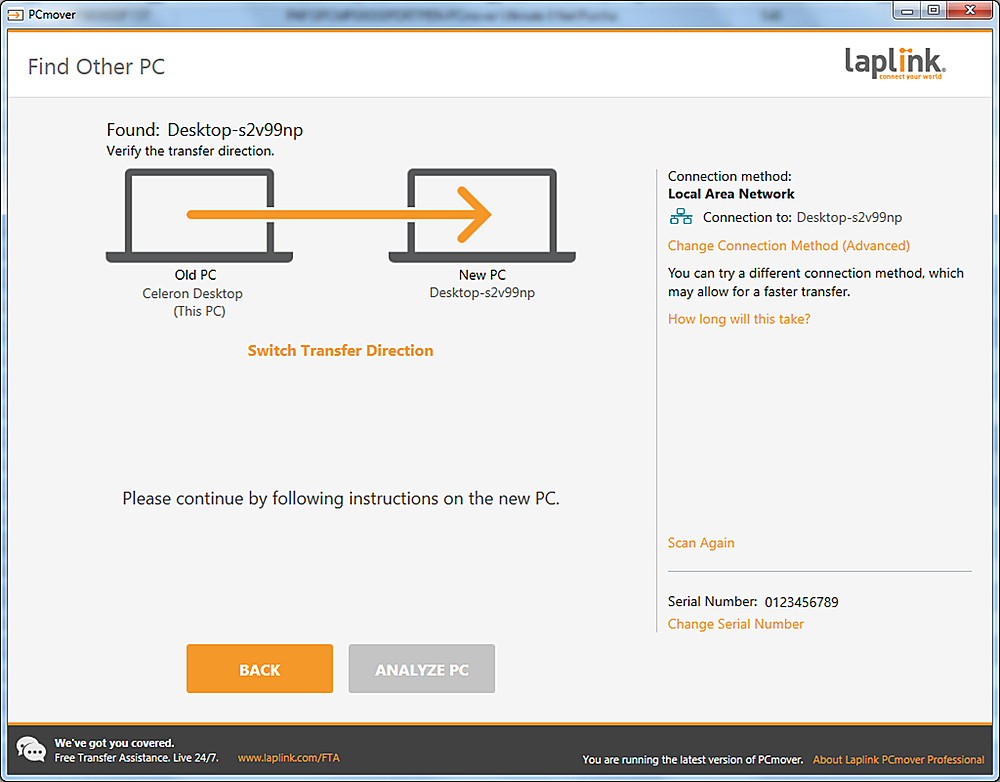
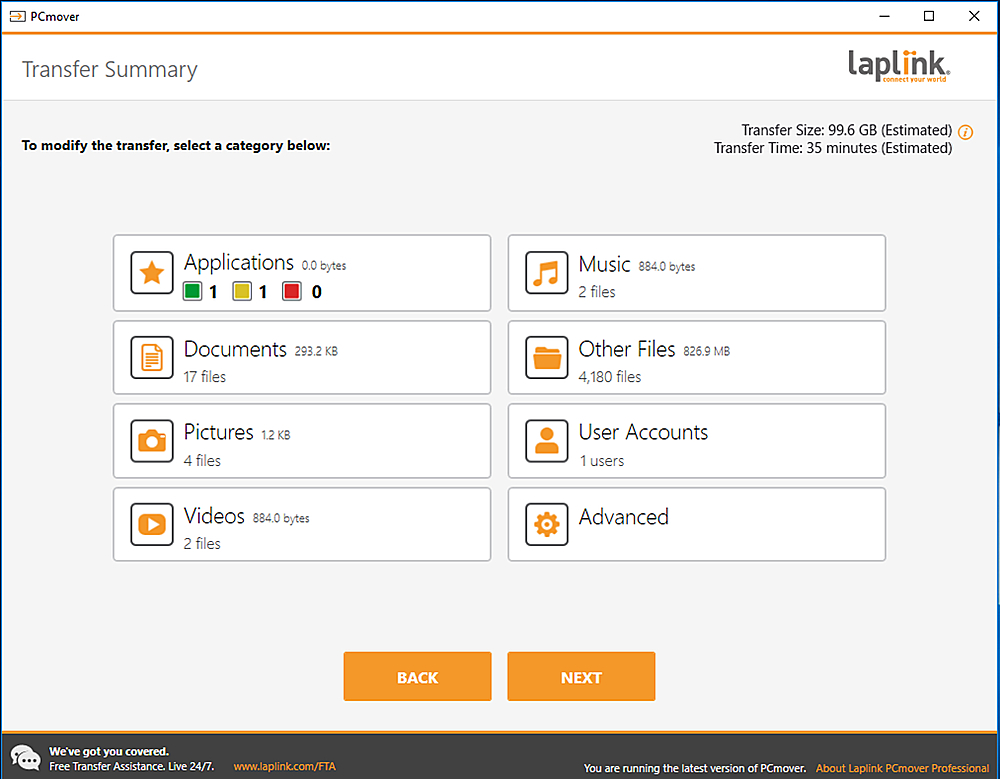
Customers are positive about the ease of use and data transfer capabilities of PCmover Ultimate. Many users found the software convenient and reported successful transfer of their data. However, some customers reported issues with compatibility and unclear instructions. Additionally, a few users experienced problems establishing an ethernet connection.
This summary was generated by AI based on customer reviews.
Rated 4 out of 5 stars
It works...but
||Posted . Owned for 3 months when reviewed.This reviewer received promo considerations or sweepstakes entry for writing a review.Several issues during the move from old computer to new one. Duplicate files, got stuck a few times and had to start over. Pretty frustrating, but it finally got the job done.
No, I would not recommend this to a friend- Pros mentioned:Ease of use
Rated 5 out of 5 stars
Great Product
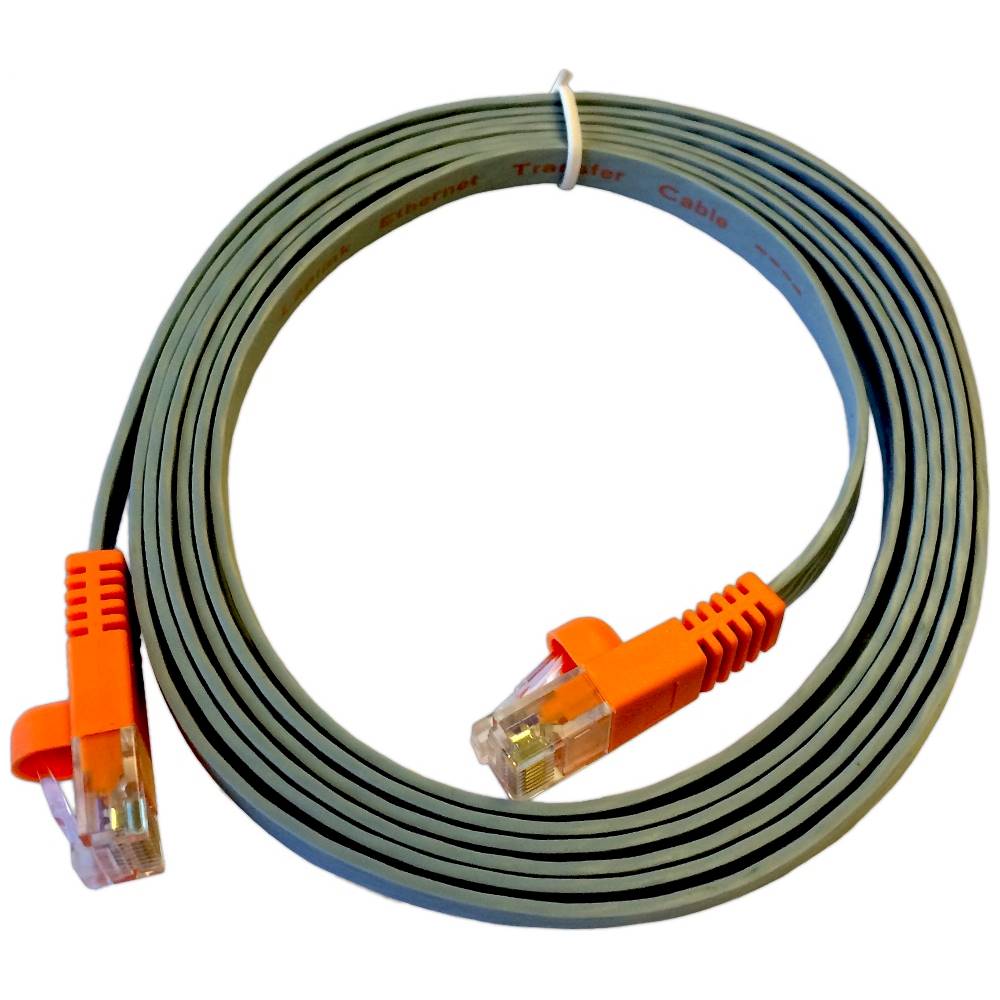
||Posted .This reviewer received promo considerations or sweepstakes entry for writing a review.This product made moving apps from my old Win7 PC to my new Win10 box easy. Even had a cable which was nice because my entire house is WIFI and my router is not near my office.
I would recommend this to a friend Rated 4 out of 5 stars
Works well a little confusing to set up
||Posted .This reviewer received promo considerations or sweepstakes entry for writing a review.The program ultimately worked well but it was confusing to get set up. Their help line never answered the phone when I was having trouble. I did not seek assistance from Best Buy as I was told by 2 salespeople that they didn't know anything about the progam.
I would recommend this to a friend- Pros mentioned:Ease of use
Rated 5 out of 5 stars
Great Product to transfer files
||Posted . Owned for 1 month when reviewed.This reviewer received promo considerations or sweepstakes entry for writing a review.Great product to update from one computer to another. Great price! Easy to use and saves time! Worked so good that I used this product on both of my computers..
I would recommend this to a friend Rated 3 out of 5 stars
Took forever to transfer files
||Posted .This reviewer received promo considerations or sweepstakes entry for writing a review.I was hoping this would have been an easy transfer, I had this back when Windows 7 came out and I transferred from a desktop to my laptop for some reason it was smooth and way less work. This time it required my attention and it took all night to transfer and I had to do a custom transfer for some of my apps because this program didn't transfer everything.
I would recommend this to a friendRated 1 out of 5 stars
Don't buy this.
Posted .This reviewer received promo considerations or sweepstakes entry for writing a review.88GB to transfer after 10 hrs...23 hrs to go. If you are going to use this over WiFi...skip it. Pitiful software. No instructions. 2hr wait for tech support...but once they answered that were pleasant but unhelpful.
No, I would not recommend this to a friend- Pros mentioned:Data transfer
Rated 5 out of 5 stars
Great Software
||Posted .This reviewer received promo considerations or sweepstakes entry for writing a review.Software worked just as expected. Not only moved all my files but moved software as well. This is something that was very helpful and really should be part of windows itself like it used to be.
I would recommend this to a friend Rated 2 out of 5 stars
works but not as expected
||Posted .This reviewer received promo considerations or sweepstakes entry for writing a review.This product does transfer files and programs however, some needed info wasn't transferred so all my programs weren't functional. I really disliked the fact that instead of putting some large music files in folders, that were created just for that purpose, it transferred all of that onto my desktop. That resulted in a big cluttered mess on my screen, which resulted in me having to undo the transfer. I wound up purchasing an external hard drive which did a better job at accomplishing my data transfer. You also can only use it one time unless you spend more money on another license to use it again on a different pc.
No, I would not recommend this to a friend- Pros mentioned:Ease of use
Rated 5 out of 5 stars
I've always used PC Mover!
||Posted . Owned for 2 months when reviewed.This reviewer received promo considerations or sweepstakes entry for writing a review.I got this latest edition of PC Mover to help migrate my Mother-in-Law's settings to a new Laptop. It worked flawlessly, of course, as always in the past.
I would recommend this to a friend - Pros mentioned:Ease of use
Rated 5 out of 5 stars
Easy mover
||Posted . Owned for 10 months when reviewed.This reviewer received promo considerations or sweepstakes entry for writing a review.Transferred only the data I selected. Great product, does what it is supposed to do with ease. Read the directions.
I would recommend this to a friend Rated 1 out of 5 stars
Just Okay
||Posted .This reviewer received promo considerations or sweepstakes entry for writing a review.The LapLink program (and cables) have been around forever, too bad they've not made using the software any easier. If you're looking at LapLink, buy the basic program and use a standard network cable to connect the two PCs.
No, I would not recommend this to a friendRated 4 out of 5 stars
Good for older computers
||Posted . Owned for 1.5 years when reviewed.This reviewer received promo considerations or sweepstakes entry for writing a review.Good product to use if moving files, etc. between older computers that do not have dedicated software for this purpose. Somewhat high learning curve, but generally operated as advertised.
I would recommend this to a friend- Pros mentioned:Ease of use
Rated 5 out of 5 stars
Moved my programs and files as advertized.
||Posted .This reviewer received promo considerations or sweepstakes entry for writing a review.I was apprehensive about using this program to move from a Windows 7 to Windows 10. It moved my programs and files. I had an issue with the "cloud" but phone support helped me with that.
I would recommend this to a friend - Pros mentioned:Speed
Rated 3 out of 5 stars
Great but expensive
||Posted .This reviewer received promo considerations or sweepstakes entry for writing a review.Works great and fast but very expensive. There are better solutions.
I would recommend this to a friend Rated 3 out of 5 stars
Did not work
||Posted .This reviewer received promo considerations or sweepstakes entry for writing a review.Tried to move data from windows 7 laptop to windows 8 AIO but had no success. Tried to contact tech support but it was impossible so now I'm sorry I bought this product and would like to get a full refund.
No, I would not recommend this to a friendRated 3 out of 5 stars
Great software for beginner
||Posted .This reviewer received promo considerations or sweepstakes entry for writing a review.Pros: PcMover lets you choose the programs, specific files, as well as any folders that you would like to transfer onto your new computer Cons: This migration software only does native migrations and doesn't have partition support options.
I would recommend this to a friendRated 5 out of 5 stars
Easy to install and use
||Posted .This reviewer received promo considerations or sweepstakes entry for writing a review.Moving files from old PC with Windows 7 to new PC with Windows 10. Followed instructions and connected PC's with Ethernet cable. Took between 14 - 16 hrs to transfer.Once the transfer started, I just checked on it a couple of times to see how it was progressing. Software told me what files it could transfer to the new Windows version and what files it would not transfer due to version conflicts. So far, no problems with programs or files that were transferred.
I would recommend this to a friendRated 4 out of 5 stars
Great help
||Posted . Owned for 3 weeks when reviewed.This reviewer received promo considerations or sweepstakes entry for writing a review.This was great software for transporting almost everything from my old PC to my new one. I just wish it allowed more than one move per license. But it worked great.
I would recommend this to a friend- Pros mentioned:Ease of use
Rated 5 out of 5 stars
Great product
||Posted . Owned for 8 months when reviewed.This reviewer received promo considerations or sweepstakes entry for writing a review.I liked this product for my laptop. It makes it so easy to transfer info from one computer to another. With no hassle. Easy to use. Good price.
I would recommend this to a friend Rated 4 out of 5 stars
Does the job
||Posted .This reviewer received promo considerations or sweepstakes entry for writing a review.Software and cable did what is was advertised to do. A couple of programs that were moved to new PC had to be reinstalled, as the transfer wasn't successful.
I would recommend this to a friend