Customer Ratings & Reviews

- Model:
- LAP980800F136
- |
- SKU:
- 6261267
Customer reviews
Rating 3.7 out of 5 stars with 829 reviews
(829 customer reviews)Rating by feature
- Value3.9
Rating 3.9 out of 5 stars
- Quality4.2
Rating 4.2 out of 5 stars
- Ease of Use3.6
Rating 3.6 out of 5 stars
Customers are saying
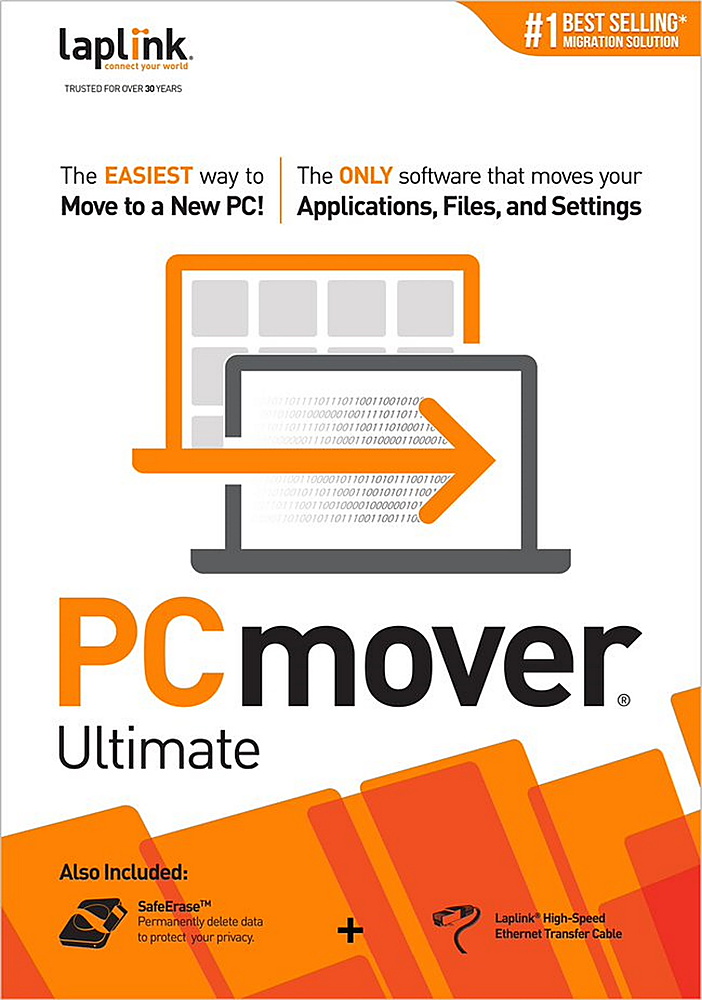
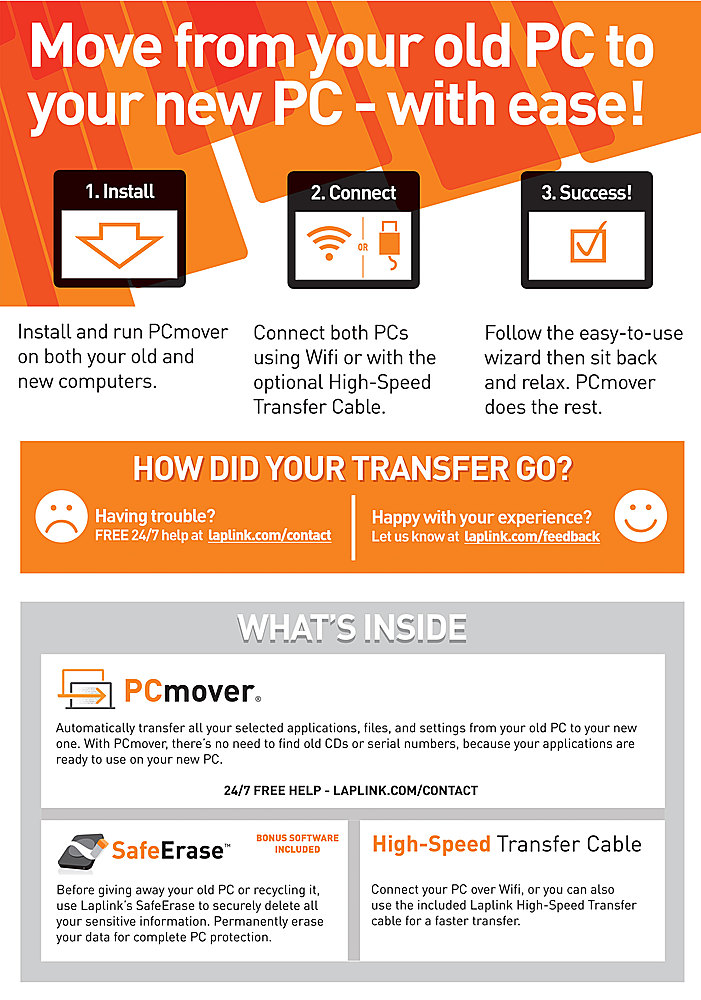
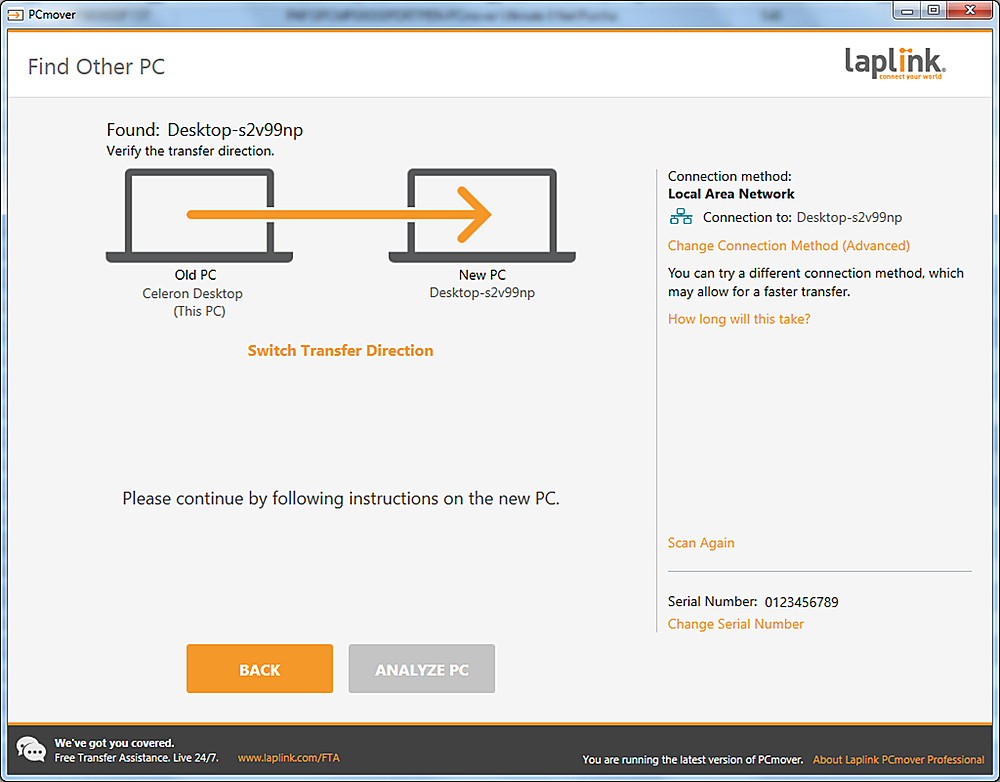
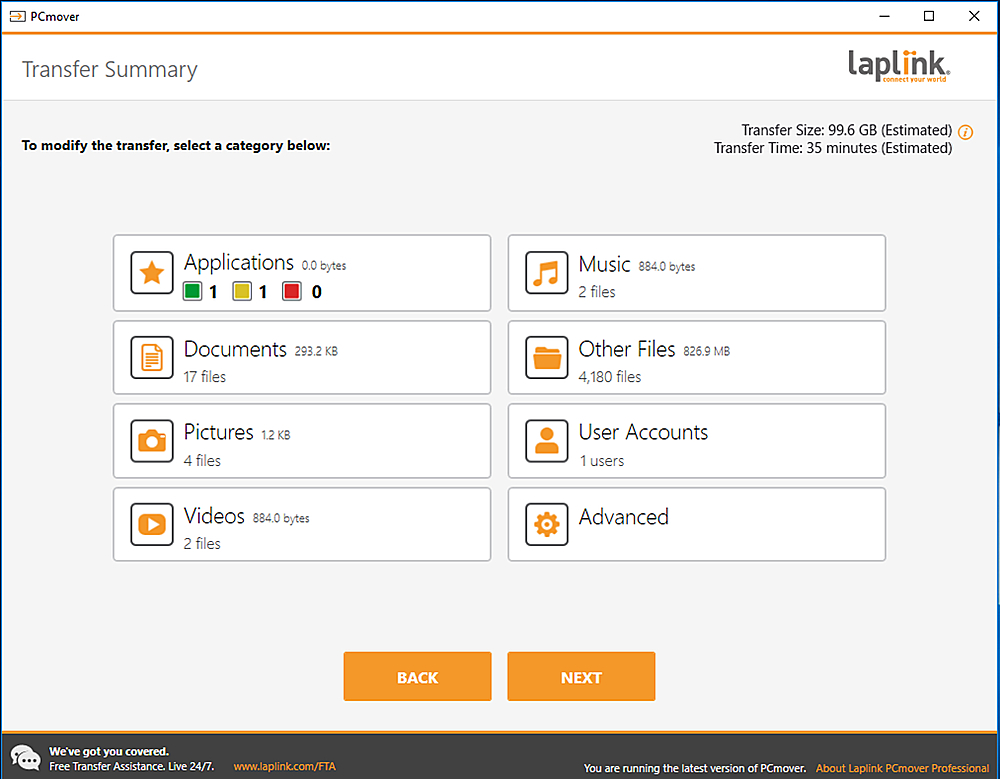
Customers are positive about the ease of use and data transfer capabilities of PCmover Ultimate. Many users found the software convenient and reported successful transfer of their data. However, some customers reported issues with compatibility and unclear instructions. Additionally, a few users experienced problems establishing an ethernet connection.
This summary was generated by AI based on customer reviews.
Rated 4 out of 5 stars
Worked Great
||Posted .This reviewer received promo considerations or sweepstakes entry for writing a review.Transferred 95% of what was on my old laptop, including programs. You will need a good, reliable internet connection, but so worth the money!
I would recommend this to a friend- Pros mentioned:Data transfer
Rated 5 out of 5 stars
Smooth move
||Posted .This reviewer received promo considerations or sweepstakes entry for writing a review.Buy this for my new purchase of a tower. Transferred everything over fast.
I would recommend this to a friend Rated 4 out of 5 stars
pc mover
||Posted . Owned for 3 weeks when reviewed.This reviewer received promo considerations or sweepstakes entry for writing a review.does not copy forward all programs - leaves .dll fills behind in many cases
No, I would not recommend this to a friendRated 2 out of 5 stars
Worst transfer software I've ever used
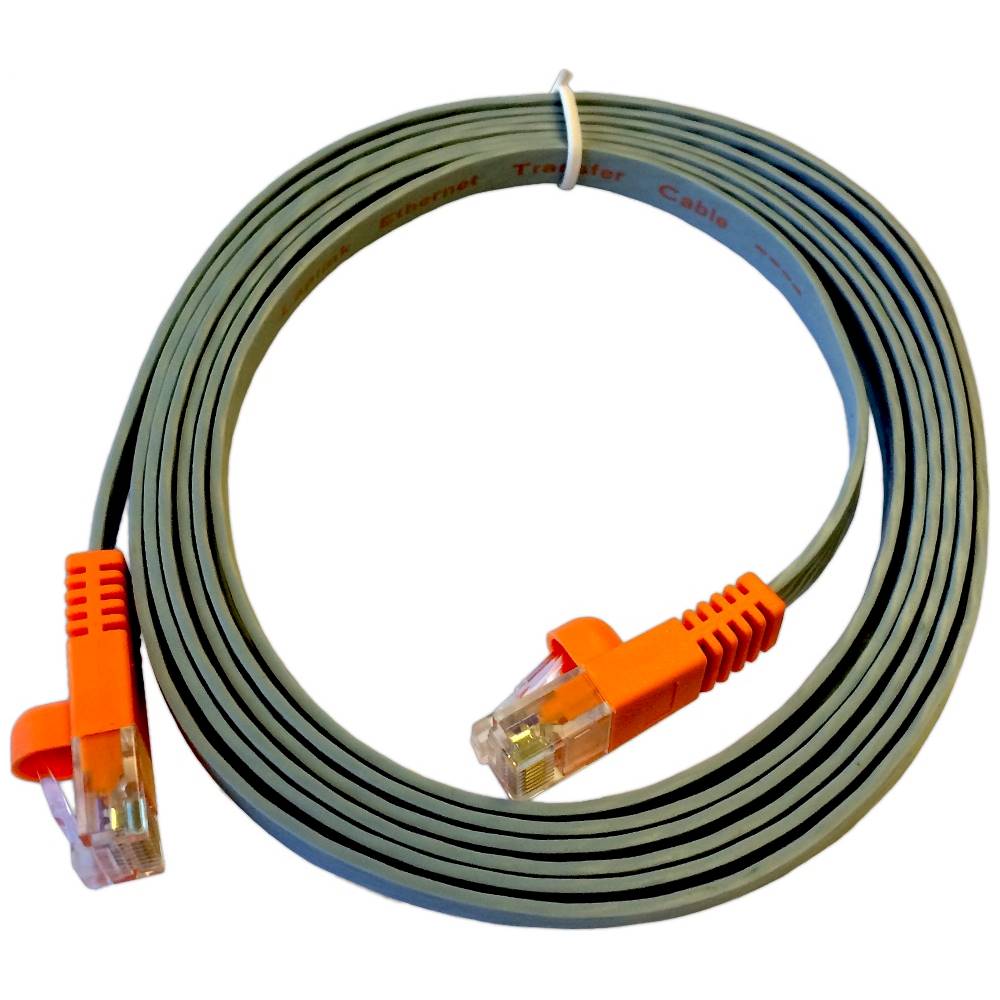
||Posted . Owned for 1 month when reviewed.This reviewer received promo considerations or sweepstakes entry for writing a review.Absolutely horrible. My laptop doesn't come with a CD/DVD player, so the disc they provided was useless. Then, they only provide a fat LAN cord, but this is a laptop to laptop transfer I was doing, and they do have a cord for this, but they don't supply it. Trying to do the transfer via wi-fi was a joke. I ended up having to use a memory stick to transfer my files
No, I would not recommend this to a friendRated 5 out of 5 stars
Not too complicated and it worked!
||Posted . Owned for 3 weeks when reviewed.This reviewer received promo considerations or sweepstakes entry for writing a review.Moved everything--files, photos, programs, etc.-from an old desktop to a new one. Some of the directions should be stated more clearly. However, it works! Took much longer to get the transfer done than I thought it would take, but it was definitely better than doing it all manually.
I would recommend this to a friend- Pros mentioned:Ease of use
Rated 5 out of 5 stars
Works great
||Posted . Owned for 1 month when reviewed.This reviewer received promo considerations or sweepstakes entry for writing a review.Worked OK. No problems other than fixes explained in the manual.
I would recommend this to a friend Rated 4 out of 5 stars
seemed to work ok for everything except my music
||Posted .This reviewer received promo considerations or sweepstakes entry for writing a review.it moved some of my music, but not all...and some that it moved, it put in strange places...still looking for some!
I would recommend this to a friend- Pros mentioned:Ease of use
Rated 5 out of 5 stars
Worked as advertised!
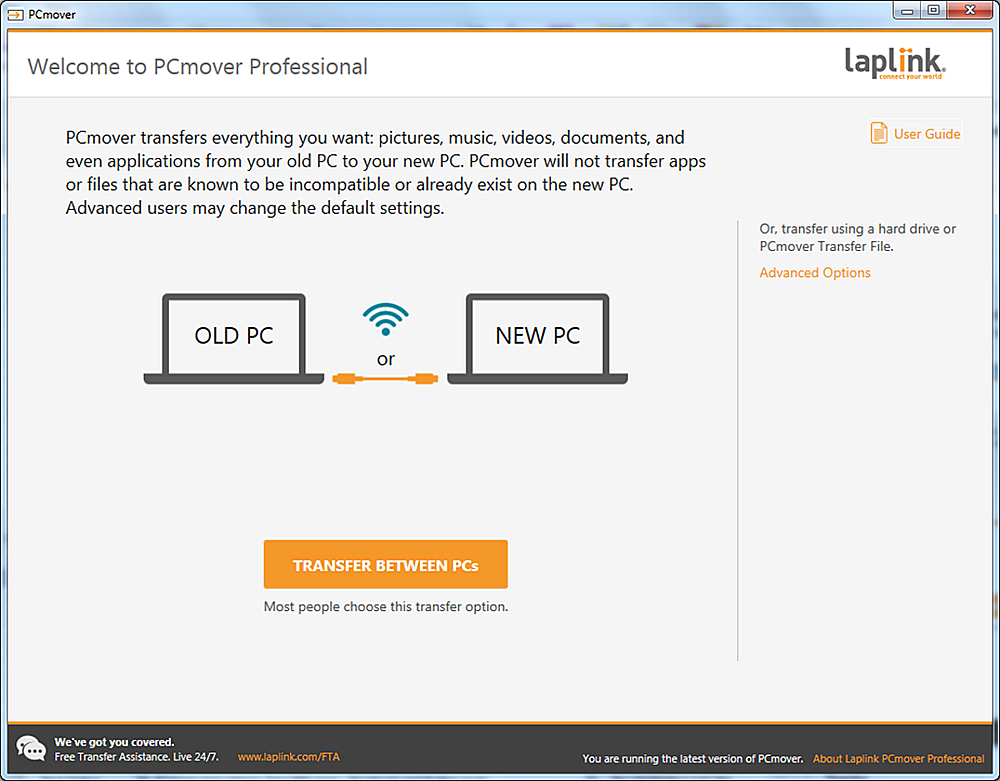
||Posted . Owned for 3 weeks when reviewed.This reviewer received promo considerations or sweepstakes entry for writing a review.It took a few minutes to get it set-up, then it worked as described.
I would recommend this to a friend - Cons mentioned:Ethernet
Rated 1 out of 5 stars
Wouldn't recommend
||Posted . Owned for 1 week when reviewed.This reviewer received promo considerations or sweepstakes entry for writing a review.What a disappointment! Tried to transfer old Asus to new Book 360. Error came up about old system being more up to date than newer. Both machines were up to date! Also an ethernet connection couldn't be made with adapters as neither machine had a full size port and WiFi would potentially take just so long. Great concept, but not worth it.
No, I would not recommend this to a friend - Pros mentioned:Ease of use
Rated 5 out of 5 stars
Easy to use
||Posted .This reviewer received promo considerations or sweepstakes entry for writing a review.Product worked exactly as advertised. The directions were clear and easy to follow.
I would recommend this to a friend Rated 3 out of 5 stars
Good software for transferring your programs but..
||Posted .This reviewer received promo considerations or sweepstakes entry for writing a review.You have to really understand what you're going to transfer because different settings from your old PC can affect your newer PC. Once you're done make sure you check what has been transferred.
I would recommend this to a friendRated 2 out of 5 stars
PCMOVER Ultimate
||Posted .This reviewer received promo considerations or sweepstakes entry for writing a review.had to call for update ...what I got from BEST BUY was out dated
I would recommend this to a friend- Pros mentioned:Data transfer
Rated 5 out of 5 stars
Quick and easy to use
||Posted . Owned for 2 months when reviewed.This reviewer received promo considerations or sweepstakes entry for writing a review.Works well and quickly to move files from an old PC to a new one.
I would recommend this to a friend Rated 5 out of 5 stars
PCmover - A real time saver!
||Posted . Owned for 3 weeks when reviewed.This reviewer received promo considerations or sweepstakes entry for writing a review.Second purchase of this software in 10 years. Had slight issue this time but support tech’s quick response via a chat session had me going in short order.
I would recommend this to a friend- Pros mentioned:Ease of use
Rated 5 out of 5 stars
Great Software
||Posted .This reviewer received promo considerations or sweepstakes entry for writing a review.Great software, easy to install and easy to use...
I would recommend this to a friend - Pros mentioned:Ease of use
Rated 5 out of 5 stars
easy
||Posted . Owned for 9 months when reviewed.This reviewer received promo considerations or sweepstakes entry for writing a review.following the directions online very easy to use no problems
I would recommend this to a friend - Pros mentioned:Ease of use
Rated 5 out of 5 stars
Great Software
||Posted .This reviewer received promo considerations or sweepstakes entry for writing a review.This product was easy to use and got the job done with ease.
I would recommend this to a friend Rated 2 out of 5 stars
OK, but not great
||Posted .This reviewer received promo considerations or sweepstakes entry for writing a review.I am pretty comfortable with computers but this was a pain to set up and get transferring. It took multiple calls to tech support and they sent me to their WEB site to download additional files. Just not smooth like it should be. I still have pop ups trying to get me to buy additional software programs that this company sells. What a pain.
No, I would not recommend this to a friendRated 5 out of 5 stars
PC Mover.
||Posted . Owned for 3 weeks when reviewed.This reviewer received promo considerations or sweepstakes entry for writing a review.The version of PC mover I have has a program called safe erase which I have used and like a lot. I have not got to the PC mover program but I will in time.
I would recommend this to a friend- Pros mentioned:Data transfer
Rated 5 out of 5 stars
Great Product
||Posted .This reviewer received promo considerations or sweepstakes entry for writing a review.Moved all of the files and software i asked it to do.very fast process
I would recommend this to a friend