Customer Ratings & Reviews

- Model:
- LAP980800F136
- |
- SKU:
- 6261267
Customer reviews
Rating 3.7 out of 5 stars with 829 reviews
(829 customer reviews)Rating by feature
- Value3.9
Rating 3.9 out of 5 stars
- Quality4.2
Rating 4.2 out of 5 stars
- Ease of Use3.6
Rating 3.6 out of 5 stars
Customers are saying
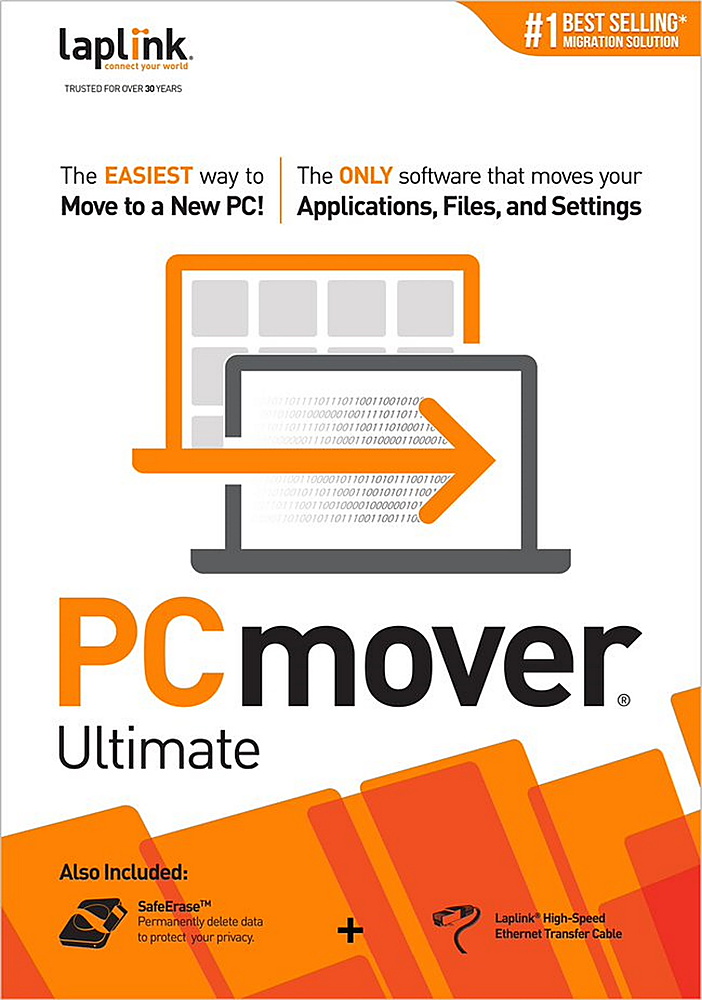
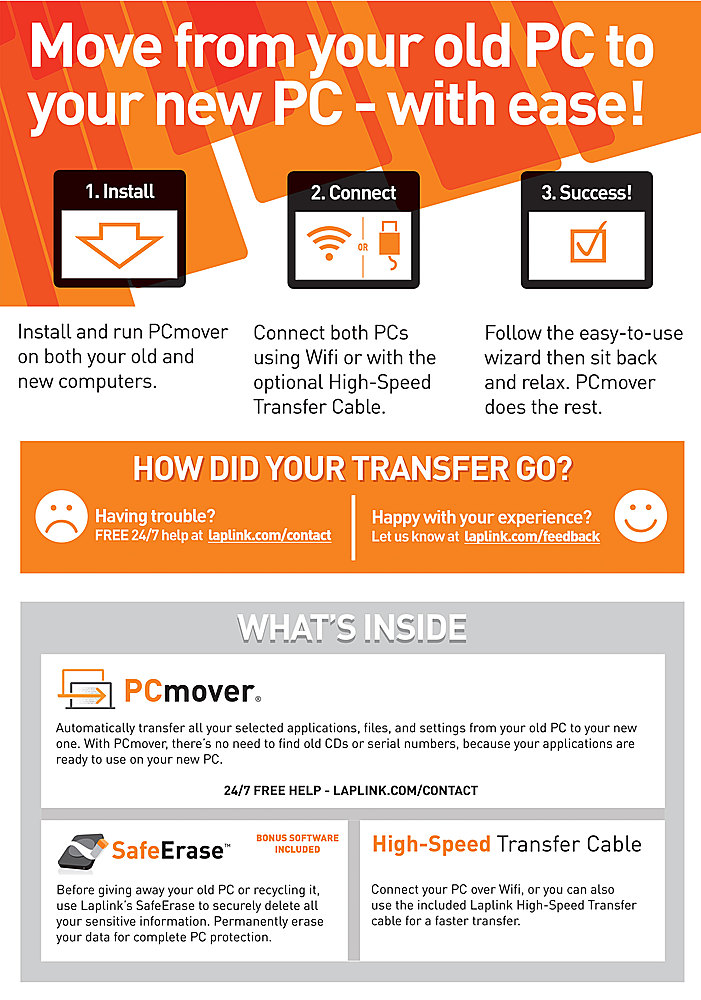
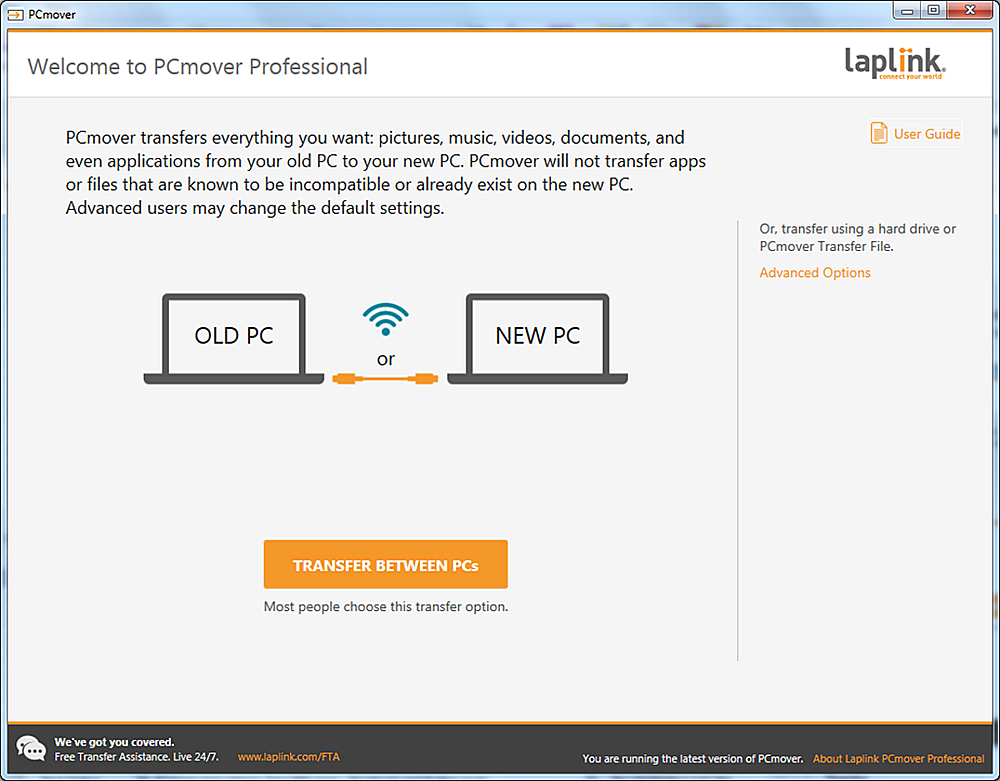
Customers are positive about the ease of use and data transfer capabilities of PCmover Ultimate. Many users found the software convenient and reported successful transfer of their data. However, some customers reported issues with compatibility and unclear instructions. Additionally, a few users experienced problems establishing an ethernet connection.
This summary was generated by AI based on customer reviews.
Rated 4 out of 5 stars
makes moving progs. and files convenient w/o reins
||Posted .This reviewer received promo considerations or sweepstakes entry for writing a review.Essential product when upgrading your hardware[buying new] with your current software programs.
I would recommend this to a friendRated 4 out of 5 stars
Works like a charm
||Posted .This reviewer received promo considerations or sweepstakes entry for writing a review.It worked pretty good, but it still took a long time to transfer programs, total of over 30 hours.
I would recommend this to a friendRated 3 out of 5 stars
pc mover
||Posted .This reviewer received promo considerations or sweepstakes entry for writing a review.it only moved half my files, i am missing the most important ones
No, I would not recommend this to a friendRated 4 out of 5 stars
OK Software for Migrating to a New Computer
||Posted .This reviewer received promo considerations or sweepstakes entry for writing a review.Slow, and not all files transferred. A redo was necessary after the first attempt failed.
I would recommend this to a friend- Pros mentioned:Ease of use
Rated 5 out of 5 stars
It did great
||Posted .This reviewer received promo considerations or sweepstakes entry for writing a review.perfect for transferring from one pc to another!!!
I would recommend this to a friend - Pros mentioned:Data transfer
Rated 5 out of 5 stars
Good product
||Posted .This reviewer received promo considerations or sweepstakes entry for writing a review.We used it to save or information and it did its job
I would recommend this to a friend Rated 5 out of 5 stars
Great way to transfer to a new PC.
||Posted .This reviewer received promo considerations or sweepstakes entry for writing a review.Product came on schedule and was as advertised. I haven't used it on my new PC yet, but have used it before and it worked well with little hassle. I do recommend to access the onlline User Manual and review/print it. Also, determine how the new PC will be set-up for downloads, installs, etc. before you transfer data.
I would recommend this to a friend- Cons mentioned:Compatibility
Rated 2 out of 5 stars
Pc mover
||Posted .This reviewer received promo considerations or sweepstakes entry for writing a review.Didn't work from windows 7 to windows 11. Worth atry.
No, I would not recommend this to a friend - Pros mentioned:Ease of use
Rated 5 out of 5 stars
Works as advertised
||Posted .This reviewer received promo considerations or sweepstakes entry for writing a review.Works fine. Be sure you follow directions on the order you do things.
I would recommend this to a friend - Cons mentioned:Compatibility
Rated 1 out of 5 stars
Doesn't work
||Posted . Owned for 2 weeks when reviewed.This reviewer received promo considerations or sweepstakes entry for writing a review.Would not work in moving files from old Windows 10 to new Windows 11 laptop. Very disappointed in product.
No, I would not recommend this to a friend - Pros mentioned:Ease of use
Rated 1 out of 5 stars
Terrible
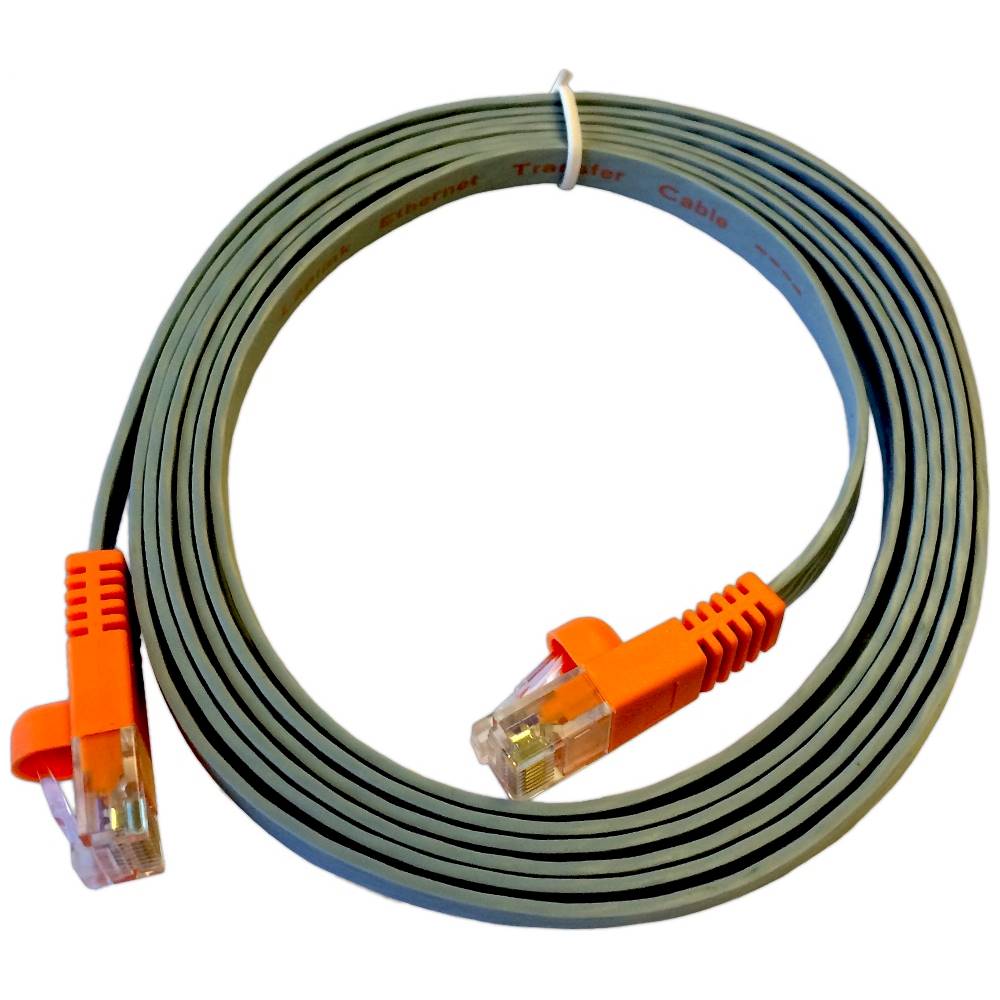
||Posted .This reviewer received promo considerations or sweepstakes entry for writing a review.It looked like this product was going to be great. It was easy to install and made it look like the transfer was going to be easy. I tried it both with the cable and over the network and it crashed after 3 or 4 hours both times.
No, I would not recommend this to a friend - Pros mentioned:Ease of use
Rated 5 out of 5 stars
Good software
||Posted .This reviewer received promo considerations or sweepstakes entry for writing a review.Made moving things from one laptop to the other very easy.
I would recommend this to a friend Rated 4 out of 5 stars
Did what it said it would do
||Posted .This reviewer received promo considerations or sweepstakes entry for writing a review.overall best price and effectiveness for this type of software
I would recommend this to a friend- Pros mentioned:Overall performance
Rated 5 out of 5 stars
Nice
||Posted .This reviewer received promo considerations or sweepstakes entry for writing a review.This product works great never gives me any issues must buy
I would recommend this to a friend - Cons mentioned:Compatibility
Rated 2 out of 5 stars
Did not work for transfer of my data from computer
||Posted .This reviewer received promo considerations or sweepstakes entry for writing a review.Program did not work well with Windows 10. Required additional drivers and was confusing for me to use.
No, I would not recommend this to a friend - Pros mentioned:Data transfer
Rated 5 out of 5 stars
great software
||Posted .This reviewer received promo considerations or sweepstakes entry for writing a review.great deal, fast, helpful, no muss no fuss to move itmes
I would recommend this to a friend Rated 4 out of 5 stars
Worked well
||Posted .This reviewer received promo considerations or sweepstakes entry for writing a review.Bought this to transfer old laptop to new. It did a very good job and met my expectations.
I would recommend this to a friend- Pros mentioned:Data transfer
Rated 5 out of 5 stars
Wonderdul product
||Posted .This reviewer received promo considerations or sweepstakes entry for writing a review.Did my transfer oof data with no trouble at all.ok
I would recommend this to a friend Rated 4 out of 5 stars
good for file transfer
||Posted .This reviewer received promo considerations or sweepstakes entry for writing a review.was on sale picked it up it was a good piece of software.
I would recommend this to a friendRated 5 out of 5 stars
Nice easy program to transfer programs and files
||Posted . Owned for 1 month when reviewed.This reviewer received promo considerations or sweepstakes entry for writing a review.Nice easy installation and transfer of programs and files. Make sure you read all of the instructions as some programs can be transferred and some you have to do an install on your new computer. It depends on how the original installation was done and what permissions you have.
I would recommend this to a friend