Customer Ratings & Reviews

- Model:
- LAP980800F136
- |
- SKU:
- 6261267
Customer reviews
Rating 3.7 out of 5 stars with 829 reviews
(829 customer reviews)Rating by feature
- Value3.9
Rating 3.9 out of 5 stars
- Quality4.2
Rating 4.2 out of 5 stars
- Ease of Use3.6
Rating 3.6 out of 5 stars
Customers are saying
Customers are positive about the ease of use and data transfer capabilities of PCmover Ultimate. Many users found the software convenient and reported successful transfer of their data. However, some customers reported issues with compatibility and unclear instructions. Additionally, a few users experienced problems establishing an ethernet connection.
This summary was generated by AI based on customer reviews.
Rated 4 out of 5 stars
computer transfer to computer
||Posted .This reviewer received promo considerations or sweepstakes entry for writing a review.Product installed easily and had good instructions.
I would recommend this to a friendRated 5 out of 5 stars
casual user
||Posted . Owned for 1 month when reviewed.This reviewer received promo considerations or sweepstakes entry for writing a review.Great product I didn't know exist, but glad it was recomemded to me.
I would recommend this to a friendRated 2 out of 5 stars
Unimpressed
||Posted .This reviewer received promo considerations or sweepstakes entry for writing a review.I was hoping to control which programs I migrated. I thought that was what was advertised. Maybe it was me but all I saw was a cloning tool. Ok if you think your operating system isn't corrupt which I did. I'll keep it around in case i just want to move a system to a new computer.
I would recommend this to a friendRated 2 out of 5 stars
not as advertised
||Posted .This reviewer received promo considerations or sweepstakes entry for writing a review.The company advertising load/click/move your data. Not true. You also need to have internet access,, which the product does not discuss. Help line was NO HELP when our transfer didn't work. The software kept telling me to close and restart the process. Wasted many hours thinking the product was working when it wasn't
No, I would not recommend this to a friendRated 3 out of 5 stars
not as easy as advertised
||Posted . Owned for 1 month when reviewed.This reviewer received promo considerations or sweepstakes entry for writing a review.thought it would be much simpler but got the job done!
No, I would not recommend this to a friendRated 1 out of 5 stars
Very Disappointed - kept forcing me into a Cloud.
||Posted . Owned for 3 weeks when reviewed.This reviewer received promo considerations or sweepstakes entry for writing a review.Over the years, I've used earlier versions of LapLink PC Mover to migrate data from an old computer to a new one. This Version was a disaster. It forced me to put everything into the Cloud (One Drive). I prefer to stay away from storing data in Clouds, which are large targets that get hacked. Instead, I use an external hard drive, which is a small target and very well protected with security software. But, PC Mover would not allow me to do this, even after two independent attempts. So, I gave up and migrated the data "the old fashion way" from a hard drive back-up to newly installed programs. This took longer, but it worked. I'm done with LapLink and PC Mover.
No, I would not recommend this to a friendRated 5 out of 5 stars
Easier move ever
||Posted . Owned for 3 weeks when reviewed.This reviewer received promo considerations or sweepstakes entry for writing a review.This worked better than I imagined it would. Well worth the cost of the program if you want to move everything from an old computer to a new one.
I would recommend this to a friendRated 3 out of 5 stars
Lot's of work
||Posted .This reviewer received promo considerations or sweepstakes entry for writing a review.Thankfully I got this at a good price. Not as easy as claimed but good enough.
I would recommend this to a friend- Pros mentioned:Ease of use
Rated 5 out of 5 stars
Worked Like a Charm
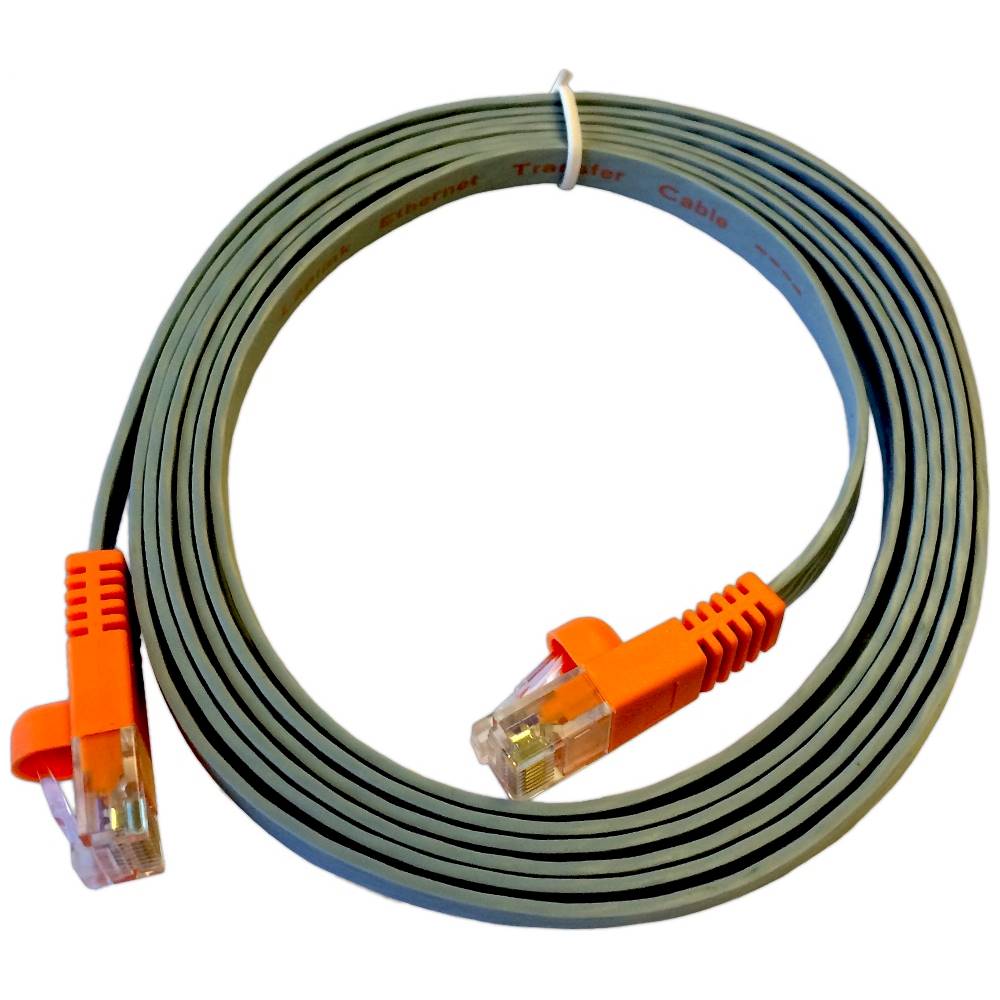
||Posted . Owned for 3 weeks when reviewed.This reviewer received promo considerations or sweepstakes entry for writing a review.In my opinion, this is the only way to transfer your configuration to your new computer. Used PC mover to transfer my data, desktop, apps, and configuration, from my old windows 7 computer to my new Windows 11 computer. Used the included Ethernet crossover cable, and it worked like a charm!
I would recommend this to a friend Rated 1 out of 5 stars
Not great
||Posted .This reviewer received promo considerations or sweepstakes entry for writing a review.I tried to move files on two different computers and neither one worked. The program should be easy enough so that anybody could use it. If security and wallpaper or screen savers have to be shut down, the software should contain directions on how to do it. I do not like to be required to call customer service to use a product.
No, I would not recommend this to a friendRated 1 out of 5 stars
Frustrating!
||Posted .This reviewer received promo considerations or sweepstakes entry for writing a review.Does not really transfer over your applications correctly. I spent two days cleaning up after this transfer. I would have been better off starting from scratch. Don't waste your time or your money on this. Better to just use the free transfer programs to transfer over the basics and re-install all your programs from scratch.
No, I would not recommend this to a friend- Cons mentioned:Compatibility
Rated 1 out of 5 stars
Did not work
||Posted .This reviewer received promo considerations or sweepstakes entry for writing a review.Did work due to the software is out date for the state of art new hardware. Had blanks for most of their fillins or buttons. Can't see what I am doing because it is blank. Update software maybe coming. Await for refund, if I get it.
No, I would not recommend this to a friend Rated 2 out of 5 stars
Software transfer
||Posted .This reviewer received promo considerations or sweepstakes entry for writing a review.This software was disappointing. It promised to easily move everything from an old computer to a new computer. Took a long time, and left a lot behind. I expected some difficulty, was largely disappointed. Ended up using a stand-alone disk to migrate. Much better.
No, I would not recommend this to a friendRated 1 out of 5 stars
Very vague
||Posted .This reviewer received promo considerations or sweepstakes entry for writing a review.Once installed on the "old" PC, there were prerequisites to run through before using, like virus scanning and such, and none of them worked. No help in help with that either. I was told in store it was easy to work with, which is why I purchased it. Perhaps it works better with newer versions of Windows, I have still not installed this on the new computer yet, afriad now to even try using the thing.
No, I would not recommend this to a friend- Cons mentioned:Ethernet
Rated 1 out of 5 stars
Poor product
||Posted .This reviewer received promo considerations or sweepstakes entry for writing a review.Did not worked at all. Only imported some partial data. Missing software transfer even if supposed to do with this upgraded product. Stopped transmitting even if using eternet cable. I lost 50 buggs for nothing. Really disappointed
No, I would not recommend this to a friend - Pros mentioned:Ease of use
Rated 4 out of 5 stars
Great Software
||Posted .This reviewer received promo considerations or sweepstakes entry for writing a review.This software worked as promised. I was able to move all of my data from my windows 7 pc to my windows 10 pc without any issues.
I would recommend this to a friend Rated 3 out of 5 stars
Not the most complete program
||Posted .This reviewer received promo considerations or sweepstakes entry for writing a review.Was disappointed that it didn't move certain items. Returned.
No, I would not recommend this to a friendRated 2 out of 5 stars
It helped, but not a whole lot
||Posted .This reviewer received promo considerations or sweepstakes entry for writing a review.I purchased this to help someone do an upgrade that they wanted to be 'seamless'. I would not strongly recommend this to a novice user, and an expert probably doesn't need it. This is a single use product, and in a similar situation I would probably not buy it again.
No, I would not recommend this to a friendRated 1 out of 5 stars
Doesn't perform as advertised
||Posted .This reviewer received promo considerations or sweepstakes entry for writing a review.I bought this product specifically for the SafeErase feature which, the box said would allow me to "wipe personal data from your hard drive... before recycling or selling an old PC" including "Customized Deletion" which is "Choose from pre-defined and individual deletion profiles and receive detailed reports on the deletion process." I expect this to allow me to select specific applications and data to delete while leaving the operating system and core applications in place. That wasn't the case. I could wipe the entire drive (including the operating system) and I could safe erase empty disk space, but not really anything more finite than that. While I hoped this would be a straightforward way to clean up my PC before passing it on to someone else, instead it has become a painful, time consuming process.
No, I would not recommend this to a friendRated 1 out of 5 stars
Messed up computer, did not work
||Posted .This reviewer received promo considerations or sweepstakes entry for writing a review.I had to do 3 complete reinstalls after trying to get PCMover to move me from a Vista Ultimate to a Windows 7 laptop. Ethernet cable did not work on USB/Ethernet connector (though other programs do); twice new computer was locked and unusable; numerous settings failed to transfer. What I hoped would save me hours of work instead cost me several days more. I like Laplink in general, but this program cost me money and much time.
No, I would not recommend this to a friend