Customer Ratings & Reviews

- Model:
- LAP980800F136
- |
- SKU:
- 6261267
Customer reviews
Rating 3.7 out of 5 stars with 829 reviews
(829 customer reviews)Rating by feature
- Value3.9
Rating 3.9 out of 5 stars
- Quality4.2
Rating 4.2 out of 5 stars
- Ease of Use3.6
Rating 3.6 out of 5 stars
Customers are saying
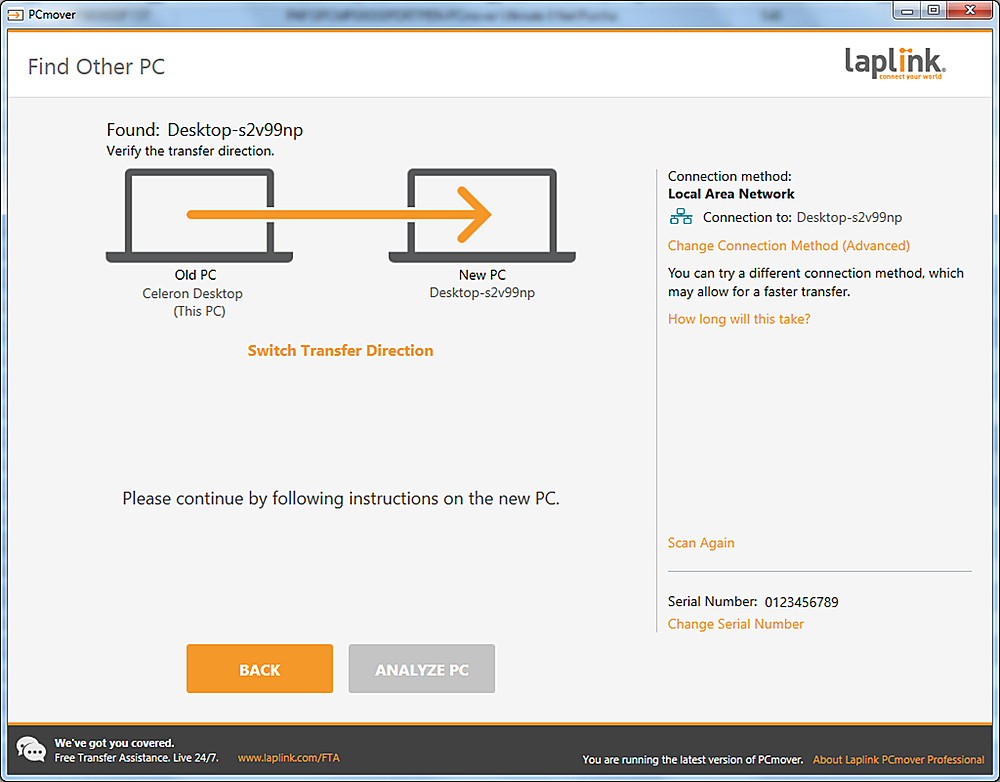
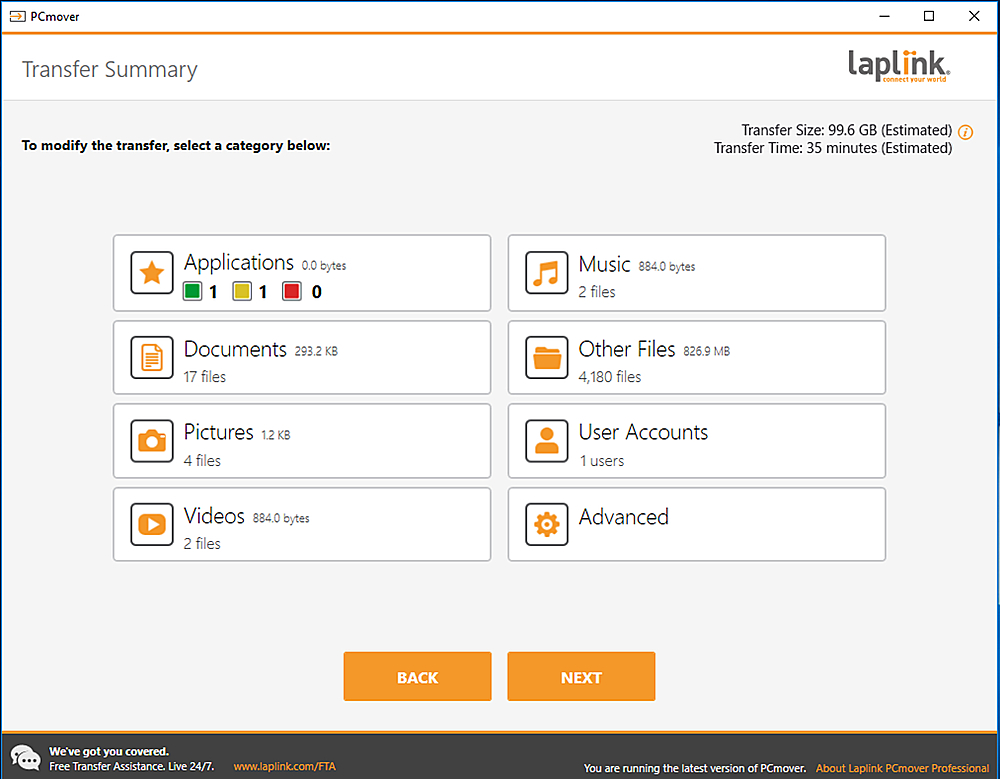
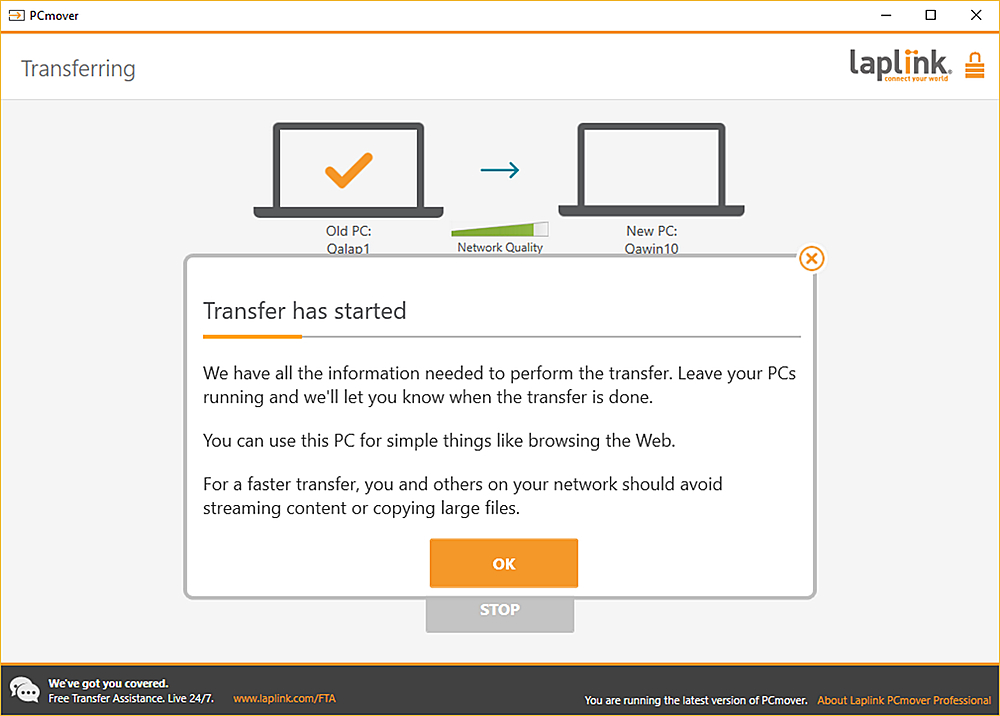
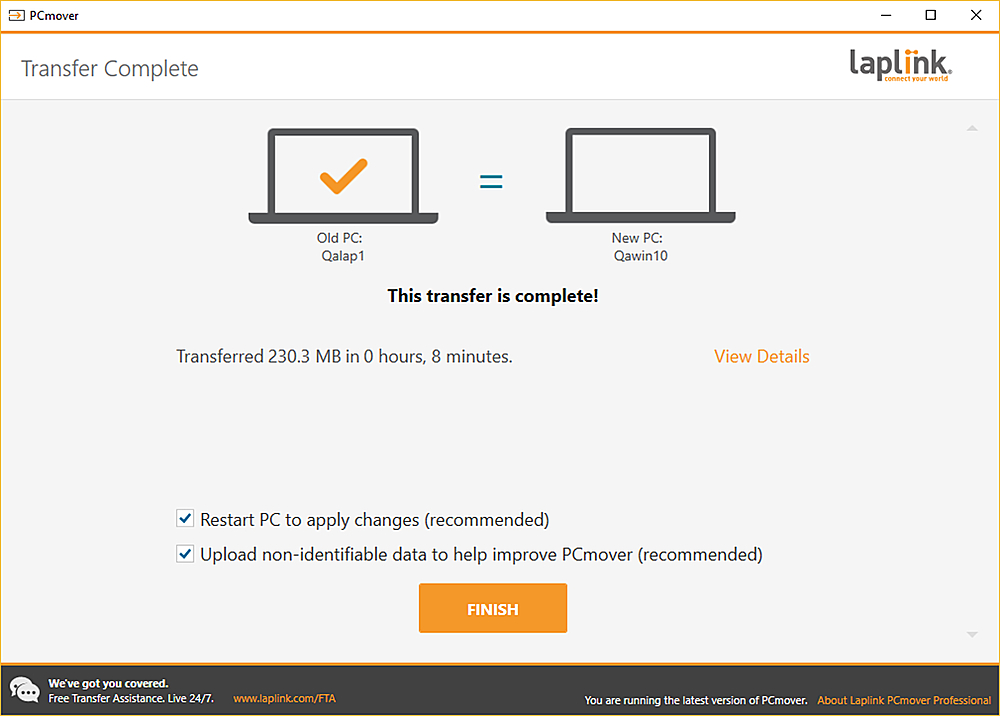
Customers are positive about the ease of use and data transfer capabilities of PCmover Ultimate. Many users found the software convenient and reported successful transfer of their data. However, some customers reported issues with compatibility and unclear instructions. Additionally, a few users experienced problems establishing an ethernet connection.
This summary was generated by AI based on customer reviews.
- Cons mentioned:Instructions
Rated 3 out of 5 stars
It works could be better
Posted .This reviewer received promo considerations or sweepstakes entry for writing a review.For what I payed for it worked. It transferred most everything some of the items like my antivirus and utilities had to be reinstalled and reactivated the same for my office program. Directions were vague and could have been better.
I would recommend this to a friend - Pros mentioned:Data transfer
Rated 2 out of 5 stars
Succesfully ransferred only a couple of programs
Posted .This reviewer received promo considerations or sweepstakes entry for writing a review.I used this to migrate software to another PC with the same operating system. After scan it creates a list of which programs will transfer successfully, the ones that may have an issue and the ones that are incompatible. I din't understand how transferring to the same OS creates compatibility issues. After the migration only 3 programs were successfully transfered and the funny part is those were in the list of that may not transfer successfully! The good thing is that the 2 programs that were important to me were the ones that made it but this doesn't mean this is a good program. Get it if only if you have a software that you don't have a product key anymore or any way to install it and pray it is going to transfer
No, I would not recommend this to a friend - Pros mentioned:Ease of use
Rated 5 out of 5 stars
I have used the product many times.
Posted .This reviewer received promo considerations or sweepstakes entry for writing a review.I have used this product several times over the past 20 years (at least 5 upgrades) and have never had a problem and I am going to use it again this week. The price is very reasonable and I have found it easy to use. In fact, it is so straight-forward, I sometimes have a tendency to over-complicate it. The developers have been continually improving it.
I would recommend this to a friend Rated 1 out of 5 stars
Limited Uses
Posted .This reviewer received promo considerations or sweepstakes entry for writing a review.I read quite a number of reviews before deciding to buy this product. I must admit the two things that influenced me the most was a hearty endorsement by Microsoft, the other being laziness on my part. My intended use was to move a large number of files from my XP computer to my Windows 7 computer. As you know, when upgrading or switching from Microsoft XP to Microsoft Windows 7, Microsoft will not automatically move your programs or files. You must reinstall the programs and move the files yourself. PCmover claims to do both. Now most people can move files and folders from one computer to another so the main attraction to me of PCmover was that it would move programs without me having to reinstall them. Unfortunately PCmover failed miserably at moving programs. Also, om the lower side of the box in incredibly small printing is a notice informing the buyer you may only use this program from ONE originating computer to ONE target computer. You must purchase extra licenses to use the program beyond that. Anyway, the program transfer failed so miserably that I called support and asked them if I could retransfer from my same originating computer to the same target computer, but to a different operating system (from XP to XP instead of XP to Windows 7) and was told that that would require another license. I reiterated to them it was still the same computers and only one transfer, just to a different operating system so my programs would work. They still said no and that I had to purchase another license. At that point I decided to follow most of the computer experts advice and transfer all the files and folder manually (easy) and reinstall all my programs from scratch (time consuming, but much more accurate.) I found that when I removed PCmover from my target computer that it still left over 70MB of files and who knows what on my computer that I had to manually remove myself!!! Needless to say, I wish I would have saved my time, trouble, and money and listened to the one and two star reviews but sometimes lessons need to be learned the hard way. I would heartily recommend if upgrading from Microsoft XP to Windows 7 or Windows 10 that you save your own time, trouble, and money and move your programs, files, and folders manually. I'm sure you will save a headache or two in the process. By the way, I could not find ANY kind of guarantee of success or satisfaction ANYWHERE on their website, in their instructions, nor on their box after I purchased their product. It seems to me that any reputable company will stand behind their product so it appears their LACK OF ANY KIND OF GUARANTEE speaks volumes of their integrity.
No, I would not recommend this to a friend- Pros mentioned:Data transfer
Rated 4 out of 5 stars
Pc transfer
Posted .This reviewer received promo considerations or sweepstakes entry for writing a review.Excellent program to transfer all of your apps to your pc.
I would recommend this to a friend - Pros mentioned:Data transfer
Rated 5 out of 5 stars
PC transfer awesome
Posted .This reviewer received promo considerations or sweepstakes entry for writing a review.The product helps a lot in the transfer of data to my new computer. The tech support was very good.
I would recommend this to a friend - Pros mentioned:Ease of use
Rated 5 out of 5 stars
Great!
Posted .This reviewer received promo considerations or sweepstakes entry for writing a review.Worked great. Makes the migration smooth. No need to be PC savvy to make or work.
I would recommend this to a friend Rated 1 out of 5 stars
Data Transfer Incomplete and Unreliable
Posted .This reviewer received promo considerations or sweepstakes entry for writing a review.I used this to try to transfer files from a Windows Vista machine to Windows 7. Right off the bat, PC Mover indicated that a lot of data probably would not transfer to the new machine. So right there, that made the product questionable. But I set it up to transfer what it could. It finished about two hours later. I've been discovering ever since that it failed to transfer entire folders and documents -- these were not data that are incompatible with Windows 7, but rather word documents, spreadsheets and other files that should easily and reliably have moved over. As a consequence, I have no confidence that PC Mover has saved the data that I needed to save, which means I'm back to going through my data folder by folder, putting things on a thumb drive and transferring them manually. My recommendation; skip this product, get an easy transfer cable (if Best Buy has one on hand -- I couldn't find one in three Best Buy stores) and use the Windows Easy Transfer software that comes with your new computer. I don't know that it will work better, but it probably can't be worse.
No, I would not recommend this to a friend- Pros mentioned:Ease of use
Rated 5 out of 5 stars
Worked exactly as described
Posted .This reviewer received promo considerations or sweepstakes entry for writing a review.It was incredibly easy to download and use and a superb product
I would recommend this to a friend Rated 4 out of 5 stars
great item
Posted .This reviewer received promo considerations or sweepstakes entry for writing a review.very fast processor, a little bit bigger computer than want I was really looking for but fits fin on the floor. Could use some micro card reader slots, and usb ports in the front instead of on the top
I would recommend this to a friend- Pros mentioned:Overall performance
Rated 5 out of 5 stars
Good product, great price
Posted .This reviewer received promo considerations or sweepstakes entry for writing a review.Wored well but had to downad the updated version to get it work
I would recommend this to a friend - Pros mentioned:Ease of use
Rated 5 out of 5 stars
Smooth Sailing
Posted .This reviewer received promo considerations or sweepstakes entry for writing a review.Very easy to follow and transfer to a new computer
I would recommend this to a friend Rated 2 out of 5 stars
I couldn't make it work, even with tech support
Posted .This reviewer received promo considerations or sweepstakes entry for writing a review.The customer relations people were very helpful and responsive, however, we could never get the product to move the pictures from my old desktop to the new desktop. After many attempts, I gave up and am using a flashdrive to move the pictures.
No, I would not recommend this to a friend- Pros mentioned:Ease of use
Rated 5 out of 5 stars
Great Progam
Posted .This reviewer received promo considerations or sweepstakes entry for writing a review.Was able to transfer all of my programs to the new computer with no problems.
I would recommend this to a friend Rated 1 out of 5 stars
Did the simple tasks; failed the main ones
Posted .This reviewer received promo considerations or sweepstakes entry for writing a review.Used the product as intended, but the results were less than satisfying: -Operating system (win10 Pro) activation did not transfer; -Office 2016 activations did not transfer; -Program associations did not transfer; -Personalizations (task bar, start menu, home screen, folder options) did not transfer; -Work programs (ie. National Instruments Design Suite NTMultisim) did not transfer; -Other programs (Norton antivirus, TrueImage 2019) did not transfer; -Worst of all: none of the Windows credentials (ie- to allow access to network drives) transferred. To access devices, I had to dig out the original credentials; So basically a bunch of simple programs that would be easy to reinstall transferred, but complex programs, personalizations and access abilities did not. Makes Laplink a somewhat worthless investment. If you're a computer neophyte who only browses and uses social media- get a free program. If you're a sophisticated power user, don't waste your money or time. Use a backup program.
No, I would not recommend this to a friendRated 5 out of 5 stars
m
Posted .This reviewer received promo considerations or sweepstakes entry for writing a review.good service pdonhvfwpjpwirjvg[kvfdv] kvfs[ okv';knhohijh
I would recommend this to a friendRated 2 out of 5 stars
Could Have Done Much Better
Posted .This reviewer received promo considerations or sweepstakes entry for writing a review.I wanted it to transfer my documents with includes a lot of pictures and music. It didn't transfer half my music. But the safe erase with great. I told it erase the entire computer and it did just that. I didn't know it was going to erase the OS but that was fine because I was recycling it anyway.
No, I would not recommend this to a friendRated 1 out of 5 stars
Don't buy this program!
Posted .This reviewer received promo considerations or sweepstakes entry for writing a review.Actually took over 20 hours to move one program. Then, Windows 11 would not boot up, had to do a fresh install which wiped out all of my programs complexly. Spent 2 hours with tech support, no good. Bought the high speed USB cable (cost more than the program!) so now I have two pieces of junk, Getting to Laplink to get a refund is impossible.
No, I would not recommend this to a friendRated 1 out of 5 stars
nearly destroyed a brand new laptop
Posted .This reviewer received promo considerations or sweepstakes entry for writing a review.we bought this package to move the data from an old laptop to a brand new laptop that was bought at the same time.this product loaded a new laptop with over 300 pieces of spyware, adware, spyware, trojans & other undesirable programs in under a minute. it did NOT transfer ANY of the info from the old laptop that we wanted to move. i've used Windows transfer software before and NEVER had a problem. let the buyer beware.
No, I would not recommend this to a friendRated 1 out of 5 stars
Did not transfer all files and no apps.
Posted .This reviewer received promo considerations or sweepstakes entry for writing a review.Even with two long calls to the software support, the program did not transfer all the files and no applications. I wasted over 8 hours trying to get the program to work. The support reps told me settings for my computers that were not in the instructions. Also, some files were not able to be opened after the transfer. Very disappointing. Long wait on hold for support.I have to transfer everything myself.
No, I would not recommend this to a friend