Customer Ratings & Reviews
- Model:
- 90GB004RUS
- SKU:
- 5741000
to a friend
Customers are saying
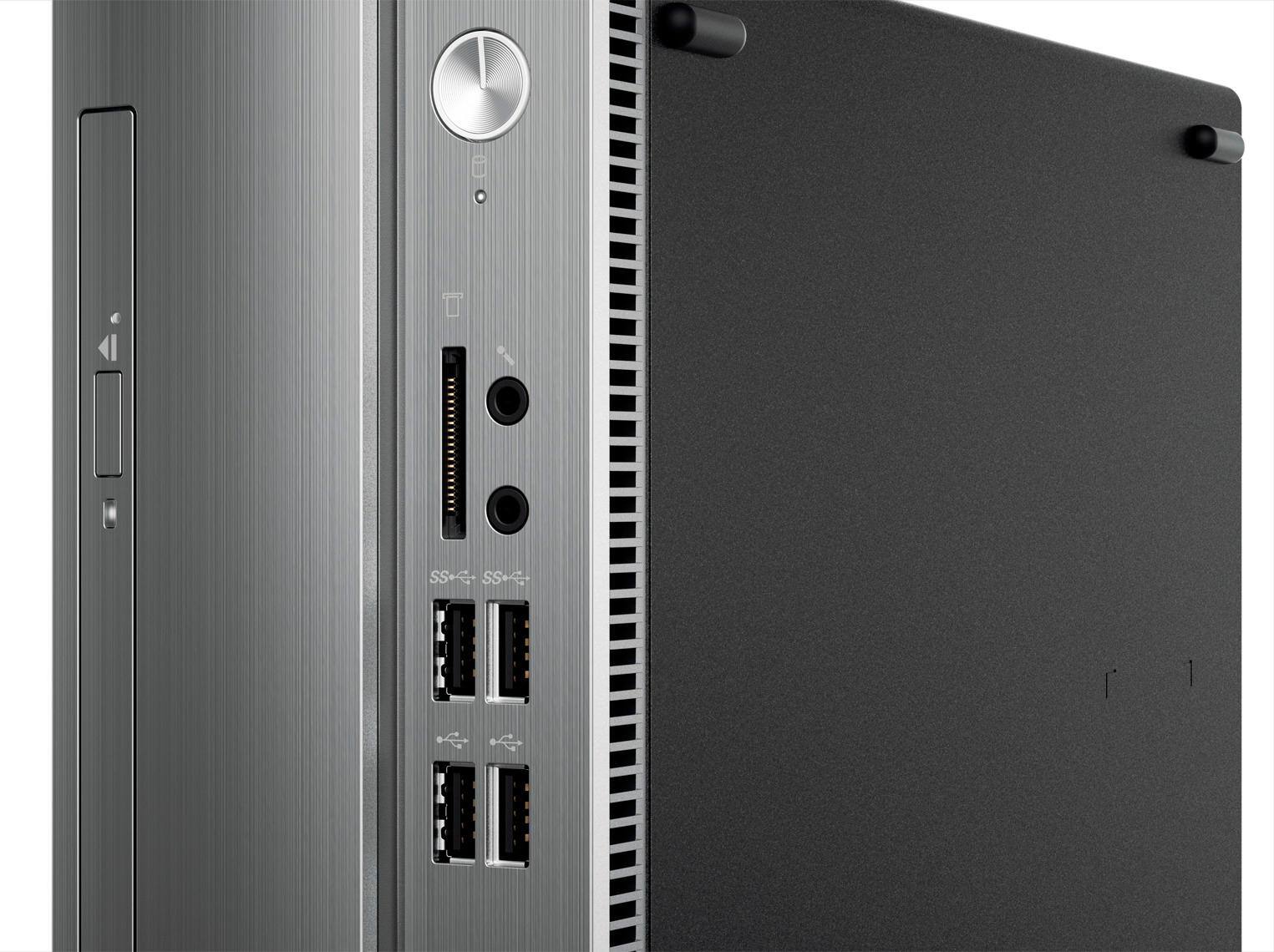
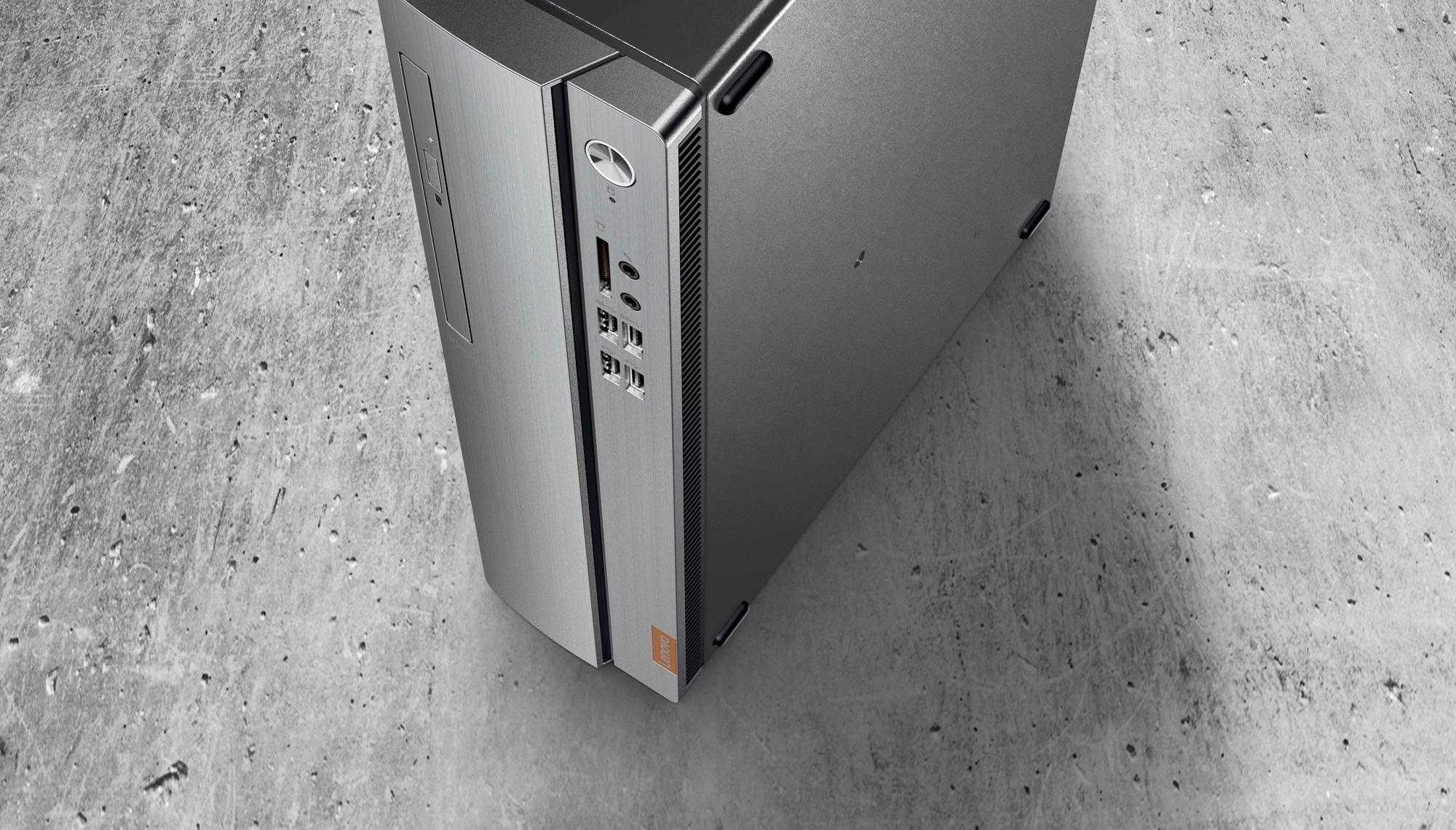
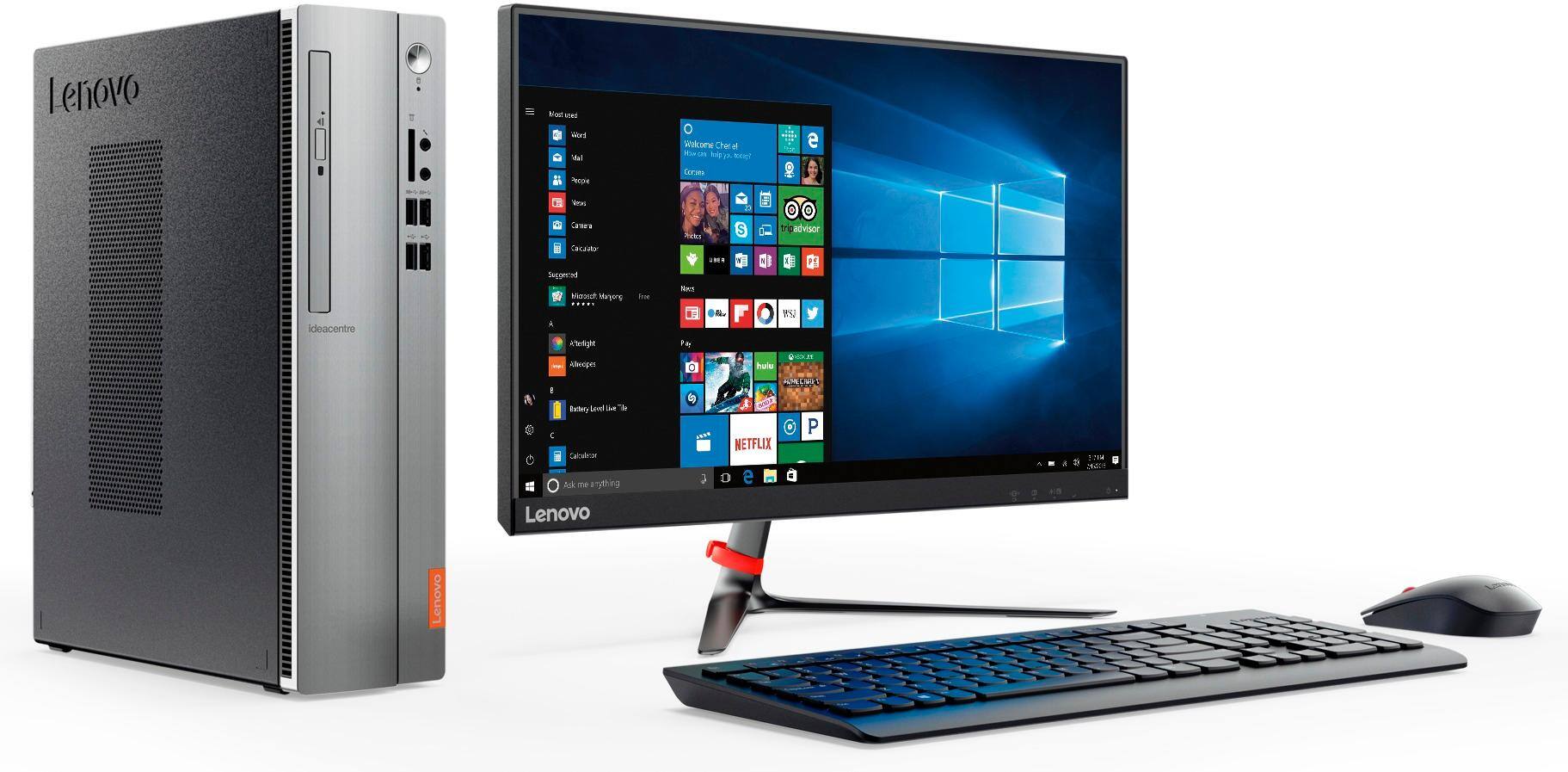
Customers are delighted by the 510S-08IKL Desktop's performance, affordability, and ease of use. Many appreciate its compact size and sufficient storage for their needs. Positive feedback also highlights the ample memory for everyday tasks and the convenient number of USB ports. While some users suggest RAM upgrades for enhanced performance, overall the computer receives praise for its value and functionality.
This summary was generated by AI based on customer reviews.
excellent
||Posted .This reviewer received promo considerations or sweepstakes entry for writing a review.Bought this for my Dad. He's happy with it. He just has to get used to Windows 10.
I would recommend this to a friendBrand response from Lenovo Product Expert
Posted .Thank you for choosing the Lenovo IdeaCentre 510s desktop for your father. With regard to your father learning his way around Windows 10, he may want to try YouTube.com (just type that address in your browser address window). There are hundreds for free instructional videos there about Windows 10. Just type Windows 10 Introduction in to the YouTube search window. He can watch free videos there that will show you the basics all the way up to tips and tricks videos and they're all free.

Great desktop for the price
||Posted .This reviewer received promo considerations or sweepstakes entry for writing a review.Love this desktop, got it for surffing the internet and watch on line movies.
I would recommend this to a friendBrand response from Lenovo Product Expert
Posted .Thank you for choosing the Lenovo IdeaCentre 510s desktop. We are pleased to hear that the performance of the IdeaCentre 510s meets your computing needs so well.
Won’t purchase brand
||Posted .This reviewer received promo considerations or sweepstakes entry for writing a review.I haven’t nothing but trouble when it does windows update it won’t connect to internet you have to call support has to do with adapter don’t purchase this.
No, I would not recommend this to a friendGreat PC for the Money
||Posted .This reviewer received promo considerations or sweepstakes entry for writing a review.Offered a lot of hardware for the price. I would highly recommend.
I would recommend this to a friendWorks great!
||Posted .This reviewer received promo considerations or sweepstakes entry for writing a review.This is an excellent computer that our Customer service person uses.
I would recommend this to a friendBrand response from Lenovo Product Expert
Posted .Thank you for choosing the Lenovo IdeaCentre 510s desktop for your business. We are pleased to hear that the IdeaCentre 510s meets the user's business computing needs so well.
Cool computer
||Posted .This reviewer received promo considerations or sweepstakes entry for writing a review.This is a good computer. It’s easy to use. It touch screen too.
I would recommend this to a friendgreat
||Posted .This reviewer received promo considerations or sweepstakes entry for writing a review.This is one the if not best products best buy has to offer.
I would recommend this to a friendGreat product .
||Posted .This reviewer received promo considerations or sweepstakes entry for writing a review.Great Product , will always continue buy again and again.
I would recommend this to a friendBrand response from Lenovo Product Expert
Posted .Thank you for choosing the Lenovo IdeaCentre 510s desktop. We are pleased to hear that the IdeaCentre 510s is working out so well for you.
Excellent choice
||Posted .This reviewer received promo considerations or sweepstakes entry for writing a review.It was a challange for me to learn windows 10 but I did
I would recommend this to a friendBrand response from Lenovo Product Expert
Posted .Thank you for choosing the Lenovo IdeaCentre 510s desktop. We are pleased to hear that the IdeaCentre 510s is working out so well for you.
Not so happy with the blue screen and shutdown
||Posted .This reviewer received promo considerations or sweepstakes entry for writing a review.After a couple of months the famous blue screen start to show up. trouble shooting says is a update issue, so I decide to stop the automatic updates.
I would recommend this to a friendReturning to computer use....
||Posted .This reviewer received promo considerations or sweepstakes entry for writing a review.I was using an iPad and going back to desktop was a pain what with add ons and safety features for everything and slow doing tasks, I'm not impressed.
No, I would not recommend this to a friendMotherboard failed at 9 days
||Posted .This reviewer received promo considerations or sweepstakes entry for writing a review.I'm sticking to just the facts here. This was a nice little tower with adequate specs...... Fairly easy set up.... Day 9 the monitor went black. Geek Squad determined a likely motherboard failure and wanted to send it to Lenovo for repair. Because it was within 15 day return window I returned it for full refund. Enough said.
No, I would not recommend this to a friendFailed right out of the box
||Posted .This reviewer received promo considerations or sweepstakes entry for writing a review.My wife wanted to upgrade from our slow out dated computer. She found this computer on sale and figured it would be a good pc only replacement. Not at all. This thing locked up and then crashed just trying to do simple tasks. Don't bother with this pc
No, I would not recommend this to a friendBrand response from Lenovo Product Expert
Posted .This system should provide adequate speed with its Core I-3 processor and 4GB of RAM. Be sure any software you installed is compatible with Windows 10. There is no need to install Microsoft Office software. The software is already part of the operating system, you just need to activate the software with a purchased product key. If you have installed a copy of Microsoft Office, this is conflicting with the existing copy on the system and this will slow your system down. If you have installed a 3rd party anti-virus program, be sure that Windows Defender is turned off and that the trial version of McAfee Anti-Virus software is uninstalled. There can only be one anti-virus program on the system. You may need to restore your system to original factory default settings if any of the programing errors have occurred. You can do that by typing "restore" in the Cortana search window. Just click on the magnifying glass icon at the bottom left of your Windows 10 Desktop. Click on "Reset This PC" Then click on "Get Started" and follow the on screen directions to restore to factory defaults.
Basic computer
||Posted .This reviewer received promo considerations or sweepstakes entry for writing a review.To slow for my needs, i was looking for a faster computer.
No, I would not recommend this to a friendSlow
||Posted .This reviewer received promo considerations or sweepstakes entry for writing a review.Replaced wife’s old PC due to video driver compatibility issue with Win 10
No, I would not recommend this to a friendHonestly wish I bought something else
||Posted .This reviewer received promo considerations or sweepstakes entry for writing a review.The sale person said this was a great machine. I took I think home and I have had problems from the start. Keeps rebooting and crashes with no warning even when I'm not it using it I see my monitors blink out and the restart process. :( It's a nice looking computer but it won't stay working!!!!
No, I would not recommend this to a friendBrand response from Lenovo Product Expert
Posted .This sounds like either some of the programs that were install are not compatible with Windows 10, or the activation of Windows 10 did not complete properly. Be sure any software you installed is compatible with Windows 10. There is no need to install Microsoft Office software. The software is already part of the operating system, you just need to activate the software with a purchased product key. If you have installed a copy of Microsoft Office, this is conflicting with the existing copy on the system and this will slow your system down. If you have installed a 3rd party anti-virus program, be sure that Windows Defender is turned off and that the trial version of McAfee Anti-Virus software is uninstalled. There can only be one anti-virus program on the system. You may need to restore your system to original factory default settings if any of the programing errors have occurred. You can do that by typing "restore" in the Cortana search window. Just click on the magnifying glass icon at the bottom left of your Windows 10 Desktop. Click on "Reset This PC" Then click on "Get Started" and follow the on screen directions to restore to factory defaults.
Nope - exchanged it for another Lenovo
||Posted .This reviewer received promo considerations or sweepstakes entry for writing a review.This system just didn't meet my dual monitor needs. Returned for another. The small form factor was a turn off as well.
No, I would not recommend this to a friendCD/DVD Drive defective
Posted .This reviewer received promo considerations or sweepstakes entry for writing a review.I bought this computer before it was even on the sales floor, before there were any other reviews. Since I rarely play CDs or DVDs, it took me about a month or more before I discovered that the optical disc drive is seriously defective. Too late to return for a refund or credit, and after I had already installed additional RAM memory to the computer. The problem first showed up when I got halfway through installing the Nero media suite, and the PC suddenly told me that it couldn't read the software install disc any longer, so I had to eject it. This happened again when I tried a second time to install Nero. And I had the same problem when I tried playing various music CDs and movie DVDs - either it couldn't read the discs at all (mostly) or it started to read them, and then suddenly quit, telling me there was no disc in the drive. As I said, I discovered this defect when it was too late to simply return the machine to Best Buy (I bought it on May 11, 2017, but discovered the issue a month or so later), and I was told at the store that it would have to be sent to Lenovo. Really? I can't do without this computer for that long. Other than the optical disc drive, this PC works fine! I would advise other customers to stay away from any computer with a vertical optical disc drive like this. The appear to merely be cheap laptop disc drives, instead of sturdy flat "tray" style horizontal optical disc drives. I hesitate to buy anything made by Lenovo in the future.
No, I would not recommend this to a friendBrand response from Lenovo Product Expert
Posted .Thank you for choosing the Lenovo IdeaCentre 510s desktop. Concerning your issues with the CD/DVD drive within this device, we have not heard of this issue before with this model. Be sure the software you are trying to install (Nero) is compatible with Windows 10. Be sure you have the correct Media Player software installed to play the music and video files on the CDs and DVDs you are trying to play. Windows 10 Home does not come with Media Player software preinstalled, you need to add this software before being able to play commercial CDs/DVDs.
If I could give this 0 stars I would
Posted .This reviewer received promo considerations or sweepstakes entry for writing a review.Bought this computer and within 1 day, it started to randomly turn itself off. Check the internet, this seems to be something others have experienced before. Exchanged the first unit for a second unit. Second unit worked for two weeks with very low usage and now none of the usb ports work. Plugged the mouse and keyboard in but upon start up and on home screen, they do not work. Checked interwebs again and seems to be an issue with Win 10 and have to putz around in BIOS. Cannot get support from Best But or Lenovo. Oh yeah, it will cost me 100-200 bucks in order for an expert to fix this issue that is not a hardware issue and thus not covered under warranty. I would stay away from this unit.
No, I would not recommend this to a friendBrand response from Lenovo Product Expert
Posted .This sounds like a Windows 10 automatic update issue. There may be BIOS/driver updates for your specific system. Follow the link below to look for new driver updates for your specific system. You can also run diagnostics from the Lenovo site as well. As always, be sure to create a restore point on your system before you make any changes. You can do this by just typing "restore point" in the search window within Cortana and follow the link to create a restore point. Here is the link:
https://pcsupport.lenovo.com/us/en/products/desktops-and-all-in-ones/500-series/510s-08ikl/90gb/90gb004rus/downloads. If you would like to talk to Lenovo Tech Support, please call at: 877-453-6686.