Customer Ratings & Reviews
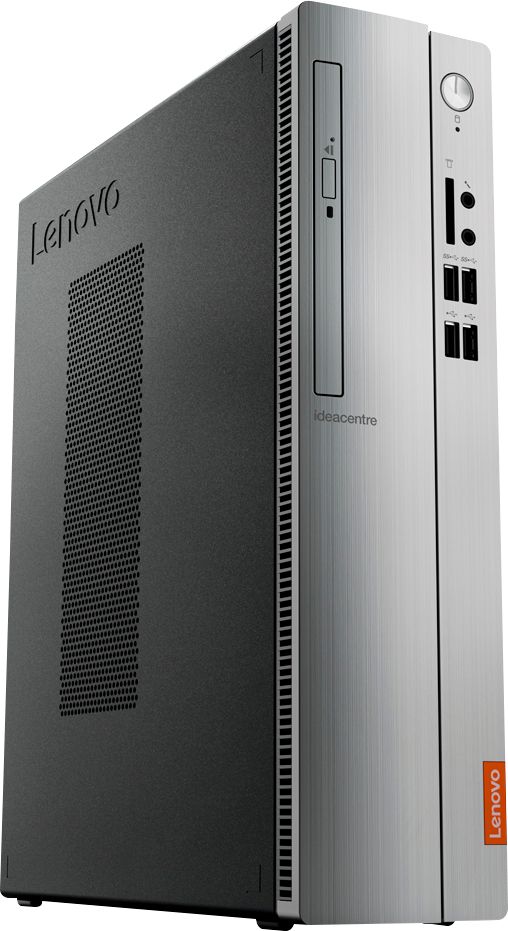
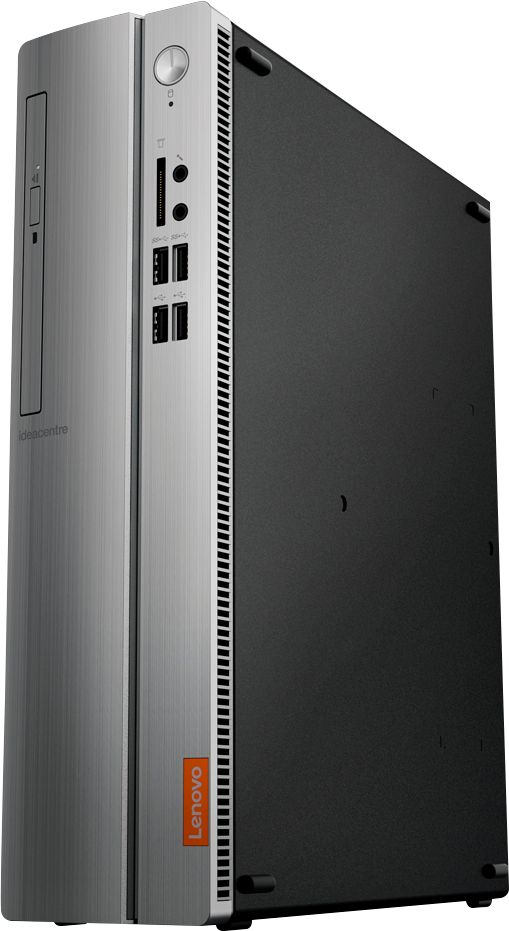
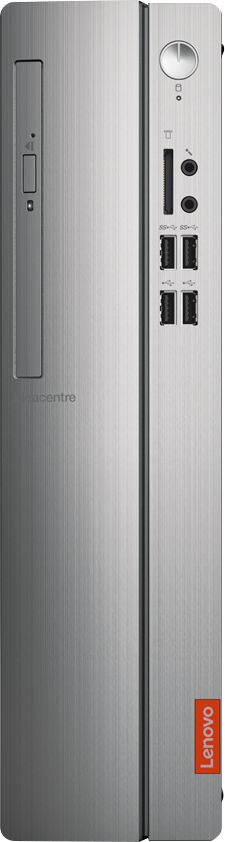
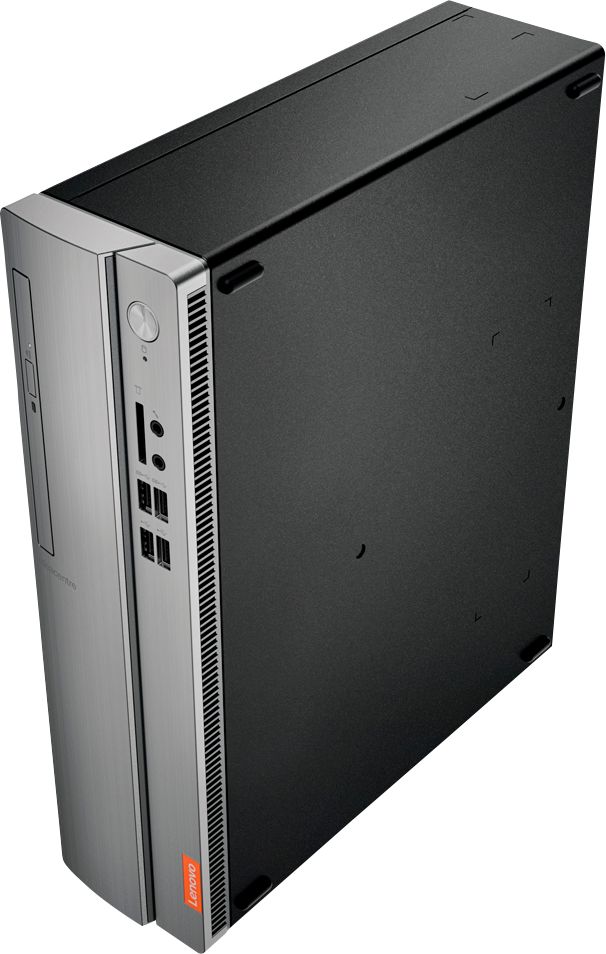

- Model:
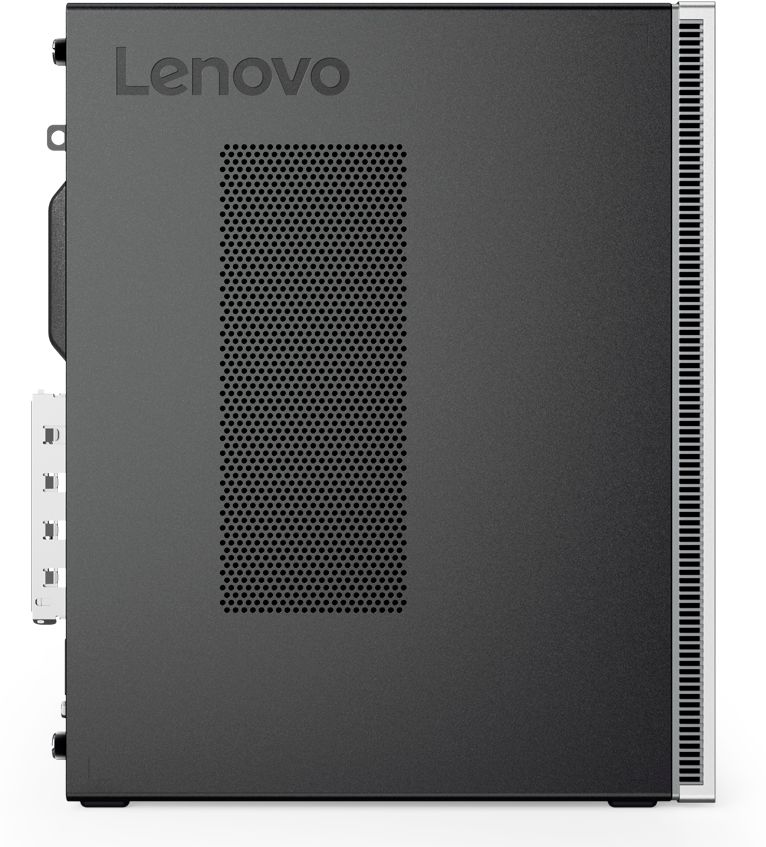
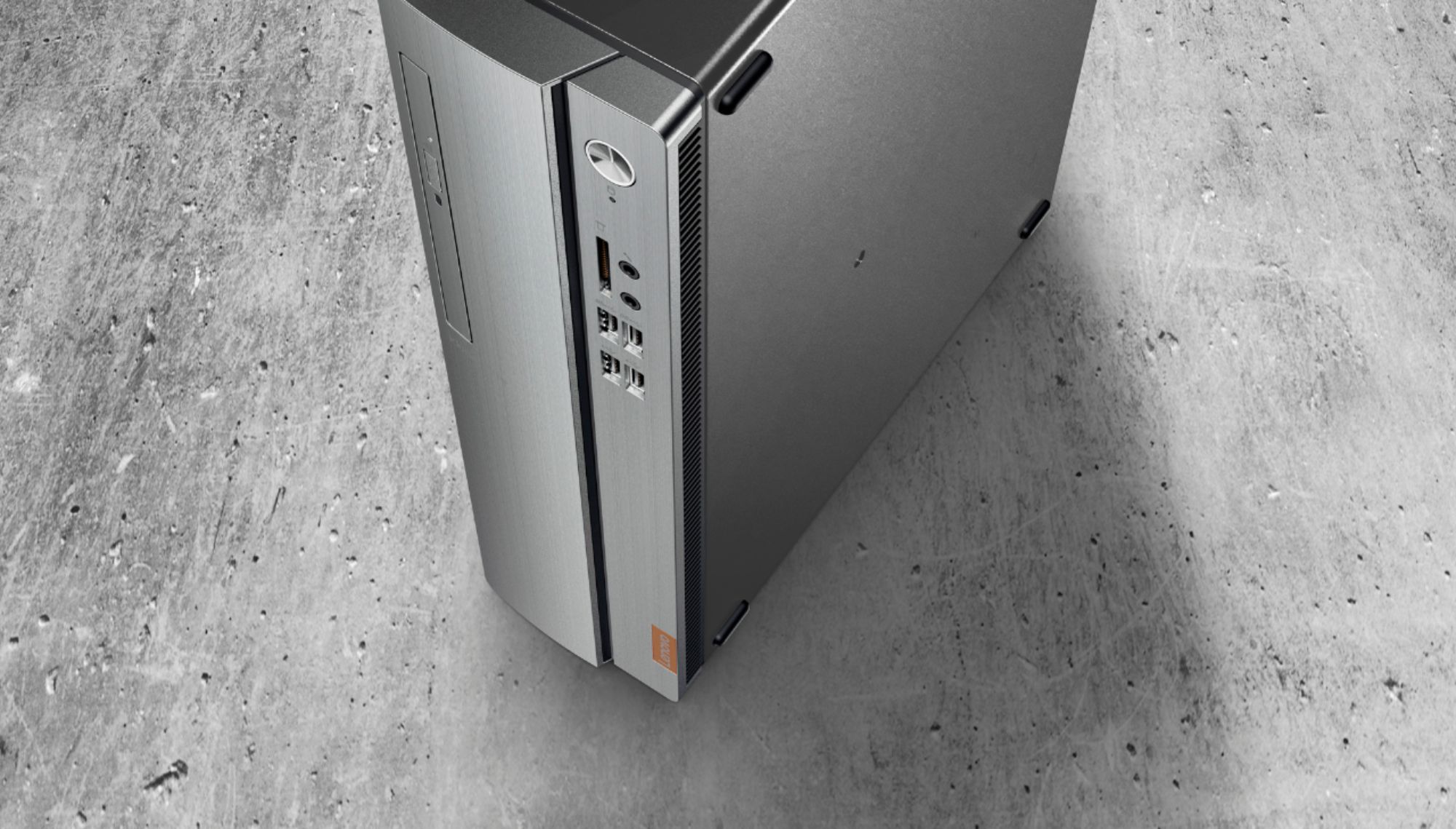
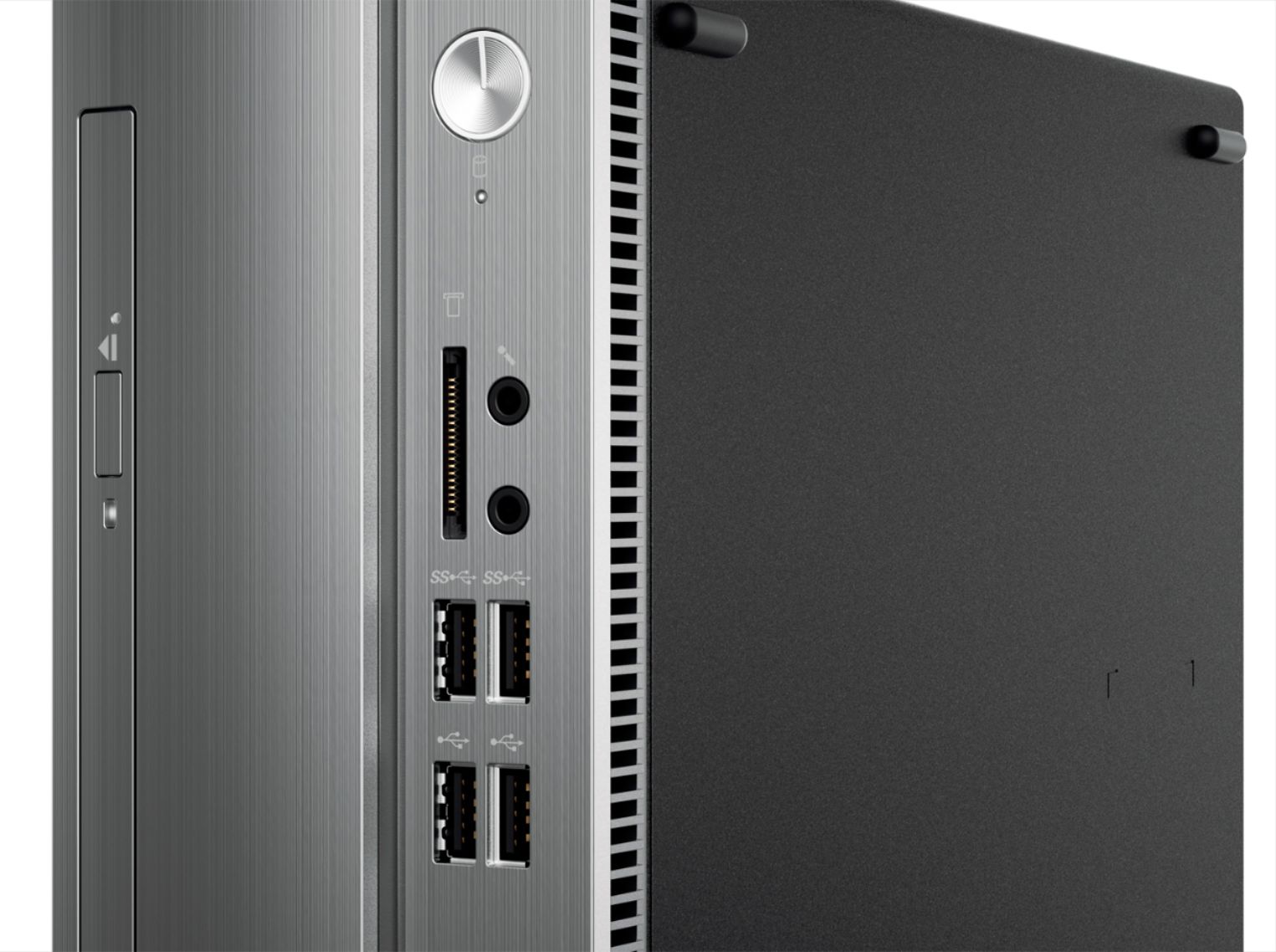
- IDEACENTRE 310S-08 - 90G90068U
- SKU:
- 6291839
Rating by feature
- Value
Rating 4.3 out of 5 stars
- Quality
Rating 4.1 out of 5 stars
- Ease of Use
Rating 4.2 out of 5 stars
Customers are saying
Customers admire the IdeaCentre 310S Desktop for its affordability, ease of use, and solid performance. Many appreciate its compact size and the option to upgrade the RAM and storage. Positive feedback also highlights the straightforward setup process. While some users experienced minor issues with the Wi-Fi, the overall experience appears largely positive.
This summary was generated by AI based on customer reviews.
Not what I expected
||Posted .This reviewer received promo considerations or sweepstakes entry for writing a review.First thing I noticed was it came from China. cheap
No, I would not recommend this to a friendBrand response from Lenovo Product Expert
Posted .The Lenovo IdeaCentre 310s desktop is a mid-level, moderate use configuration, with its AMD A9-9425 processor. This Dual-Core processor has a base speed of 3.1GHz and a boost speed of up to 3.7GHz. This configuration has 4GB of DDR4-2666MHz RAM. It is good with Microsoft Office type programs, internet browsing and other moderate work. If this describes your computing needs, the IdeaCentre 310s desktop would be a good choice for you.

Computer
||Posted .This reviewer received promo considerations or sweepstakes entry for writing a review.Computer was never restored tothe factory settings so I was not able to get past the email and the pixels were absolutely awful
No, I would not recommend this to a friendBrand response from Lenovo Product Expert
Posted .You can easily restore this system back to original factory settings. Here is a link to instructions for restoring your computer to original settings: https://support.microsoft.com/en-us/help/17085/windows-8-restore-refresh-reset-pc
HP is a horrible company.
||Posted .This reviewer received promo considerations or sweepstakes entry for writing a review.Decent machine until ONE power surge made it unuseable. Now it freezes a few minutes after it boots and HP said power surges are MY fault? Never getting another HP prebuilt as long a U live!
No, I would not recommend this to a friendYou get what you pay for
||Posted . Owned for 1 month when reviewed.This reviewer received promo considerations or sweepstakes entry for writing a review.Stopped working exactly 30 days after buying. In the shop now. Trying to find out what’s wrong with it.
No, I would not recommend this to a friendBrand response from Lenovo Product Expert
Posted .We are sorry to hear that you are having issues with your Lenovo IdeaCentre 310s desktop. Be sure any software you installed is compatible with Windows 10. There is no need to install Microsoft Office software. The software is already part of the operating system, you just need to activate the software with a purchased product key. If you have installed a copy of Microsoft Office, this is conflicting with the existing copy on the system and this will slow your system down. If you have installed a 3rd party anti-virus program, be sure that Windows Defender is turned off and that the trial version of McAfee Anti-Virus software is uninstalled. There can only be one anti-virus program on the system. You may need to restore your system to original factory default settings if any of the programing errors have occurred. You can do that by typing "restore" in the Cortana search window. Just click on the magnifying glass icon at the bottom left of your Windows 10 Desktop. Click on "Reset This PC" Then click on "Get Started" and follow the on screen directions to restore to factory defaults. If the problem persists, we recommend you contact Lenovo Tech Support at: 877-453-6686
SPYWARE ON LENOVO
||Posted . Owned for 1 month when reviewed.This reviewer received promo considerations or sweepstakes entry for writing a review.I was unaware that LENOVO has been in trouble for an extended length of time. Best Buy needs to not do business with LENOVO any longer. Not happy because it says I cannot return this item.
No, I would not recommend this to a friendBrand response from Lenovo Product Expert
Posted .Lenovo is the number #1 manufacturer of computers in the World:
https://www.idc.com/getdoc.jsp?containerId=prUS45358619
Peace Of Poop
||Posted .This reviewer received promo considerations or sweepstakes entry for writing a review.I Used this Computer 2 times Before It was taken over! With Mcafee Virus Protecion. I called Lenovo They Said I NEDDED TO BUY A RESET DISK
No, I would not recommend this to a friendBrand response from Lenovo Product Expert
Posted .We are sorry to hear that you are having issues with your Lenovo IdeaCentre 310s desktop. Windows 10 computers do not ship with Recovery Media. The owner should create their own Recovery Media right after the initial activation of Windows 10 and all of the updates have been installed. Here is a link to instructions for creating your own Recovery Media: https://www.pcmag.com/feature/362167/how-to-revive-windows-10-with-a-recovery-drive. This model ships with a 30-day trial of McAfee virus protection, activated, so your device is protected from virus infection, upon initial activation of the Windows 10 operating system. You do not have to use McAfee. You can uninstall McAfee and install your choice of virus protection software. Here is a link to instructions for uninstalling McAfee from Windows 10: https://service.mcafee.com/webcenter/portal/oracle/webcenter/page/scopedMD/s55728c97_466d_4ddb_952d_05484ea932c6/Page29.jspx?wc.contextURL=%2Fspaces%2Fcp&articleId=TS101331&_afrLoop=78409543400121&leftWidth=0%25&showFooter=false&showHeader=false&rightWidth=0%25¢erWidth=100%25#!%40%40%3FshowFooter%3Dfalse%26_afrLoop%3D78409543400121%26articleId%3DTS101331%26leftWidth%3D0%2525%26showHeader%3Dfalse%26wc.contextURL%3D%252Fspaces%252Fcp%26rightWidth%3D0%2525%26centerWidth%3D100%2525%26_adf.ctrl-state%3Dz8q2q2j6j_9. You can restore your computer back to original factory settings, even though you can no longer boot the system. Here is a link to instructions for repairing a non-bootable Windows 10 device: https://service.mcafee.com/webcenter/portal/oracle/webcenter/page/scopedMD/s55728c97_466d_4ddb_952d_05484ea932c6/Page29.jspx?wc.contextURL=%2Fspaces%2Fcp&articleId=TS101331&_afrLoop=78409543400121&leftWidth=0%25&showFooter=false&showHeader=false&rightWidth=0%25¢erWidth=100%25#!%40%40%3FshowFooter%3Dfalse%26_afrLoop%3D78409543400121%26articleId%3DTS101331%26leftWidth%3D0%2525%26showHeader%3Dfalse%26wc.contextURL%3D%252Fspaces%252Fcp%26rightWidth%3D0%2525%26centerWidth%3D100%2525%26_adf.ctrl-state%3Dz8q2q2j6j_9.
It's slow and won't stay connected to WiFi
||Posted .This reviewer received promo considerations or sweepstakes entry for writing a review.It keeps losing Wi-Fi connection and have to reset the network to get reconnected
No, I would not recommend this to a friendBrand response from Lenovo Product Expert
Posted .The Lenovo IdeaCentre 310s desktop is a mid-level, moderate use configuration, with its AMD A9-9430 processor. This Dual-Core processor has a base speed of 3.2GHz and a boost speed of up to 3.5GHz. This configuration has 4GB of DDR4-2400MHz RAM. If the performance you are experiencing is slower than this, be sure any software you installed is compatible with Windows 10. Incompatible software may also be the source of your WiFi issues as well. There is no need to install Microsoft Office software. The software is already part of the operating system, you just need to activate the software with a purchased product key. If you have installed a copy of Microsoft Office, this is conflicting with the existing copy on the system and this will slow your system down. If you have installed a 3rd party anti-virus program, be sure that Windows Defender is turned off and that the trial version of McAfee Anti-Virus software is uninstalled. There can only be one anti-virus program on the system. You may need to restore your system to original factory default settings if any of the programing errors have occurred. You can do that by typing "restore" in the Cortana search window. Just click on the magnifying glass icon at the bottom left of your Windows 10 Desktop. Click on "Reset This PC" Then click on "Get Started" and follow the on screen directions to restore to factory defaults. If the problem persists, we recommend you contact Lenovo Tech Support at: 877-453-6686.
CD was put in wrong
||Posted . Owned for 2 months when reviewed.This reviewer received promo considerations or sweepstakes entry for writing a review.Could not get the CD rom to work. Took it back and bought a HP and was very pleased with the HP
No, I would not recommend this to a friendBrand response from Lenovo Product Expert
Posted .The Lenovo IdeaCentre 310s desktop, model number 90G90068US, is a mid-level, moderate use configuration, with its AMD A9-9425 processor. This Dual-Core processor has a base speed of 3.1GHz and a boost speed of up to 3.7GHz. This configuration has 4GB of DDR4-2666MHz RAM. It is good with Microsoft Office type programs, internet browsing and other moderate work. If this describes your computing needs, the IdeaCentre 310s desktop would be a good choice for you.
Sweetladywv1
||Posted . Owned for 1 year when reviewed.This reviewer received promo considerations or sweepstakes entry for writing a review.We had this 8 months and it quit working. We are not happy !!
No, I would not recommend this to a friendDisappointing.
||Posted .This reviewer received promo considerations or sweepstakes entry for writing a review.This computer crapped out in less than 2 years. Very disappointing.
No, I would not recommend this to a friendopen box
||Posted . Owned for 2 weeks when reviewed.This reviewer received promo considerations or sweepstakes entry for writing a review.bought a open box will never buy again computer damaged.
No, I would not recommend this to a friendKevin Urzi
||Posted . Owned for 4 months when reviewed.This reviewer received promo considerations or sweepstakes entry for writing a review.Windows will not start. Seems to be common problem
No, I would not recommend this to a friendBrand response from Lenovo Product Expert
Posted .We are sorry to hear that your are having issues with your IdeaCentre 310s Desktop. It is possible that resetting the computer back to original factory settings may fix the issue. Since you can not boot Windows 10, ensure that your computer is connected to ac power during the recovery process. The Windows recovery environment on your computer operates independently from the Windows 10 operating system. It enables you to recover or repair the operating system even if the Windows 10 operating system fails to start.
After two consecutive failed boot attempts, the Windows recovery environment starts automatically. Then, you can choose repair and recovery options by following the on-screen instructions. Here is a link to more Windows 10 Recovery options:
https://support.microsoft.com/en-us/help/12415/windows-10-recovery-options
- Pros mentioned:RamCons mentioned:Speed
Now have had it for 2 years
Posted .This reviewer received promo considerations or sweepstakes entry for writing a review.I now have had this for 2 years. I have added +16GB Ram Memory. I just installed an SSD C: Drive. I have like 4 external USB hard drives attached. I dual boot to Lubuntu Linux. I run VirtualBox and Vmware virtual machines. It runs turned on 24/7. It's no doubt not the fastest computer ... but it sure hangs tough. Blue Tooth now tried with Tozo ear buds and works great for streaming and local played movies.
I would recommend this to a friend Comp
Posted .This reviewer received promo considerations or sweepstakes entry for writing a review.Best computer I’ve ever had works great and it is very fast
I would recommend this to a friend- Pros mentioned:Performance
lenovo
Posted .This reviewer received promo considerations or sweepstakes entry for writing a review.had 3 years going stong, looking to buy another like it
I would recommend this to a friend - Cons mentioned:Speed
Very Slow Start Up (almost 10 minutes)
Posted .This reviewer received promo considerations or sweepstakes entry for writing a review.We have had this computer almost a year. Very frustrated! We are seniors and not tech saavy. Nevertheless, we have had several PC's over the years. None have been anywhere near as slow as this one to start up! And from Day 1. Once it is up the speed is satisfactory. We have high speed internet from Comcast. I have resorted to using my tablet more and the PC less, just because of the wasted time waiting...and waiting. Is this normal? Any suggestions on something we might try to improve. Thinking seriously of chucking this box and using our stimulus $ to buy an HP, which we liked in the past.
No, I would not recommend this to a friendBrand response from Lenovo Product Expert
Posted .We hope your slow boot up issues have been successfully resolved with your Lenovo IdeaCentre 310s Desktop. This system will boot from off to the Windows 10 Desktop in less than 40-seconds. Since this is not the case for you, be sure any software you installed is compatible with Windows 10. There is no need to install Microsoft Office software. The software is already part of the operating system, you just need to activate the software with a purchased product key. If you have installed a copy of Microsoft Office, this is conflicting with the existing copy on the system and this will slow your system down. If you have installed a 3rd party anti-virus program, be sure that Windows Defender is turned off and that the trial version of McAfee Anti-Virus software is uninstalled. There can only be one anti-virus program on the system. You may need to restore your system to original factory default settings if any of the programming errors have occurred. You can do that by typing "restore" in the Cortana search window. Just click on the magnifying glass icon at the bottom left of your Windows 10 Desktop. Click on "Reset This PC" Then click on "Get Started" and follow the on screen directions to restore to factory defaults. If the problem persists, we recommend you contact Lenovo Tech Support at: 877-453-6686.
Great Entry System
Posted .This reviewer received promo considerations or sweepstakes entry for writing a review.I have had many desktop PCs over the years! I found that this system was more than enough to replace my old unit and handle my needs. I basically use this system to store my digital photos, check email, and watch youtube videos and netflix while I am hanging out in my dining room and kitchen. I have a little boy that uses it for his school work and he loves to use it too! Great entry level system for basic functionality and light use.
I would recommend this to a friendBrand response from Lenovo Product Expert
Posted .Thank you for choosing the Lenovo IdeaCentre 310s desktop. We are pleased to hear that the IdeaCentre 310s is working out so well for you. The Lenovo IdeaCentre 310s desktop is a mid-level, moderate use configuration, with its AMD A9-9430 processor. This Dual-Core processor has a base speed of 3.2GHz and a boost speed of up to 3.5GHz. This configuration has 4GB of DDR4-2400MHz RAM. It is good with Microsoft Office type programs, internet browsing and other moderate work. If this describes your computing needs, the IdeaCentre 310s desktop would be a good choice for you. Lenovo is the number #1 manufacturer of computers in the World:
https://venturebeat.com/2019/01/10/gartner-and-idc-hp-and-lenovo-shipped-the-most-pcs-in-2018-but-total-numbers-fell/
- Cons mentioned:Speed
Slow Running
Posted .This reviewer received promo considerations or sweepstakes entry for writing a review.Extremely slow, do not recommend for school or office use
No, I would not recommend this to a friend Warranty repair
Posted .This reviewer received promo considerations or sweepstakes entry for writing a review.Computer was exactly what I needed. Worked fine for about 6 months. The following is a copy I sent to Lenovo in response to their review request. "Thought problem was Windows update. Microsoft ran remote diagnostics, said CPU issue. You charged me $69 and ran three remote diagnostics. First two were to have resolved any issues, they didn't. The third said there was a problem and to send the computer for repair. You only contacted me twice, one by my requesting a call back and the last by a Case Manager. I had to call several times to find out status. Finally told bad CPU, no motherboard, none in inventory and didn't know if or when one would be available. Was told issue was forwarded to Case Manager but I was never contacted. Called to follow up and was told it would be forwarded again to a Case Manager. The only saving grace in this matter was the Case Manager was able to have the old hard drive returned to me". I would recommend this computer with the above caveat.
I would recommend this to a friendBrand response from Lenovo Product Expert
Posted .We are sorry to hear that you had issues with your Lenovo IdeaCentre 310s desktop. This system has Lenovo utilities installed to help maintain the health of the device and keep the operating system software up to date. Type "Lenovo Vantage" in the Cortana Search window (if Lenovo Vantage is not installed on your device, you can download the APP and install it now). Select Lenovo Vantage from the list. In the window that opens, click on "Health and Support". In the expanded menu, select "Hardware Scan" In the window that opens, select "Run Quick Tests". This will scan your entire system for errors. Follow any directions that may pop up. If the problem continues after this scan, now click on "System Update". First select Windows update from the menu. Scan your system to be sure you have the latest version of Windows 10. Once that scan is complete, select "Additional Updates". This will scan your device to be sure there are no new BIOS/Driver updates needed. Follow any instructions that may pop up. If the issue still continues after these updates, we recommend you call Lenovo Tech Support at: 877-453-6686 for additional help.
More time broke than functional
Posted .This reviewer received promo considerations or sweepstakes entry for writing a review.I bought this paperweight in mid march so i could remote work with a more reliable computer than my 10 year old computer. Less than 3 months later the hard drive crashed in this one. After countless calls i finally got the ability to send it in. I sent it (at my expense) for repairs, about 4 days later it was on my doorstep. I plugged it in and windows booted, i completed the setup and it seemed fine. The next workday i went to hook up a second monitor and a second monitor will not run (it did before the hard drive crashed). I called my companies IT dept, they wont fix it but at least they can help me check to make sure it is not a setting. They concluded the video card was bad. Now i am back at trying to get lenovo to fix this piece of junk. I highly recommend purchasing a different brand; however, if you do not heed my warning, by Best Buy’s extended coverage. At leasT then you won’t have to Pay to ship it every time you would like to have a working computer and the geek squad is good at what they do.
No, I would not recommend this to a friend