Customer Ratings & Reviews

- Model:
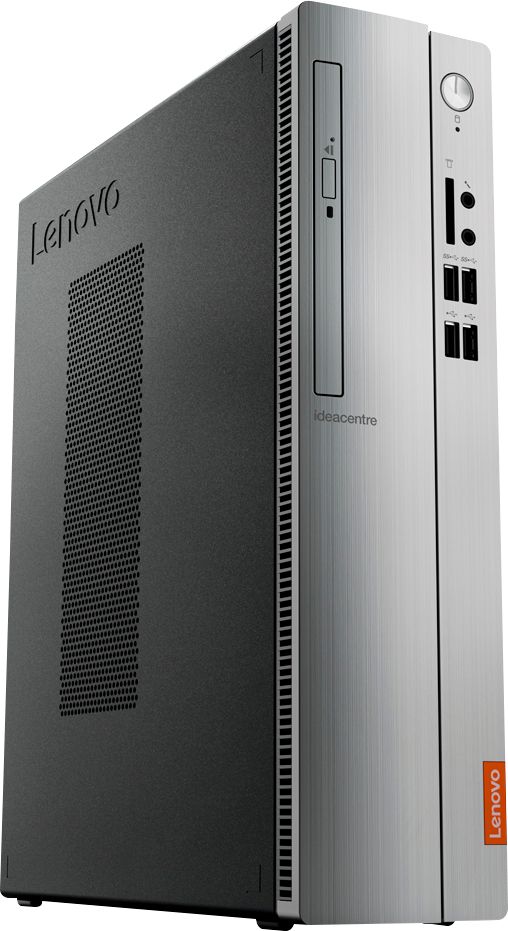
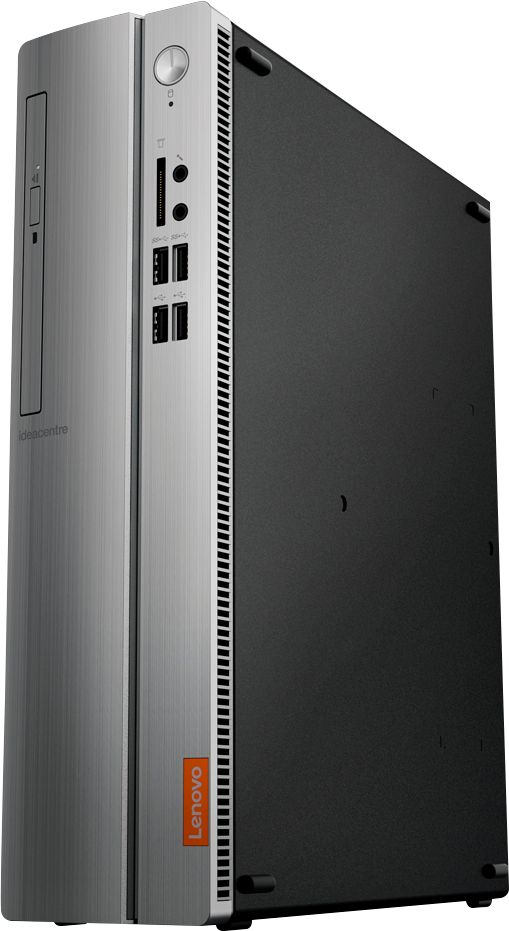
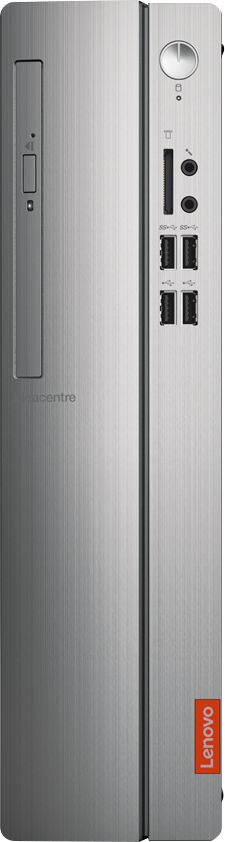
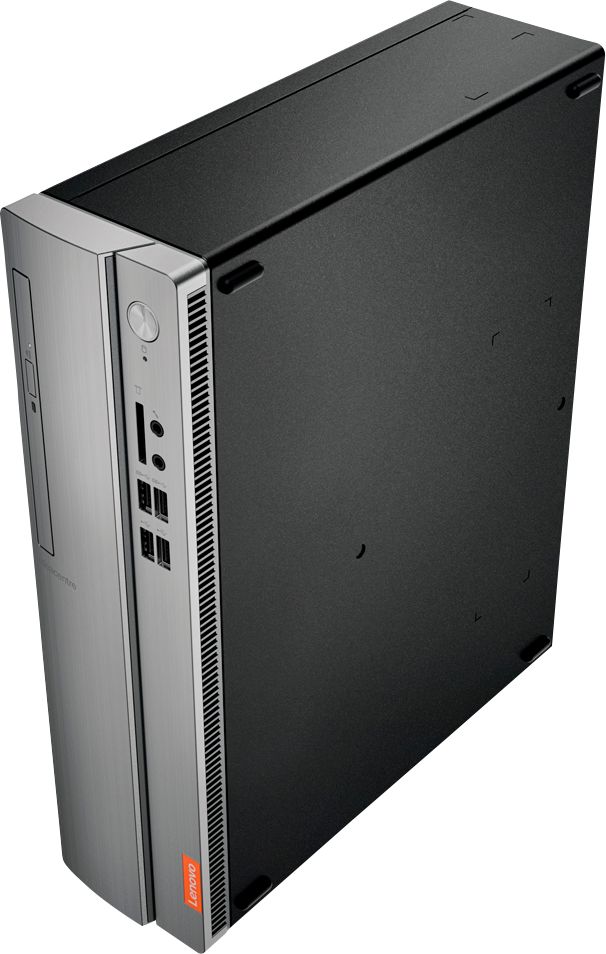
- IDEACENTRE 310S-08 - 90G90068U
- SKU:
- 6291839
Rating by feature
- Value
Rating 4.3 out of 5 stars
- Quality
Rating 4.1 out of 5 stars
- Ease of Use
Rating 4.2 out of 5 stars
Customers are saying
Customers admire the IdeaCentre 310S Desktop for its affordability, ease of use, and solid performance. Many appreciate its compact size and the option to upgrade the RAM and storage. Positive feedback also highlights the straightforward setup process. While some users experienced minor issues with the Wi-Fi, the overall experience appears largely positive.
This summary was generated by AI based on customer reviews.
- Cons mentioned:Speed
Really garbage
Posted .This reviewer received promo considerations or sweepstakes entry for writing a review.I’ve had this less than two months and it’s really not worth the time to drive and pick it up. It’s as slow as molasses and often just stops working. Spend a little more and AVOID Lenovo at ALL COST.
No, I would not recommend this to a friendBrand response from Lenovo Product Expert
Posted .The Lenovo IdeaCentre 310s desktop, model number 90G90068US, is a mid-level, moderate use configuration, with its AMD A9-9425 processor. This Dual-Core processor has a base speed of 3.1GHz and a boost speed of up to 3.7GHz. This configuration has 4GB of DDR4-2666MHz RAM. It is good with Microsoft Office type programs, internet browsing and other moderate work. If this describes your computing needs, the IdeaCentre 310s desktop would be a good choice for you.

- Cons mentioned:Speed
Worst computer EVER!
Posted .This reviewer received promo considerations or sweepstakes entry for writing a review.Don't buy - slow, slow, slow! Called Lenovo and they were slower than my computer to help me!! All they did was change a bunch of settings that adversely affected all sorts of other things! I will never buy another Lenovo again! Terrible!
No, I would not recommend this to a friendBrand response from Lenovo Product Expert
Posted .The Lenovo IdeaCentre 310s desktop is a mid-level, moderate use configuration, with its AMD A9-9425 processor. This Dual-Core processor has a base speed of 3.1GHz and a boost speed of up to 3.7GHz. This configuration has 4GB of RAM. It is good with Microsoft Office type programs, internet browsing and other moderate work. Be sure any software you installed is compatible with Windows 10. There is no need to install Microsoft Office software. The software is already part of the operating system, you just need to activate the software with a purchased product key. If you have installed a copy of Microsoft Office, this is conflicting with the existing copy on the system and this will slow your system down. If you have installed a 3rd party anti-virus program, be sure that Windows Defender is turned off and that the trial version of McAfee Anti-Virus software is uninstalled. There can only be one anti-virus program on the system. You may need to restore your system to original factory default settings if any of the programing errors have occurred. You can do that by typing "restore" in the Cortana search window. Just click on the magnifying glass icon at the bottom left of your Windows 10 Desktop. Click on "Reset This PC" Then click on "Get Started" and follow the on screen directions to restore to factory defaults. If the problem persists, we recommend you contact Lenovo Tech Support at: 877-453-6686.
- Cons mentioned:Speed
Horrible Pc
Posted .This reviewer received promo considerations or sweepstakes entry for writing a review.I got this as a christmas gift and was so excited. But, I got quickly dissatisfied. It would take so long just to type words into it! Horrible buy. Will not be using this pc at all.
No, I would not recommend this to a friendBrand response from Lenovo Product Expert
Posted .We are sorry to hear that you are having issues with your Lenovo IdeaCentre 310s Desktop. There should be no lag while using Microsoft Office, Word with this configuration. Be sure any software you installed is compatible with Windows 10. There is no need to install Microsoft Office software. The software is already part of the operating system, you just need to activate the software with a purchased product key. If you have installed a copy of Microsoft Office, this is conflicting with the existing copy on the system and this will slow your system down. If you have installed a 3rd party anti-virus program, be sure that Windows Defender is turned off and that the trial version of McAfee Anti-Virus software is uninstalled. There can only be one anti-virus program on the system. You may need to restore your system to original factory default settings if any of the programming errors have occurred. You can do that by typing "restore" in the Cortana search window. Just click on the magnifying glass icon at the bottom left of your Windows 10 Desktop. Click on "Reset This PC" Then click on "Get Started" and follow the on screen directions to restore to factory defaults. If the problem persists, we recommend you contact Lenovo Tech Support at: 877-453-6686.
Worked great for about 8 months
Posted .This reviewer received promo considerations or sweepstakes entry for writing a review.I bought the Lenovo 310s desktop as an up grade for an 8 year old laptop. Big mistake. From the time I took it out of the box it had a rattle as if a screw were rolling around in the bottom. After only using it 8 months for internet purposes. It had an internal issue. It is now in the Lenovo repair shop in Memphis TN. Mailed it back under warranty. Sent out the 20th of Jan 2020. It is now Feb, 5 2020. The only info I have received about it is that is was received Jan 23, 2020. Still waiting to get it back and the diagnoses of what was the problem? Besides cheaply put together with refurbished or recycled parts.
No, I would not recommend this to a friendBrand response from Lenovo Product Expert
Posted .The Lenovo IdeaCentre 310s desktop, model number 90G90068US, is a mid-level, moderate use configuration, with its AMD A9-9425 processor. This Dual-Core processor has a base speed of 3.1GHz and a boost speed of up to 3.7GHz. This configuration has 4GB of DDR4-2666MHz RAM. It is good with Microsoft Office type programs, internet browsing and other moderate work. If this describes your computing needs, the IdeaCentre 310s desktop would be a good choice for you.
Bad computer and worse Warranty service
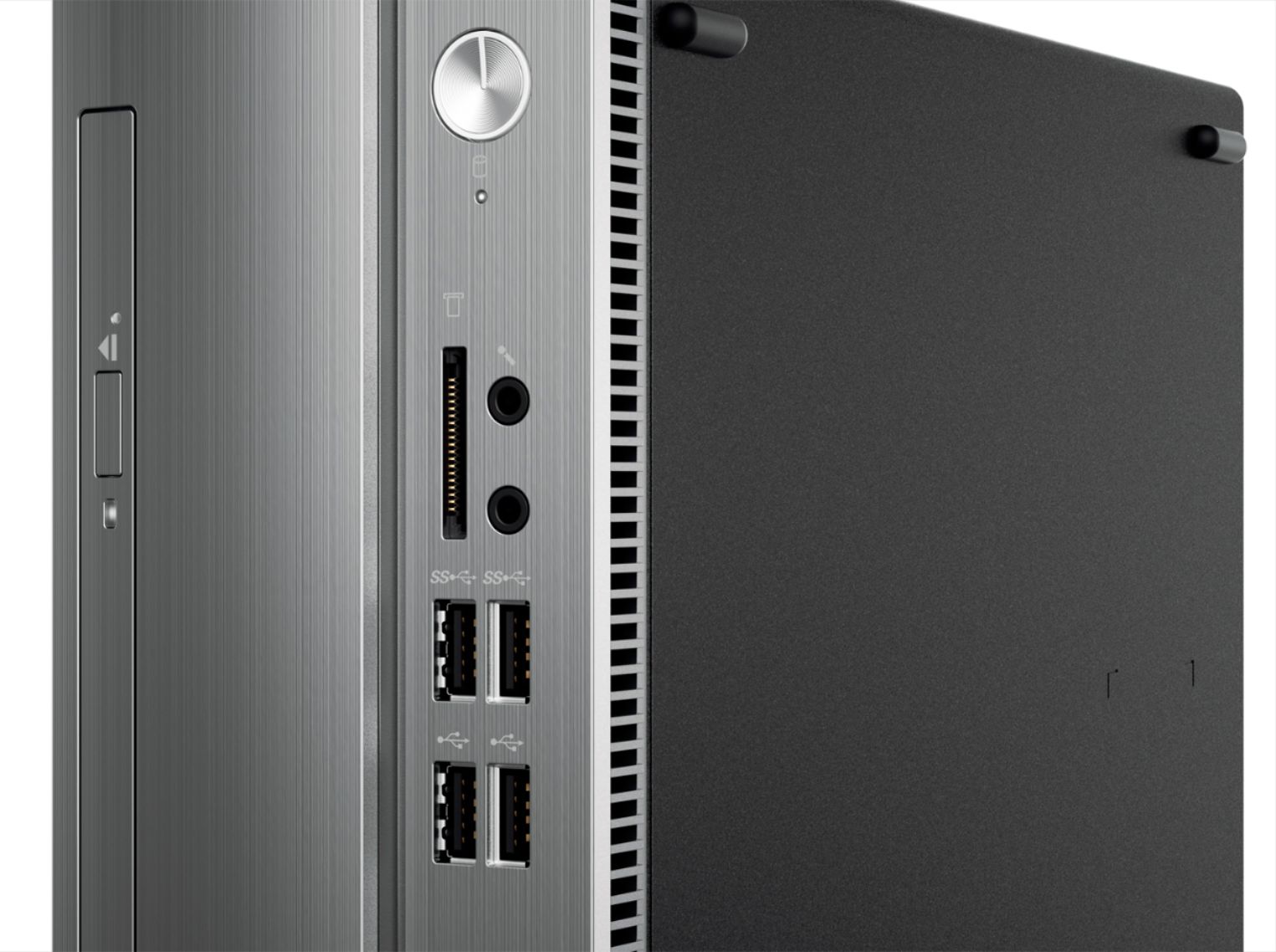
Posted .This reviewer received promo considerations or sweepstakes entry for writing a review.The unit comes with NO instructions... The 7in1 card reader never worked... I contacted Warranty asking them to send me the simple part and I (being a former techie) would install it. They only offered to send someone to my house (for $79 plus) to do what I can very easily do. Option 2 is swap out my fully loaded computer with all my links, pw, photos, etc for another one.... Not when the easiest fix is to send me the part and I'd do it. Steer clear of this computer (and probably Lenovo products too)... It's clearly all about them making $$$ - not helping customers....
No, I would not recommend this to a friendBrand response from Lenovo Product Expert
Posted .You can find parts for your Lenovo IdeaCentre 310s Desktop here, just input your product serial number where indicated: https://pcsupport.lenovo.com/us/en/products/desktops-and-all-in-ones/300-series/310s-08asr?linkTrack=Homepage%3ABody_Search%20Products&searchType=3&keyWordSearch=310S-08ASR%20Desktop%20(ideacentre)
Won't connect!
Posted .This reviewer received promo considerations or sweepstakes entry for writing a review.It's a descent PC though, I like the performance but the PC won't connect to the wifi no matter I reset the PC, the network setting. It just WONT CONNECT!
No, I would not recommend this to a friendBrand response from Lenovo Product Expert
Posted .This system ships with the latest 5G 802.11AC Frequency WiFi. Be sure your router has the latest firmware updates from the router manufacturer's web site for your specific model. Second you can update the BIOS and drivers on the computer by using the Lenovo Utility software installed on this computer. This will require connecting the computer to the internet via an ethernet cable for the update. This system has Lenovo utilities installed to help maintain the health of the device and keep the operating system software up to date. Type "Lenovo Vantage" in the Cortana Search window (if Lenovo Vantage is not installed on your device, you can download the APP and install it now). Select Lenovo Vantage from the list. In the window that opens, click on "Health and Support". In the expanded menu, select "Hardware Scan" In the window that opens, select "Run Quick Tests". This will scan your entire system for errors. Follow any directions that may pop up. If the problem continues after this scan, now click on "System Update". First select Windows update from the menu. Scan your system to be sure you have the latest version of Windows 10. Once that scan is complete, select "Additional Updates". This will scan your device to be sure there are no new BIOS/Driver updates needed. Follow any instructions that may pop up. If the issue still continues after these updates, we recommend you call Lenovo Tech Support at: 877-453-6686 for additional help.