Customer Ratings & Reviews

- Model:
- 90HV0003US
- SKU:
- 6203016
Rating by feature
- Value
Rating 4.4 out of 5 stars
- Quality
Rating 4.4 out of 5 stars
- Ease of Use
Rating 4.4 out of 5 stars
Customers are saying
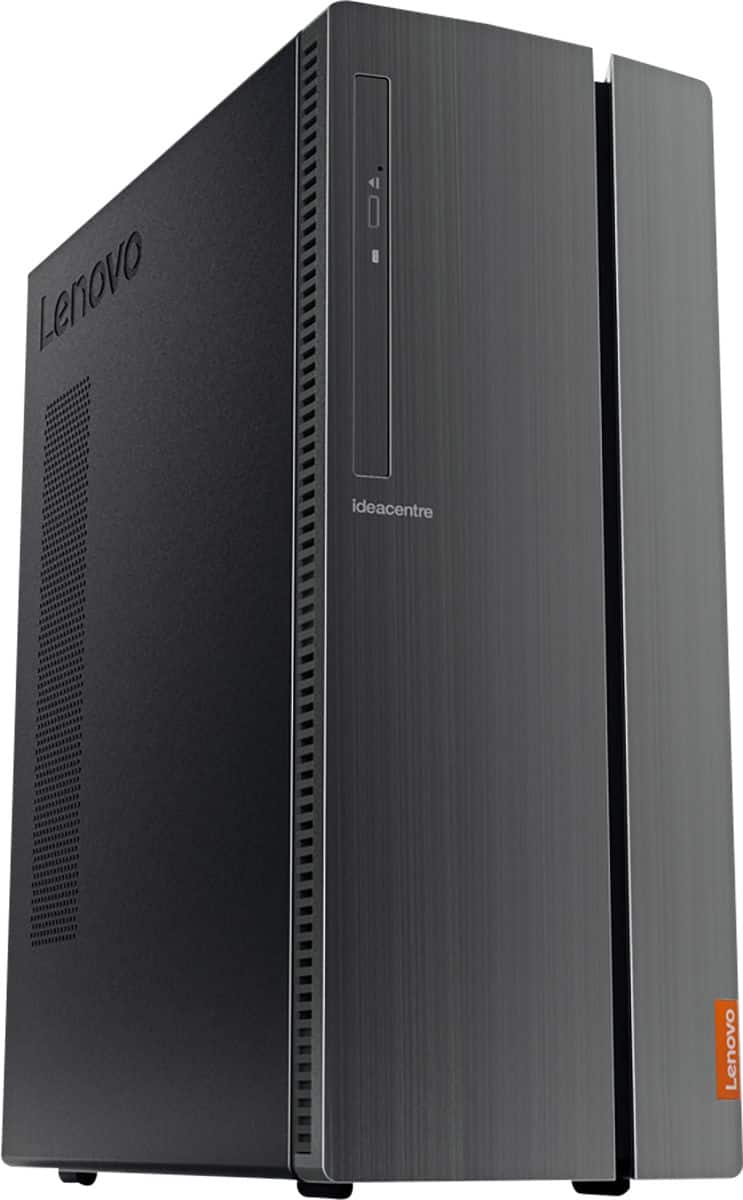
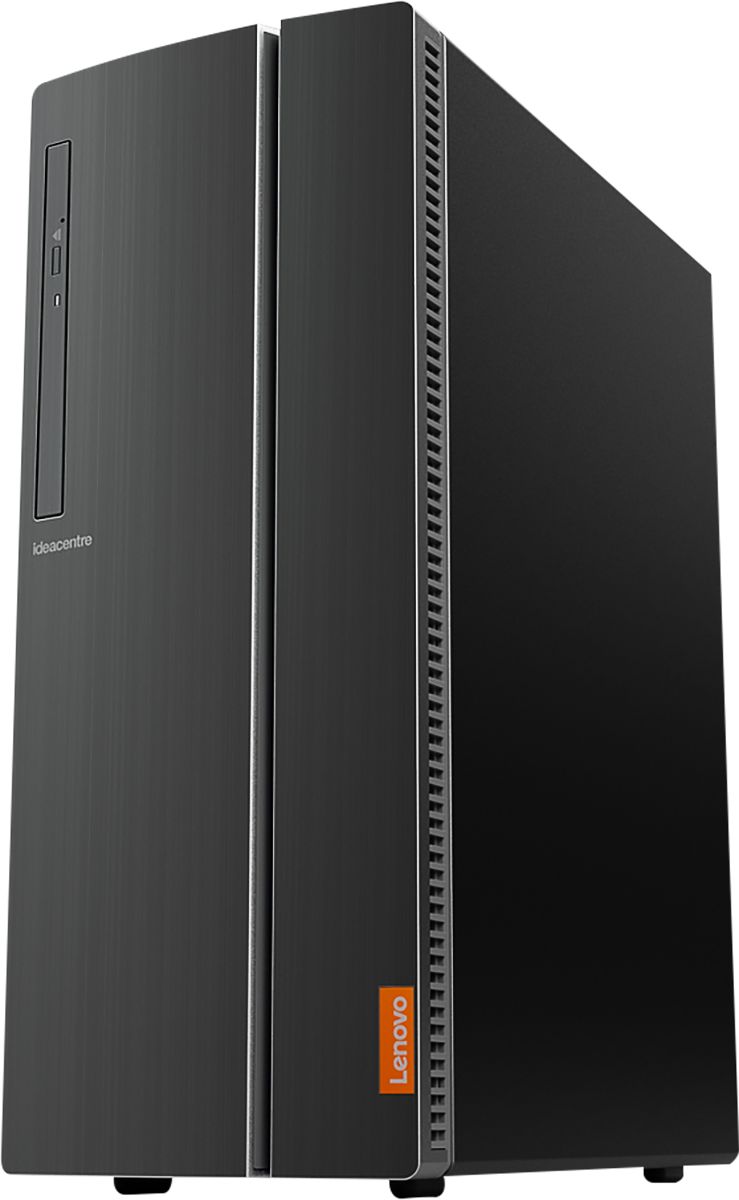
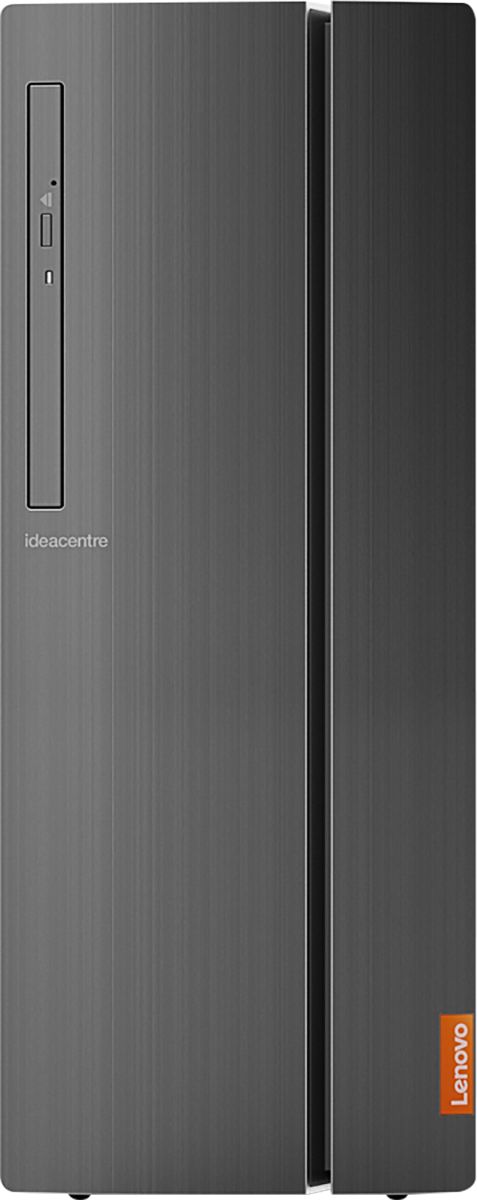
Customers have good things to say about the IdeaCentre 510A's performance, ease of use, and price. Many appreciate its ample storage and quiet operation, finding it easy to set up and use. While some users noted limitations with the integrated graphics card for demanding applications, the overall experience appears positive.
This summary was generated by AI based on customer reviews.
- Pros mentioned:Ease of use, Speed
Awesome desktop
||Posted .This reviewer received promo considerations or sweepstakes entry for writing a review.Bought this on sale and it has not disappointed me at all. It is very fast and easy to set up. I would definitely buy another Lenovo desktop
I would recommend this to a friendBrand response from Lenovo Product Expert
Posted .Thank you for choosing the Lenovo IdeaCentre 510A desktop. We are pleased to hear that the value and performance of the IdeaCentre 510A meets your computing needs so well. Lenovo is the number #1 manufacturer of computers in the World:
https://venturebeat.com/2019/01/10/gartner-and-idc-hp-and-lenovo-shipped-the-most-pcs-in-2018-but-total-numbers-fell/
- Pros mentioned:Ease of use, Price
Great item
||Posted .This reviewer received promo considerations or sweepstakes entry for writing a review.Good value. Inexpensive solution for a small machine for simple tasks like email and web browsing.
I would recommend this to a friendBrand response from Lenovo Product Expert
Posted .Thank you for choosing the Lenovo IdeaCentre 510A desktop. We are pleased to hear that the performance of the IdeaCentre 510A meets your computing needs so well. Lenovo is the number #1 manufacturer of computers in the World:
https://venturebeat.com/2019/01/10/gartner-and-idc-hp-and-lenovo-shipped-the-most-pcs-in-2018-but-total-numbers-fell/
- Pros mentioned:Ease of use, Speed
Simple to get up and running with great speed
||Posted . Owned for 1 month when reviewed.This reviewer received promo considerations or sweepstakes entry for writing a review.Very easy to set up and get going. Has wonderful speed for most internet needs.
I would recommend this to a friend - Pros mentioned:Ease of use, Ram
Good value
||Posted . Owned for 2 weeks when reviewed.This reviewer received promo considerations or sweepstakes entry for writing a review.Good PC. Not a lot of bloatware and easy to set up. I may upgrade the ram down the road...but for now it's working as expected.
I would recommend this to a friendBrand response from Lenovo Product Expert
Posted .Thank you for choosing the Lenovo IdeaCentre 510A Desktop. We are pleased to hear that the ease of setup and performance of the IdeaCentre 510A meets your computing needs so well. The Lenovo IdeaCentre 510A Desktop, model number 90HV0003US ships with the powerful Six-Core Intel Core i5-8400 processor, with a base speed of 2.8GHz and a Turbo Boost Speed of up to 4.0GHz. This processor is supported by 8GB DDR4-2666MHz RAM. This configuration is good for many of today's most demanding programs, browsing the internet with multiple tabs open. If this describes your computing needs, the Lenovo IdeaCentre 510A Desktop, model number 90HV0003US is a great choice.
- Pros mentioned:Performance
Great office machine!
||Posted . Owned for 1 week when reviewed.This reviewer received promo considerations or sweepstakes entry for writing a review.Purchased for a client of mine that needed 3 new machines to run CNC Router machines during the manufacturing process of wood cabinets and doors. Does the job quite nicely and runs smoothly! One machine was DOA , but even Rolls Royce sometimes has a lemon, plus things happen during shipping. I will NOT fault Lenovo for this, nor will I fault Best Buy! Definitely will do what you need it to in a SOHO environment and last several years while it's at it - I trust the Lenovo brand and so should you!
I would recommend this to a friendBrand response from Lenovo Product Expert
Posted .We are sorry to hear that you are having issues with one of the three IdeaCentre 510A Desktop computers, model number 90HV0003US, that you purchased for a business client. We recommend you call Lenovo Tech Support for help with the issue at: 877-453-6686.
- Pros mentioned:Ram, Speed
Great as expected
||Posted .This reviewer received promo considerations or sweepstakes entry for writing a review.I’ve had two Lenovo desktops and this one seems to match the prior ones except this has improved processor and memory. I’m very pleased so far.
I would recommend this to a friendBrand response from Lenovo Product Expert
Posted .Thank you for choosing the Lenovo IdeaCentre 510A desktop. We appreciate your loyalty to the Lenovo Brand. We are pleased to hear that the performance of the IdeaCentre 510A meets your computing needs so well.

- Cons mentioned:Graphics
Well made
||Posted .This reviewer received promo considerations or sweepstakes entry for writing a review.I’m impressed with this brand, this is my first Lenovo, I’ve always had Dell, both for home and business, but my last Dell purchase before i opted for Lenovo was having a lot of issues with the graphics. I exchanged for the same model 3x but kept doing the same thing! The screen turns orange, has lines and kept flashing. So far, no issues with the Lenovo.
I would recommend this to a friendBrand response from Lenovo Product Expert
Posted .Thank you for choosing the Lenovo IdeaCentre 510A desktop. We are pleased to hear that the IdeaCentre 510A meets your computing needs so well.
- Pros mentioned:Ease of use
Can't ask for more than this.
||Posted . Owned for 1 month when reviewed.This reviewer received promo considerations or sweepstakes entry for writing a review.Good size. Ease of setup. Everything you would want for this range of price.
I would recommend this to a friend - Pros mentioned:Ease of use, Speed
my review
||Posted . Owned for 3 weeks when reviewed.This reviewer received promo considerations or sweepstakes entry for writing a review.easy to put together and connect, up and running in less than an hour
I would recommend this to a friendBrand response from Lenovo Product Expert
Posted .Thank you for choosing the Lenovo IdeaCentre 510A Desktop, model number 90HV0003US. We are pleased to hear that the easy setup and performance of the IdeaCentre 510A meets your computing needs so well.
- Pros mentioned:Ease of use, Speed
great so far
||Posted . Owned for 3 weeks when reviewed.This reviewer received promo considerations or sweepstakes entry for writing a review.My first Lenovo desktop. was recommended by computer tech. So far I am pleased. Speed is good and easy to set up
I would recommend this to a friendBrand response from Lenovo Product Expert
Posted .Once again, thank you for choosing the Lenovo IdeaCentre 510A Desktop. You can keep your computer running at its best by keeping the Windows 10 Operating System and all supporting BIOS files and drivers up to date. You can easily accomplish this by scanning the computer with the Lenovo Utility software available on this computer. This system has Lenovo utilities installed to help maintain the health of the device and keep the operating system software up to date. Type "Lenovo Vantage" in the Cortana Search window (if Lenovo Vantage is not installed on your device, you can download the APP and install it now). Select Lenovo Vantage from the list. In the window that opens, click on "Health and Support". In the expanded menu, select "Hardware Scan" In the window that opens, select "Run Quick Tests". This will scan your entire system for errors. Follow any directions that may pop up. If the problem continues after this scan, now click on "System Update". First select Windows update from the menu. Scan your system to be sure you have the latest version of Windows 10. Once that scan is complete, select "Additional Updates". This will scan your device to be sure there are no new BIOS/Driver updates needed. Follow any instructions that may pop up. If you ever need additional help with your Lenovo computer, we recommend you call Lenovo Tech Support at: 877-453-6686 for additional help.
- Pros mentioned:Ease of use, Performance
NICE COMPUTER
||Posted . Owned for 3 weeks when reviewed.This reviewer received promo considerations or sweepstakes entry for writing a review.NICE COMPUTER SO FAR NO PROBLEMS EASY TO USE. STILL GETTING USE TO IT BETTER THEN MY LAST COMPUTER. OVERALL I LIKE IT.
I would recommend this to a friendBrand response from Lenovo Product Expert
Posted .Once again, thank you for choosing the Lenovo IdeaCentre 510A Desktop. You can keep your computer running at its best by keeping the Windows 10 Operating System and all supporting BIOS files and drivers up to date. You can easily accomplish this by scanning the computer with the Lenovo Utility software available on this computer. This system has Lenovo utilities installed to help maintain the health of the device and keep the operating system software up to date. Type "Lenovo Vantage" in the Cortana Search window (if Lenovo Vantage is not installed on your device, you can download the APP and install it now). Select Lenovo Vantage from the list. In the window that opens, click on "Health and Support". In the expanded menu, select "Hardware Scan" In the window that opens, select "Run Quick Tests". This will scan your entire system for errors. Follow any directions that may pop up. If the problem continues after this scan, now click on "System Update". First select Windows update from the menu. Scan your system to be sure you have the latest version of Windows 10. Once that scan is complete, select "Additional Updates". This will scan your device to be sure there are no new BIOS/Driver updates needed. Follow any instructions that may pop up. If you ever need additional help with your Lenovo computer, we recommend you call Lenovo Tech Support at: 877-453-6686 for additional help.
- Pros mentioned:Performance
Exactly what I needed
||Posted . Owned for 3 weeks when reviewed.This reviewer received promo considerations or sweepstakes entry for writing a review.I needed a new one since my old one was outdated. This is working perfectly for my work. Fast performance and great storage.
I would recommend this to a friendBrand response from Lenovo Product Expert
Posted .Thank you for choosing the Lenovo IdeaCentre 510A Desktop, model number 90HV0003US. This model ships with the powerful Six-Core Intel Core i5-8400 processor, with a base speed of 2.8GHz and a Turbo Boost speed of up to 4.0GHz. This processor is supported by 8GB DDR4-2666MHz RAM. This configuration is good for many of today's most demanding programs, browsing the internet with multiple tabs open. If this describes your computing needs, the Lenovo IdeaCentre 510A Desktop, model number 90HV0003US is a great choice.
- Pros mentioned:Speed
Perfect!
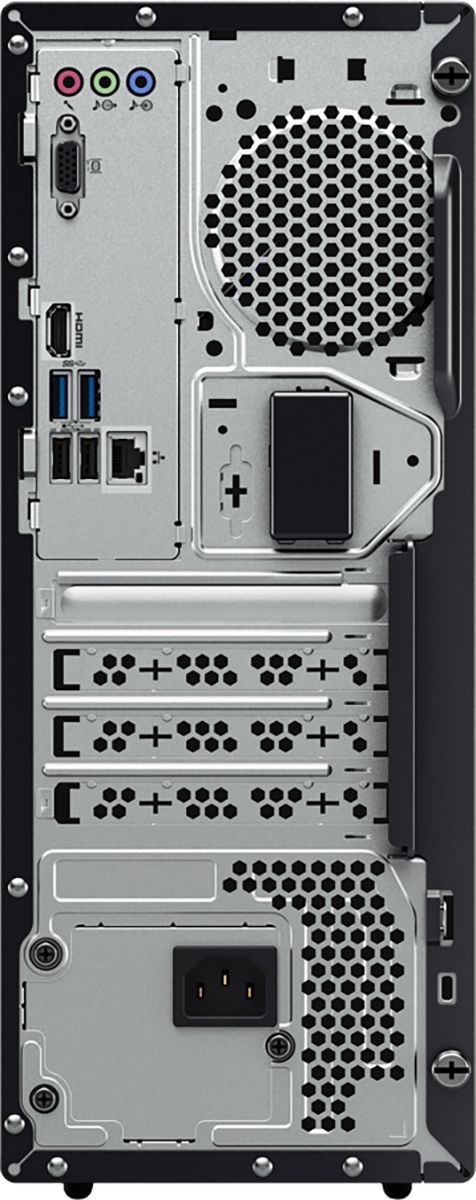
||Posted . Owned for 3 weeks when reviewed.This reviewer received promo considerations or sweepstakes entry for writing a review.Great computer. Its fast, quiet, and has plenty of usb ports. Love it!
I would recommend this to a friend - Pros mentioned:Ease of use
Great PC for small business
||Posted .This reviewer received promo considerations or sweepstakes entry for writing a review.I recently bought 4 of these and so far I am extremely happy with them. Easy to set up and easy to use. No problems at all.
I would recommend this to a friendBrand response from Lenovo Product Expert
Posted .Thank you for choosing the Lenovo IdeaCentre 510A desktops. We appreciate your loyalty to the IdeaCentre 510A desktops and the Lenovo Brand. We are pleased to hear that the IdeaCentre 510A is working out so well for you. Lenovo is the number #1 manufacturer of computers in the World:
https://venturebeat.com/2019/01/10/gartner-and-idc-hp-and-lenovo-shipped-the-most-pcs-in-2018-but-total-numbers-fell/
- Pros mentioned:Performance, Price
Great Desktop
||Posted . Owned for 1 year when reviewed.This reviewer received promo considerations or sweepstakes entry for writing a review.Great desktop for a great price! Powerful machine for the price!
I would recommend this to a friendBrand response from Lenovo Product Expert
Posted .Thank you for choosing the Lenovo IdeaCentre 510A Desktop Computer. We are pleased to hear that the value and performance of the IdeaCentre 510A meets your computing needs so well.
- Pros mentioned:Performance
Not a bad little pc
||Posted .This reviewer received promo considerations or sweepstakes entry for writing a review.Not the biggest and baddest, but works great for my wife who works from home. She also does alot of vinyl work with it as well
I would recommend this to a friendBrand response from Lenovo Product Expert
Posted .Thank you for choosing the Lenovo IdeaCentre 510A Desktop for your wife. We are pleased to hear that the performance of the IdeaCentre 510A meets your wife's computing needs so well.
- Pros mentioned:Speed
worth every penny
||Posted .This reviewer received promo considerations or sweepstakes entry for writing a review.it is smaller and takes up much less space on the desk it is fast on up and down loads it makes me wish i had got one sooner
I would recommend this to a friendBrand response from Lenovo Product Expert
Posted .Thank you for choosing the Lenovo IdeaCentre 510A desktop. We are pleased to hear that the performance and features of the IdeaCentre 510A meets your computing needs so well.
- Pros mentioned:Performance, Speed
Great computer
||Posted . Owned for 5 months when reviewed.This reviewer received promo considerations or sweepstakes entry for writing a review.This is a great computer in my small office. It works just like I expected and has great speed.
I would recommend this to a friendBrand response from Lenovo Product Expert
Posted .Thank you for choosing the Lenovo IdeaCentre 510AS Desktop for your office. We are pleased to hear that the features and performance of the IdeaCentre 510A meets your computing needs so well.
- Pros mentioned:Performance, Speed
Great Speed
||Posted .This reviewer received promo considerations or sweepstakes entry for writing a review.Has worked great for the company, and what need go use it for. Have not had any issues with it and the speed is excellent
I would recommend this to a friendBrand response from Lenovo Product Expert
Posted .Thank you for choosing the Lenovo IdeaCentre 510A desktop for your business. We are pleased to hear that the performance of the IdeaCentre 510A meets your computer needs so well.
- Pros mentioned:Speed
It work as it shoud
||Posted . Owned for 3 weeks when reviewed.This reviewer received promo considerations or sweepstakes entry for writing a review.The Lenovo 510A desktop . The old monitors cable would not connect with the desktop, I had a spare,
I would recommend this to a friendBrand response from Lenovo Product Expert
Posted .Thank you for choosing the Lenovo IdeaCentre 510A Desktop computer. We are pleased to hear that the IdeaCentre 510A is working out so well for you.