Customer Ratings & Reviews
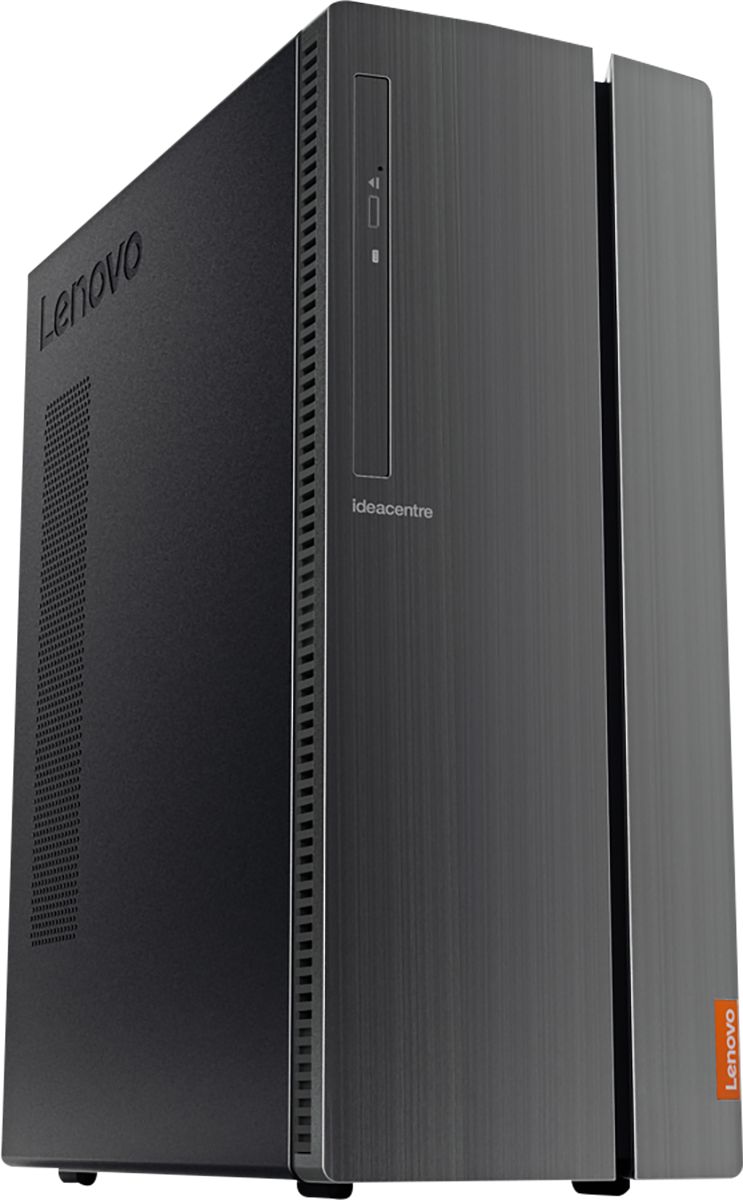
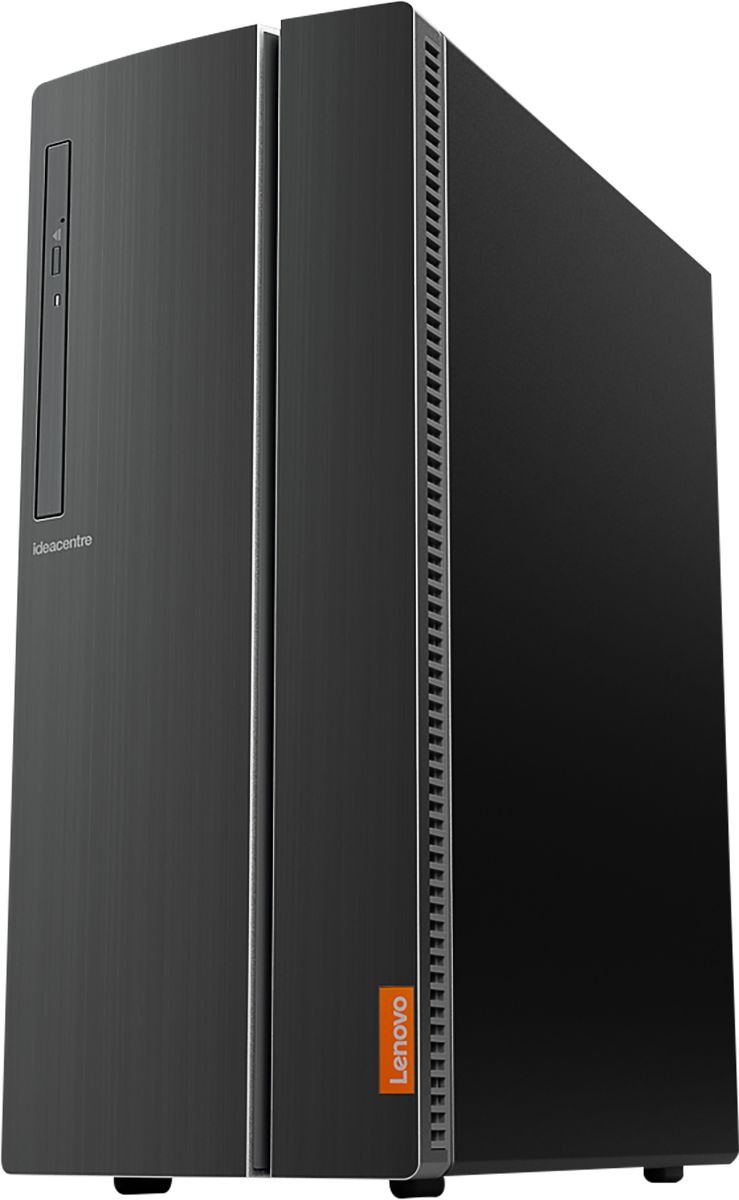
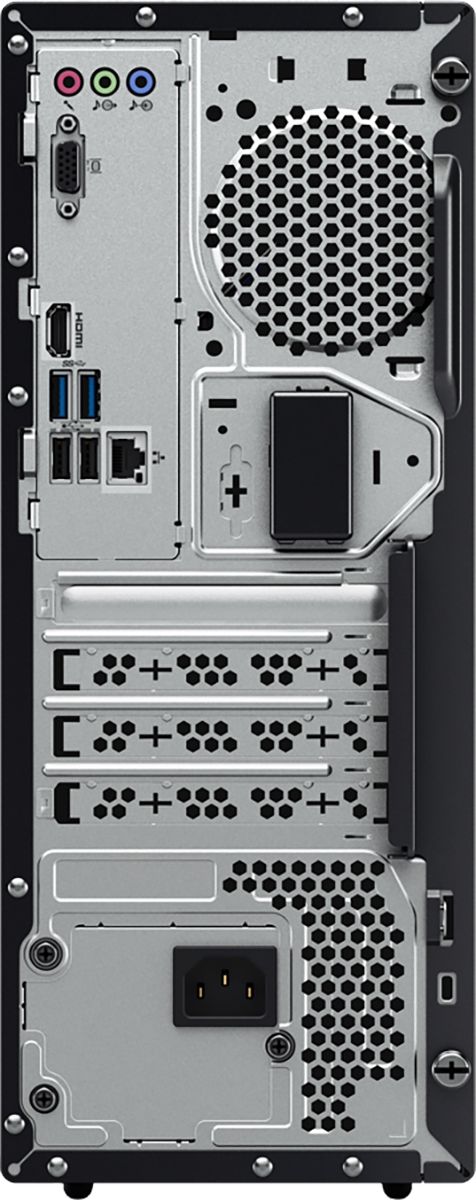
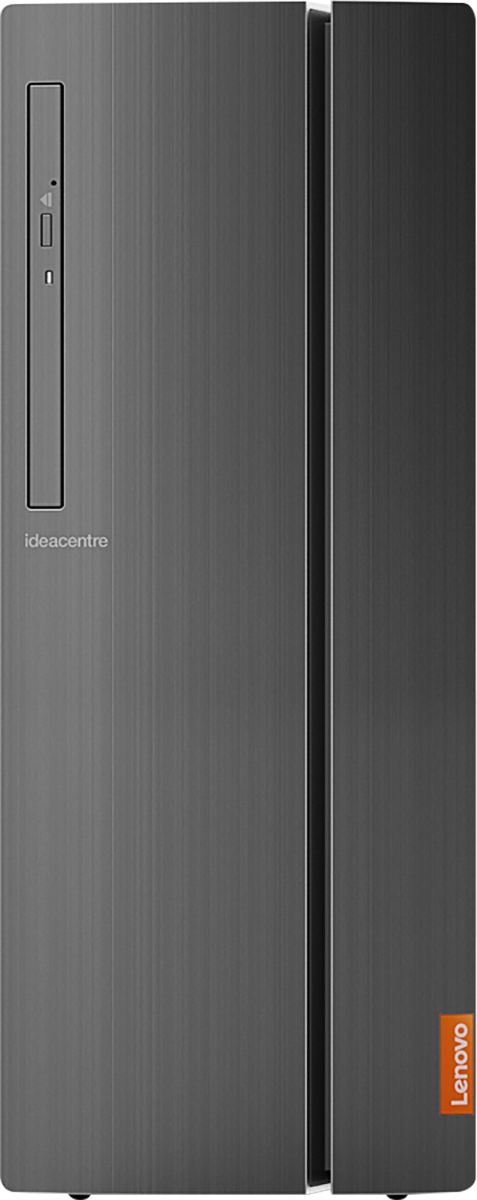
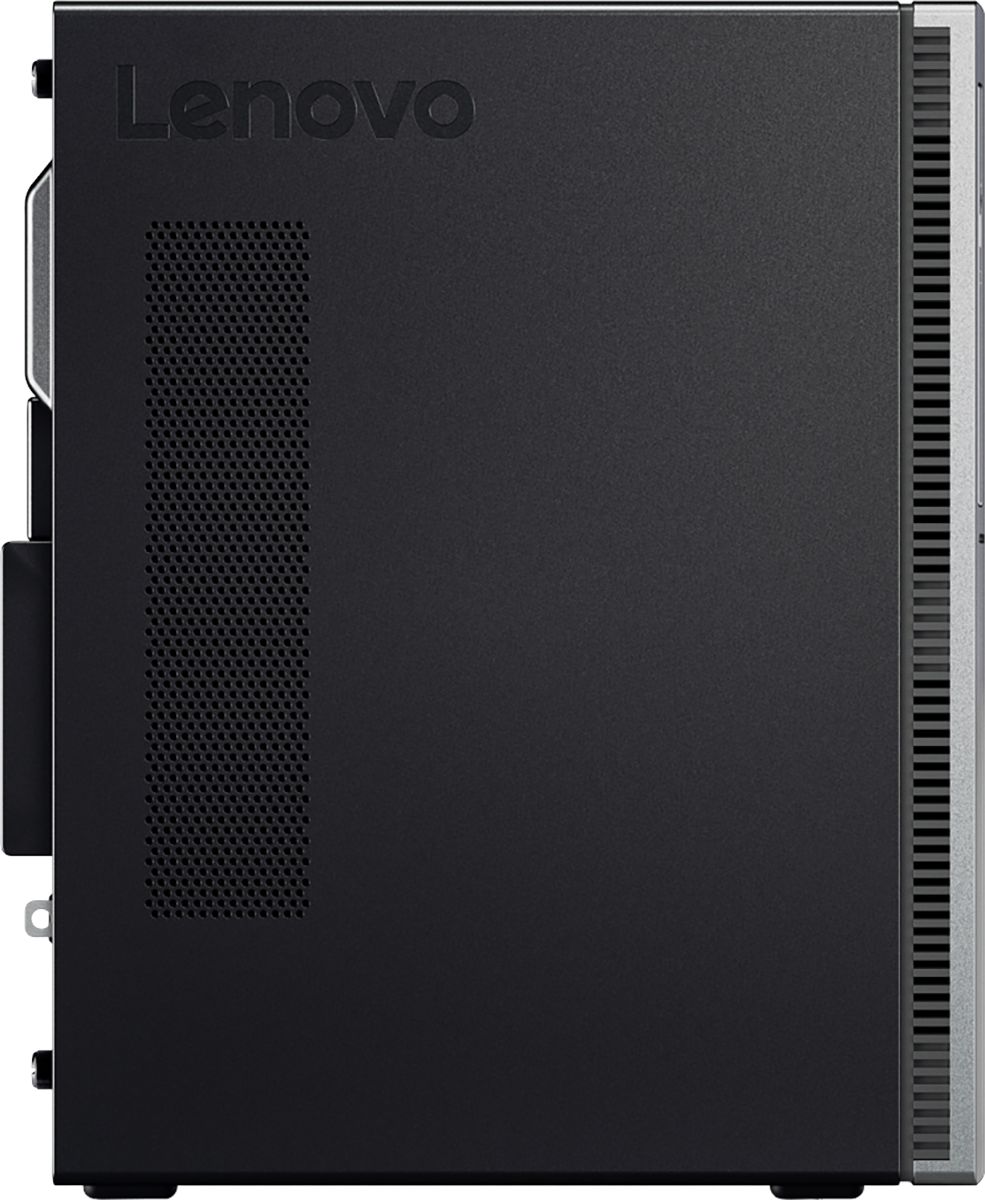
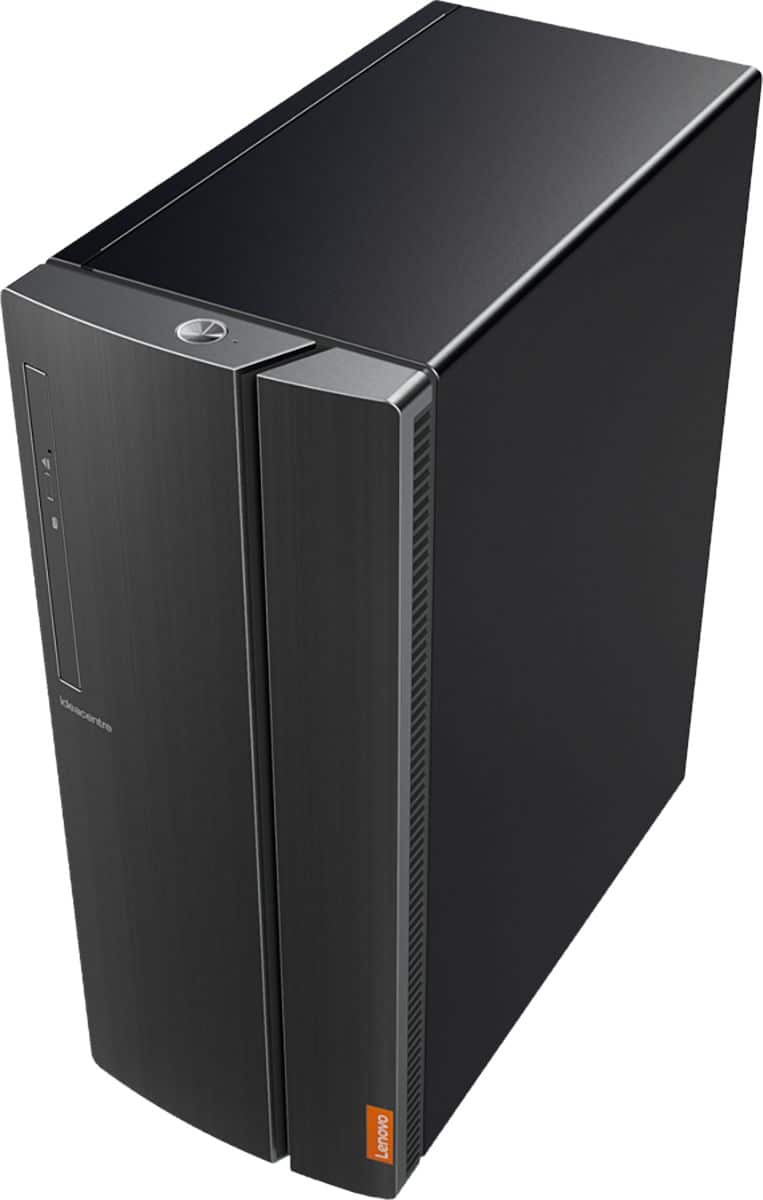
- Model:
- 90HV0005US
- SKU:
- 6203018
Rating by feature
- Value
Rating 4.5 out of 5 stars
- Quality
Rating 4.6 out of 5 stars
- Ease of Use
Rating 4.6 out of 5 stars
Customers are saying
Customers are positive about the IdeaCentre 510A's performance, ease of use, and affordability. Many appreciate its ample storage and memory, along with the straightforward setup process. However, some customers reported that the fan can be noisy. A few also noted limitations with the graphics card for demanding applications.
This summary was generated by AI based on customer reviews.
- Pros mentioned:Speed
Great
||Posted . Owned for 1 month when reviewed.This reviewer received promo considerations or sweepstakes entry for writing a review.PC has worked great so far with no issues and I would recommend this product
I would recommend this to a friendBrand response from Lenovo Product Expert
Posted .Thank you for choosing the Lenovo IdeaCentre 510A Desktop, model number 90HV0005US. This configuration ships with the powerful Six-Core/Twelve-Thread Intel Core i7-8700 processor, with a base speed of 3.2GHz and a Turbo Boost speed of up to 4.6GHz. This processor is supported by 12GB DDR4-2666MHz RAM. This model can handle many of today's most demanding programs, great internet browsing and heavy multi-tasking. If this describes the kind of computing you do, the Lenovo IdeaCentre 510A Desktop, model number 90HV0005US would be a great choice.

Very very happy
||Posted . Owned for 9 months when reviewed.This reviewer received promo considerations or sweepstakes entry for writing a review.I immediately swapped in an SSD and this became an amazing machine.
I would recommend this to a friend- Pros mentioned:Speed
This was a gift and have not heard any complaints.
||Posted . Owned for 1 month when reviewed.This reviewer received promo considerations or sweepstakes entry for writing a review.Was a gift, did hear it was much faster than her last pc. No complaints so far. Only bought it just over a month ago.
I would recommend this to a friendBrand response from Lenovo Product Expert
Posted .Once again, thank you for choosing the Lenovo IdeaCentre 510A Desktop as a gift. This computer can continue running at its best by keeping the Windows 10 Operating System and all supporting BIOS files and drivers up to date. You can easily accomplish this by scanning the computer with the Lenovo Utility software available on this computer. This system has Lenovo utilities installed to help maintain the health of the device and keep the operating system software up to date. Type "Lenovo Vantage" in the Cortana Search window (if Lenovo Vantage is not installed on your device, you can download the APP and install it now). Select Lenovo Vantage from the list. In the window that opens, click on "Health and Support". In the expanded menu, select "Hardware Scan" In the window that opens, select "Run Quick Tests". This will scan your entire system for errors. Follow any directions that may pop up. If the problem continues after this scan, now click on "System Update". First select Windows update from the menu. Scan your system to be sure you have the latest version of Windows 10. Once that scan is complete, select "Additional Updates". This will scan your device to be sure there are no new BIOS/Driver updates needed. Follow any instructions that may pop up. If you ever need additional help with your Lenovo computer, we recommend you call Lenovo Tech Support at: 877-453-6686 for additional help.
Great machine for the money
||Posted .This reviewer received promo considerations or sweepstakes entry for writing a review.I added a nvme m.2 ssd and booted from the new drive and its a totally amped up machine. The only draw back is the memory is not upgradeable beyond 16 gb of ram. But o csn get a bigger m.2 ssd to reallocate more memory to cache if i really need it that bad.
I would recommend this to a friendBrand response from Lenovo Product Expert
Posted .Thank you for choosing the Lenovo IdeaCentre 510A desktop. We are pleased to hear that the IdeaCentre 510A is working out for you.
- Pros mentioned:Speed
Extremely happy!
||Posted . Owned for 1 month when reviewed.This reviewer received promo considerations or sweepstakes entry for writing a review.Would recommend this product 100x. Perfect for my new business
I would recommend this to a friendBrand response from Lenovo Product Expert
Posted .Thank you for choosing the Lenovo IdeaCentre 510A Desktop, model number 90HV0005US. This configuration ships with the powerful, 6-Core/12-Thread Intel Core i7-8700 processor, with a base speed of 3.2GHz and a Turbo Boost Speed of 4.6GHz. This processor is supported by 12GB DDR4-2666MHz RAM. This system can handle many of today's most demanding programs.
- Pros mentioned:Price
Easy set-up
||Posted . Owned for 1 month when reviewed.This reviewer received promo considerations or sweepstakes entry for writing a review.Very good for the price. The only downside I can see so far, it needs a couple more USB slots.
I would recommend this to a friendBrand response from Lenovo Product Expert
Posted .Thanks for choosing the Lenovo IdeaCentre 510A Desktop. We are so happy to hear the features, performance, and user-friendly design of the IdeaCentre 510A Desktop is meeting your computing needs so well!
- Pros mentioned:Speed
Great computer for the price
||Posted . Owned for 1 month when reviewed.This reviewer received promo considerations or sweepstakes entry for writing a review.Works great, much faster than my old one, easy to use and set up
I would recommend this to a friendBrand response from Lenovo Product Expert
Posted .Thank you for choosing the Lenovo IdeaCentre 510A Desktop, model number 90HV0005US. This configuration ships with the powerful, 6-Core/12-Thread Intel Core i7-8700 processor, with a base speed of 3.2GHz and a Turbo Boost Speed of 4.6GHz. This processor is supported by 12GB DDR4-2666MHz RAM. This system can handle many of today's most demanding programs.
- Pros mentioned:Performance
Excellent desktop
||Posted . Owned for 1 week when reviewed.This reviewer received promo considerations or sweepstakes entry for writing a review.Best performing desktop I ever own! My cousin also love it!
I would recommend this to a friendBrand response from Lenovo Product Expert
Posted .Once again, thank you for choosing the Lenovo IdeaCentre 510A Desktop. You can keep your computer running at its best by keeping the Windows 10 Operating System and all supporting BIOS files and drivers up to date. You can easily accomplish this by scanning the computer with the Lenovo Utility software available on this computer. This system has Lenovo utilities installed to help maintain the health of the device and keep the operating system software up to date. Type "Lenovo Vantage" in the Cortana Search window (if Lenovo Vantage is not installed on your device, you can download the APP and install it now). Select Lenovo Vantage from the list. In the window that opens, click on "Health and Support". In the expanded menu, select "Hardware Scan" In the window that opens, select "Run Quick Tests". This will scan your entire system for errors. Follow any directions that may pop up. If the problem continues after this scan, now click on "System Update". First select Windows update from the menu. Scan your system to be sure you have the latest version of Windows 10. Once that scan is complete, select "Additional Updates". This will scan your device to be sure there are no new BIOS/Driver updates needed. Follow any instructions that may pop up. If you ever need additional help with your Lenovo computer, we recommend you call Lenovo Tech Support at: 877-453-6686 for additional help.
- Pros mentioned:Performance
love it!!!! A must have
||Posted .This reviewer received promo considerations or sweepstakes entry for writing a review.it is our workhorse and the cornerstone of our workflow.
I would recommend this to a friendBrand response from Lenovo Product Expert
Posted .Thank you for choosing the Lenovo IdeaCentre 510A Desktop, model number 90HV0005US. This configuration ships with the powerful, 6-Core/12-Thread Intel Core i7-8700 processor, with a base speed of 3.2GHz and a Turbo Boost Speed of 4.6GHz. This processor is supported by 12GB DDR4-2666MHz RAM. This system can handle many of today's most demanding programs.
Excellent computer
||Posted .This reviewer received promo considerations or sweepstakes entry for writing a review.The Lenova Desktop is meeting all of our needs. It connects with our printer and we've been able to complete all of our tasks without any problems. The internet connections are quick and make it easier to check e-mail and keep in touch with others.
I would recommend this to a friendBrand response from Lenovo Product Expert
Posted .Thank you for choosing the Lenovo IdeaCentre 510A desktop. We are pleased to hear that the performance of the IdeaCentre 510A meets your computing needs so well.

- Pros mentioned:Price
Price and product are good but service is bad
||Posted .This reviewer received promo considerations or sweepstakes entry for writing a review.The product and price are good. But the person at front door was very impolite and rude.
No, I would not recommend this to a friend Love it
||Posted . Owned for 3 weeks when reviewed.This reviewer received promo considerations or sweepstakes entry for writing a review.Easy to setup and the combination of SSD and 1 TB drive is great.
I would recommend this to a friendBrand response from Lenovo Product Expert
Posted .Once again, thank you for choosing the Lenovo IdeaCentre 510A Desktop. You can keep your computer running at its best by keeping the Windows 10 Operating System and all supporting BIOS files and drivers up to date. You can easily accomplish this by scanning the computer with the Lenovo Utility software available on this computer. This system has Lenovo utilities installed to help maintain the health of the device and keep the operating system software up to date. Type "Lenovo Vantage" in the Cortana Search window (if Lenovo Vantage is not installed on your device, you can download the APP and install it now). Select Lenovo Vantage from the list. In the window that opens, click on "Health and Support". In the expanded menu, select "Hardware Scan" In the window that opens, select "Run Quick Tests". This will scan your entire system for errors. Follow any directions that may pop up. If the problem continues after this scan, now click on "System Update". First select Windows update from the menu. Scan your system to be sure you have the latest version of Windows 10. Once that scan is complete, select "Additional Updates". This will scan your device to be sure there are no new BIOS/Driver updates needed. Follow any instructions that may pop up. If you ever need additional help with your Lenovo computer, we recommend you call Lenovo Tech Support at: 877-453-6686 for additional help.
- Pros mentioned:Speed
Excellent Desktop Tower
||Posted . Owned for less than 1 week when reviewed.This reviewer received promo considerations or sweepstakes entry for writing a review.Lenovo Intel Core i7 is very efficient and extremely fast.
I would recommend this to a friendBrand response from Lenovo Product Expert
Posted .Once again, thank you for choosing the Lenovo IdeaCentre 510A Desktop. You can keep your computer running at its best by keeping the Windows 10 Operating System and all supporting BIOS files and drivers up to date. You can easily accomplish this by scanning the computer with the Lenovo Utility software available on this computer. This system has Lenovo utilities installed to help maintain the health of the device and keep the operating system software up to date. Type "Lenovo Vantage" in the Cortana Search window (if Lenovo Vantage is not installed on your device, you can download the APP and install it now). Select Lenovo Vantage from the list. In the window that opens, click on "Health and Support". In the expanded menu, select "Hardware Scan" In the window that opens, select "Run Quick Tests". This will scan your entire system for errors. Follow any directions that may pop up. If the problem continues after this scan, now click on "System Update". First select Windows update from the menu. Scan your system to be sure you have the latest version of Windows 10. Once that scan is complete, select "Additional Updates". This will scan your device to be sure there are no new BIOS/Driver updates needed. Follow any instructions that may pop up. If you ever need additional help with your Lenovo computer, we recommend you call Lenovo Tech Support at: 877-453-6686 for additional help.
- Pros mentioned:Performance
love this computer and so do the grandchildren
||Posted .This reviewer received promo considerations or sweepstakes entry for writing a review.Great computer for my wants and needs gives my a lot of pleasure using it
I would recommend this to a friendBrand response from Lenovo Product Expert
Posted .Thank you for choosing the lenovo IdeaCentre 510A desktop. We are pleased to hear that the IdeaCentre 510A is working out so well for you.
- Pros mentioned:Performance
Reliable performance
||Posted . Owned for 4 months when reviewed.This reviewer received promo considerations or sweepstakes entry for writing a review.Great performance, love having a lot of storage space.
I would recommend this to a friendBrand response from Lenovo Product Expert
Posted .Once again, thank you for choosing the Lenovo IdeaCentre 510A Desktop. You can keep your computer running at its best by keeping the Windows 10 Operating System and all supporting BIOS files and drivers up to date. You can easily accomplish this by scanning the computer with the Lenovo Utility software available on this computer. Just type "Lenovo Vantage" in the Cortana Search window (if Lenovo Vantage is not installed on your device, you can download the APP and install it now). Select Lenovo Vantage from the list. In the window that opens, click on "Health and Support". In the expanded menu, select "Hardware Scan" In the window that opens, select "Run Quick Tests". This will scan your entire system for errors. Follow any directions that may pop up. If the problem continues after this scan, now click on "System Update". First select Windows update from the menu. Scan your system to be sure you have the latest version of Windows 10. Once that scan is complete, select "Additional Updates". This will scan your device to be sure there are no new BIOS/Driver updates needed. Follow any instructions that may pop up. If you ever need additional help with your Lenovo computer, we recommend you call Lenovo Tech Support at: 877-453-6686 for additional help.
- Pros mentioned:Ease of use
Good computer for the price
||Posted . Owned for 2 weeks when reviewed.This reviewer received promo considerations or sweepstakes entry for writing a review.Easy setup. Possibly the quietest running computer we've ever had.
I would recommend this to a friendBrand response from Lenovo Product Expert
Posted .Thank you for choosing the Lenovo IdeaCentre 510A desktop. We are pleased to hear that the easy setup, features and performance of the IdeaCentre 510A meets your computing needs so well. Lenovo is the number #1 manufacturer of computers in the World:
https://venturebeat.com/2019/01/10/gartner-and-idc-hp-and-lenovo-shipped-the-most-pcs-in-2018-but-total-numbers-fell/
Solid PC my needs keyboard is lousy.
||Posted . Owned for 1 month when reviewed.This reviewer received promo considerations or sweepstakes entry for writing a review.My computer knowledge in technology is limited so I really don’t know enough to speak to technical capabilities of my Lenovo, but overall I’m finding my PC good at meeting my needs. A very solid computer. I purchased during the Covid madness and I’m finding that this computer is one of the very few bright spots to come out of that time.
I would recommend this to a friendBrand response from Lenovo Product Expert
Posted .Thank you for choosing the Lenovo IdeaCentre 510A Desktop, model number 90HV0005US. This configuration ships with the powerful, 6-Core/12-Thread Intel Core i7-8700 processor, with a base speed of 3.2GHz and a Turbo Boost Speed of 4.6GHz. This processor is supported by 12GB DDR4-2666MHz RAM. This system can handle many of today's most demanding programs.
- Pros mentioned:Speed
Great Tower
||Posted .This reviewer received promo considerations or sweepstakes entry for writing a review.Great tower. Very fast. I would definitely recommend this machine.
I would recommend this to a friendBrand response from Lenovo Product Expert
Posted .Thank you for choosing the Lenovo IdeaCentre 510A desktop. We are pleased to hear that the IdeaCentre 510A is working out so well for you.
- Pros mentioned:Performance
Great product
||Posted . Owned for 2 weeks when reviewed.This reviewer received promo considerations or sweepstakes entry for writing a review.Great desktop pc product. Worked fine. Would recommend.
I would recommend this to a friendBrand response from Lenovo Product Expert
Posted .Thank you for choosing the Lenovo IdeaCentre 510A Desktop, model number 90HV0005US. This configuration ships with the powerful, 6-Core/12-Thread Intel Core i7-8700 processor, with a base speed of 3.2GHz and a Turbo Boost Speed of 4.6GHz. This processor is supported by 12GB DDR4-2666MHz RAM. This system can handle many of today's most demanding programs.
- Pros mentioned:Ease of use
Great desktop
||Posted .This reviewer received promo considerations or sweepstakes entry for writing a review.This computer is great quality. It loads fast and is user friendly.
I would recommend this to a friendBrand response from Lenovo Product Expert
Posted .Thank you for choosing the Lenovo IdeaCentre 510A desktop. We are pleased to hear that the ease of use and performance of the IdeaCentre 510A meets your computing needs so well.