Customer Ratings & Reviews





- Model:
- 82JW00BFUS/82JW000XUS
- SKU:
- 6455136
Rating by feature
- Battery Life
Rating 3.9 out of 5 stars
- Speed
Rating 4.6 out of 5 stars
- Display
Rating 4.6 out of 5 stars
Customers are saying
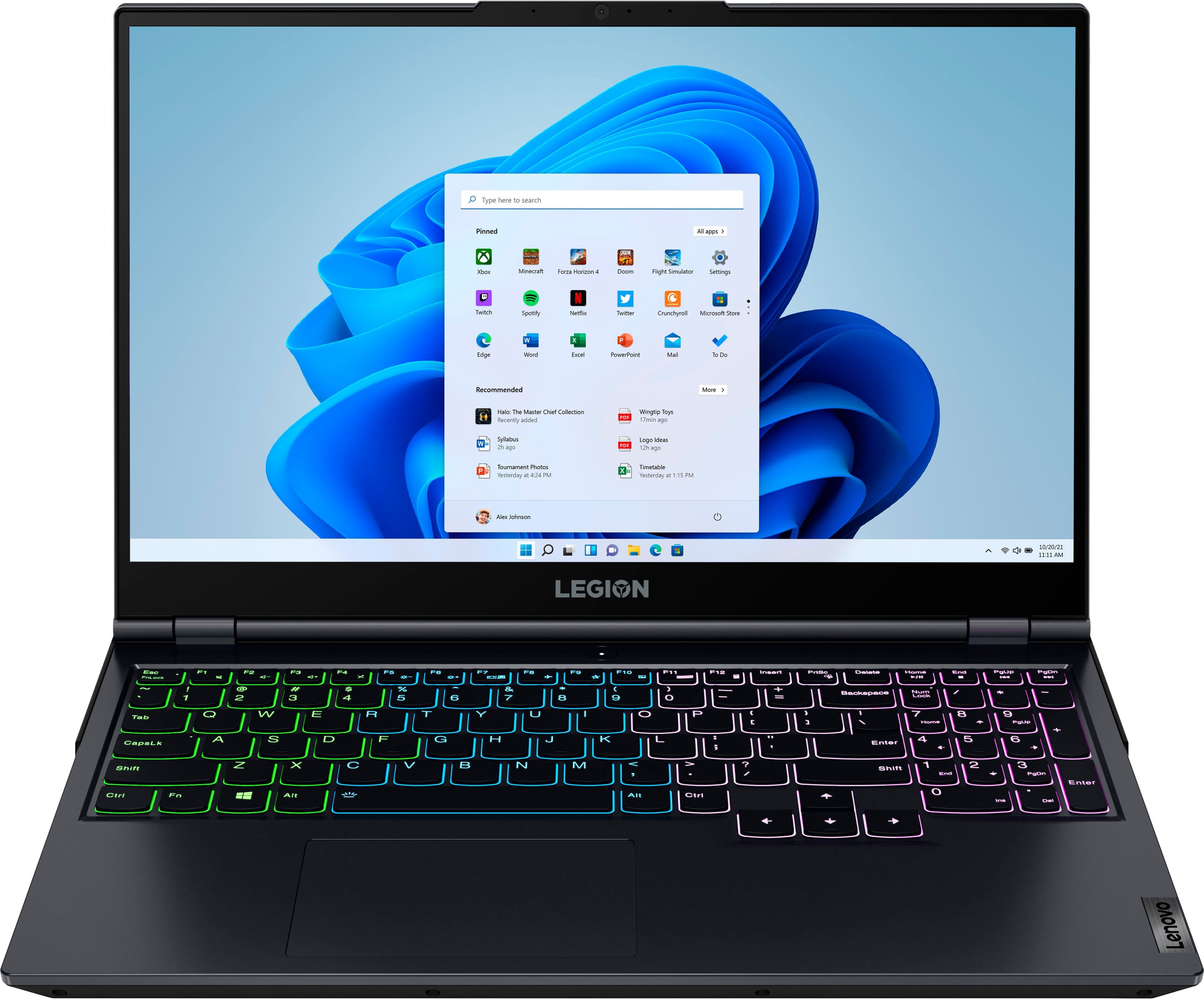
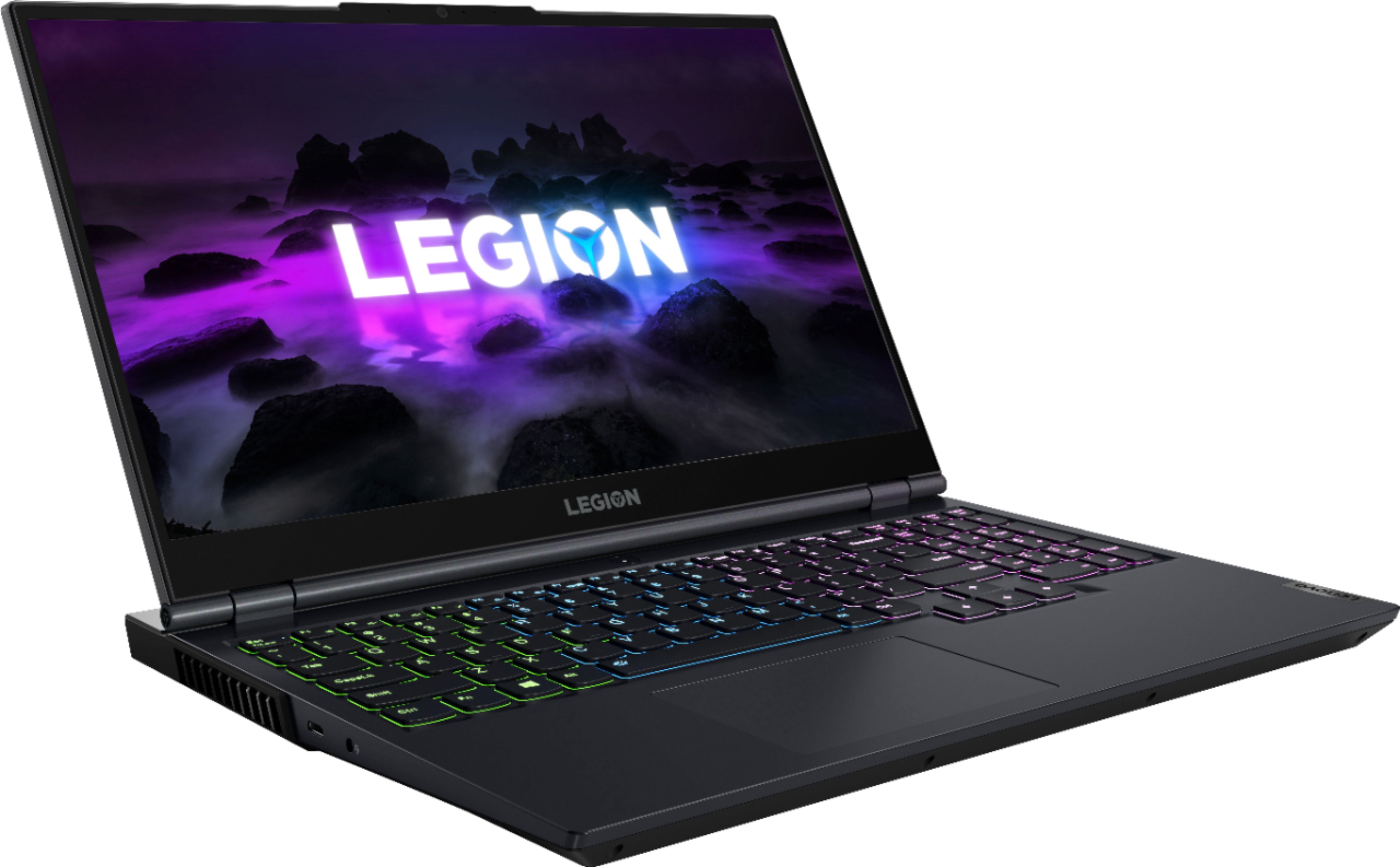
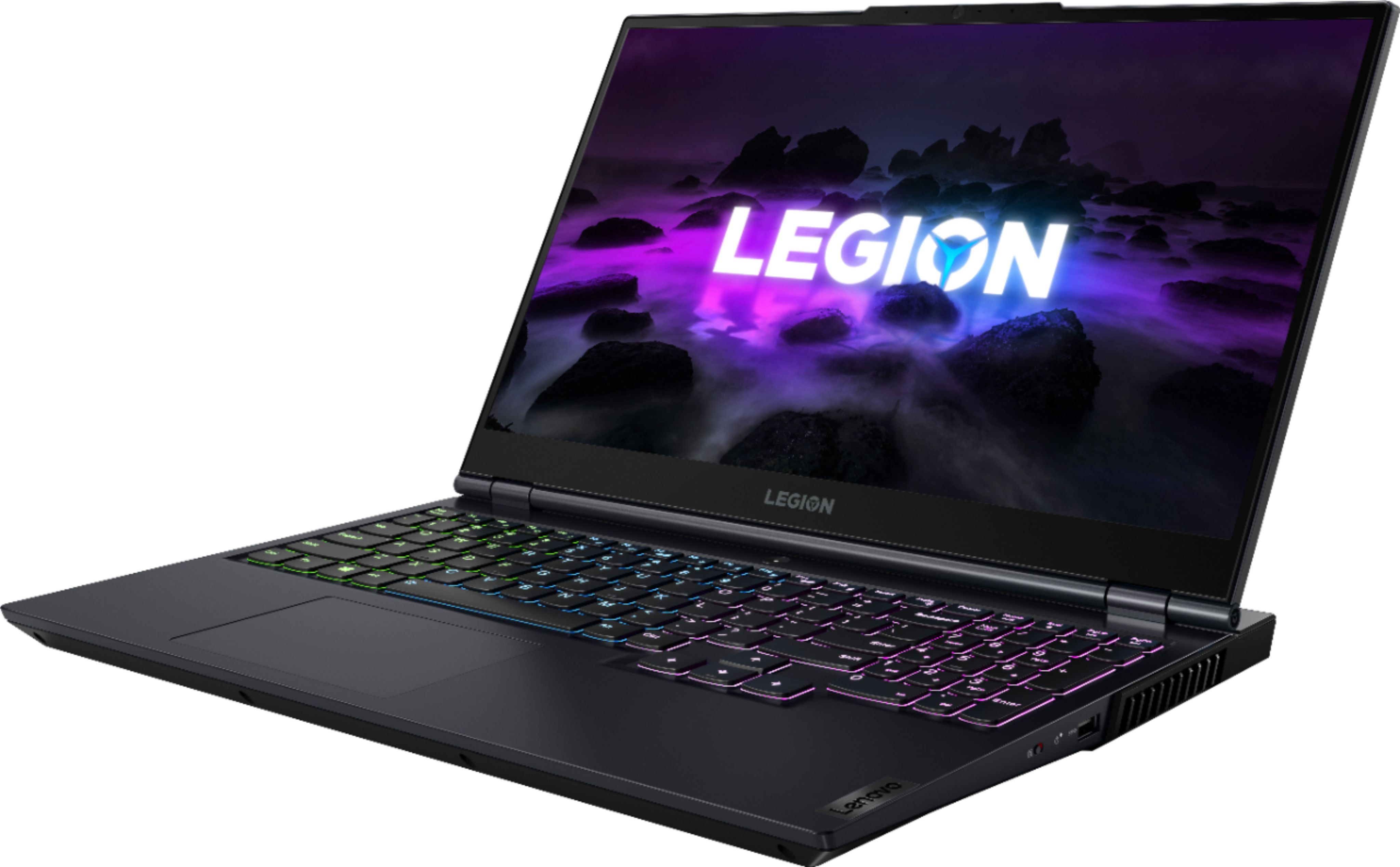
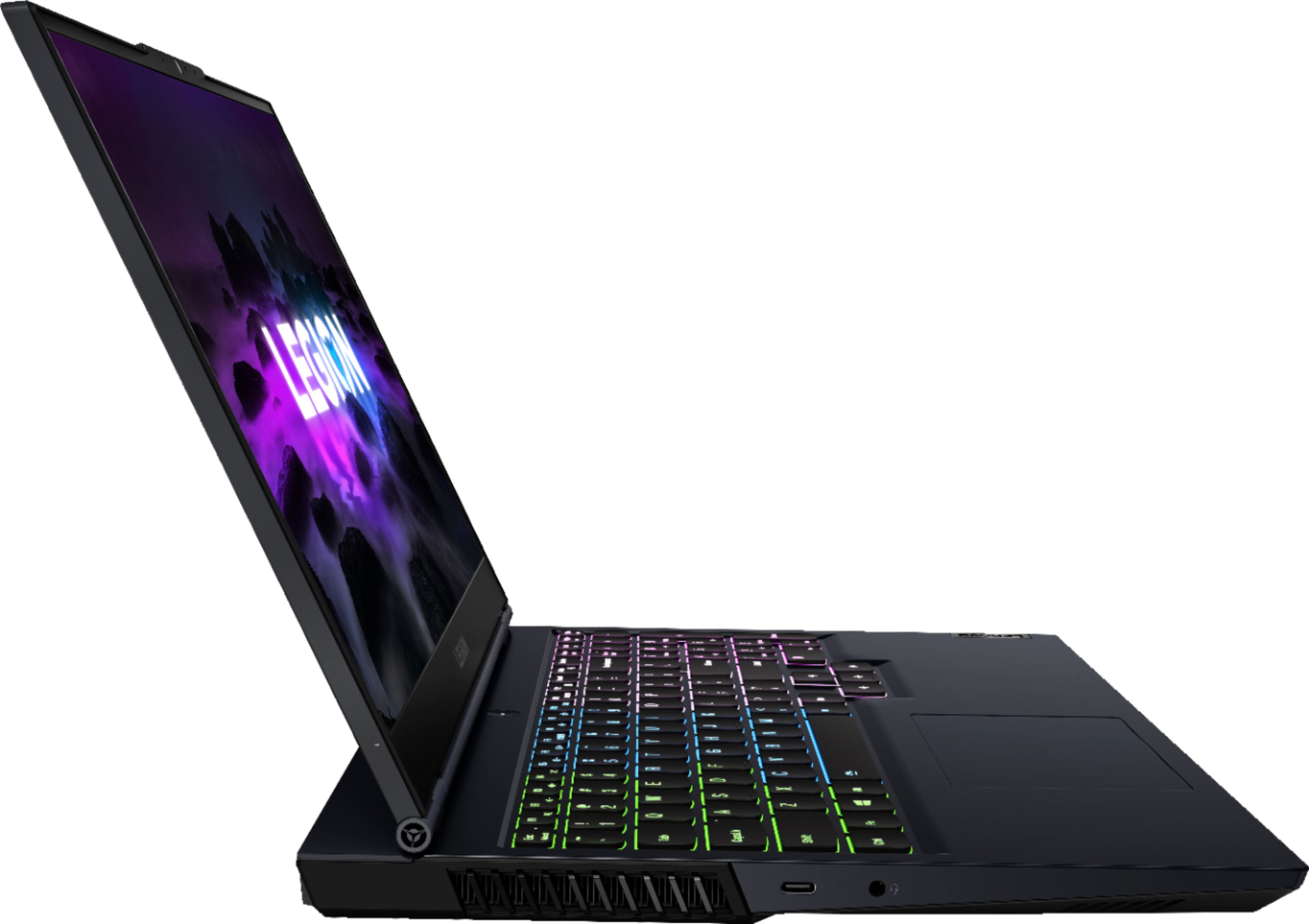
Customers often highlight the outstanding performance and upgradeable RAM as major strengths of the Legion 5 15" Gaming Laptop. Positive feedback also mentions its suitability for gaming and ample storage options, although some users point to limitations in battery life and the graphics processing unit. The laptop's weight and size are also mentioned as potential drawbacks by some users. A few users reported issues with the touchpad.
This summary was generated by AI based on customer reviews.
- Pros mentioned:Gaming
Gaming Computer
||Posted . Owned for 1.5 years when reviewed.This reviewer received promo considerations or sweepstakes entry for writing a review.Works wonderful overall wonderful gaming computer and cheap
I would recommend this to a friend - Pros mentioned:Performance
Laptop
||Posted . Owned for 1 year when reviewed.This reviewer received promo considerations or sweepstakes entry for writing a review.Son loves it been great for gaming and school work !
I would recommend this to a friend - Pros mentioned:Gaming, Performance
Quality Laptop
||Posted . Owned for 1 month when reviewed.This reviewer received promo considerations or sweepstakes entry for writing a review.Had it for about a month now and it runs smooth as butter. It's very comfortable to use and even though I'd consider it a low-mid level budget gaming laptop, it's exceeded my expectations. This is my first Lenovo, but I'd definitely buy another after my experience so far.
I would recommend this to a friendBrand response from Lenovo Product Expert
Posted .Thank you for choosing the Lenovo Legion 5 15 Gaming Laptop. We are pleased to hear that the performance of the Legion 5 15 meets your computing needs so well.

- Pros mentioned:Ram, Storage
Good for school
||Posted . Owned for 1 month when reviewed.This reviewer received promo considerations or sweepstakes entry for writing a review.Sold my Apple laptop to buy this one. If you are thinking of getting it for gaming don’t expect great graphics on demanding games. Upgraded the ram from 8GB to 16GB as well as adding extra storage. By choice, I’m used to my cp so 8GB while using chrome and other programs on the side wasn’t cutting it for me.
I would recommend this to a friend - Pros mentioned:Performance, Ram
Better Than Expected
||Posted .This reviewer received promo considerations or sweepstakes entry for writing a review.Not usually a fan of AMD processors mixed with Nvidia graphics cards because I always experience weird issues, but i've changed my opinion because of this laptop. So far so good and overall it performs well for the money. I ended up adding an addition NVMe SSD and 32GB of ram. I definitely recommend.
I would recommend this to a friendBrand response from Lenovo Product Expert
Posted .Thank you for choosing the Lenovo Legion 5 15 Gaming Laptop. We are very pleased to hear that the performance, specifications, and features of the Lenovo Legion 5 15 Gaming Laptop meet your computing needs so well.
- Pros mentioned:Ram
Needs more RAM
||Posted . Owned for 1.5 years when reviewed.This reviewer received promo considerations or sweepstakes entry for writing a review.Having the ability to expand the ram in this machine is useful, but harder to get at than most people would probably like. Not bad at all, but will fall behind many other computers in attempting to play modern titles.
I would recommend this to a friend Great laptop
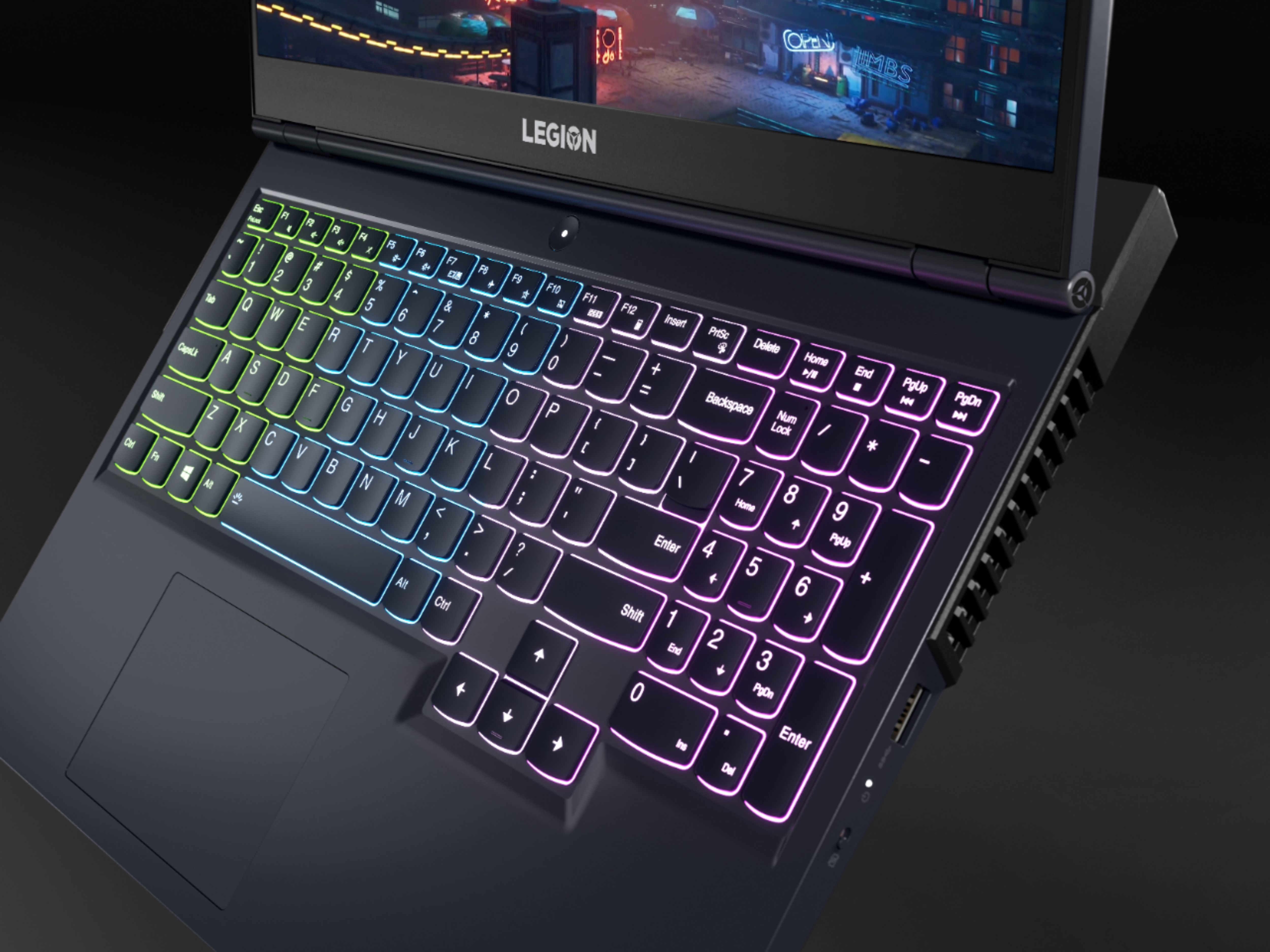
||Posted . Owned for 1 month when reviewed.This reviewer received promo considerations or sweepstakes entry for writing a review.I picked this up because my old laptop was ... well, several years old and I was looking for something new. It's still functional, but there were a few quirks about it I wasn't fond of. I honestly didn't put "lenovo" together with "gaming laptop" until I saw this. I'm really happy I picked it up. Nice display - honestly, I might have gone for a 17", but this is fine. Up to date Radeon chip, and even RTX 30-series graphics instead of 16xx series - at the same price, which, given my several-year-old laptop has that, wouldn't have been a worthwhile update. Minimal bloat, quick, nice keyboard (something I rarely say about laptops) - I don't regret this purchase at all.
I would recommend this to a friendBrand response from Lenovo Product Expert
Posted .Thank you for choosing the Lenovo Legion 5 15 Gaming Laptop. We are pleased to hear that the value, features and performance of the Legion 5 15 meets your computing needs so well.
- Pros mentioned:Performance
Horrifically under appreciated
||Posted . Owned for 11 months when reviewed.This reviewer received promo considerations or sweepstakes entry for writing a review.Just get it if you haven’t alreadyyyyyyyyyyyyyyyyy
I would recommend this to a friend - Pros mentioned:Performance
Recommended
||Posted . Owned for 1 year when reviewed.This reviewer received promo considerations or sweepstakes entry for writing a review.Nice laptop, after 1 year and 5 months , still working very well.
I would recommend this to a friend - Pros mentioned:Ram
Reliable laptop
||Posted . Owned for 9 months when reviewed.This reviewer received promo considerations or sweepstakes entry for writing a review.Good computer bought used came with 16gb RAM which was cool.
I would recommend this to a friend - Pros mentioned:Performance
Not bad for a beginner
||Posted . Owned for 1 year when reviewed.This reviewer received promo considerations or sweepstakes entry for writing a review.Great laptop runs just about everything at high or lower
I would recommend this to a friend Absolute power house!
||Posted . Owned for 7 months when reviewed.This reviewer received promo considerations or sweepstakes entry for writing a review.I absolutely love this computer. I use it daily to run premier pro and edit videos for YouTube. It is an absolute power house with a killer display and processor. I explained to the employee (I forgot his name) what I needed for video editing. He helped me pick it out and I couldn't be happier. Thanks Best Buy!
I would recommend this to a friend- Pros mentioned:Performance
Great Laptop
||Posted . Owned for 1.5 years when reviewed.This reviewer received promo considerations or sweepstakes entry for writing a review.Great Laptop and it is still running like a champ.
I would recommend this to a friend Lenovo legion is KING
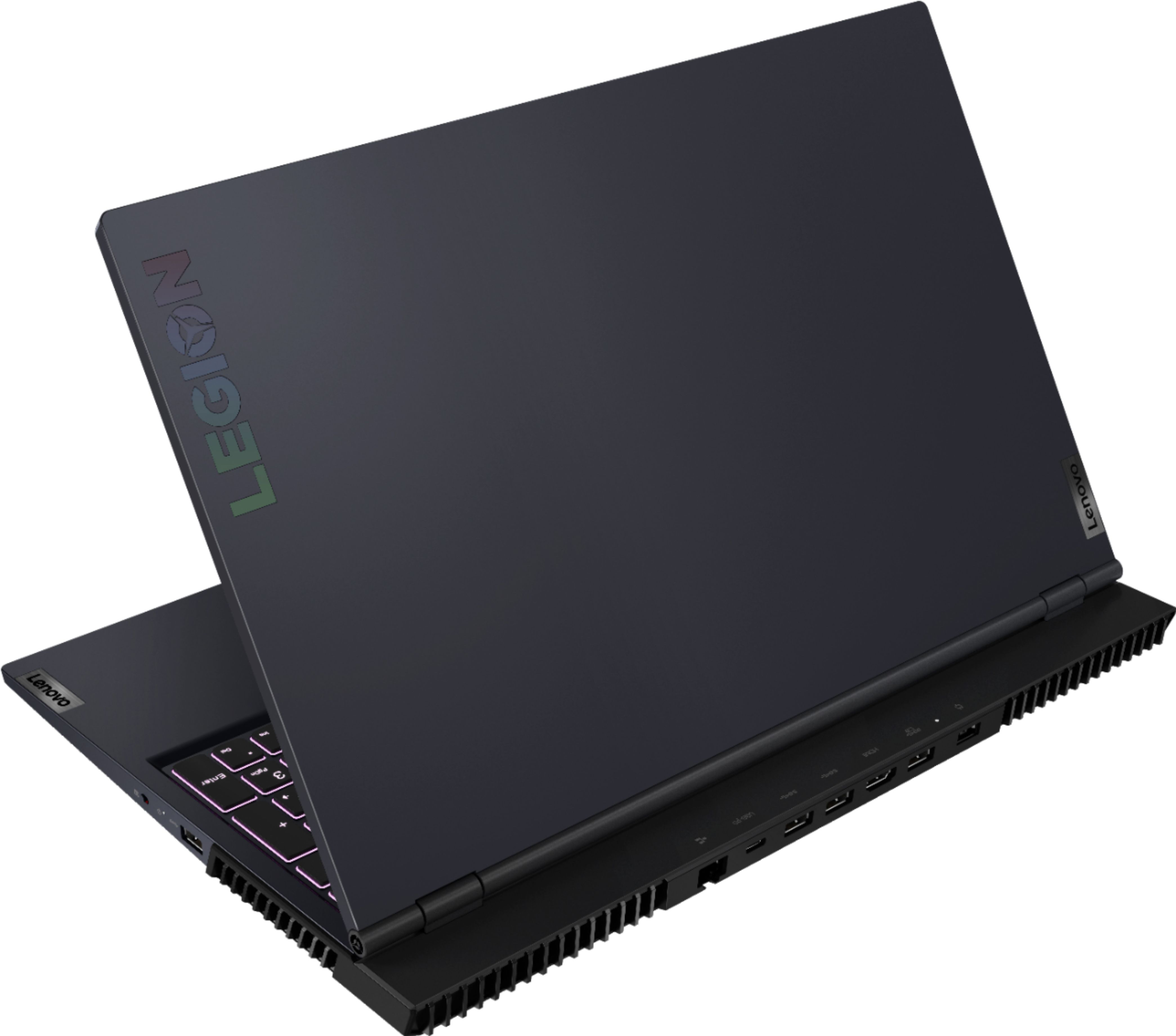
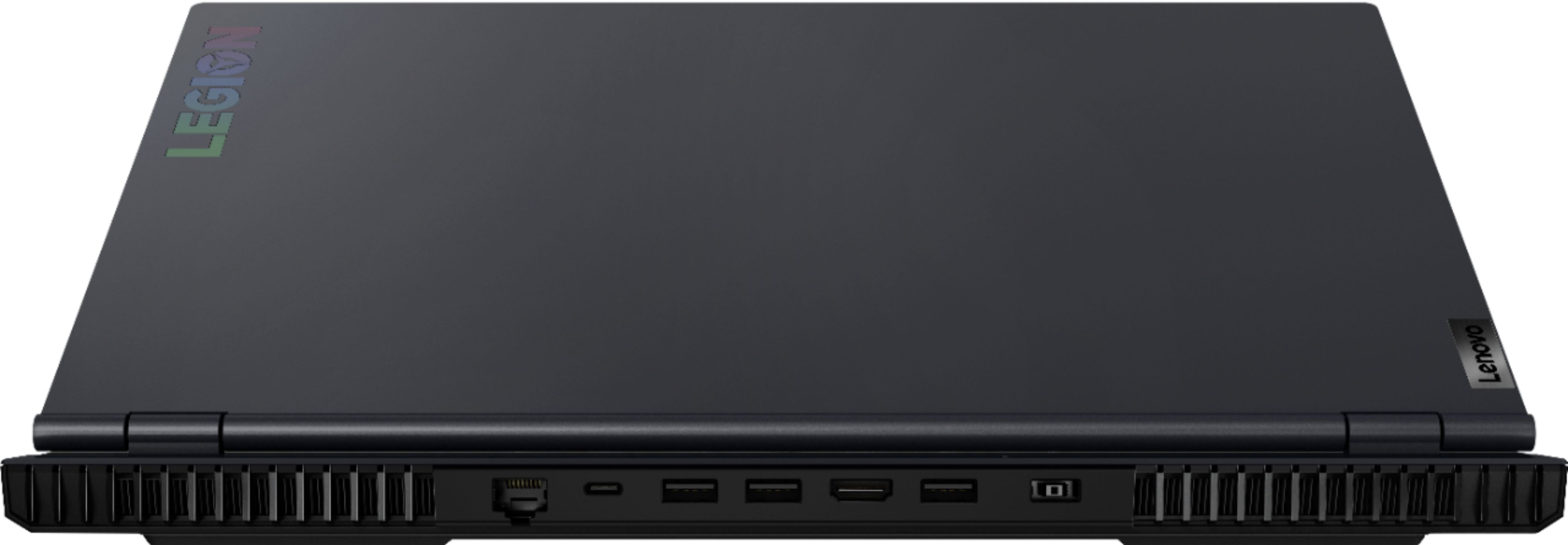
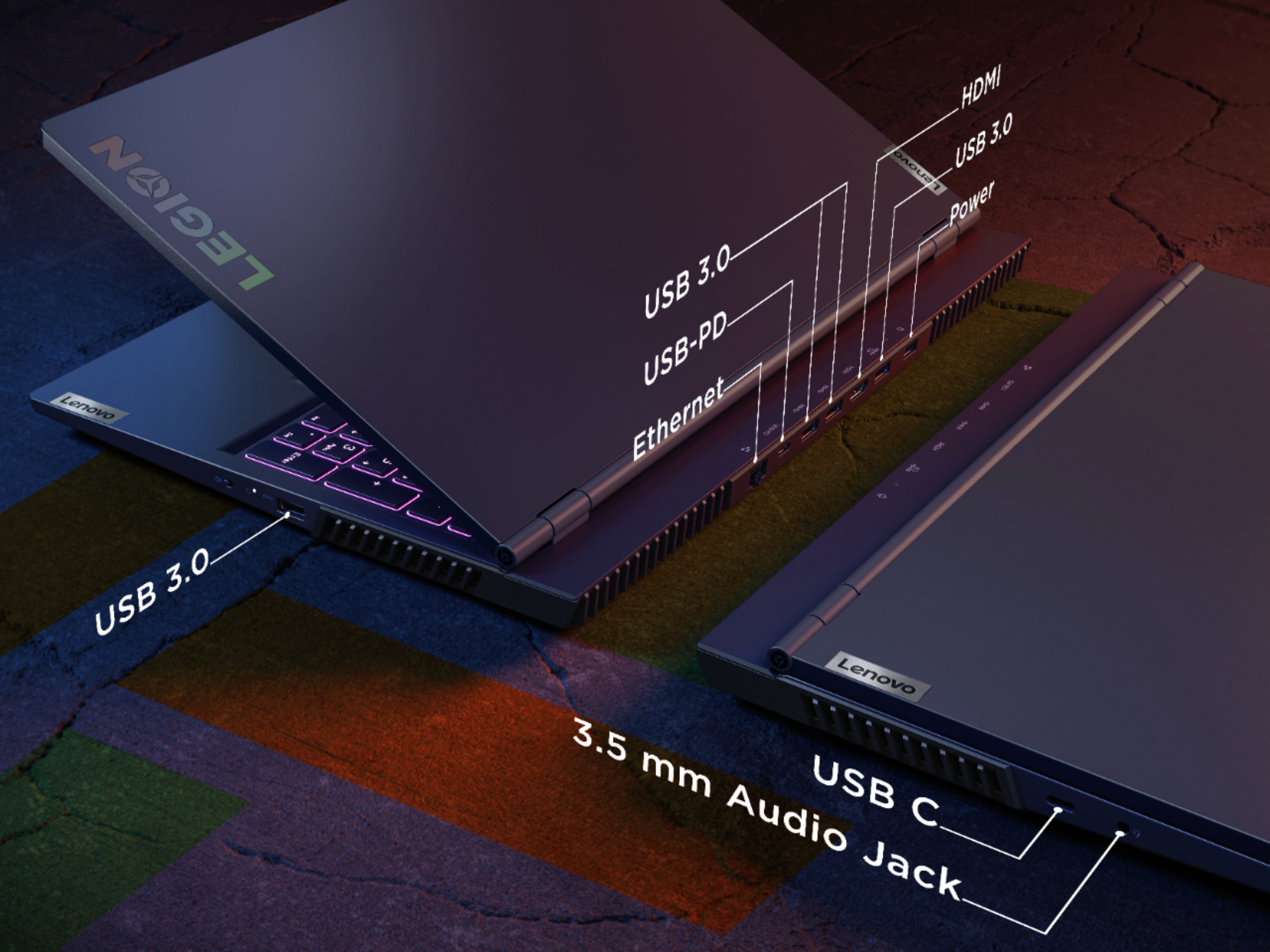
||Posted . Owned for 1.5 years when reviewed.This reviewer received promo considerations or sweepstakes entry for writing a review.Used the computer for almost 3 years and its amazing, The ports in the pack is a huge deal. You can go back to ports on the side. I recommend anyone to buy a lenovo legion with the ports on the back. The 165hertz screen is nice, RGB nice, keyboard nice. Worth every penny, will be buying another legion in 3 years.
I would recommend this to a friend- Pros mentioned:Gaming
Must buy
||Posted . Owned for 1 year when reviewed.This reviewer received promo considerations or sweepstakes entry for writing a review.Amazing gaming computer, works well and does great for gaming
I would recommend this to a friend - Pros mentioned:Gaming
Great computer so far
||Posted . Owned for 6 months when reviewed.This reviewer received promo considerations or sweepstakes entry for writing a review.Got this for my son for school and gaming, zero complaints.
I would recommend this to a friend - Pros mentioned:Gaming
Love it
||Posted . Owned for 10 months when reviewed.This reviewer received promo considerations or sweepstakes entry for writing a review.New to gaming and this is a really good laptop for it.
I would recommend this to a friend - Pros mentioned:Speed
Nice Gaming Laptop
||Posted .This reviewer received promo considerations or sweepstakes entry for writing a review.Very Nice laptop, Extremely fast and good for gaming,
I would recommend this to a friend - Pros mentioned:RamCons mentioned:Battery life
Awesome laptop
||Posted . Owned for 3 months when reviewed.This reviewer received promo considerations or sweepstakes entry for writing a review.Quickly upgraded the ram to 32gb, but other than that, this laptop is great. Lenovo just has great laptops. The only thing would be battery life, but its a gaming laptop, what would you expect.
I would recommend this to a friendBrand response from Lenovo Product Expert
Posted .Thank you for choosing the Lenovo Legion 5 15 Gaming Laptop, model number 82JW00BFUS. This model ships with a Integrated 60Wh, Lithium-Polymer Battery, which within this configuration, has a battery life of up to 5 hours, depending on the work the device is performing. If you are getting substantially less battery life, first, set your screen brightness at less than 100-percent - try 80-percent to start with. Then, be sure Battery conservation Mode is turned off. This power management setting should only be used when the laptop is plugged in all the time. It will prolong overall battery life by only charging the battery to 60-percent of capacity. Here is a link to instructions for turning off Battery Conservation Mode: https://support.lenovo.com/us/en/solutions/ht103159. Also check what programs are running in the background on the computer. Be sure only the programs you want running in the background are. These programs will drain the battery. Here is a link to information about how to find out what programs are running in the background on your Windows 10 computer and how to manage them for better system performance: https://www.windowscentral.com/how-prevent-apps-running-background-windows-10. Then, finally, be sure any software you installed is compatible with Windows 10. Incompatible software will drain the battery at a faster rate. There is no need to install Microsoft Office software. The software is already part of the operating system, you just need to activate the software with a purchased product key. If you have installed a copy of Microsoft Office, this is conflicting with the existing copy on the system and this will slow your system down. If you have installed a 3rd party anti-virus program, be sure that Windows Defender is turned off and that the trial version of McAfee Anti-Virus software is uninstalled. There can only be one anti-virus program on the system. You may need to restore your system to original factory default settings if any of the programming errors have occurred. You can do that by typing "restore" in the Cortana search window. Just click on the magnifying glass icon at the bottom left of your Windows 10 Desktop. Click on "Reset This PC" Then click on "Get Started" and follow the on screen directions to restore to factory defaults. If the problem persists, we recommend you contact Lenovo Legion Ultimate Support for additional help at: 888-278-9707.
- Pros mentioned:Gaming, Performance
Highly recommend
||Posted . Owned for 1 month when reviewed.This reviewer received promo considerations or sweepstakes entry for writing a review.Fantastic computer. Build quality is excellent and functions amazing. Incredibly quick for gaming. Keep in mind you’re capped at 30 FPS when not plugged in.
I would recommend this to a friendBrand response from Lenovo Product Expert
Posted .Thank you for choosing the Lenovo Legion 5 15 Gaming laptop, model number 82JW00BFUS. To change the power and battery settings in Windows 11 so that you have the same Power Management Settings for both plugged and and battery, open the “Settings” window and click the “System” button at the left side of the screen. Then click the “Power & battery” category in the pane at the right side of the window to show the power and battery settings for Windows 11 in the right pane. Here is a link to more information: https://www.teachucomp.com/power-and-battery-settings-in-windows-11-instructions/#:~:text=in%20Windows%2011%3A-,To%20change%20the%20power%20and%20battery%20settings%20in%20Windows%2011,11%20in%20the%20right%20pane. If you have questions about your Lenovo Legion 5 15 Gaming Laptop, we recommend you contact Lenovo Tech Support for additional information at: 877-453-6686.