Customer Ratings & Reviews


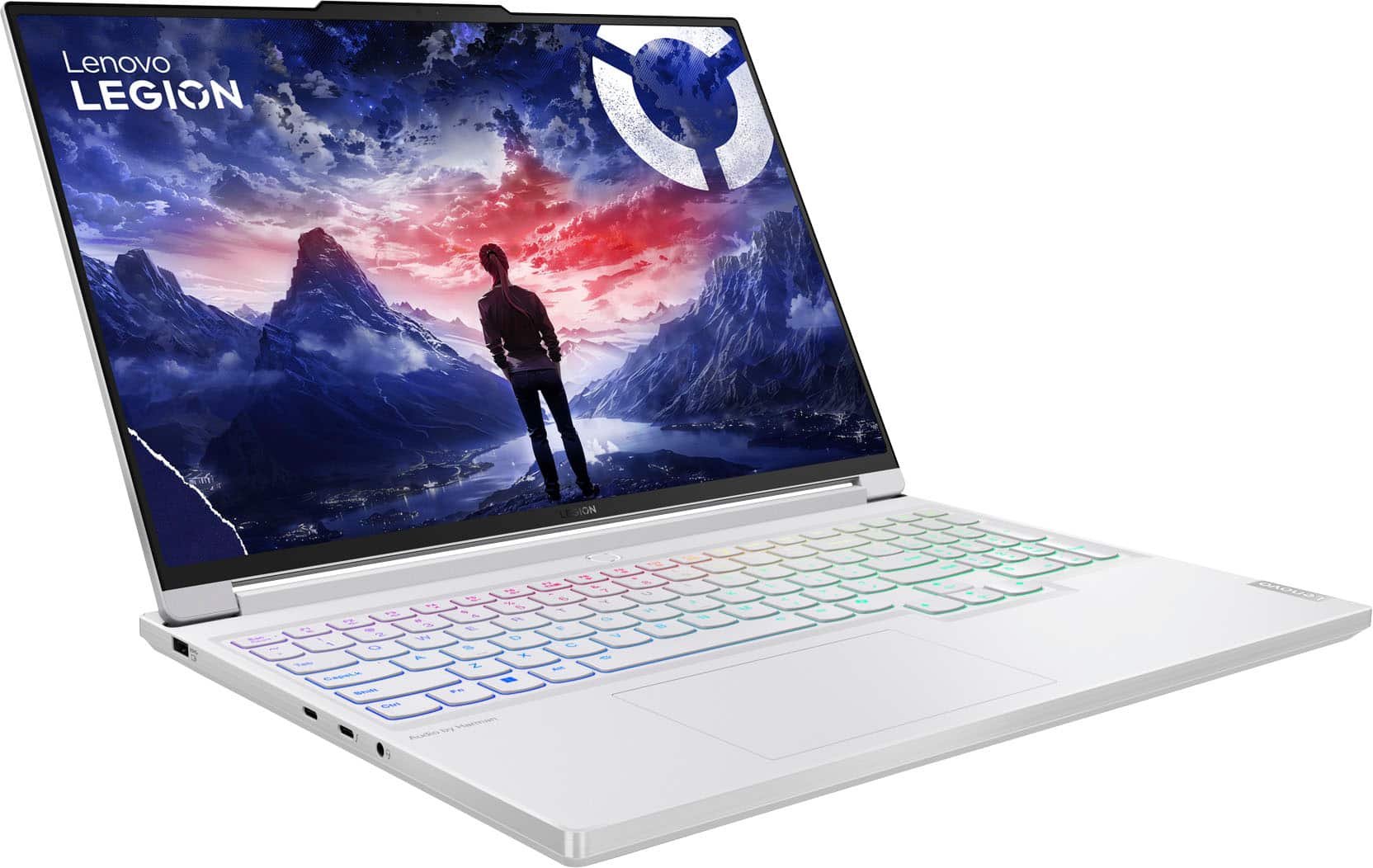
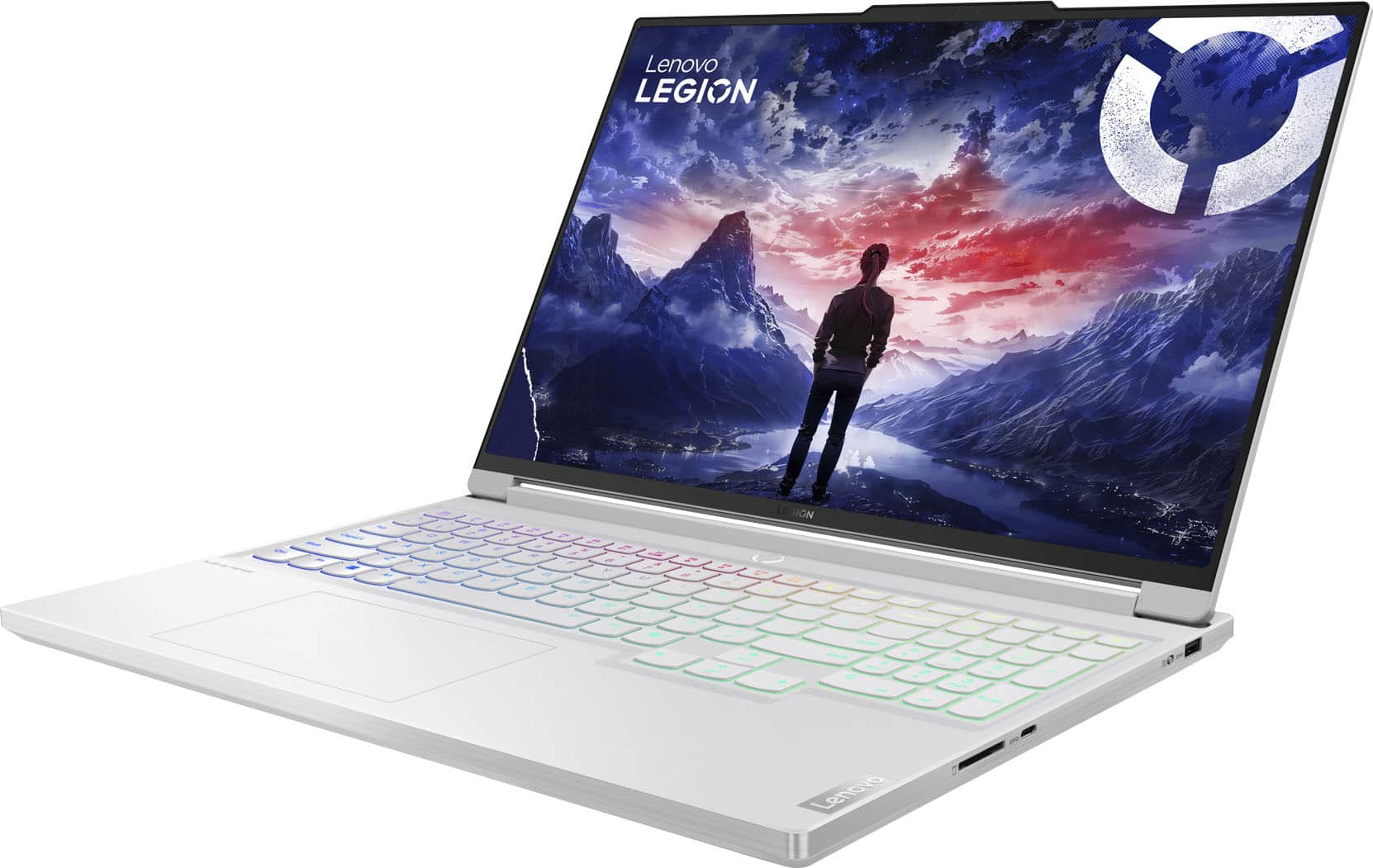
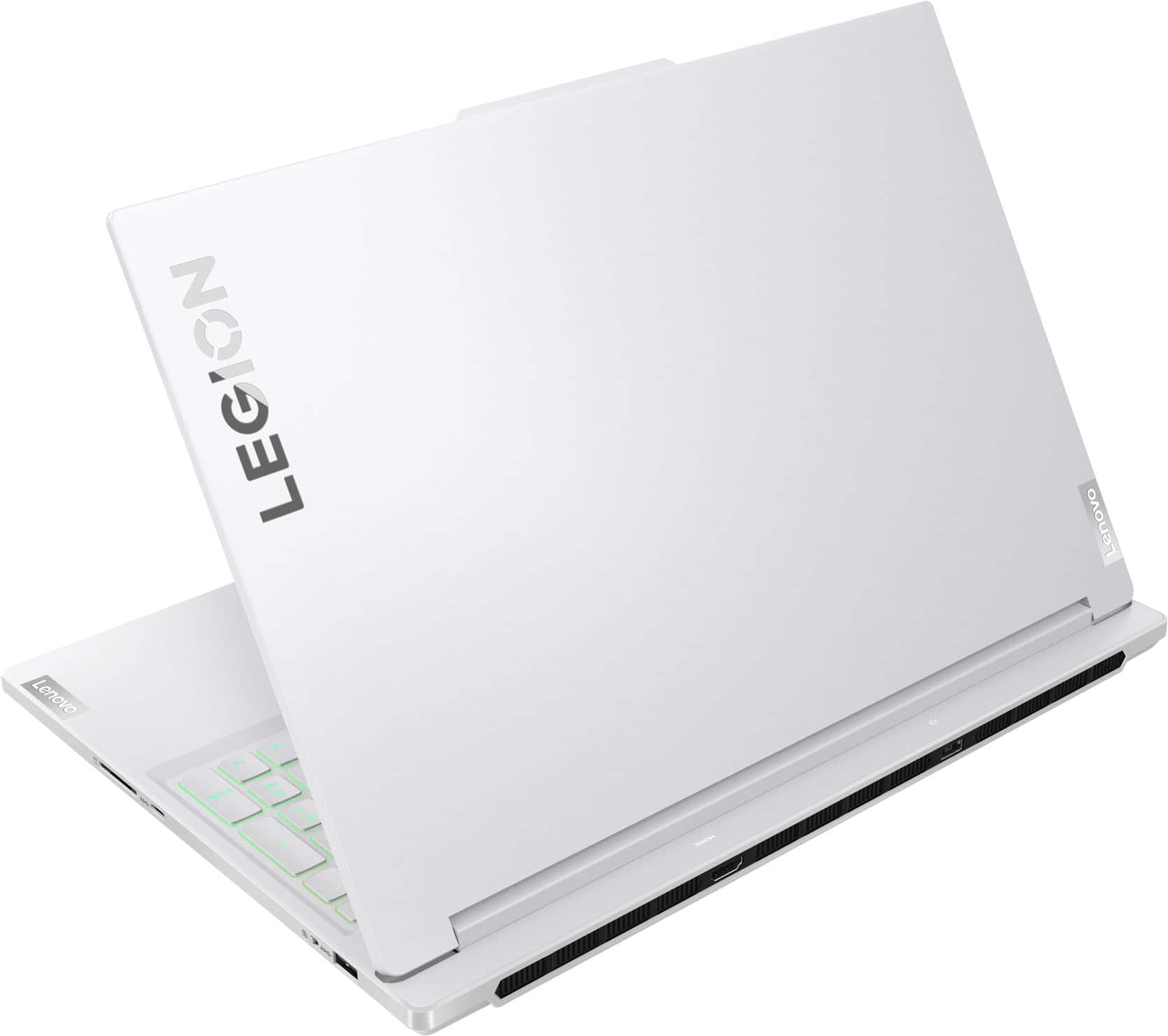
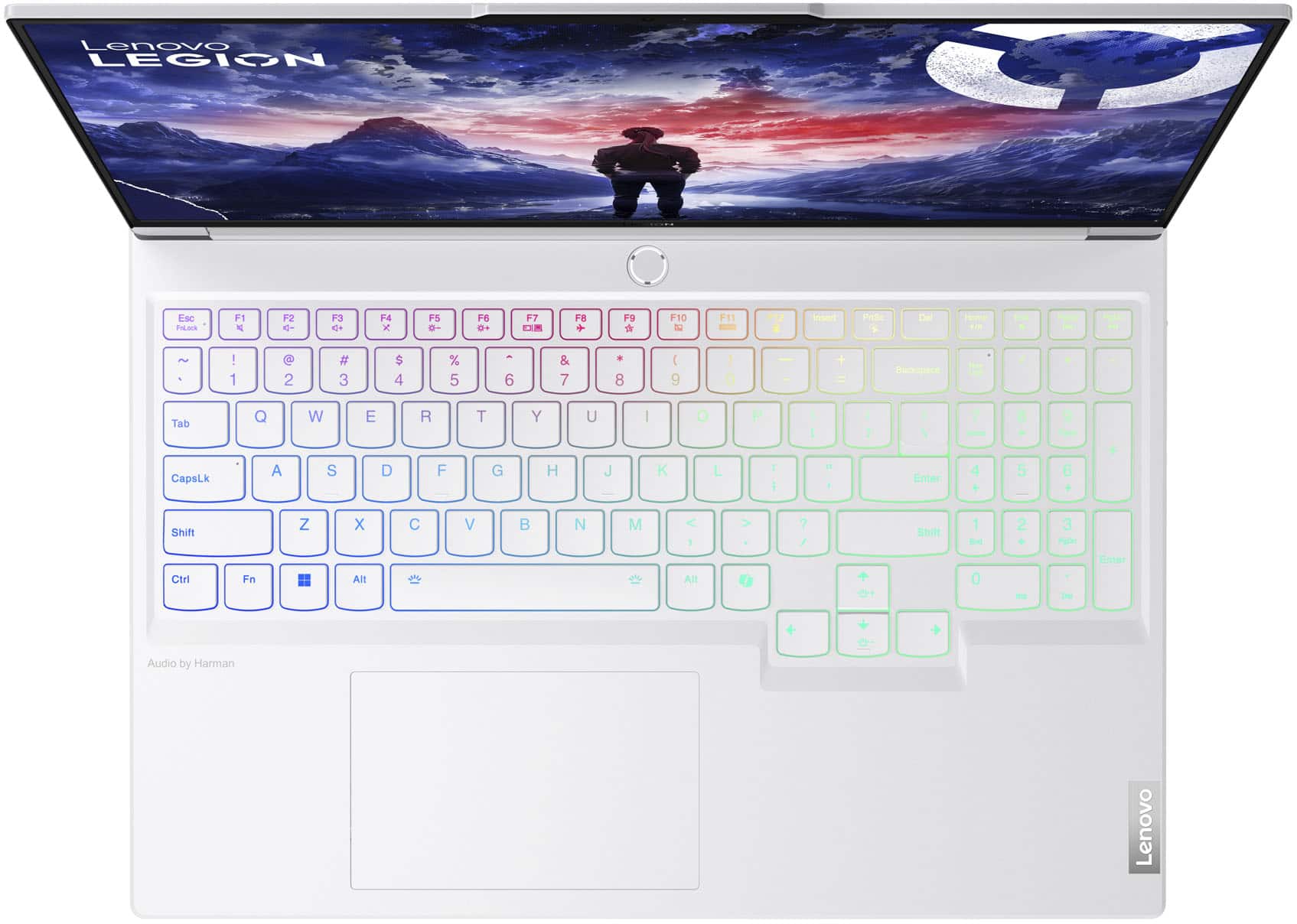



- Model:
- 83FD0015US
- SKU:
- 6575387
Rating by feature
- Battery Life
Rating 3.9 out of 5 stars
- Speed
Rating 4.8 out of 5 stars
- Display
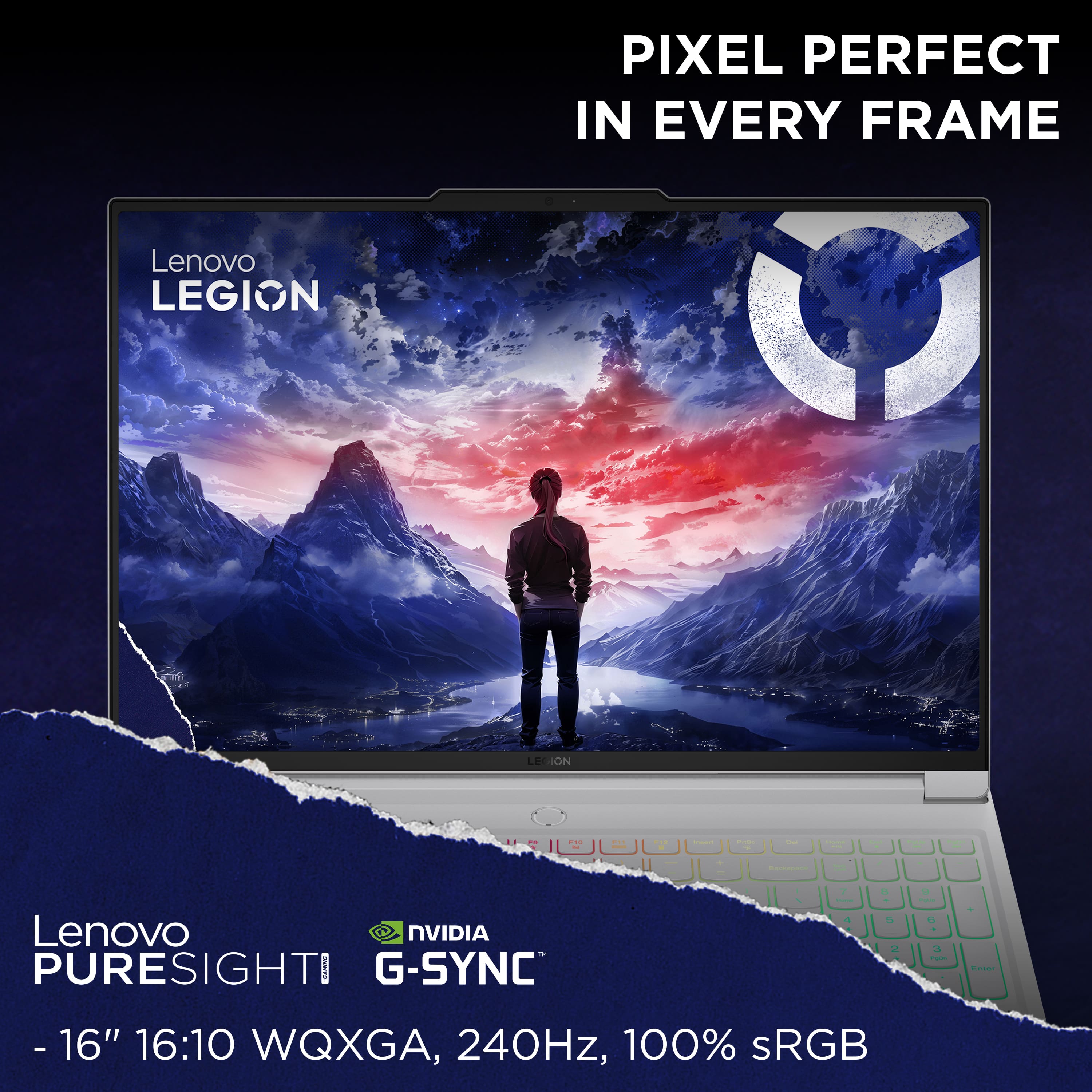
Rating 4.7 out of 5 stars
Customers are saying
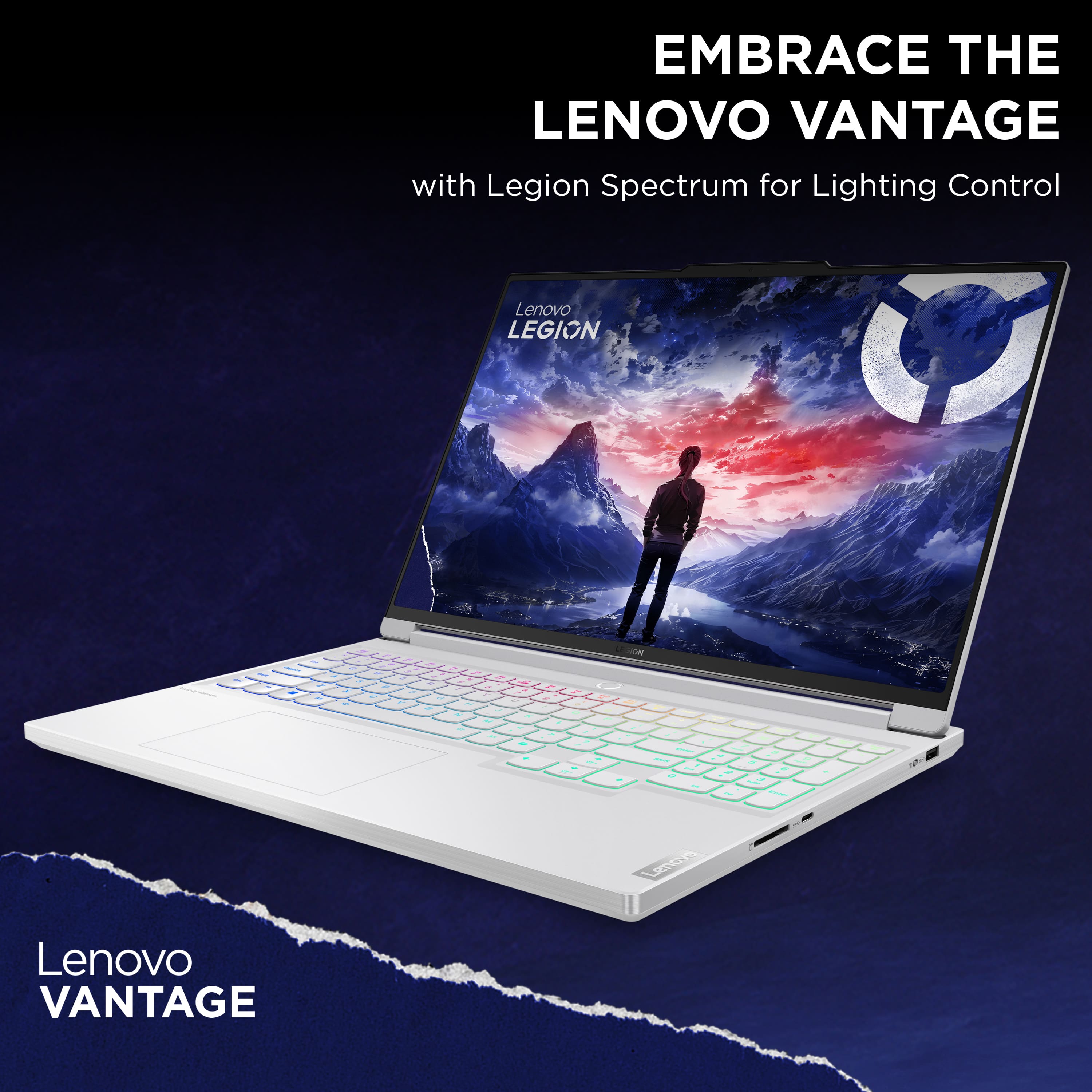
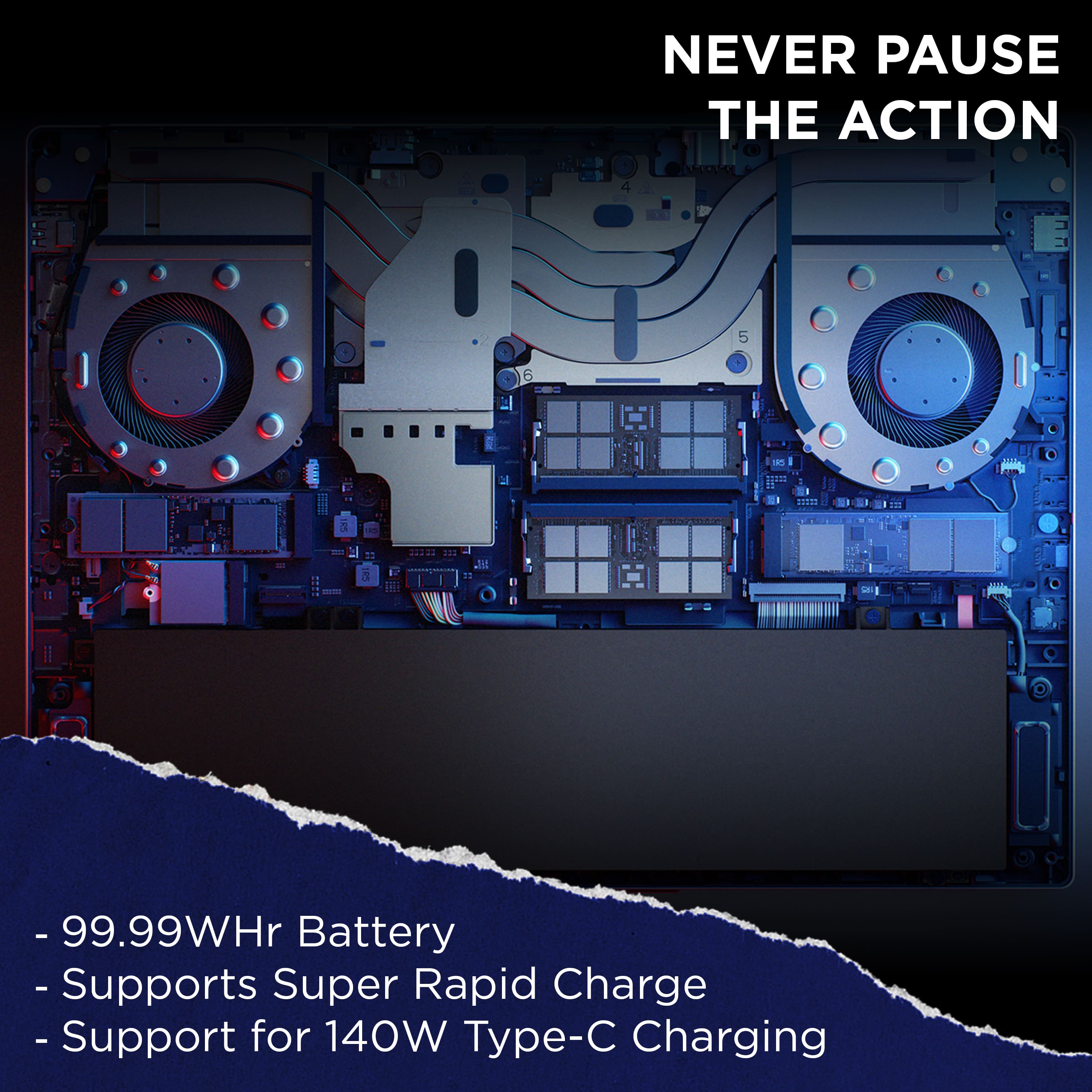
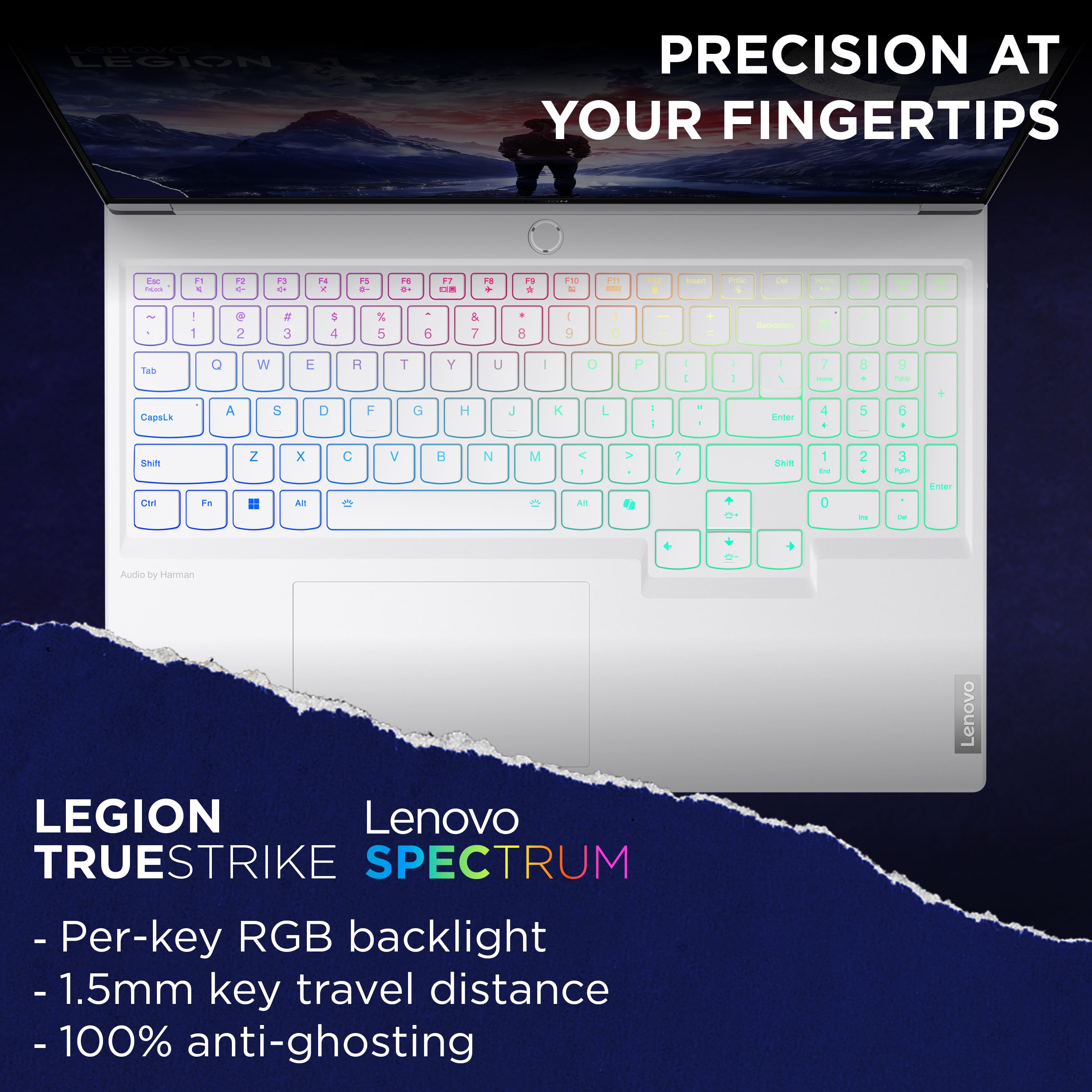
Customers frequently mention the Legion 7i's fantastic performance and solid build quality as major strengths. The keyboard and display also receive positive feedback, with many praising their features. However, some users point to less-than-ideal battery life and occasional heat generation as drawbacks. While some find the fan noise noticeable, others report it as manageable or even quiet under certain conditions.
This summary was generated by AI based on customer reviews.
- Pros mentioned:Build quality, PerformanceCons mentioned:Battery life
Holy Hot!!!!
||Posted . Owned for less than 1 week when reviewed.This reviewer received promo considerations or sweepstakes entry for writing a review.I really wanted to love this laptop. The machine is beautiful and the screen is amazing. But wow this thing geta smoking hot just doing normal browsing and powerpoint. Reviews say you can get 5 hours but thats only if you turn everything thay makes this PC fast off. I watched my battery drop 50 percent while sitting at the dining room table just doing day to day work. If you can be plugged in 90 percent of the time and dont plan to put this on your lap its a greay choice. If you travel or will be away from an AC outlet for more than a few hours then pass.
No, I would not recommend this to a friendBrand response from Lenovo Product Expert
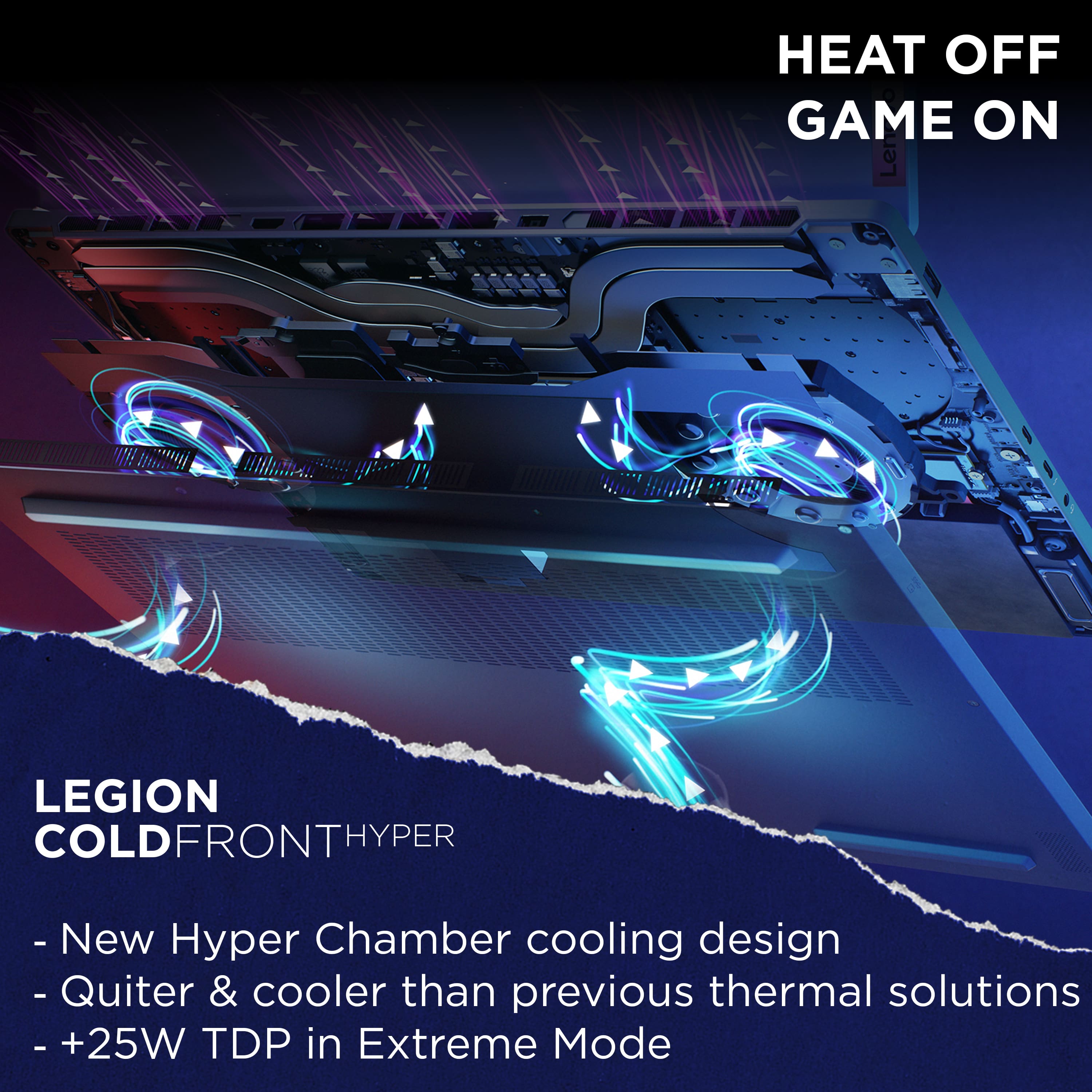
Posted .Hi, Justin. We are sorry to hear that you encountered these issues with your Legion 7i. First, regarding the heat created by the device, please ensure that the air intake (along the bottom) is clear of any obstructions. If it's on a gaming mat or a surface that retains heat, this will work against the system's multi-level cooling systems. Also, with the Intel i9 processor, speed is the system's goal, creating heat as a byproduct. For convenience, there is a keyboard shortcut that can be used by pressing the Fn and Q keys simultaneously. This allows users to toggle between three thermal modes, one of which being quiet mode. In this mode, when doing work like browsing and PowerPoint, the system doesn't need speed to be the priority, giving you the best of both worlds with a quieter, cooler PC, and saving battery life. Activating the system's MUX switch can also drop power draw significantly by switching off the dedicated GPU when not necessary. We appreciate you taking the time to share your feedback and experience with us.

- Cons mentioned:Fan noise, Heat
I won’t buy from Best Buy again.
||Posted .This reviewer received promo considerations or sweepstakes entry for writing a review.The computer runs great. The fan is loud. It does get warm. My review is based on customer service. I needed to repair the LCD screen and they said the subscription wouldn’t cover it and it would cost 500.00 to repair at least. It’s too expensive and I can’t get it fixed now.the subscription plan alone is expensive and the fact that it doesn’t cover it makes it useless to me. It’s a waste of money. I would have bought this through another company.
No, I would not recommend this to a friend Computer is great, Lenovo itself is iffy
||Posted . Owned for 1.5 years when reviewed.This reviewer received promo considerations or sweepstakes entry for writing a review.Runs everything I want but gets really hot, my main issue is Lenovos support, the computer had an issue where it wouldn't get into windows so I sent it into repair. At first they said it was something basic and was covered under warranty. After around a month and a half though they claimed it was water damage and refused to cover under warranty, also supplying a photo of the mobo with water damage that wasn't there on the photos I took before sending. We eventually did get it back repaired for free but I don't trust anything Lenovo after that.
No, I would not recommend this to a friend- Pros mentioned:PerformanceCons mentioned:Heat
Too hot
||Posted . Owned for 3 weeks when reviewed.This reviewer received promo considerations or sweepstakes entry for writing a review.This is a beautiful laptop! Works very good! However, it gets hot really fast while I'm using it
No, I would not recommend this to a friendBrand response from Lenovo Product Expert
Posted .Hello, VeronicaC. We are sorry that you encountered an issue with your Legion 7i. Regarding the heat produced, this Legion features an active cooling system, along with other components and software, enable the user to power through work without throttling due to heat produced. We recommend that the bottom of the device, where the air intake vents are, is clear of obstructions to increase air flow. Additionally, most Lenovo laptops have a feature called Smart Control, enabling the user to use the key command combination of Fn + Q to toggle between thermal/performance mode. In instances where you may use the device in your lap, we recommend switching to cool or quiet mode to help with the heat felt on the bottom of the machine. Also, please check for and apply any available updates through Lenovo Vantage and Windows Update Settings to help ensure you are using the latest software and drivers to maintain device health. Should your issue persist after these fixes, we recommend reaching out to Lenovo Tech Support and providing a representative with details of your issue, so that they may help by providing a solution for you. Here is a phone number to speak with a tech support representative to further resolve your issue: 877-453-6686. We appreciate you sharing your experience so that we may use it to continue to better our products and services for yourself and others.
- Cons mentioned:Battery life
Very slow loading pages...poor battery.
||Posted .This reviewer received promo considerations or sweepstakes entry for writing a review.battery life is very minimal...even while just browsing and writing emails. Very slow loading pages.
No, I would not recommend this to a friendBrand response from Lenovo Product Expert
Posted .Hi KymeE,
Thank you for sharing your feedback with us. We are sorry to hear that you are having trouble with your Legion 7i. We apologize for any inconvenience that this may have caused you, and we'd like to work with you to try to resolve these issues.
To start, with loading pages, after ensuring your home Wi-Fi network is not responsible, we recommend ensuring you have the latest software by checking for updates, as this could correct the issue. To do so, first, open the Settings app > Select the Windows update tab > Select the Check for updates button, apply all available updates. Next, open the Lenovo Vantage app > on the homepage, select the Check for updates button, following on-screen prompts to apply all available updates here as well.
Next, with battery life, if you want to squeeze out more battery life and are completing non-intensive graphics tasks, you can utilize the MUX switch built into this model to turn off the dedicated GPU to greatly decrease power draw. This can be done in the Lenovo Vantage app > top right box > GPU working mode, then choosing your preferred method. Users can also take advantage of the keyboard shortcut, Fn + Q to toggle thermal modes and easily switch between prioritizing battery life or power, or even the best of both words, along with custom settings configurable in Lenovo Vantage. You could also press the Fn + R key combo to toggle to a lower refresh rate for even more power conservation.
Please update us when you can regarding this, and feel free to reach out to us via the Q&A section of the product page to share any questions you may have or need further assistance.
Best regards,
Lenovo
I want to love it
||Posted . Owned for 1 month when reviewed.This reviewer received promo considerations or sweepstakes entry for writing a review.Terrible quality control and customer service. The Geek Squad tried to get me to pay to fix a defective laptop that was covered under warranty, only to refurnish it in even worse condition. Once I got it back, they agreed to fix it for free since they banged it up during transit. So about 2 months later, and the “Geek Squad” fix, the charging light isn’t working, and the back part of the laptop is where that light is. It is starting to peel, I guess the geeks didn’t use enough adhesive. Don’t trust any YouTube videos or reviews about this laptop because those are cherry-picked by their quality control. Most likely you’ll receive something with a bent screen and Best Buy will try to charge you $ 300 to fix it under warranty.
No, I would not recommend this to a friendBrand response from Lenovo Product Expert
Posted .Hi, Qusai. We're sorry to hear that your experience with your Legion 7i has been poor. The Legion 7i, along with a wide range of our other products, undergoes testing and quality control to help ensure we provide great, reliable, quality products for you and other potential users. We recommend customers that purchase through our retail partners consider their device coverage options to help protect their investment in a solution for peace of mind. Should you want to discuss repair or replacement options, we also recommend reaching out to Lenovo Support to speak with a representative to discuss your potential options at this number: 877-453-6686. We appreciate you sharing your experience so that we may use it to continue to better our products and services for yourself and others.
- Cons mentioned:Heat
Open box - good
||Posted . Owned for 3 weeks when reviewed.This reviewer received promo considerations or sweepstakes entry for writing a review.Very good laptop just had a few issues with it running a bit hot
I would recommend this to a friend - Pros mentioned:Performance
Good, but could be better.
||Posted . Owned for 1 month when reviewed.This reviewer received promo considerations or sweepstakes entry for writing a review.This is a very capable laptop for work, school, and gaming. However I feel for the money you can get much more powerful hardware and performance if all you do is game.
I would recommend this to a friendBrand response from Lenovo Product Expert
Posted .Hi Caiden, thanks for choosing Lenovo! We're glad to hear that your Legion 7i is great for your use, and we appreciate you sharing your perspective and feedback with us. Should you want to push more performance out of your Legion, we recommend switching to Max Performance mode in the Legion Edge widget on the home page of the Lenovo Vantage app.
Quality
||Posted .This reviewer received promo considerations or sweepstakes entry for writing a review.I’ve had this laptop for about a year now and all I can say is it does overheat really fast and also the battery life is low, lastly the display is not working great as I initially thought.
I would recommend this to a friendFor the price, it should be better!
||Posted . Owned for 2 months when reviewed.This reviewer received promo considerations or sweepstakes entry for writing a review.Network card is horrible. Either replace it completely or use a usb network card. Graphics are good and FPS is amazing! For a portable pc it does the job!
I would recommend this to a friendNeeds less bloatware
||Posted . Owned for 1 month when reviewed.This reviewer received promo considerations or sweepstakes entry for writing a review.Too much bloatware . Even when deleted you get error messages that dont go away, i tried to reset windows twice because of it and twice errors came back. Slow processor. Felt slow for a new laptop. The white color looks like it would not clean well after a while.
No, I would not recommend this to a friendBrand response from Lenovo Product Expert
Posted .Hey Josel, we're sorry to hear that your Legion 7i fell short for you in some ways. If you still have your Legion, to try to resolve this, first, we recommend ensuring you have the latest software by checking for updates, as this could correct the issue. To do so, first, open the Settings app > Select the Windows update tab > Select the Check for updates button. Next, open the Lenovo Vantage app > on the homepage, select the Check for updates button. If after the available updates are applied and the system restarts, yet the issue persists, in-depth troubleshooting will be required, in which we then recommend working with Lenovo Support for assistance.
Good but has some bad issues
||Posted . Owned for 1 month when reviewed.This reviewer received promo considerations or sweepstakes entry for writing a review.Overall pretty good, bust the sound is subpar and the computer has internet connection issues...Overall if i could go back i would choose a different computer
No, I would not recommend this to a friendBrand response from Lenovo Product Expert
Posted .Hey Calvin6884,
Thank you for sharing your feedback with us. We are sorry to hear that you are having trouble with your Legion 7i. We apologize for the frustration and inconvenience that this may have caused you. We'd like to work with you to resolve this issue.
To start, we recommend ensuring you have the latest software by checking for updates, as this may correct the networking issue with updating its drivers. To do so, first, open the Settings app > Select the Windows update tab > Select the Check for updates button. Next, open the Lenovo Vantage app > on the homepage, select the Check for updates button and ensure all updates are applied completely.
Please update us when you can regarding this and reach out to us again should you have any questions or need further assistance.
Best regards,
Lenovo
It's ok.
||Posted . Owned for 1 month when reviewed.This reviewer received promo considerations or sweepstakes entry for writing a review.Not that impressive. Gaming performance is just ok but nothing special.
No, I would not recommend this to a friendBrand response from Lenovo Product Expert
Posted .Hey, AllenG. While we are thankful that you chose our product, we are sorry to hear that its performance has missed the mark a bit for you. To try to resolve this and get the best performance for your Legion, we recommend going into the Lenovo Vantage app on your laptop > Legion Edge in the top right of the home page, then making adjustments to respective settings to your liking to boost performance. If these adjustments still don't satisfy, we recommend reviewing the Lenovo Support options under the Support tab in Vantage.