Customer Ratings & Reviews
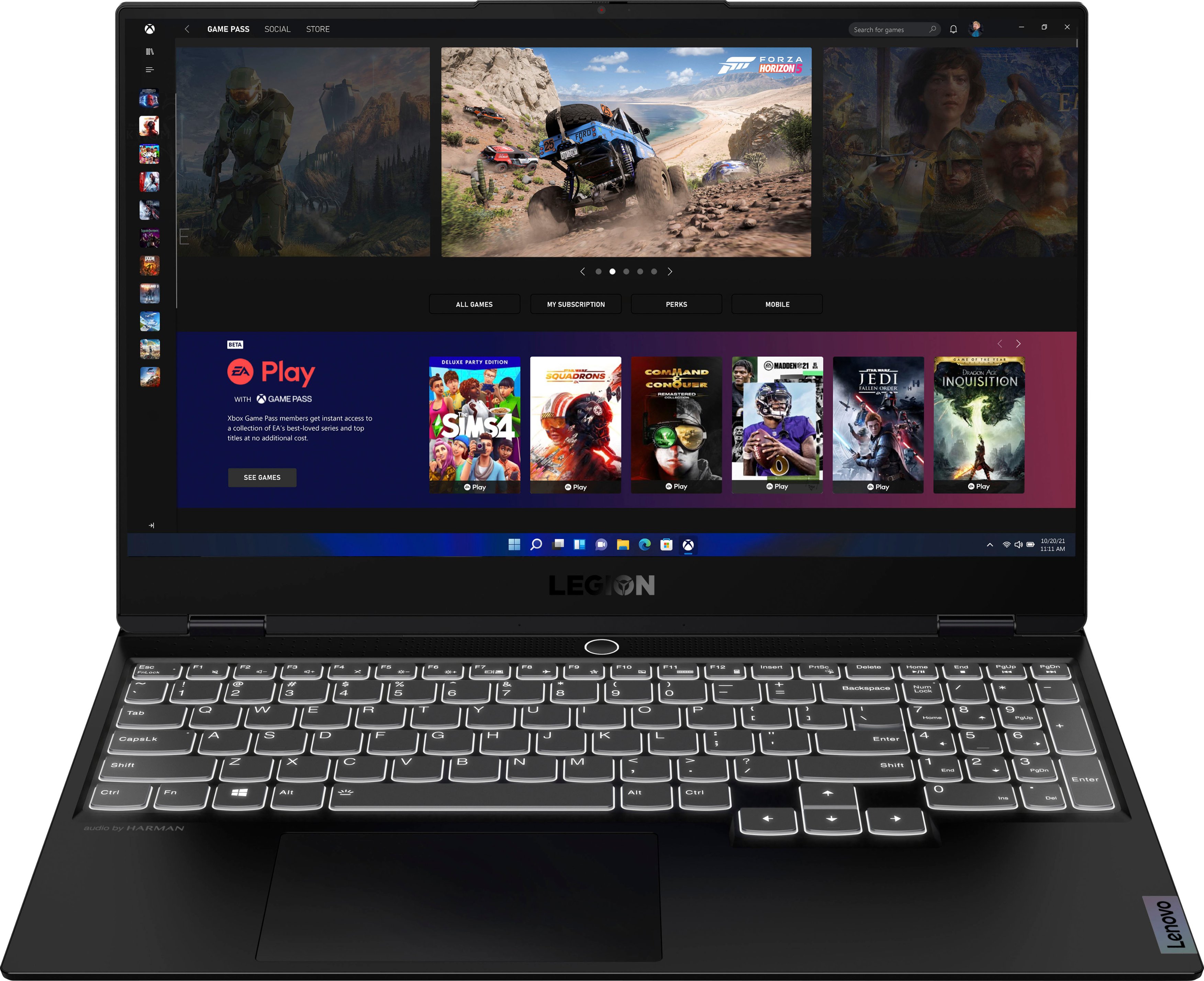
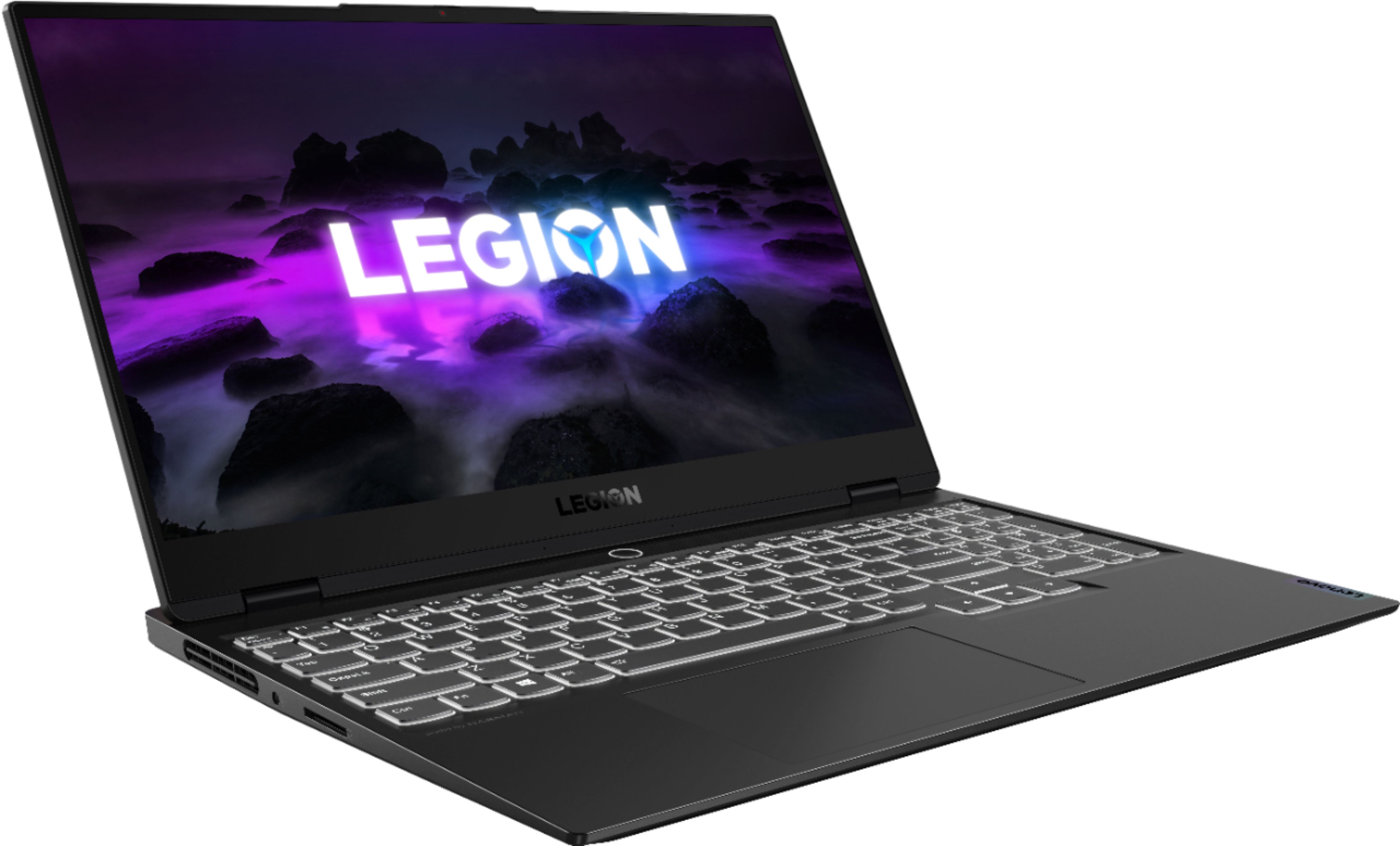
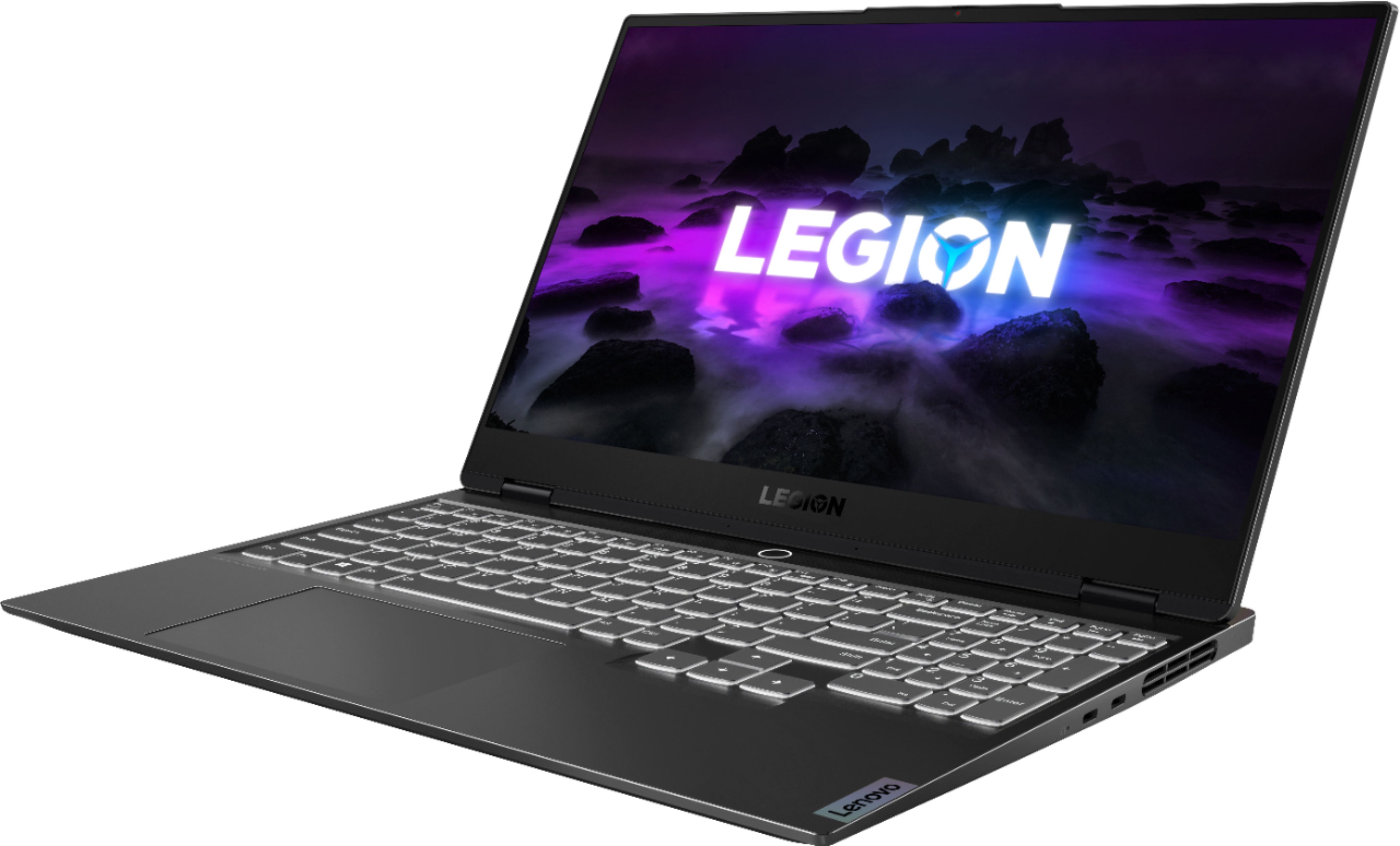

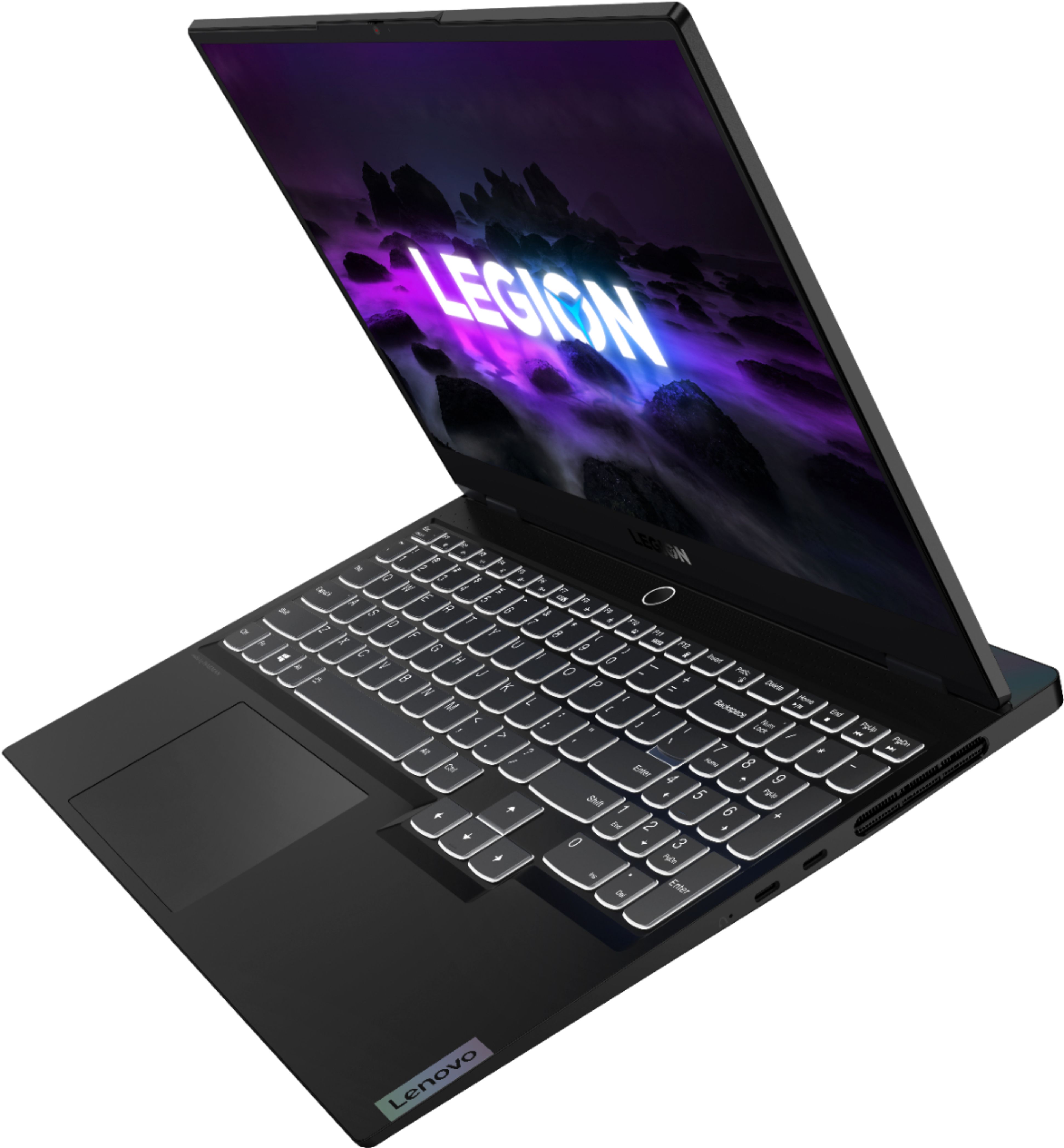
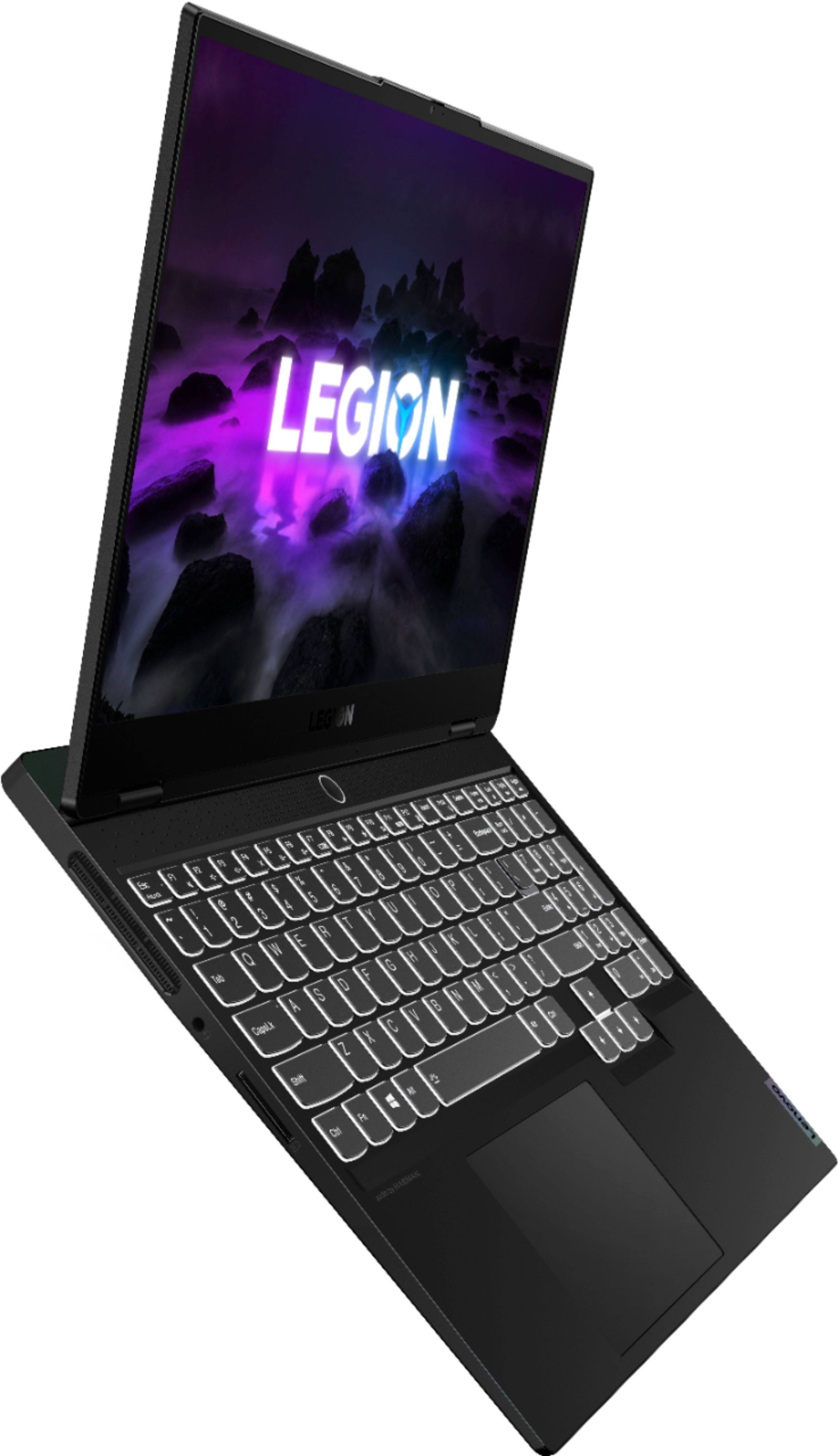

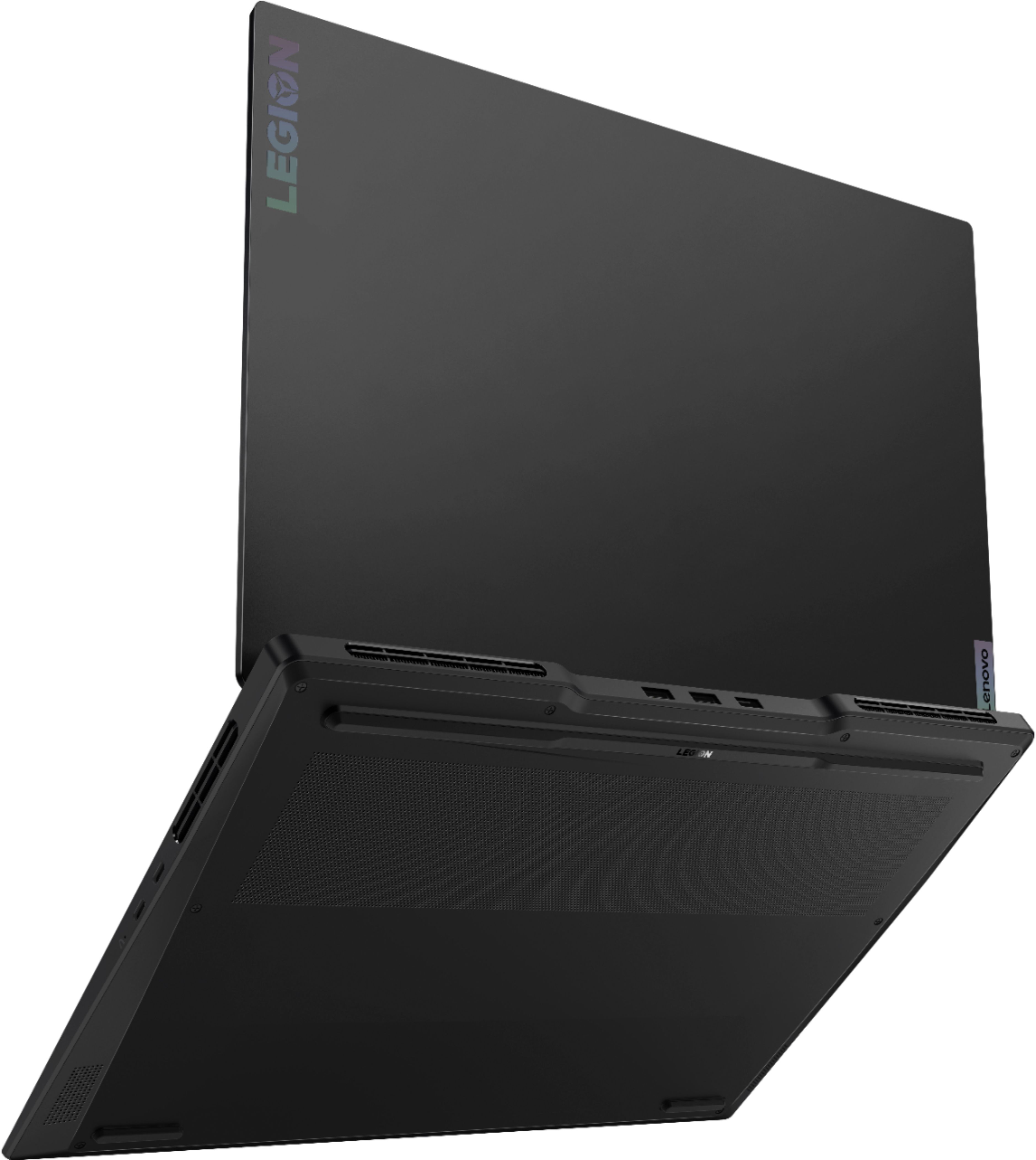
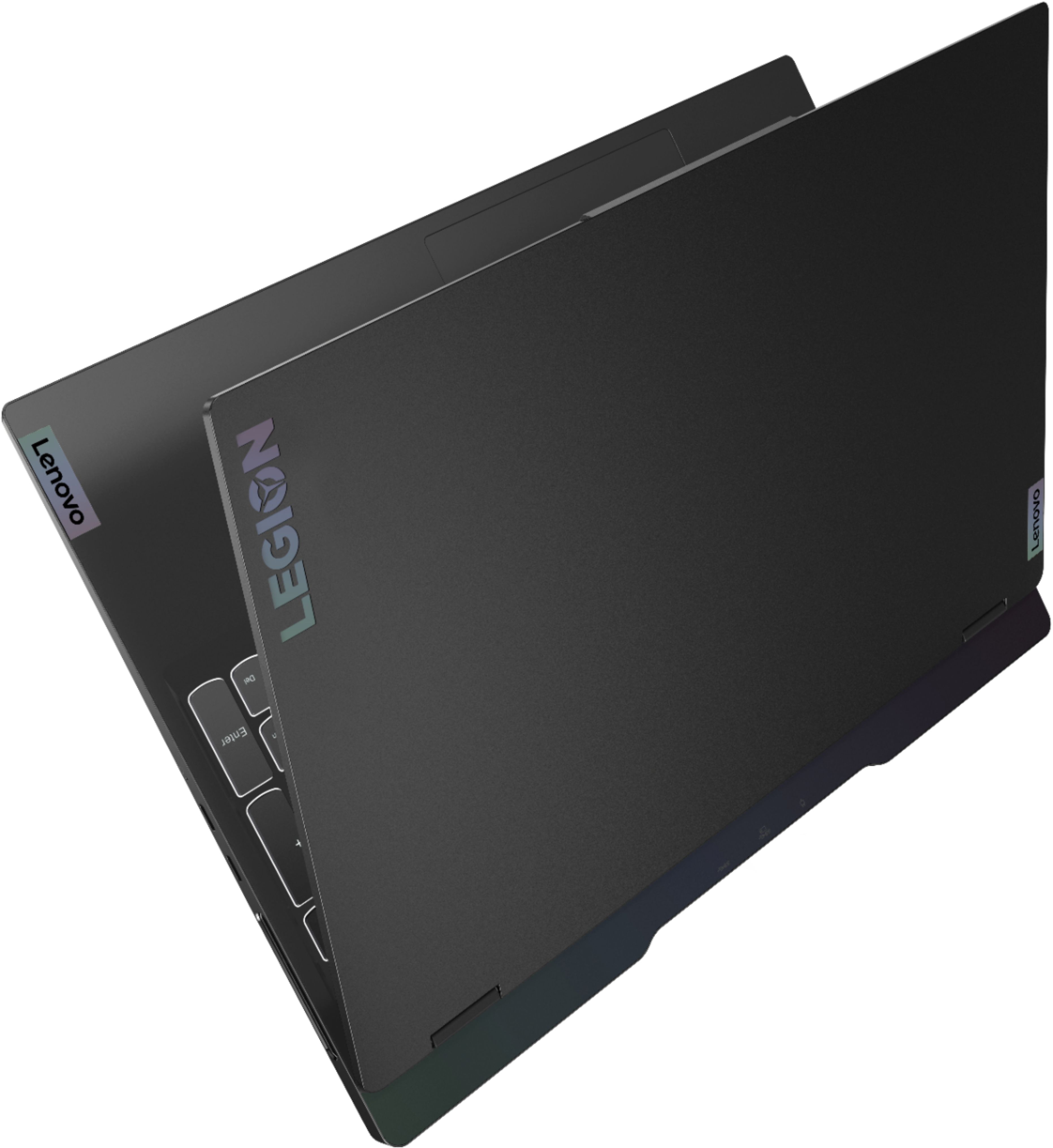
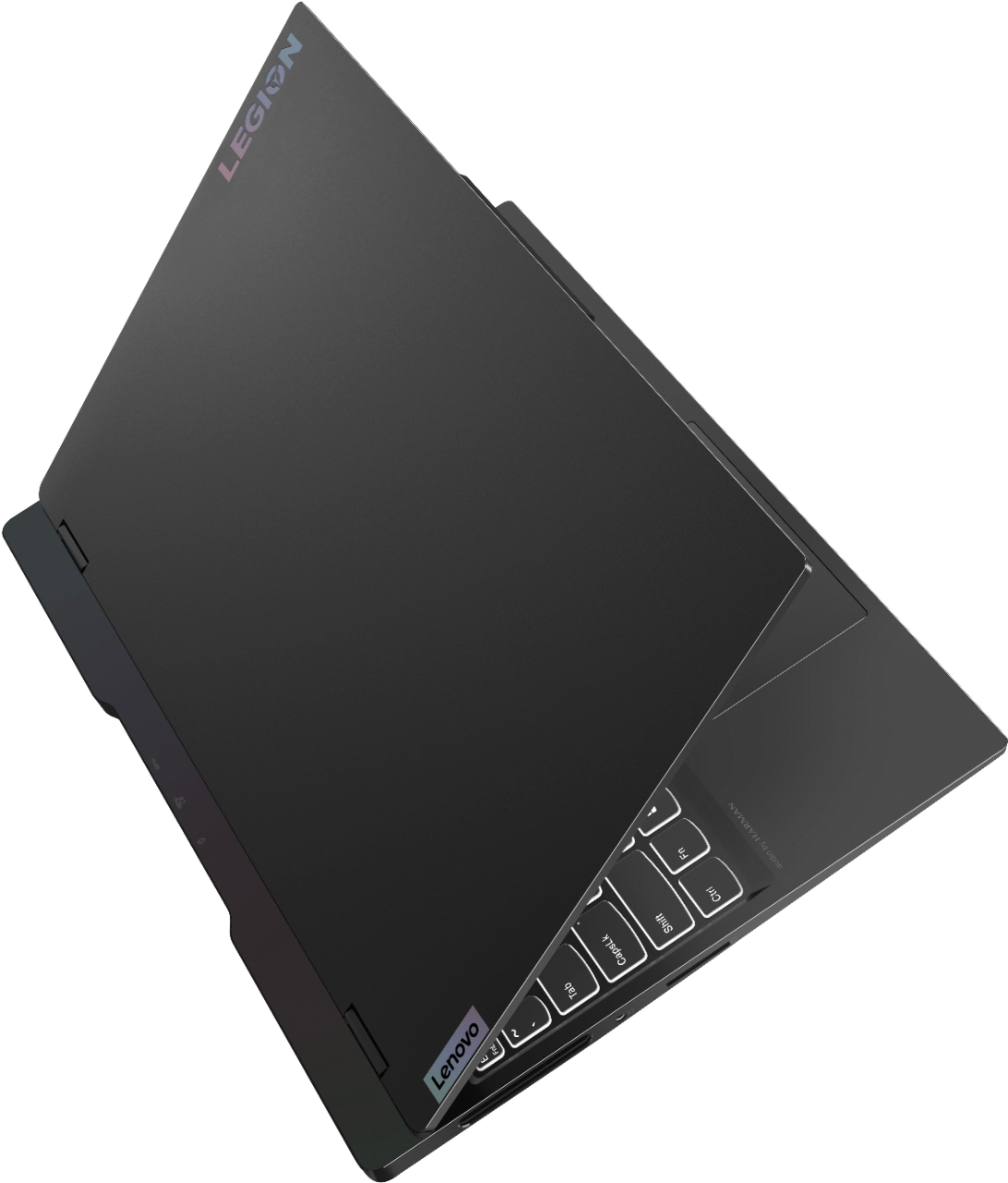



- Model:
- 82K80081US/82K8000RUS
- SKU:
- 6455135
Rating by feature
- Battery Life
Rating 4.1 out of 5 stars
- Speed
Rating 4.7 out of 5 stars
- Display
Rating 4.7 out of 5 stars
Customers are saying
Customers find value in the Legion Slim 7's performance, graphics capabilities, and stunning display. Many appreciate its lightweight design and premium build quality, although some experienced issues with battery life and heat generation during intensive use. Concerns were also raised regarding limited RAM upgradeability and the number of available ports. The touchpad also received mixed reviews.
This summary was generated by AI based on customer reviews.
- Cons mentioned:Battery life
New laptop
||Posted . Owned for 3 weeks when reviewed.This reviewer received promo considerations or sweepstakes entry for writing a review.Great buy, the laptop is nice and responsive No outstanding issues, battery life is a little low for gaming since you can only unplug it for a couple hours before you have to plug back in so if you go on a trip a battery pack would be recommended.
I would recommend this to a friend I love this pc
||Posted . Owned for 1.5 years when reviewed.This reviewer received promo considerations or sweepstakes entry for writing a review.I love this PC decent price good specs haven't had any issues for the past 6 months
I would recommend this to a friendalmost...
||Posted . Owned for 11 months when reviewed.This reviewer received promo considerations or sweepstakes entry for writing a review.I've love to review this with 5 stars, but... The speakers blew after 6 months. I almost always have this laptop muted, so they've barely been used. And the Macafee software is incredibly annoying. I don't want it but cannot prevent daily popups and intrusion.
I would recommend this to a friend- Cons mentioned:Heat
Great Laptop
||Posted . Owned for 2 weeks when reviewed.This reviewer received promo considerations or sweepstakes entry for writing a review.The GPU could be better but all else is so far so good. Excellent screen with 4k is better than the others and i use more for work anyways. The fact that i can do some light gaming on the side and it doesnt scream "gamer" is a plus. Def recommend. Does get a bit hot though.
I would recommend this to a friendBrand response from Lenovo Product Expert
Posted .Thank you for choosing the Lenovo Legion Slim 7 15 Gaming Laptop, Content Creator's Configuration. This configuration of the Legion Slim 7 ships with y the Legion Coldfront 3.0’s thermal system, for high performance cooling. You can manage your power settings within the Lenovo Legion Vantage Dashboard, to customize system performance for your workload. You can also use the Lenovo Smart Power keyboard shortcut to manually control fan and system performance: ( Fn + Q ) option to change the fan by undervolting the processor. If the issue continues, we recommend you call Lenovo Legion Ultimate Support for additional help configuring your power settings for the most optimum performance for your specific workload. Call at: 888-278-9707.

- Pros mentioned:SpeedCons mentioned:Battery life
Great computer
||Posted . Owned for 1 month when reviewed.This reviewer received promo considerations or sweepstakes entry for writing a review.Super easy to set up. Won’t get but 2 hours on battery. Very fast computer
I would recommend this to a friendBrand response from Lenovo Product Expert
Posted .Thank you for choosing the Lenovo Legion Slim 7 15 Gaming Laptop, Content Creator's Configuration. This model ships with a Integrated 71Wh, Lithium Polymer Battery, which within this configuration, gets a battery life of up to 6 hours, depending on the work the device is performing. You can adjust your Power Management settings within the Lenovo Legion Vantage Dashboard. Try the Hybrid Power setting for maximum battery life. Also, if you are getting substantially less battery life, first, set your screen brightness at less than 100-percent - try 80-percent to start with. Then, be sure Battery conservation Mode is turned off. This power management setting should only be used when the laptop is plugged in all the time. It will prolong overall battery life by only charging the battery to 60-percent of capacity. Here is a link to instructions for turning off Battery Conservation Mode: https://support.lenovo.com/us/en/solutions/ht103159. Also check what programs are running in the background on the computer. Be sure only the programs you want running in the background are. These programs will drain the battery. Here is a link to information about how to find out what programs are running in the background on your Windows 11 computer and how to manage them for better system performance: https://windowsreport.com/too-many-background-processes-windows-10/. Then, finally, be sure any software you installed is compatible with Windows 11. Incompatible software will drain the battery at a faster rate. There is no need to install Microsoft Office software. The software is already part of the operating system, you just need to activate the software with a purchased product key. If you have installed a copy of Microsoft Office, this is conflicting with the existing copy on the system and this will slow your system down. If you have installed a 3rd party anti-virus program, be sure that Windows Defender is turned off and that the trial version of McAfee Anti-Virus software is uninstalled. There can only be one anti-virus program on the system. Here is a link to instructions for uninstalling McAfee from a Windows computer: https://service.mcafee.com/?articleId=TS101331&page=shell&shell=article-view. You may need to restore your system to original factory default settings if any of the programming errors have occurred. You can do that by typing "restore" in the Cortana search window. Just click on the magnifying glass icon at the bottom of your Windows 11 Desktop. Click on "Reset This PC" Then click on "Get Started" and follow the on screen directions to restore to factory defaults. If the problem persists, we recommend you contact Lenovo Legion Ultimate Support for additional help at: 888-278-9707.
- Pros mentioned:Performance
It works
||Posted . Owned for 1 month when reviewed.This reviewer received promo considerations or sweepstakes entry for writing a review.This is a gaming computer and I bought it for work - I don't play games on it. It does what I need for work with no delays, it is fast even when I have too much going on at once. No more rubber-band voice on zoom calls.
I would recommend this to a friend - Pros mentioned:Performance
Great gaming laptop for a high-end starter
||Posted . Owned for 2 months when reviewed.This reviewer received promo considerations or sweepstakes entry for writing a review.Bought this for my wife, she's getting into gaming. It was a perfect intro gaming laptop. This is supporting lost ark / new world just fine. Graphics up to max with a lot of skills and stuff going on there is a tad stagger here and there in lost ark, but it's perfect for her. Got it on sale at a great price. Laptop is very thin / light. Display is nice!
I would recommend this to a friendBrand response from Lenovo Product Expert
Posted .Thank you for choosing the Lenovo Legion Slim 7 15 4K Ultra HD Gaming Laptop. We are very happy to see that the specifications, features, and performance of the Lenovo Legion Slim 7 15 4K Ultra HD Gaming Laptop meet your computing needs so well.
- Pros mentioned:Speed, Weight
Sturdily built laptop with good processing power.
||Posted . Owned for 1 month when reviewed.This reviewer received promo considerations or sweepstakes entry for writing a review.Great laptop with a fast processor. Relatively lightweight with a durable body.
I would recommend this to a friendBrand response from Lenovo Product Expert
Posted .Thank you for choosing the Lenovo Legion Slim 7 15 Gaming Laptop, Content Creator's Configuration. We are pleased to hear that the performance of the Legion Slim 7 meets your computing needs so well.
- Pros mentioned:Graphics, Speed
Lenovo legion
||Posted . Owned for 1 month when reviewed.This reviewer received promo considerations or sweepstakes entry for writing a review.It’s a good laptop for designing its fast and has great graphics
I would recommend this to a friendBrand response from Lenovo Product Expert
Posted .• Thank you for choosing the Lenovo Legion Slim 7 15 4K Ultra HD Gaming Laptop. We are very happy to see that the specifications, features, and performance of the Lenovo Legion Slim 7 15 4K Ultra HD Gaming Laptop meet your computing needs so well.
Legion Over Predator
||Posted . Owned for 1 week when reviewed.This reviewer received promo considerations or sweepstakes entry for writing a review.Been years since I've purchased/built a gaming machine. Initially I purchased the predator, out of the box I had to hook it up to an external monitor in order to update the video card drivers so the internal monitor would work. One week after purchase the monitor died. Best buy total tech was great, I swapped it in store for this legion 7. After messing with display settings, I really like the legion. Seems to work best for everything with HDR turned off. Two weeks in with the legion and I would purchase another, its great.
I would recommend this to a friendBrand response from Lenovo Product Expert
Posted .Thank you for choosing the Lenovo Legion Slim 7 15 Gaming laptop. We are pleased to hear that the Legion Slim 7 is working out so well for you.
- Pros mentioned:Performance, Weight
Nice Laptop!
||Posted . Owned for 1 month when reviewed.This reviewer received promo considerations or sweepstakes entry for writing a review.It's a very nice laptop, fast, light, and fairly easy to navigate.
I would recommend this to a friendBrand response from Lenovo Product Expert
Posted .Thank you for choosing the Lenovo Legion Slim 7 15 Gaming Laptop, Content Creator's Configuration. We are pleased to hear that the features and performance of the Legion Slim 7 meets your computing needs so well. We always recommend you check the requirements and compatibility of any software/games you will be installing on your new computer, before you invest in any computer. Be sure your new computer can support the software/games you will need to use and your workload.
- Pros mentioned:Performance
Lenovo Laptop works great for business
||Posted . Owned for 3 weeks when reviewed.This reviewer received promo considerations or sweepstakes entry for writing a review.We actually purchased this as a business laptop and it is exceeding performance expectations. Setup was seamless. We use Microsoft Teams and were collaborating in minutes. Due to the pandemic (with most of our staff still remoting in) we have made the move to laptops to keep us mobile. This is our third Lenovo Legion and we plan to make it our go to laptop for business.
I would recommend this to a friendBrand response from Lenovo Product Expert
Posted .Thank you for choosing the Lenovo Legion Slim 7 15 Gaming Laptop, Content Creator's Configuration for your business. We appreciate your loyalty to the Legion Product Family and the Lenovo Brand. We are pleased to hear that the Legion Slim 7 meets your business computing needs so well.
- Pros mentioned:Graphics, Weight
Lenovo Legion
||Posted .This reviewer received promo considerations or sweepstakes entry for writing a review.Excellent Gaming Laptop, lightweight, smooth graphics and 4k monitor.
I would recommend this to a friendBrand response from Lenovo Product Expert
Posted .Thank you for choosing the Lenovo Legion Slim 7 15 Gaming Laptop, Content Creator's Configuration. We are pleased to hear that the features and performance of the Legion Slim 7 meets your computing needs so well.
- Pros mentioned:Graphics, Speed
Fantastic!
||Posted .This reviewer received promo considerations or sweepstakes entry for writing a review.I loved the computer! It has great battery life, graphics, speed, and memory.
I would recommend this to a friendBrand response from Lenovo Product Expert
Posted .Thank you for choosing the Lenovo Legion Slim 7 15 Gaming Laptop, Content Creators' configuration. We are pleased to hear that the features and performance of the Legion Slim 7 15 meets your computing needs so well.
- Pros mentioned:Performance
Not entirely sure yet
||Posted . Owned for 1 month when reviewed.This reviewer received promo considerations or sweepstakes entry for writing a review.So far it has been ok, I edit 4K video on it and it’s been pretty smooth but it has froze a few times in the middle of searching the web so I don’t know if an update will fix it or if it’s just the computer. A little sketch but it’s a little too early to be sure.
I would recommend this to a friendBrand response from Lenovo Product Expert
Posted .We are sorry to hear that you are having issues with your Lenovo Legion Slim 7 15 Gaming Laptop, Content Creator's Configuration. To keep your Legion Slim 7 running at its best, first, be sure any software you installed is compatible with Windows 10/11. There is no need to install Microsoft Office software. The software is already part of the operating system, you just need to activate the software with a purchased product key. If you have installed a copy of Microsoft Office, this is conflicting with the existing copy on the system and this will slow your system down. If you have installed a 3rd party anti-virus program, be sure that Windows Defender is turned off and that the trial version of McAfee Anti-Virus software is uninstalled. There can only be one anti-virus program on the system. You may need to restore your system to original factory default settings if any of the programming errors have occurred. You can do that by typing "restore" in the Cortana search window. Just click on the magnifying glass icon at the bottom left of your Windows 10/11 Desktop. Click on "Reset This PC" Then click on "Get Started" and follow the on screen directions to restore to factory defaults. If there is no incompatible software installed but the issues persist, check to be sure you have the latest version of Windows 10/11 on the computer. Then update all BIOS files and drivers up to that latest version of Windows 10/11. You can easily accomplish this by scanning the computer with the Lenovo Legion Utility software available on this computer. This system has Lenovo Legion utilities installed to help maintain the health of the device and keep the operating system software up to date. Type "Lenovo Legion Vantage" in the Cortana Search window (if Lenovo Legion Vantage is not installed on your device, you can download the APP and install it now). Select Lenovo Vantage from the list. In the window that opens, click on "Health and Support". In the expanded menu, select "Hardware Scan" In the window that opens, select "Run Quick Tests". This will scan your entire system for errors. Follow any directions that may pop up. If the problem continues after this scan, now click on "System Update". First select Windows update from the menu. Scan your system to be sure you have the latest version of Windows 10/11. Once that scan is complete, select "Additional Updates". This will scan your device to be sure there are no new BIOS/Driver updates needed. Follow any instructions that may pop up. If the issue continues after these updates, we recommend you call Lenovo Legion Ultimate Support for additional help at: 888-278-9707.
- Pros mentioned:Graphics, Performance
Great laptop
||Posted . Owned for 1 month when reviewed.This reviewer received promo considerations or sweepstakes entry for writing a review.This laptop is fast, slim and stunning. Would purchase again.
I would recommend this to a friendBrand response from Lenovo Product Expert
Posted .Thank you for choosing the Lenovo Legion Slim 7 15 4K Ultra HD Gaming Laptop. We are very happy to see that the specifications, features, and performance of the Lenovo Legion Slim 7 15 4K Ultra HD Gaming Laptop meet your computing needs so well.
Great Computer
||Posted . Owned for less than 1 week when reviewed.This reviewer received promo considerations or sweepstakes entry for writing a review.I was quite surprised with the build quality of this computer. I got this computer after I returned a M1 Macbook pro and there has not been much of a difference to me in the overall quality of this computer, especially at such a price difference. I'm a developer and I've been able to program efficiently on this computer and I have no regrets so far.
I would recommend this to a friendBrand response from Lenovo Product Expert
Posted .Thank you for choosing the Lenovo Legion Slim 7 15 Gaming Laptop, Content Creator's Configuration. We are pleased to hear that the value and performance of the Legion Slim 7 meets your computing needs so well.
- Pros mentioned:Graphics, Speed
spectacular value
||Posted . Owned for 1 month when reviewed.This reviewer received promo considerations or sweepstakes entry for writing a review.So far so good! Love the speed of use, and the graphics!
I would recommend this to a friendBrand response from Lenovo Product Expert
Posted .Thank you for choosing the Lenovo Legion Slim 7 15 Gaming Laptop, Content Creator's Configuration. We are pleased to hear that the features and performance of the Legion Slim 7 meets your computing needs so well.
Decent Laptop but graphics card wasn't great
||Posted . Owned for 1.5 years when reviewed.This reviewer received promo considerations or sweepstakes entry for writing a review.I bought this and then traded in back in within a few days for an alienware laptop. It had a hard time running the new version of diablo 2 only because of the graphics card specs. Otherwise it wasn't bad
No, I would not recommend this to a friend- Pros mentioned:Display, Performance
Good laptop
||Posted . Owned for 2 weeks when reviewed.This reviewer received promo considerations or sweepstakes entry for writing a review.Great laptop beautiful display runs games perfectly fine.
I would recommend this to a friendBrand response from Lenovo Product Expert
Posted .Thank you for choosing the Lenovo Legion Slim 7 15 Gaming Laptop, Content Creator's Configuration. We are pleased to hear that the features and performance of the Legion Slim 7 meets your computing needs so well. We always recommend you check the requirements and compatibility of any software/games you will be installing on your new computer, before you invest in any computer. Be sure your new computer can support the software/games you will need to use.